

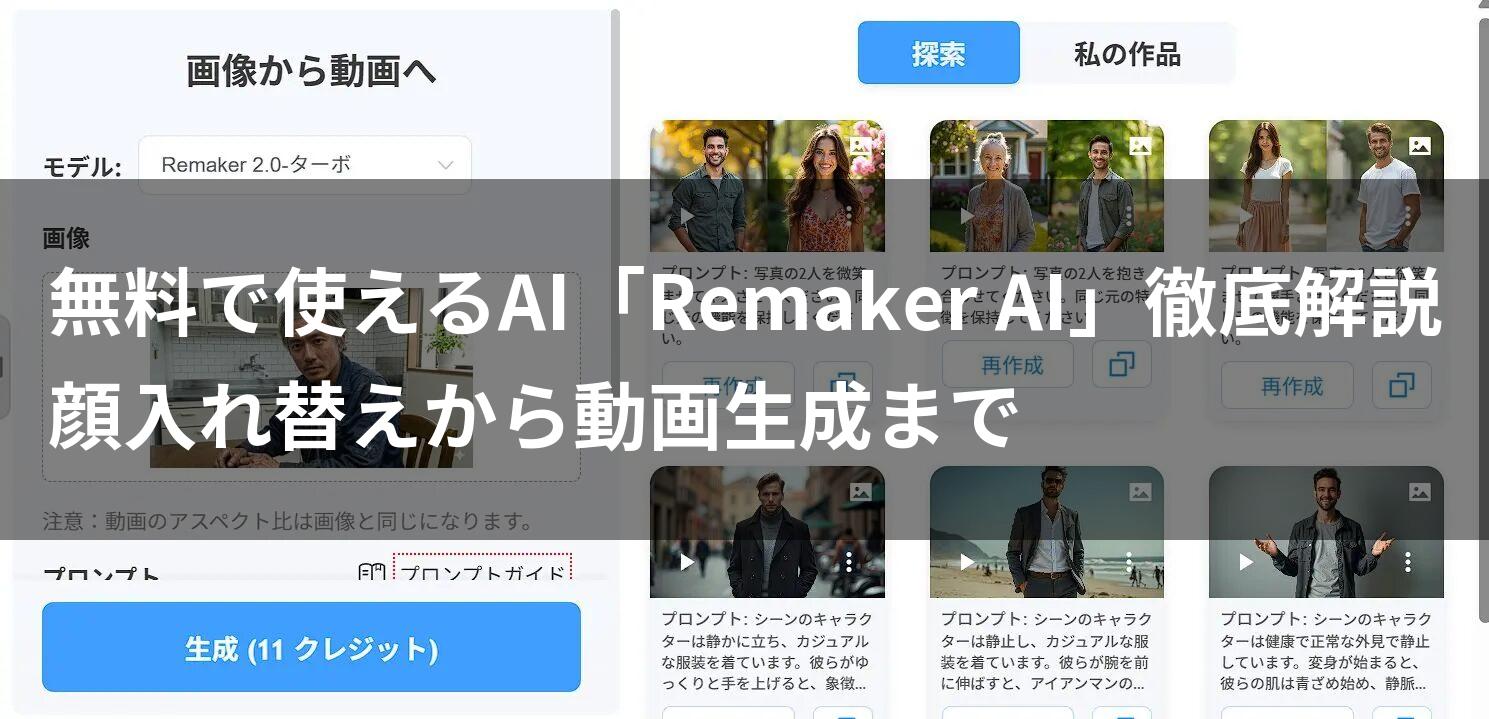
What you’ll learn in this article!
- How much can you do for free? Details on all Remaker AI features and credit consumption.
- “Face Swapping” without failure: Concrete steps for batch processing and video face swapping.
- Pro-level video generation: Prompt design techniques for creating the footage you envision.
- Background removal, upscaling, and editing: A deep dive into useful, albeit understated, features.
 Ms.gadget
Lately, I’ve been seeing photos of people with swapped faces and videos where still images come to life on social media. How are those made? Do you need expensive software…?
 MisterGadget
Actually, you can create those surprisingly easily using “Remaker AI,” which runs entirely in your browser. Plus, many features can be tried for free. In this article, I will provide a thorough explanation of this incredible tool, making it easy to understand even for beginners.
Many creators and general users who want to perform advanced image editing or video production find professional software difficult to operate and time-consuming to master.
Because of this, AI image and video editing tools are currently experiencing an explosive rise in popularity.
Among them, “Remaker AI” has established a unique position thanks to its convenience of running entirely within a browser and its high precision in specialized functions like “Face Swap” and “Video Generation.”
In this article, we will thoroughly explore Remaker AI, covering everything from detailed setting methods for each feature and tips for achieving high-quality results while saving credits, to how to utilize “AI Image Editing.”
Author of this article: "Mr. Gadget"
- Studied under Masatoshi Ono, a million-selling singer who has performed at Kohaku Uta Gassen
- Experience supervising for Ameba Choice and the web media Picky's
- Individual member of the Word of Mouth Marketing Association
Nice to meet you!

What is Remaker AI? A multi-functional creative tool accessible with just an account registration
Remaker AI is a cloud-based AI platform that you can use simply by accessing it from browsers like Google Chrome or Safari, without needing to install special software or own a high-spec gaming PC (equipped with a GPU).
Its biggest feature is that “multiple powerful AI tools are consolidated into a single site.”
Usually, you might need to use different apps for face swapping and different sites for video generation, but with Remaker AI, everything is completed in one place.
List of main features
- Face Swap
A feature that naturally replaces the face of a person in a photo or video with a specified different face. It supports not only still images but also videos. - Image to Video
A feature where AI predicts movement and changes based on a single still image to generate a short movie. “Live Portrait” and similar functions are also included here. - AI Image Upscaler
A feature that increases the resolution and quality of low-resolution images or blurry photos while restoring details. - Background Remover
A feature that instantly recognizes subjects such as people, products, or animals and makes the background transparent in an instant. - AI Photo Editor
A comprehensive editing feature that allows you to erase unwanted objects from images (eraser) or add missing parts (outpainting).
How the credit system and pricing work
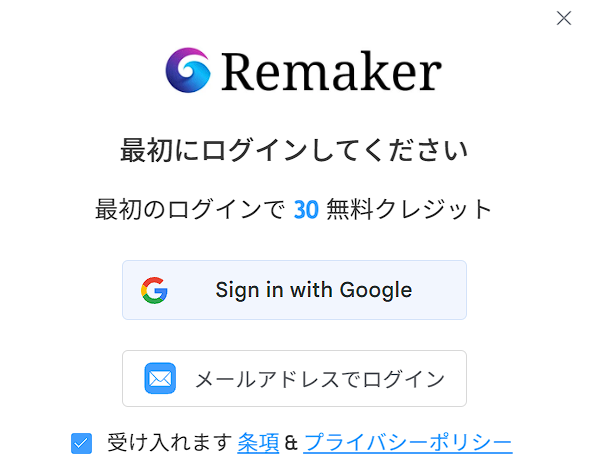
You need “credits” to use Remaker AI.
Upon account registration (you can log in with a Google account, etc.), you are granted 30 credits (free). Even with just this free amount, you can try face swapping several to a dozen times.
About credit consumption per feature
The amount of credits consumed varies depending on the feature and settings (such as high-quality mode or video length).
The “credit cost” is displayed near the execute button each time, so be sure to check it before generating.
Paid plans are mainly “one-time purchases”
While many AI services adopt monthly subscription models costing several thousand yen, a major advantage of Remaker AI is that you can choose a prepaid method where you buy only what you need, when you need it.
- 150 credits for $2.99 (approx. 450 yen)
- 1100 credits for $19.99 (approx. 3000 yen)
Because you can pay in small amounts like this, it is perfect for spot usage, such as “wanting to create a large number of images just for this weekend.” Of course, there is also a monthly VIP plan for frequent users.
1. Thorough explanation of Face Swap: From still images to videos
The “Face Swap” feature is the flagship of Remaker AI.
It doesn’t just paste a face on; the AI highly calculates lighting, skin tone, and face orientation to synthesize it with surprising naturalness.
[Basics] Swap Face (Single face swap)
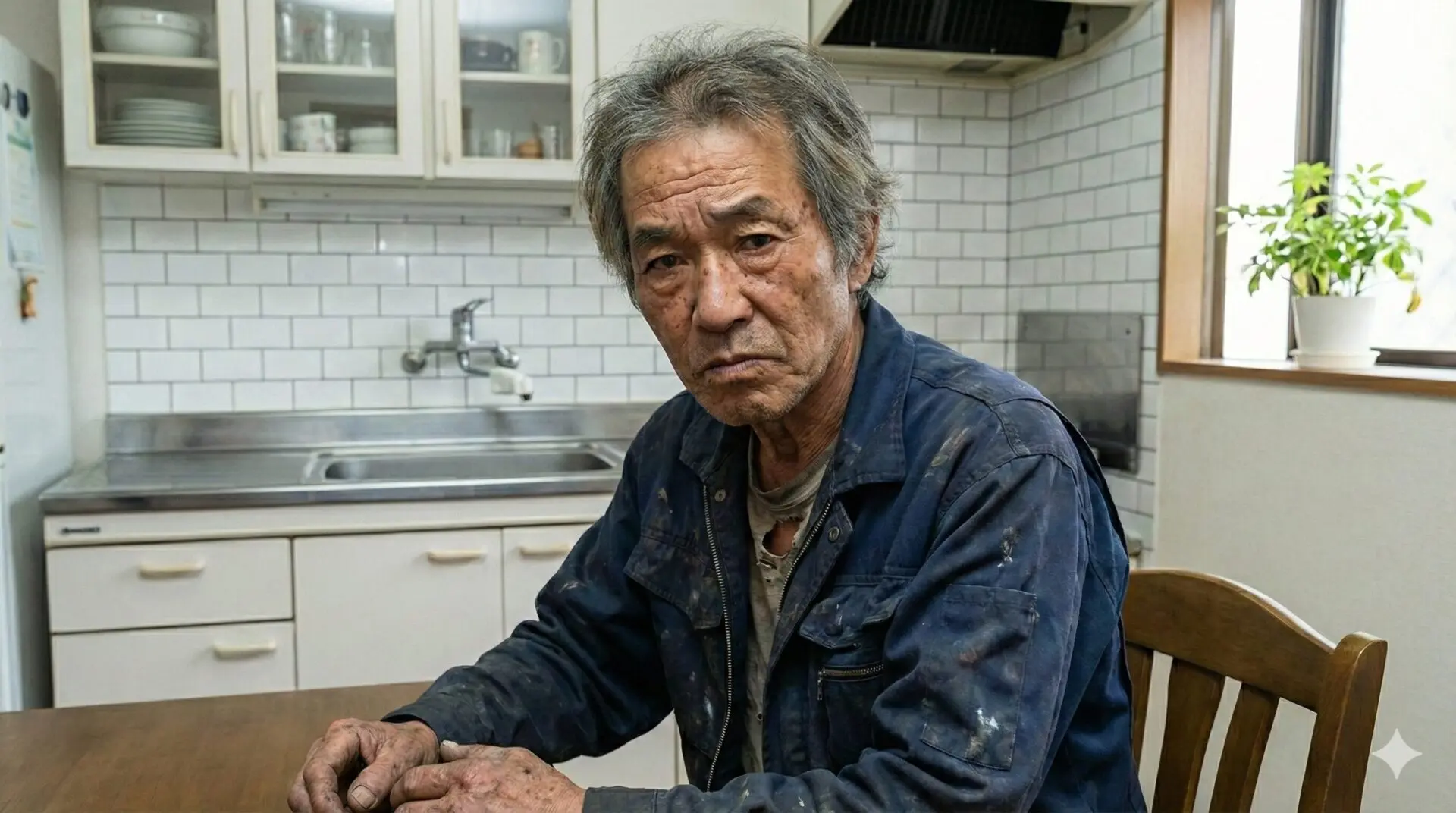
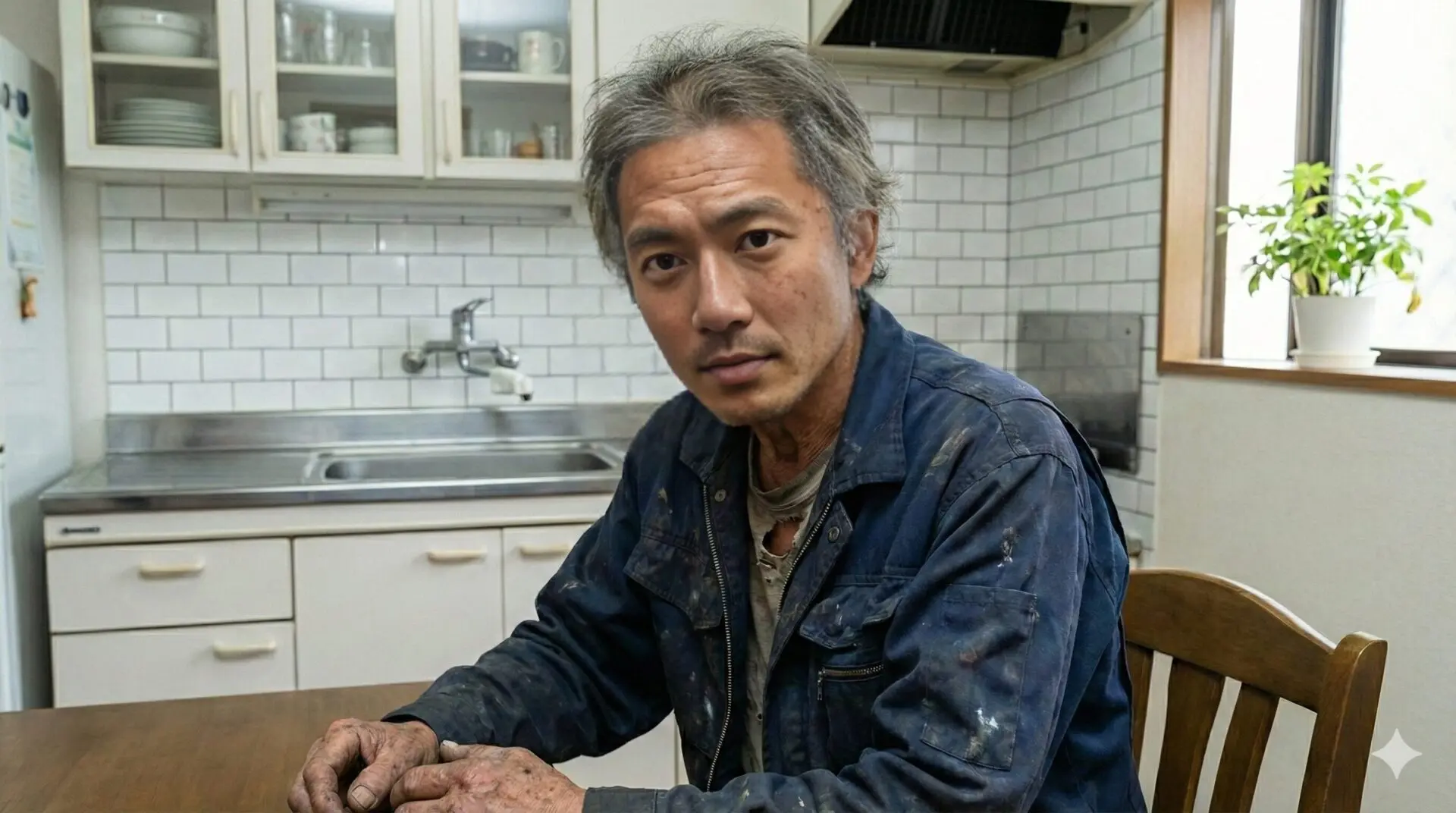
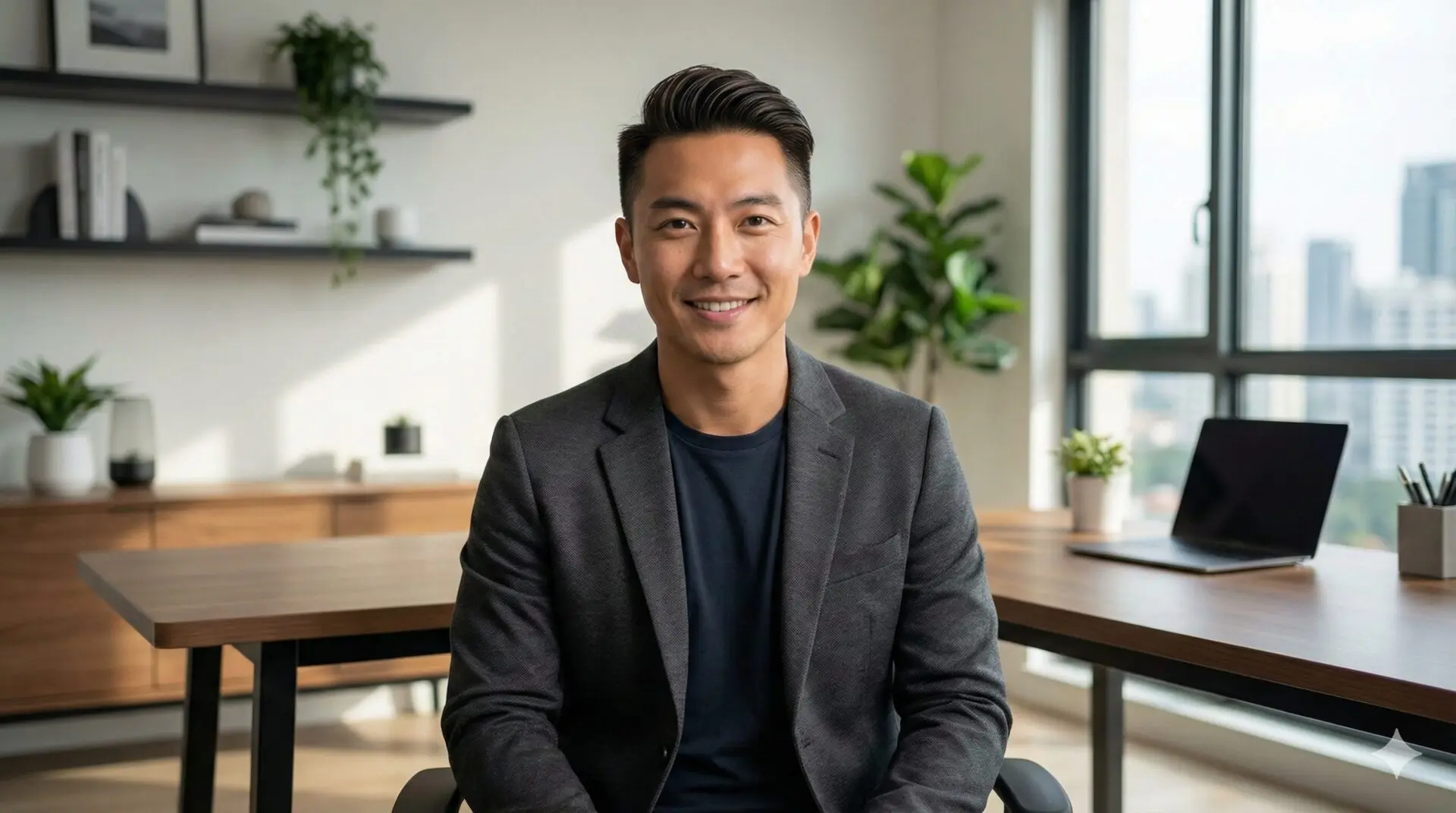
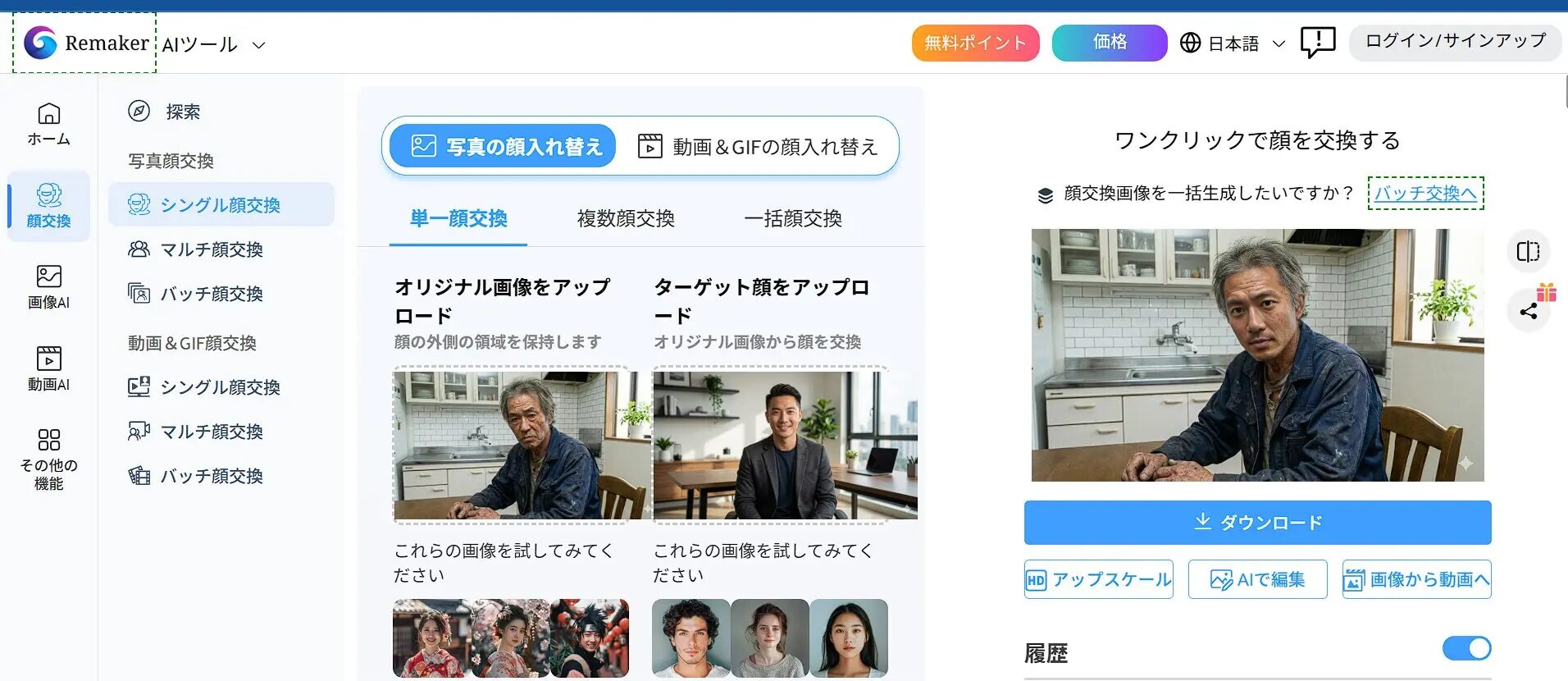
This is the most basic 1-to-1 face swap. You can put your own face on a model’s photo or make historical figures look modern.
Drag and drop the base image into “Original Image” on the left, and the photo of the face you want to use into “Target Face” on the right.
*You can select previously used images from your history.
Click the “Swap” button in the bottom center. Wait a while for the processing to complete.
[Advanced] Multiple Face Swap
Use this when there are multiple people in the image, such as in group photos or couple photos.
- When you upload an image, the AI automatically recognizes all faces in the image and lists them.
- A plus button to select a “Target Face” appears under each recognized face.
- Specify the target image only for the faces you want to change. Faces not specified will remain as they are.
This enables advanced editing, such as “changing only the faces of the bride and groom in a wedding group photo.”
[Expert] Video Face Swap
This feature replaces the face of a person in a video, not a still image. It is an extremely powerful feature for YouTubers and TikTokers, but there are points to note.
- Processing time: Because it processes each frame (frame by frame) of the video, generation takes longer than with still images.
2. Thorough explanation of Image to Video: Prompts are the key
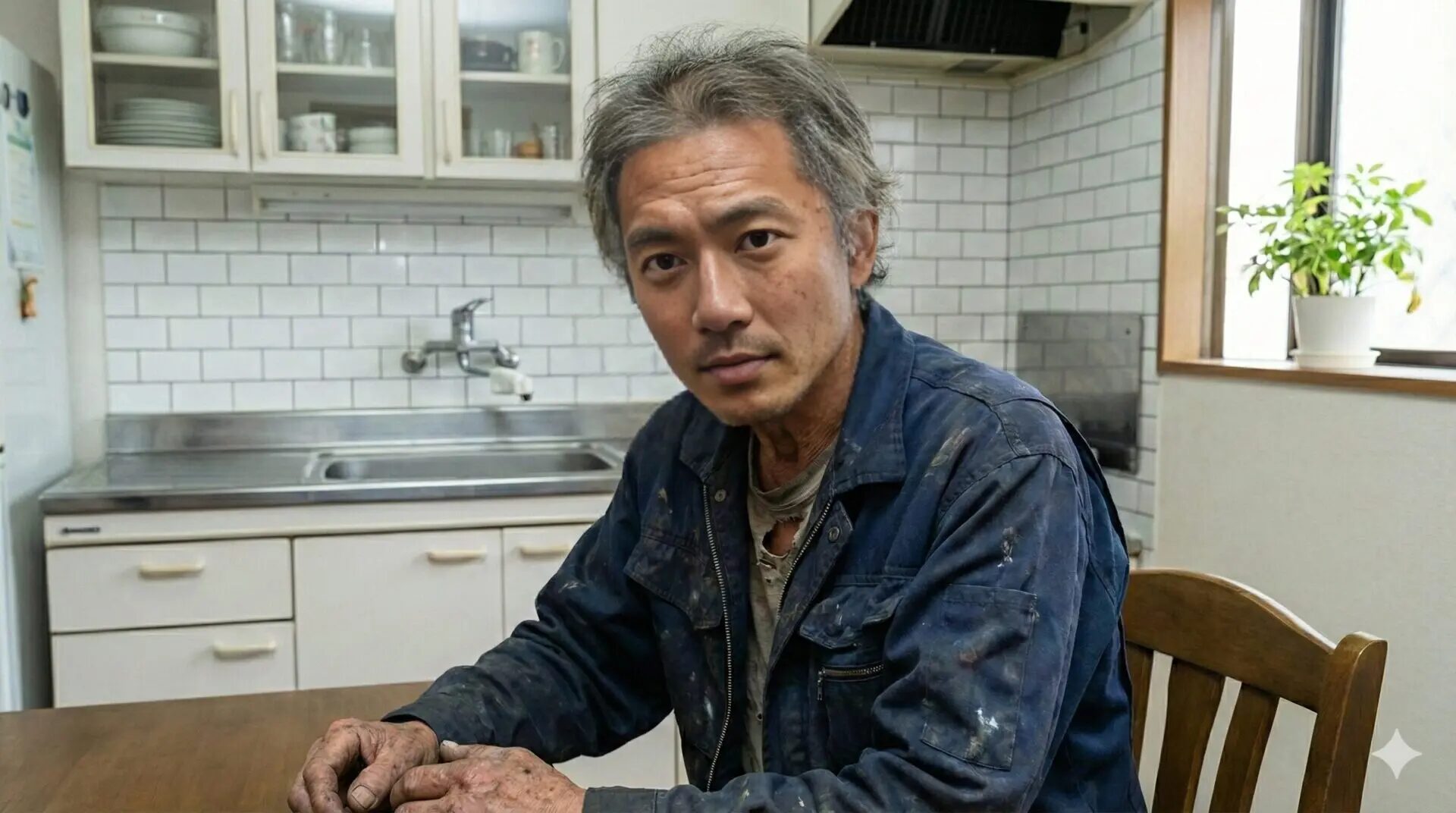
A feature that creates movements like hair blowing in the wind, flowing clouds, or blinking from a single still image. It is very useful for commercial production and as material for short SNS videos.
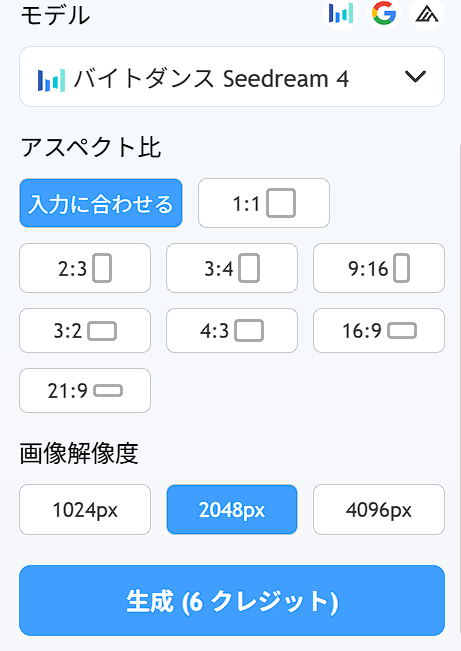
Operation interface and settings
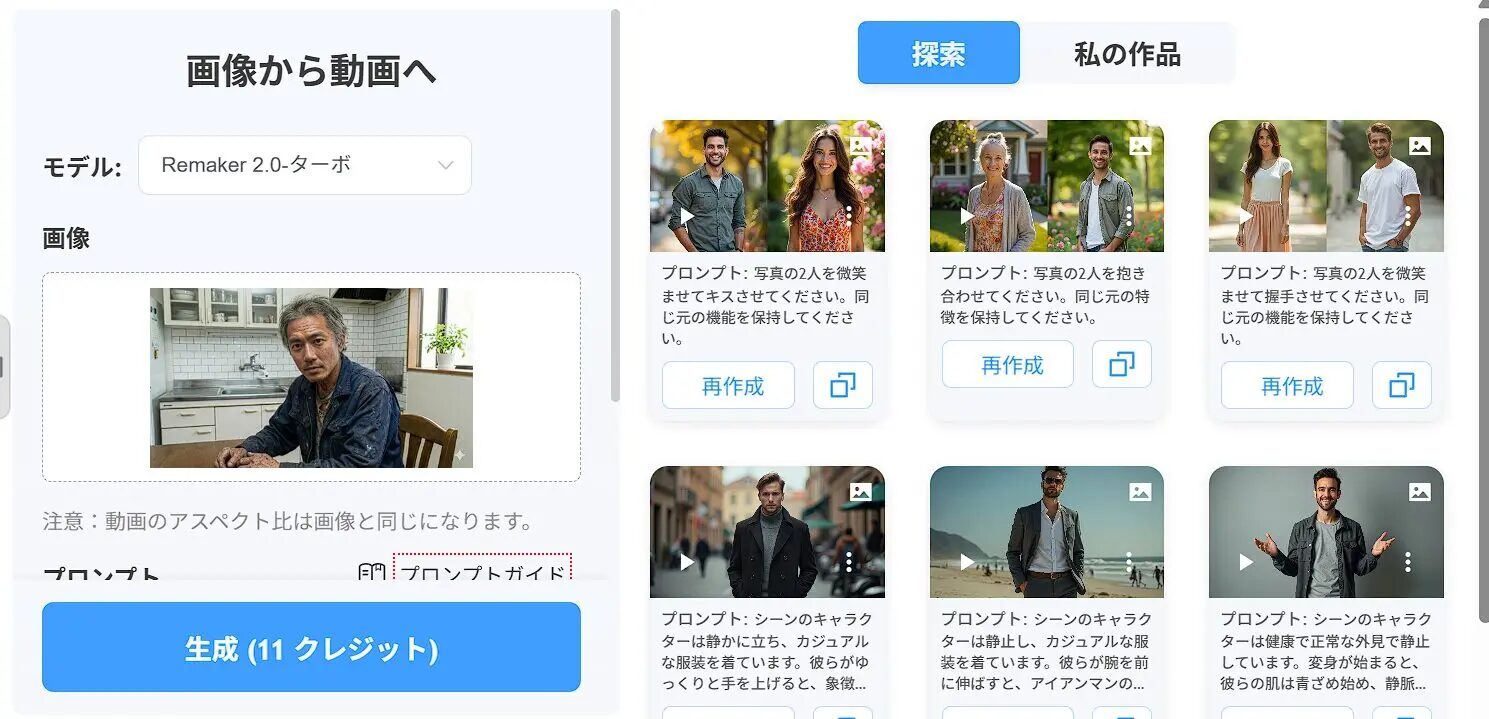
Prompt Mastery: Syntax for creating the videos you want
Here are tips for prompts to give accurate instructions to the AI. Try inputting in English by combining the following elements.
[Subject] + [Action] + [Environment/Background] + [Camera Work]
Example: A beautiful woman, [smiling and blinking], [wind blowing her hair], [cherry blossoms falling in background], [slow zoom in camera]
- Subject: A cat, A car, A cyberpunk city, etc.
- Action: walking, running, crying, laughing, etc.
- Environment: rain, snow, sunny, neon lights, etc.
- Camera: zoom in, pan right, static shot, etc.
3. Other useful tools: Background removal, upscaling, and AI editing
While not flashy, these are tools that can dramatically improve your daily work efficiency.
Remove Background
Perfect for creating product images for e-commerce sites or cutting out people for YouTube thumbnails. Just “Upload” and wait a few seconds to download a transparent PNG image.
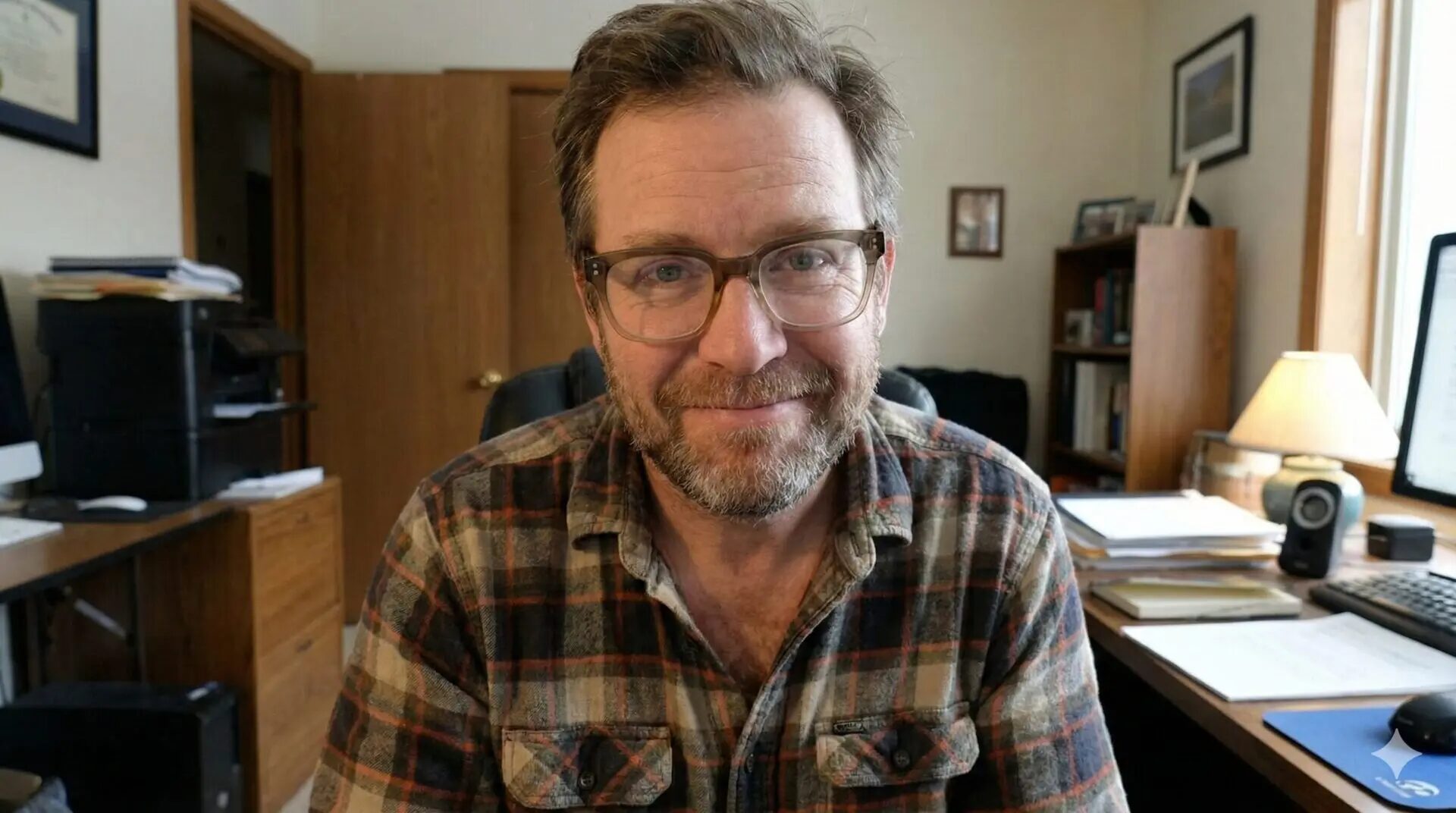
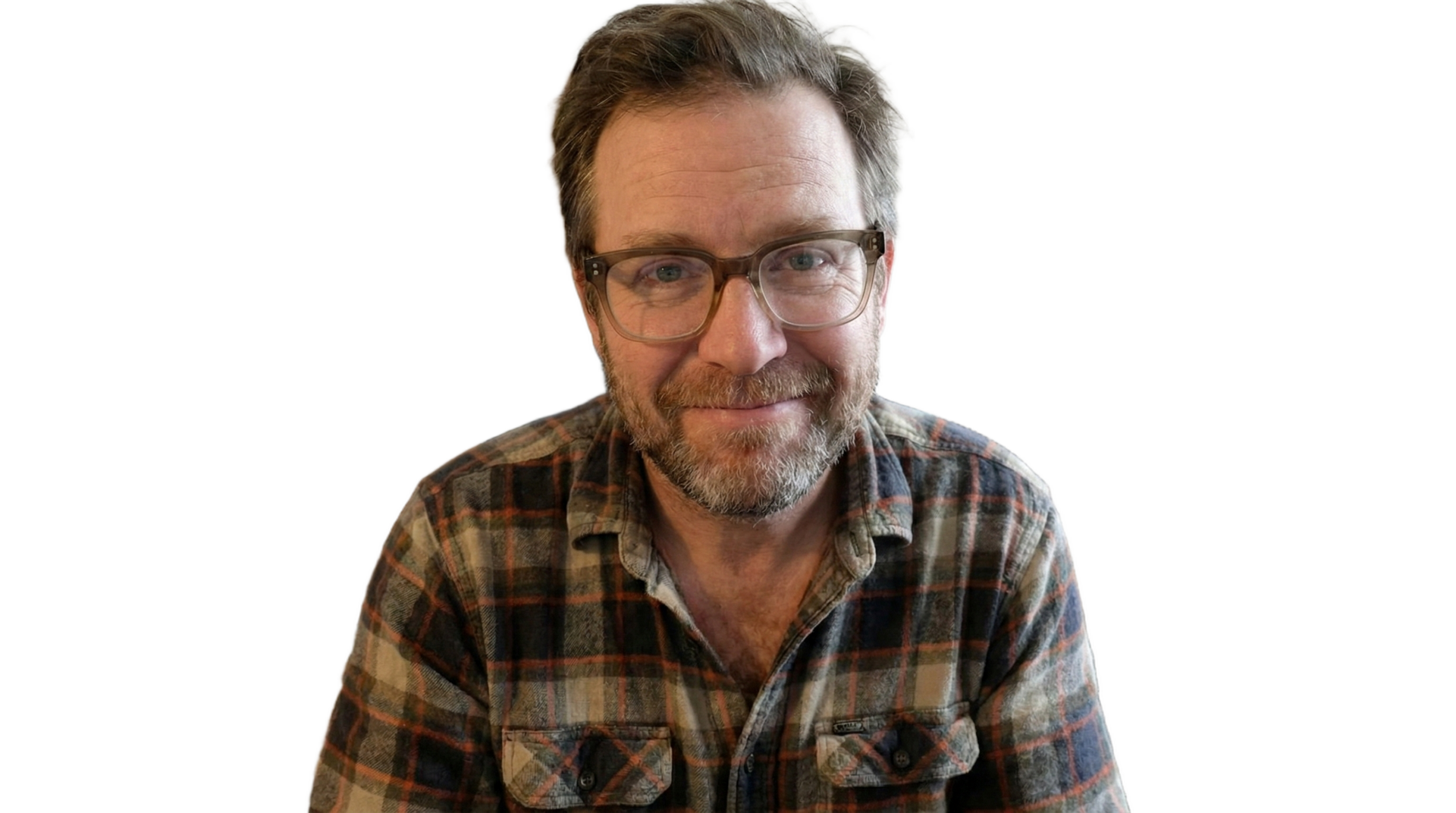
Image Upscaler
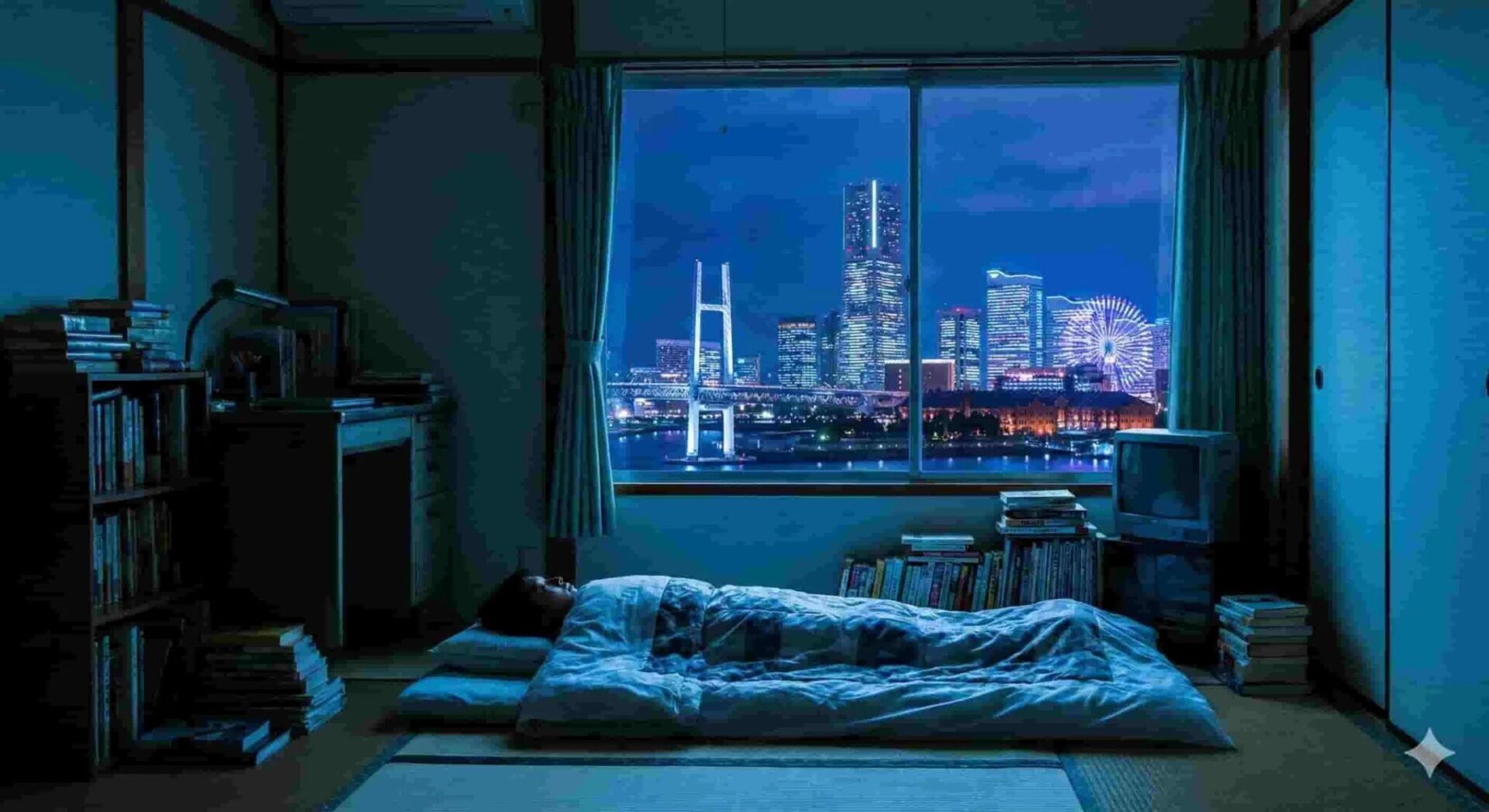
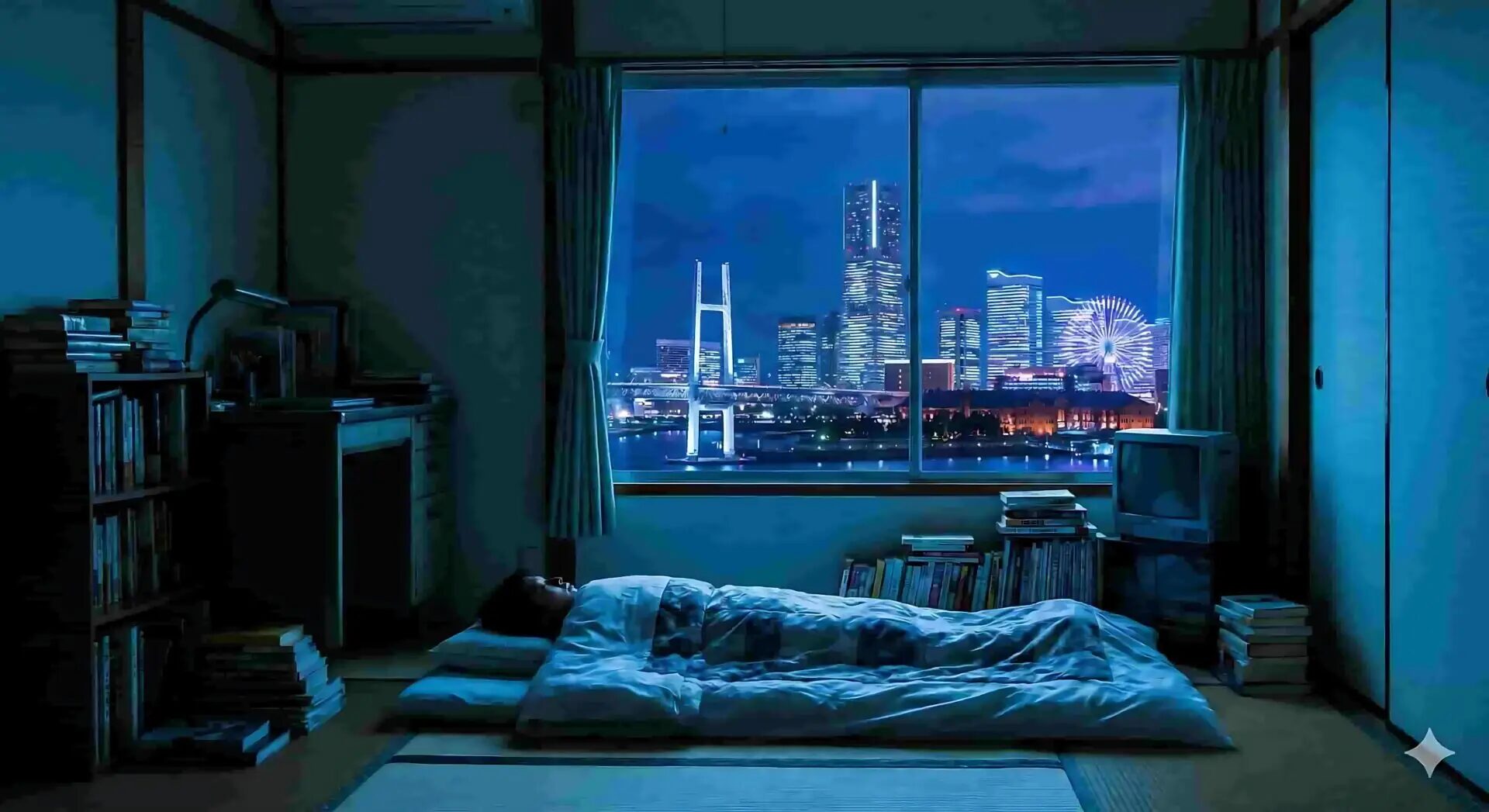
Converts photos taken with old digital cameras, feature phones, or low-resolution images made by generative AI into high resolution that can withstand printing.
- 2x / 4x Upscale: Increases the size of the image by 2x or 4x.
- Face Enhance: The AI redraws face details (eyes, nose, mouth) to make them sharp. An essential option for portraits.
AI Photo Editor
“I want to erase the passerby who wandered into this shot.” “I want to make birds fly in the sky.” This tool makes those wishes come true.
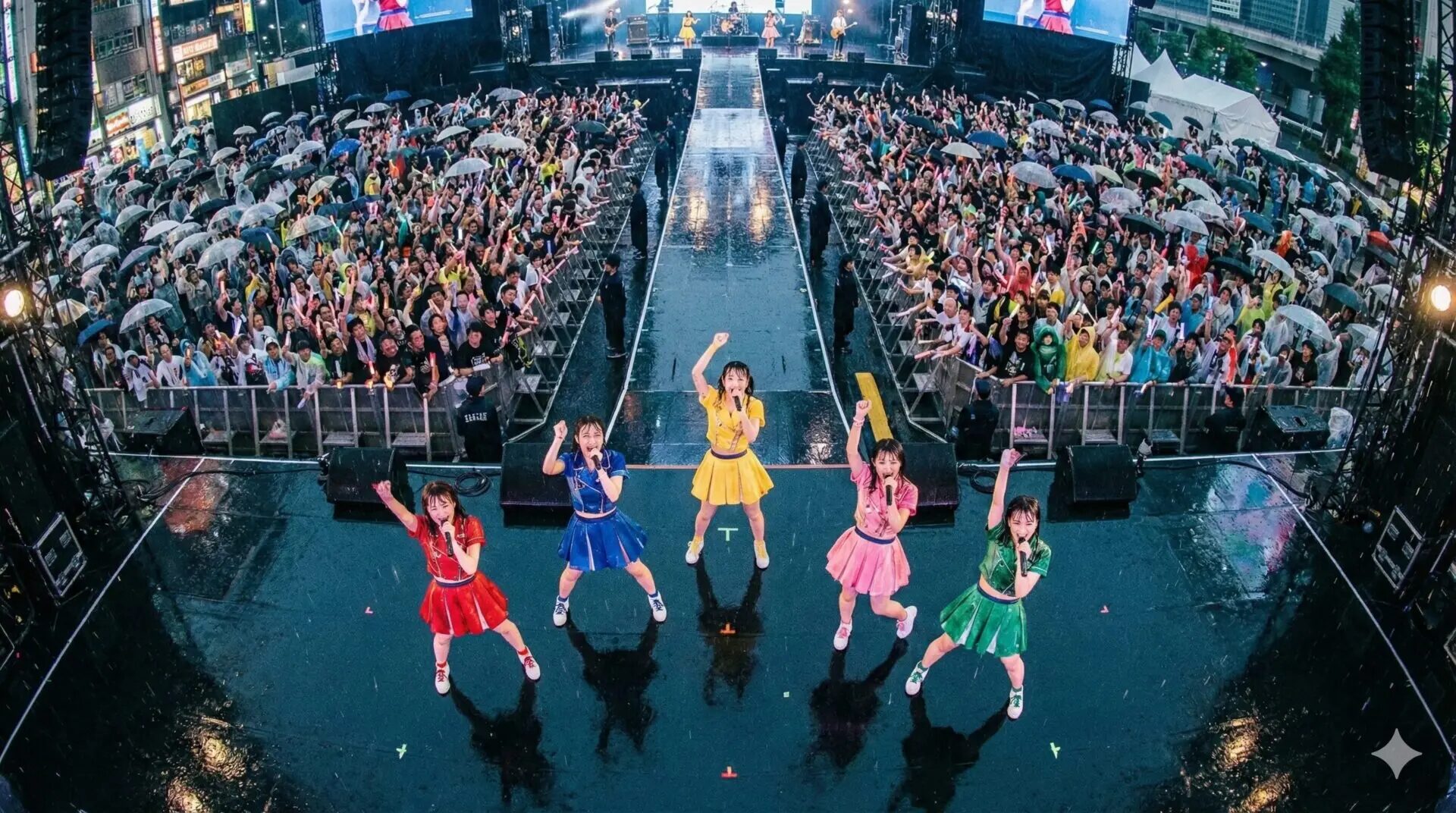
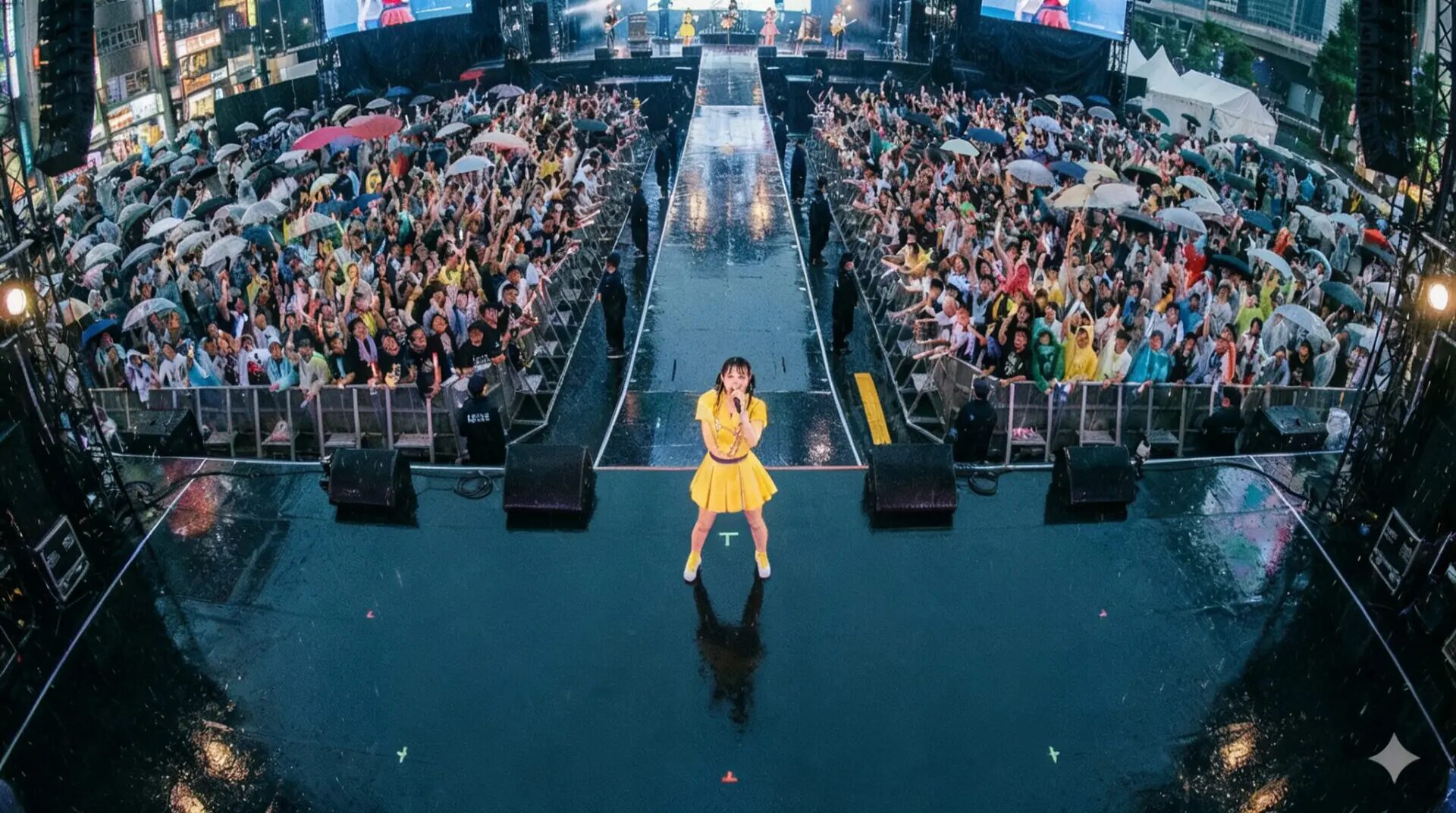
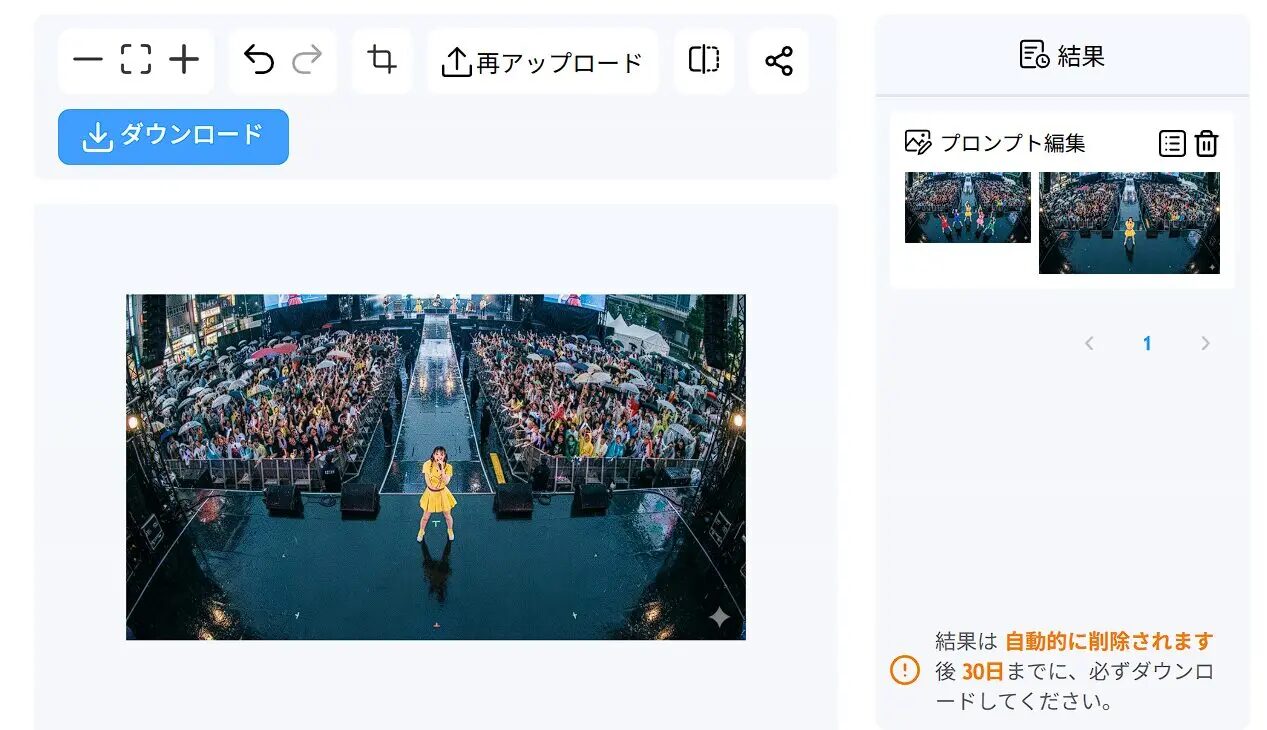
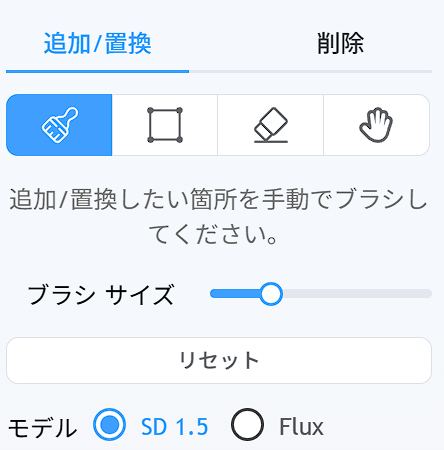
- Eraser: The AI fills and erases the part you traced with the brush to match the surrounding background.
- Inpaint: Adds an object instructed by a prompt (e.g., “sunglasses”) to the traced part.
- Outpaint: The AI imagines and draws the outside of the image to expand the angle of view.
What can you do with Remaker AI?
Photos from the bride and groom’s childhood are often old and of poor quality.
- Upscale with Upscaler.
- Create parody images of the two as if they were in a movie poster using Face Swap.
- Add movement of the two smiling using Image to Video.
Just with this, you have the materials for your opening movie.
It is difficult to take model photos wearing the products’ clothes every time.
- Take photos while dressed on a torso (mannequin).
- Change the mannequin’s face to an AI model’s face with real presence using Face Swap.
- Remove the background with Background Remover.
This could significantly save on model and studio costs.
Summary of Remaker AI’s pros and cons
| Pros | Cons |
|---|---|
| High precision in specialized features (face swap, etc.) | Cannot perform fine parameter adjustments like Stable Diffusion |
| No PC specs required; runs in browser | Video generation may require trial and error |
| Easy cost management with buy-as-you-go model | Japanese translation is sometimes unnatural |
| Can be used without watermarks | Commercial use is possible but at your own risk (check terms) |
Conclusion
Points for utilizing Remaker AI
- Use as a specialized tool (face swap, background removal, etc.)
- Use credits strategically
- Combine with other tools to improve quality (upscale before face swapping, etc.)
Remaker AI is a highly accessible tool that allows you to try AI image editing even without specialized knowledge.
First, we recommend accessing the official site from the link below and checking the actual operation within the range of free credits.

Click here for the Remaker AI official website
Thank you for reading until the end!
- The evaluation in this article is unique to this site.
- Unless otherwise specified, product prices and information are current as of the time of writing.
- Please note that this site cannot be held responsible for any inaccuracies in this information.
- Product and service names mentioned on this site are trademarks of their respective companies.
This article was originally written in Japanese and has been translated.
Comments