

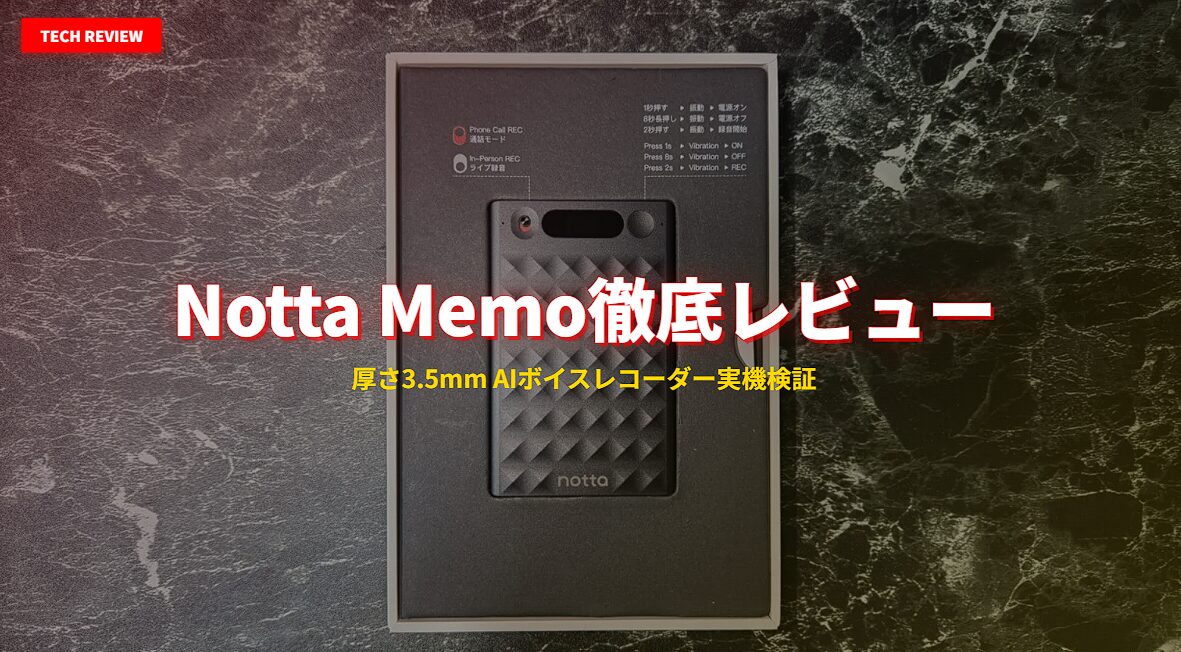
Struggling to keep up with note-taking during meetings, and finding yourself unable to focus on the actual conversation? The “Notta Memo” AI voice recorder is designed to solve exactly that problem. Featuring a card-shaped body just 3.5mm thick and weighing only 28g, it is equipped with four MEMS microphones and a dedicated call-recording microphone. It automatically transcribes and summarizes recorded audio, turning your entire meeting into text.
In this article, we will review the Notta Memo, provided to us by Notta Inc., using the actual device. We will thoroughly test its transcription accuracy, the usability of the call recording mode, and the operability of the app. If you are considering a purchase, please use this as a reference.
What you will learn in this article:
Notta Memo Comprehensive Evaluation
The Notta Memo’s greatest strength is that it doesn’t just “finish after recording”—it converts recorded audio into text that can be used directly for work. After actually using it, I found that there is no longer a need to take notes during meetings, allowing me to focus 100% on the speakers.
The call recording mode features a unique bidirectional recording function using a dedicated microphone for phone calls. It works as-is for traditional phone calls where you hold the smartphone to your ear, making it valuable for sales, customer support, and other roles involving frequent phone calls. While the call recording mode cannot be used for online meetings like Zoom or Teams where headphones are typically required, online meetings can still be recorded using the “Notta Web version” or the “Meeting Recording Mode (Notta Bot).”
You can only truly appreciate its 3.5mm thinness once you hold it in your hand. It fits comfortably in a suit breast pocket, and by simply keeping it in your bag, you are always ready to record.
How is an AI voice recorder different from a smartphone recording app?
While smartphone recording apps only save audio, the Notta Memo automatically handles everything from recording to transcription and AI summarization. The biggest difference is that you receive organized text ready for use immediately after the meeting.
[Exclusive for our readers] 8% OFF Coupon for Notta Memo (Type-C)
Enter the coupon code below at checkout to purchase it for 23,460 yen (8% OFF) instead of the usual 25,500 yen. It can be used in combination with Amazon sales.
6WMBULNE
Valid until: July 31, 2026, 23:59 (JST)
※Coupons have an expiration date. Discounts will not be applied after the expiration date.
Notta Memo Specifications
The official specifications for the Notta Memo are as follows.
Notta Memo Specification List (Click to view table)
| Item | Specification |
|---|---|
| Size | Width 86.1mm × Height 55.1mm × Thickness 3.5mm |
| Weight | Approx. 28g |
| Microphone | MEMS Mic x 4 + Call Recording Mic x 1 |
| Continuous Recording Time | Up to 30 hours |
| Charging Method | USB Type-C (via MagBridge) or direct dedicated magnetic cable |
| Data Sync | Bluetooth, Wi-Fi, Type-C wired connection (3-way sync) |
| Supported Languages | 58 languages (Real-time translation: 23 languages) |
| Included Accessories | USB-C cable, dedicated charging cable, MagBridge case (with Type-C port), magnetic ring |
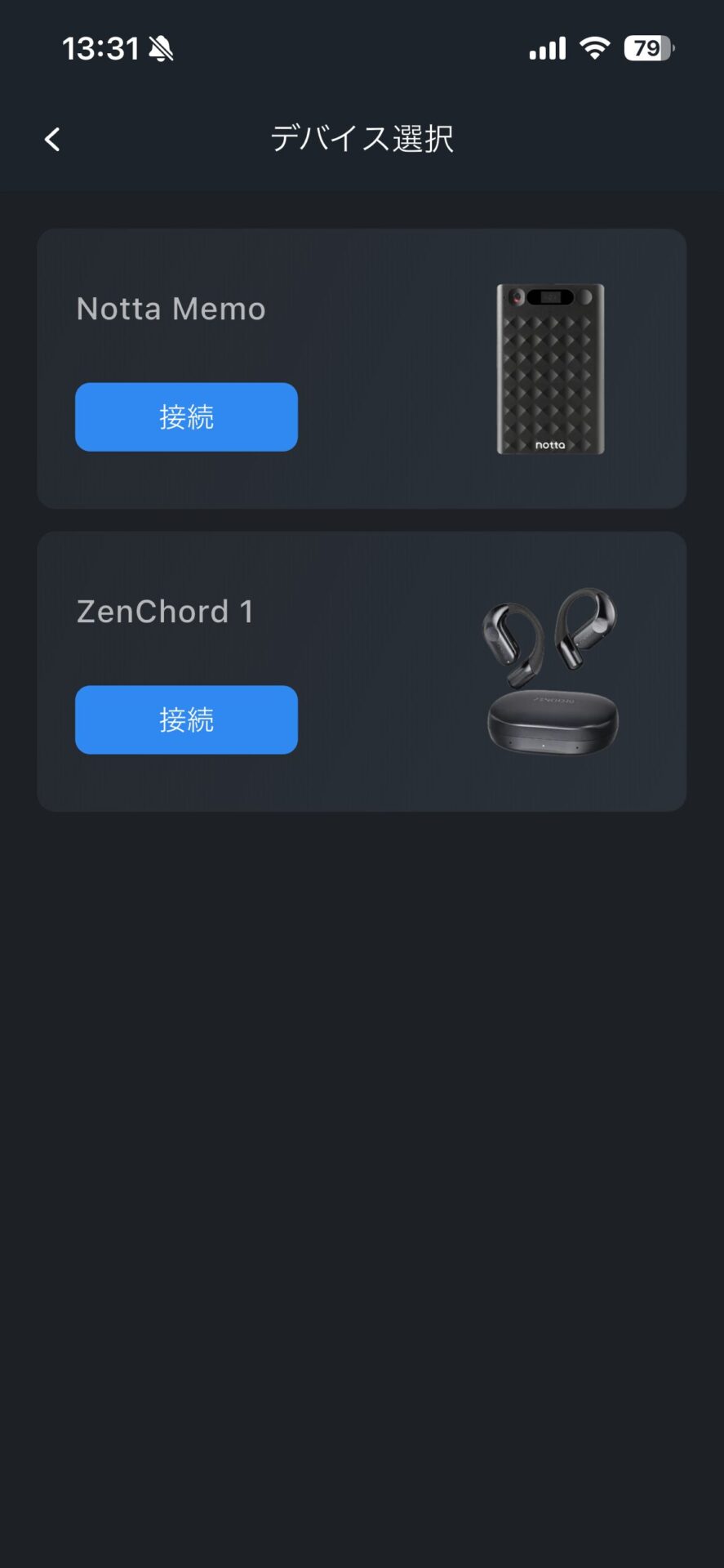
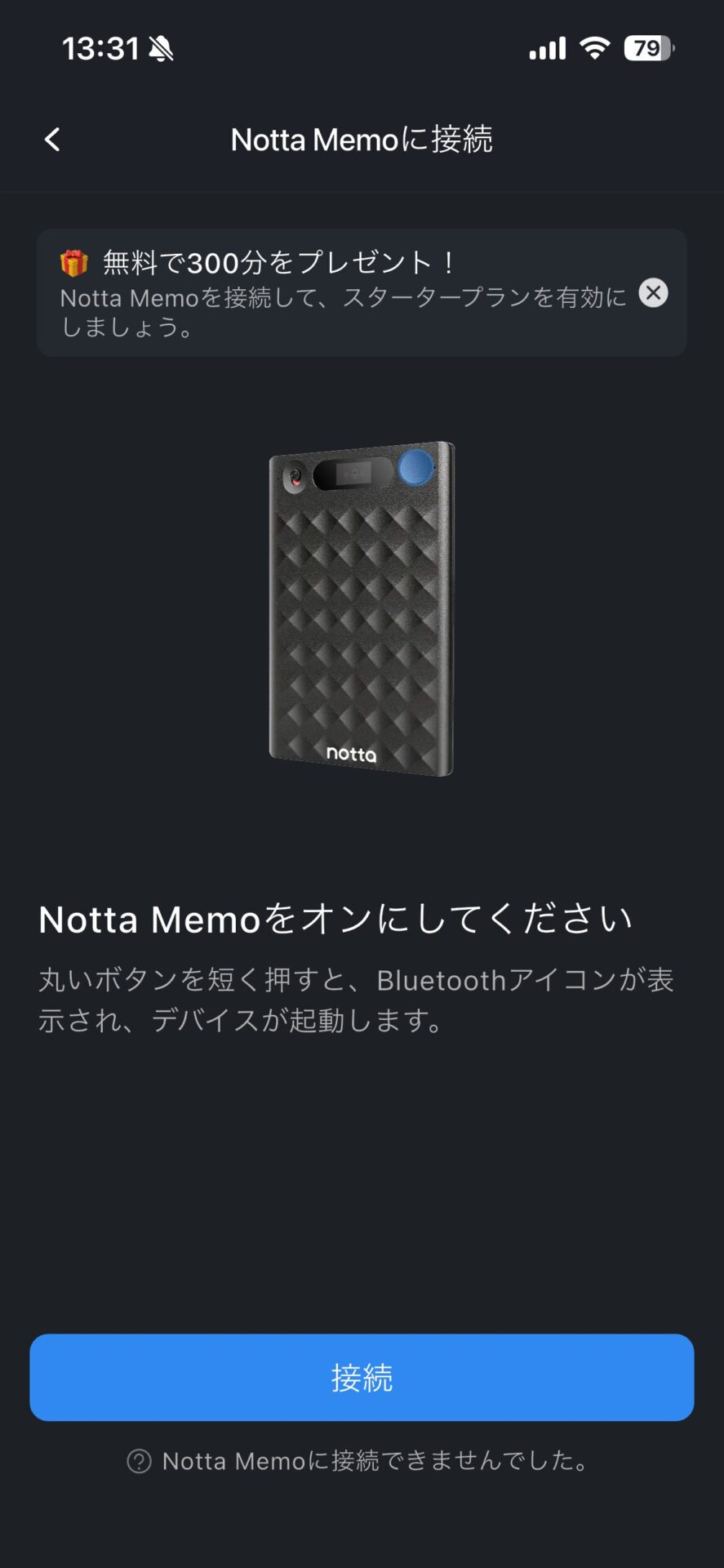
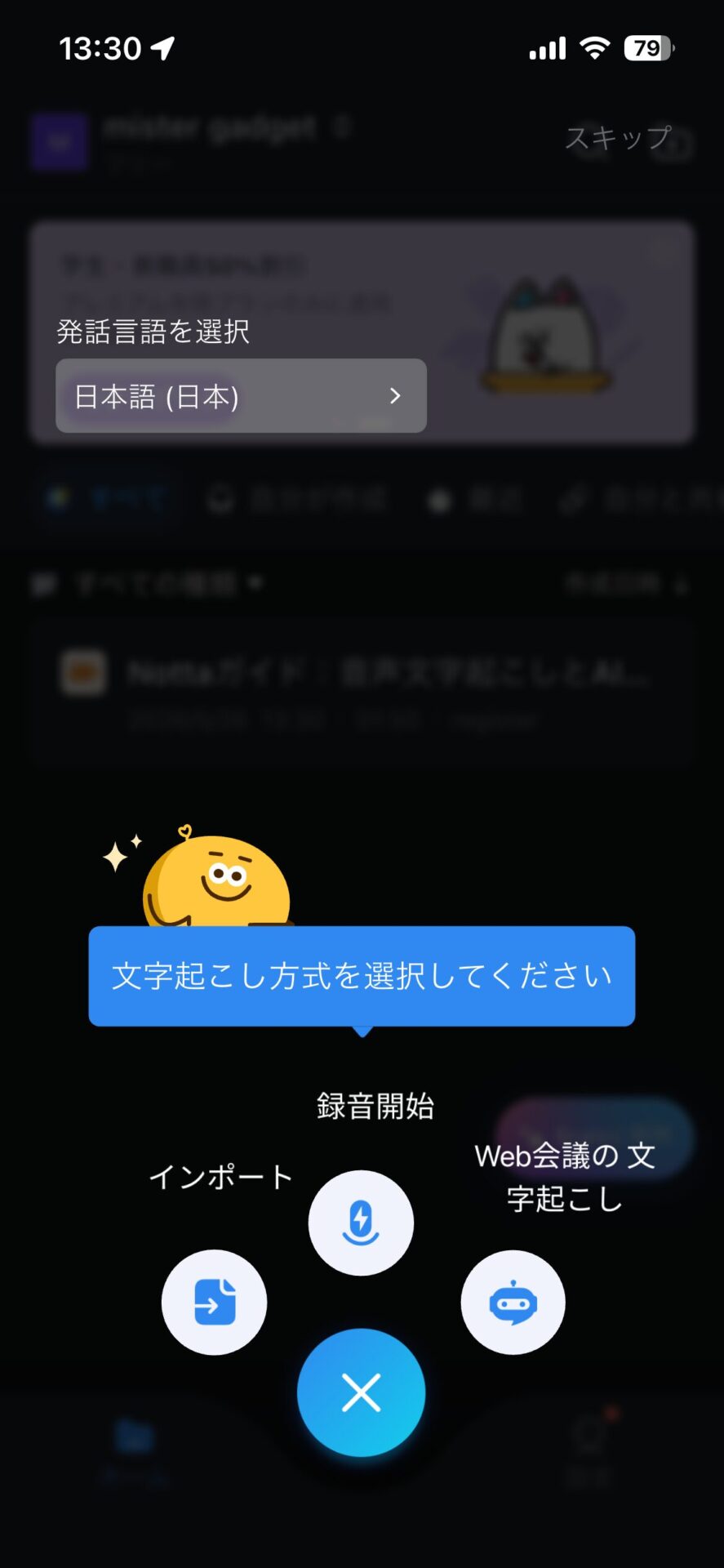
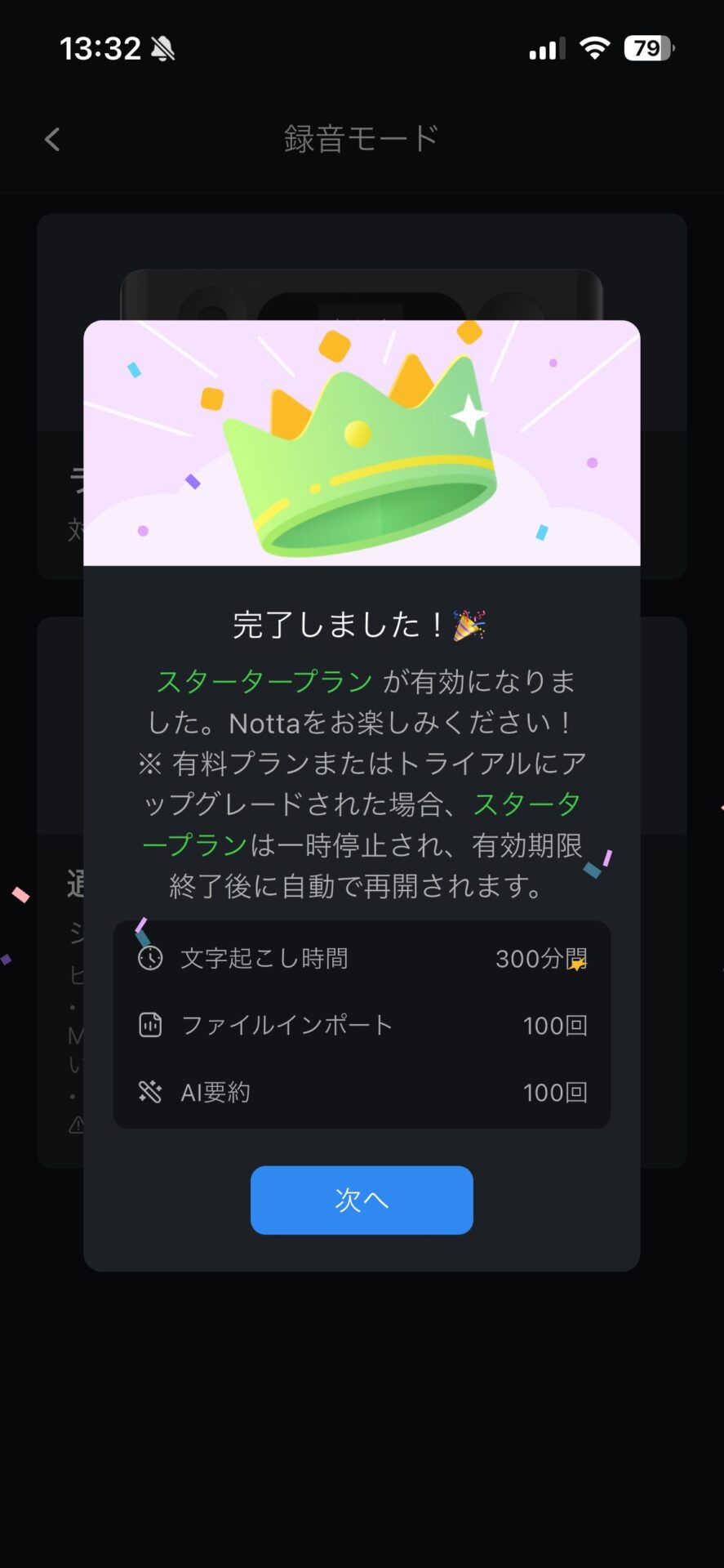
Purchasers of the Notta Memo are automatically granted the “Starter Plan.” Since you can use 300 minutes of transcription and AI summarization features for free every month, you can operate without additional costs if your monthly meeting recordings total around 5 hours. If you require more, you can choose to upgrade to the Premium plan.
Regarding security, it has achieved SOC 2 Type II and ISO 27001 certification. Recorded data is stored on servers within Japan, and multi-layered encryption is applied during transmission, reception, and storage.
The design ensures that even Notta’s own staff cannot identify or view individual user data, and Notta is a service already adopted by government agencies and approximately 72% of Nikkei 225 companies; this reliability supports the use of Notta Memo in corporate environments. For use in highly confidential meetings, please make your decision after checking against your company’s internal information security policies.
What happens to the recorded data? Does it remain on the device?
Once synchronization with the Notta app is complete, the recording files on the device are automatically deleted. The data is managed within the Notta app (cloud).
Notta Memo Review & Usability
Design and Portability
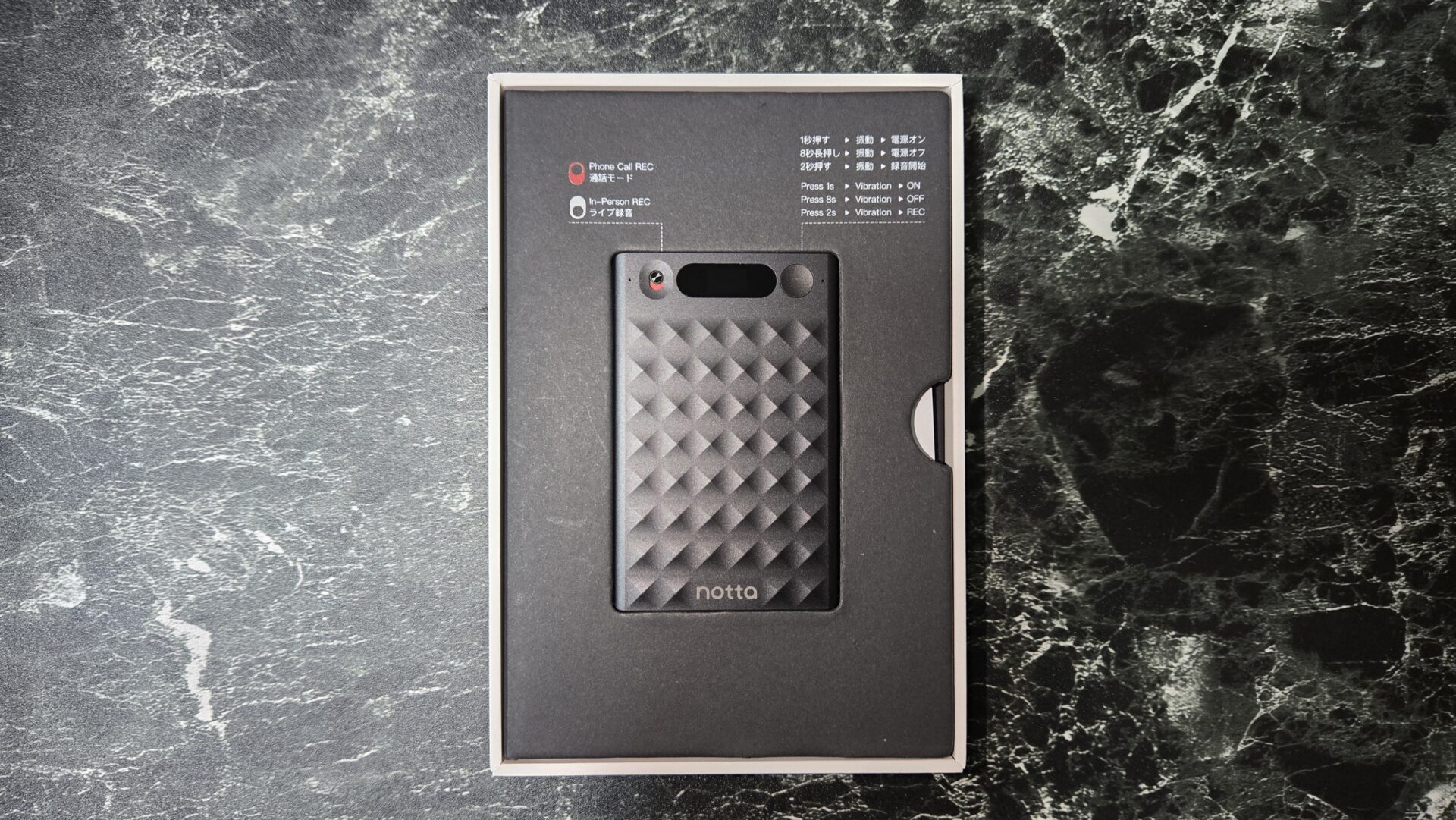
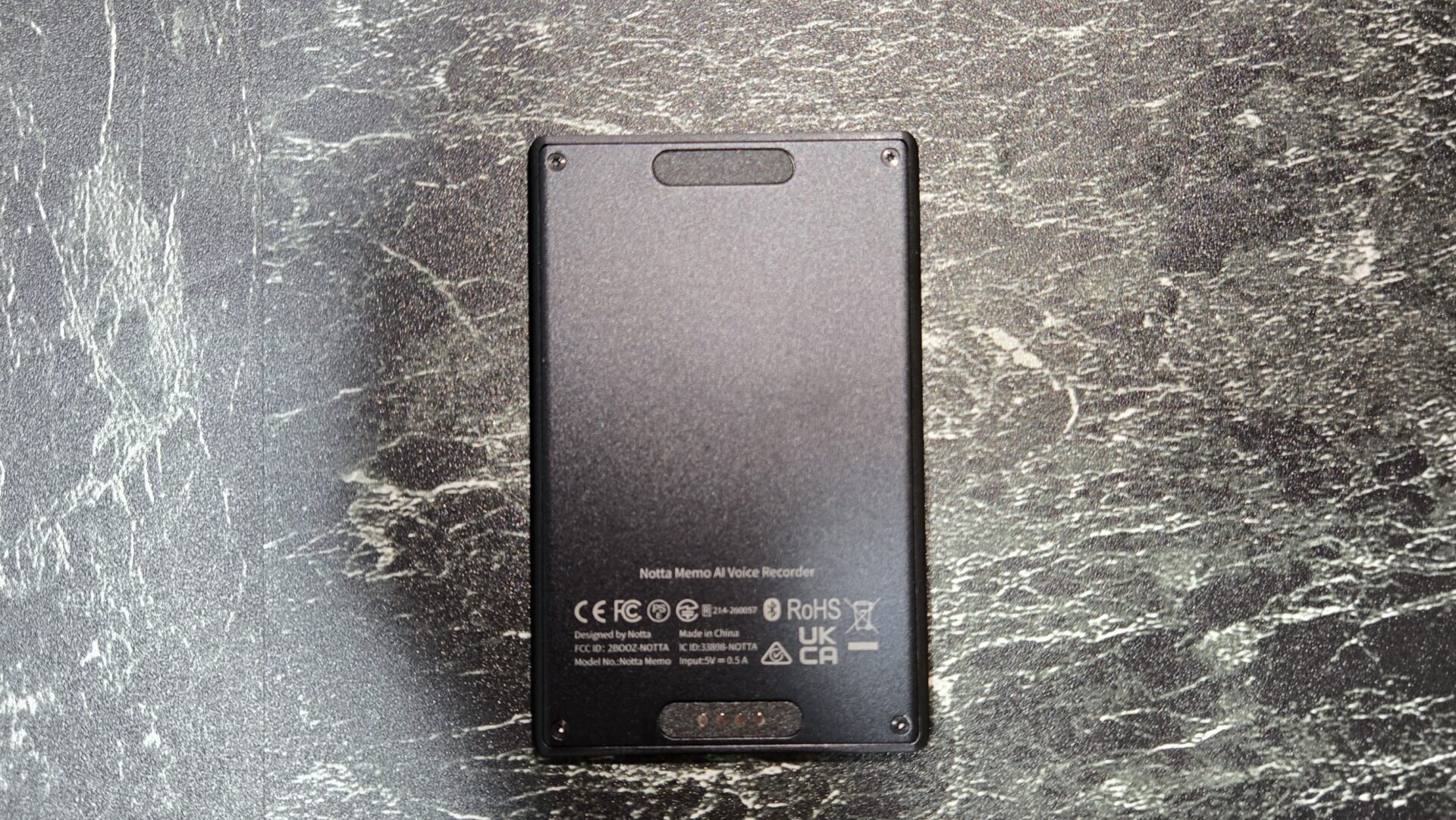
The first thing that surprises you when you pick it up is how thin it is. At 3.5mm thick, it is about the same as stacking 4 to 5 credit cards (0.76mm each). The 28g weight is so light that you’ll barely notice it even if you keep it in a long wallet.
When placing it on a table in a conference room, its thin card shape ensures it doesn’t get in the way. A magnetic ring with adhesive is also included for attachment to non-MagSafe smartphones or notebooks.
With a simple control system consisting of one recording button and a mode-switching switch, you can start/stop recording with a single press, and switch between call and meeting modes with a single toggle. It is hard to accidentally operate in your pocket, and you can quickly take it out and start recording before a meeting begins.
What is the design like? Does it fit in business settings?
It is a simple, matte-finished card shape that blends in perfectly in business settings. It looks natural in a suit breast pocket, and when you take it out, people sometimes ask, “What is that?”, which can actually be a good conversation starter.
Recording Function and Sound Quality
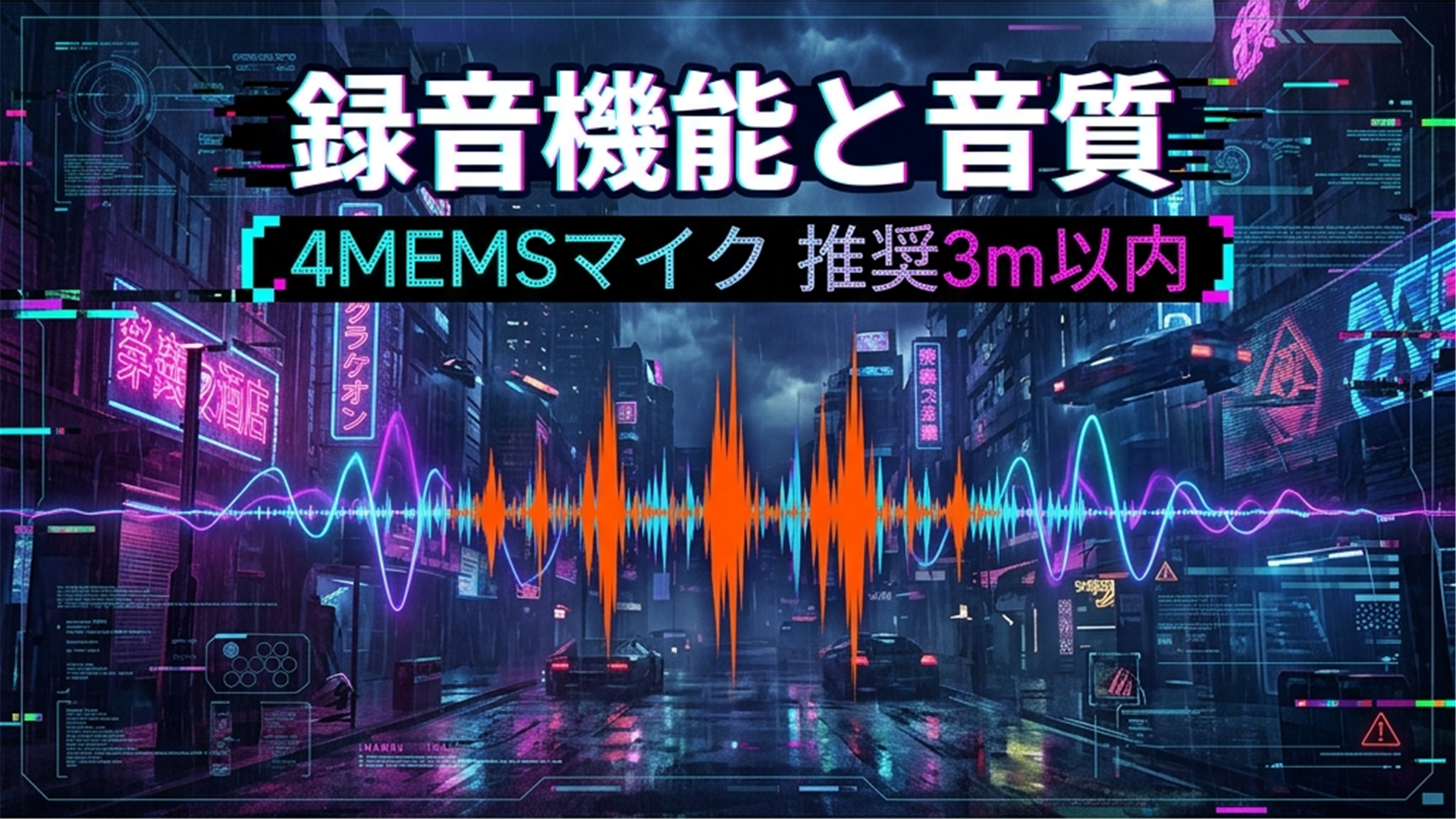
The Notta Memo is equipped with four MEMS microphones, designed to capture audio from multiple directions in a balanced way when placed on a table. It is optimized for face-to-face conversations or use in small to medium-sized conference rooms; if you place it in the center of the table, it can clearly pick up the voices of everyone in a multi-person meeting.
Is it difficult to use outdoors?
Transcription accuracy drops in noisy outdoor environments. It is most effective when used in quiet conference rooms or offices. If your main use is outdoors, you need to be prepared for that limitation.
However, in environments where human voices are normally audible, I felt no issues at all!
Transcription Accuracy
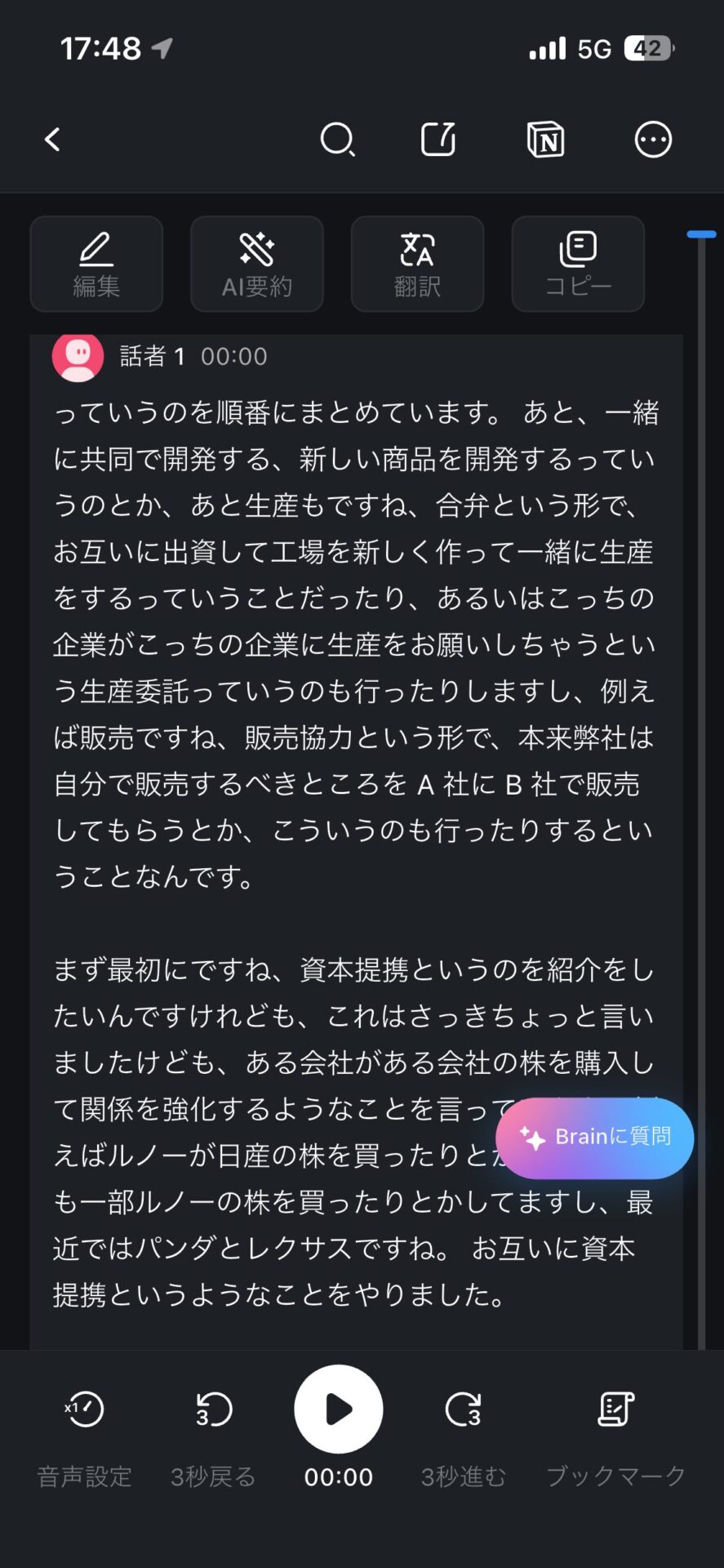
For transcription, it employs a proprietary AI engine that Notta has refined over many years. In a clear audio environment, it achieves recognition accuracy of around 98%. It also features speaker identification, automatically organizing who said what.
In conversations with multiple people, it can generally classify speakers accurately, but brief interjections or instances where multiple people speak at once may sometimes be processed as coming from a single person. If you require professional-grade accuracy, it is effective to record while being somewhat conscious of the distance from the microphone.
It also features a real-time transcription function, which turns spoken content into text with minimal delay. Even during a meeting, if you open the app, you can follow the flow of the conversation on your screen as text.
How many transcription errors occur?
Some minor errors may occur with technical terms or proper nouns. However, there are almost no errors that significantly compromise the context, resulting in quality that can be used for meeting minutes.
AI Summarization and Template Features
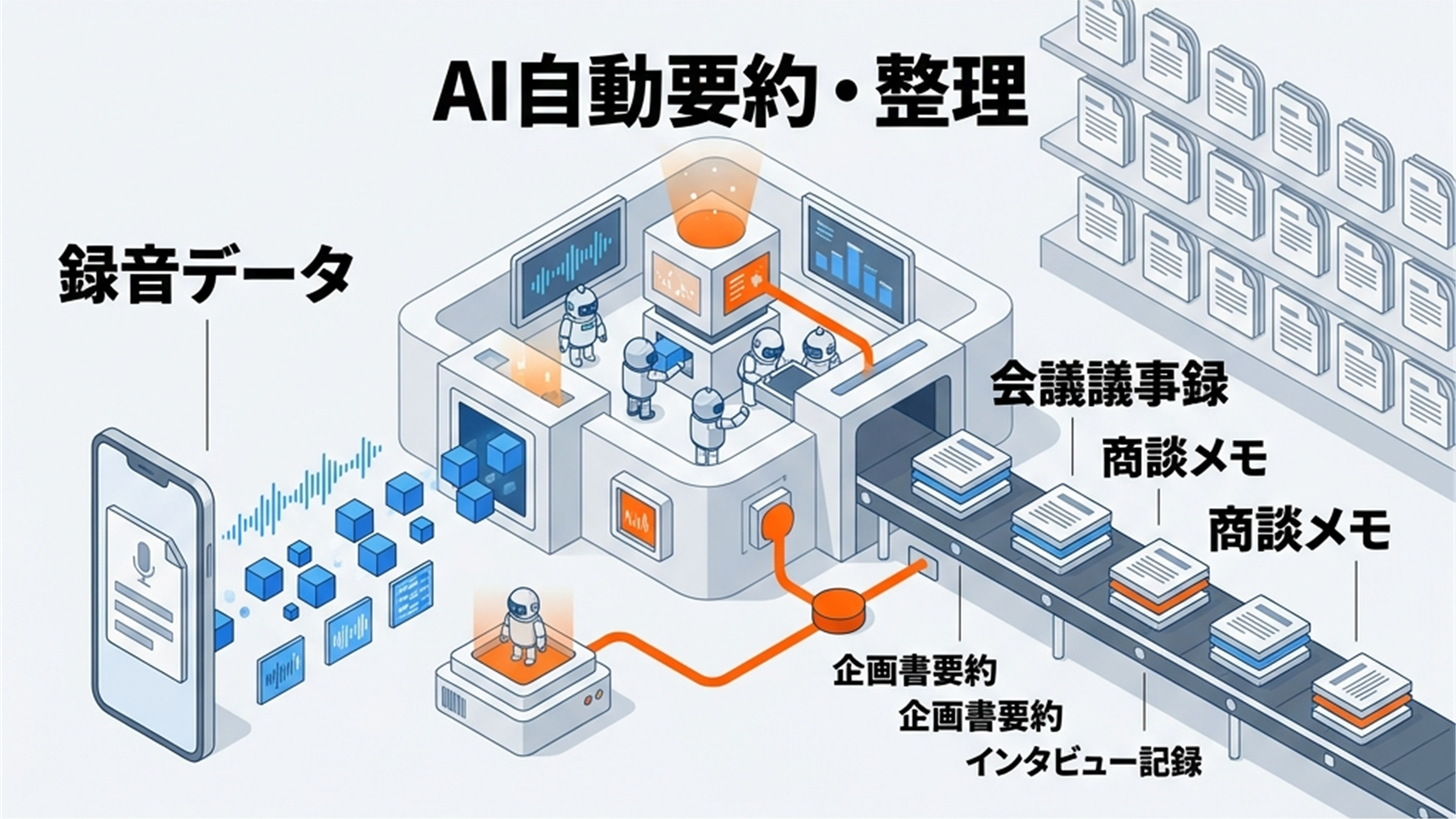
When you sync recording data to the Notta app, the AI automatically summarizes and organizes the content. There are over 30 professional-grade templates available, allowing for immediate output in formats suited to your needs, such as “Meeting Minutes,” “Business Meeting Notes,” “Interviews,” or “To-Do Lists.” Patterns you use frequently can be saved as custom templates, allowing you to create formats specialized for your company’s meeting structures or specific workflows.
The AI chat function, called “Notta Brain,” is also convenient. If you ask the recorded data questions like “What was decided in today’s meeting?” or “What were the action items for next time?”, the AI will extract the relevant portions from the recording and answer. You can also search and compare across multiple past meeting notes, which is useful for reviewing the history of an entire project. It also supports output in mind-map format, which dramatically improves the efficiency of checking, organizing, and sharing meeting minutes.
Integration with external tools like Notion, Zapier, Salesforce, and Microsoft Teams is robust, allowing for workflows where meeting minutes are fed directly into project management tools.
Call Recording Mode
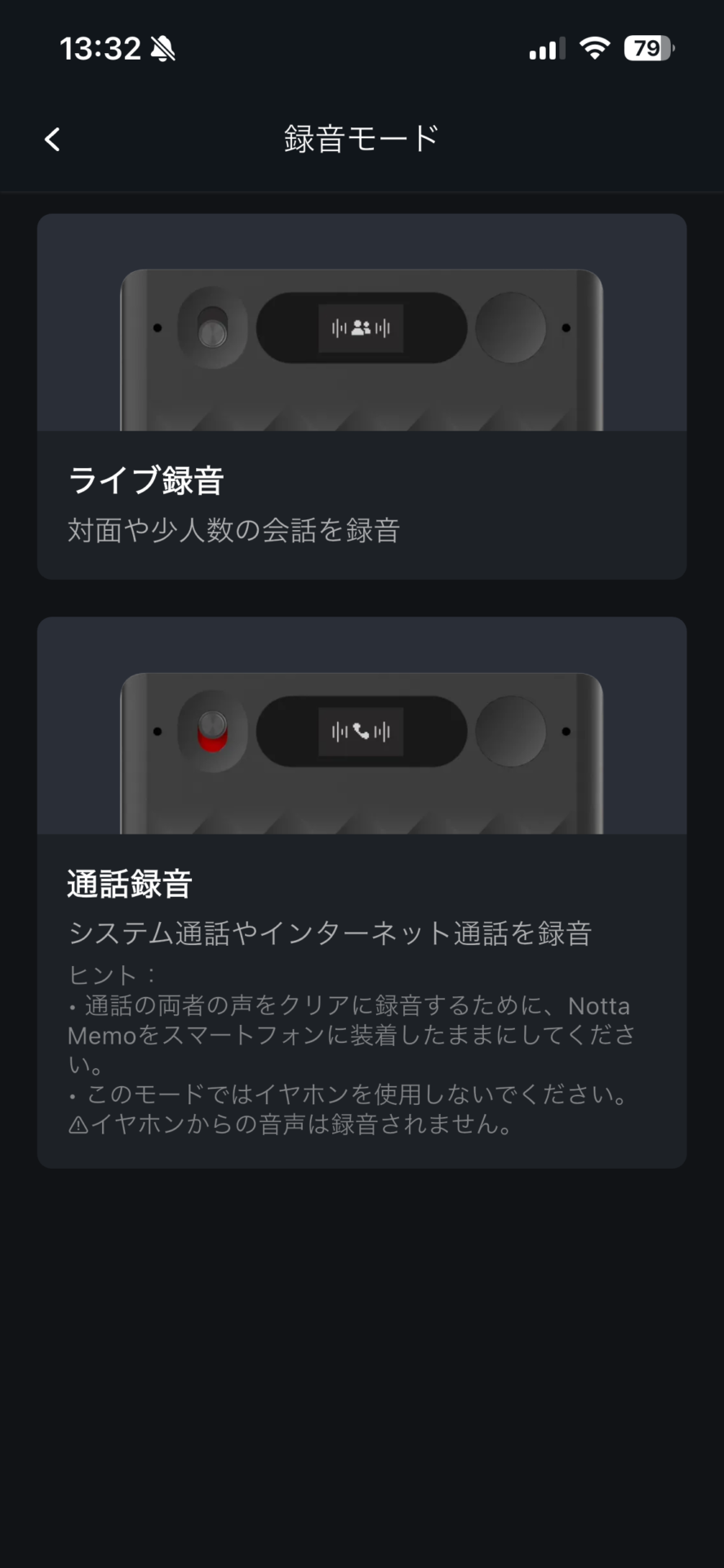
“Call Recording Mode” is a standout feature of the Notta Memo, but it is more limited than you might expect. I recommend understanding how it works before purchasing.
The call recording microphone detects the other party’s voice through the physical vibration of the smartphone’s built-in speaker. Therefore, it does not function if no sound is coming out of the smartphone’s speaker.
There is a fundamental constraint here. In online meetings using Zoom, Microsoft Teams, or Google Meet, if you talk with the mic on, playing sound through the speaker will be picked up by your own mic, causing howling (a feedback loop). To prevent this, headphones are essential. When you use headphones, the smartphone’s built-in speaker does not vibrate, so the call recording microphone does not function. Consequently, call recording mode cannot be used for standard two-way online meetings.
When it works: Traditional phone calls where you hold the smartphone to your ear (without headphones). Because the earpiece directly vibrates the device, the call recording microphone functions effectively.
This is useful for sales and customer support professionals who frequently make phone calls by holding the smartphone to their ear. Note that if you want to record online meetings like Zoom or Teams, you can do so by utilizing the “Notta Web version” or “Meeting Recording Mode (Notta Bot)” rather than the hardware’s call recording mode.
App Integration and Operability
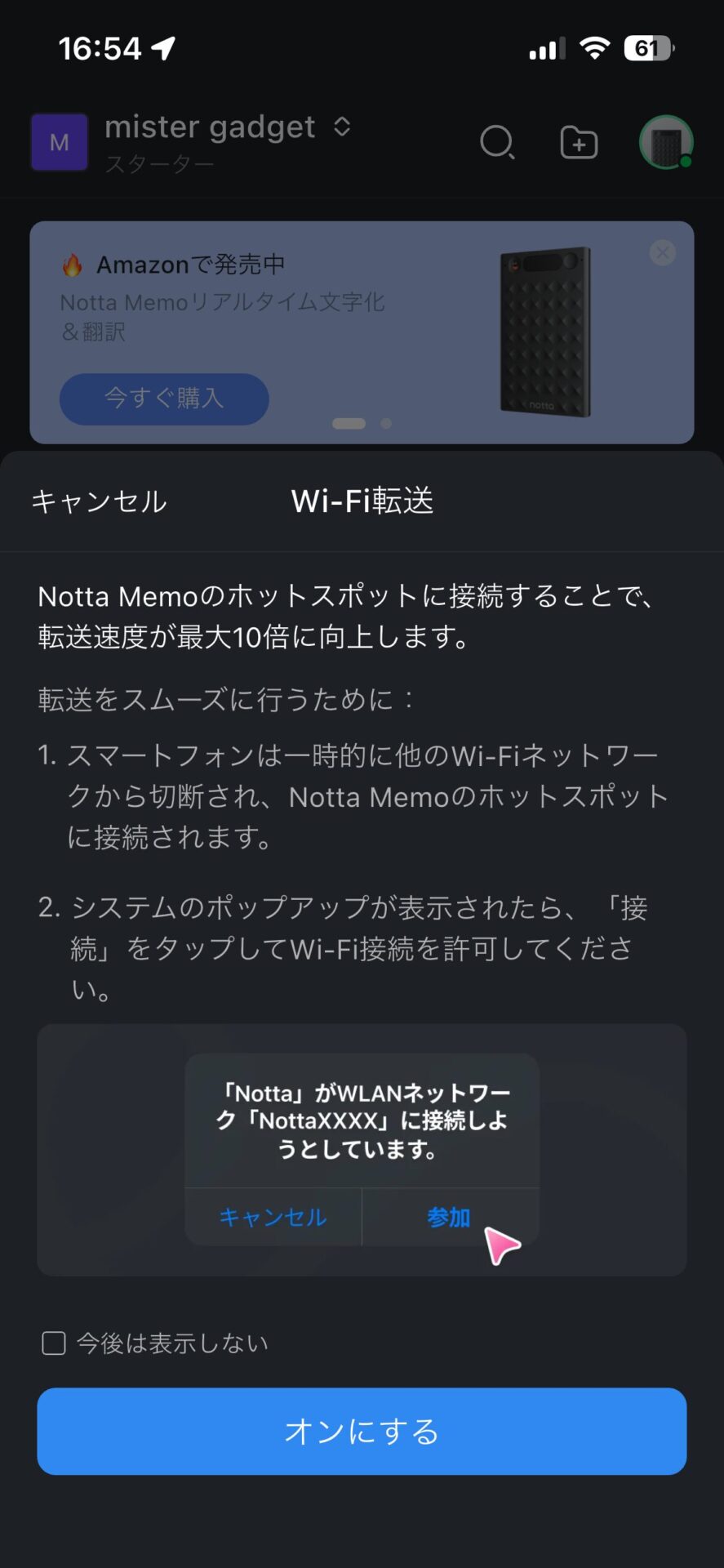
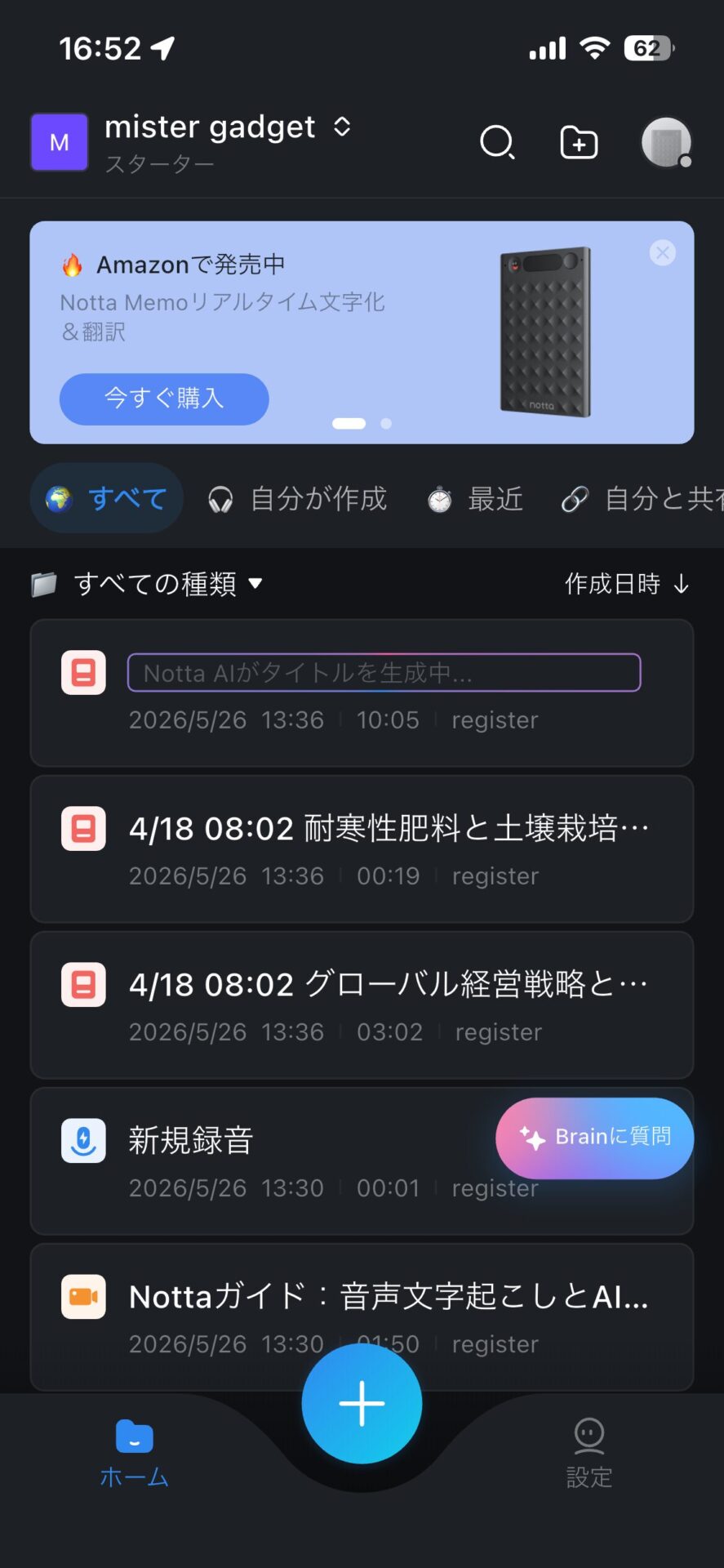
After recording finishes, it automatically syncs via Bluetooth or Wi-Fi. Because transcription begins as soon as the sync is complete, you have the convenience of having the text ready by the time you return to your desk after a meeting. If you need to check it urgently, you can also transfer it speedily via a Type-C wired connection (up to 800kb/s).
The UI of the smartphone app (compatible with iOS and Android) is simple, allowing for intuitive operation of recording history, transcription, summarization, and exporting. Export formats are compatible with text, Word, and others, allowing you to choose according to your needs.
Can I use it with both iPhone and Android?
Yes, it supports both iOS and Android. Once you install the app and create a Notta account, you can start using it immediately.
Battery and Charging

Up to 30 hours of continuous recording is enough to last several days between charges with daily business use. Because there is plenty of battery life, you can use it during business trips without worrying about running out of power.
There are two ways to charge: using a USB Type-C cable via the included MagBridge, or connecting directly to the device with the dedicated magnetic cable. If you charge it before going to bed, it will be fully charged by the next morning.
For business trips, it is reassuring to keep the MagBridge and a general-purpose USB-C cable, or the dedicated magnetic cable, in your pouch.
What should I do if the battery is about to run out?
Since it allows for up to 30 hours of continuous recording, charging it once every few days is sufficient for daily business operations. For long business trips, don’t forget to pack the MagBridge or the dedicated magnetic cable.
Summary
A device that frees you from the time spent chasing meeting minutes
The Notta Memo is a highly practical AI voice recorder for business professionals who want to automate the recording of meetings, calls, and interviews. It packs portability (3.5mm thick, 28g weight), up to 30 hours of continuous recording, and high-precision AI support for 58 languages in partnership with the Notta app, all in a single card.
While the call recording mode is a differentiating feature, it is only effective for traditional phone calls where you hold the smartphone to your ear. It cannot be used for online meetings like Zoom or Teams where headphones are expected, but you can still record online meetings using the “Notta Web version” or “Meeting Recording Mode (Notta Bot).”
It also features rich AI summarization, template features, and external tool integration, which is the major difference from a mere “recording device”—the ability to incorporate recorded content directly into your business workflow. The security level of having achieved SOC 2 Type II/ISO 27001 certification and storage on domestic Japanese servers, along with a 1-year warranty and 30-day return policy, provides peace of mind when considering it as a business tool.
The Notta Memo is not a device where you “record and finish”; it is a device where the creation of meeting minutes begins the moment you record. For those who have many meetings and calls, this is one I highly recommend you try at least once.
[Exclusive for our readers] 8% OFF Coupon for Notta Memo (Type-C)
Enter the coupon code below at checkout to purchase it for 23,460 yen (8% OFF) instead of the usual 25,500 yen. It can be used in combination with Amazon sales.
6WMBULNE
Valid until: July 31, 2026, 23:59 (JST)
※Coupons have an expiration date. Discounts will not be applied after the expiration date.
Notta Memo Pros & Cons
We have looked at the various features so far; let’s organize the pros and cons once more.
Recommended for
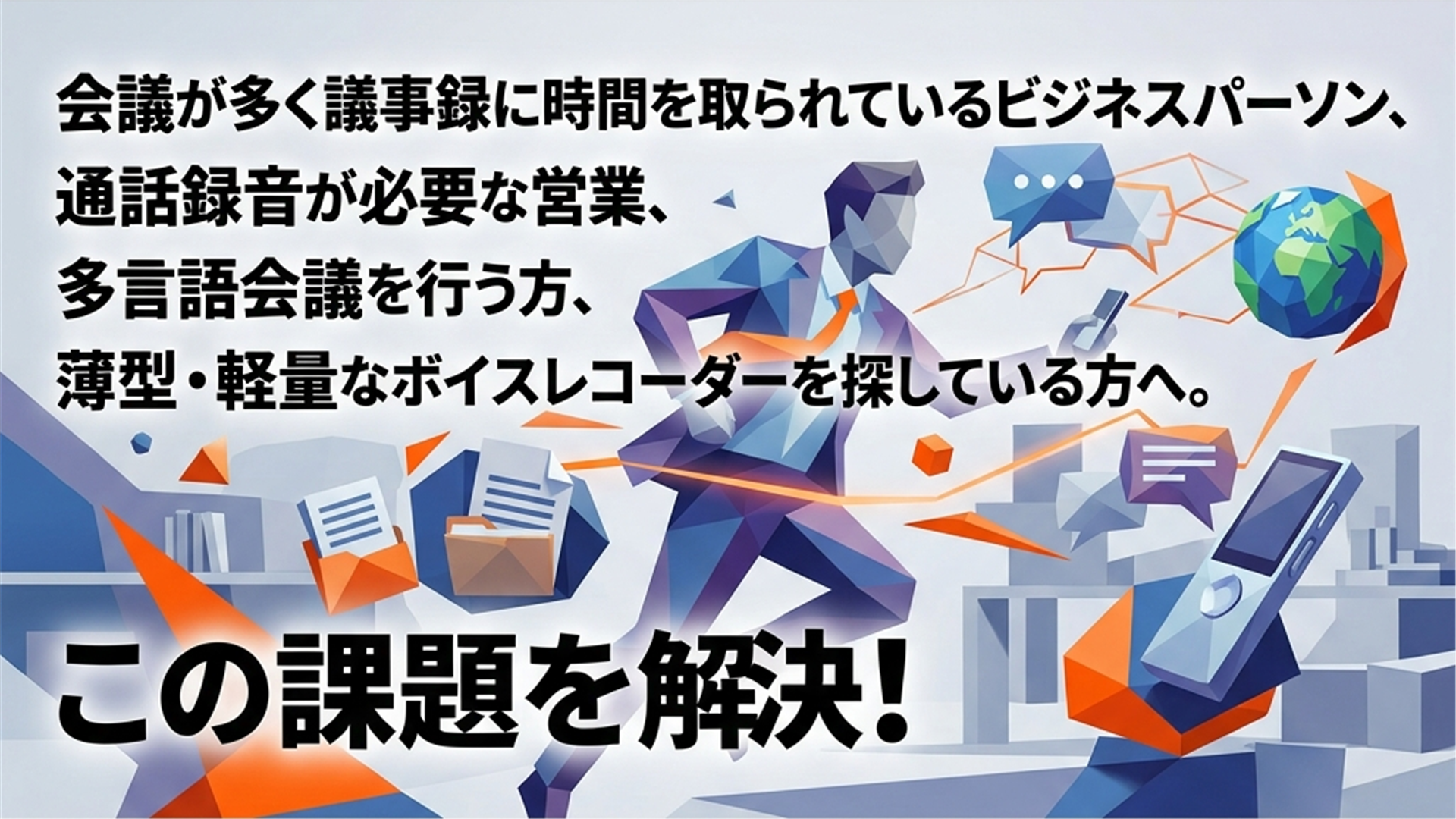
- Business professionals who have many meetings and spend too much time creating minutes
- Those who frequently make traditional phone calls by holding their smartphone to their ear, such as in sales or customer support
- Those who want to streamline meeting minutes by integrating with tools like Notion or Teams
- Those working in global business settings conducting meetings or interviews in multiple languages
- Those looking for a thin, lightweight voice recorder that they can carry at all times
Who is the Notta Memo especially recommended for?
It fits best for business professionals who are spending too much time on meeting recording and minute creation. While the call recording mode is for traditional phone calls, online meetings can be handled with the Notta Web version and Notta Bot. It is also recommended for those who want to cover every meeting and call scenario.
This article was originally written in Japanese and has been translated.
Comments