
Gaming monitor selection to avoid regrets is to have the knowledge to determine the product that suits you.
In this article, I, Mr. Gadget, will thoroughly explain the basic knowledge of gaming monitors, specialized specs such as refresh rate and response time, and specific steps to choose the optimal one according to the game genre you play and your budget.
 Ms.Gadgets
I don’t know which one to choose because there are so many types and specs of gaming monitors…
 Mr.Gadgets
If you read this article, you’re sure to find the perfect gaming monitor for you!
What you can learn in this article!
What is a gaming monitor?
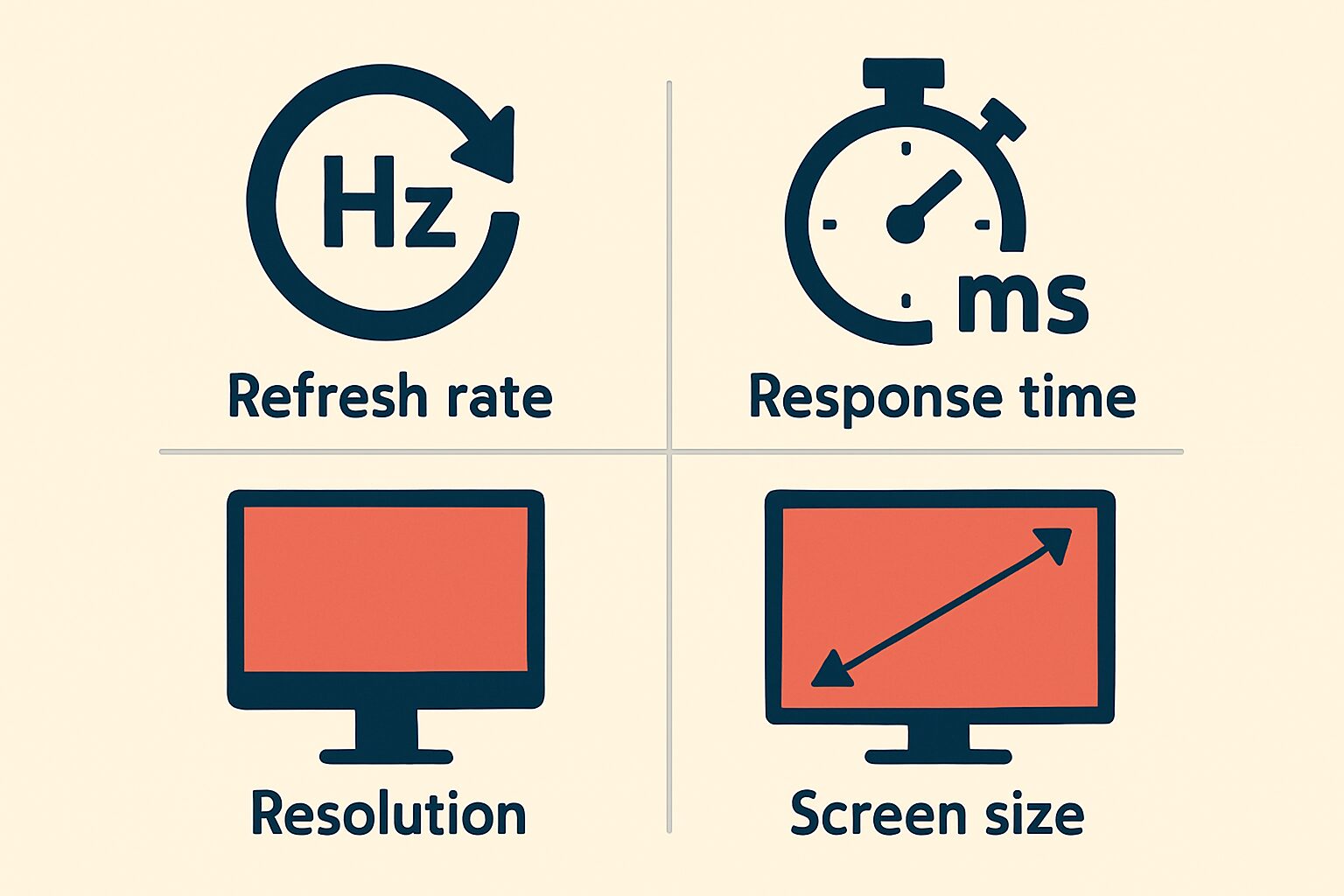
As a “first step to not failing in choosing a gaming monitor,” we will introduce the basic concepts and an overview of major criteria for selecting a gaming monitor. By acquiring this knowledge, you will be able to find the best monitor for you.
Fundamental differences from general monitors
The refresh rate of a general monitor for office work and web browsing is around 60Hz, but gaming monitors generally have products of 120Hz, 144Hz, or even higher. The lower the response time, the better, with general monitors around 5ms, while gaming monitors often have products of 1ms or less.
Ms.GadgetsCan I play games on a normal monitor?
Mr.GadgetsOf course, but you can expect a more comfortable and advantageous play with a gaming monitor!
This performance difference can have a significant impact on the smoothness of the image, the visibility of enemies, and the speed of operation response, especially in fast-paced shooting games and fighting games.
The role of a gaming monitor in dramatically changing gameplay
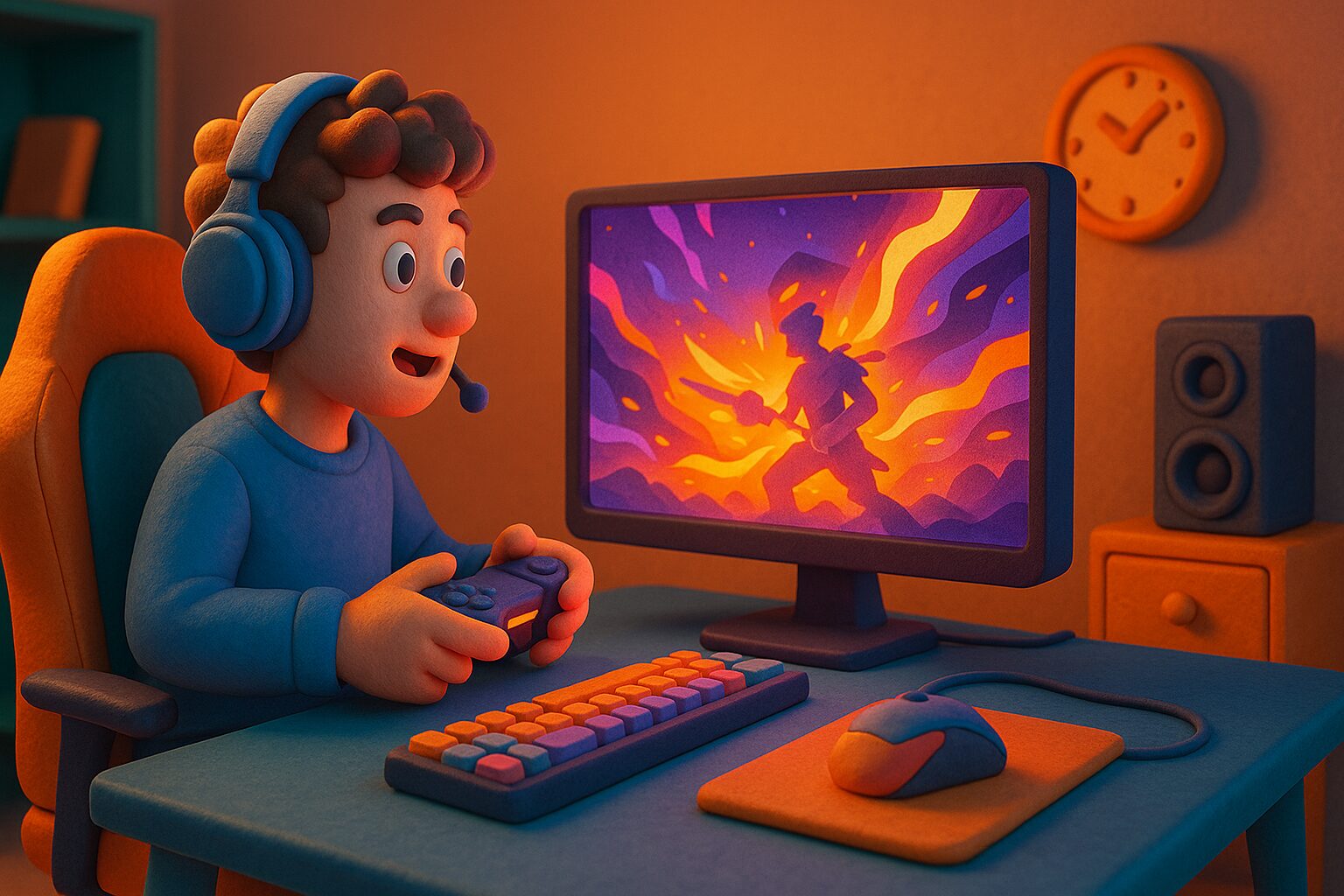
The role of a gaming monitor is not simply to display beautiful images. It is to maximize the player’s performance and provide a deep sense of immersion in the game.
A high refresh rate increases the number of frames displayed per second, allowing you to capture the movements of characters and subtle changes in the background more smoothly and vividly. A low response time minimizes the delay between input from the mouse or controller and the screen’s response, enabling quick and accurate operation as intended by the player.
| Feature | Typical Monitor | Gaming Monitor |
|---|---|---|
| Refresh Rate | 60Hz | 144Hz or higher (some are 360Hz or 500Hz+) |
| Response Time | 5ms or more | 1ms (GTG) or less (TN panels can be even faster) |
| Sync Technology | Often not equipped | Many products equipped with VRR technologies such as G-SYNC and FreeSync |
| Display Function | None in particular | Some products have game-specific functions such as improved visibility in dark scenes and crosshair display |
These functions work together to allow players to grasp the situation in the game world more accurately and make quick decisions and actions.
How to choose a gaming monitor
Key points of this heading!
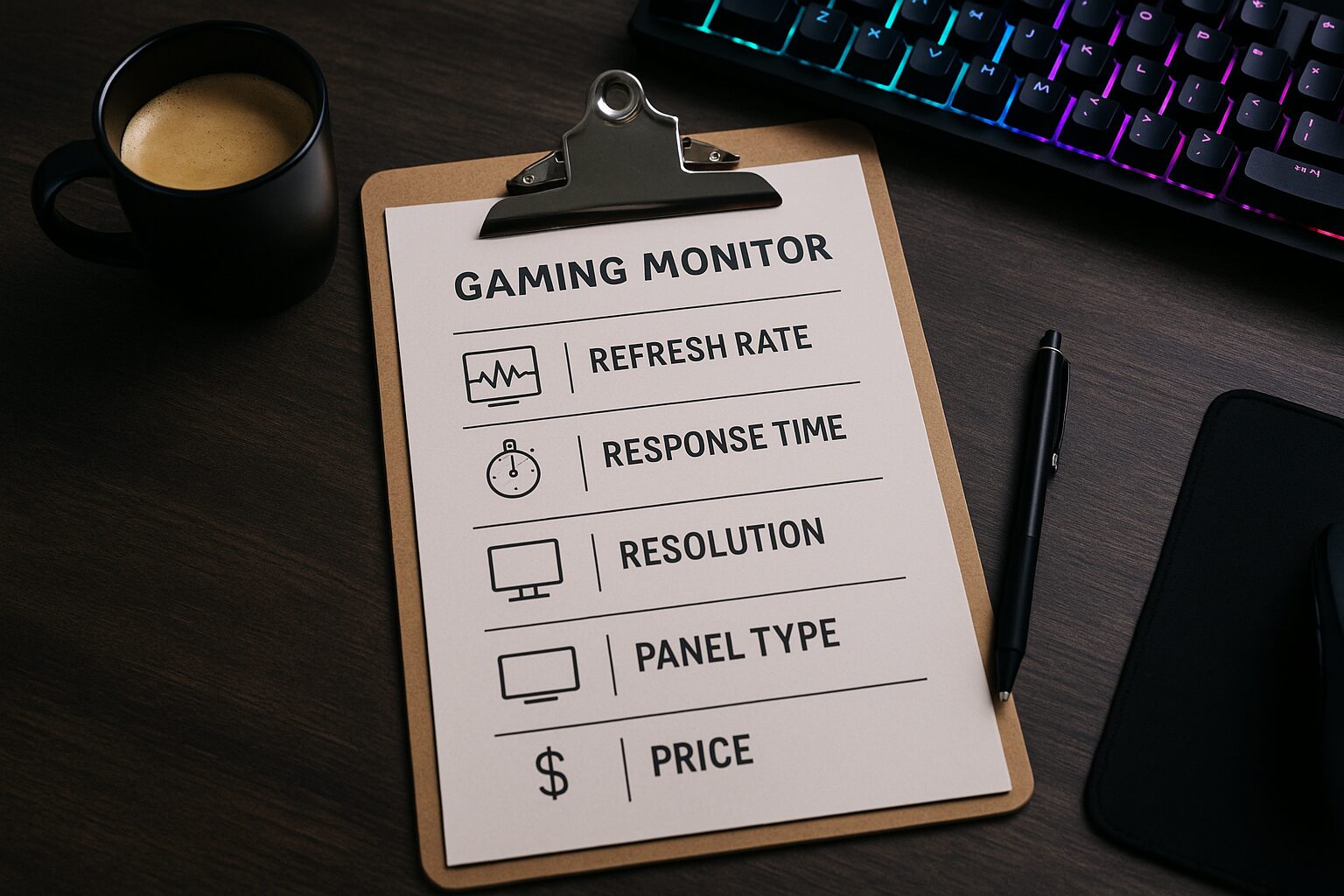
- Game genre you play
- Check the performance of the connected device
- Refresh rate: selection based on desired smoothness and compatible device performance
- Response time: importance in competitive games and the degree of acceptable blurring
- Resolution: whether or not you want high quality
- Panel type: selection based on the characteristics you value, such as image quality, response speed, and viewing angle
- Budget: selecting a product that meets the required performance and is within your payment range
- Screen: shape and aspect ratio
- Additional features: game assistance functions such as improved visibility in dark scenes and crosshair display
- Stand adjustment: checking whether the height and angle can be adjusted for a comfortable playing posture
The most important thing when choosing a gaming monitor is to determine the balance between your playing style, environment, and budget. In this section, I will explain nine checkpoints to help you find the perfect one, starting with the game genre you play and ending with the adjustability of the stand. By confirming these points one by one, you will be able to find the perfect monitor for you.
Play game genre
 Ms.Gadgets
I’m not sure what specs to prioritize…
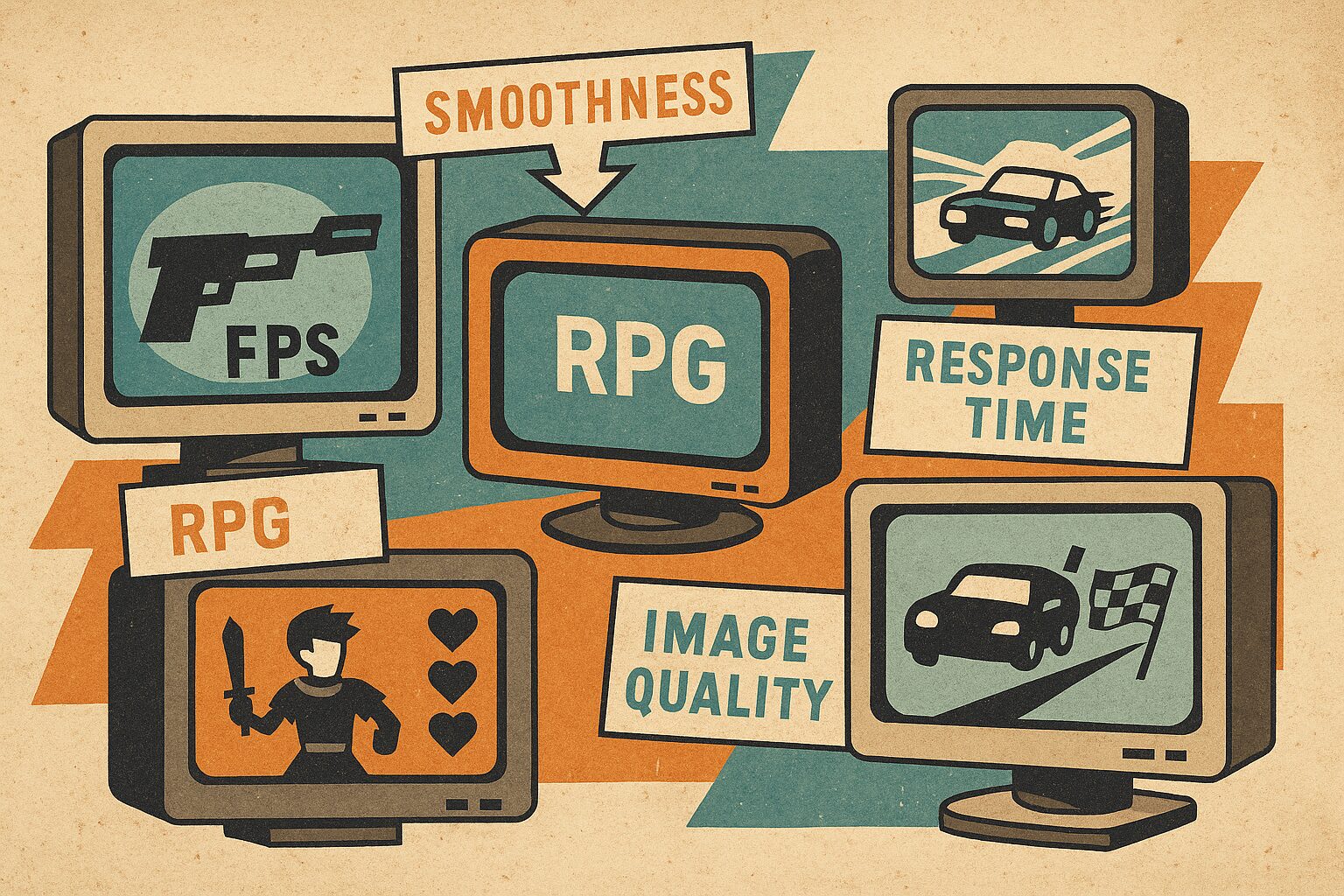
Mr.GadgetsLet’s first think about what is important in the game genre you play most often.
Clarifying what you value most is the first step in choosing a monitor.
Check the performance of the connected device
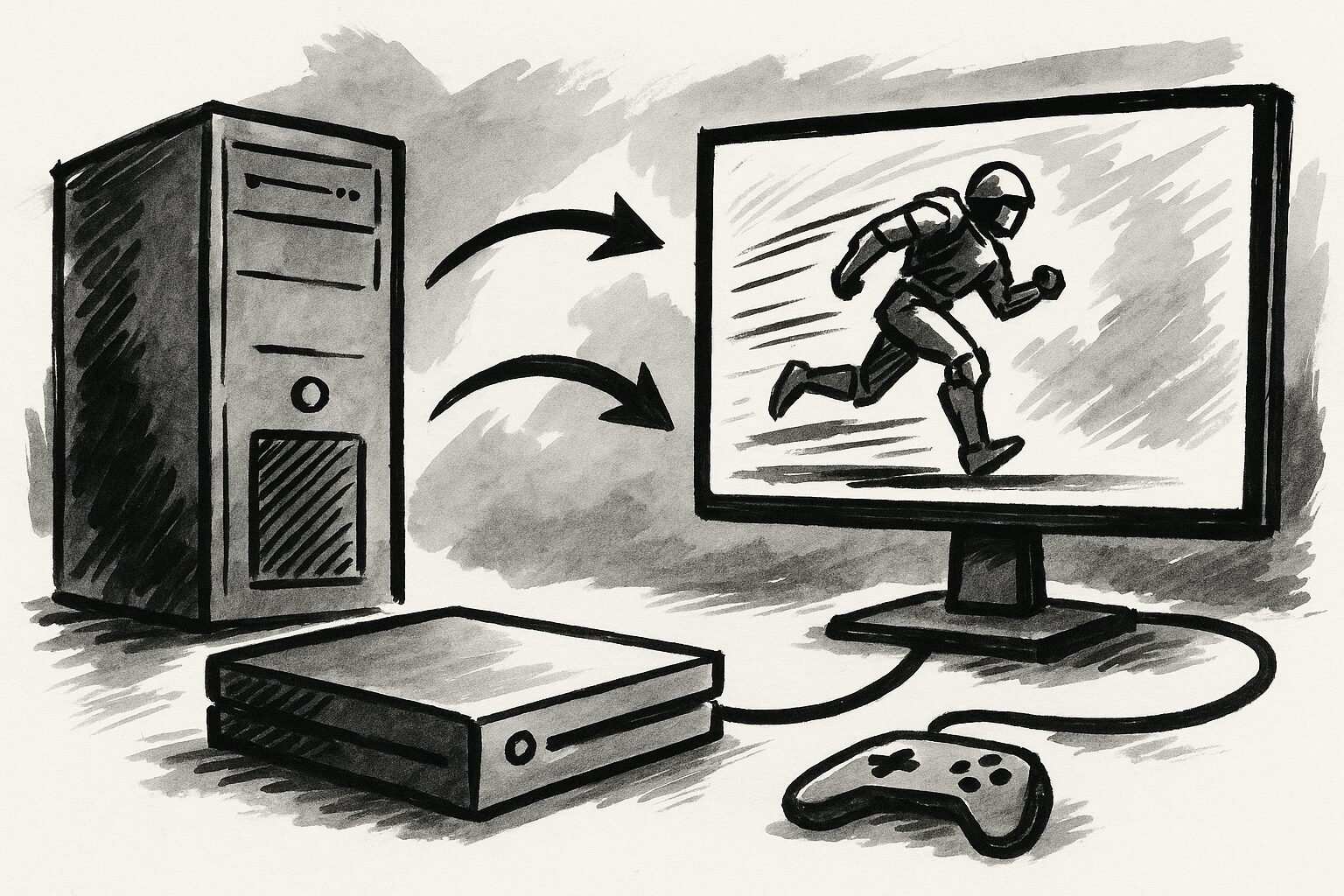
For example, it is difficult to maintain 4K resolution at a high refresh rate unless you have a high-performance graphics card. The PlayStation 5 supports output up to 4K/120Hz, but not all monitors can take advantage of that performance.
| Connected Device | Typical Output Performance | Considerations when selecting a monitor |
|---|---|---|
| High-end PC | 4K/144Hz or higher, WQHD/240Hz or higher | Specs that can maximize GPU performance |
| Mid-range PC | Full HD/144-240Hz, WQHD/120-165Hz | Balanced specs, considering GPU load |
| PlayStation 5 | Up to 4K/120Hz (HDMI 2.1 compatible software and monitor required) | Whether HDMI 2.1 compatible, whether VRR compatible |
| Xbox Series X/S | Up to 4K/120Hz (HDMI 2.1 compatible software and monitor required) | Whether HDMI 2.1 compatible, whether FreeSync compatible |
| Nintendo Switch | Up to Full HD/60Hz (TV mode) | A monitor with Full HD/60Hz or higher is sufficient, also consider response time |
If the monitor is high-performance but the connected device cannot keep up, it will be a waste of money. Consider the balance.
Refresh rate: selection based on desired smoothness and compatible device performance
 Ms.Gadgets
What are the benefits of a high refresh rate?
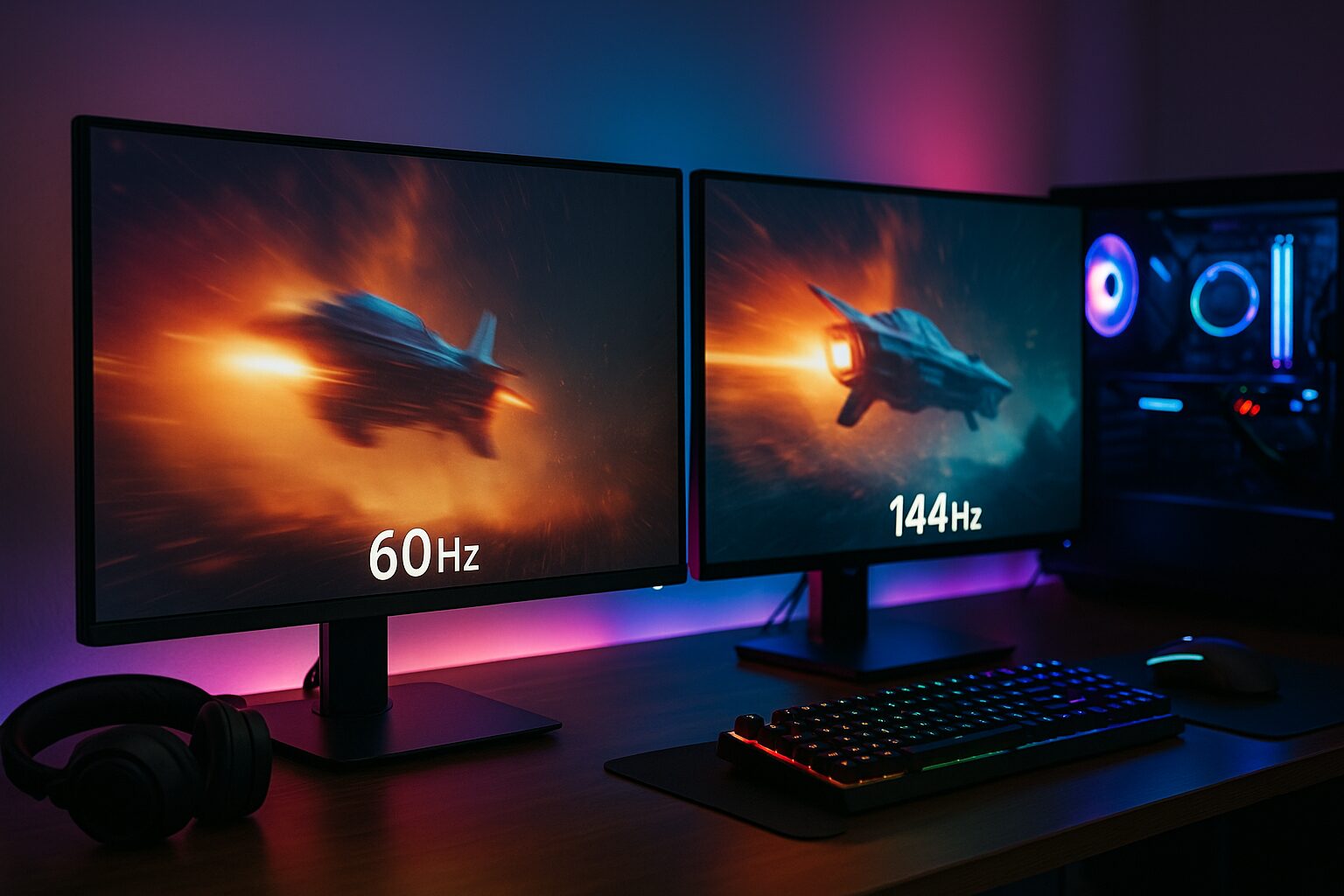
Mr.GadgetsThe image becomes smooth and fluid, making it easier to track enemies and leading to a more comfortable and advantageous play.
However, a high refresh rate requires the performance of the PC’s graphics card, so choose a monitor that can stably output within the range of your environment.
Response time: importance in competitive games and the degree of acceptable blurring
Gaming monitors generally advertise specs such as 1ms (GTG) or 0.5ms (MPRT). TN panels and OLED panels tend to have faster response times.
- 1ms~5ms: Recommended for FPS and fighting games where split-second reactions are required
- 5ms or more: Sufficient for RPGs and simulation games where movement is relatively slow
Especially in competitive games where a split-second decision can determine the outcome, response time is a key point that you cannot compromise on.
Ms.GadgetsIs a normal monitor okay for gaming?
Mr.GadgetsOf course it is possible, but a gaming monitor will provide a more comfortable and advantageous play!
The role of a gaming monitor is not just to display beautiful images. It is to maximize the player’s performance and provide a deep sense of immersion in the game.
A high refresh rate allows you to capture the movements of characters and subtle changes in the background more smoothly and vividly. A low response time minimizes the delay between input from the mouse or controller and the screen’s response, enabling quick and accurate operation as intended by the player.
| Feature | Typical Monitor | Gaming Monitor |
|---|---|---|
| Refresh Rate | 60Hz | 144Hz or higher (some are 360Hz or 500Hz+) |
| Response Time | 5ms or more | 1ms (GTG) or less (TN panels can be even faster) |
| Sync Technology | Often not equipped | Many products equipped with VRR technologies such as G-SYNC and FreeSync |
| Display Function | None in particular | Some products have game-specific functions such as improved visibility in dark scenes and crosshair display |
These functions work together to allow players to grasp the situation in the game world more accurately and make quick decisions and actions.
How to choose a gaming monitor
Key points of this heading!
- Game genre you play
- Check the performance of the connected device
- Refresh rate: selection based on desired smoothness and compatible device performance
- Response time: importance in competitive games and the degree of acceptable blurring
- Resolution: whether or not you want high quality
- Panel type: selection based on the characteristics you value, such as image quality, response speed, and viewing angle
- Budget: selecting a product that meets the required performance and is within your payment range
- Screen: shape and aspect ratio
- Additional features: game assistance functions such as improved visibility in dark scenes and crosshair display
- Stand adjustment: checking whether the height and angle can be adjusted for a comfortable playing posture
The most important thing when choosing a gaming monitor is to determine the balance between your playing style, environment, and budget. In this section, I will explain nine checkpoints to help you find the perfect one, starting with the game genre you play and ending with the adjustability of the stand. By confirming these points one by one, you will be able to find the perfect monitor for you.
Play game genre
Ms.GadgetsI’m not sure what specs to prioritize…
Mr.GadgetsLet’s first think about what is important in the game genre you play most often.
Clarifying what you value most is the first step in choosing a monitor.
Check the performance of the connected device
For example, it is difficult to maintain 4K resolution at a high refresh rate unless you have a high-performance graphics card. The PlayStation 5 supports output up to 4K/120Hz, but not all monitors can take advantage of that performance.
| Connected Device | Typical Output Performance | Considerations when selecting a monitor |
|---|---|---|
| High-end PC | 4K/144Hz or higher, WQHD/240Hz or higher | Specs that can maximize GPU performance |
| Mid-range PC | Full HD/144-240Hz, WQHD/120-165Hz | Balanced specs, considering GPU load |
| PlayStation 5 | Up to 4K/120Hz (HDMI 2.1 compatible software and monitor required) | Whether HDMI 2.1 compatible, whether VRR compatible |
| Xbox Series X/S | Up to 4K/120Hz (HDMI 2.1 compatible software and monitor required) | Whether HDMI 2.1 compatible, whether FreeSync compatible |
| Nintendo Switch | Up to Full HD/60Hz (TV mode) | A monitor with Full HD/60Hz or higher is sufficient, also consider response time |
If the monitor is high-performance but the connected device cannot keep up, it will be a waste of money. Consider the balance.
Refresh rate: selection based on desired smoothness and compatible device performance
Ms.GadgetsWhat are the benefits of a high refresh rate?
Mr.GadgetsThe image becomes smooth and fluid, making it easier to track enemies and leading to a more comfortable and advantageous play.
However, a high refresh rate requires the performance of the PC’s graphics card, so choose a monitor that can stably output within the range of your environment.
Response time: importance in competitive games and the degree of acceptable blurring
Gaming monitors generally advertise specs such as 1ms (GTG) or 0.5ms (MPRT). TN panels and OLED panels tend to have faster response times.
- 1ms~5ms: Recommended for FPS and fighting games where split-second reactions are required
- 5ms or more: Sufficient for RPGs and simulation games where movement is relatively slow
Especially in competitive games where a split-second decision can determine the outcome, response time is a key point that you cannot compromise on.
Resolution: whether or not you want high quality

| Resolution | Advantages | Disadvantages |
|---|---|---|
| Full HD (1920 x 1080) | Common resolution. Basically all games and hardware are compatible. | Pixels may be noticeable on large screens. |
| WQHD (2560 x 1440) | Intermediate resolution between Full HD and 4K for high image quality. | Some performance is required from the PC and hardware. |
| 4K (3840 x 2160) | Ultra-high resolution. | Considerable performance is required from the PC and hardware. |
The screen size is the diagonal length of the monitor screen in inches. Full HD (1920×1080) is popular around 24 inches. WQHD (2560×1440) is best with 27 inches, and 4K (3840×2160) is best with 27 inches or more, but it also puts a load on the PC.
Ms.GadgetsA large screen with high resolution sounds immersive!
Mr.GadgetsYes, but you also need to consider the installation space and PC specs.
Consider the desk depth, viewing distance, and PC graphics processing power to choose a combination of resolution and screen size that is good.
Also check the supported HDMI version
For example, if you connect a game console that supports 4K resolution at 120Hz to an old HDMI cable, the cable may not be able to support 4K/120Hz, and the image may not be displayed at 4K/120Hz. To enjoy the latest TVs and high-quality HDR (High Dynamic Range) and high-quality surround sound, it is important to choose a cable that matches the functions of the equipment.
Click here to check the HDMI version
| HDMI Version | FHD | WQHD | 4K | 8K | 10K |
|---|---|---|---|---|---|
| Ultra96 (HDMI 2.2) | |||||
| Ultra High Speed (HDMI 2.1) | |||||
| Premium High Speed (HDMI 2.0) | |||||
| High Speed (HDMI 1.4) | |||||
| High Speed (HDMI 1.3) | |||||
| Standard (HDMI 1.2 or earlier) |
※1 8K/10K high refresh rate requires DSC (Display Stream Compression).
※2 2.0’s 1080p240Hz and 1.4/1.3’s 1080p144Hz are possible in terms of bandwidth, but are not required and depend on the device.
※3 Ultra96/HDMI 2.2 (96 Gbps) is a draft standard as of 2025 and specifications are subject to change.
Panel type: selection based on the characteristics you value, such as image quality, response speed, and viewing angle

- IPS panel has a wide viewing angle and excellent color reproduction, making it well-balanced, but the response speed is inferior to TN.
- VA panel has a high contrast ratio and is good at expressing black, but the response speed varies depending on the product.
- TN panel has a very fast response speed and many affordable models, but the viewing angle is narrow and the colors tend to change.
- Organic EL panel has excellent response speed and contrast ratio, but is expensive and has a risk of burn-in.
| Panel | IPS | VA | TN | Organic EL |
|---|---|---|---|---|
| Response Time | Standard to fast | Slightly slow | Very fast | Very fast |
| Color Reproduction / Viewing Angle | Wide viewing angle and vivid | Good | Narrow and color shift | Very good |
| Contrast Ratio | Sufficiently high | Very high | Slightly low | Perfect black |
| Main Features | Balanced type, excellent color reproduction | High contrast, immersive | Affordable, specialized in response speed | Best in both quality and speed |
| Recommended Use | RPG/Video editing/General | Movies/Games in dark scenes | FPS/Competitive games | HDR/High-quality games |
| Price Trend | Medium | Medium | Affordable | Expensive |
Understand the characteristics of each panel and choose one that matches the points you value most (image quality, response speed, viewing angle, price, etc.).
Budget: selecting a product that meets the required performance and is within your payment range
The price range of gaming monitors is wide, with entry-level models starting at around 20,000 yen and high-end models with advanced features exceeding 100,000 yen.
Ms.GadgetsI want a high-performance one, but I’m also worried about the budget…
Mr.GadgetsI recommend first deciding on the specs you can’t compromise on and then looking for a product that fits your budget.
Choose a monitor that balances the performance you want and your budget. It is also a good idea to take advantage of sales periods.
Screen: shape and aspect ratio
- Screen aspect ratio
- Whether it is curved or not
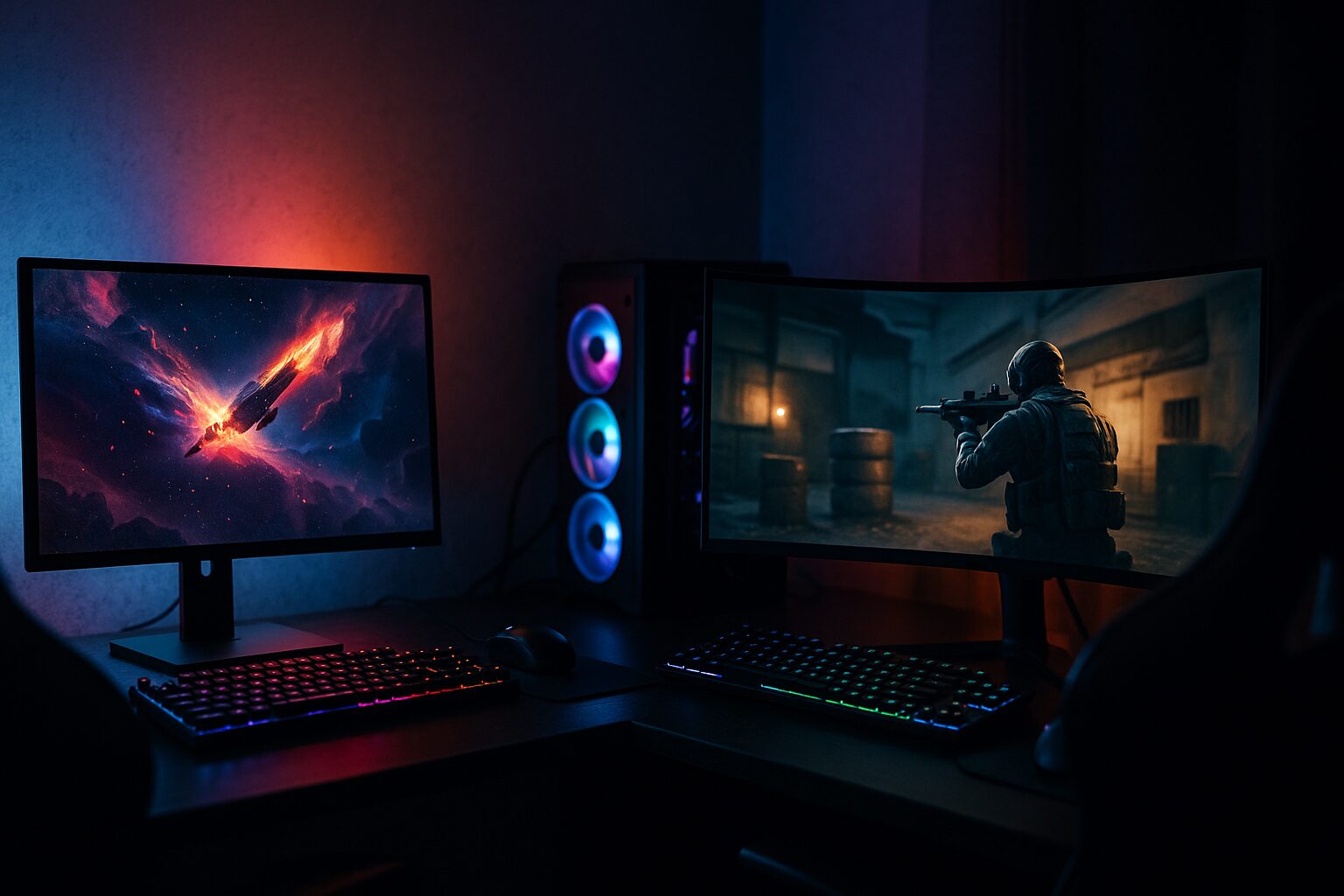
When choosing the shape of the screen, pay particular attention to the aspect ratio and whether it is curved.
The basic aspect ratio is 16:9, and ultra-wide is 21:9. If you want an immersive experience, you might try ultra-wide.
 Mr.Gadgets
I think the build quality clearly differs depending on the product price.
| Aspect Ratio | Details |
|---|---|
| 16:9 | Common aspect ratio. Basically all games are compatible. |
| 21:9 (Ultra-wide) | Immersive visuals. Suitable for RPGs and racing games. However, some games may not be compatible. |
Also, a flat panel is common and has a wide range of sizes. A curved panel has the screen curved towards the viewer, which is often used in large screens of 27 inches or more and ultra-wide monitors of 21:9. It reduces eye movement and provides a sense of immersion.
- Advantages of Flat Panels
- Suitable for straight-line design work
- Less likely to choose an installation location
- Many affordable models
- Advantages of Curved Panels
- High immersion
- Less eye movement even on large screens
- Said to be less tiring on the eyes because the focal distance changes less
If you want immersion, choose curved. If you want to play FPS or work, choose flat.
Ms.GadgetsI’m not sure what to do…
Mr.GadgetsI think it’s a good idea to try it out if you have the opportunity.
Additional features: game assistance functions such as improved visibility in dark scenes and crosshair display
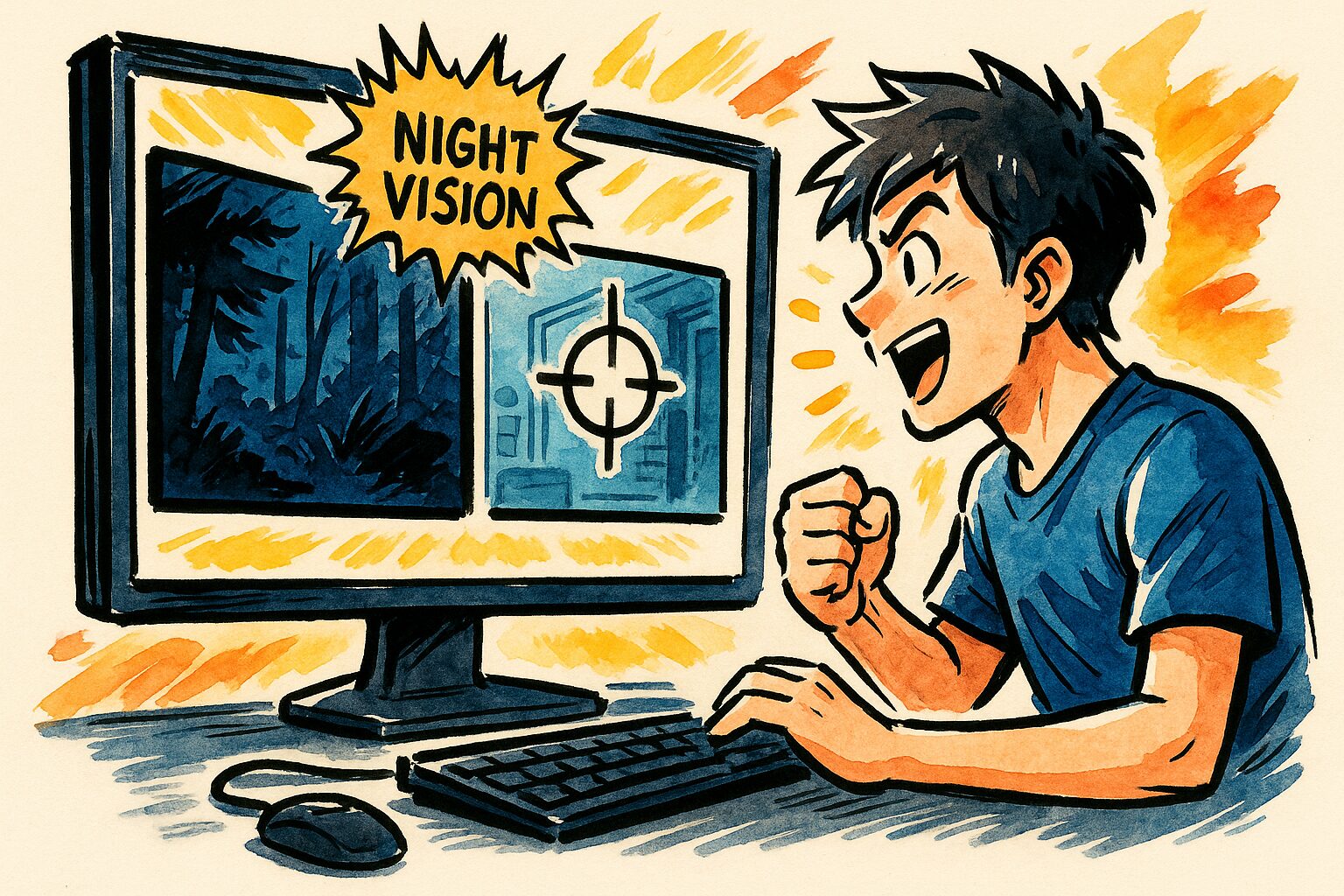
“Additional features” refer to special functions that maximize the gaming experience, such as making dark scenes brighter or displaying a crosshair on the screen.
Typical functions include “Black Equalizer” to brighten dark areas in the game and make enemies easier to find, a function to display a crosshair in the center of the screen, and a function to adjust colors to improve visibility. These functions are particularly effective in competitive shooting games.
These are not essential for all players, but are attractive options for those who often play a specific genre or want to gain an advantage.
Stand adjustment: checking whether the height and angle can be adjusted for a comfortable playing posture
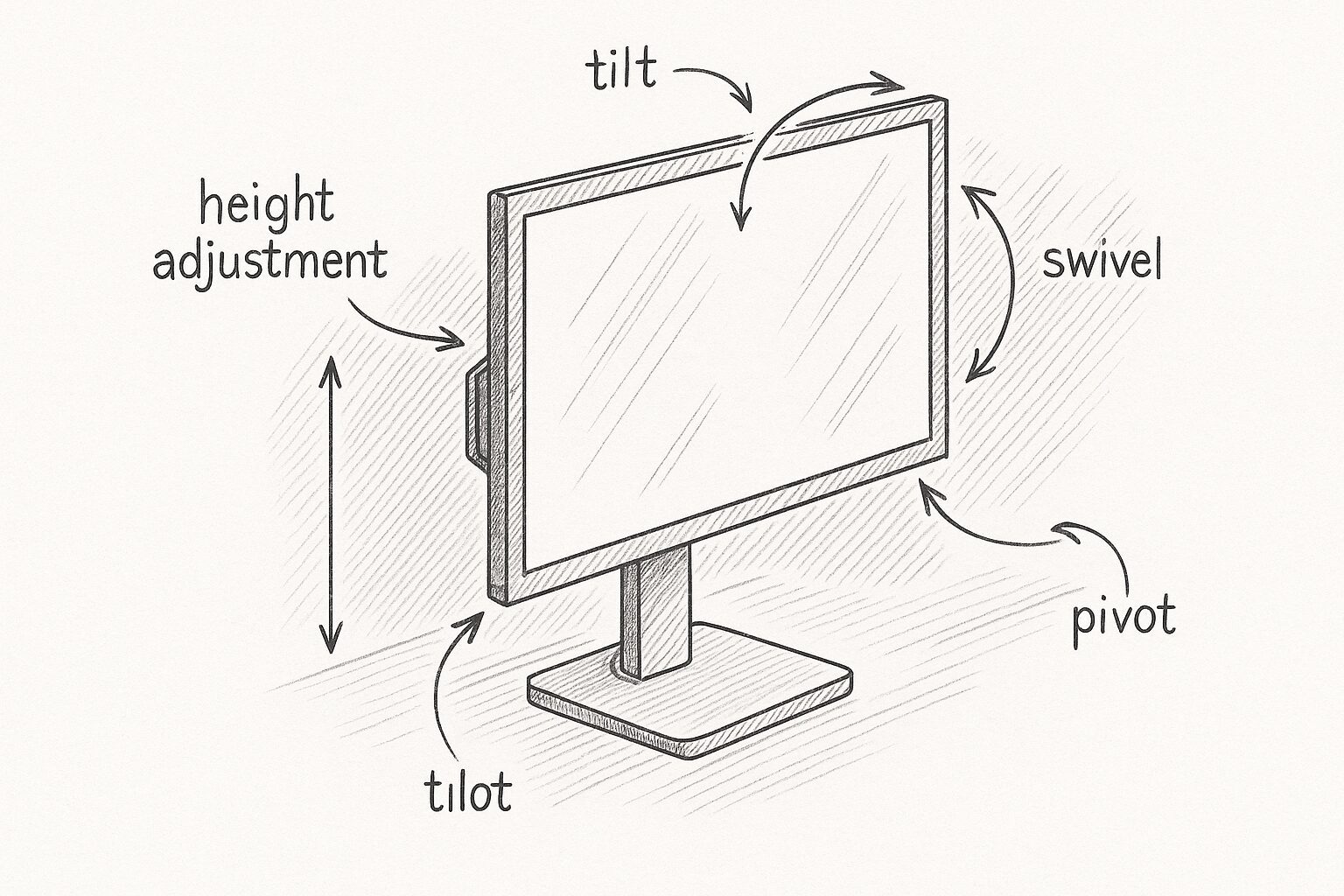
“Stand adjustment” refers to the mechanism to adjust the height, vertical angle (tilt), left-right swivel, and vertical rotation of the monitor stand.
For long hours of play, it is especially important to have a height adjustment function to match the height of your eyes and a tilt function to adjust the angle to a comfortable position. This allows you to maintain a comfortable posture and reduce strain on your neck and shoulders. At least a tilt adjustment, and preferably a height adjustment, is recommended.
 Mr.Gadgets
I think the build quality of the stand is clearly different depending on the product price.
Summary
In this article, I have explained the knowledge to find the perfect gaming monitor to avoid regrets. The three most important points when choosing a gaming monitor are:
- Understand the meaning of basic specs such as refresh rate and response time.
- Determine what specs you need based on the game genre you play and the performance of your PC/game console.
- Choose a product that meets the required performance and is within your budget.
Based on the points explained in this article, find the perfect gaming monitor and enjoy the best gaming experience.
Thank you for reading this article to the end!
- Product prices and information are as of the time of writing.
- This site is not responsible for any inaccuracies in this information.
- The product and service names mentioned in this site are trademarks of their respective companies.
This article was originally written in Japanese and has been translated.
Comments