

Telework and web conferencing have become commonplace over the past few years. Many people have likely found video meetings, especially those using tools like Zoom, to be a part of their daily routine.
Are you familiar with the tools available to make web conferencing more comfortable? For example, the “speakerphone” we have introduced on this site is one such tool. A “speakerphone” enhances the comfort of web meetings in terms of audio.
The “eMeet C970L” we are introducing today is a tool called a “webcam” that enhances comfort in terms of visuals.
What is a webcam?
A “webcam” is a camera used to send captured footage, such as from a web meeting, to other devices in real-time via the internet.
Specifically, if you are using a PC that does not have a built-in camera, a webcam is necessary to display video during a web meeting. It is also a valuable tool for PCs that come with low-quality built-in cameras.
With that said, today we will be reviewing the eMeet “eMeet C970L” webcam.
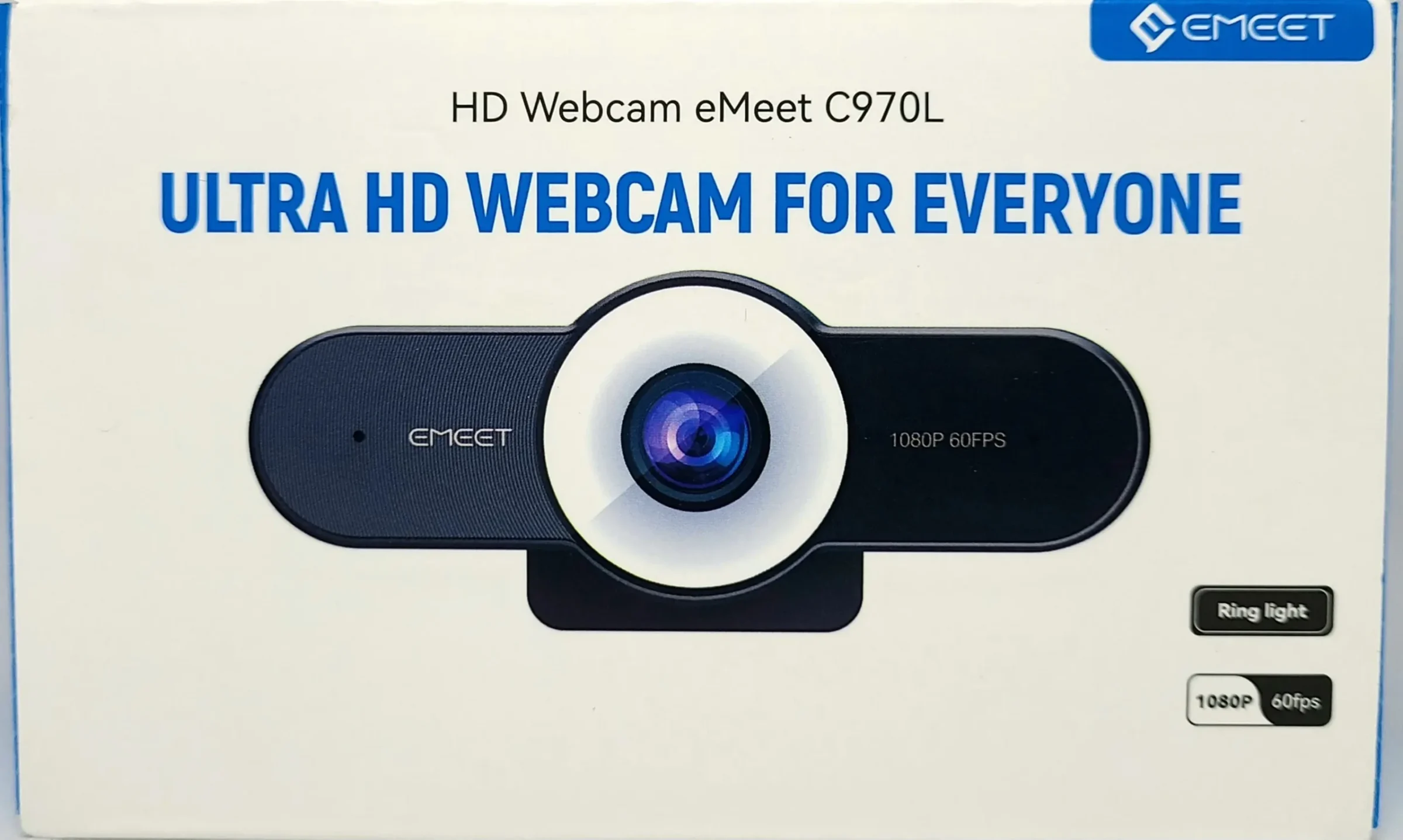
- High resolution and effective pixel count result in clear images
- Smooth frame rate of 60fps
- Autofocus locks onto subjects quickly
- Ring light makes subjects appear bright and vivid
- Noise-reduction microphones provide clear audio
- Privacy protection feature included
- Cannot be moved horizontally

Basic information about the eMeet C970L
Specifications
| Lens | 4-layer optical | Light | LED, 3-level brightness adjustment |
| Resolution | 1080P | Microphone | Noise reduction x2 |
| Effective Pixels | 2 million pixels | Directivity | 360-degree omnidirectional |
| Frame Rate | 60fps | Dimensions | 135mm × 83mm × 65.5mm |
| Focus Type | Autofocus | Connection | USB |
| Field of View | 75 to 90 degrees | Cable Length | 1.8m |
The “eMeet C970L” features a 1080p resolution, 2 million effective pixels, and 60fps. For webcams, it is particularly important to consider “resolution” and “effective pixel count,” which represent image detail, as well as the “frame rate,” which represents image smoothness.
When choosing a webcam, pay special attention to these three factors. If these three are too low, the camera may not fulfill your expected role.
Resolutions of 720p (HD) and 1080p (Full HD) are the mainstream, but you should choose a 1080p (Full HD) model if you want to capture images more clearly.
If the effective pixel count is 1 million pixels or more, the image will be reasonably clear. With 2 million pixels or more, you can clearly display fine details.
Also, the frame rate is important for capturing smooth video. Digital terrestrial broadcasting uses 30fps, and regular smartphones use 60fps, so 30fps is sufficient. With 60fps, the video becomes quite smooth.
Most webcams also come with a microphone. If you are particular about clearer audio and better sound quality, choose a product equipped with a microphone that features noise-canceling technology.
The “eMeet C970L” is equipped with two noise-reduction microphones, so you can expect clear audio.
Included Items
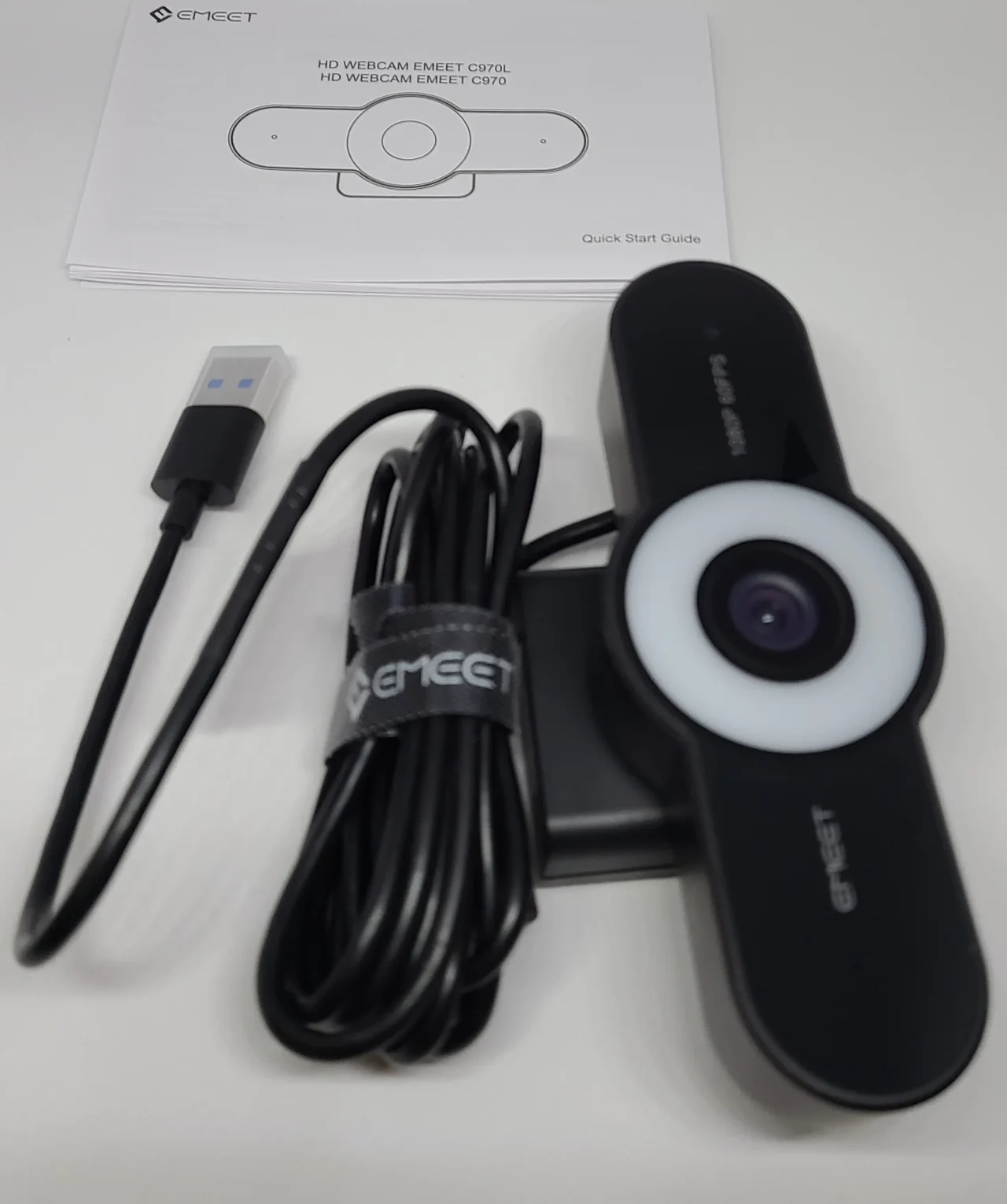
- Main unit
- Manual
The manual was available in Japanese.
Appearance
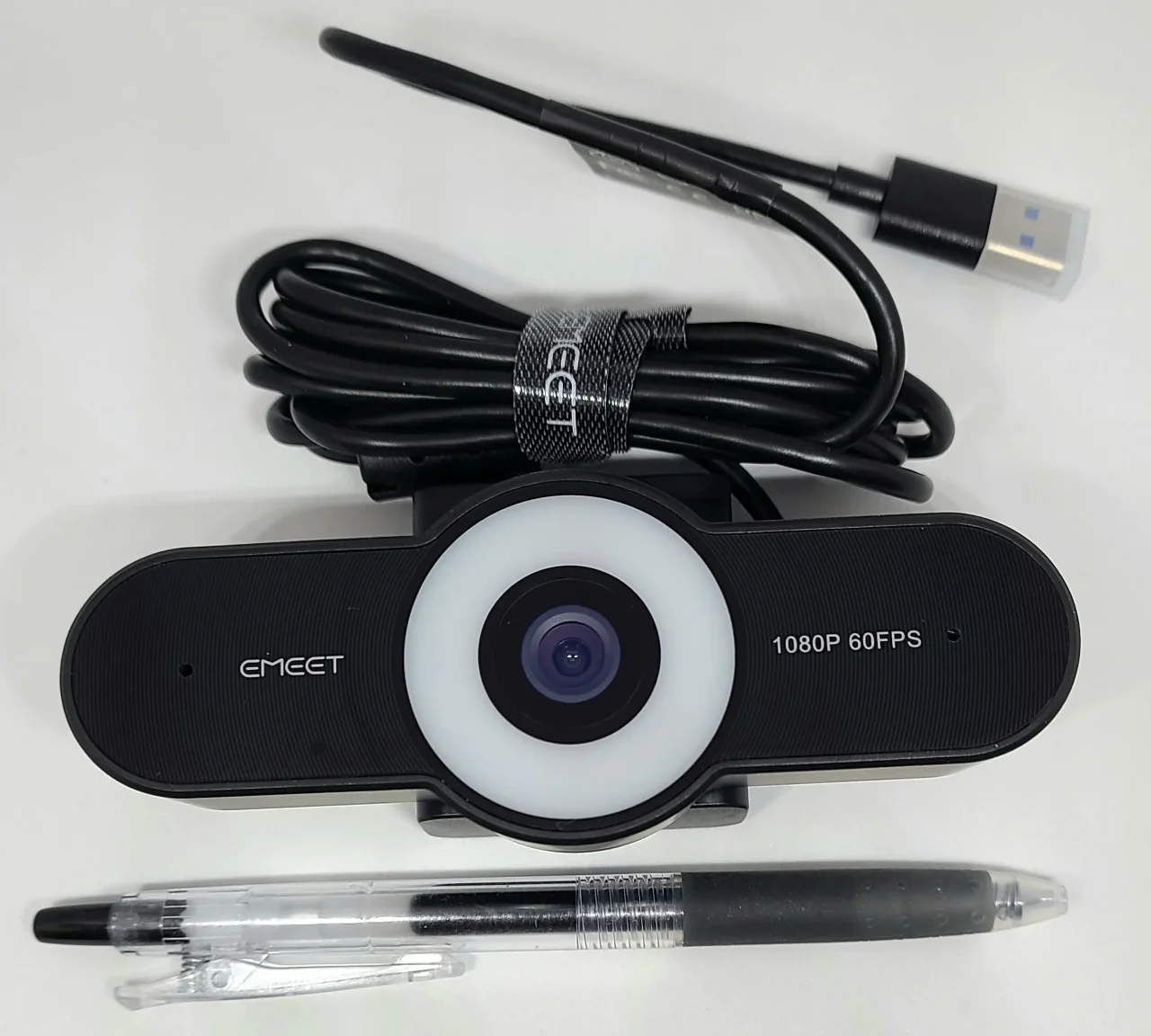
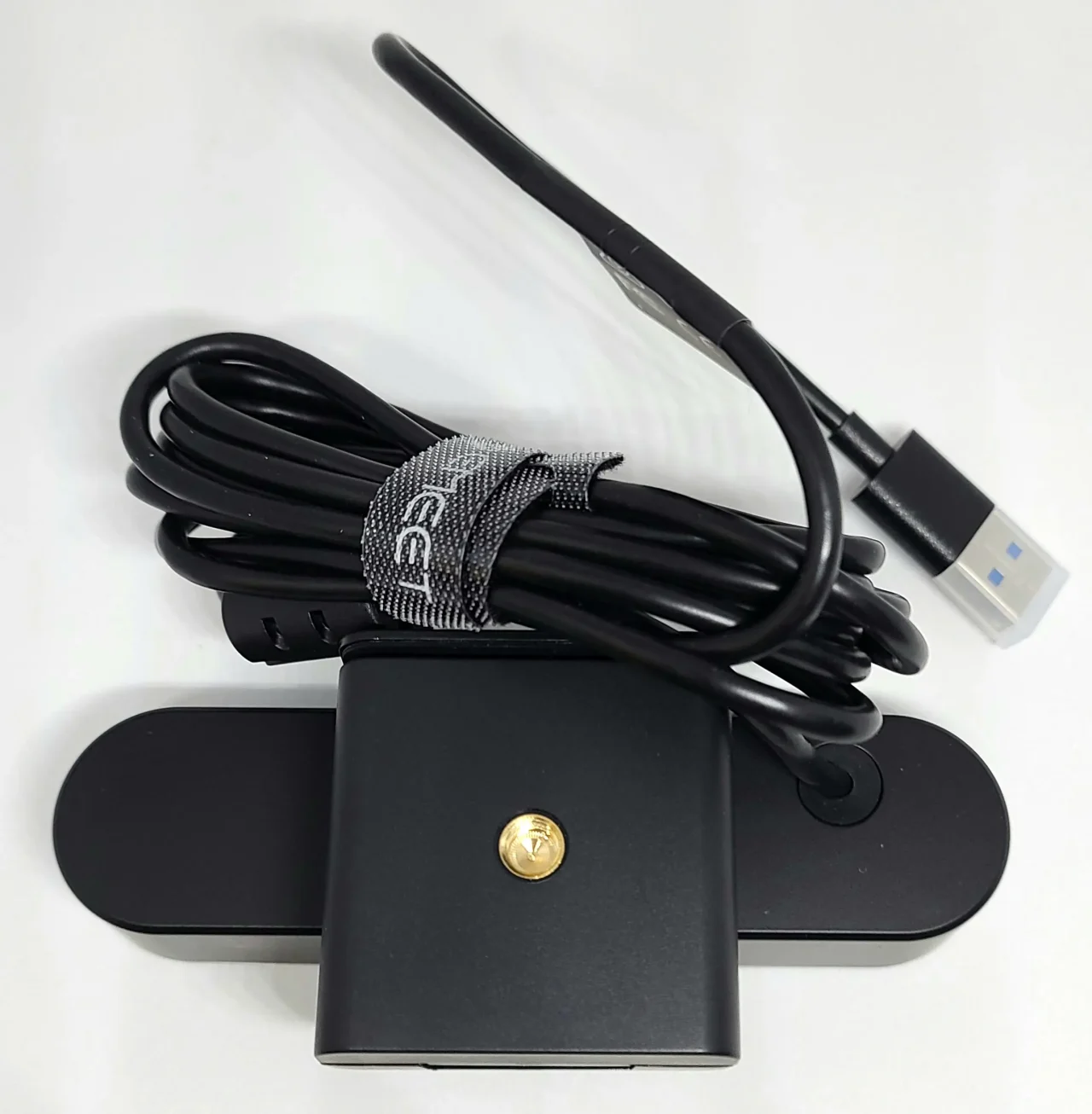
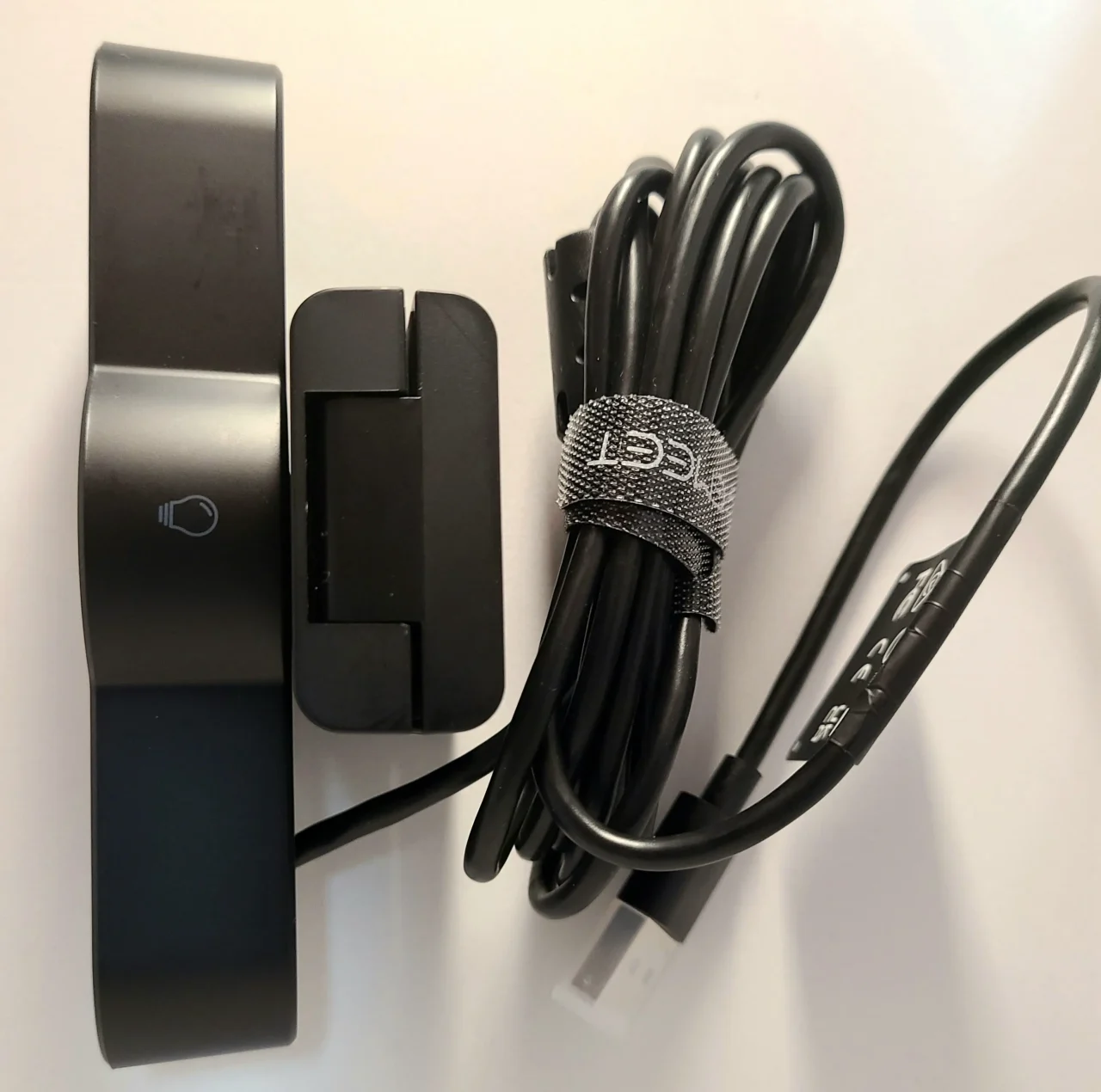
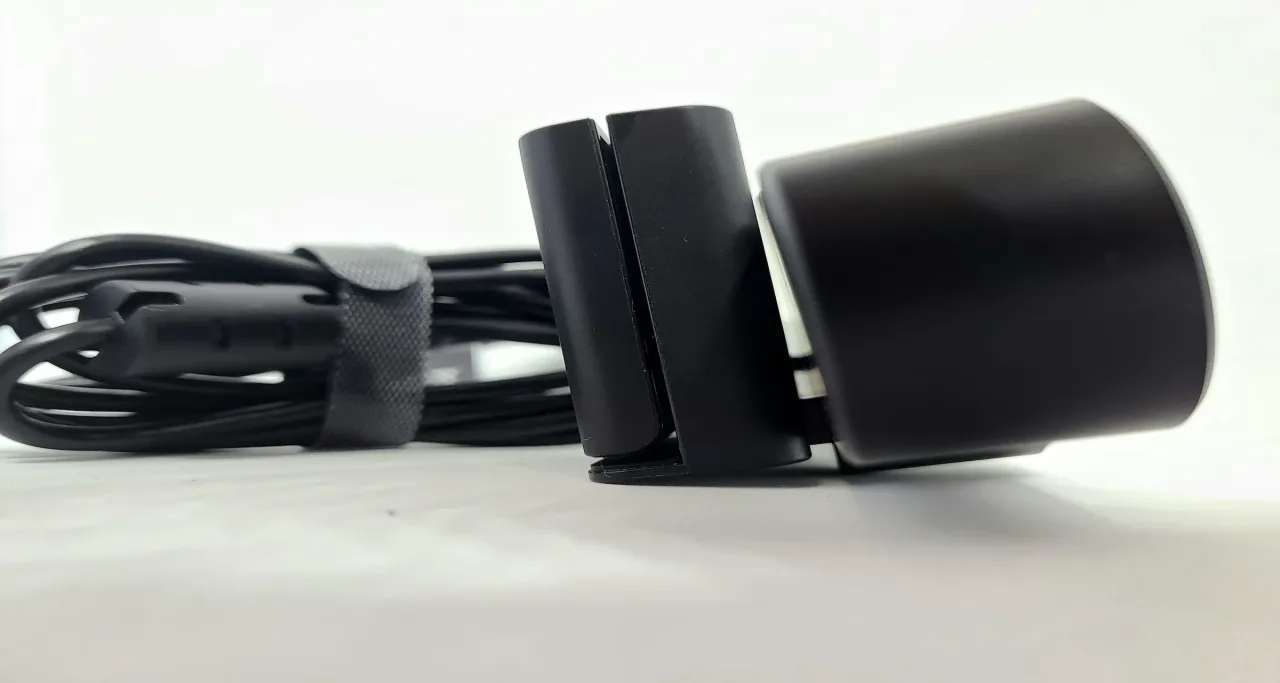
Actual Usability
Image Quality
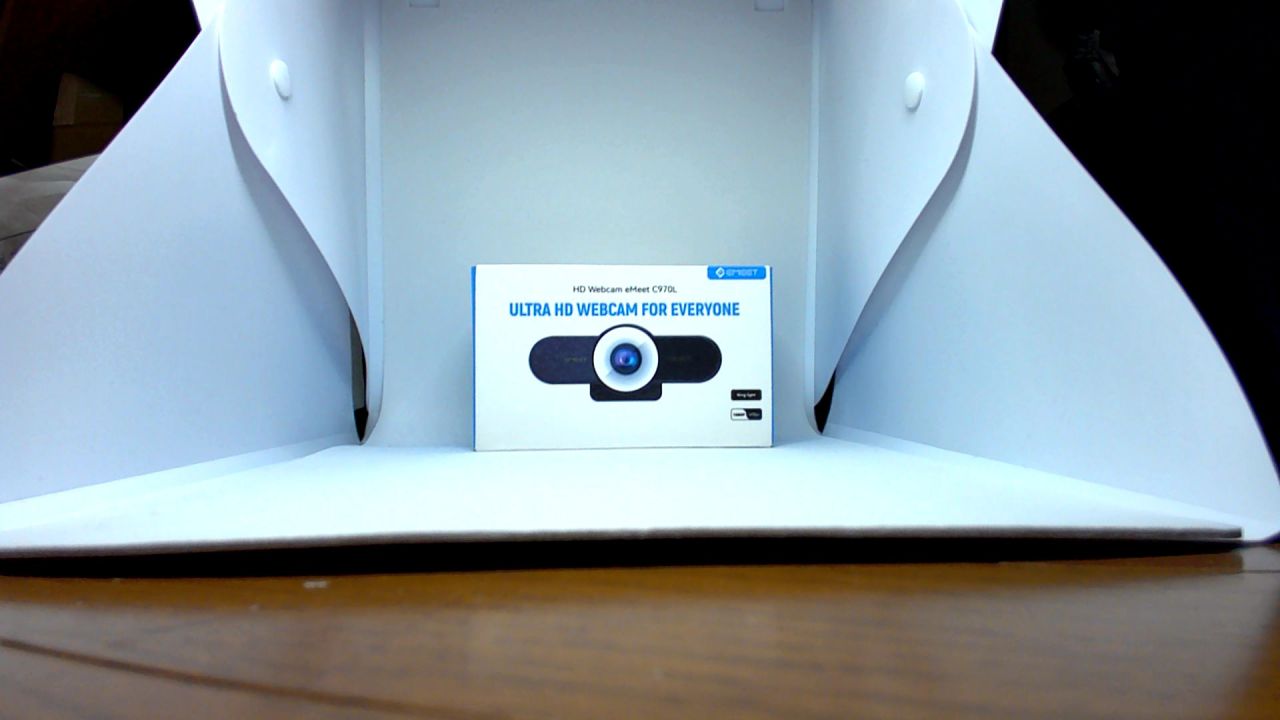
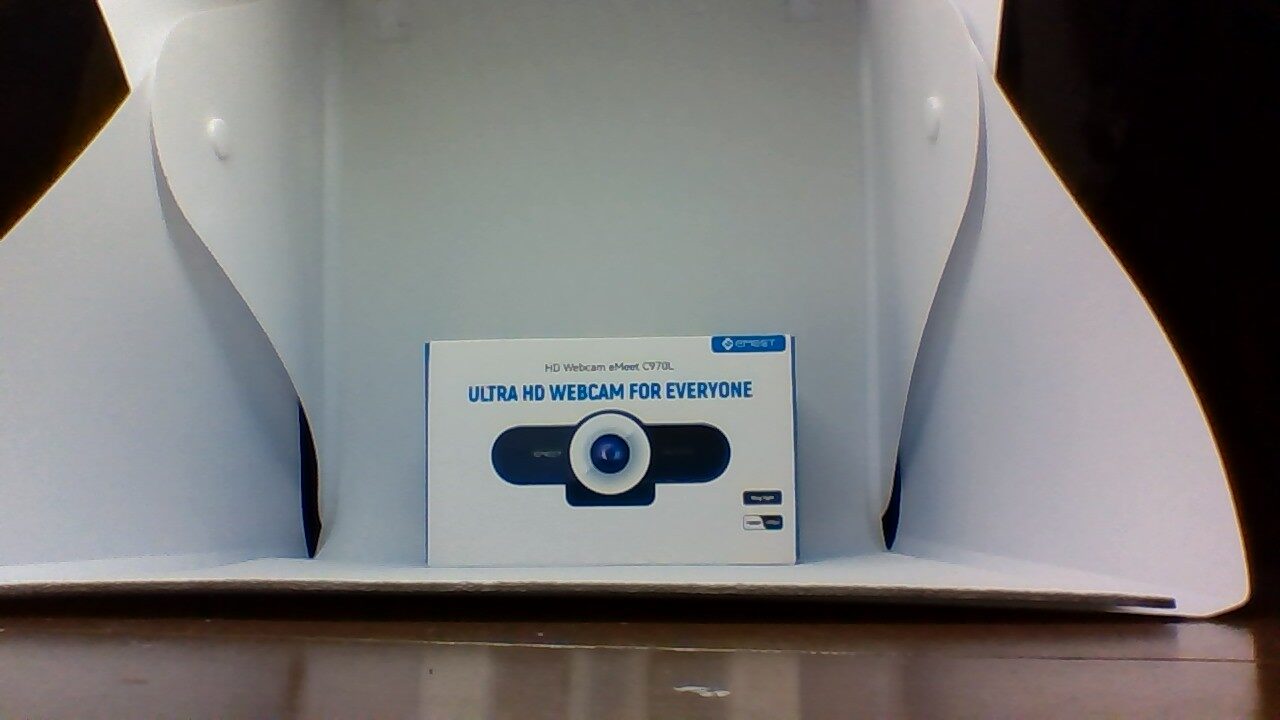
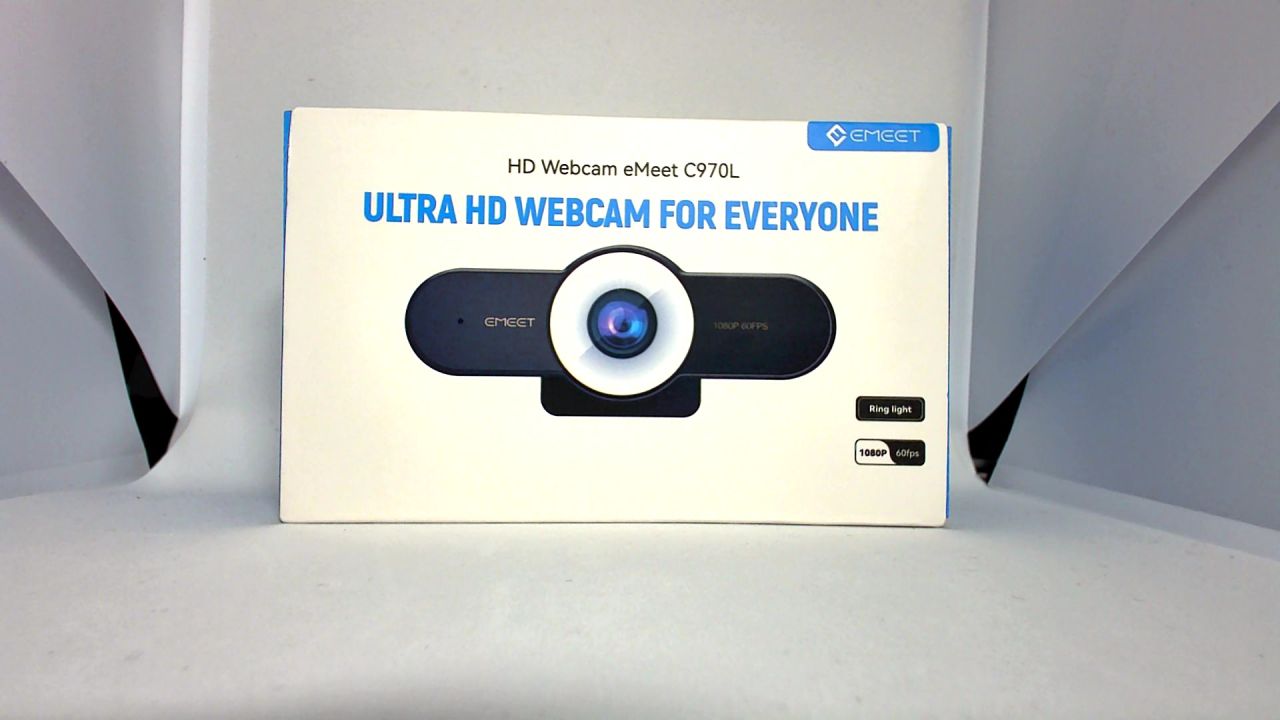
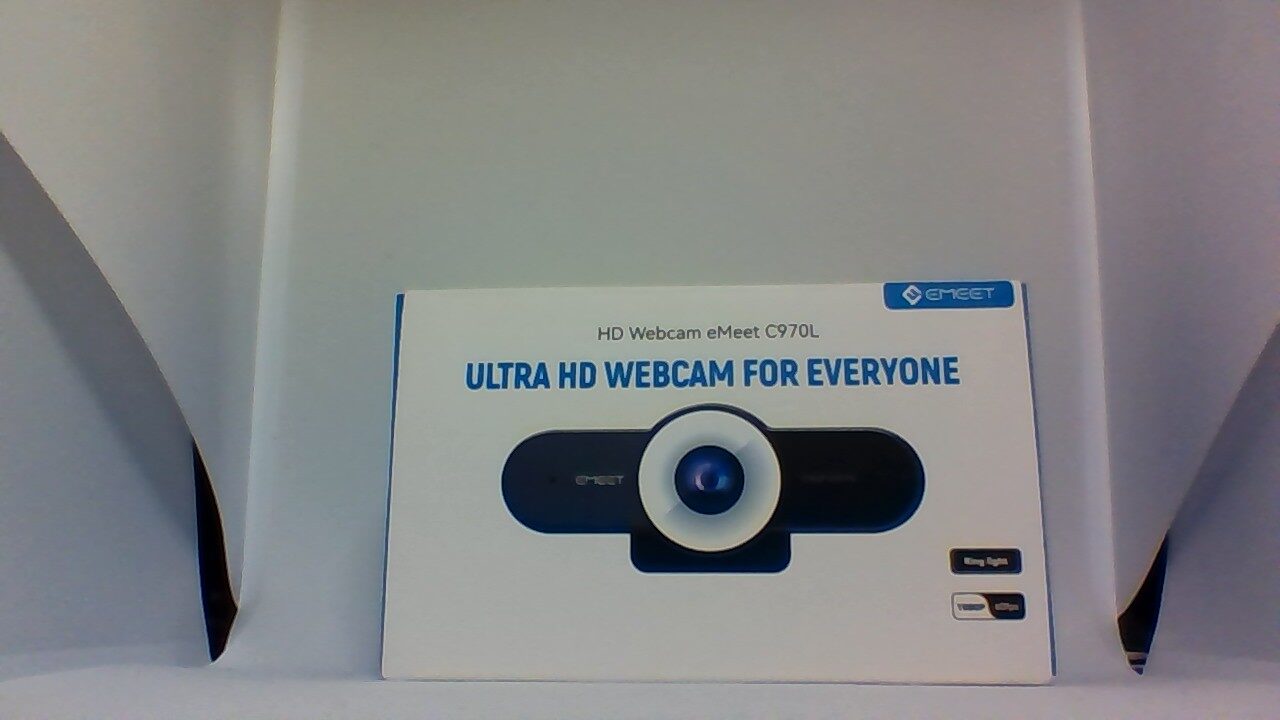
Let’s compare the photos taken with the “eMeet C970L” and the Chromebook.
The photos above were taken under nearly identical conditions. No processing or compression has been applied.
Comparing them, the “eMeet C970L” looks brighter and clearer. The “eMeet C970L” comes with a ring light, which makes the subject appear bright and vivid.
Video
In video, the difference in performance is much more apparent than in photos. While a built-in PC camera results in a grainy, rough video quality, the “eMeet C970L” captured fine details clearly without any issues.
The “eMeet C970L” in particular has excellent autofocus, which quickly and accurately focuses on the subject.
Overall, the high contrast results in vivid video. Furthermore, because the “eMeet C970L” has a high frame rate, I was able to record smooth video without any unnatural feel.
Microphone
I tested it by connecting it to Google Meet.
The “eMeet C970L” is equipped with two noise-reduction microphones. The sound quality is overwhelmingly better compared to the built-in PC microphone.
However, when compared to the previously introduced speakerphones “eMeet M2” and “eMeet M2 max,” there is a noticeable difference.
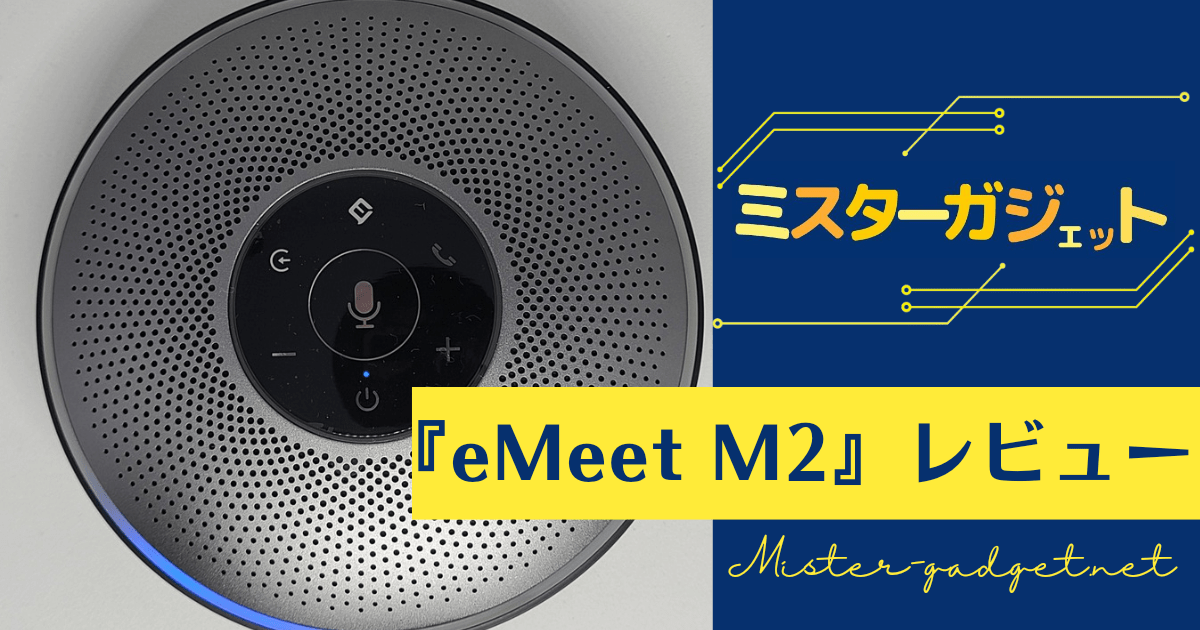
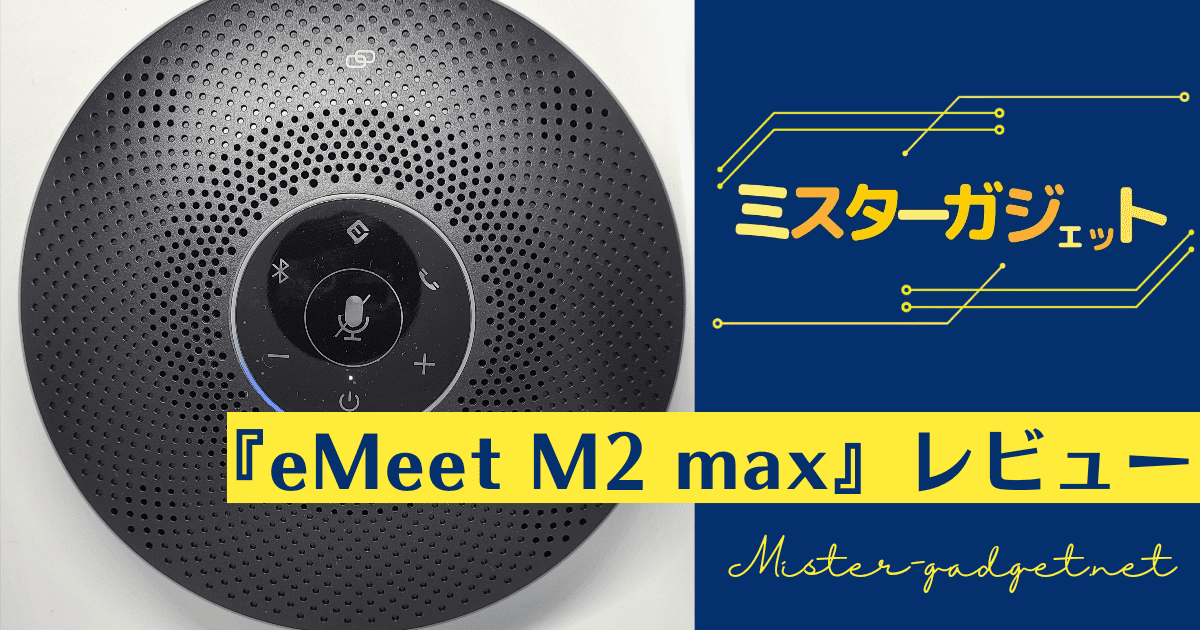
The speakerphones mentioned above use noise-canceling technology, which eliminates background noise and only picks up the speaker’s voice. The “eMeet C970L,” however, uses noise reduction, which only reduces overall audio noise. While it does eliminate some noise and makes the sound cleaner, it does not make the speaker’s voice as easy to hear as noise-canceling technology does.
If you require a high level of microphone performance, you should purchase a dedicated speakerphone or microphone.
The Stand
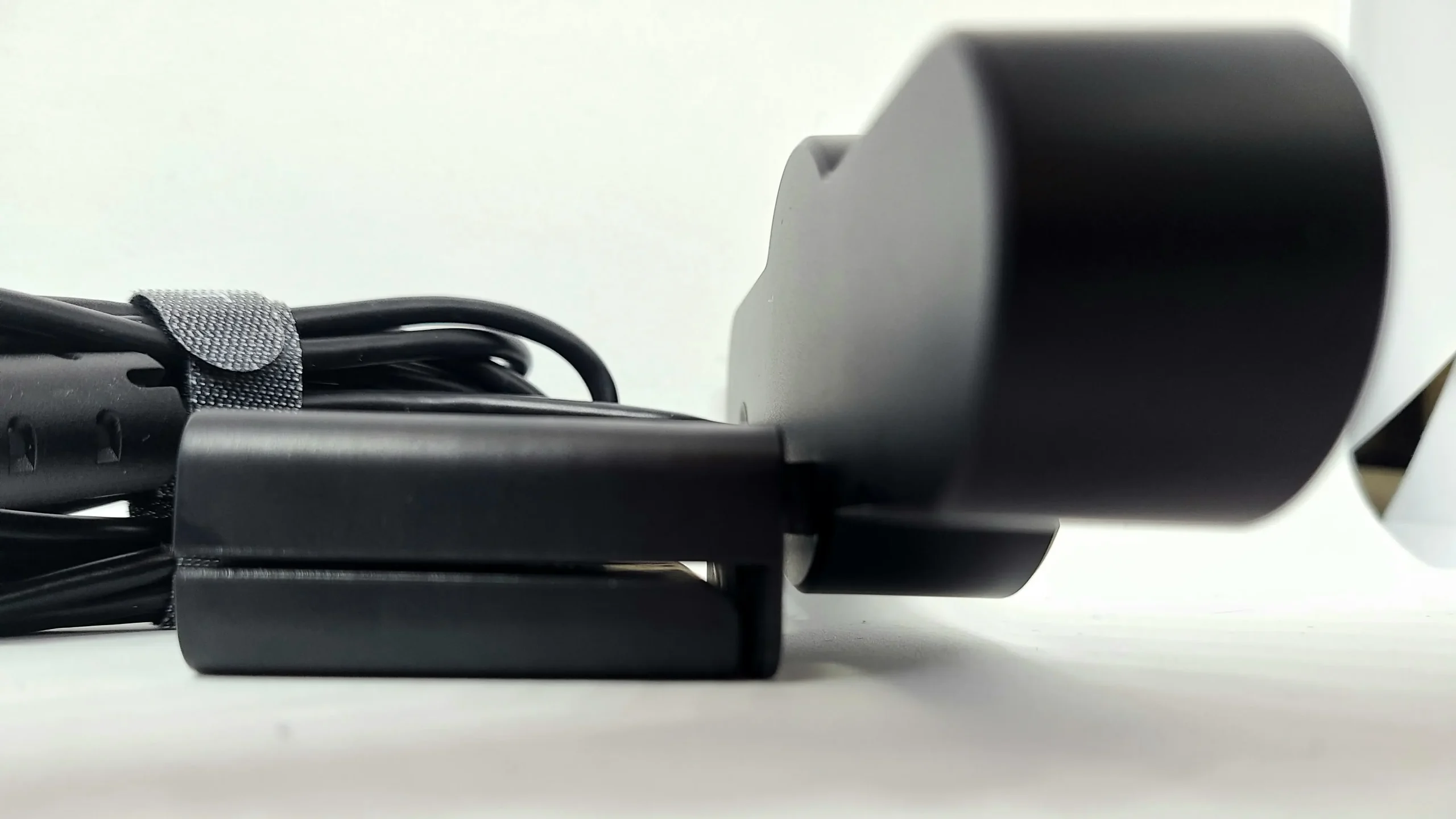
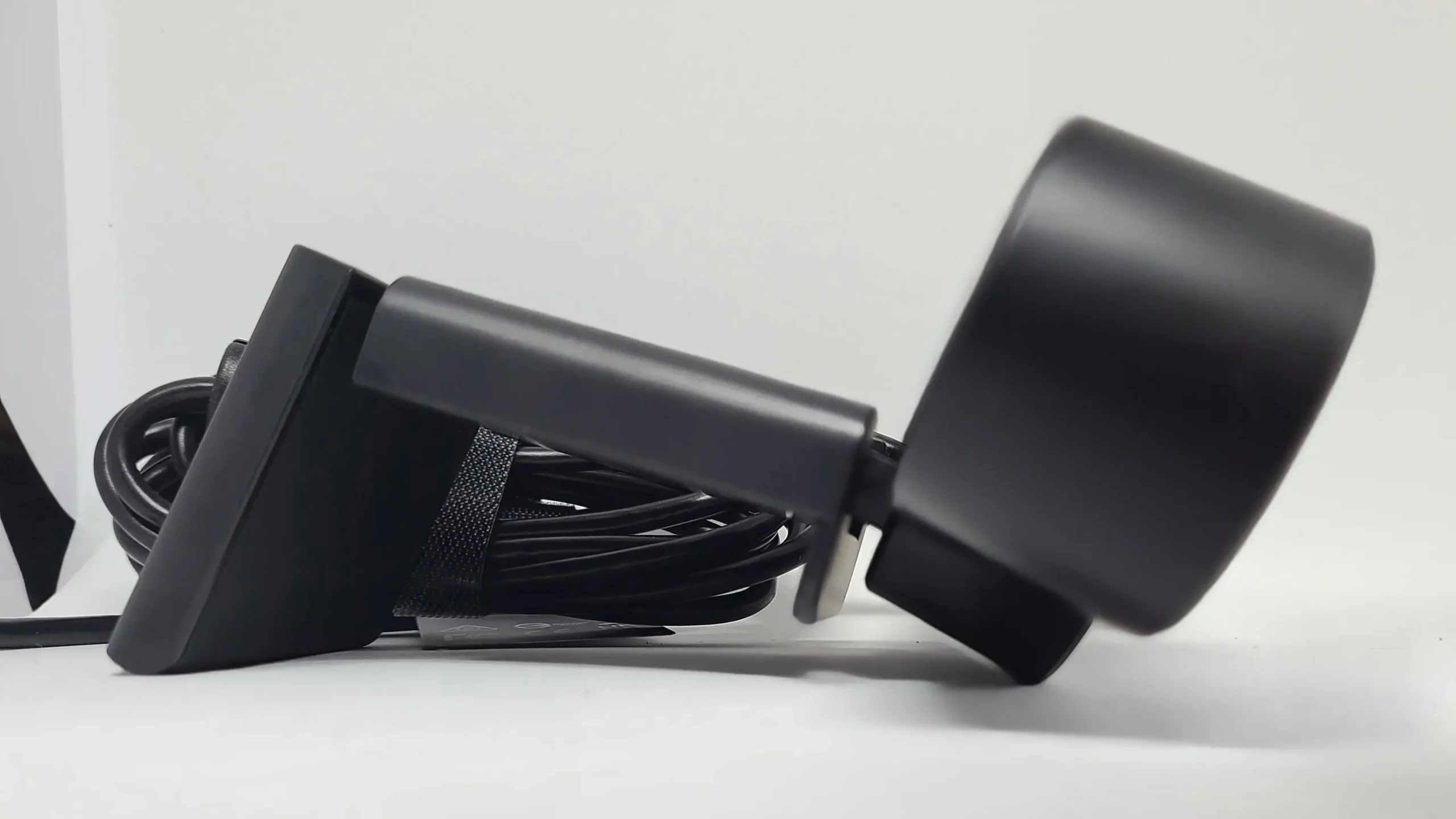
By lifting the stand portion like this, the privacy protection feature is turned off, and the camera and microphone are turned on.

The photo above shows the stand opened to its maximum extent.
While you can adjust the angle significantly in the vertical direction, it does not move at all horizontally, so keep that in mind.
Conclusion
- High resolution and effective pixel count result in clear images
- Smooth frame rate of 60fps
- Autofocus locks onto subjects quickly
- Ring light makes subjects appear bright and vivid
- Noise-reduction microphones provide clear audio
- Privacy protection feature included
- Cannot be moved horizontally
I was personally surprised by how much of a difference there was compared to the built-in PC camera, more than I had imagined. The difference in the graininess of the image quality is particularly large.
Unlike a built-in PC camera, you can remove or move the camera itself, which allows you to show things without having to move the PC itself. Because the image quality is high, it is also useful for showing products during web meetings and the like.
For those who frequently attend web meetings or do streaming, I think there is a significant difference between having this type of webcam and not having one.
Recommended for:
- People who frequently participate in web meetings or streaming
- People who want a webcam that can capture bright and vivid images
- People who want a high-quality, cost-effective webcam
Thank you for reading until the end!
- Product prices and information are current as of the time this article was written.
- Please note that this site cannot be held responsible for any inaccuracies in this information.
- Product and service names mentioned on this site are trademarks of their respective companies.
This article was originally written in Japanese and has been translated.
Comments