
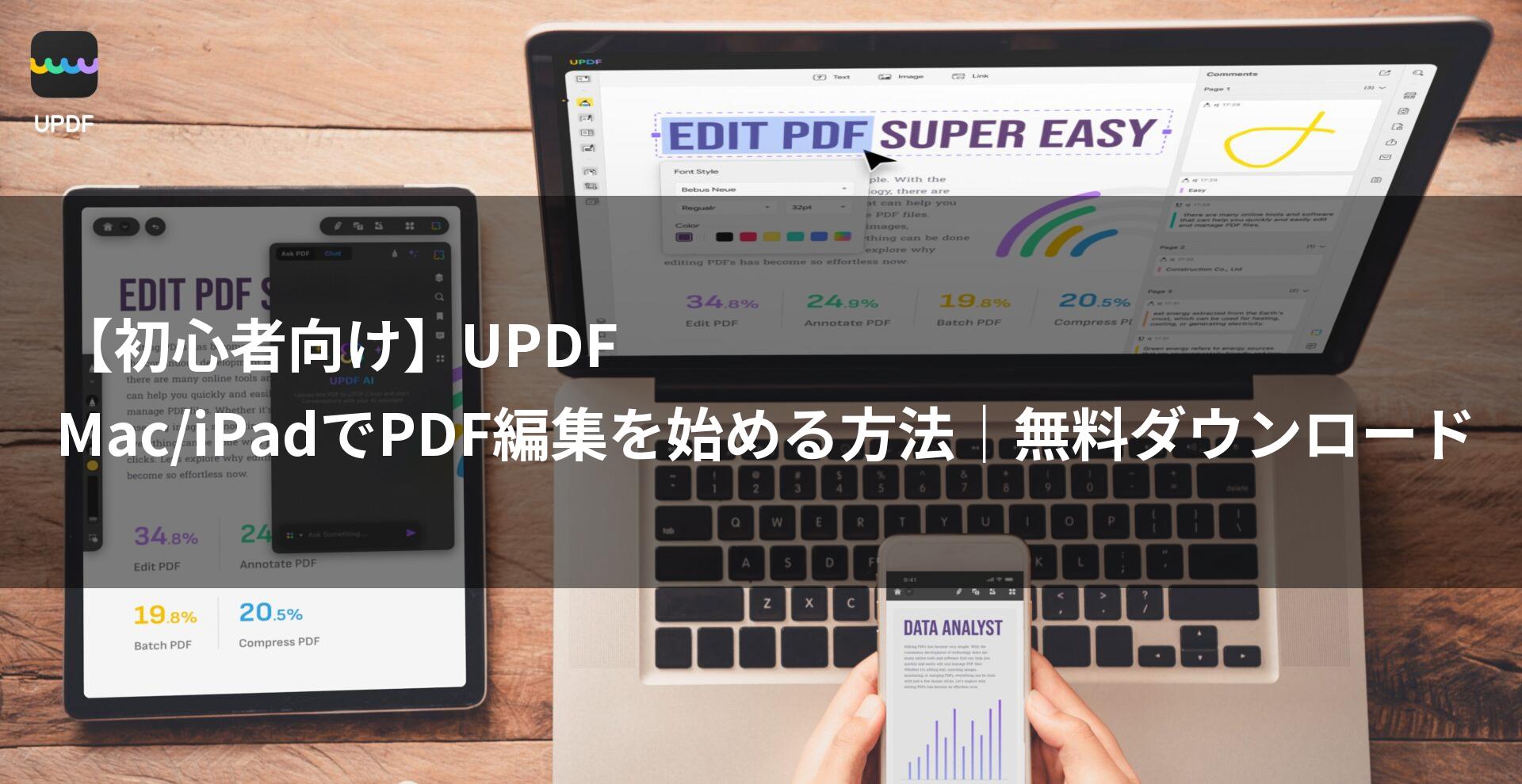
UPDF is the optimal PDF editing software for Mac and iPad users.
With high affinity for Apple products, its wealth of features and intuitive operability make PDF editing smarter.
By reading this article, you will understand the appeal of UPDF, its basic usage, and the differences between the free and paid versions, enabling you to build the ideal PDF editing environment for your needs.
 Ms.Gadgets
There are so many PDF editing software options, but it’s hard to know which one to choose, isn’t it…
 Mr.Gadgets
With UPDF, integration with Mac and iPad is seamless, and it’s incredibly easy to use! Try the free version first!
- This article was created based entirely on information provided by the manufacturer.
Please note that this site assumes no responsibility for any inaccuracies in this information.
What you will learn in this article!
- Good news for Mac/iPad users | PDF editing made more accessible with UPDF
- UPDF | Reasons why it is chosen by Mac/iPad users
- Safe for beginners | Basic operations of UPDF
- UPDF | Useful functions beyond editing
- UPDF | Differences between the free and paid versions
- Start a smart PDF editing life with UPDF
Good news for Mac/iPad users | PDF editing made more accessible with UPDF
Highlights of this section!
UPDF is a more accessible and easy-to-use PDF editing software for Mac/iPad users than ever before.
Beyond its high affinity with Apple products, its wealth of features and intuitive operability make PDF editing tasks smarter.
For those seeking a comfortable PDF editing environment
 Ms.Gadgets
All PDF editing software seems the same; I don’t know which one to choose…
Mr.GadgetsUPDF is designed to pursue the comfort that Mac/iPad users demand, so you’ll surely be satisfied!
When choosing PDF editing software, the agility of operation and the design of the interface are important points.
UPDF is optimized to draw out the maximum performance of Apple products, and it achieves comfortable editing work with a clean and intuitive UI.
Try it easily with a free download
 Ms.Gadgets
I feel a bit hesitant about buying the paid version right away…
Mr.GadgetsTry the free version first to experience the ease of use of UPDF!
The appeal of UPDF is that you can try out many features with a free download.
You can actually check the operational feel on your Mac/iPad and carefully decide if it is right for you.
First, download UPDF and experience the world of PDF editing.
- UPDF for Mac: https://updf.com/jp/updf-for-mac/?utm_source=media-mister-gadget-2503-taylor&utm_medium=mister-gadget&utm_campaign=taylor202503
- UPDF for iPad: https://updf.com/jp/updf-for-ios/?utm_source=media-mister-gadget-2503-taylor&utm_medium=mister-gadget&utm_campaign=taylor202503
- iPad App Store link: https://apps.apple.com/app/apple-store/id1595826623?pt=123650302&ct=media-mister-gadget-2503-taylor&mt=8
Start with the free version and experience how UPDF can transform your PDF editing tasks.
UPDF | Reasons why it is chosen by Mac/iPad users
Highlights of this section!
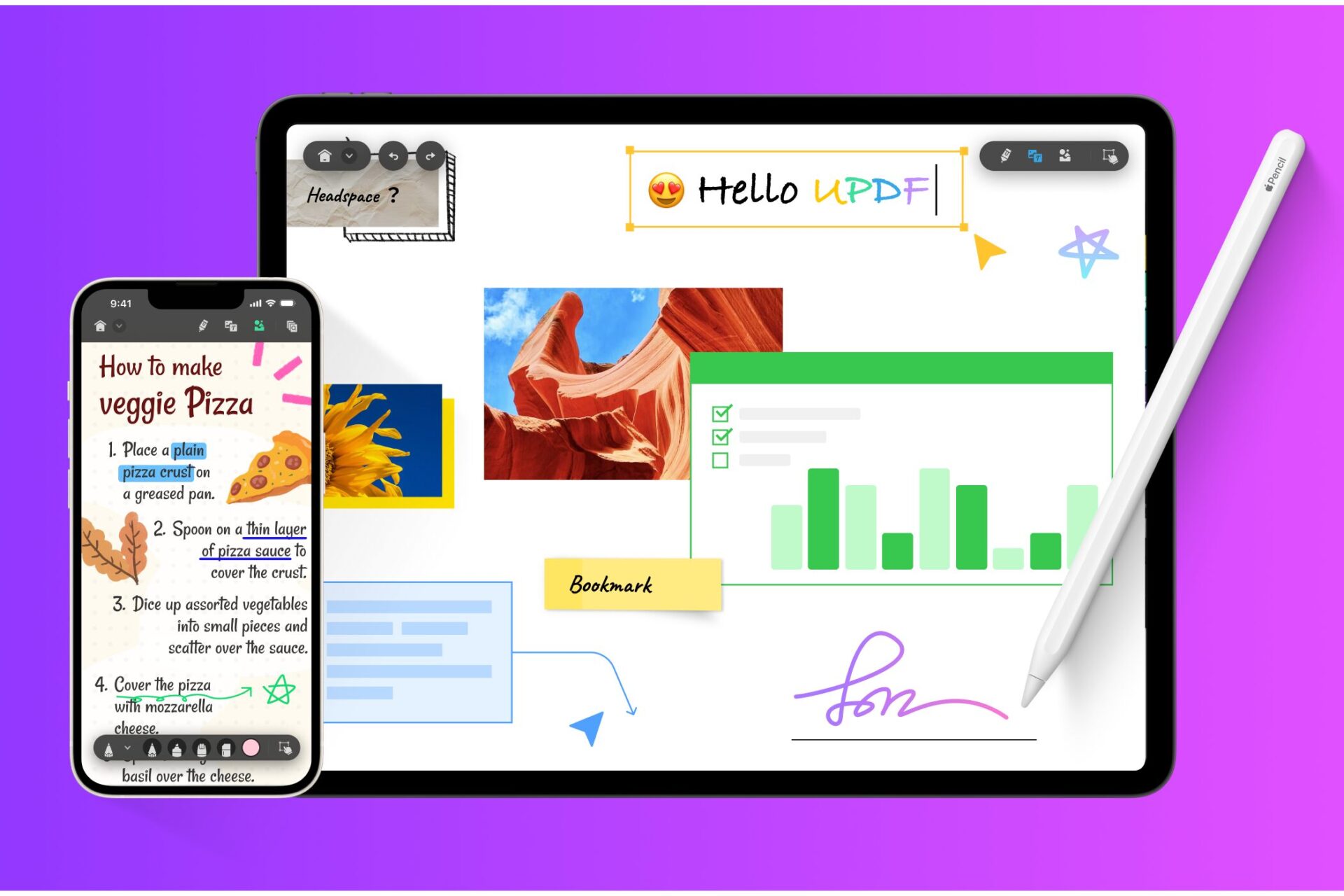
If you are editing PDFs on Mac or iPad, UPDF is recommended! It is chosen by many users because it pairs perfectly with Apple products, offers intuitive operability, and promises efficiency through AI features.
Mr.GadgetsWith UPDF, integration with Mac and iPad is smooth, and the ease of use is outstanding!
Affinity with Apple products
UPDF is optimized for macOS and iPadOS.
With a sophisticated interface that harmonizes with the design philosophy of Apple products, it also supports Retina displays, allowing for high-definition viewing.
The high affinity with the Apple ecosystem can be summarized in the following points:
| Item | Content |
|---|---|
| Interface | A clean and intuitive interface that harmonizes with macOS and iPadOS designs |
| Stability | Optimized for Apple hardware and software, achieving high stability |
| iCloud Drive Integration | Seamless file sharing between Mac, iPad, and iPhone via iCloud Drive |
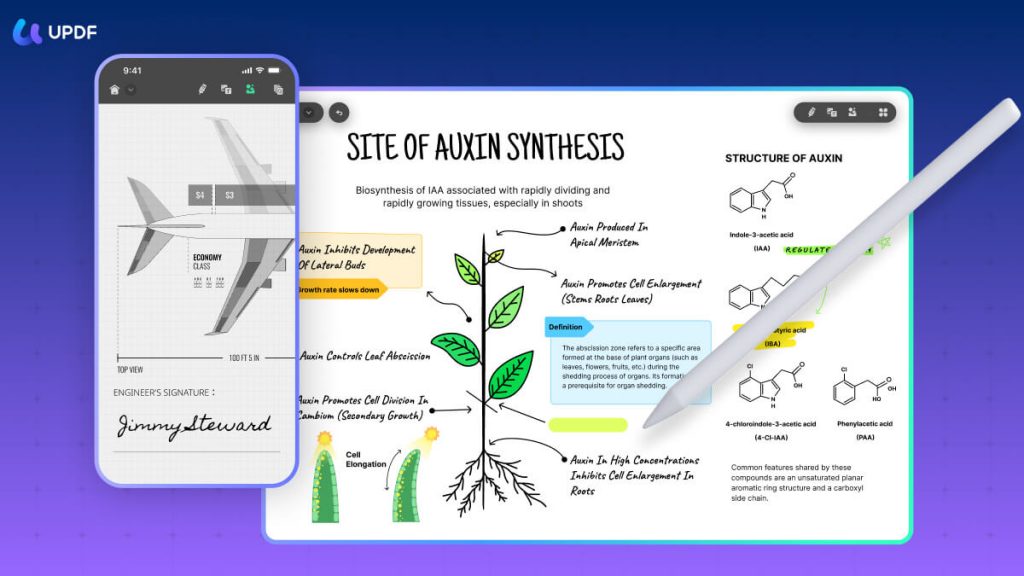
| Apple Pencil Support | Provides a natural and smooth writing experience when using Apple Pencil on iPad |
| Handoff Support | Resume work immediately from where you left off between Mac and iPad via the Handoff feature |
Ms.GadgetsIt’s convenient to be able to use it the same way on both Mac and iPad
Mr.GadgetsExactly. Working across devices becomes stress-free!

Intuitive operability
UPDF pursues intuitive operability.
Every detail, such as toolbar placement and icon design, is considered for ease of use.
Even first-time users will be able to master it immediately.
Features regarding operability are as follows:
| Item | Content |
|---|---|
| Simple Interface | Organized toolbar and menu structure for quick access to necessary functions |
| Drag & Drop | Intuitive operations like adding files or reordering pages |
| Customizable Toolbar | Improve efficiency by registering frequently used functions to the toolbar |
| Rich Shortcuts | Learn keyboard shortcuts to work efficiently without using a mouse |
Efficiency through AI features
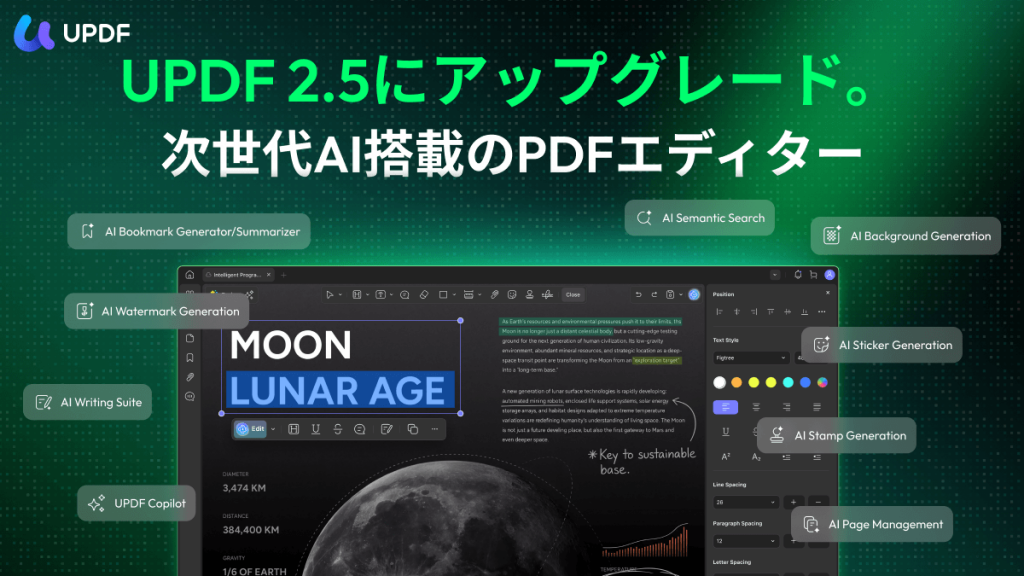
UPDF is equipped with AI features.
For example, it can summarize, translate, and answer questions about PDFs.
By utilizing these AI features, you can significantly reduce the time spent analyzing PDFs and gathering information.
The ability to streamline daily tasks with AI features is a major appeal.
| Item | Content |
|---|---|
| PDF Summary | Grasp the content of long PDF documents in minutes |
| PDF Translation | Translate foreign language PDF documents to understand their content |
| Question & Answer | AI answers questions about the content of the PDF |
| Chat with AI Assistant | Discuss PDF content with AI in a chat format to deepen understanding |
The evolution of AI is remarkable, so let’s streamline your PDF editing with UPDF.
Safe for beginners | Basic operations of UPDF
 Ms.Gadgets
I want to start PDF editing, but it seems difficult
Mr.GadgetsRest assured, UPDF is a PDF editor that even beginners can operate intuitively!
Here, we will explain the basic operation methods of UPDF.
How to open PDF files
There are three ways to open a PDF file in UPDF.
- Launch UPDF and click the “Open File” button
- Drag and drop the PDF file into the UPDF window
- Right-click the PDF file and select “Open With” > “UPDF”
Mr.GadgetsIf you cannot open a file, please check that you have the latest version of UPDF
Also, please check if the PDF file is corrupted or protected by a password.
Basics of text editing
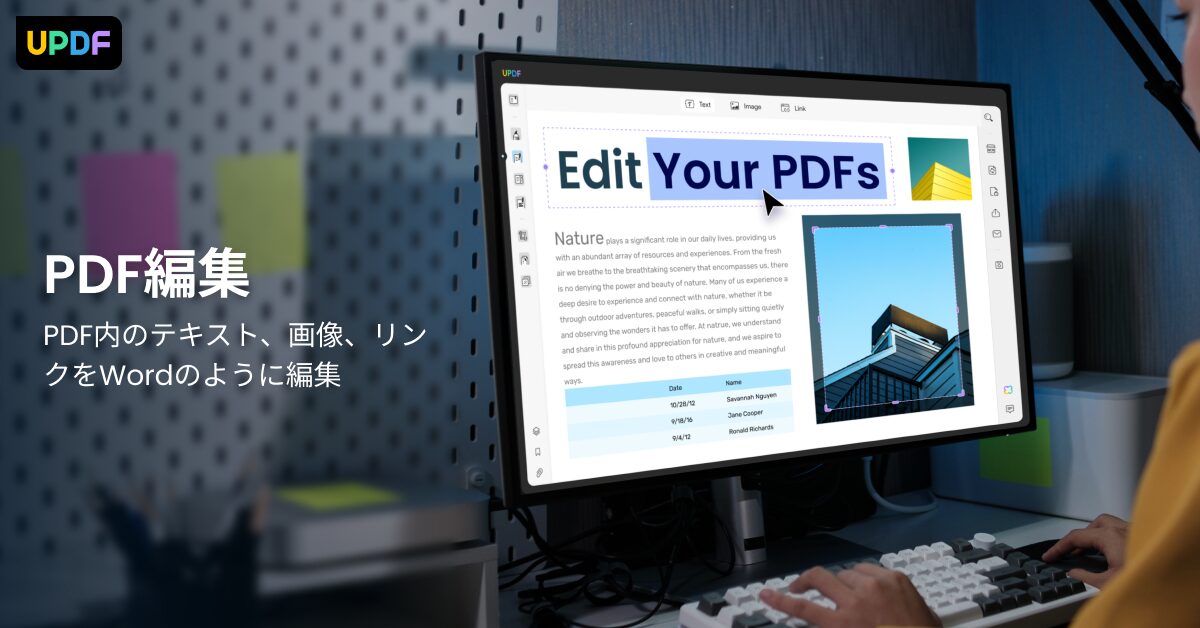
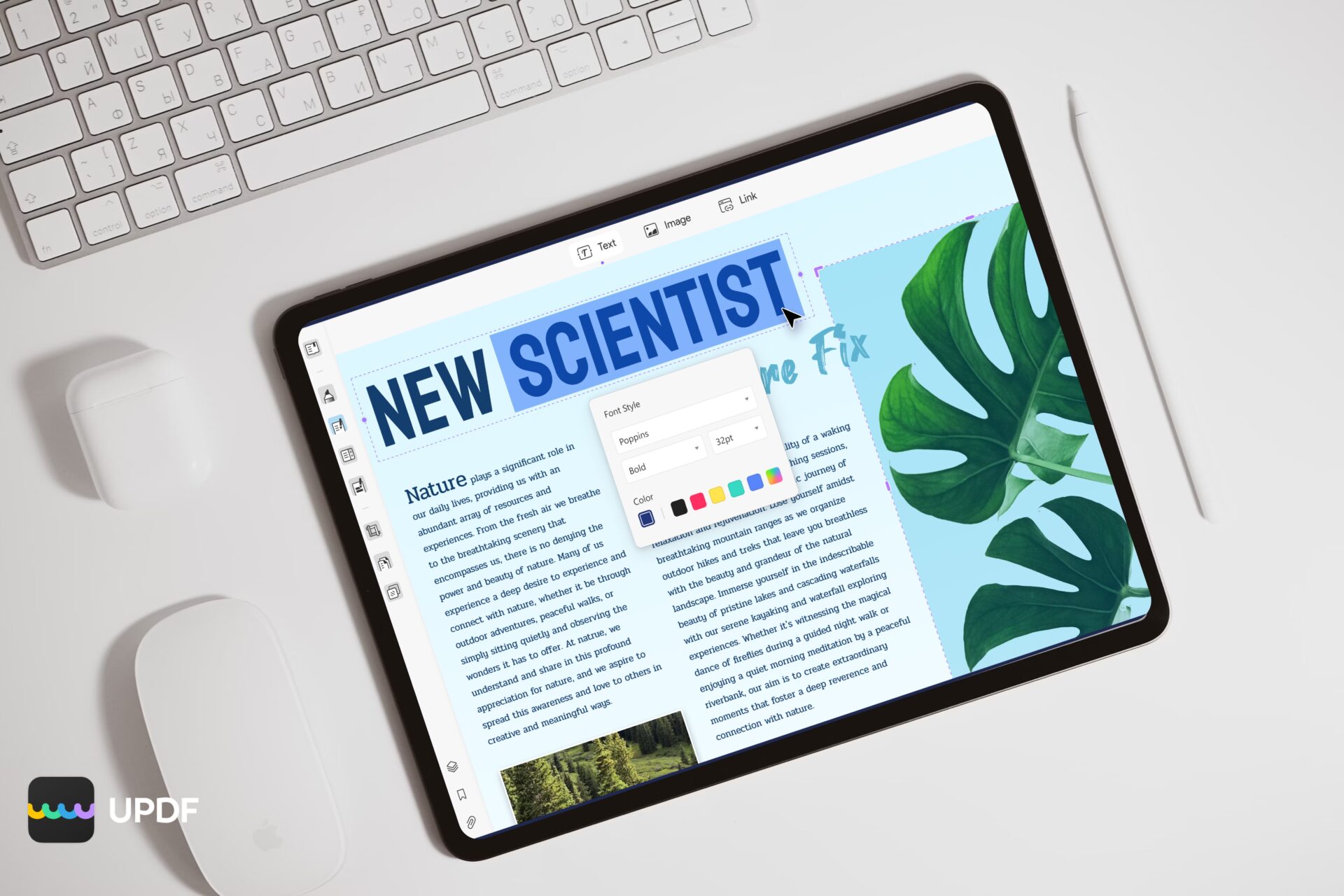
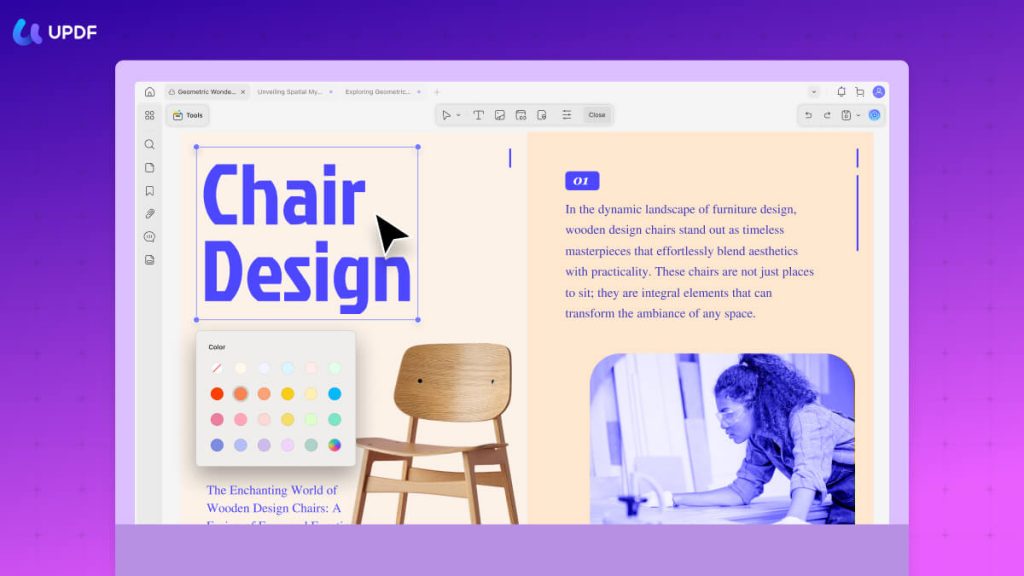
Using UPDF, you can easily edit text within a PDF.
- Select “Edit Text” from the toolbar
- Click on the text you want to edit
- A text box will appear, allowing you to freely enter or modify the text
Ms.GadgetsCan I also change the text font or color?
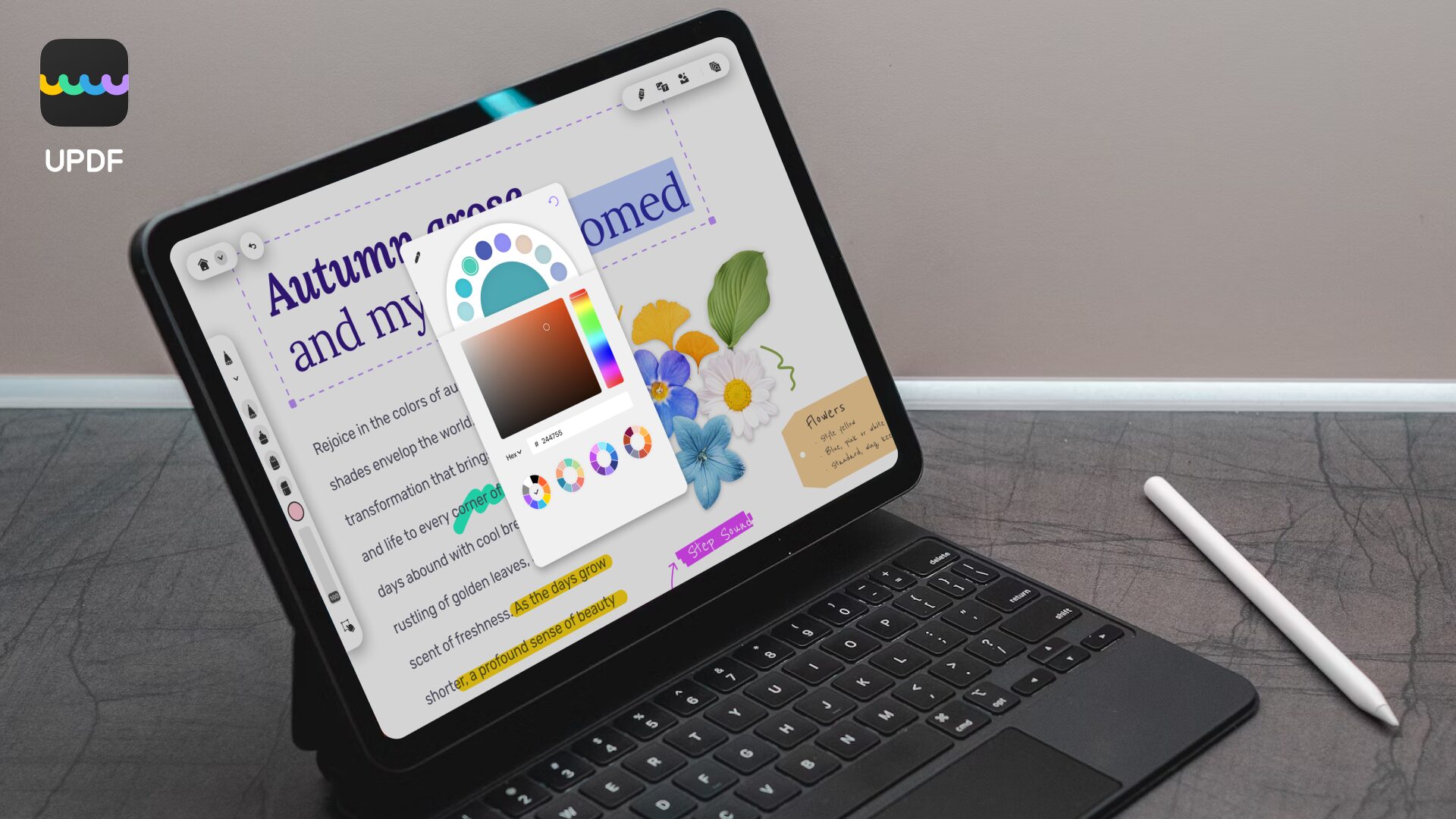
Mr.GadgetsOf course, you can freely change the font, size, color, and alignment of the text
To change them, select the text and choose your desired style from the displayed toolbar.
Image insertion and editing
Inserting images into a PDF is also simple.
- Select “Edit Image” from the toolbar
- Click the “Add Image” button and select the image you want to insert
- Place the image anywhere in the PDF and adjust its size or angle
Mr.GadgetsYou can also change the image resolution to optimize the file size
UPDF also allows you to freely crop or rotate inserted images.
Utilizing annotation features
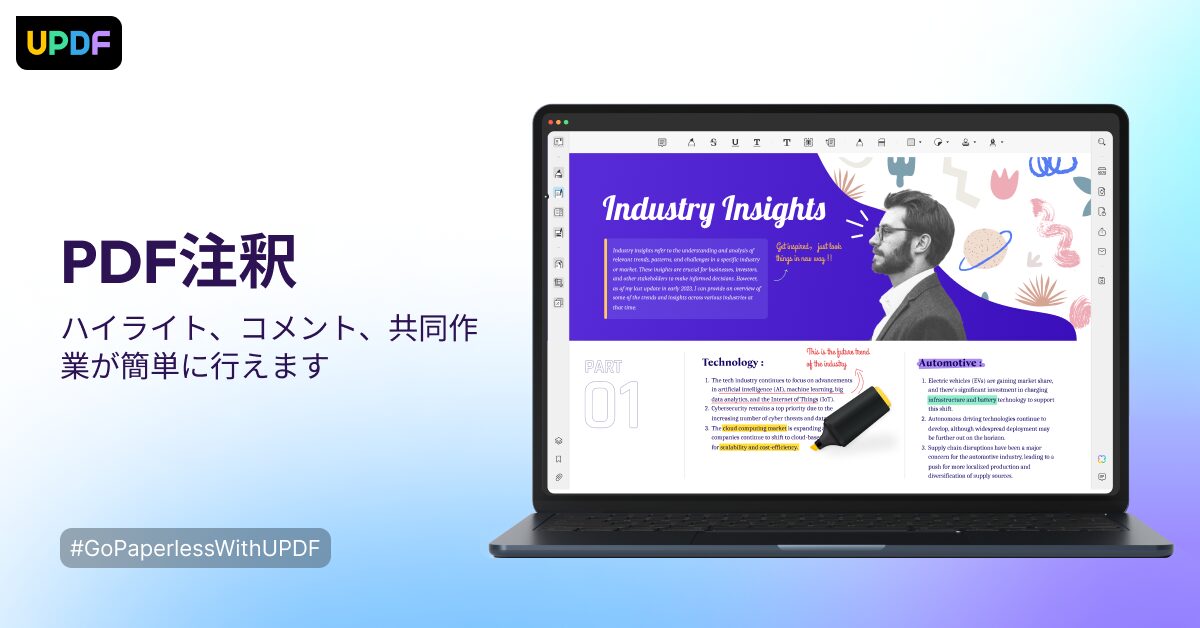
The annotation feature of UPDF is perfect for collaborative PDF reviews.
- Select “Annotate” from the toolbar
- Add annotations to the PDF using various tools such as highlight, underline, text box, and sticky notes
- You can also freely customize the color and style of the annotations
 Ms.Gadgets
You can also share annotations with others!
 Mr.Gadgets
Sharing annotations will make team collaboration proceed smoothly
PDFs with annotations can be easily shared via email or cloud storage.
Tips for page management
Using UPDF, you can efficiently manage PDF pages.
- Click the “Page” icon in the left sidebar
- Perform operations such as reordering, deleting, inserting, or rotating pages
- You can also combine multiple PDF files or split a PDF file
Mr.GadgetsWith UPDF, you can intuitively manipulate pages with drag & drop
You can optimize your PDF by deleting unnecessary pages or moving important pages to the front.
Editing scanned data with OCR
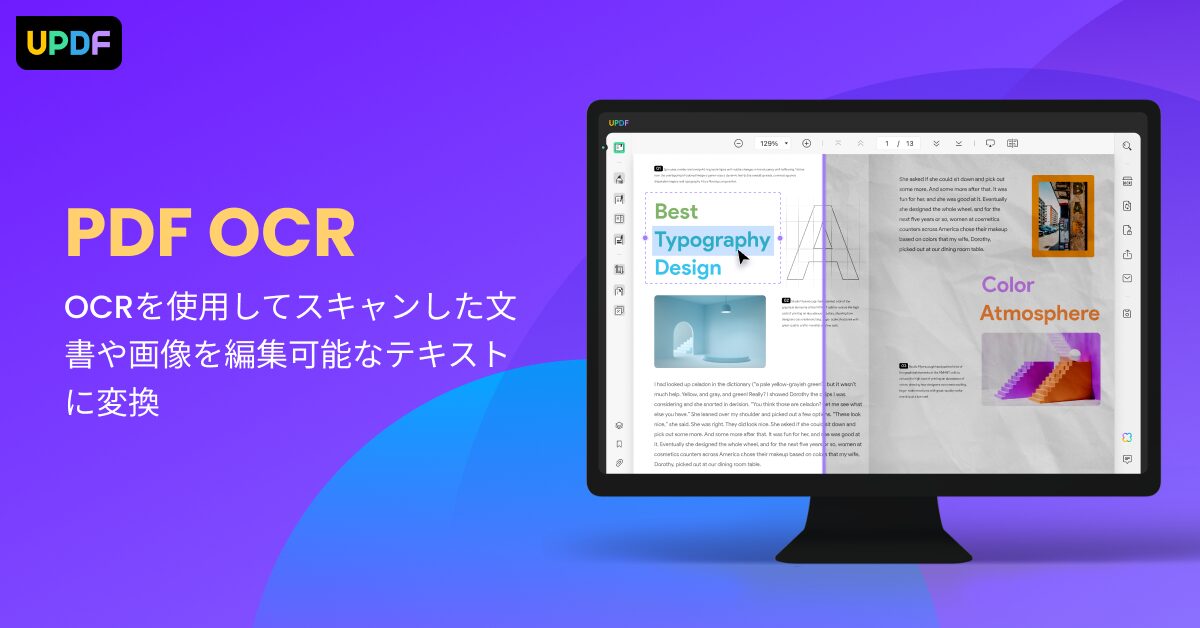
With the OCR (Optical Character Recognition) feature of UPDF, you can extract text from scanned PDFs or images and make them editable.
- Open the scanned PDF file in UPDF
- Click the “OCR” button
- Select the language you want to extract and click the “Perform OCR” button
Ms.GadgetsI have an image that OCR features have low accuracy…
Mr.GadgetsThe OCR feature of UPDF is said to boast very high accuracy
It supports 38 languages and can accurately extract text even from documents with complex fonts or layouts.
UPDF | Useful functions beyond editing
UPDF is equipped not only with PDF editing features but also with various functions to improve work efficiency.
We will introduce functions other than editing to utilize PDFs more conveniently.
PDF Conversion | To Word/Excel/Image
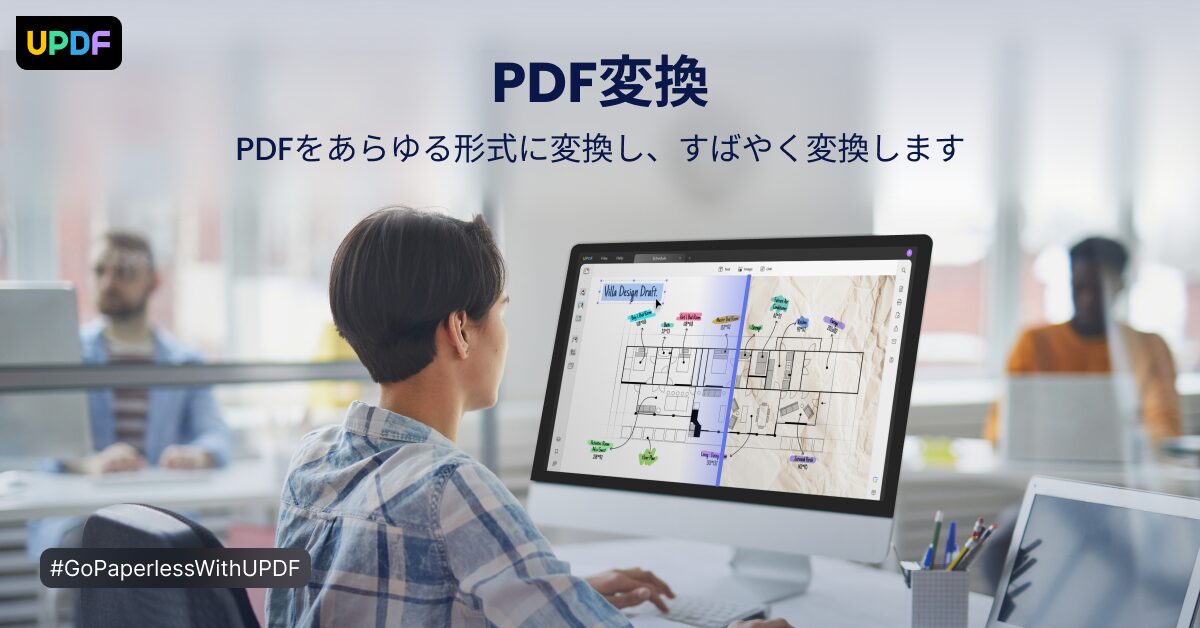
Did you know you can convert PDFs to formats such as Word, Excel, and images? With UPDF, you can convert PDFs to various formats in just a few clicks.
| Conversion Format | Description |
|---|---|
| Word | Convert to editable Word format for reports, minutes, etc., and freely modify the content |
| Excel | Convert to Excel format for invoices, data aggregation, etc., for use in spreadsheet software |
| Image | Convert PDFs to image formats like JPEG or PNG to post as materials on SNS or blogs |
| Other | Can convert to various formats like PowerPoint, text, HTML, etc. |
PDF Merge | Combine multiple files into one
Have you ever wanted to combine multiple PDF files into one? With UPDF, you can combine multiple PDF files with simple drag & drop operations.
| Item | Description |
|---|---|
| Operation | Easily combine by simply dragging and dropping multiple PDF files into UPDF |
| Order | The order of files to be combined can also be reordered freely |
| Usage | Convenient when you want to manage multiple materials, such as proposals or reports, together |
| Example | Convert presentation materials to PDF, combine separate PDFs into one, and put them on your iPad for a presentation |
PDF Split | Separate by page
“I only need the first page of that document…” Have you ever experienced this? With the split feature of UPDF, you can split PDF files by specified pages.
| Item | Description |
|---|---|
| Split Method | Flexible split methods can be selected, such as page range specification, page count specification, or bookmark specification |
| Usage | Convenient when you want to extract only the necessary pages from a large amount of material |
| Concrete Example | Convert a contract to PDF, split only the necessary pages, and send them to a business partner via email |
Form Input | Write into documents
Using UPDF, you can enter text directly into PDF forms.
| Item | Description |
|---|---|
| Input | Supports various form formats such as text boxes and checkboxes |
| Sign | Handwritten signatures and electronic signatures can also be easily added |
| Save | Entered content can be saved, allowing for repeated use |
| Other Features | Photos, dates, times, etc., can also be easily entered |
Ms.GadgetsI want to hand-sign a PDF form, but I can’t write it well…
Mr.GadgetsWith UPDF, you can easily add handwritten signatures as well!
Digital Signature | Security is also perfect
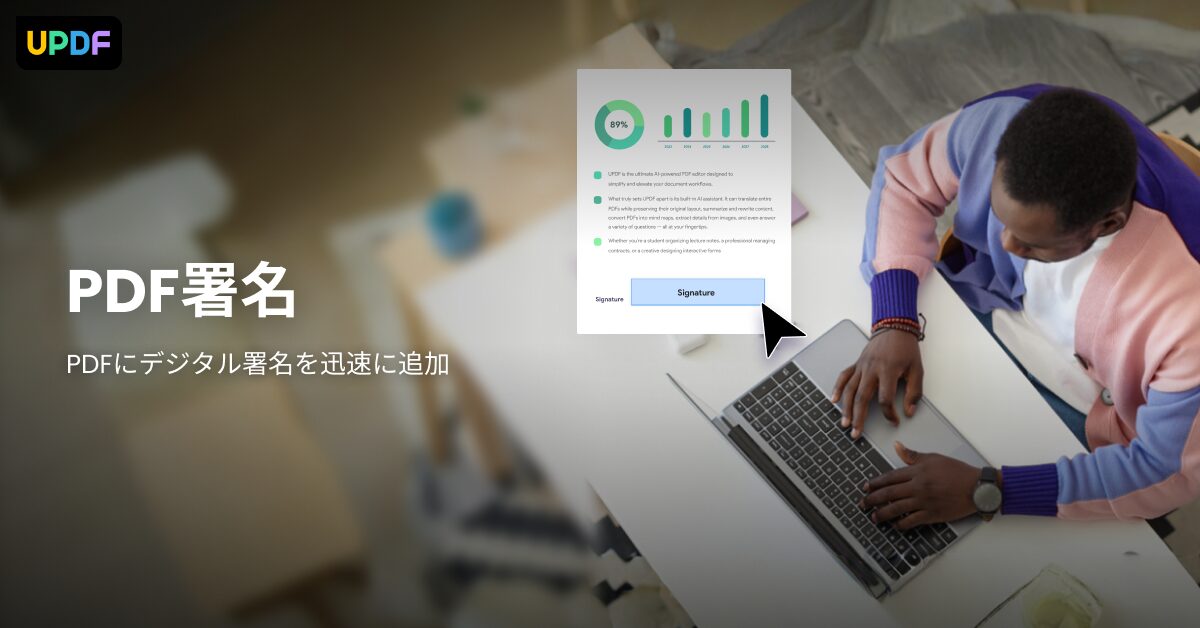
UPDF can enhance the reliability and security of documents by adding digital signatures to PDFs.
| Item | Description |
|---|---|
| Digital Signature | Add an electronic signature to a PDF to prevent document tampering and verify the creator |
| Timestamp | Add a timestamp to prove when the signature was made |
| Security | Restrict access to PDF files by setting a password |
| Caution | Digital signatures are described based on information provided by the manufacturer. Please check with an expert regarding the legal validity of digital signatures. UPDF Sign is required for digital signatures. |
With robust security features, you can handle PDFs with peace of mind.
UPDF | Differences between the free and paid versions
Highlights of this section!
PDF editing software UPDF has a free version and a paid (Pro) version.
It is important to understand the differences between the two when considering its use.
What you can do with the free version
With the UPDF free version, you can use the following features:
| Feature | Content |
|---|---|
| PDF Viewing | Open and view PDF files |
| PDF Annotation | Basic annotation features like highlight, underline, text box, and shape drawing |
| Page Organization | Reorder, delete, and extract pages |
| PDF Conversion | Convert PDF to Word, Excel, PowerPoint, image, etc. (with limits on number of uses) |
| Cloud Storage | 1GB of cloud storage |
Since basic PDF editing work can be done even with the free version, it is recommended for those who want to try UPDF first.
Mr.GadgetsBeing able to test the usability with the free version is a great point!
Features unlocked in the paid version
In the UPDF paid (Pro) version, in addition to the features of the free version, the following features are unlocked:
| Feature | Content |
|---|---|
| PDF Editing | Edit text, images, links, add watermarks, add headers/footers |
| OCR Feature | Convert scanned PDFs into editable text |
| AI Features | PDF summary, translation, text proofreading |
| PDF Conversion | Remove conversion frequency limits of the free version, batch conversion |
| Form Creation & Input | Create and input PDF forms, sign |
| File Size Compression | Reduce PDF file size |
| Batch Processing | Perform processing on multiple PDF files at once |
| Cloud Storage | 10GB of cloud storage |
| Hide Ads | Hide ads while using UPDF |
In the paid version, advanced PDF editing features and AI features become available, allowing you to proceed with work more efficiently.
Recommended | Try it for free first
UPDF has a free trial version available, so we recommend downloading the free version first to experience the ease of use of UPDF.
Through the free trial, identify the features you need before considering an upgrade to the paid version.
UPDF can be used not only on Mac and iPad but also on various devices such as Windows and Android.
Mr.GadgetsWhy not download it for free and experience UPDF?
Start a smart PDF editing life with UPDF
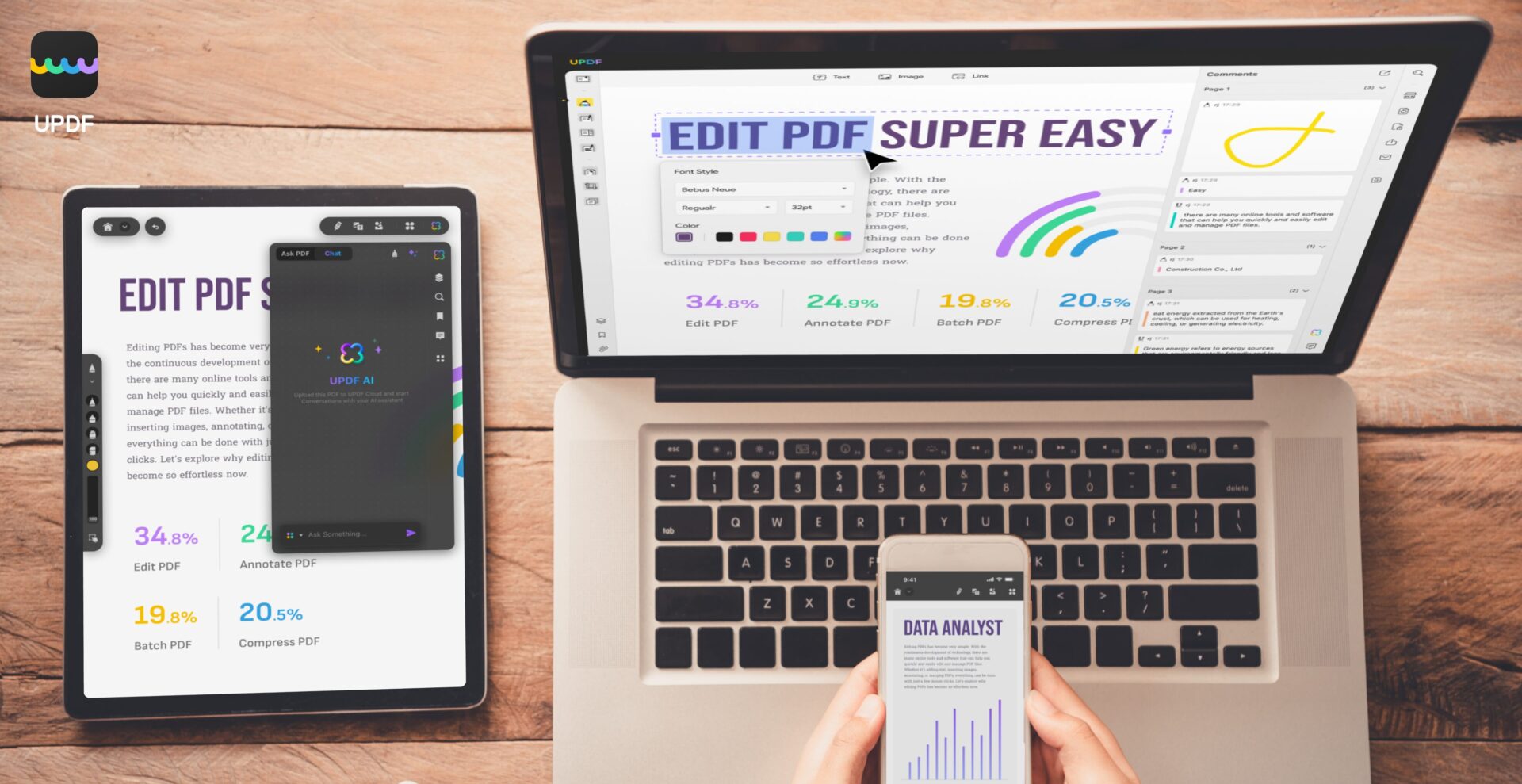
Highlights of this section!
By introducing the PDF editing software “UPDF,” you might be freed from PDF editing tasks that used to take time and effort, enabling smarter work.
Download UPDF for free first
To experience the features of UPDF, start with a free download.
Ms.GadgetsThere are many PDF editing software options, and I don’t know which one to choose…
Mr.GadgetsUPDF has a free version, so we recommend trying it out first.
You can use many features for free, and it is available on various devices such as Mac, iPad, Windows, and Android.
| Item | Description |
|---|---|
| Download | Available for free download from the official website (https://updf.com/jp/?utm_source=media-mister-gadget-2503-taylor&utm_medium=mister-gadget&utm_campaign=taylor202503) |
| Supported OS | macOS 10.14.6 or later, iOS 14.0 or later, Windows, Android |
| Free Version Features | Basic features such as PDF viewing, annotation, text editing, image insertion, etc., are available |
| Upgrade to Paid | Consider upgrading to the paid version if you want to use more advanced features (OCR, PDF conversion, AI features, etc.) |
| Caution | The free version has restrictions on some features (e.g., page limits for OCR conversion, insertion of watermarks, etc.). However, for basic PDF editing work, the free version is fully functional. |
| Other | Download the iPad version from the App Store (https://apps.apple.com/app/apple-store/id1595826623?pt=123650302&ct=media-mister-gadget-2503-taylor&mt=8) |
Why not download UPDF for free and experience PDF editing?
Frequently Asked Questions (FAQ)
- Can UPDF be used on both Mac and iPad?
-
Yes, UPDF supports Windows, Mac, iOS, and Android, and can be used on all platforms with a single license.
- What can I do with the free version of UPDF?
-
The free version allows for PDF viewing, annotation, page organization, conversion (with limits), and 1GB of cloud storage. It is sufficient to test basic PDF editing work.
- What are the benefits of upgrading to the paid version of UPDF?
-
The paid version enables text and image editing, OCR features, AI features, removal of PDF conversion limits, form creation and input, file compression, etc., allowing for more advanced editing work.
- Does the OCR feature of UPDF support Japanese?
-
Yes, the OCR feature of UPDF supports 38 languages, including Japanese. You can extract text from scanned PDFs and edit it.
- Can I add digital signatures to PDFs with UPDF?
-
Yes, by using UPDF, you can add digital signatures to PDFs. It is possible to enhance the reliability and security of documents. However, UPDF Sign is required for digital signatures.
- What can I do with the AI features of UPDF?
-
With the AI features of UPDF, you can summarize, translate, and proofread documents in PDFs. You can significantly reduce the time spent analyzing PDFs and gathering information.
Summary
UPDF is the optimal PDF editing software for Mac/iPad users, and its high affinity with Apple products and wealth of features are attractive.
A free version is also provided, allowing you to easily experience PDF editing.
Highlights of this article!
- Operability optimized for Mac/iPad
- Rich editing features and convenient AI features
- Options of free and paid versions
Come on, download UPDF for free and start a smart PDF editing life.
Thank you for reading until the end!
- This article was created based entirely on information provided by the manufacturer/brand.
Please note that this site assumes no responsibility for any inaccuracies in this information. - Product prices and information are current as of the time of writing.
- The product and service names listed on this site are trademarks of their respective companies.
This article was originally written in Japanese and has been translated.
Comments