

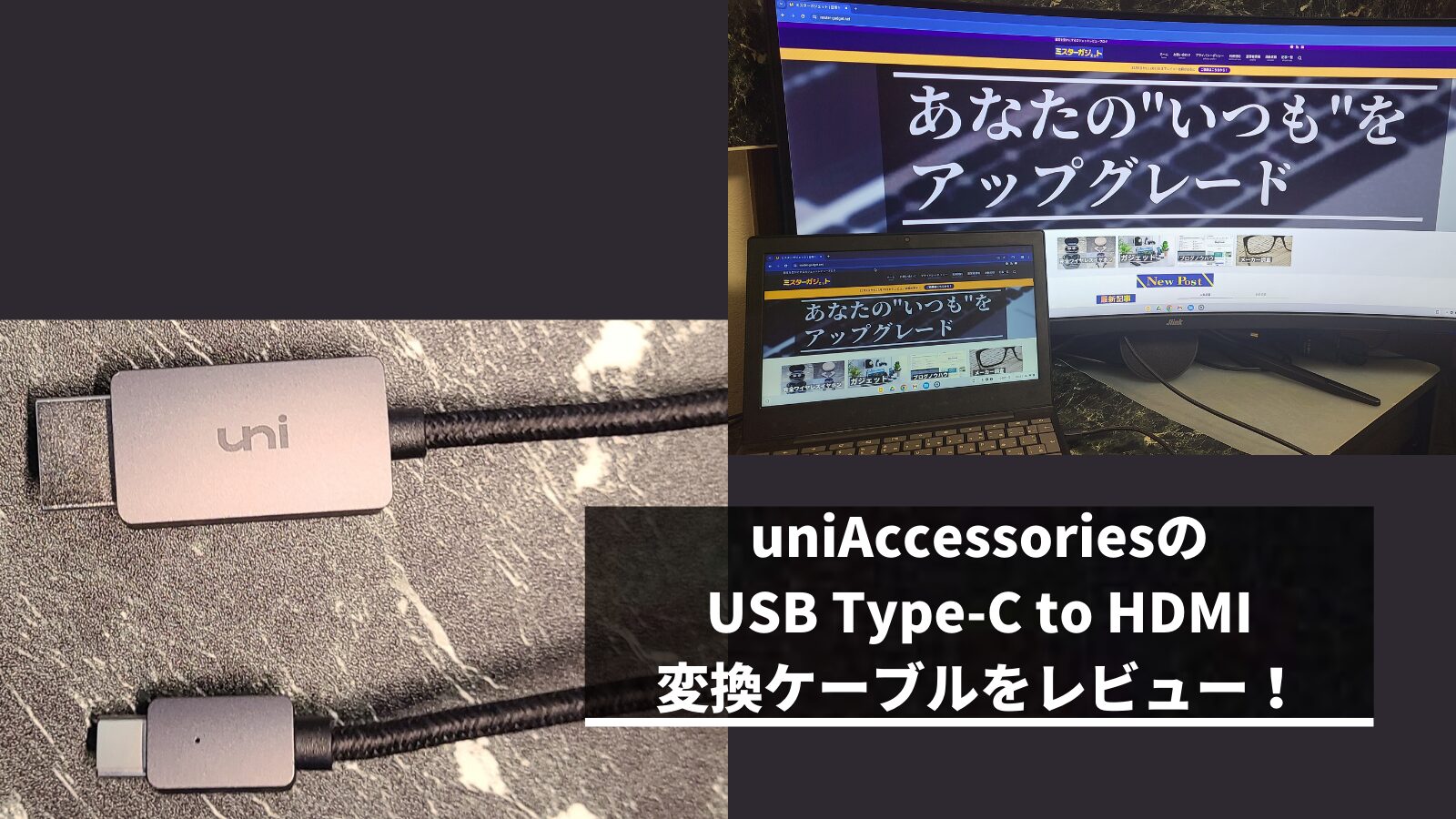
In this article, I will be reviewing the USB Type-C to HDMI adapter cable from uniAccessories.
I found that this adapter cable is highly recommended for basic use cases, such as displaying your computer screen on a monitor or projector.
It supports up to 4K resolution and has a premium aesthetic, making it an excellent choice for those looking for an affordable USB Type-C to HDMI adapter cable.

Author: "Mr. Gadget"
- Studied under Masatoshi Ono, a million-selling singer who has performed on Kohaku Uta Gassen
- Over 2,400 followers on X (Twitter)
- Experienced supervisor for the web media outlet Picky’s
Click here for my full profile.
Thanks for reading!
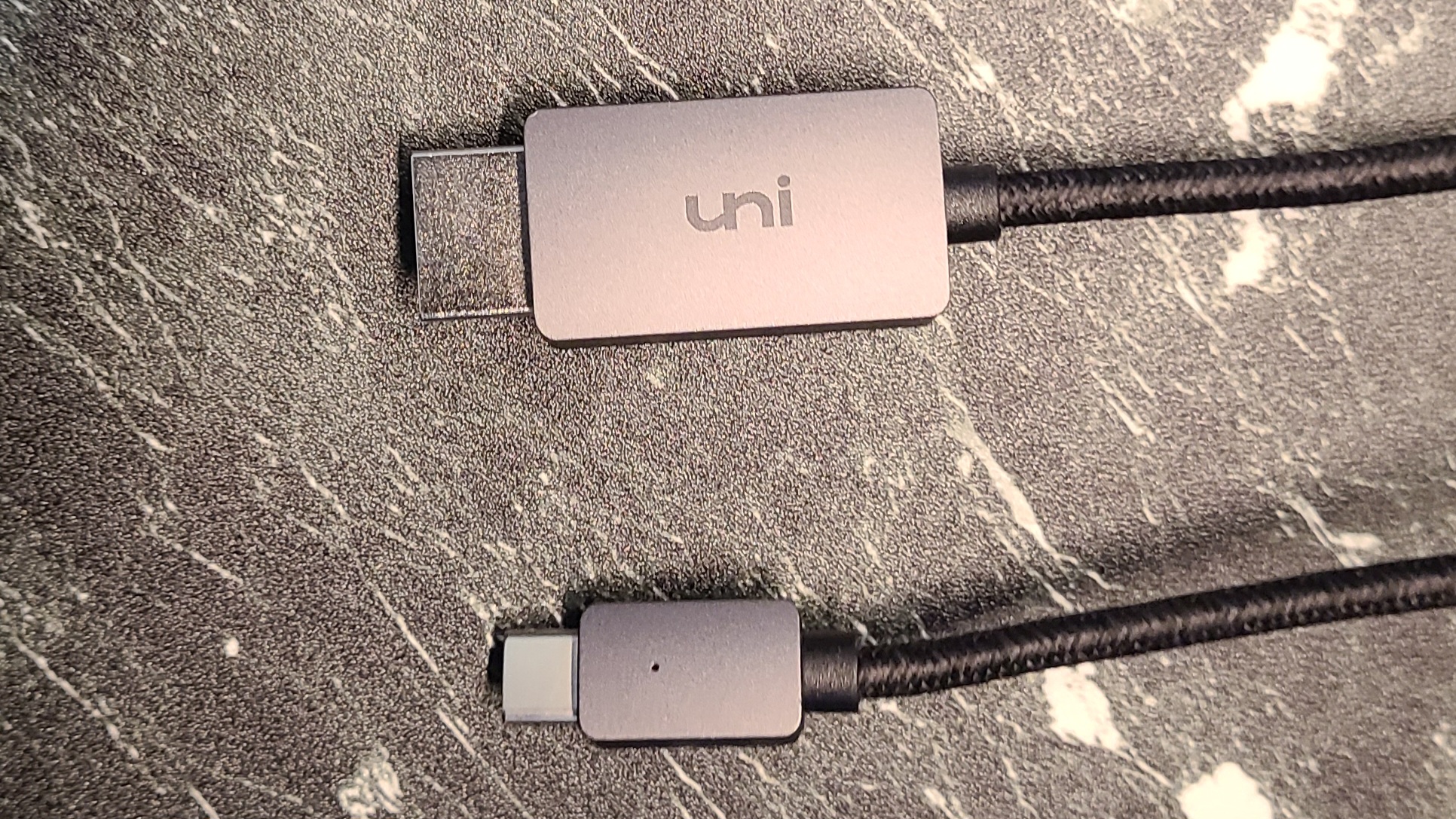
- Premium metallic design
- Reliable output from PCs and smartphones
- Easy plug-and-play connection
- Supports 4K 30Hz and Full HD 144Hz output
- Older HDMI version
- Not suitable for gaming purposes
- Those who suddenly need a USB Type-C to HDMI adapter cable
- Those looking for an affordable, reliable USB Type-C to HDMI adapter cable
- Those who want a stylish-looking USB Type-C to HDMI adapter cable
- Those looking for a USB Type-C to HDMI adapter cable for gaming
Basic Information
What kind of manufacturer is uniAccessories?
- A manufacturer based in Shenzhen, China
- Focuses on manufacturing accessories for electronic devices
- Many products are budget-friendly with modest specifications
 Ms.gadget
They are a manufacturer known for metallic designs and affordable products!
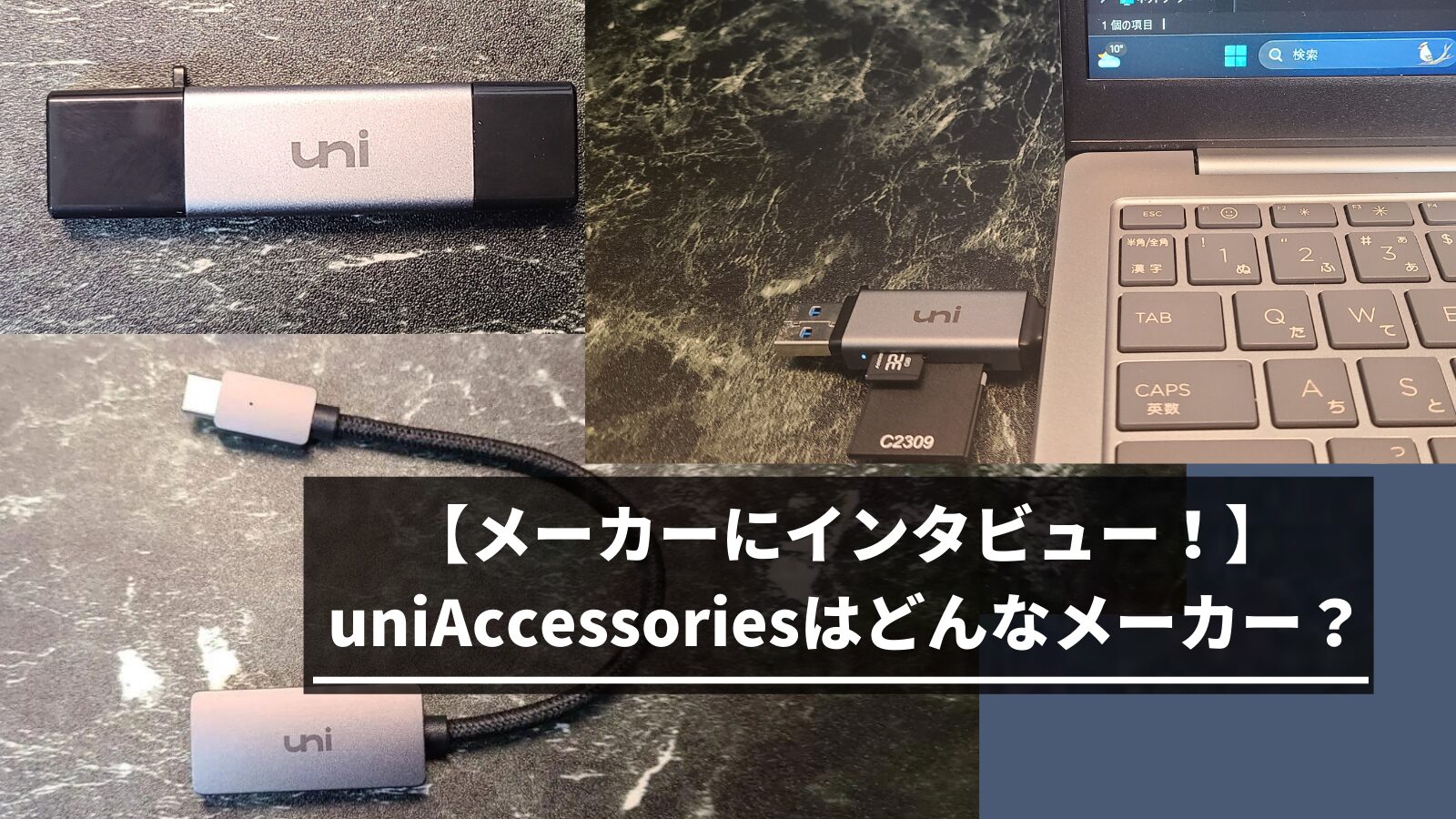
Specifications
| Connectors | USB Type-C to HDMI Type A (Standard HDMI) |
| HDMI Version | High Speed (HDMI 1.3–1.4) |
| USB Version | USB 3.1 |
| Weight | Approx. 70g |
| Length | 1.8m, 0.9m, 3m |
 Ms.gadget
Please note that this only supports signal conversion from USB Type-C to HDMI.
 MisterGadget
The output device (smartphone or computer) must support DisplayPort Alternate Mode or Thunderbolt 3/4.
Review: uniAccessories USB Type-C to HDMI adapter cable
The premium metallic design is great!
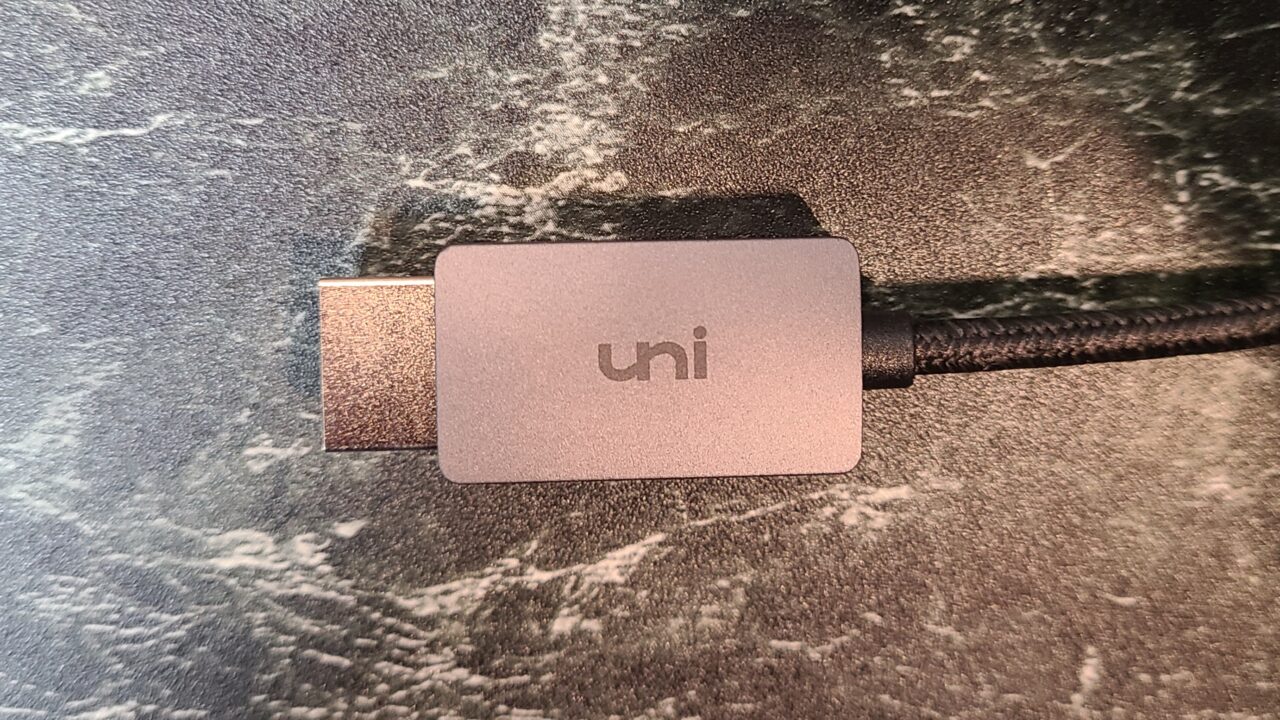
The exterior is made of aluminum and features the “uni” logo.
MisterGadgetIt has a metallic feel and looks quite cool.
It doesn’t feel cheap at all.

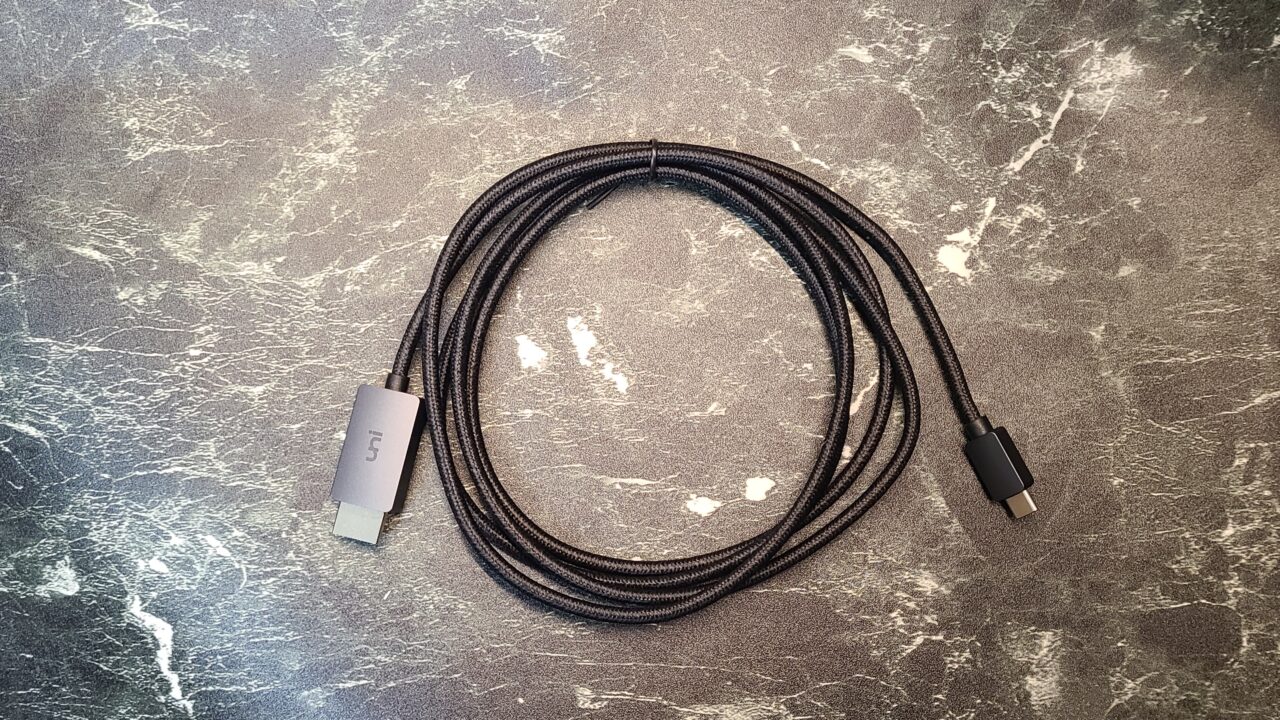
 Ms.gadget
It uses sturdy nylon material, so it seems quite durable as well!
Capable of output from computers and smartphones!
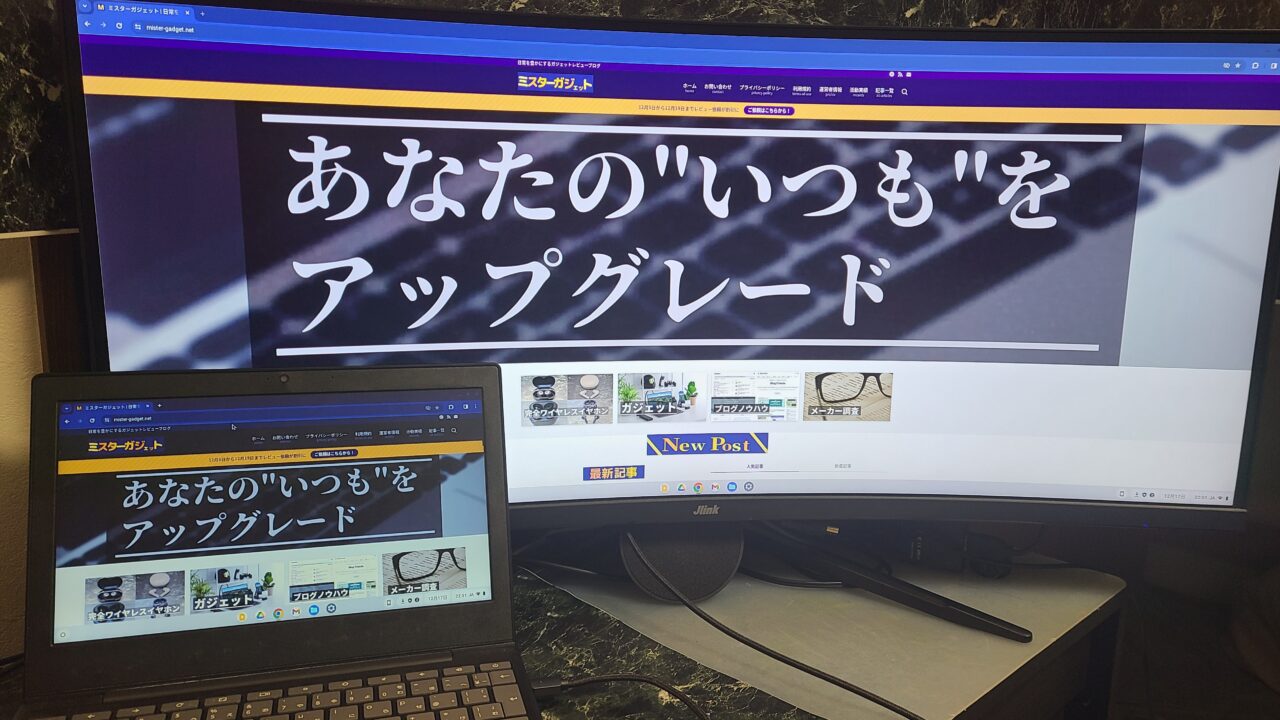
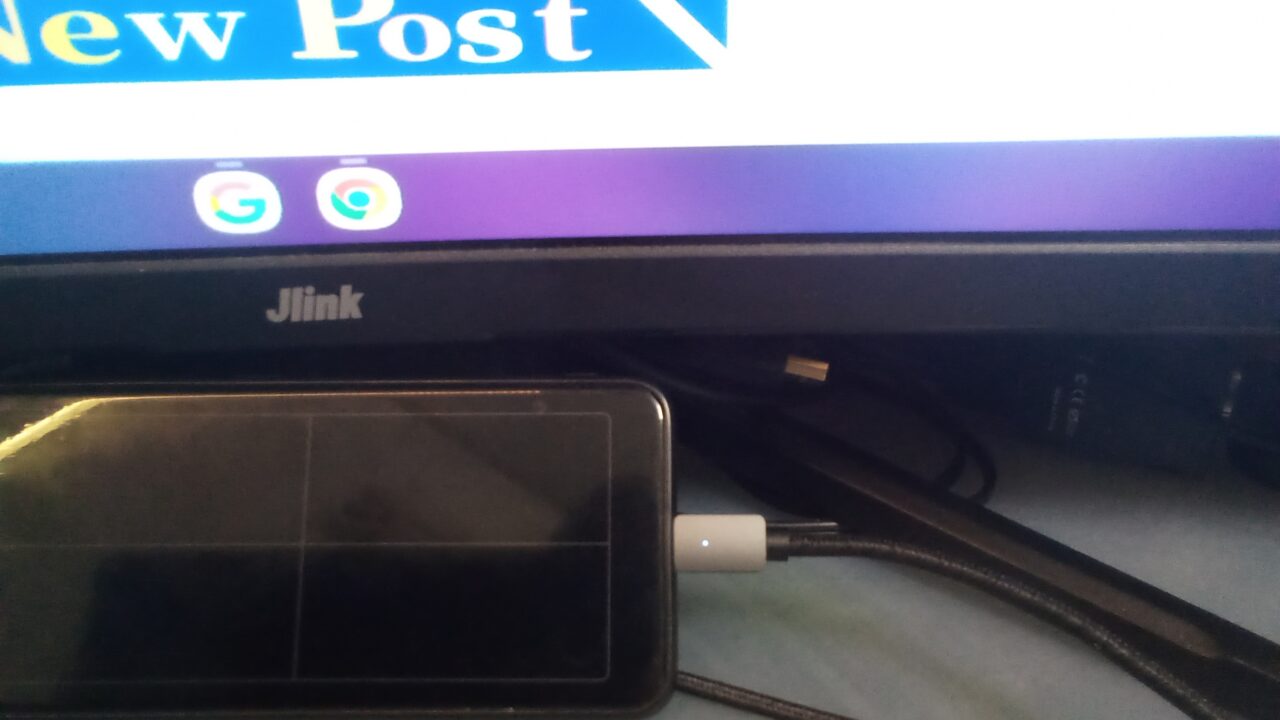
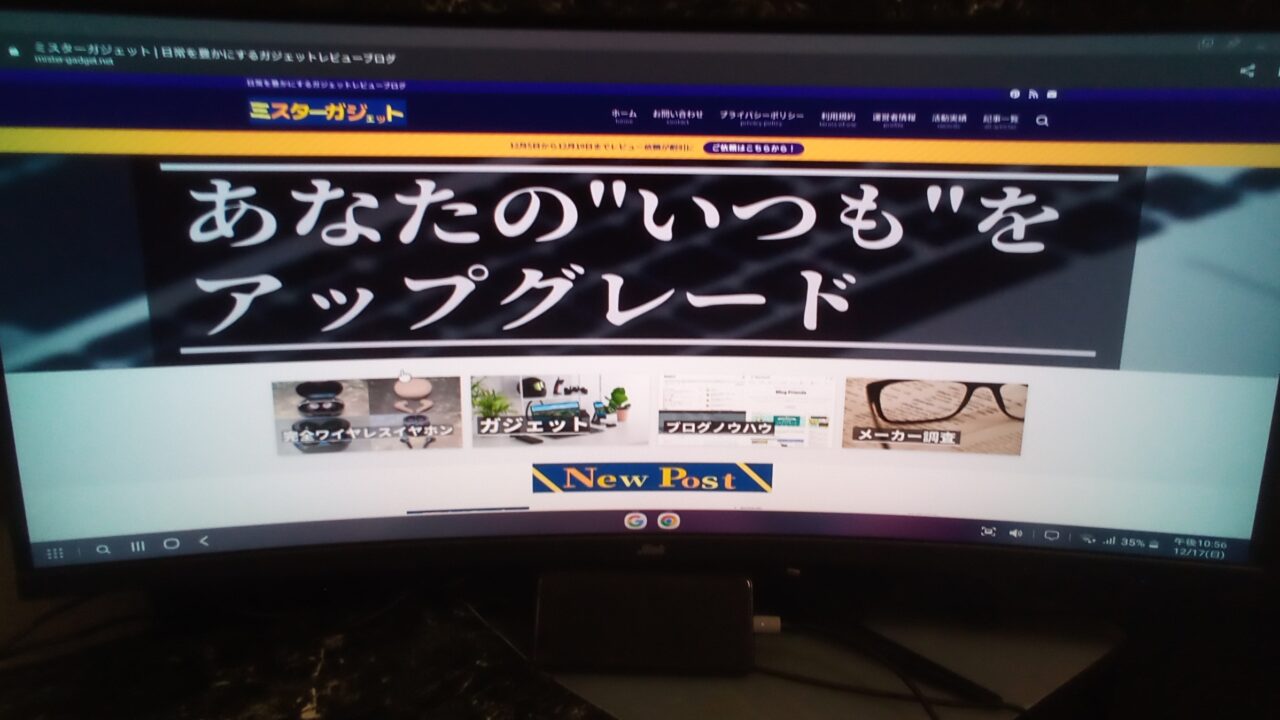
As shown in the photos above, I was able to output from both a smartphone and a computer using this adapter cable.
Ms.gadgetMost devices have a USB Type-C port, so you can use it with a variety of hardware!
However, please be aware that there are many types and standards for USB Type-C, and video output will not work unless the source device (smartphone or computer) supports “DisplayPort Alternate Mode” or “Thunderbolt 3/4”!
MisterGadgetThis product is an adapter, so please be careful because it will not output video if the connected device does not support video output standards in the first place.
Easy connection by just plugging into the port
There is no need to install additional apps or drivers; you can easily use it just by plugging it into the port.
Supports 4K 30Hz and Full HD 144Hz output
The “uniAccessories USB Type-C to HDMI adapter cable” supports High Speed (HDMI 1.3–1.4).
Please refer to the table below for HDMI version details.
MisterGadgetDepending on the version, your ability to fully utilize the performance of the connected device will change.
| HDMI Version | FHD | WQHD | 4K | 8K | 10K |
|---|---|---|---|---|---|
| Ultra High Speed (HDMI 2.1) | DSC compression only | ||||
| Premium High Speed (HDMI 2.0) | |||||
| High Speed (HDMI 1.3–1.4) |
| HDMI Version | FHD | WQHD | 4K | 8K |
|---|---|---|---|---|
| Ultra High Speed (HDMI 2.1) | 240Hz | 240Hz | 144Hz | 60Hz |
| Premium High Speed (HDMI 2.0) | 240Hz | 144Hz | 60Hz | 30Hz |
| High Speed (HDMI 1.3–1.4) | 144Hz | 75Hz | 30Hz |
For general video output, it can handle 4K, and High Speed (HDMI 1.3–1.4) is perfectly fine.
However, please be aware that some users may find High Speed (HDMI 1.3–1.4) lacking when you need to consider not just resolution but also refresh rate, such as when gaming.
Ms.gadgetWhile High Speed (HDMI 1.3–1.4) is sufficient for everyday use, those who game might feel it is insufficient.
 MisterGadget
The PS5 can handle up to 4K 120Hz, so High Speed (HDMI 1.3–1.4) cannot fully utilize that performance.
Personally, I think you can enjoy FPS games with decent satisfaction at Full HD 144Hz on a smaller monitor, but if you are particular about resolution and refresh rate, you should choose a cable with a higher version.
Ms.gadgetWell, if you don’t play games or don’t care about refresh rates that much, this is definitely sufficient!
Summary
Recommended as long as it’s not for gaming
This “uniAccessories USB Type-C to HDMI adapter cable” is a recommended adapter cable for basic use cases, such as projecting your computer screen onto a monitor or projector.
It displays up to 4K properly, and I don’t think you will have any trouble with basic tasks, but since the HDMI version is a bit old, it is questionable whether it can fully utilize the potential of recent high-performance computers.
However, at this price point, it displays up to 4K properly and has a premium look, so it is recommended for those looking for an affordable USB Type-C to HDMI adapter cable.
MisterGadgetAlso, please check that the USB Type-C port on your source device supports video output before purchasing!
- Premium metallic design
- Reliable output from PCs and smartphones
- Easy plug-and-play connection
- Supports 4K 30Hz and Full HD 144Hz output
- Older HDMI version
- Not suitable for gaming purposes
Recommended for
- Those who suddenly need a USB Type-C to HDMI adapter cable
- Those looking for an affordable, reliable USB Type-C to HDMI adapter cable
- Those who want a stylish-looking USB Type-C to HDMI adapter cable
- Those looking for a USB Type-C to HDMI adapter cable for gaming
Thank you for reading until the end!
- Product prices and information are current as of the time of writing.
- Please note that our site cannot be held responsible for any inaccuracies in this information.
- Product and service names mentioned on this site are trademarks of their respective companies.
This article was originally written in Japanese and has been translated.
Comments