
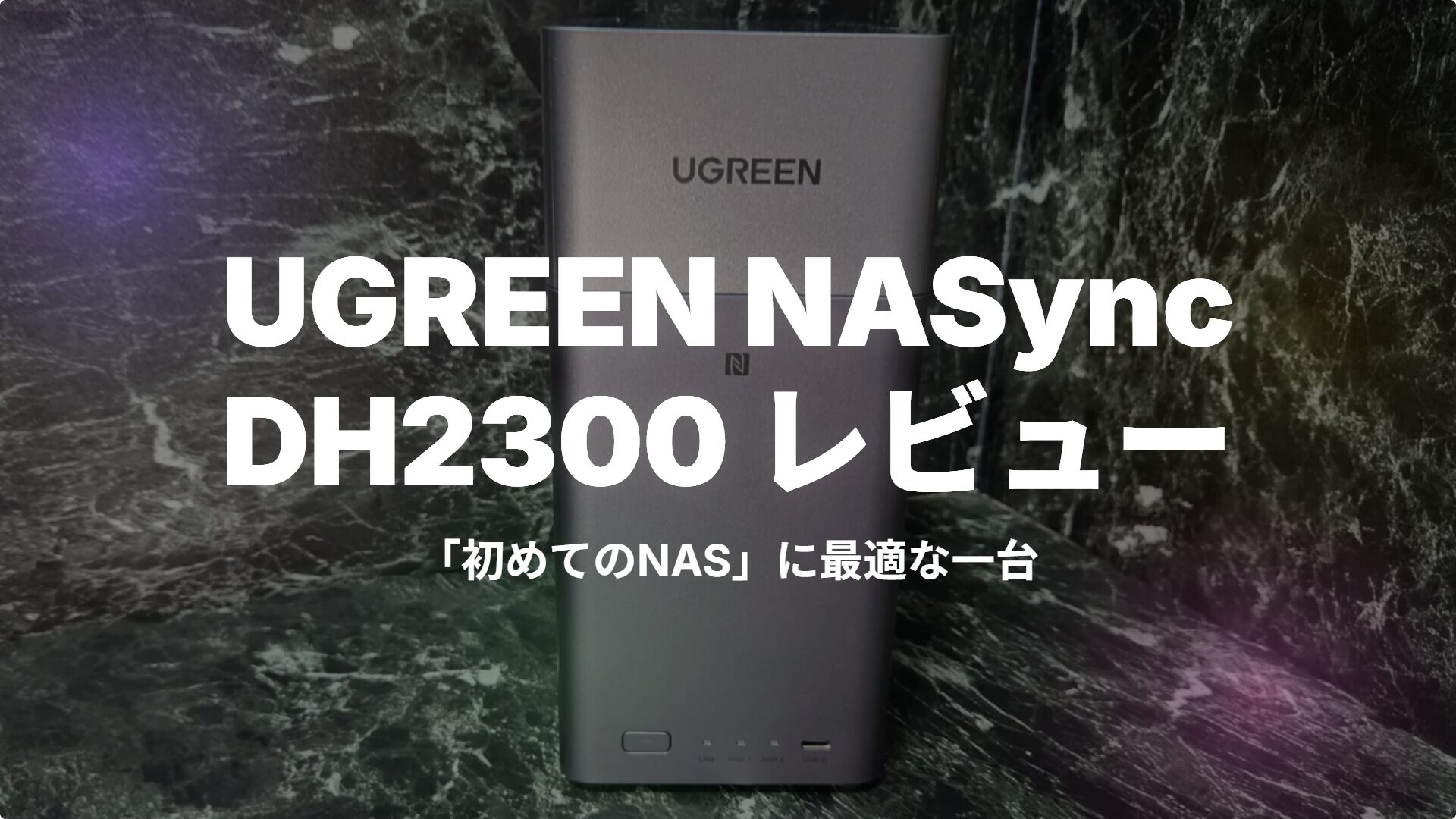
Many people are likely interested in NAS but hesitate to take the first step because they feel it seems “too difficult” or “too expensive.”
The UGREEN NASync DH2300 is a two-bay model designed specifically for such NAS beginners. It features a setup process that begins simply by tapping your smartphone via NFC, AI that automatically organizes photos, and the ability to enjoy 4K video on your TV. All of this comes at an accessible list price of 32,880 yen.
In this article, I will test the UGREEN NASync DH2300 with an actual unit and provide a candid report on its specs, setup, daily usability, and its pros and cons.
What you will learn in this article!
- Specs and features of the UGREEN NASync DH2300
- Ease of NFC setup and actual user experience
- Practicality of AI albums, 4K HDMI, and automatic backups
- Pros and cons
- Specific criteria to judge if it’s right for you



 Pochipp
Conclusion: The UGREEN NASync DH2300 is the perfect “First NAS”
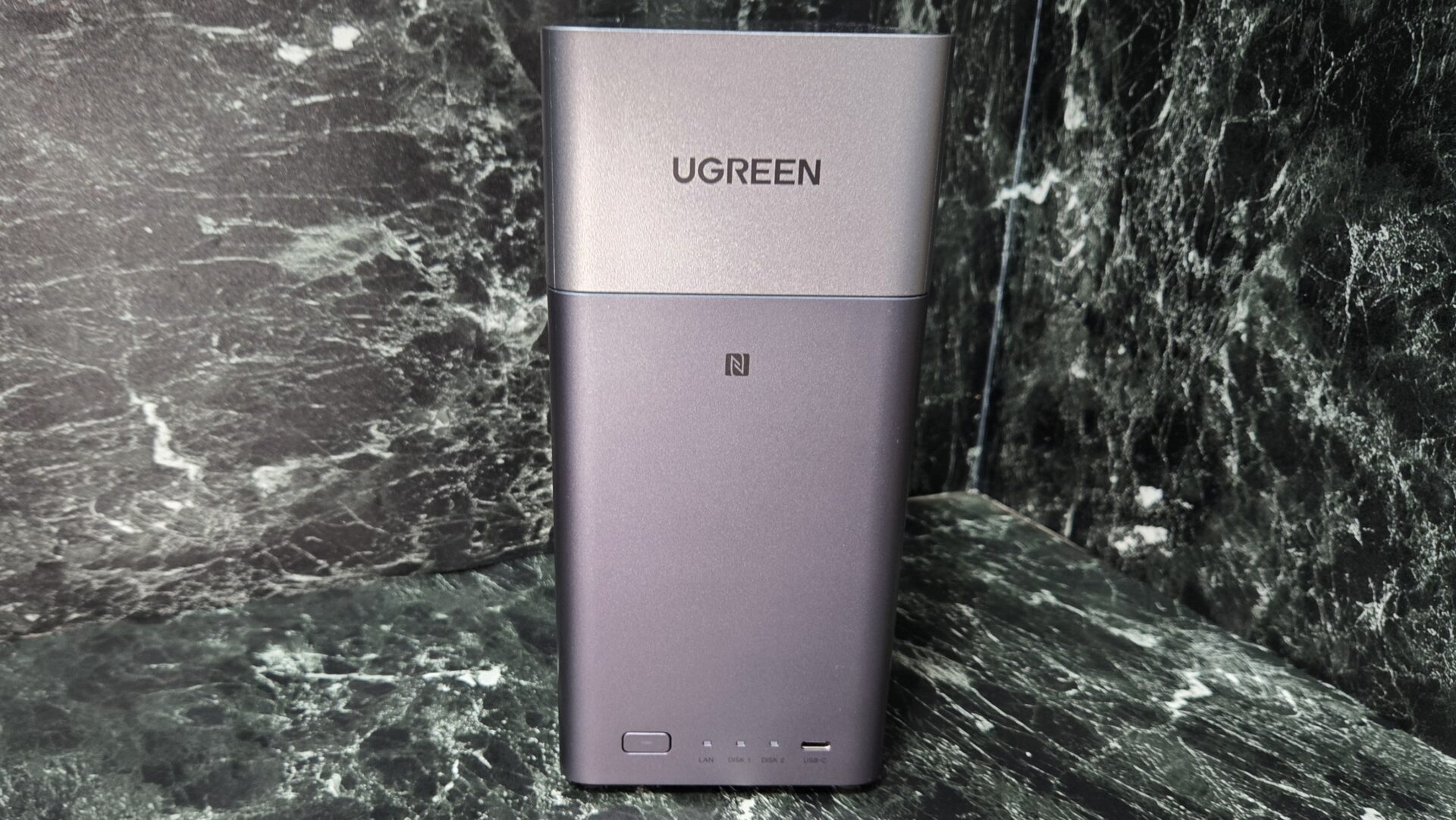
- 10-minute setup for beginners with NFC one-touch connection + UGOS Pro
- AI albums automatically classify and organize photos
- 4K 60Hz HDMI output turns your TV into a home theater
- 24/7 operation with electricity costs of about 100–300 yen/month
- Affordable at 32,880 yen for a multi-functional NAS
- Full Japanese language support for both UGOS Pro and the app
- LAN is limited to 1GbE, making large file transfers slower than higher-end models
- 4GB of RAM is not expandable (an 8GB model is available as an option)
- No SD card slot
 Ms.Gadgets
I have the impression that NAS devices require specialized knowledge to use. What is it really like?
 Mr.Gadgets
The DH2300 is designed so that the setup process starts just by tapping your smartphone against it. Even if you have no prior experience with NAS, you can get started just by following the on-screen instructions.
The UGREEN NASync DH2300 is a product that overturns the prejudice that “NAS is difficult.” Features like one-touch NFC connection, the intuitive UGOS Pro, and AI albums enable comfortable data management without any technical expertise.
On the other hand, there are limitations such as the 1GbE LAN port and non-expandable memory, so you may need to consider higher-end models for massive file transfers or advanced use cases.
For those who want to back up smartphone photos, eliminate monthly iCloud fees, or share photos with family, it is a compelling choice, especially considering its cost-performance ratio.
UGREEN NASync DH2300 Specs
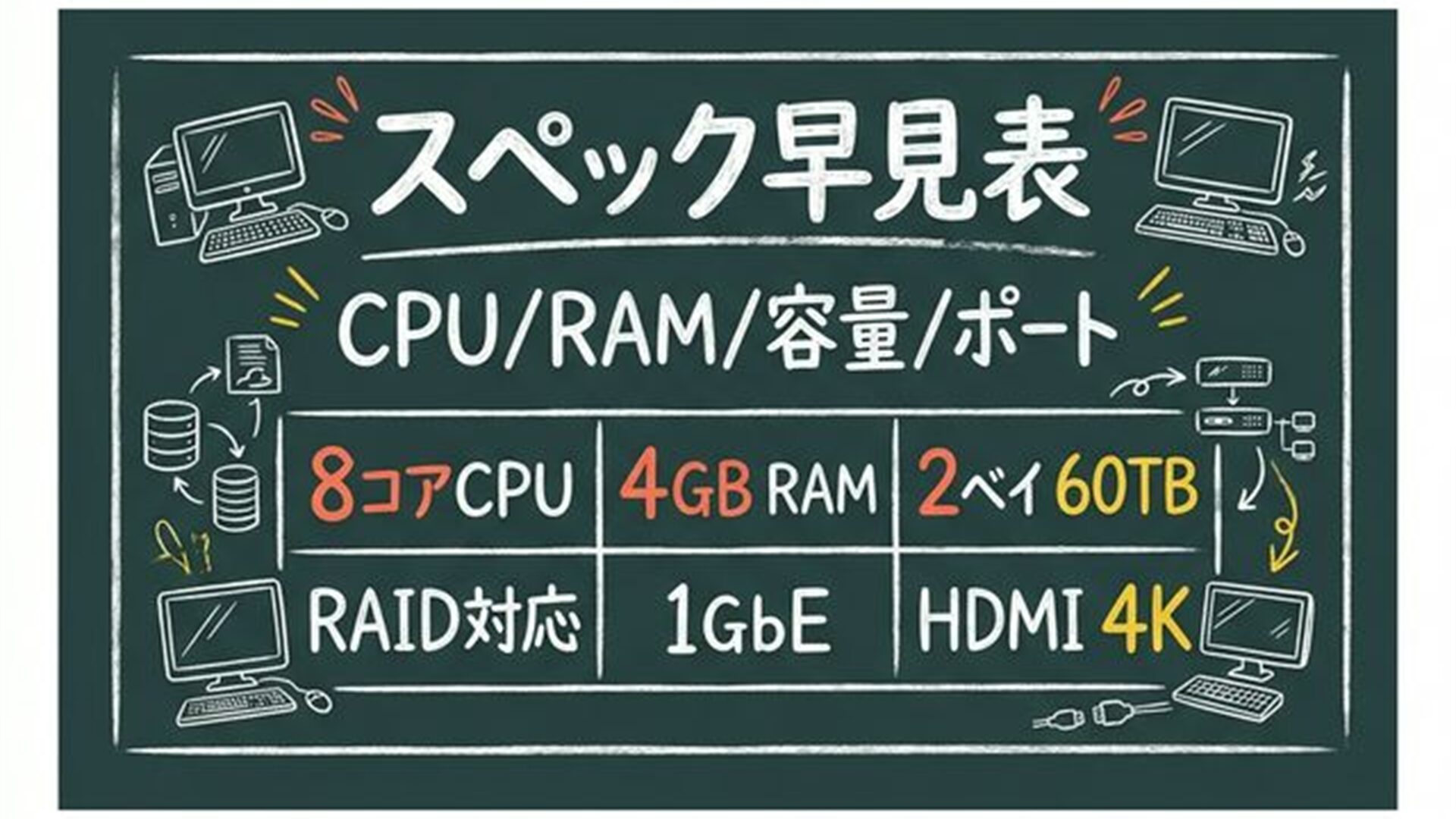
The main specs of the UGREEN NASync DH2300 are as follows:
| Item | Specification |
|---|---|
| CPU | Rockchip RK3576 (8-core / A72x4 + A53x4 / up to 2.2GHz) |
| RAM | 4GB or 8GB (non-expandable) |
| System Storage | 32GB eMMC |
| NPU | 6 TOPS (AI photo recognition) |
| Drive Bays | 2 bays (supports 3.5-inch / 2.5-inch SATA) |
| Max Storage Capacity | 60TB (30TB x 2) |
| RAID | JBOD / Basic / RAID 0 / RAID 1 |
| LAN Port | 1GbE (RJ45) x 1 |
| USB-A | 3.2 Gen1 (5Gbps) x 2 (rear) |
| USB-C | 3.2 Gen1 (5Gbps) x 1 (front) |
| HDMI | 4K 60Hz x 1 |
| NFC | Supported (one-touch connection) |
| OS | UGOS Pro (Japanese language support) |
| TDP | 10W |
| Power Consumption | Approx. 13.7W during HDD operation / Approx. 3.3W in sleep mode |
| Dimensions | 151 x 98 x 213.7 mm |
| List Price (incl. tax) | 32,880 yen (HDD sold separately) |
Ms.GadgetsSince the HDD is sold separately, about how much extra will that cost?
Mr.GadgetsIt depends on the capacity, but for NAS-grade HDDs, you should expect to pay around 10,000–20,000 yen for 4TB and 20,000–40,000 yen for 8TB. NAS-specific drives such as WD Red Plus or Seagate IronWolf are recommended.
The package includes the DH2300 unit, power adapter, LAN cable, HDD tray screws, and a quick start guide. While you need to provide the HDD separately, the benefit is that you are free to choose the capacity and brand you prefer.
Review and User Experience of the UGREEN NASync DH2300
Unboxing and Exterior: Compact and Sophisticated Design
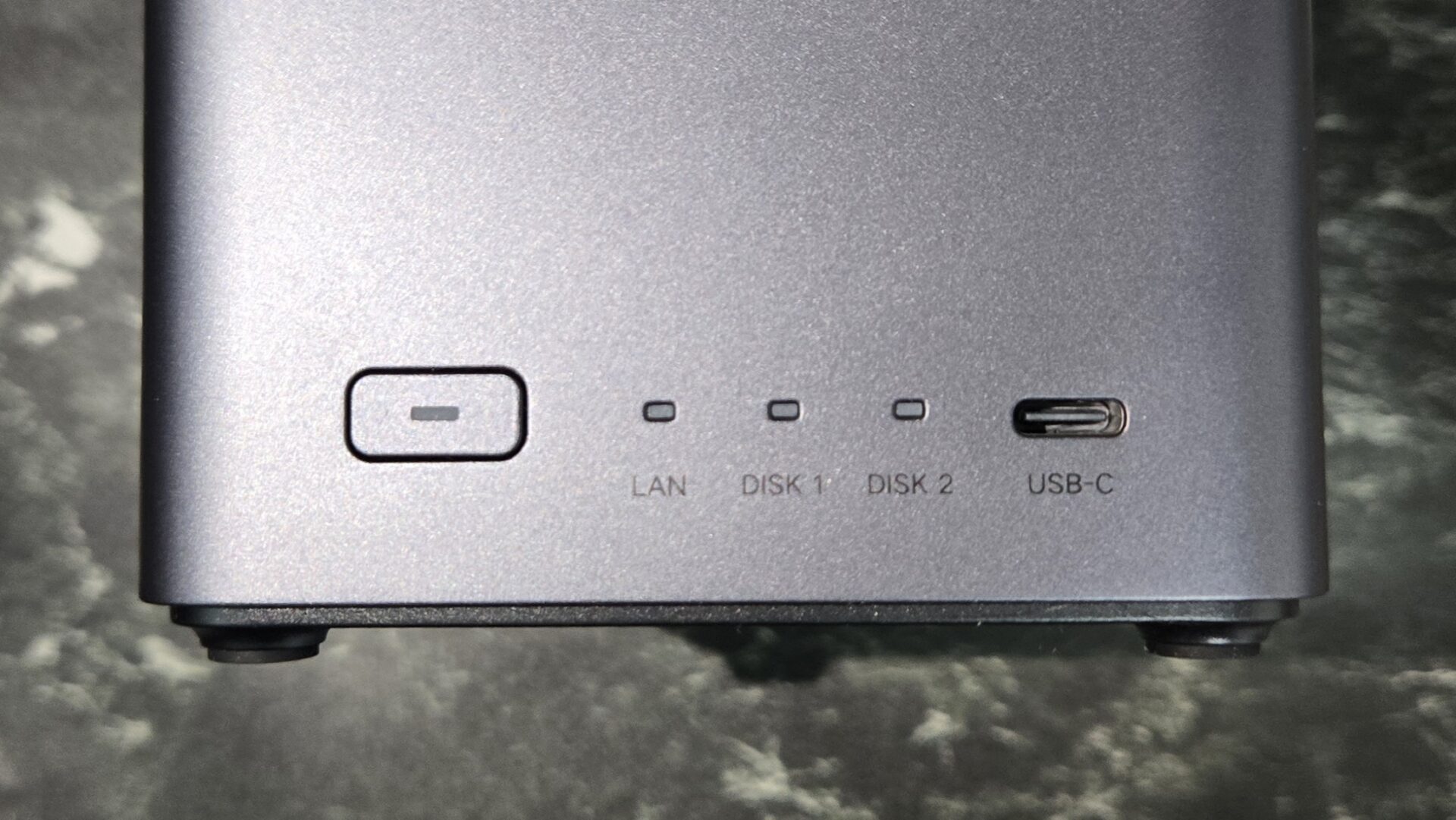
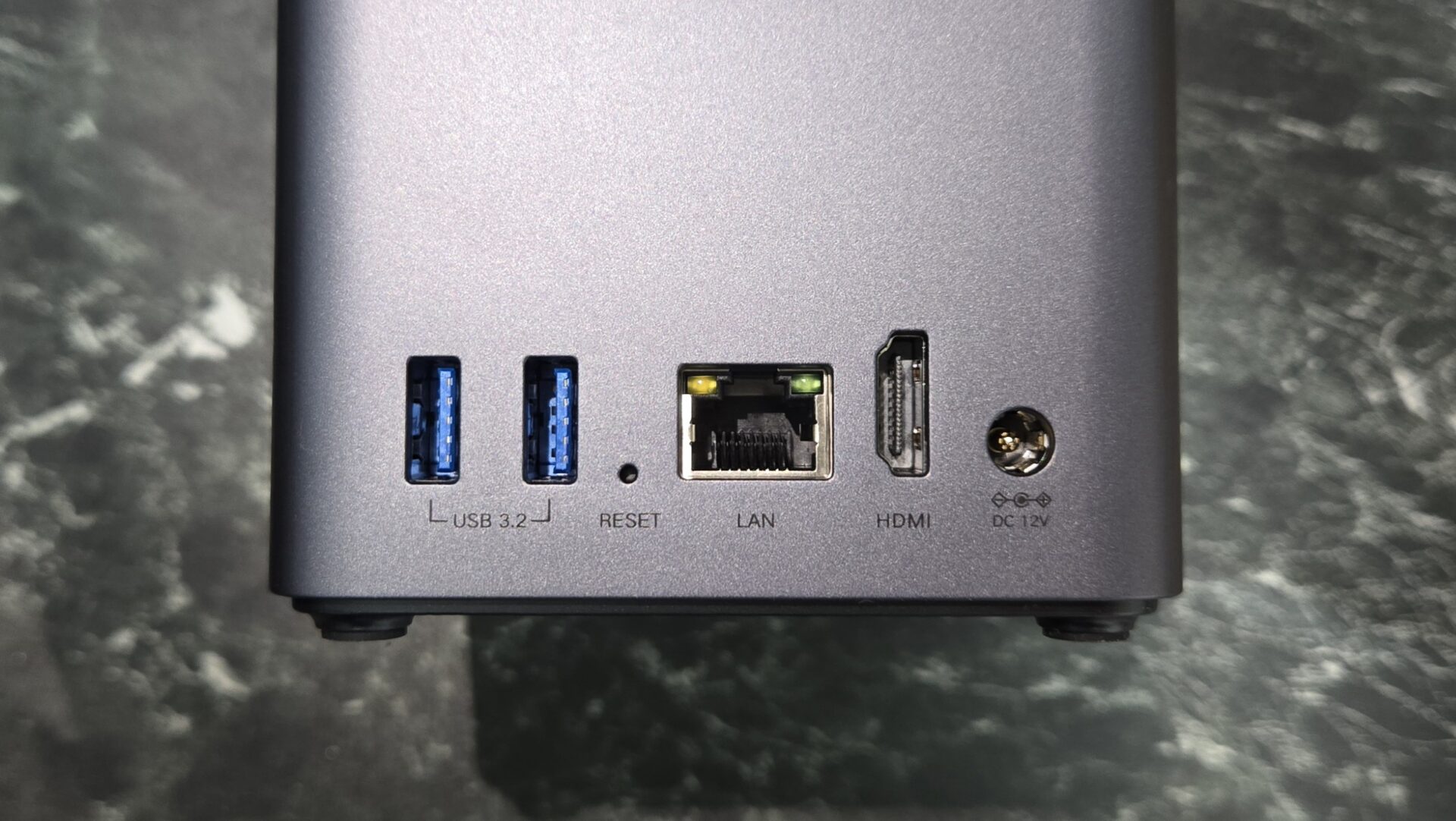
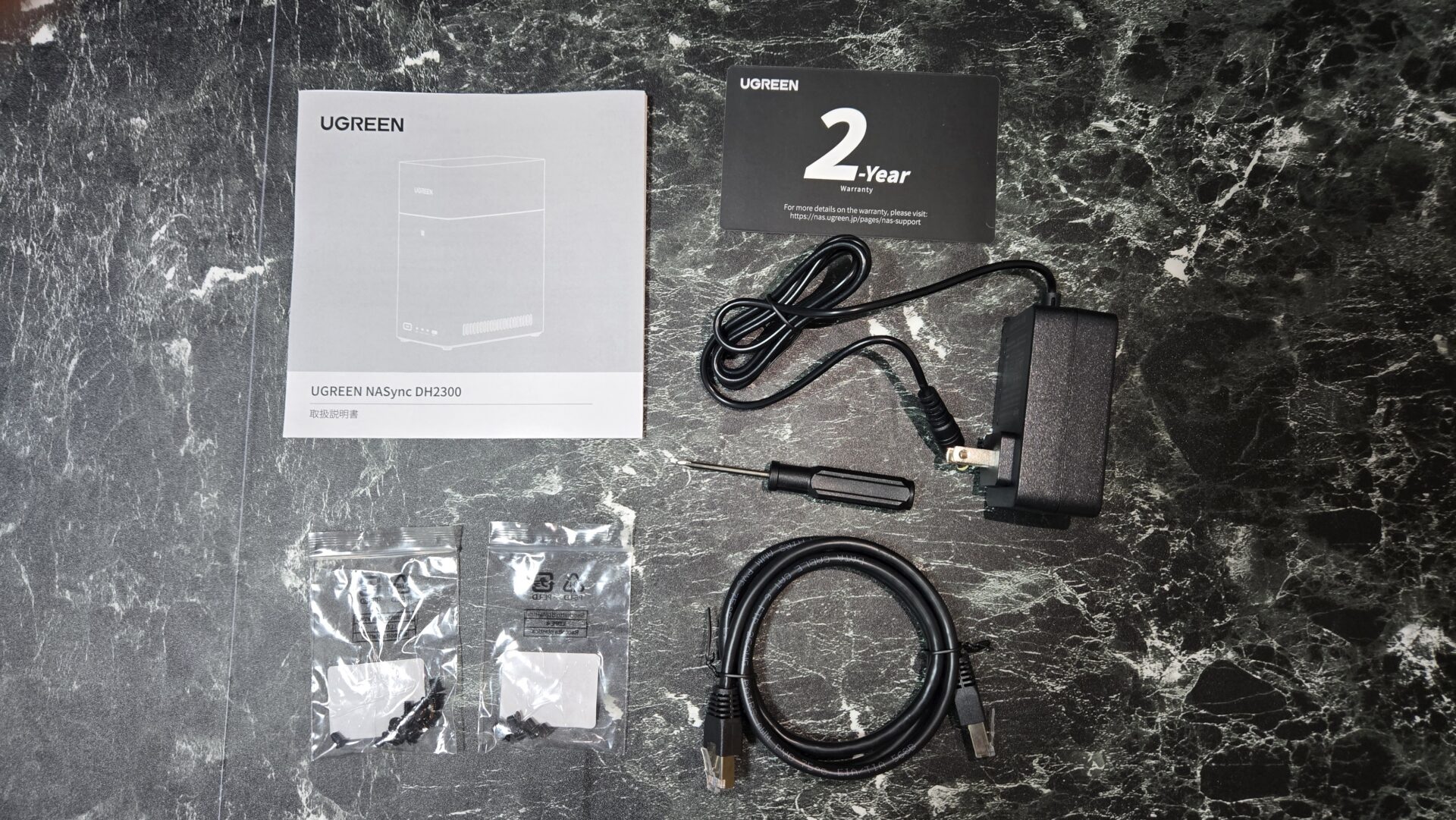
My first impression of the UGREEN NASync DH2300 was a pleasant surprise: “It doesn’t look like a typical NAS.”
The matte-textured chassis measures 151 x 98 x 213.7mm, which is about the size of two stacked paperback books. It doesn’t look intrusive even when placed on the edge of a desk or the corner of a TV stand.
Ms.GadgetsIt’s smaller than I thought. It doesn’t seem like it would be hard to find a place for it.
Mr.GadgetsIt’s also lightweight, so there is a lot of freedom in where you place it. The front has a USB-C port and an NFC touch area, while the rear houses two USB-A ports, LAN, HDMI, and the power terminal.
Overall, it has a minimalist design that blends naturally into a living room or study.
HDD Installation: Simple Tool-Free Setup
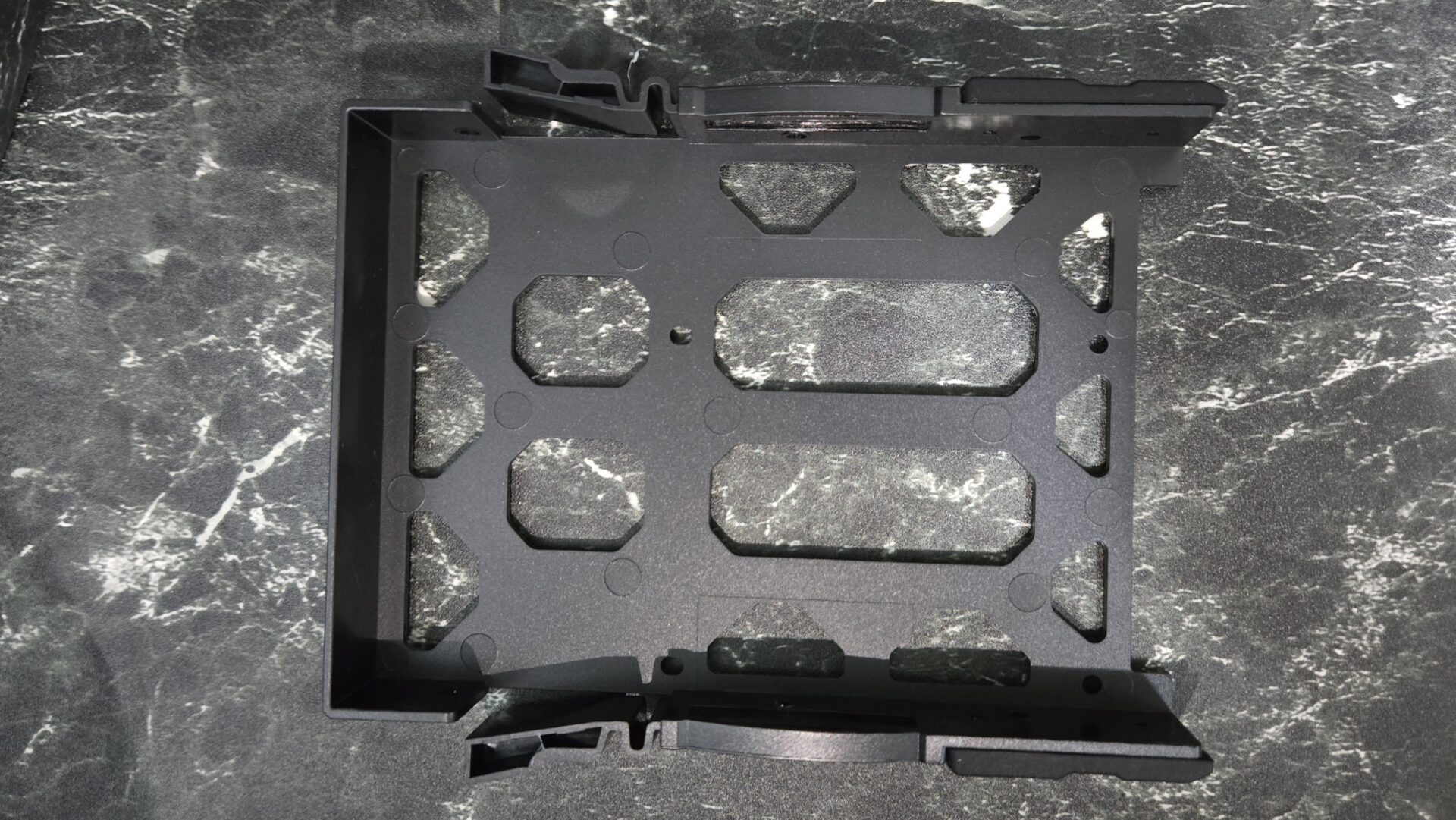
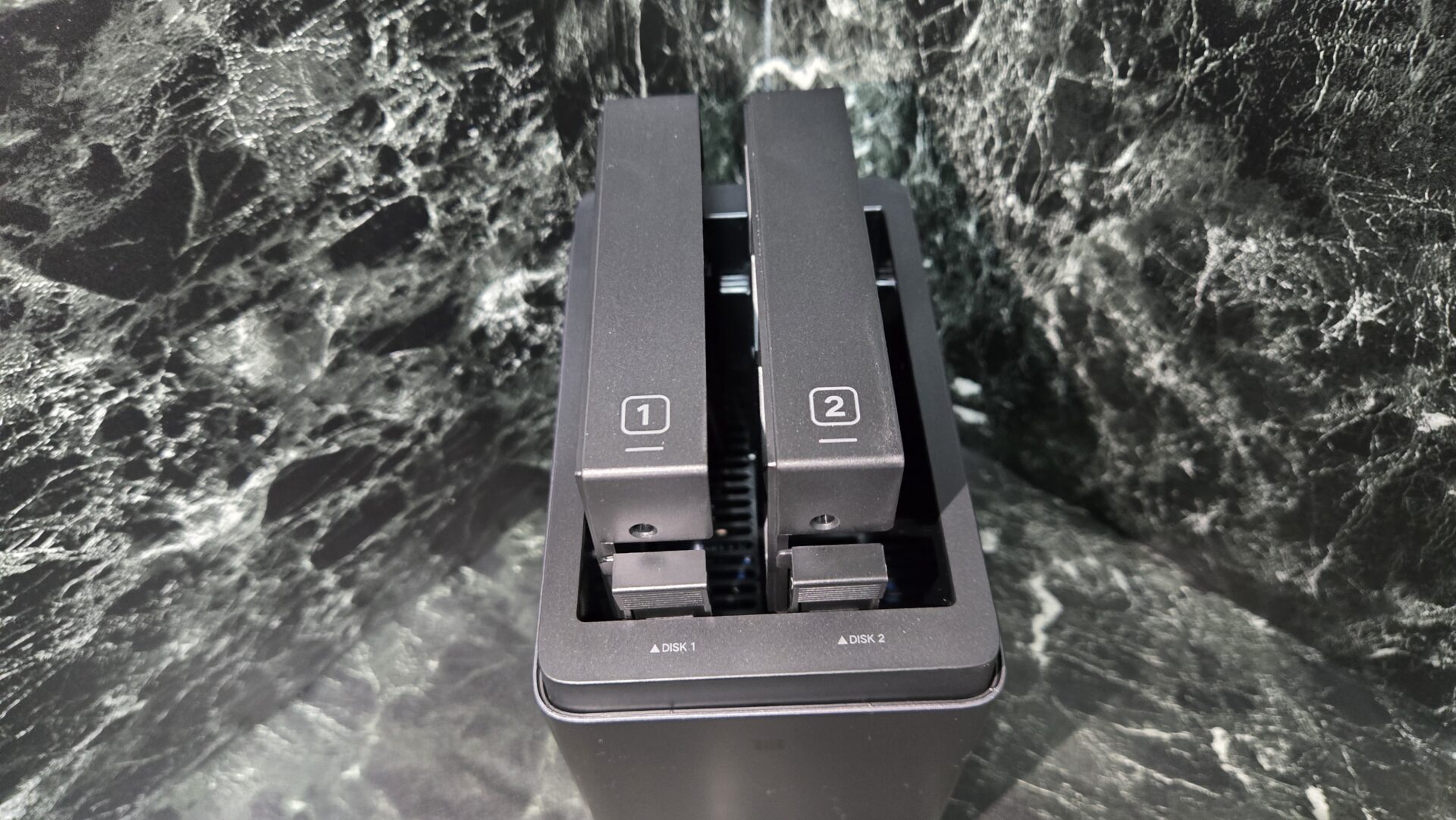
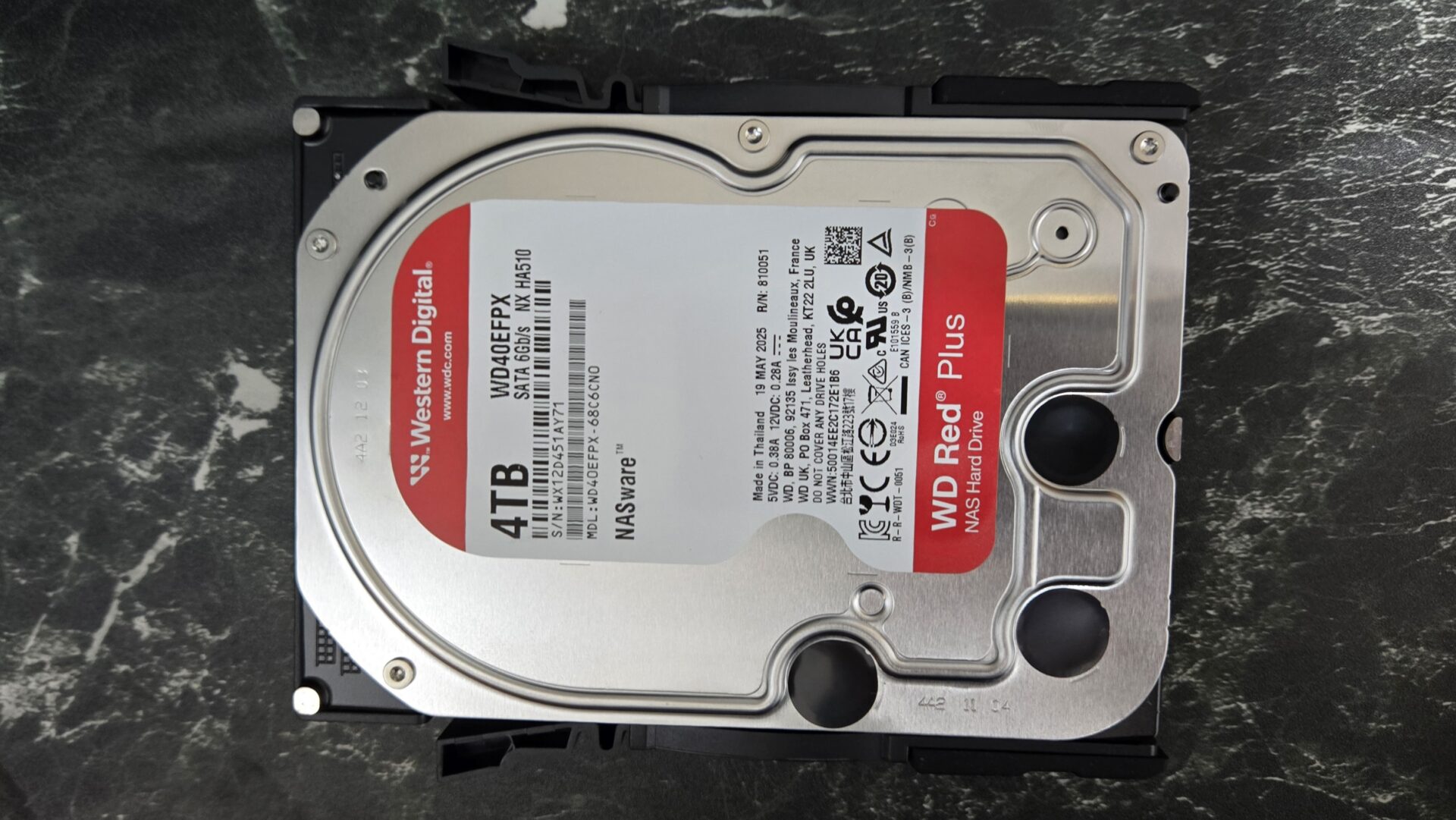
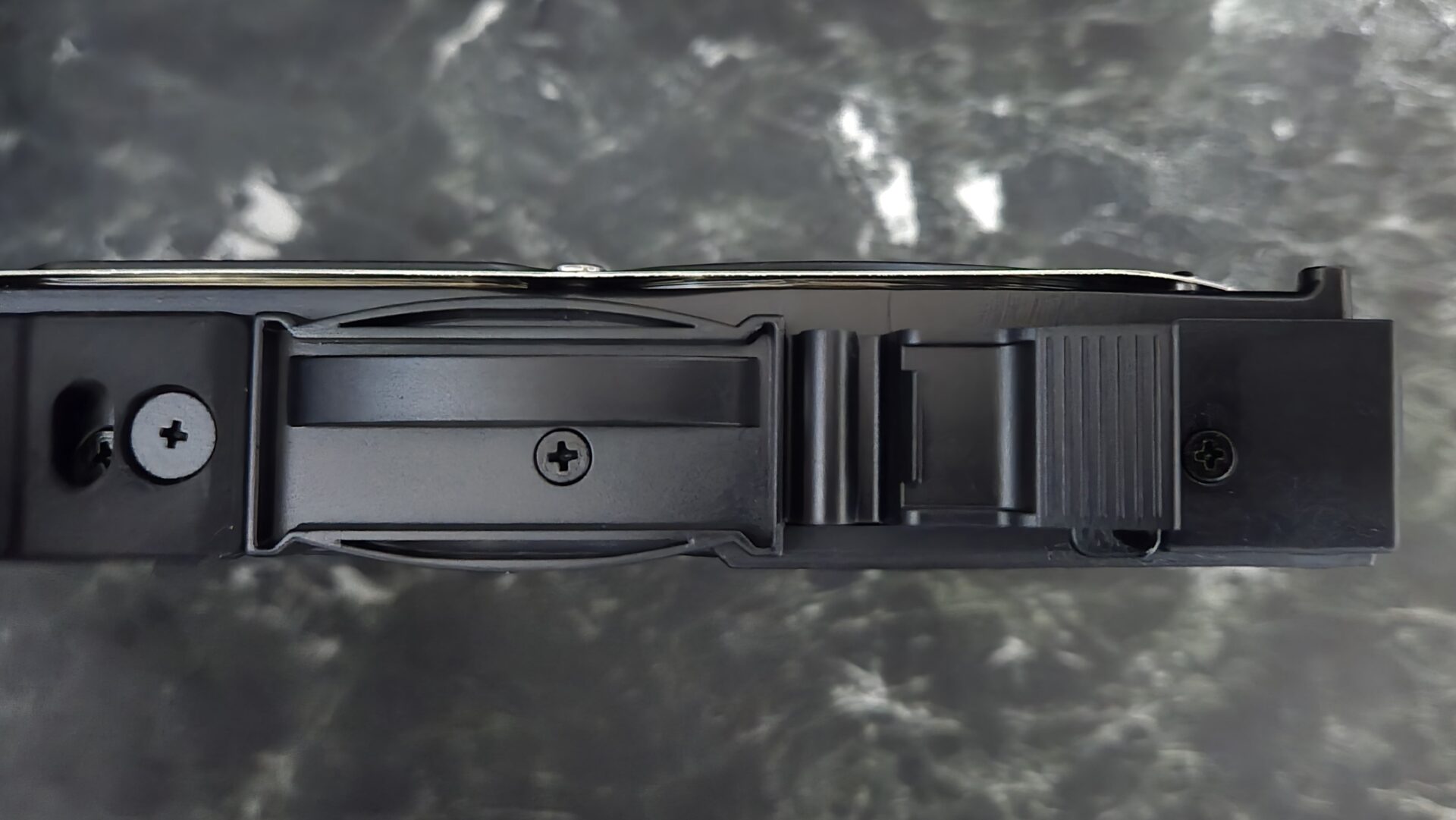
HDD installation is completed in three steps.
- Remove the front panel and slide out the HDD tray
- Set the 3.5-inch HDD into the tray
- Secure it with the included screws and slide the tray back into the unit
Ms.GadgetsCan someone who has never built a PC perform the HDD installation?
Mr.GadgetsYou only need the included screwdriver, and the tray structure is very clear, so even a beginner can finish it in a few minutes. It took me less than 10 minutes even for two HDDs.
For NAS-grade HDDs, products designed for 24/7 operation, such as WD Red Plus or Seagate IronWolf, are officially recommended.
Initial Setup: 10-Minute Completion via NFC One-Touch + UGOS Pro
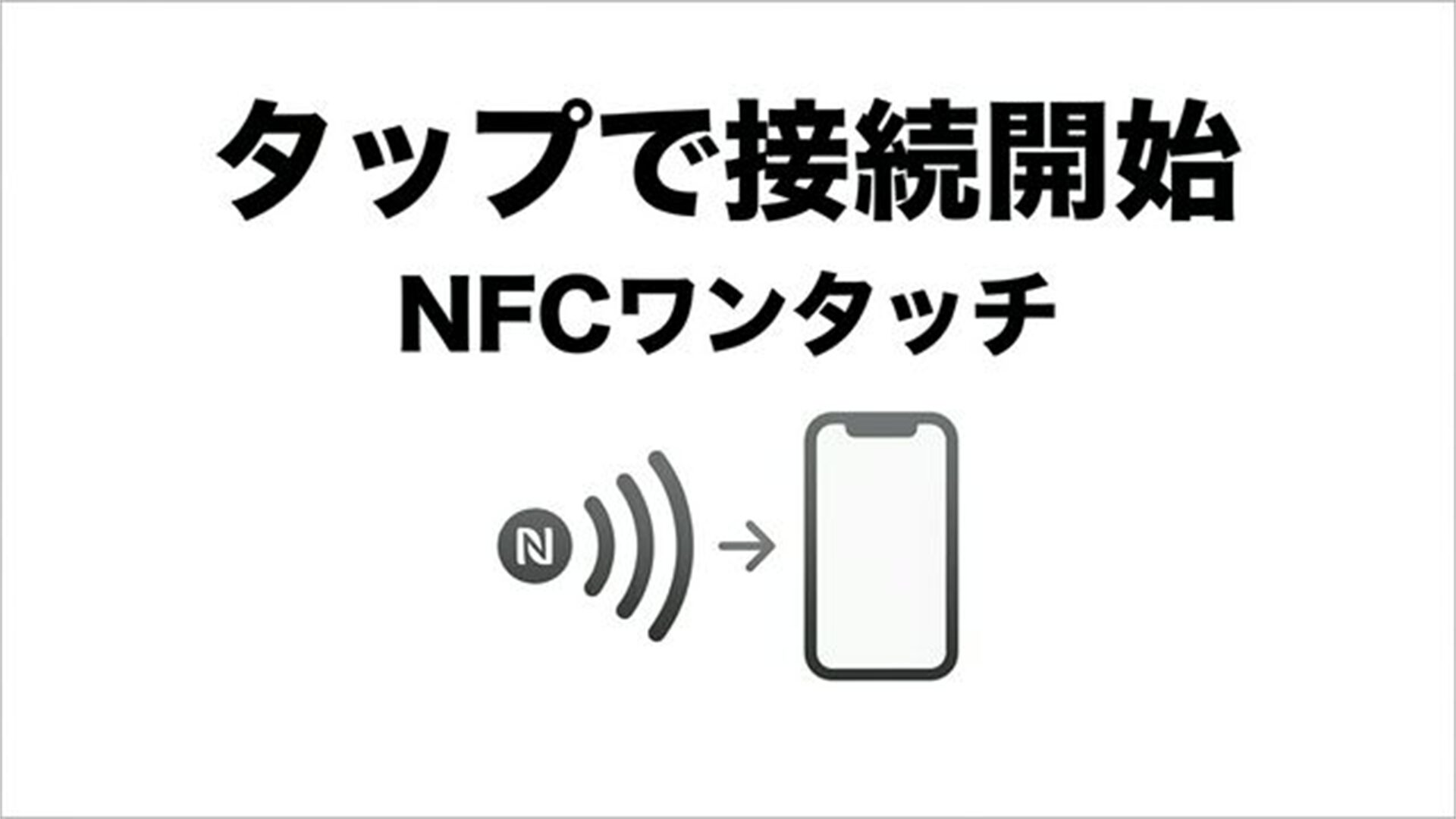
Initial setup of the UGREEN NASync DH2300 is done via the UGREEN NAS app on your smartphone.
If you have an NFC-compatible smartphone, just tapping it against the front of the unit will open the app download screen. From there, just follow the instructions in the setup wizard.
The setup flow is as follows:
- NFC Connection: Tap smartphone to the unit -> Download app
- Account Creation: Register a UGREEN ID
- RAID Setup: RAID 1 (mirroring) is recommended. It writes the same data to both HDDs, protecting your data even if one fails
- Create Shared Folders: Automatically generate folders for photos, videos, documents, etc.
Ms.GadgetsRAID settings sound difficult; can a beginner understand them?
Mr.GadgetsThe wizard guides you by saying, “RAID 1 is recommended,” so you just choose it according to the on-screen instructions. No technical knowledge is required.
The whole process was completed in 10 to 15 minutes. The UI (management screen) of UGOS Pro is also fully supported in Japanese.
UGOS Pro Usability: Intuitive and Easy-to-Navigate UI
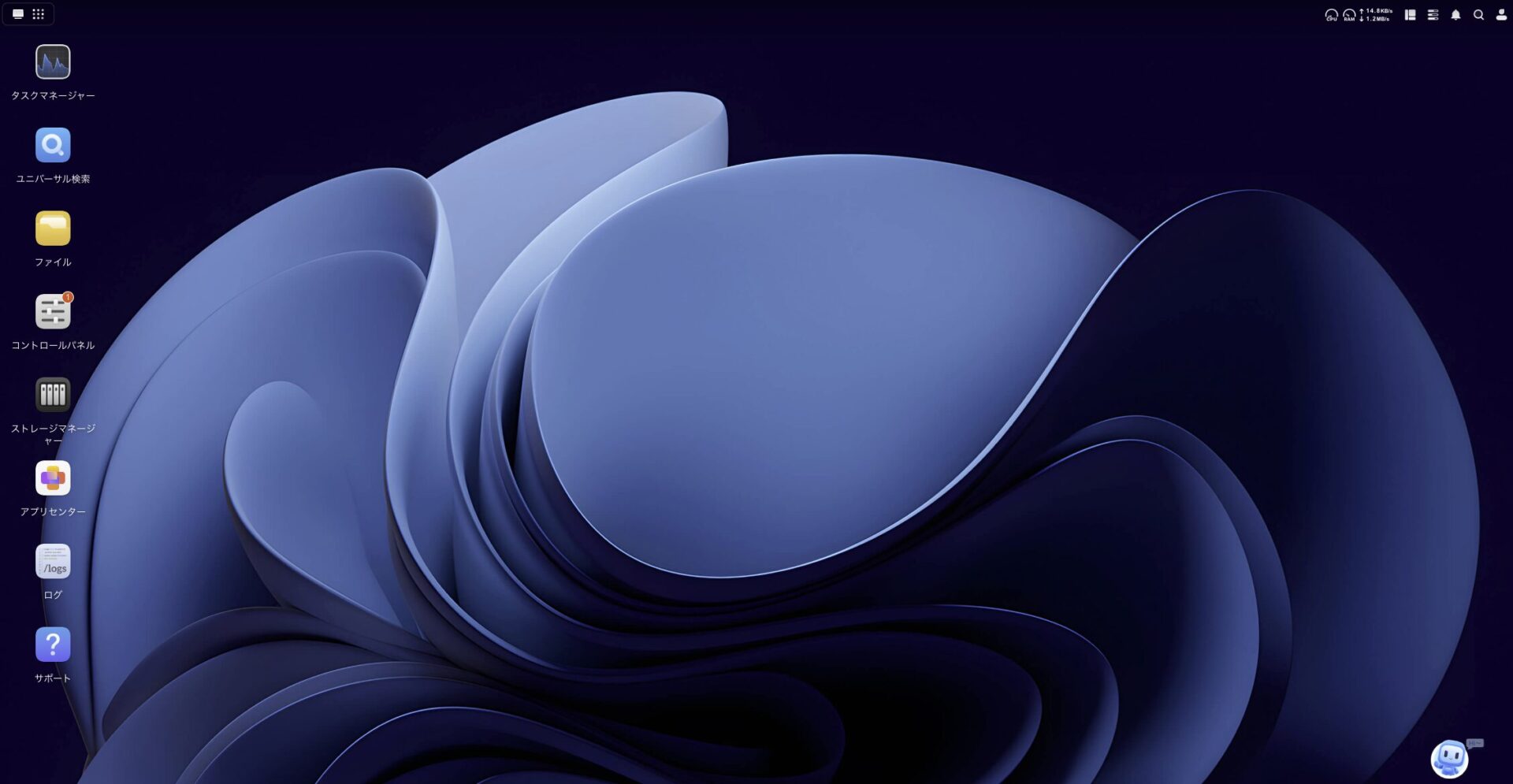
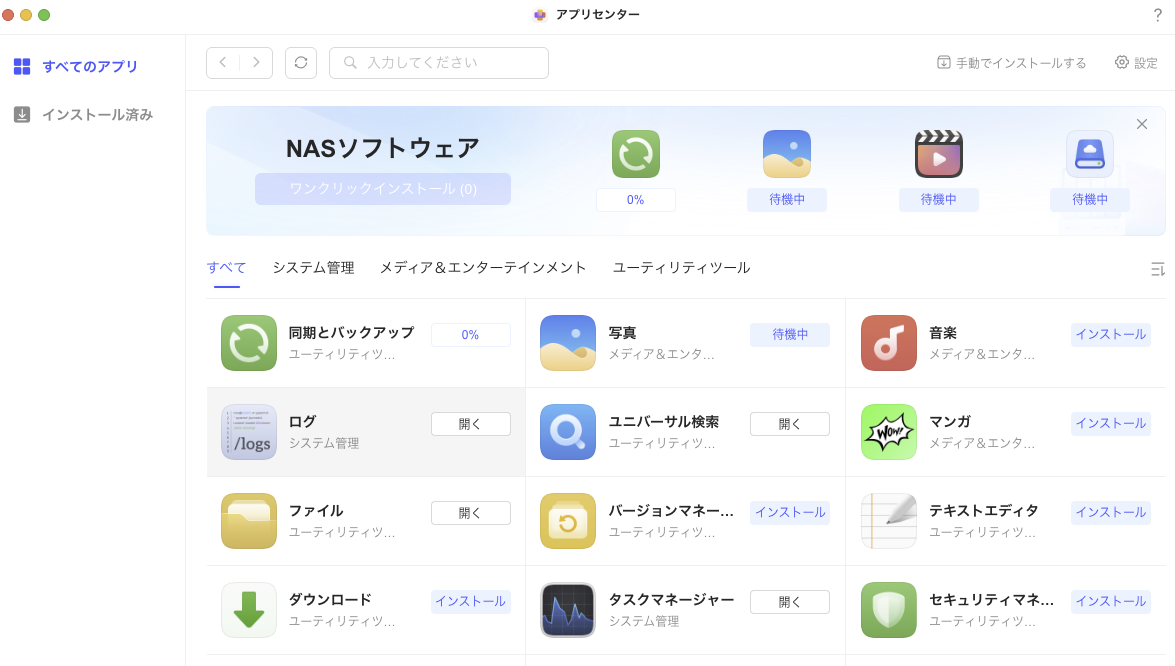
UGOS Pro is UGREEN’s proprietary operating system for NAS. You can access the management screen from a web browser, and there are also smartphone apps (iOS / Android) available.
The interface uses a simple, icon-based layout, allowing quick access to functions like the file manager, photo management, and backup settings.
Ms.GadgetsHow does the ease of use compare to NAS from other manufacturers?
Mr.GadgetsUGOS Pro feels like it intentionally narrows down features, making the design hard to get lost in for first-time users. While it may lack some things for advanced users seeking extensibility and customization freedom, it is well-balanced for beginners.
Desktop apps (Windows / Mac) are also provided, making file operations from a PC smooth as well.
Automatic Smartphone Photo Backup: Cloud-Like Experience for 0 Yen/Month
When you enable the automatic backup function in the UGREEN NAS app, photos and videos taken on your smartphone are automatically saved to the DH2300 when connected to Wi-Fi.
The usability is similar to iCloud or Google Photos, but there is no monthly fee. It is a shift from “rented storage” to “owned storage.”
Ms.GadgetsCan backup be done from every family member’s smartphone?
Mr.GadgetsYes. If you install the app on each family member’s smartphone and create individual accounts, data is automatically saved to each person’s private folder. The administrator can also create shared albums.
For iPhone users, if you switch to “Settings” -> “Photos” -> “Download and Keep Originals” before backing up, you can save files at their original, uncompressed quality.
Pochipp
AI Album: Automatic Organization via Face and Scene Recognition

The UGREEN NASync DH2300 has a built-in 6 TOPS NPU (AI-dedicated processor) that automatically classifies and organizes your photos.
It includes features that automatically detect and tag faces, classify by shooting location, and identify subject types (scenery, food, pets, etc.).
Ms.GadgetsHow accurate is the AI classification?
Mr.GadgetsFace recognition groups the same person with quite high accuracy. Scene recognition isn’t perfect, but it is at a practical level compared to the effort of manually organizing a massive number of photos.
Smartphone cloud services have storage caps, but since a NAS can be expanded up to 60TB, a key strength is that you can include all your past photos as subjects for AI organization.
4K HDMI Output: Enjoy a Home Theater on Your TV
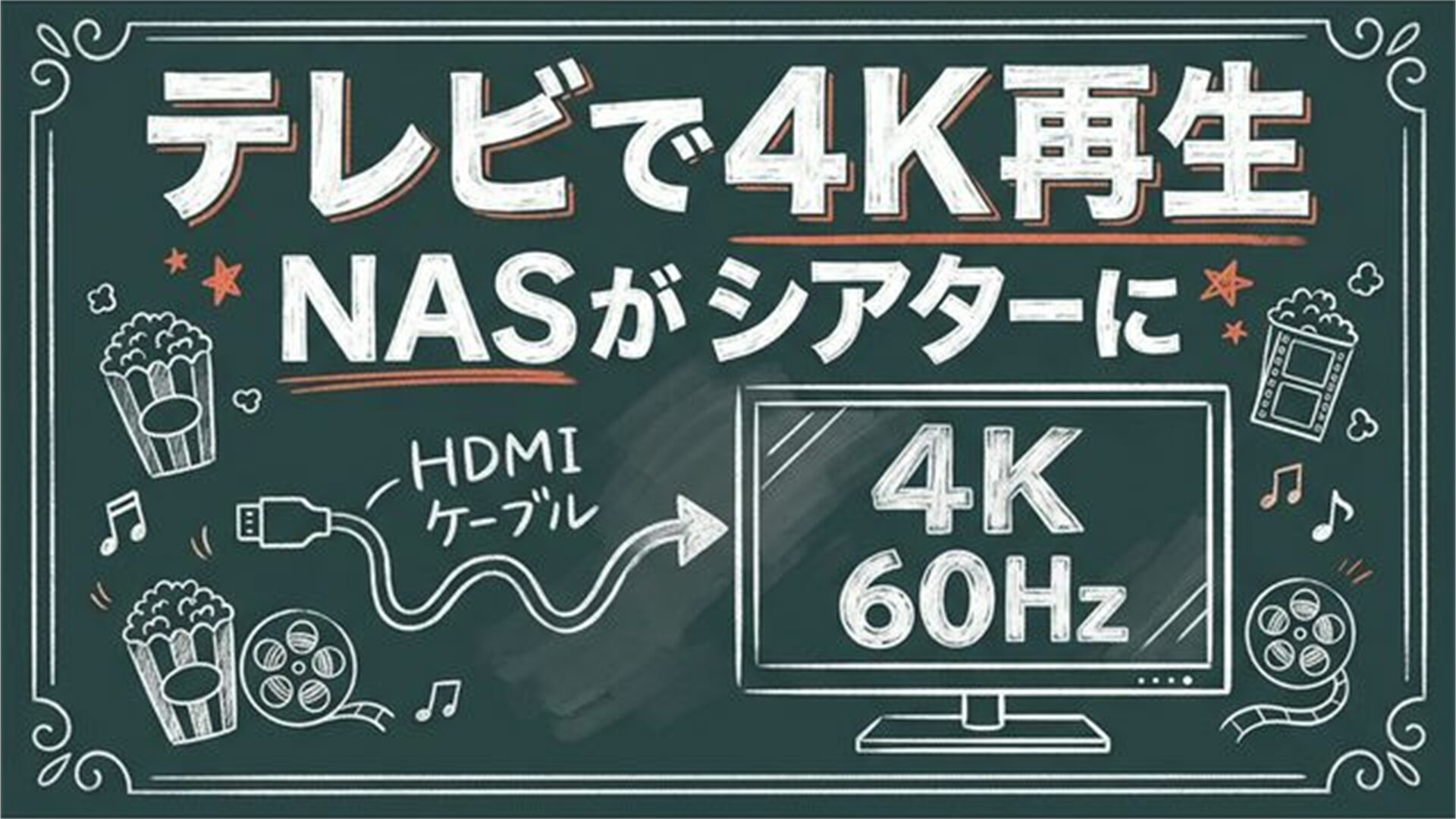
The UGREEN NASync DH2300 is equipped with HDMI 2.0b (4K 60Hz), allowing you to connect directly to a TV or monitor to play videos.
It is a feature that lets you enjoy movies and home videos stored on your NAS on the large screen of your TV using a remote control.
Ms.GadgetsIt’s convenient to be able to play directly on the TV. Is that not a common feature for NAS?
Mr.GadgetsMore NAS devices are coming with HDMI outputs, but 4K 60Hz support in an entry-level model is a characteristic point of the UGREEN NASync.
It’s perfect for use cases like looking back at family memorial videos on your living room TV.
File Sharing and Remote Access: Safe Even When You’re Away
The UGREEN NASync DH2300 supports remote access, allowing you to access files on the NAS from outside your home via smartphone apps or a web browser.
It also supports hybrid cloud synchronization with OneDrive and Google Drive, making it possible to keep data both in the cloud and locally.
Ms.GadgetsIs security okay when accessing from outside?
Mr.GadgetsCommunication is encrypted via TLS/SSL, and two-factor authentication can also be set. Since the data itself is stored on your home NAS, a major benefit is that you don’t need to entrust your data to third parties like you would with cloud services.
Multi-device support is also convenient, allowing simultaneous access from PC, smartphone, and tablet.
Measured Transfer Speed, Noise, and Power Consumption
The LAN port of the UGREEN NASync DH2300 is 1GbE (theoretical 125MB/s).
While transfer speeds depend on the usage environment and HDD performance, it is significantly faster compared to typical cloud upload speeds (approx. 10MB/s).
Official power consumption is approx. 13.7W during HDD operation and approx. 3.3W during drive sleep. Calculating with the average Japanese electricity rate (approx. 31 yen/kWh), it costs about 74 yen per month in sleep mode and about 300 yen per month during HDD operation. Since the HDD is actually in sleep mode for a significant amount of time, approx. 100–300 yen per month is a reasonable estimate.
Ms.GadgetsHow is the operating noise? Would it be bothersome if placed in a bedroom?
Mr.GadgetsI barely noticed it, other than occasionally thinking I heard something running!
Because of its power-saving design with a 10W TDP, it generates little heat and is suitable for 24/7 operation.
Security: RAID, Encryption, and Two-Factor Authentication

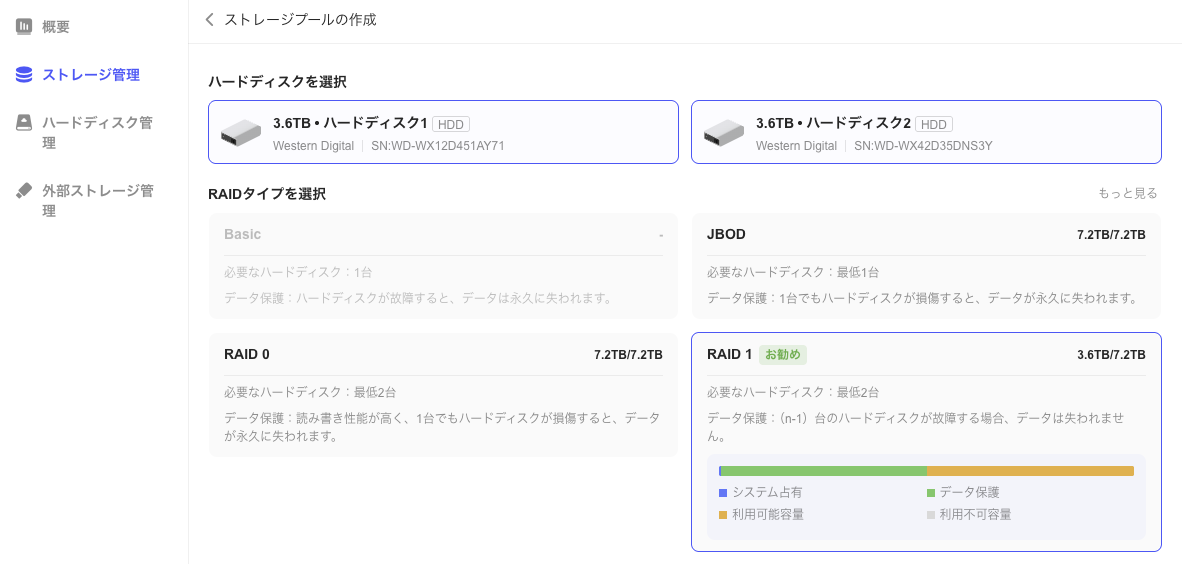
Here is a summary of the security features of the UGREEN NASync DH2300:
- RAID 1 (mirroring): Saves the same data to two HDDs, preventing data loss even if one fails
- TLS/SSL, RSA, AES encryption: Protects data during transfer
- Two-factor authentication: Prevents unauthorized access to your account via smartphone linkage
- Private Space: Allows you to set dedicated folders for each family member, separating data access
- 24/7 Threat Defense: Security monitor of UGOS Pro
Ms.GadgetsCan you say that a NAS is superior to cloud services in terms of security?
Mr.GadgetsCloud services entrust your data to the operating company’s servers, but a NAS stores data in your own home, so there is no risk of entrusting data to third parties. However, please understand that with a NAS, the user is responsible for managing backups and RAID settings yourself!
Overall, it is a very well-balanced product as “the first unit for someone who has never used a NAS.” If you require high-speed transfer of massive data or advanced customization, you will need to consider higher-end models, but it firmly meets the three major needs of smartphone backup, photo organization, and video playback.
Summary
Recommended as a First NAS to Protect Smartphone Photos with “Your Own Storage”
The UGREEN NASync DH2300 is a 2-bay NAS that handles 10-minute setup for beginners via NFC + UGOS Pro, AI photo organization via a 6 TOPS NPU, home theater via HDMI 2.0b 4K output, and energy-efficient operation for about 100–300 yen per month, all in one unit.
For those who want to “be freed from the capacity limits of iCloud or Google Photos” or “back up smartphone photos for 0 yen per month,” the 32,880 yen price tag is well worth considering. It also comes equipped with security features like RAID 1 data protection, TLS/AES encryption, and two-factor authentication, allowing you to manage your precious data at home with peace of mind.
On the other hand, there are limitations such as the LAN being limited to 1GbE and non-expandable memory, so you would need to consider higher-end models if you require high-speed transfer of large volumes of data or advanced customization. It is a well-balanced choice as “the first unit to experience the convenience of NAS.”
Mr.GadgetsThe ease of having the setup start just by tapping your phone via NFC provides a sense of security as a first NAS. Getting smartphone backups for 0 yen per month is also a big appeal!
Pochipp
- 10-minute setup for beginners with NFC one-touch connection + UGOS Pro
- AI albums automatically classify and organize photos
- 4K 60Hz HDMI output turns your TV into a home theater
- 24/7 operation with electricity costs of about 100–300 yen/month
- Affordable at 32,880 yen for a multi-functional NAS
- Full Japanese language support for both UGOS Pro and the app
- LAN is limited to 1GbE, making large file transfers slower than higher-end models
- 4GB of RAM is not expandable (an 8GB model is available as an option)
- No SD card slot
Recommended for:
- Beginners who have never used a NAS and value ease of setup
- Those who want to back up smartphone photos and videos for 0 yen per month
- Those who want to share photos with family and also separate private folders
- Those who want to utilize a NAS as a home theater via 4K HDMI output
Thank you for reading to the end!
Related Articles
Thank you for reading until the end!
- The evaluation in this article is unique to this site.
- Unless otherwise specified, product prices and information are current as of the time of writing.
- Please note that this site cannot be held responsible for any inaccuracies in this information.
- Product and service names mentioned on this site are trademarks of their respective companies.
This article was originally written in Japanese and has been translated.
Comments