
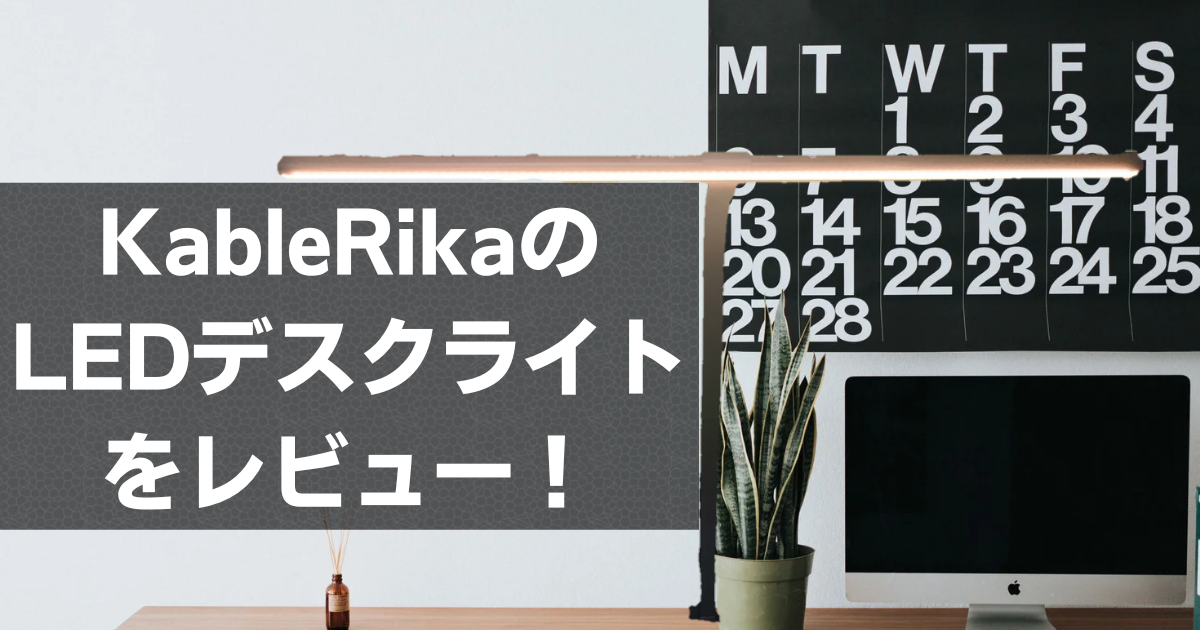
Has anyone ever experienced this?
My eyes are tired from telework and web conferences…
My eyes get blurry when I read…
My child doesn’t want to study at their desk…
That’s when a desk lamp comes in handy! Desk lamps, also known as table lamps, are essential for creating an eye-friendly environment by illuminating your workspace.
So, today I’m going to review the KableRika LED desk lamp, while also introducing some points to consider when choosing a desk lamp.
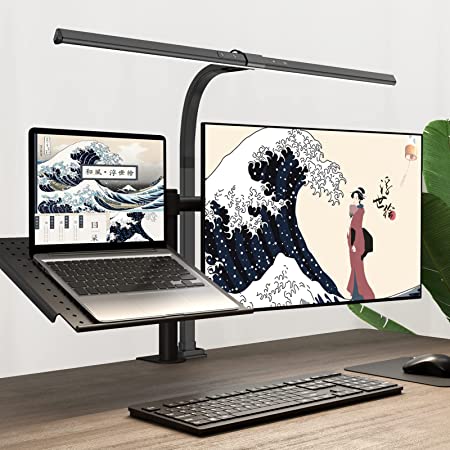
- Wide illumination range
- Reduces glare
- Easy-to-understand buttons
- Excellent color rendering, color temperature range, and brightness
- Cable is too short
- Long pressing buttons can be difficult


 Pochipp
Basic Information about the KableRika LED Desk Lamp
Specifications
| Light Source | LED | Installation Method | Clamp-style |
| Color Temperature | 3000K-6000K | Desk Thickness Compatible with Clamp | Up to 8.2cm |
| Total Luminous Flux | 1200lm | Input | 24V/1A |
| Illumination Range | 80cm / 31.5 inches | Body Size | ≧90Ra |
| Color Rendering Index | ≧90Ra | Cable | DC Cable |
| Features | Automatic Brightness Memory Function Touch-type stepless dimming 6 color temperature modes (3000K-3500K-4000K-4500K-5000K-6000K) |
| Price |  7699 yen (15% OFF at 6544 yen with coupon) (Amazon as of August 2, 2022) |
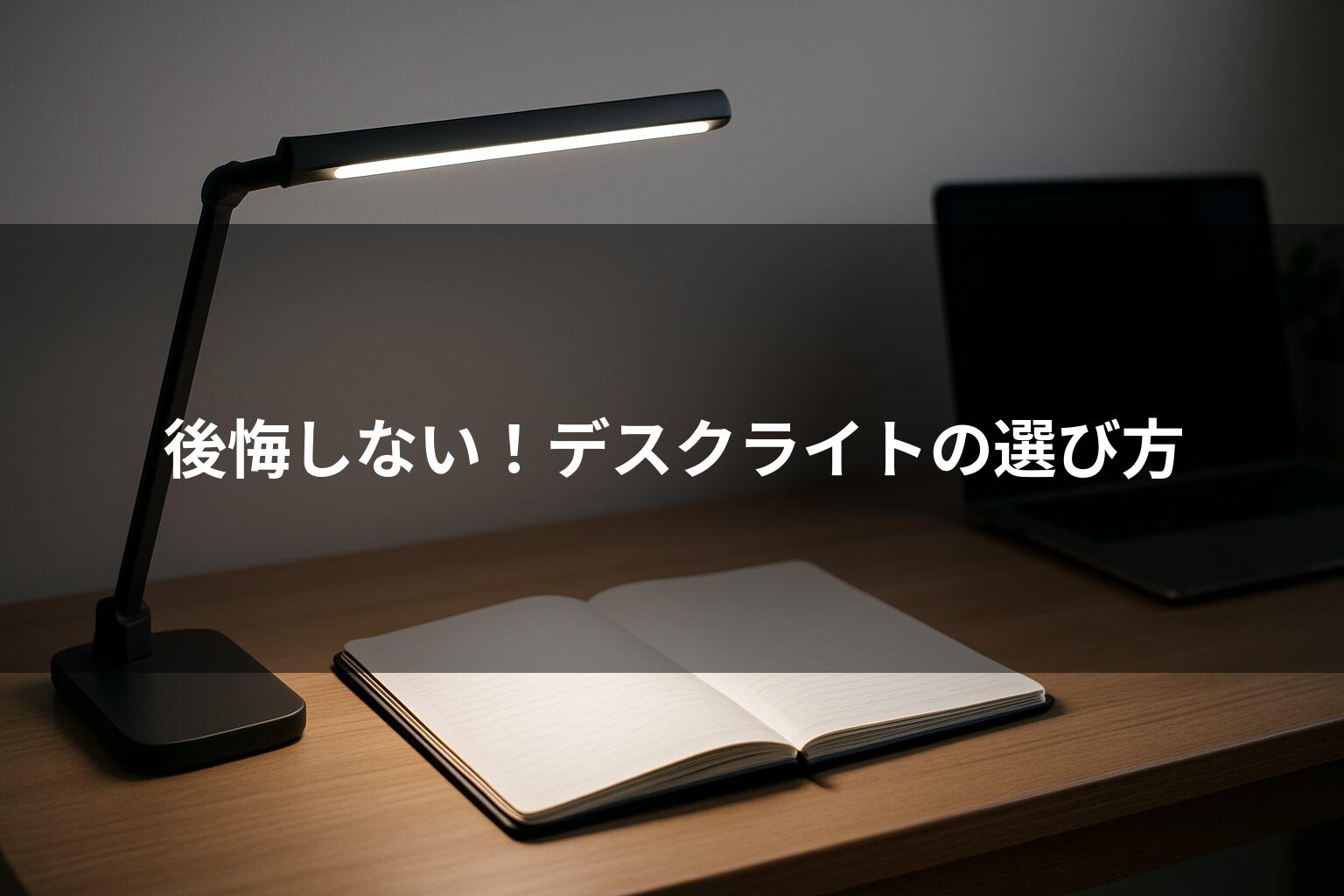
When choosing a desk lamp, first check the type of light source and mounting method. The KableRika LED desk lamp is LED and clamp-style.
LED is characterized by its long life, low heat generation, and eco-friendliness compared to other light sources. A clamp-style lamp is inconvenient to move and install, but it is stable and saves space.
LED desk lamps are structurally prone to creating multiple shadows, but the KableRika LED desk lamp seems to address this issue well.
Also, when choosing a desk lamp, it is important to consider the lighting capabilities such as brightness and color. Pay attention to the luminous flux, which represents the brightness of the light source, the color rendering index, which indicates how close the light is to natural light, the illumination range, which indicates how far the light reaches, and the color temperature, which indicates the color of the light.
The luminous flux is 1200lm, which is sufficiently bright, and the color rendering index is also high at 90Ra. The illumination range is also 31.5 inches, which should be sufficient for most desks.
The range of color temperatures is also well covered, from warm to cool colors.
The lamp’s capabilities are excellent!
Included Accessories
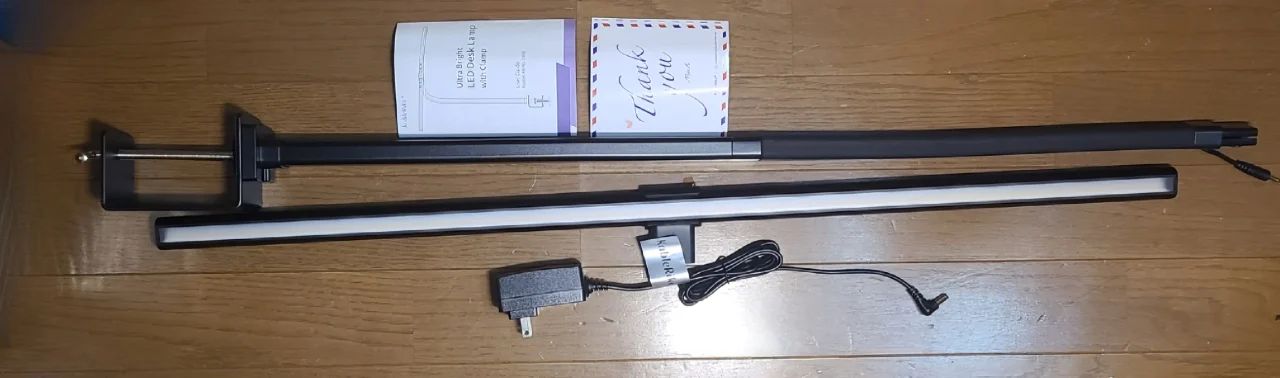
- Main body (bar part)
- Main body (light part)
- DC cable
- Instruction manual
- Thank you letter
The thank you letter was not in Japanese, but the instruction manual was.
Exterior


Part of the main body’s bar is made of silicone, allowing you to bend it to adjust the angle of the light. The strongly bent photo shows the bar bent to its maximum.
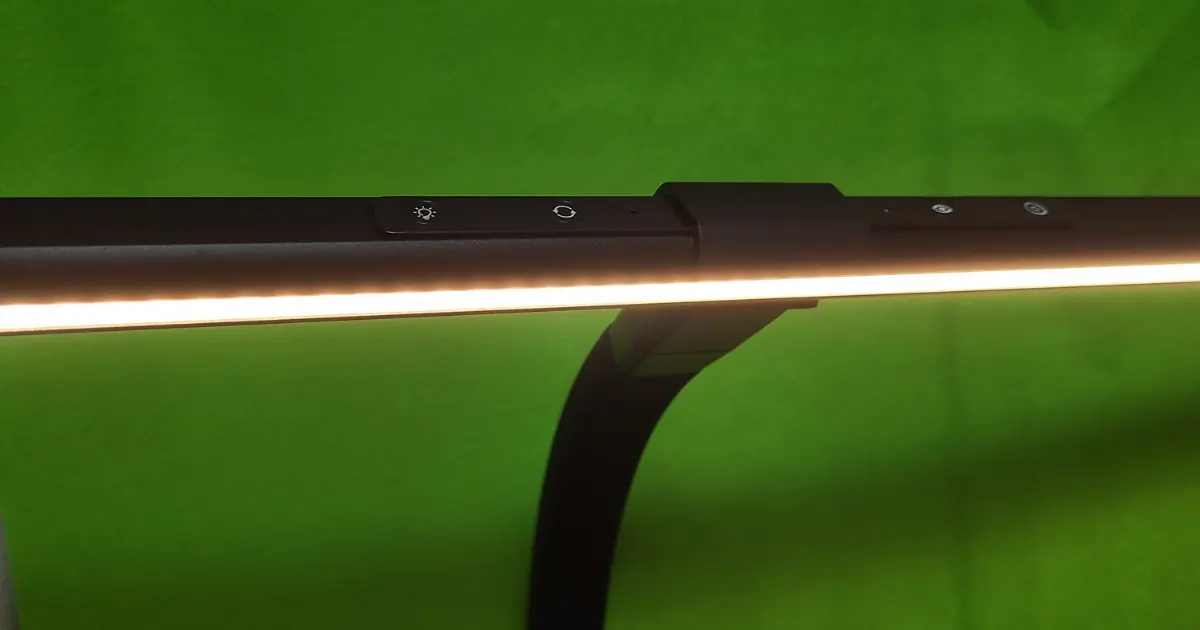
Installation is also relatively easy. While it was a bit tiring to install the clamp on the desk, connecting the light and main body was very easy!
Usability
Light
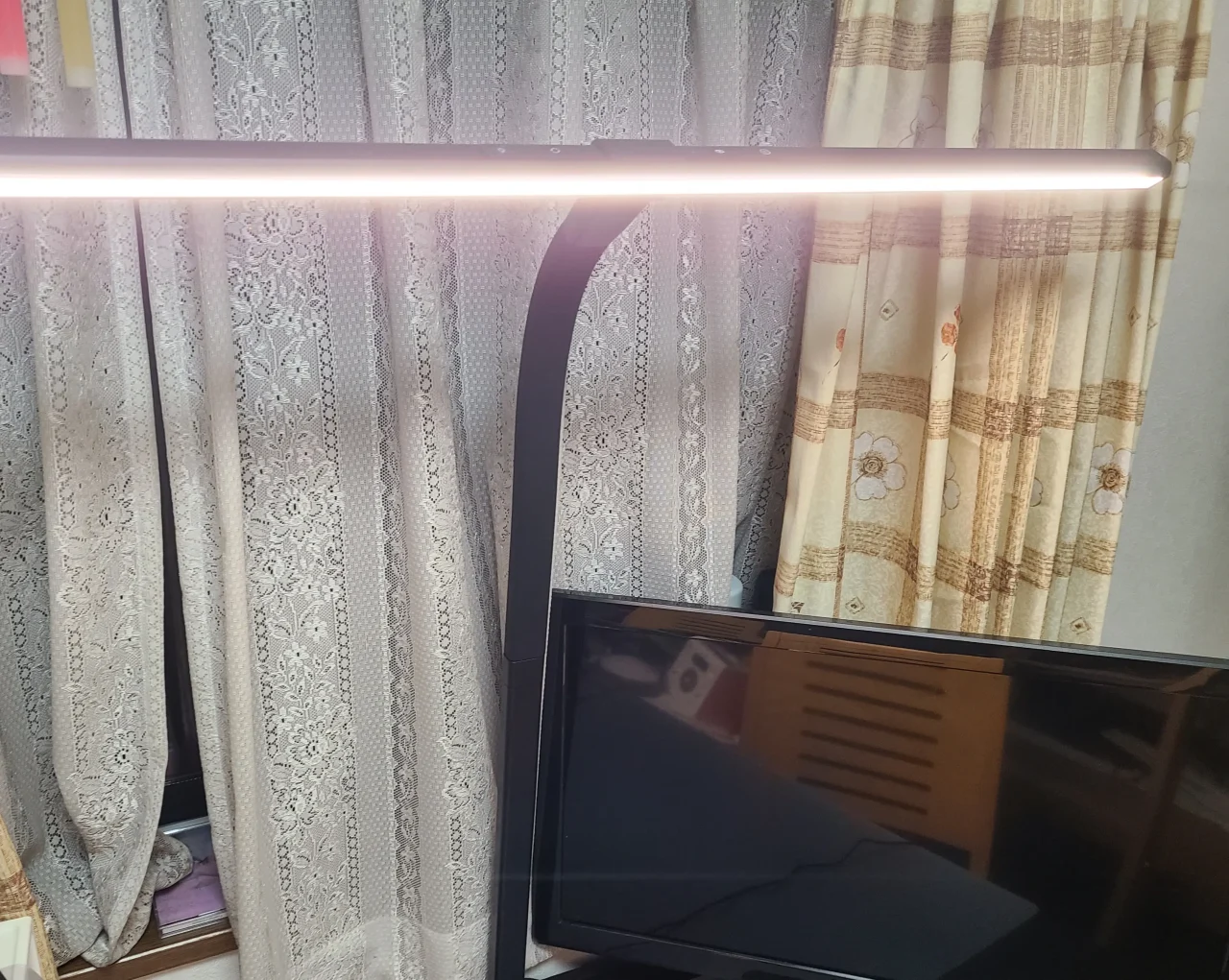
Basically, the brightness can be adjusted to be very bright, so it’s more than enough. Of course, you can also choose a dimmer setting. It felt natural and didn’t feel out of place, and I found it very useful for studying and working.
You can also choose the color from warm to cool colors. As the specification table shows, there are 6 modes (3000K-3500K-4000K-4500K-5000K-6000K), so if you want to switch from 3000K to 5000K, you have to tap 4 times, which is very annoying.
Also, the KableRika LED desk lamp reduces glare, so your display is very easy to see. I recommend it to those of you who have a large monitor or multiple displays!
Buttons
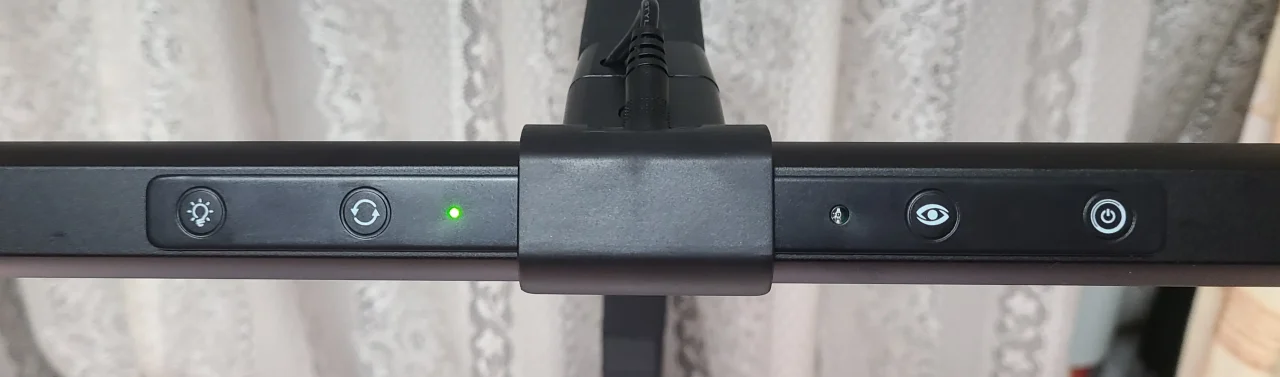
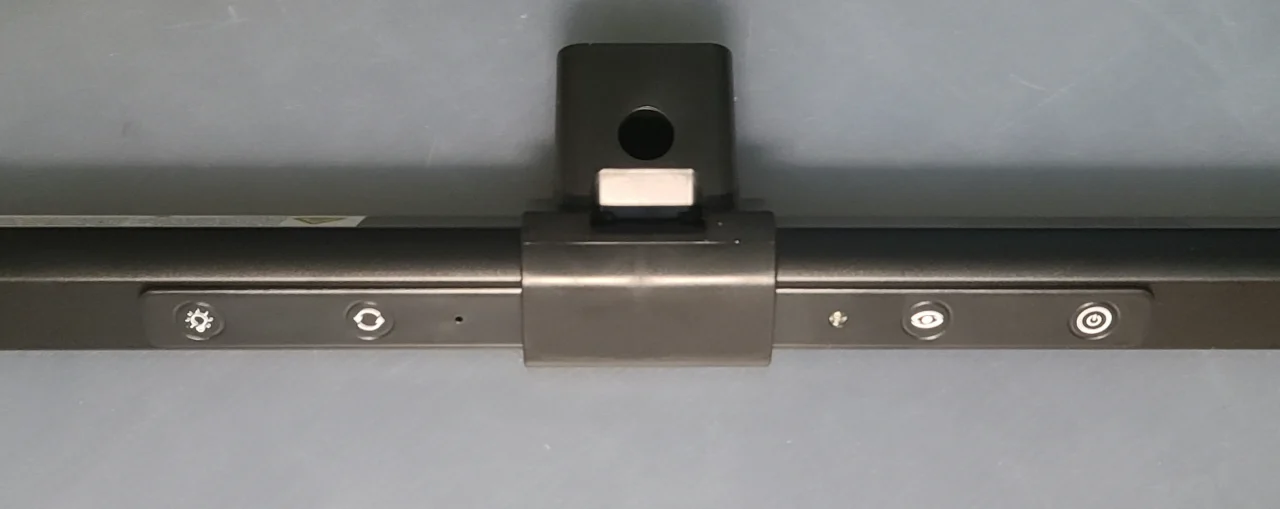
When the power is on, the green light is illuminated as shown in the picture.
The buttons are touch-type and very responsive, responding immediately. However, there are times when long-pressing the buttons to adjust the brightness doesn’t stop at the desired point.
Automatic Brightness Adjustment
Simply tap the second button from the right to automatically adjust the light to the appropriate level for the location and scene.
Sometimes it feels just right, sometimes a little dark, but it doesn’t always adjust to the perfect light, so be careful.
Angle Adjustment
A drawback of clamp-style lamps is that you can’t adjust the angle of the light by moving the main body like with a stand-style lamp, but the KableRika LED desk lamp allows you to adjust it to some extent by bending the bar, which is very convenient!
Cable

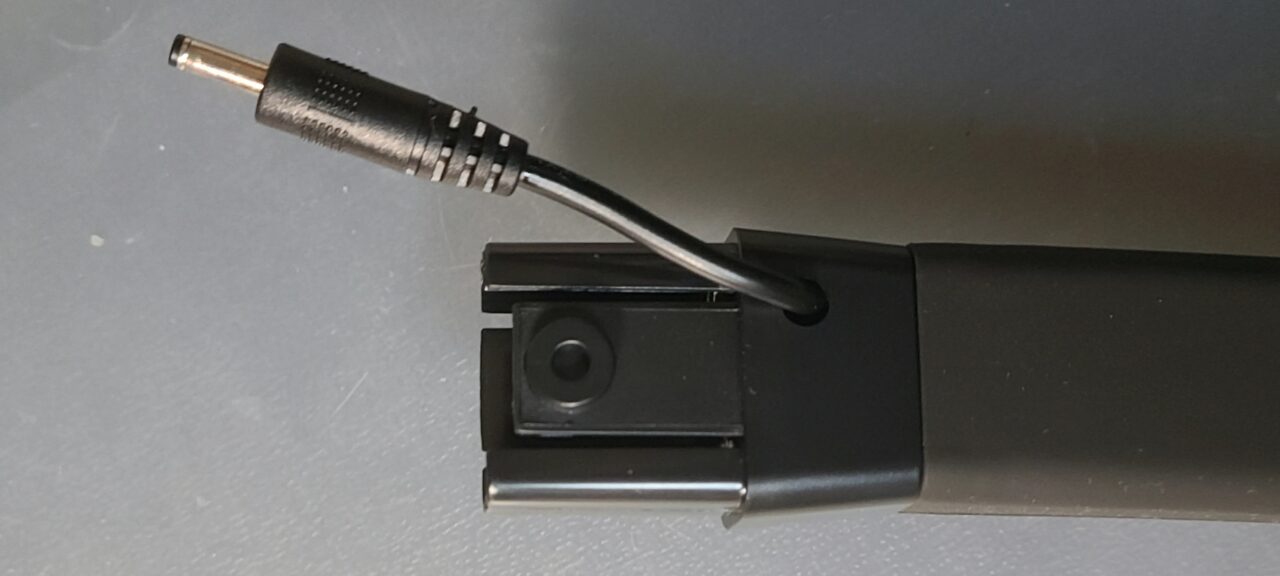
The pen is for size reference.
The DC cable that supplies power to the desk lamp is only 1 meter long. It depends on the person, but it’s honestly too short. I would have liked 2 meters. Personally, I think this is the biggest drawback of this product.
If you don’t have a nearby outlet, 1 meter won’t reach. Please be careful.
Summary
- Wide illumination range
- Reduces glare
- Easy-to-understand buttons
- Excellent color rendering, color temperature range, and brightness
- Cable is too short
- Long pressing buttons can be difficult
Overall, I feel that this is a very excellent product. Having a desk lamp definitely changes the efficiency of studying and working. It’s an LED, so it doesn’t generate much heat even when used for a long time, making it recommended for children’s study desks as well as work desks.
I was particularly happy with the glare reduction, as I often use a computer. I highly recommend it to those of you who have a large monitor!
Recommended for these people
- People who want a large LED desk lamp
- People who use a large monitor or dual displays
- People who want a high-performance LED desk lamp
Pochipp
Thank you for reading until the end!
- The price and information of the product are as of the time of writing the article.
- Please note that we are not responsible for any inaccuracies in this information.
- The product and service names mentioned in this site are trademarks of their respective companies.
This article was originally written in Japanese and has been translated.
Comments