
What kind of monitor do you use when playing games?
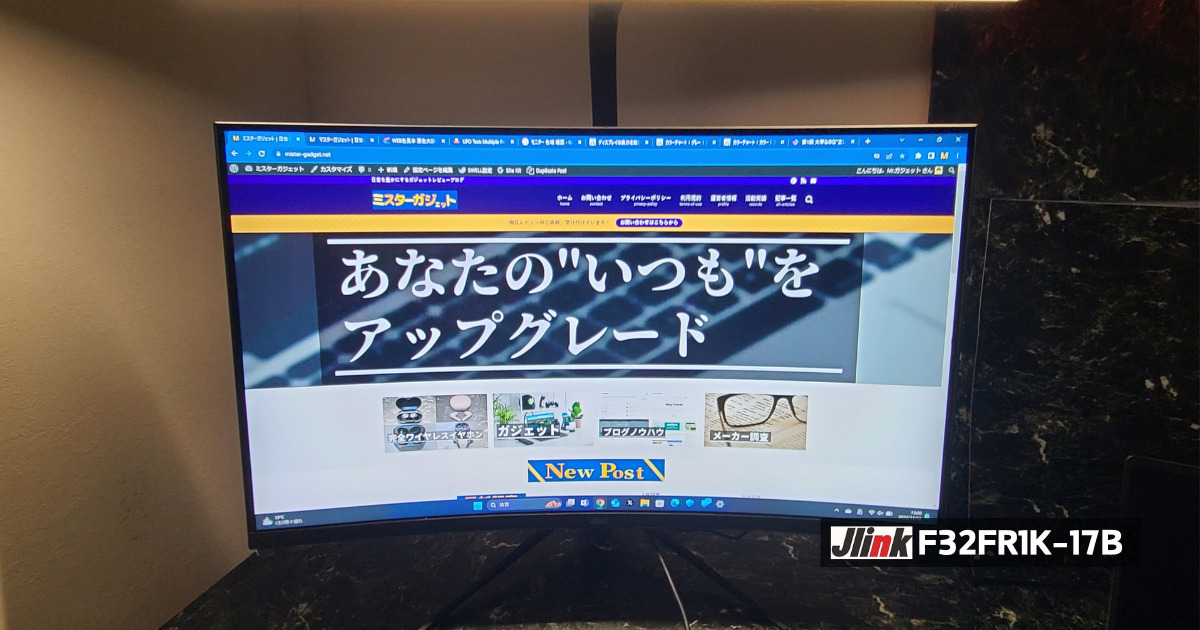
The Jlink F32FR1K-17B, which we are reviewing this time, features Full HD, a high refresh rate of 240Hz, a response time of 1.0ms, and is also a curved monitor. It is a monitor we recommend for those who play FPS games and other games where victory or defeat is decided in an instant!


 Pochipp
- Curved display
- Maximum 240Hz support!
- HDR support
- Response time 1.0ms (MPRT)
- 21:9 wide aspect ratio
- Easy and understandable installation!
- 36-month warranty
- Panel color is slightly reddish
- Height cannot be adjusted
- Those who want a cost-effective curved gaming monitor
- Those who play FPS and TPS games
- Those who want a curved gaming monitor with a high refresh rate and fast response time
Basic Information
What kind of manufacturer is Jlink?
Jlink is a monitor manufacturer headquartered in Guangdong, China.
They primarily develop and sell high-performance, low-price gaming monitors and have expanded into overseas markets such as Japan and the United States. They offer monitors with distinctive designs such as curved and ultrawide, as well as excellent performance such as high resolution and high refresh rate, creating a comfortable environment for gaming and work.
Specifications
| Display Size | 32 inches | Color Gamut | sRGB: 123% |
| Panel Type | VA, Curved, Non-Glare | Response Time | 1.0ms(MPRT) |
| Aspect Ratio | 16:9 | HDR | Supported |
| Resolution | 1920×1080(Full HD) | Body Size | 71.1 x 52.88 x 25.18(cm) |
| Refresh Rate | 240Hz | Adjustable Range | Tilt: -5 to 15° |
| Contrast Ratio | 4000:1 | Connection Terminals | HDMI 2.0, HDMI 1.4, DisplayPort 1.2, 3.5mm Aux, USB, DC |
| Brightness | 350cd/m² | Speakers | Not Equipped |
I previously wrote an article explaining how to choose a gaming monitor, so please check out that article as well.
| HDMI Version | FHD | WQHD | 4K | 8K |
|---|---|---|---|---|
| Ultra High Speed (HDMI 2.1) | 240Hz | 240Hz | 144Hz | 60Hz |
| Premium High Speed (HDMI 2.0) | 240Hz | 144Hz | 60Hz | 30Hz |
| High Speed (HDMI 1.3-1.4) | 144Hz | 75Hz | 30Hz |
Please be careful as the HDMI cable is not included.
Also, if you want to operate it at 240Hz, please purchase a cable that supports HDMI 2.0 or higher.
 Mr.Gadgets
Personally, I prefer non-glare over glare.
Pochipp
Included Accessories
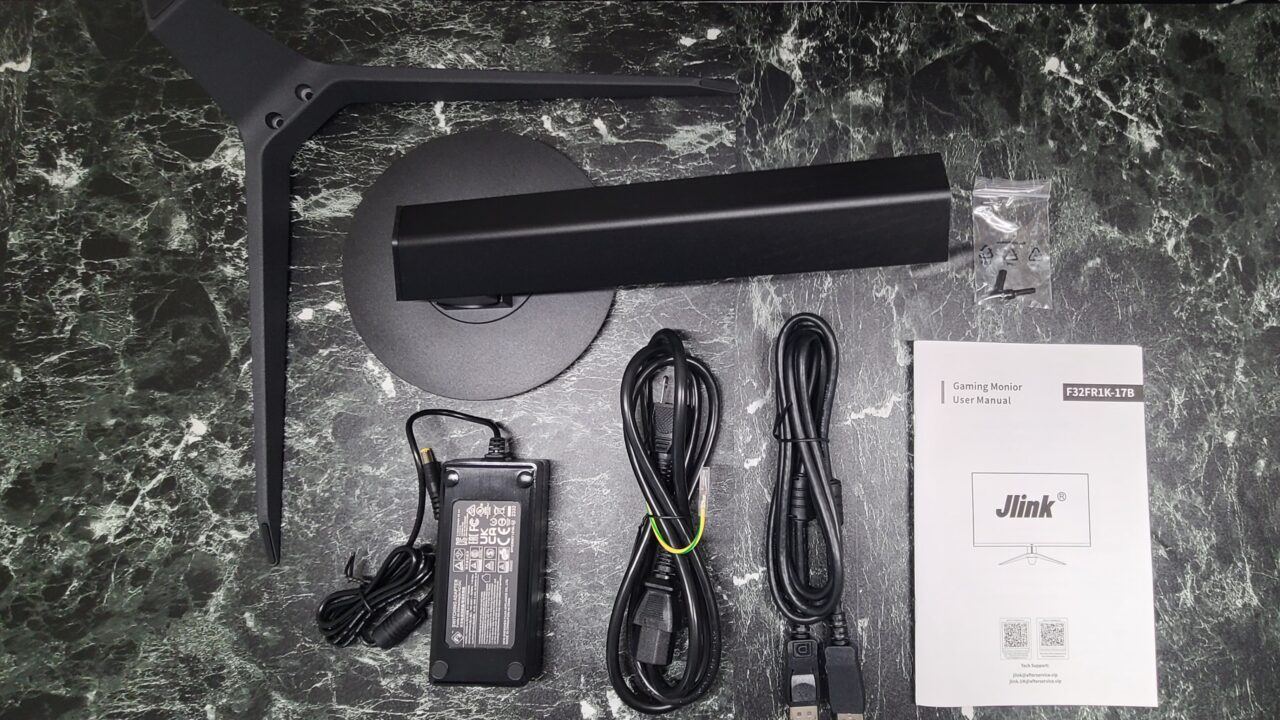
- Stand Neck
- Base
- Screws
- Power Cable
- AC Adapter
- DP Cable
- Instruction Manual
Review of the Jlink F32FR1K-17B
The display is curved
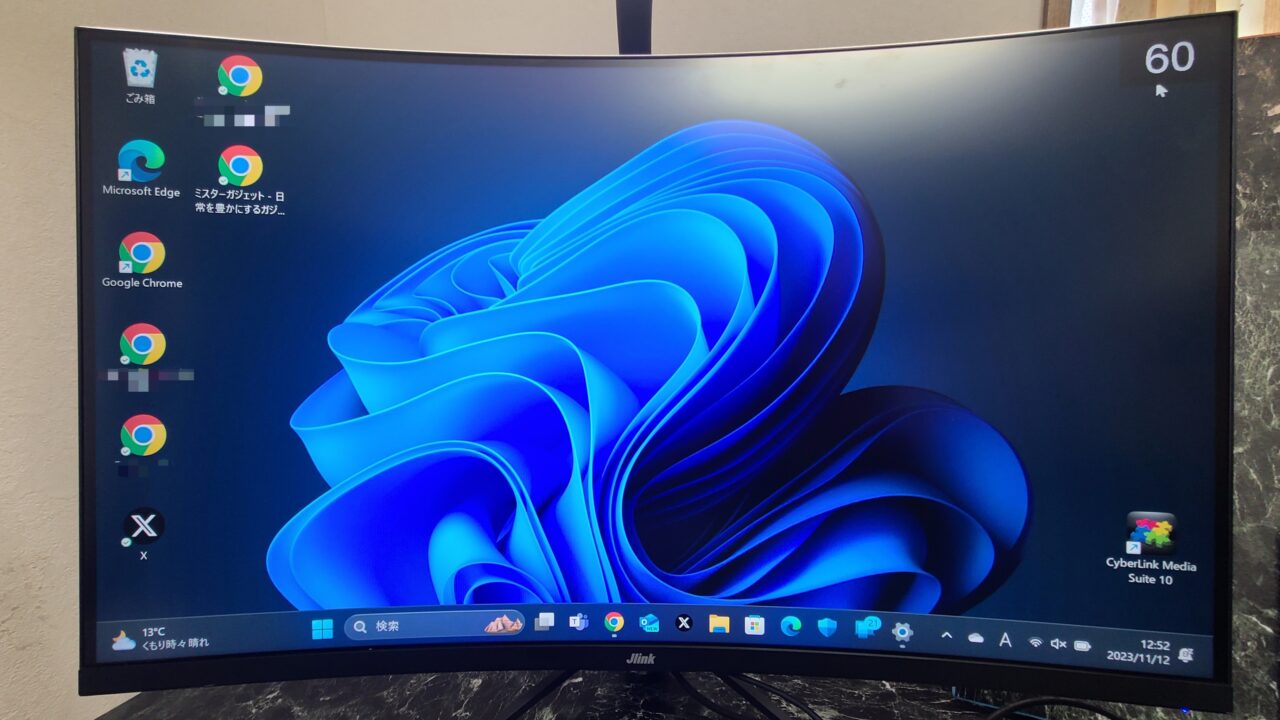
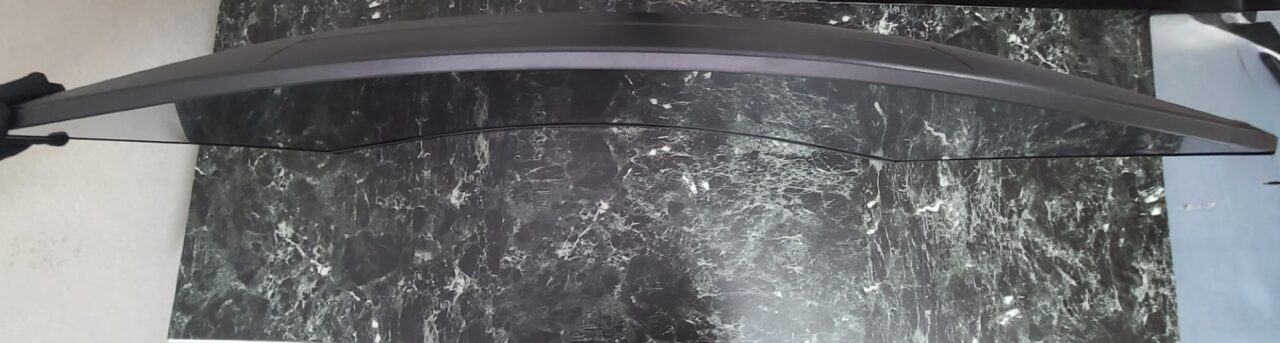
The “Jlink F32FR1K-17B” has a VA panel, curved display, and non-glare finish.
Mr.GadgetsPersonally, I like non-glare better than glare!
| Panel Type | Advantages | Disadvantages |
|---|---|---|
| IPS | ・Wide viewing angle ・Beautiful colors | ・Slow response time |
| VA | ・High contrast ・Beautiful colors ・Reasonable viewing angle | ・Slower response time compared to TN |
| TN | ・Fast response time ・Inexpensive | ・Narrow viewing angle ・Low contrast |
The “Jlink F32FR1K-17B” has a VA panel, so the contrast ratio is as high as 4000:1, allowing for deep blacks to be expressed.
Also, the curvature shortens the movement of your eyes, increasing immersion when playing games.
However, curved displays can cause motion sickness in some people and require getting used to.
 Mr.Gadgets
If you are prone to motion sickness, please be careful.
However, the “Jlink F32FR1K-17B” is not that wide horizontally, so I didn’t feel sick.
Pochipp
Maximum 240Hz Support!
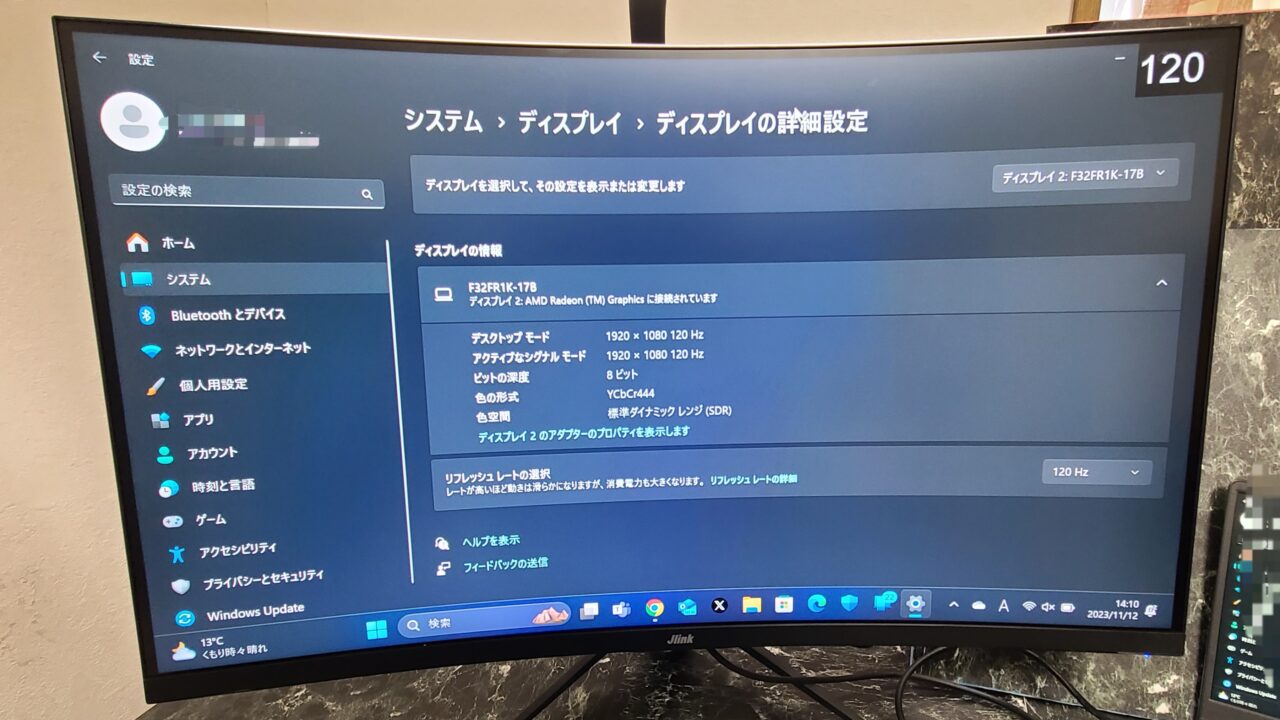
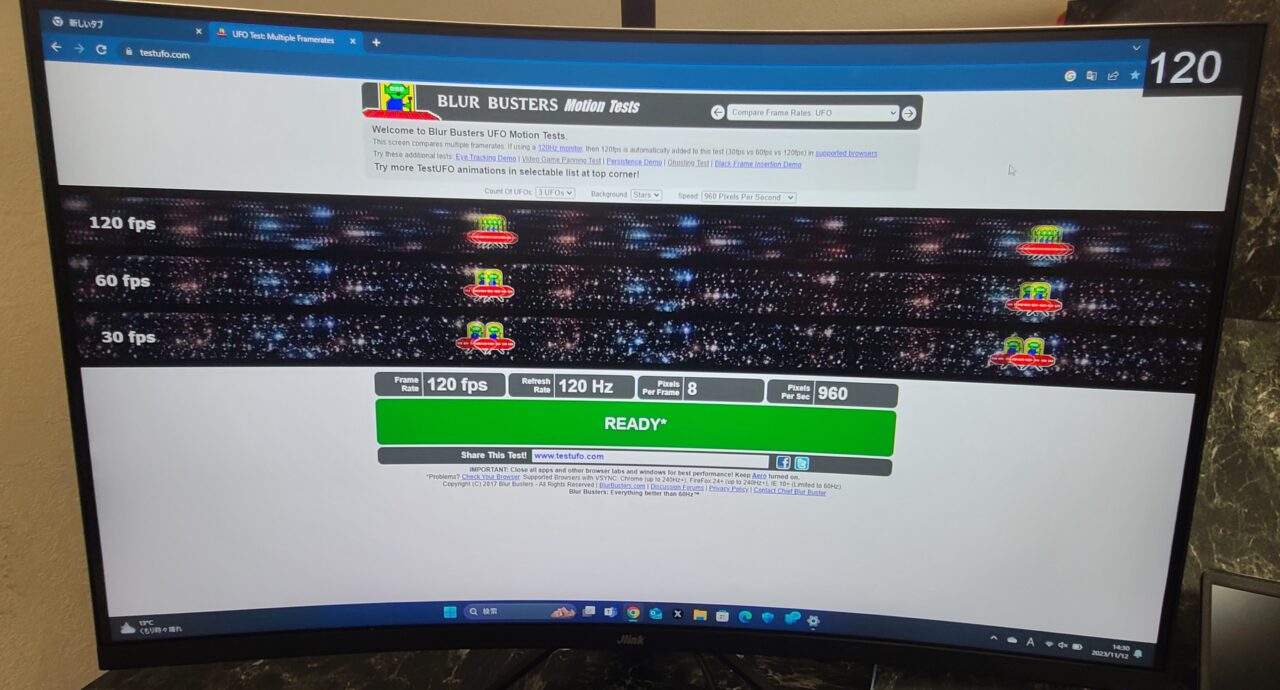
As mentioned in the specifications, the “Jlink F32FR1K-17B” supports a maximum refresh rate of 240Hz.
Generally, a refresh rate of 144Hz is sufficient for comfortable play, so you can rest assured in terms of refresh rate.
In the image above, I set it to 120Hz and confirmed that it was recognized correctly.
I also did a simple test on https://www.testufo.com/ghosting and it was recognized as 120Hz.
HDR Support
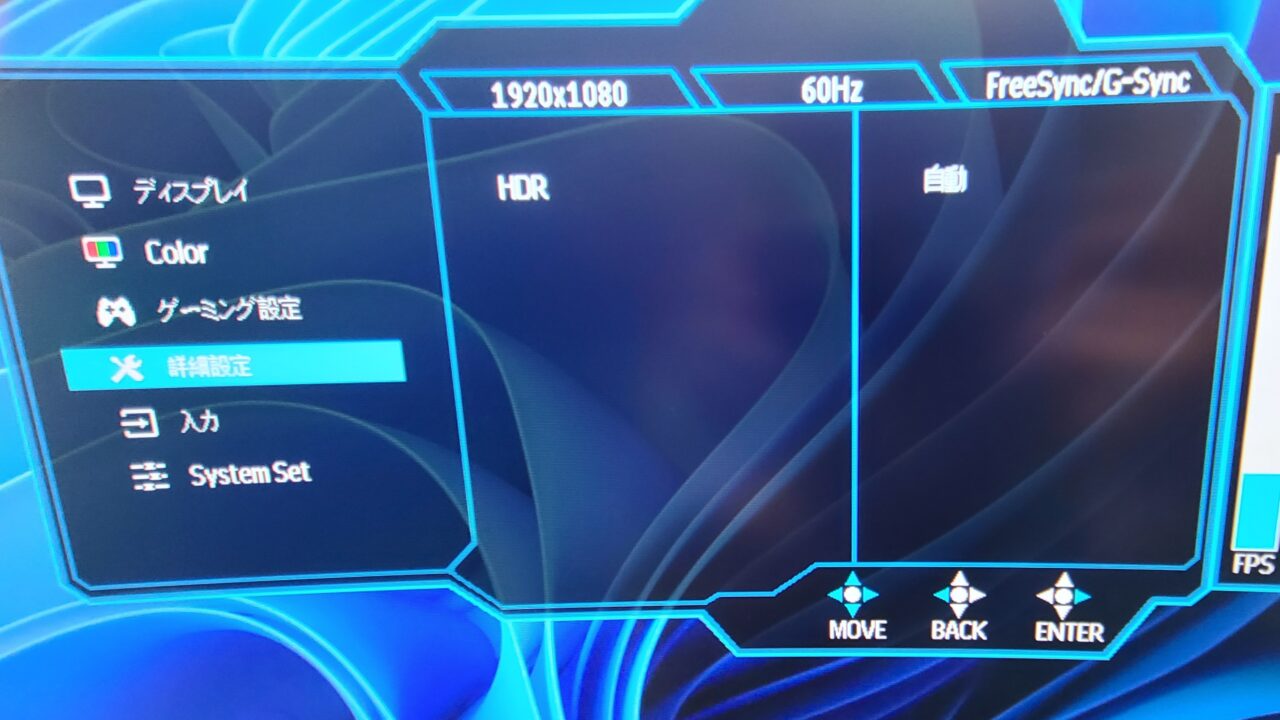
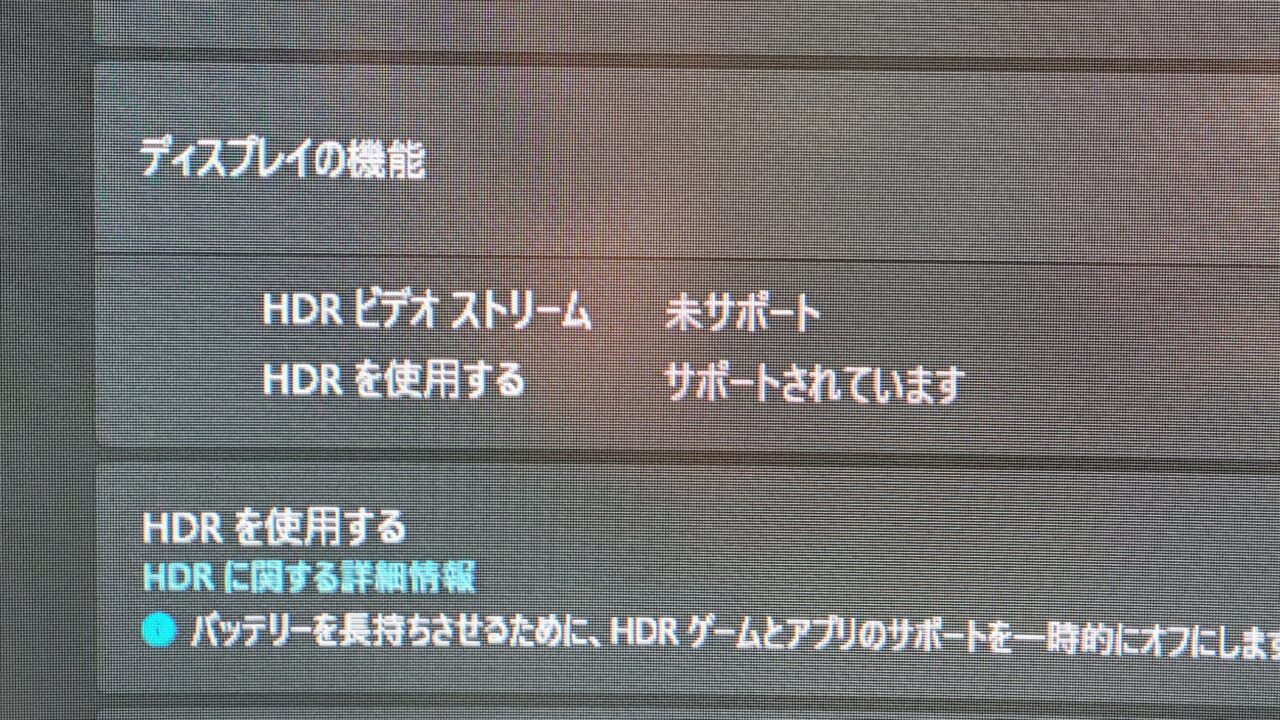
HDR (High Dynamic Range) is a technology that expands the range of brightness. Simply put, HDR makes the image look more realistic.
The “Jlink F32FR1K-17B” supports HDR.
Response Time of 1.0ms
Response time refers to the speed at which colors change, and greatly affects the afterimage of the video.
It is particularly important in games that require quick reaction times, such as FPS and fighting games.
The “Jlink F32FR1K-17B” has a response time of 1.0ms, which is a very ideal speed.
Panel color is slightly reddish
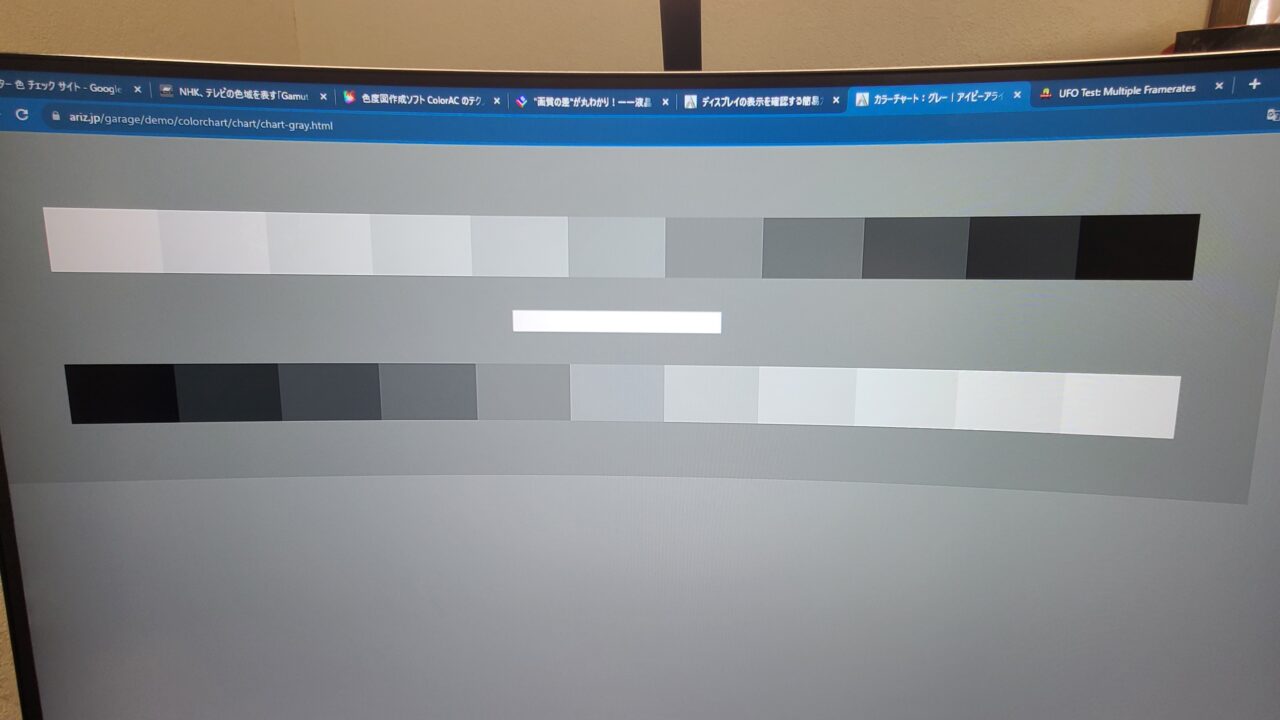
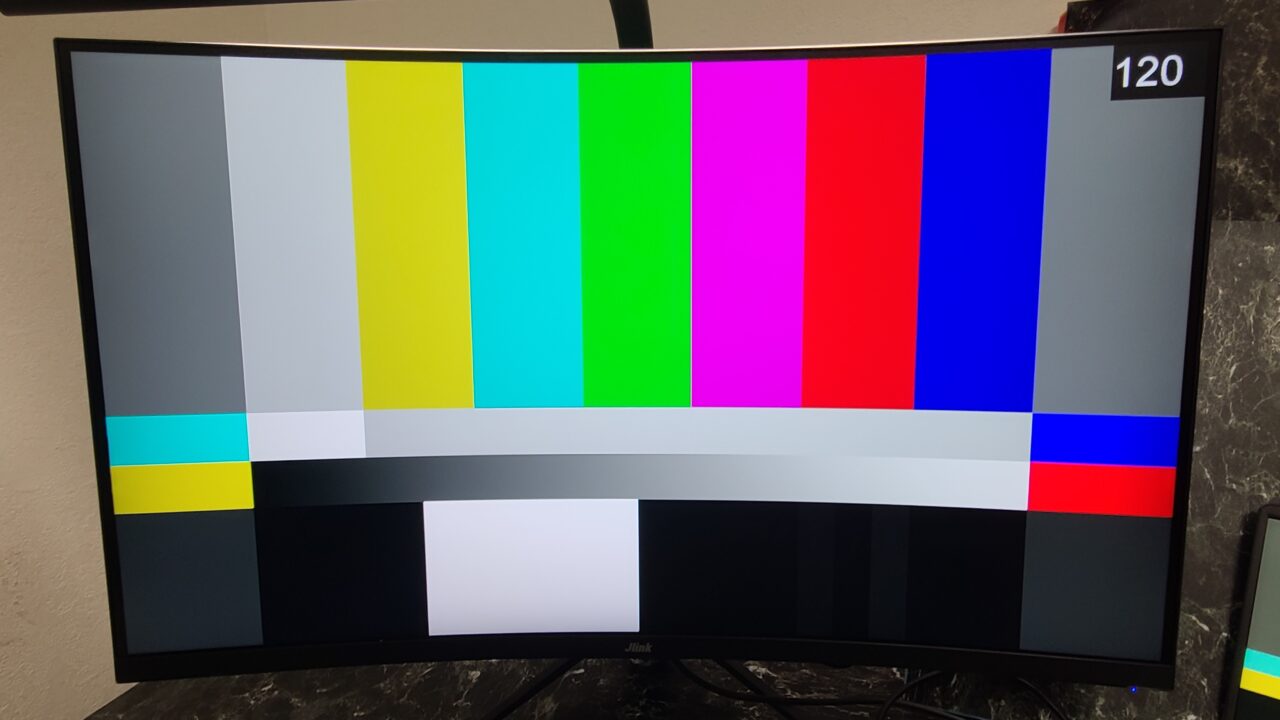
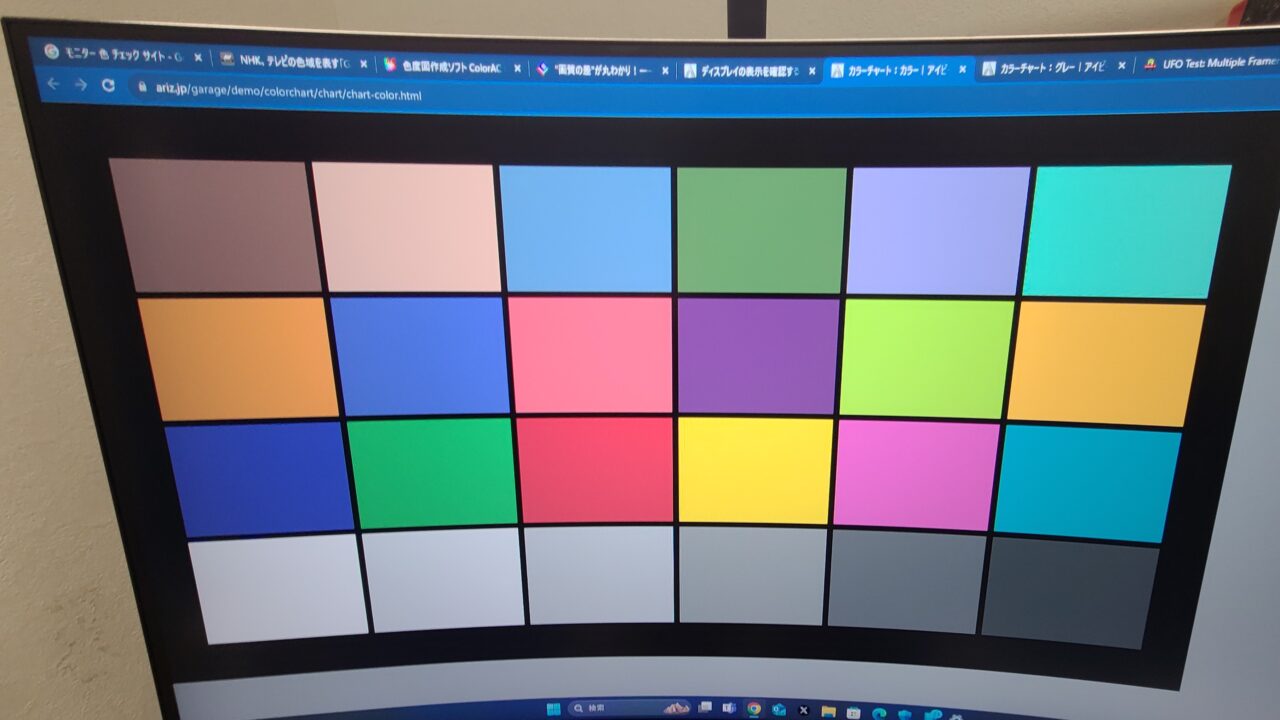
First, I checked for dead pixels, but there were none.
I will mention it again later, but if your product has dead pixels, please apply for a warranty.
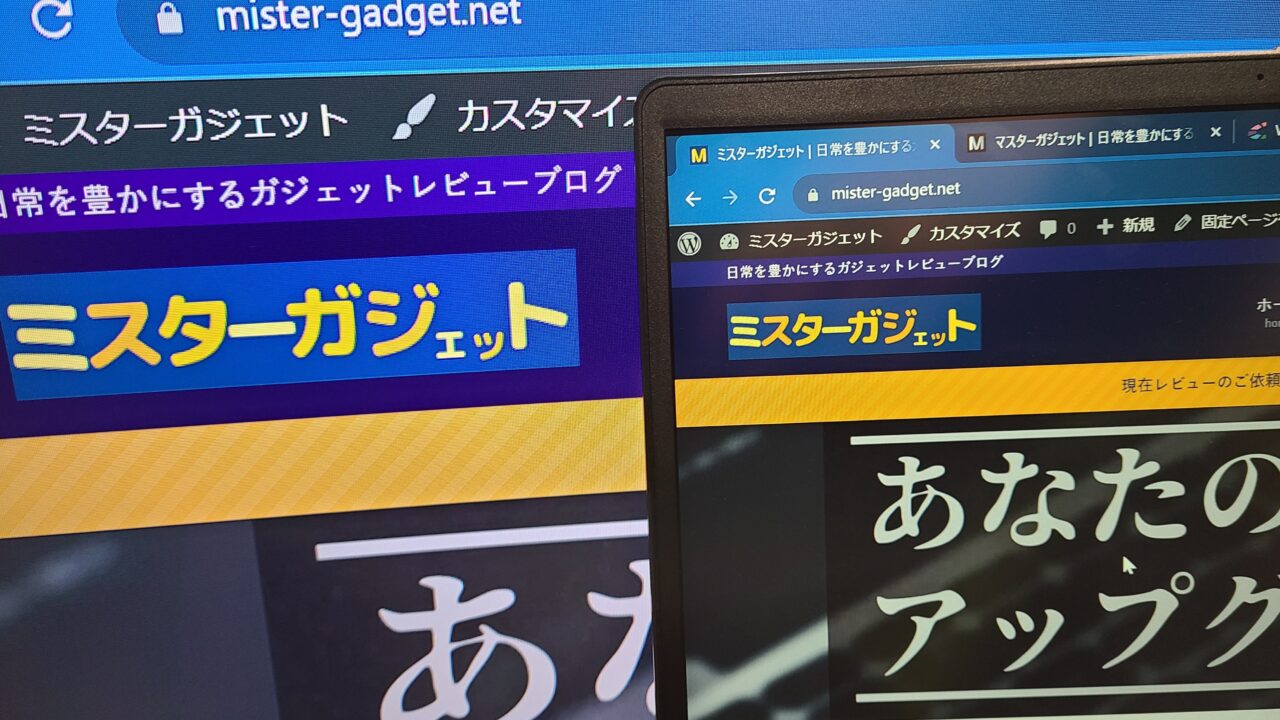
The color looked fine at first glance, but when compared to a PC, the monitor side was slightly reddish.
The PC side is already fairly bluish, which may have made the monitor side look more reddish in comparison, but even when compared to other devices, the slight reddishness was undeniable.
Mr.GadgetsIt’s not that noticeable though (lol).
It doesn’t affect gaming at all.
Easy and understandable installation!
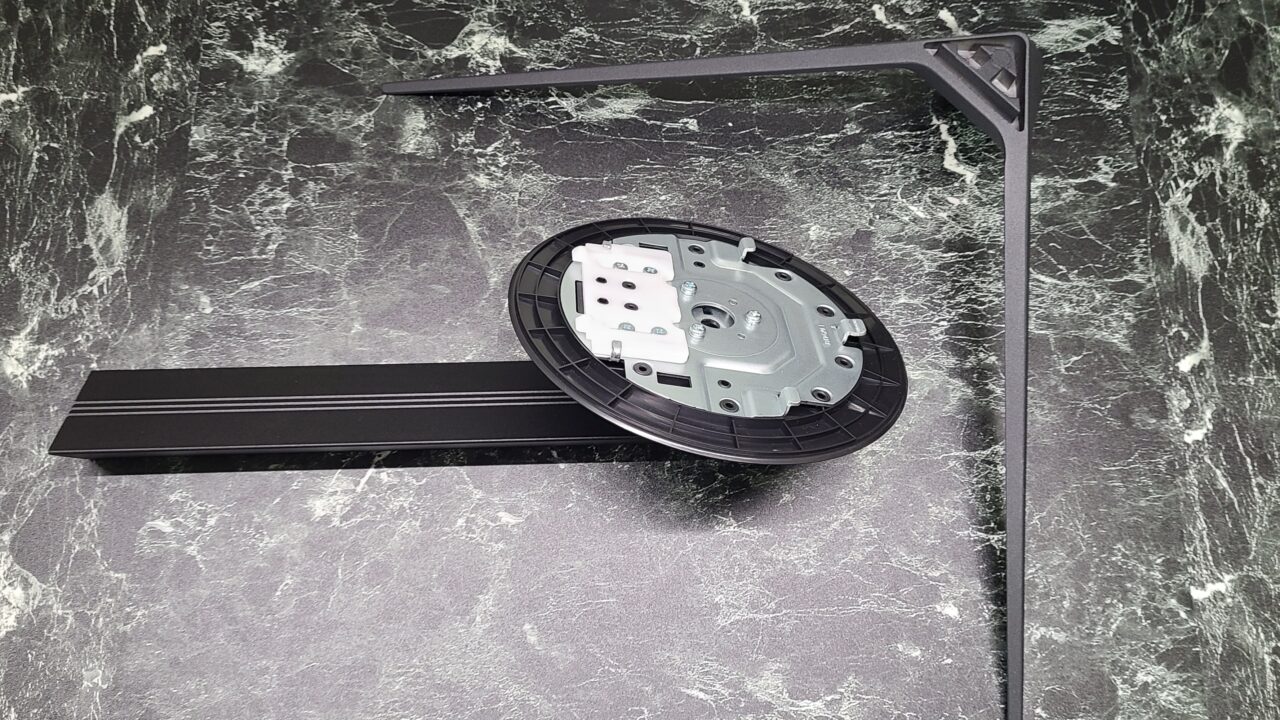
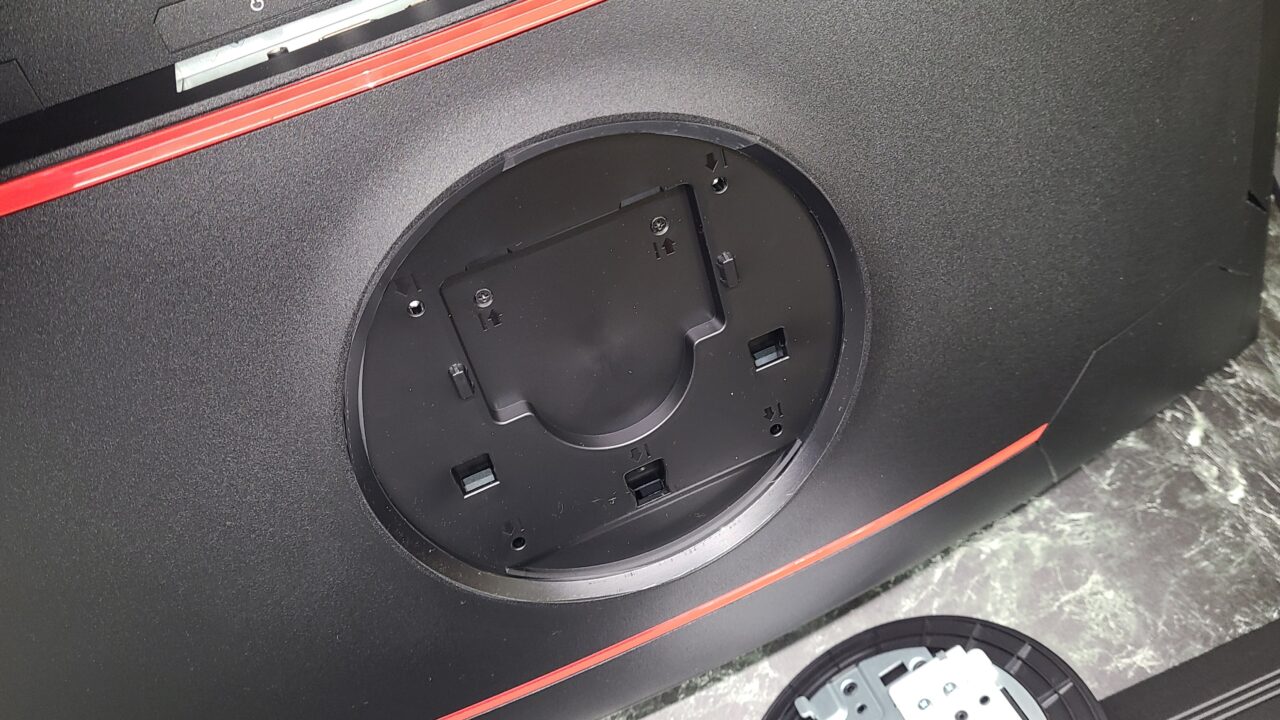
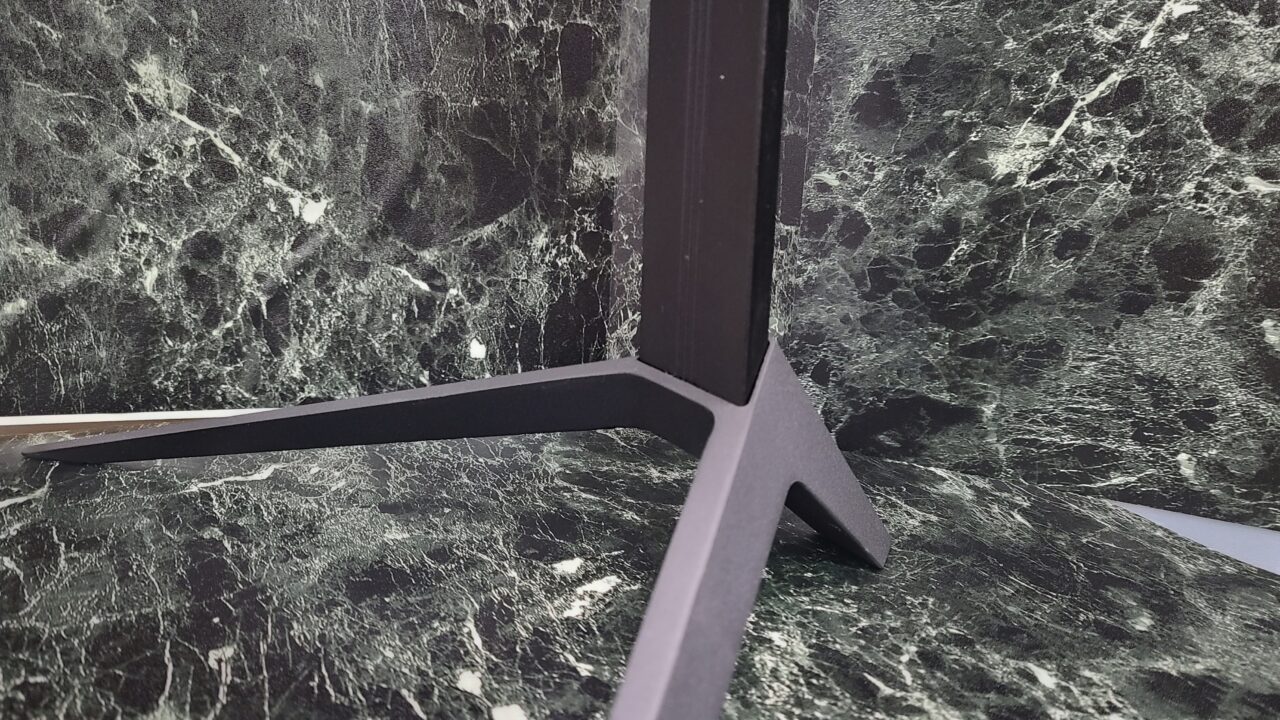
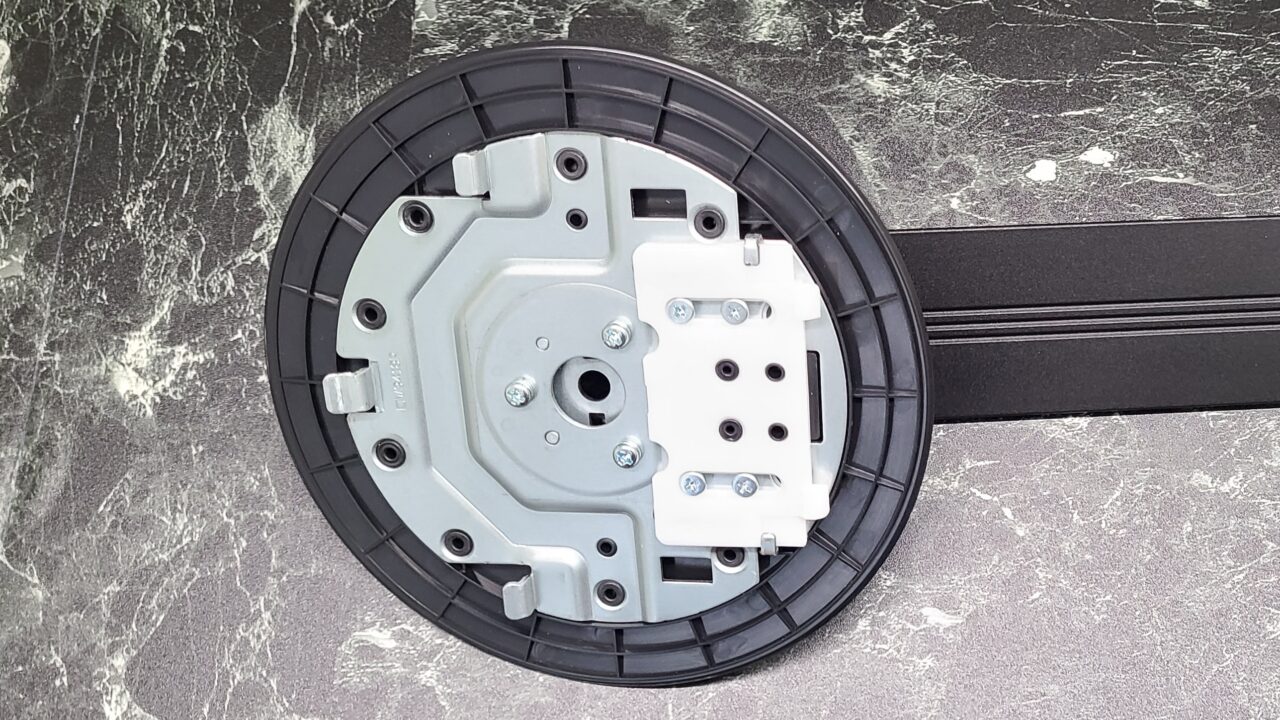
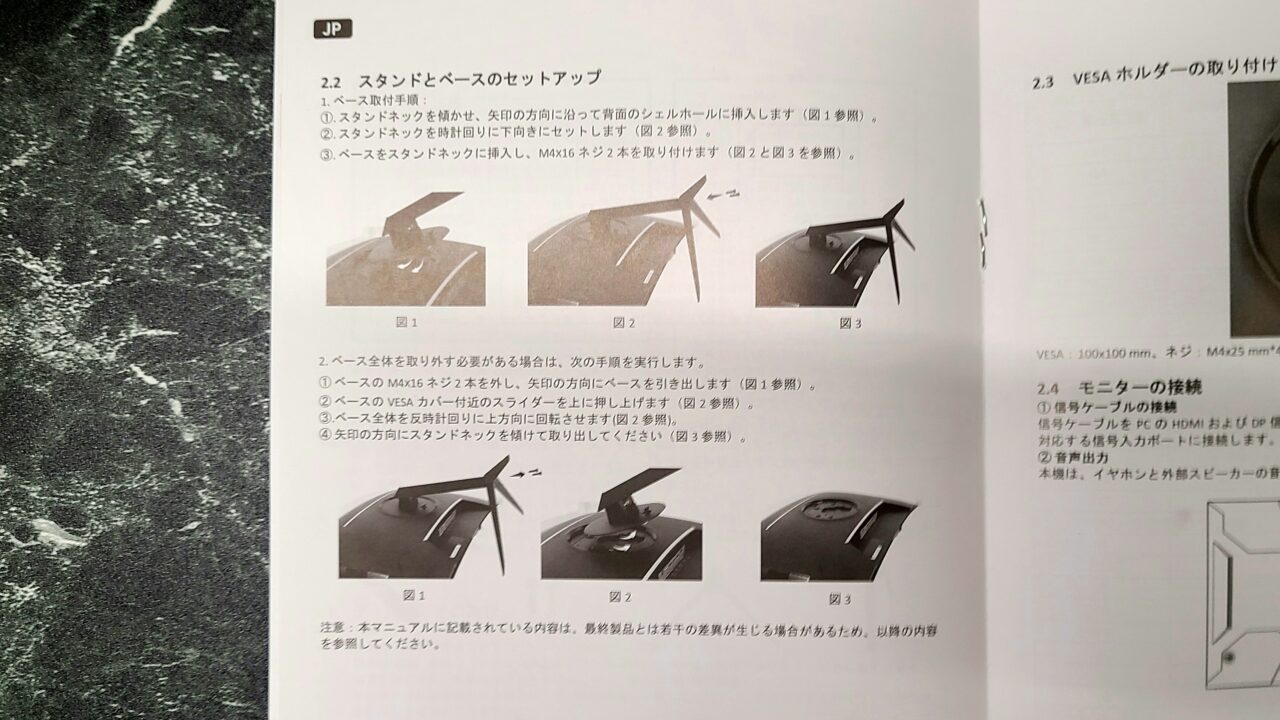
The installation method is described in detail in the instruction manual.
Mr.GadgetsThe previous model didn’t have this much detail!

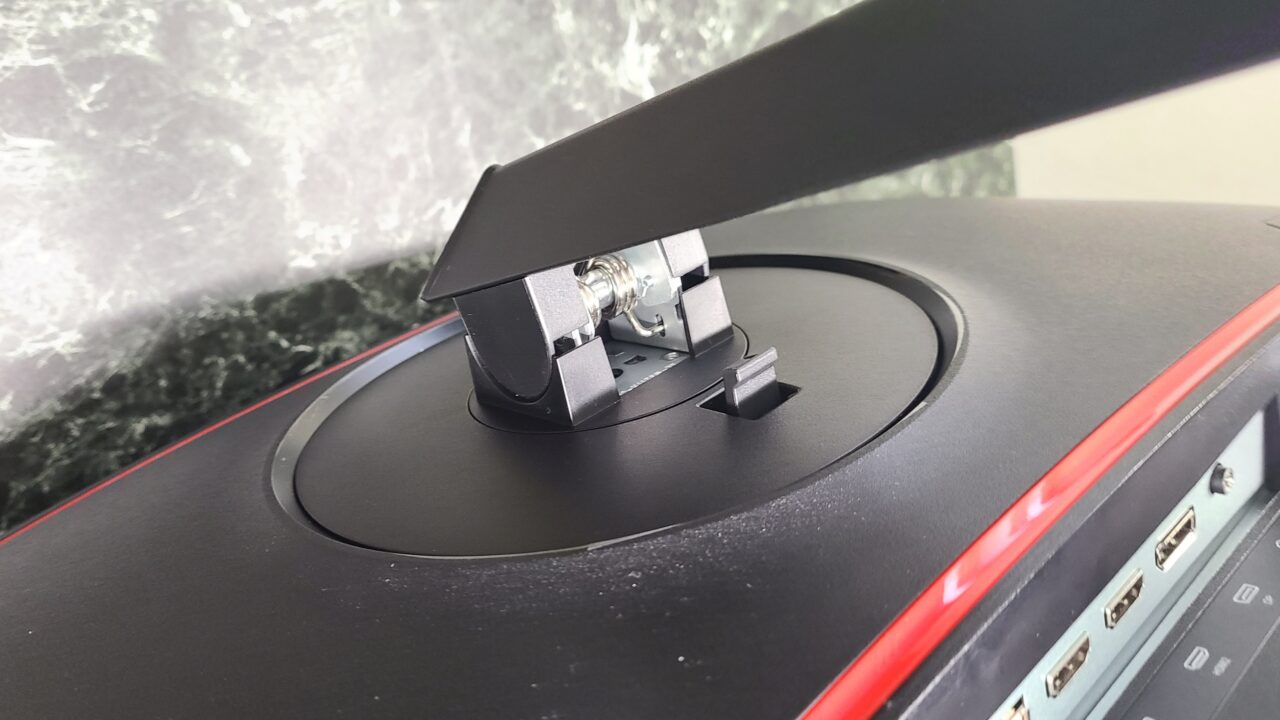 Mr.Gadgets
It was very easy!
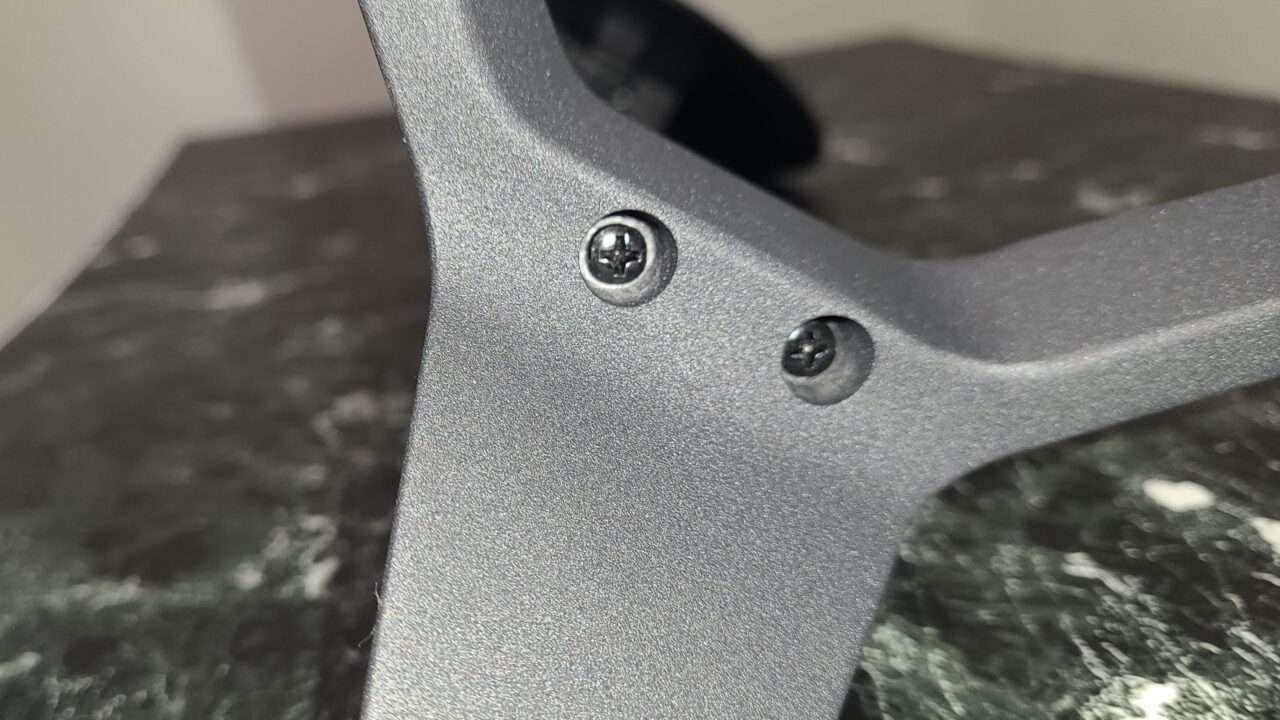
For detailed instructions, please refer to the instruction manual.
Connection terminals are reasonably available
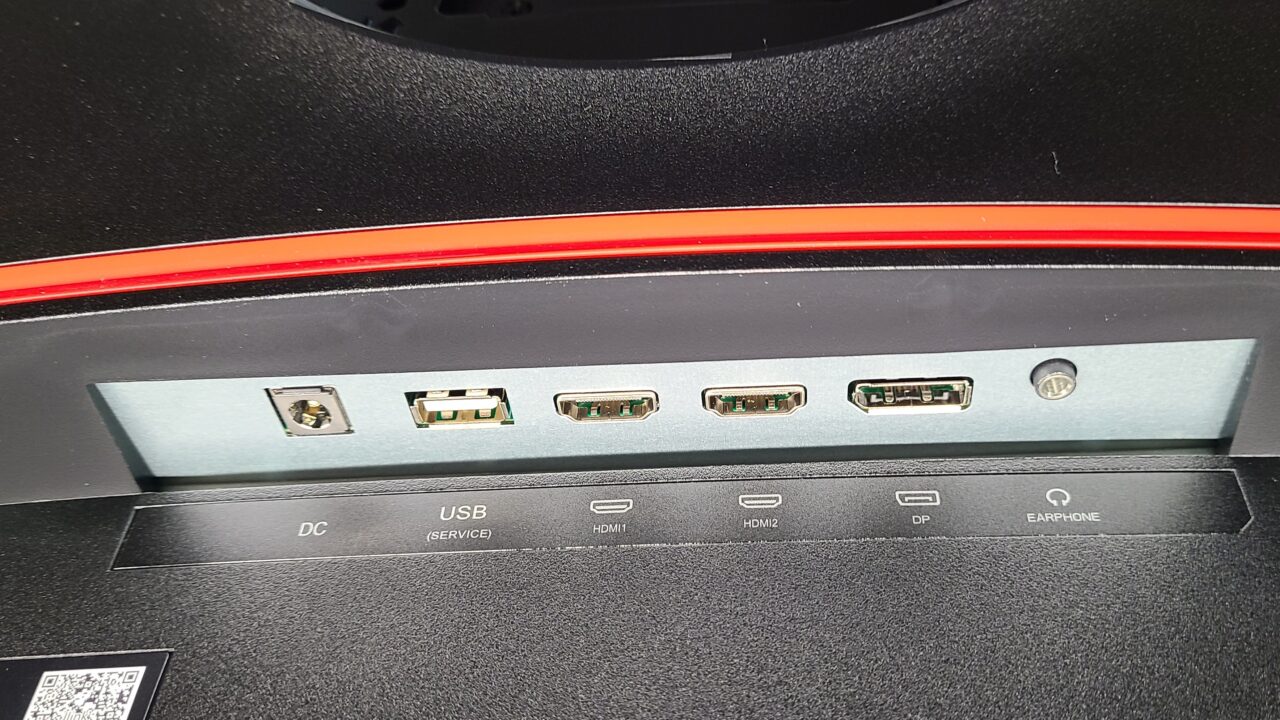
As mentioned in the specifications, the details of the interface are as follows:
- HDMI 2.0 x 1
- HDMI 1.4 x 1
- DisplayPort 1.2 x 1
- 3.5mm Aux x 1
- USB x 1
- DC (Power) x 1
 Ms.Gadgets
It has almost everything you need.
Pochipp
Vertical angle can be adjustedbut nothing else
- Tilt: -5 to 15°
As shown in the image below, you can change the angle of the monitor.
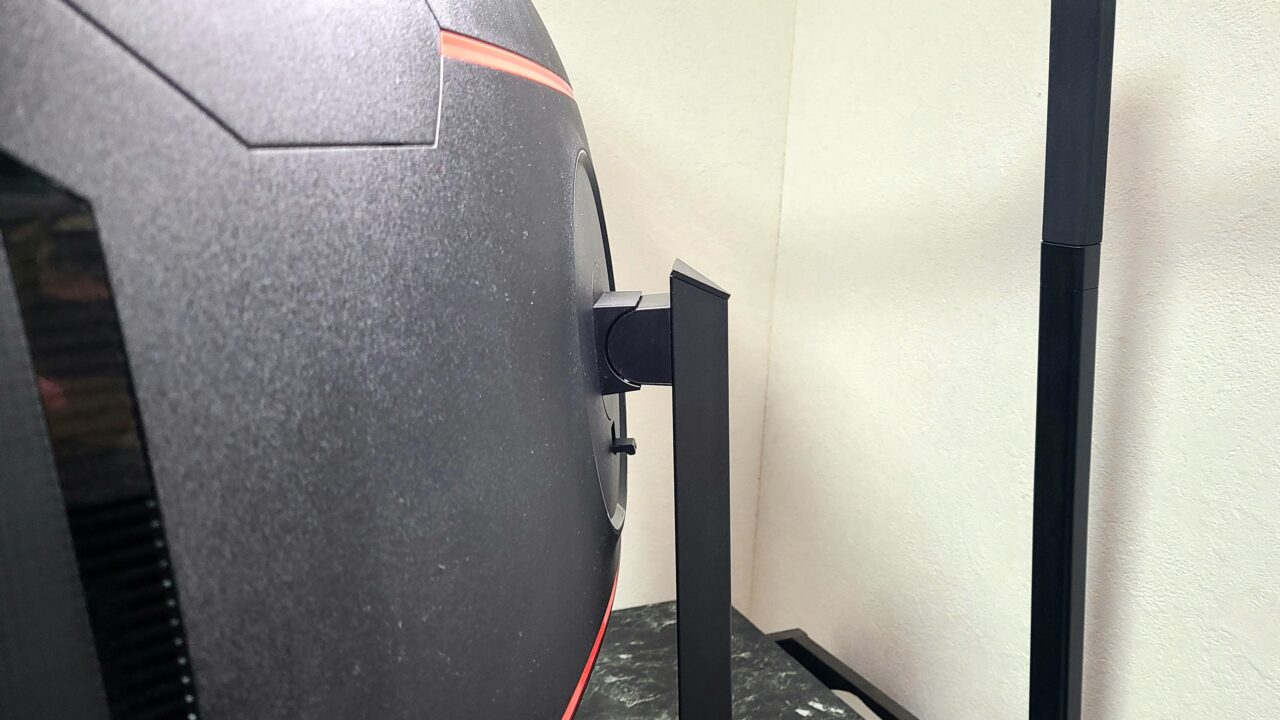
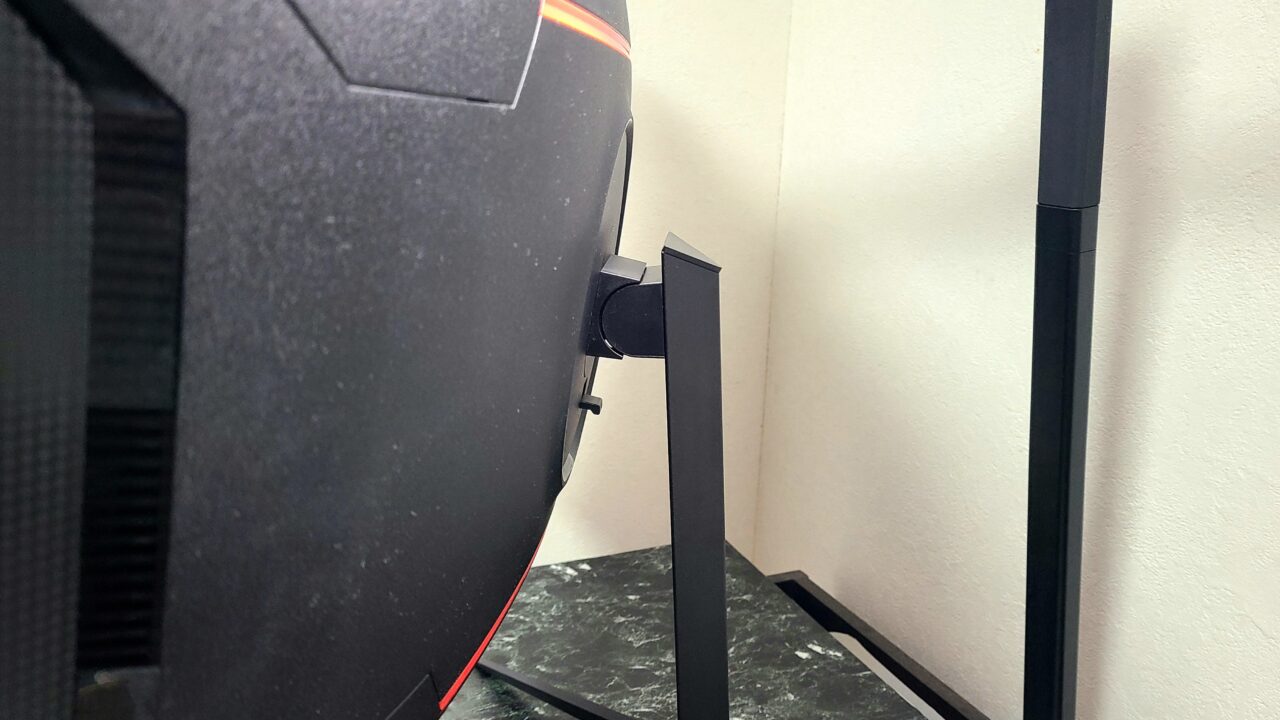
However, you cannot change the angle horizontally or the height of the monitor, so please be careful.
 Mr.Gadgets
Personally, I wish it could at least adjust the height…
AC adapter has PSE mark
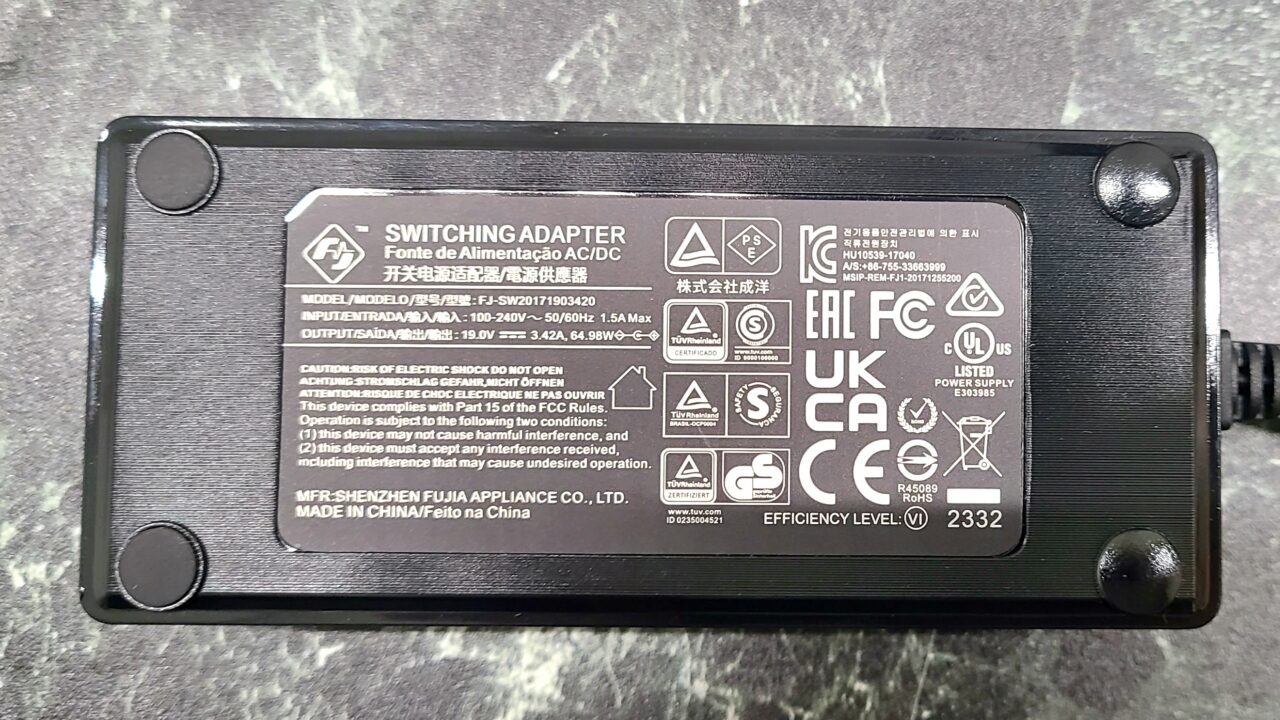
The AC adapter has a PSE mark.
Mr.GadgetsOf course, it should have one, but PSE marks are often missing from products that come with Chinese manufacturers.
This manufacturer included one with the product, so I was relieved.
About Various Functions
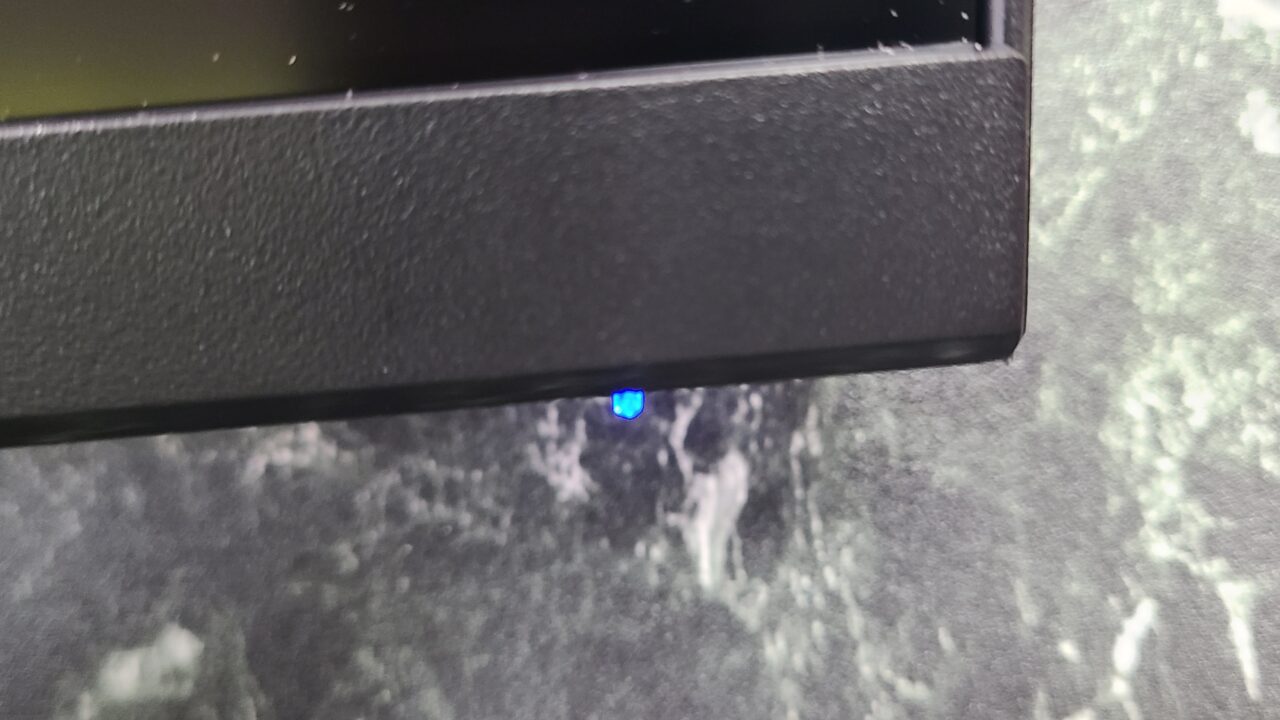
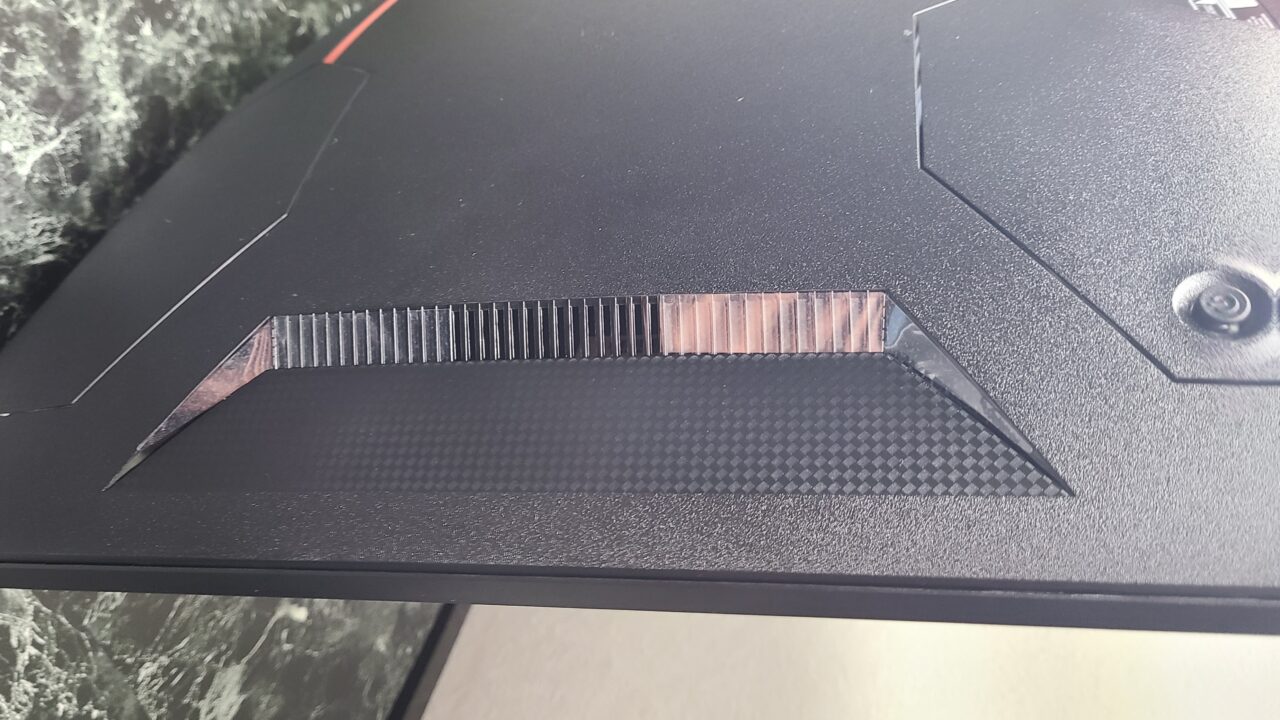
It looks like speakers are built in, but they are exhaust ports.
As mentioned in the specifications, speakers are not included, so external speakers are required.
Settings
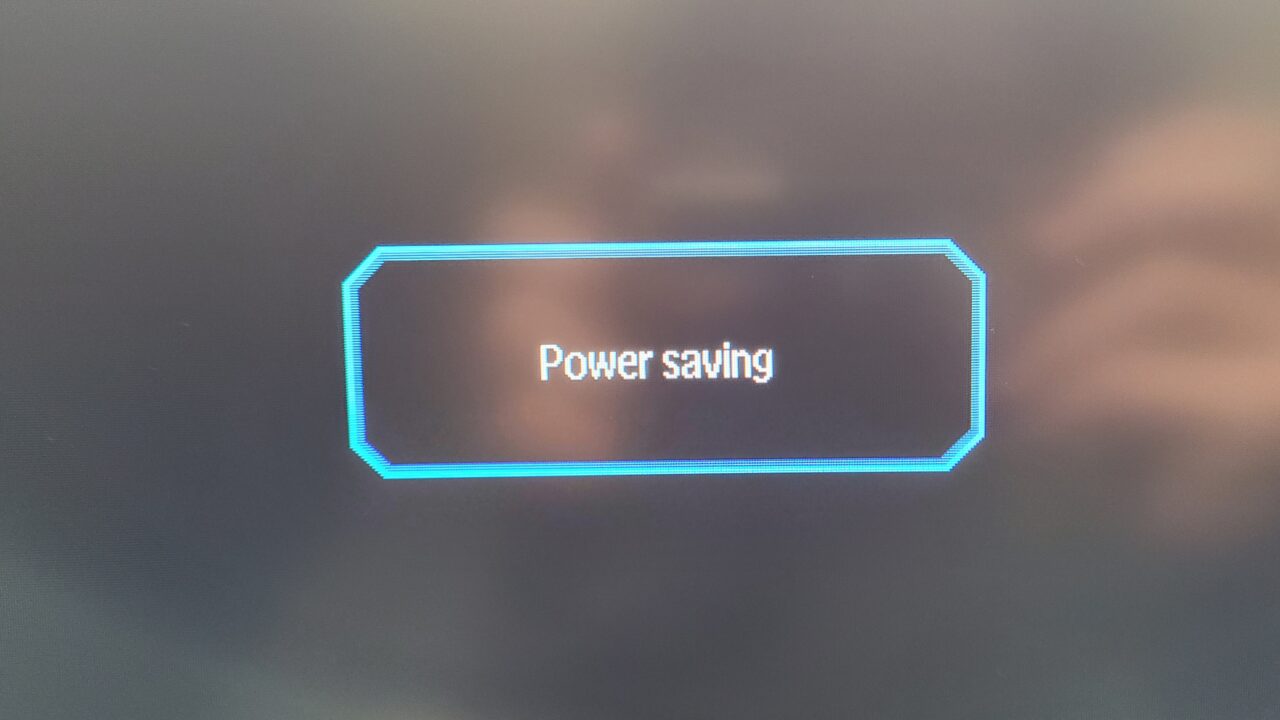
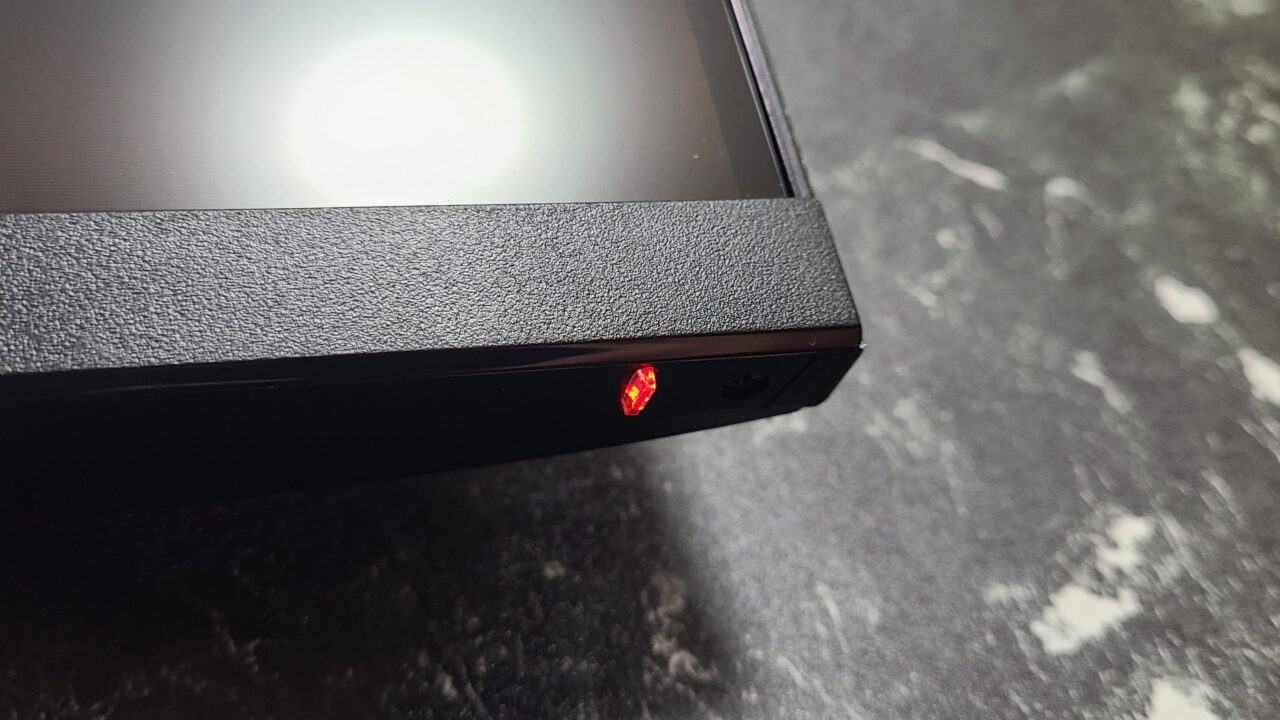
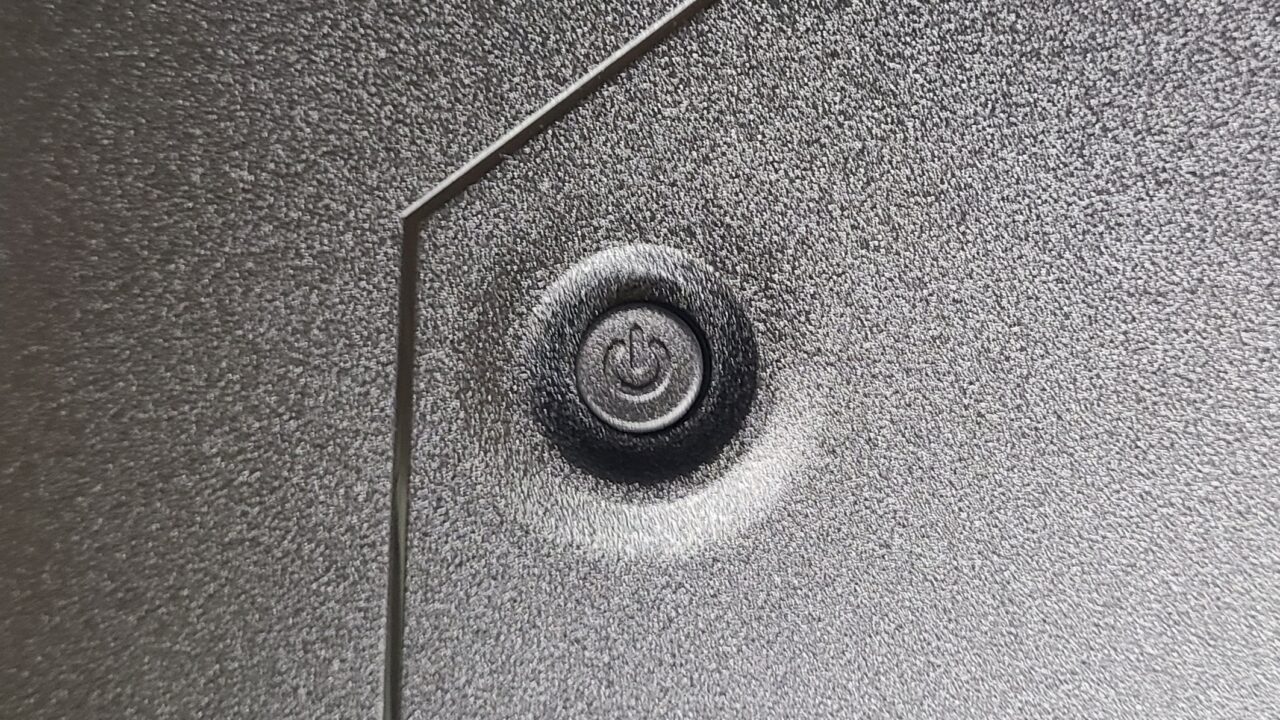
The monitor settings and power on/off are operated using this function button on the back of the monitor.
Pressing this function button once will bring up the monitor settings screen.
Also, as shown in the image below, pressing it to the left will bring up the BACK function, pressing it to the right will bring up the ENTER function.
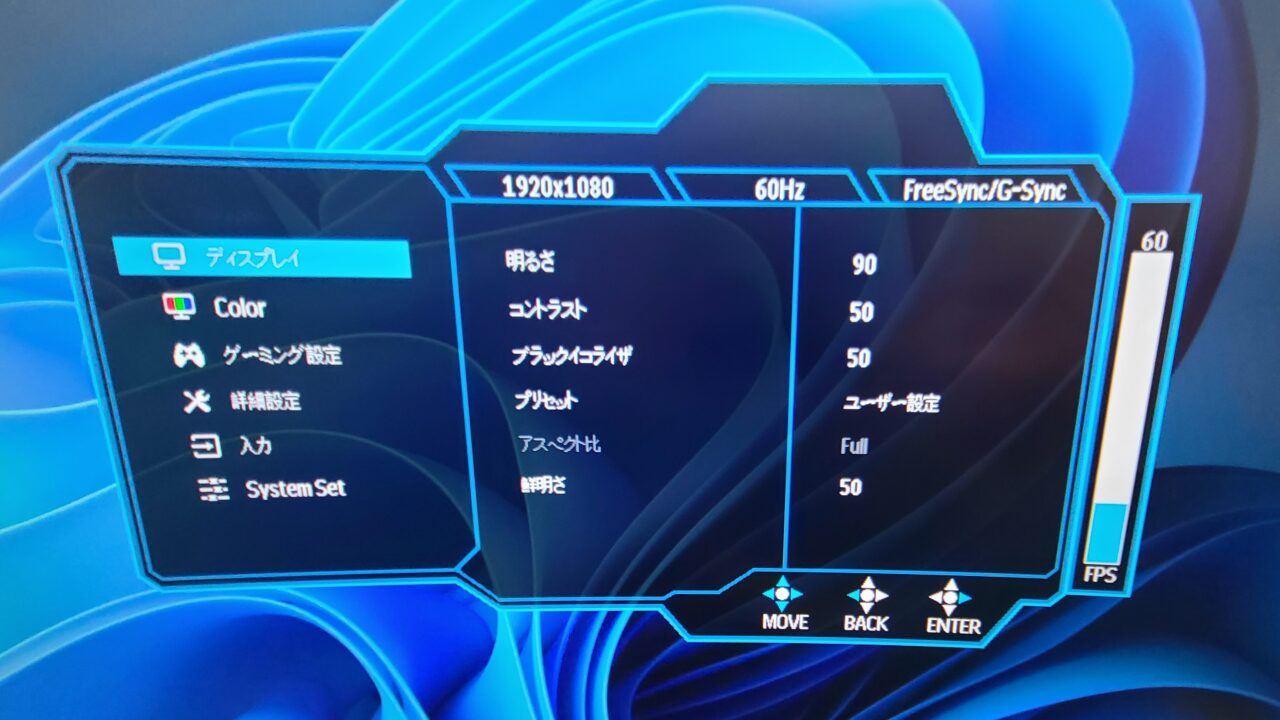
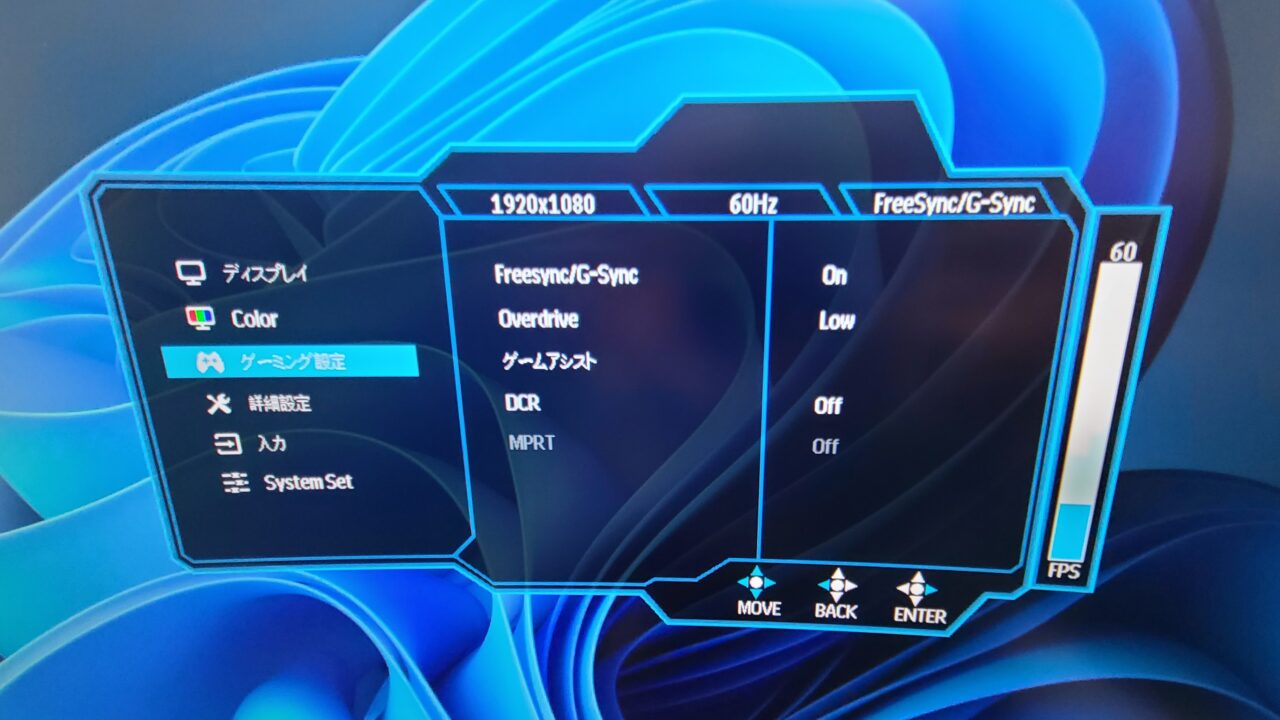
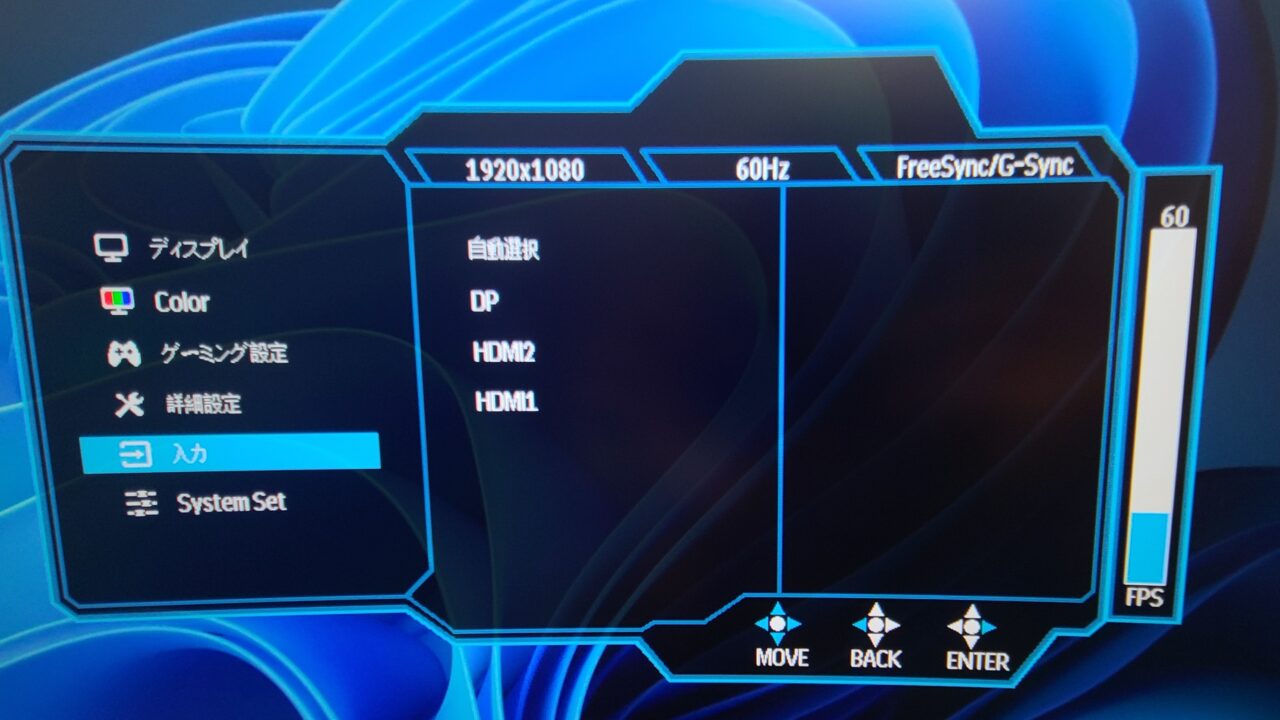
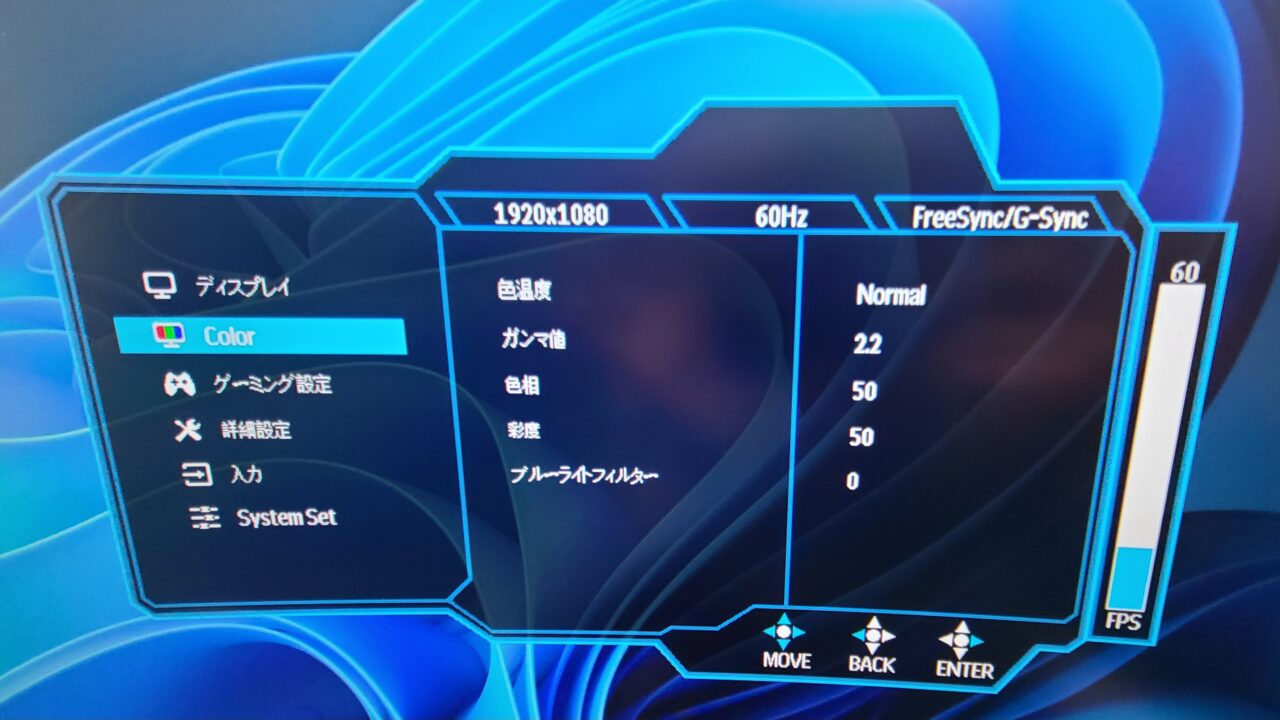
Also, pressing the function button up will bring up the input settings, pressing it down will bring up the volume settings, pressing it to the left will bring up the game assist settings, and pressing it to the right will bring up the preset settings.
Pochipp
36-month warranty included
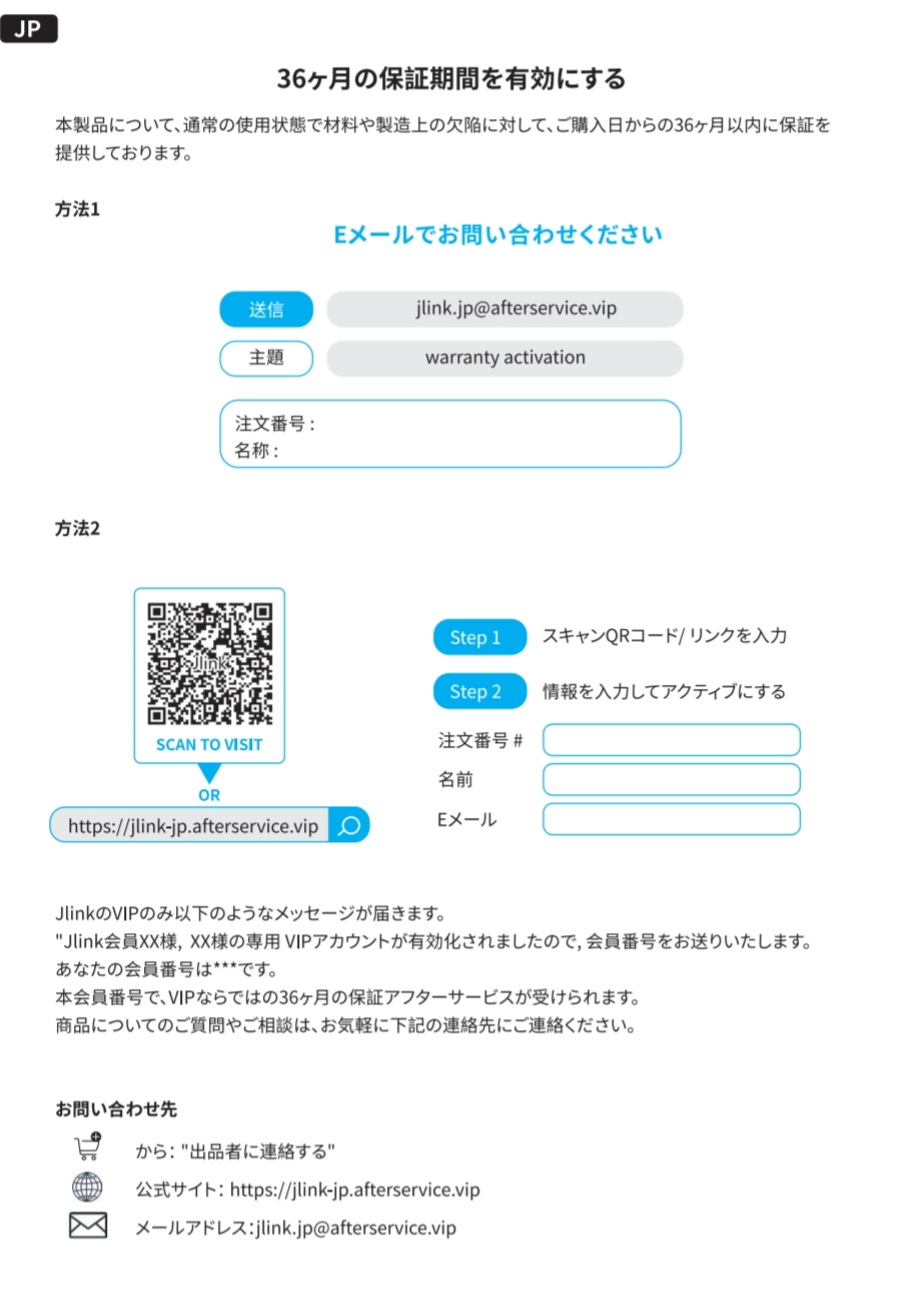
As mentioned in the instruction manual, it comes with a 36-month warranty.
Mr.Gadgets36 months is quite long!
Those who are a little worried because it is a Chinese manufacturer can purchase it with confidence.
Summary
Highly recommended for FPS and TPS
What I felt after using it this time is that this “Jlink F32FR1K-17B” is very suitable for FPS and TPS games.
The maximum refresh rate is 240Hz and the response time is as fast as 1.0ms.
Some people may think that the resolution is Full HD compared to 4K and WQHD, but the number of people who have PCs and hardware that can output that resolution is very small.
Professional FPS gamers often lower the resolution to prioritize response time and refresh rate.
Considering that, this curved gaming monitor is equipped with the necessary specifications for FPS and TPS games and is also inexpensive.
In other words, it has a very good cost performance.
It also comes with a 36-month warranty, so please purchase it with confidence.
Pochipp
- Curved display
- Maximum 240Hz support!
- HDR support
- Response time 1.0ms (MPRT)
- 21:9 wide aspect ratio
- Easy and understandable installation!
- 36-month warranty
- Panel color is slightly reddish
- Height cannot be adjusted
Recommended for people like this
- Those who want a cost-effective curved gaming monitor
- Those who play FPS and TPS games
- Those who want a curved gaming monitor with a high refresh rate and fast response time
Thank you for reading until the end!
- The price and information of the product are as of the time of writing the article.
- We are not responsible for any errors in this information.
- The product and service names mentioned in this site are trademarks of their respective companies.
This article was originally written in Japanese and has been translated.
Comments