
What kind of monitor do you usually use?
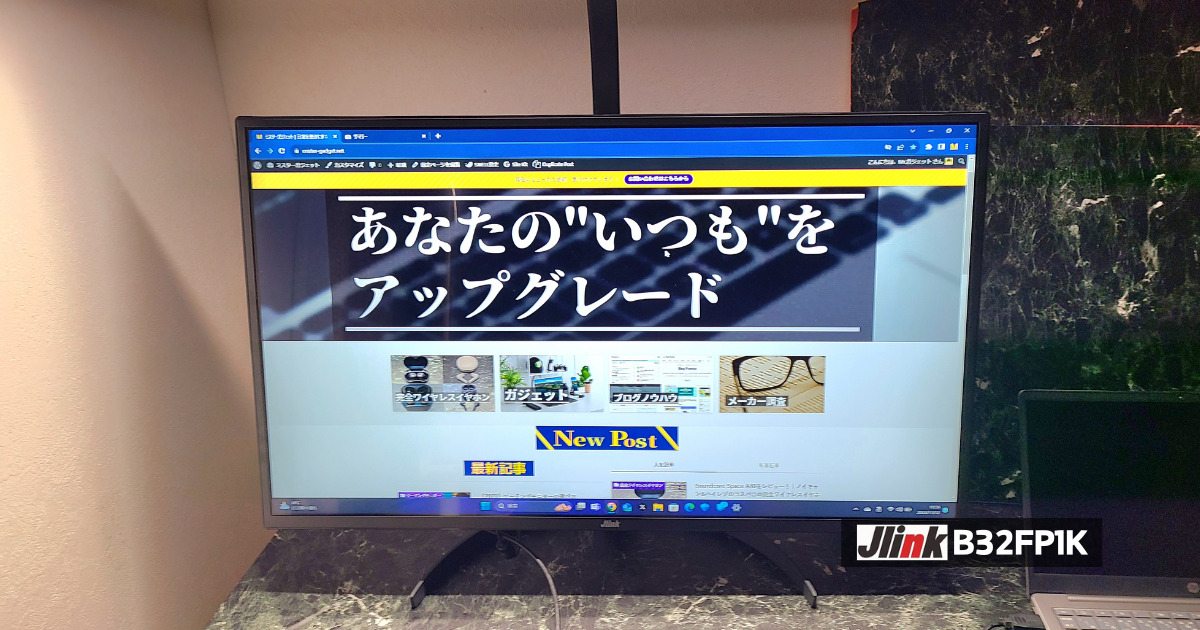
The “Jlink B32FP1K” reviewed this time felt like a cost-effective, highly versatile monitor with very few weaknesses.
While its resolution is standard Full HD, it features specs that can handle just about anything including gaming, such as a refresh rate of up to 60Hz and a response time of 4.2ms.
Although it has minor drawbacks like the inability to adjust the height, even taking those into account, this monitor is pretty much capable of handling anything and is highly recommended!
- Please note that listed prices may differ from actual prices, so be sure to check the final price before making a purchase.
Prices are especially likely to change during sales, so please verify before purchasing.
Written by “Mr. Gadget”
- Studied under Masatoshi Ono, a million-selling singer with experience performing at Kohaku Uta Gassen
- Surpassed 2,400 followers on X (Twitter)
- Supervised content for the web media outlet Picky’s
Click here for a detailed profile
Looking forward to working with you!
- コスパ良く短所の少ない万能モニター
- VAパネルだから黒が深い
- 36か月保証あり
- 取り付けが簡単でわかりやすい!
- HDR対応
- 高さ調節ができない
- 接続端子が最低限しかない
- スピーカーが非搭載
- Those looking for a cost-effective, versatile monitor
- Those who want a monitor with few drawbacks
Basic Information
What kind of manufacturer is Jlink?
Jlink is a monitor manufacturer headquartered in Guangdong, China.
They primarily develop and sell high-performance, low-priced gaming monitors and have expanded into overseas markets such as Japan and the United States.
They offer monitors featuring distinctive designs like curved and ultrawide displays, as well as superior performance including high resolution and high refresh rates, creating a comfortable environment that allows you to focus on gaming and work.
Specifications
| Display Size | 32 inches | Color Gamut | sRGB: 98% or more |
| Panel Type | VA, glossy | Response Time | 4.2ms(GTG) |
| Aspect Ratio | 16:9 | HDR | Supported |
| Resolution | 1920×1080(Full HD) | Dimensions | 72.43×49.74×18.22(cm) |
| Refresh Rate | 60Hz | Adjustment Range | Tilt: -5° to 15° |
| Viewing Angle | 178 degrees | I/O Ports | HDMI 2.0, VGA, 3.5mm Aux |
| Brightness | 300 cd/m² | Speakers | None |
Package Contents
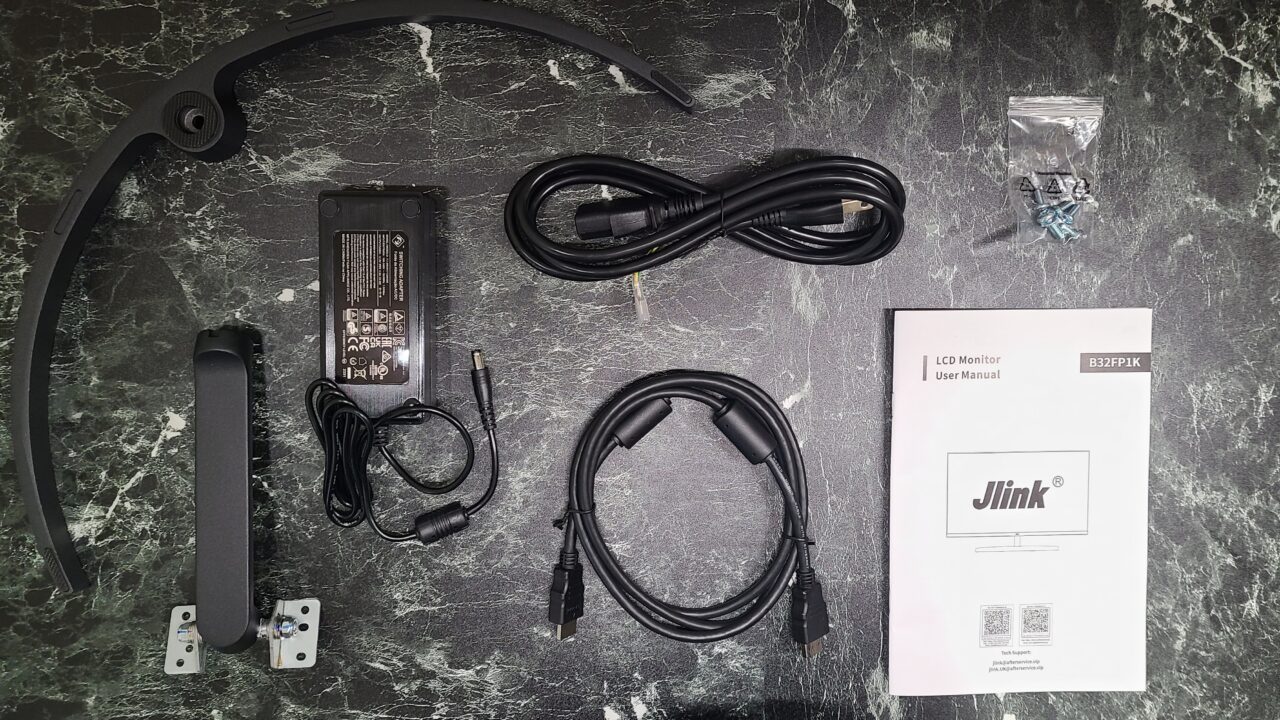
- Stand neck
- Base
- Screws
- Power cord
- AC adapter
- HDMI cable (High Speed)
- User manual
- Please note that listed prices may differ from actual prices, so be sure to check the final price before purchasing.
Prices are especially likely to change during sales, so please verify before making a purchase.
Jlink B32FP1K Review
Deep Blacks Thanks to the VA Panel
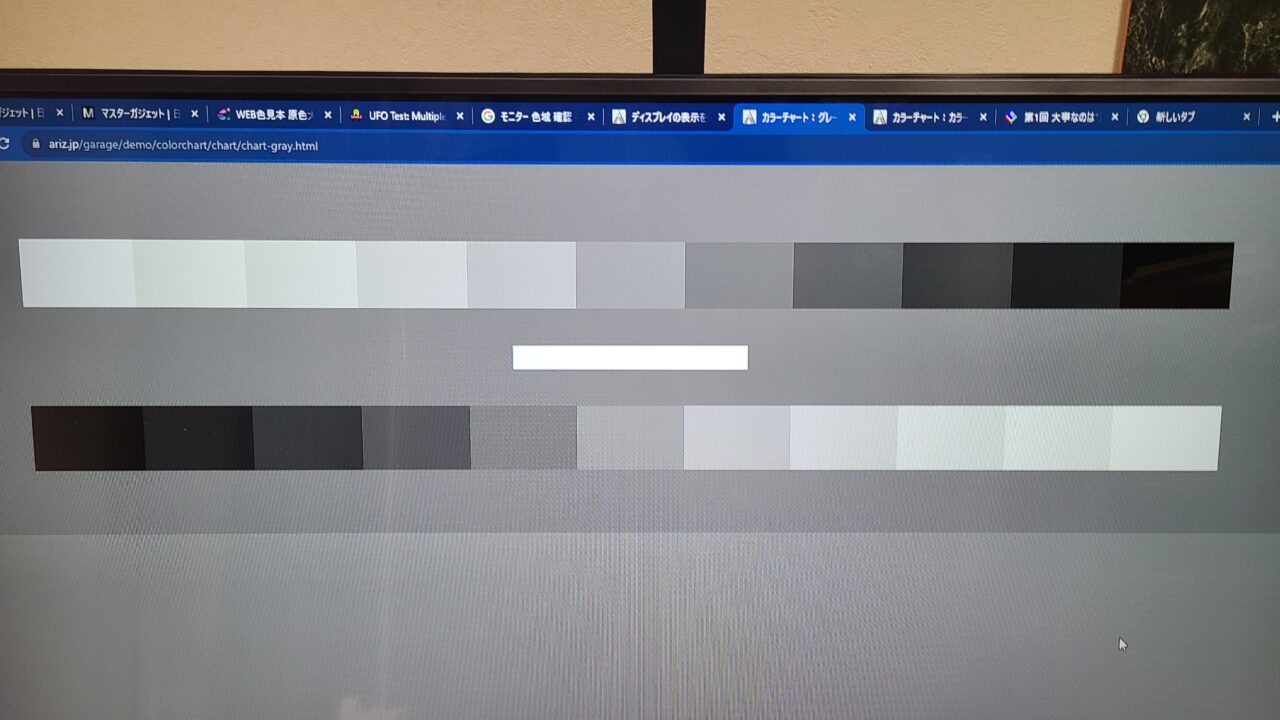
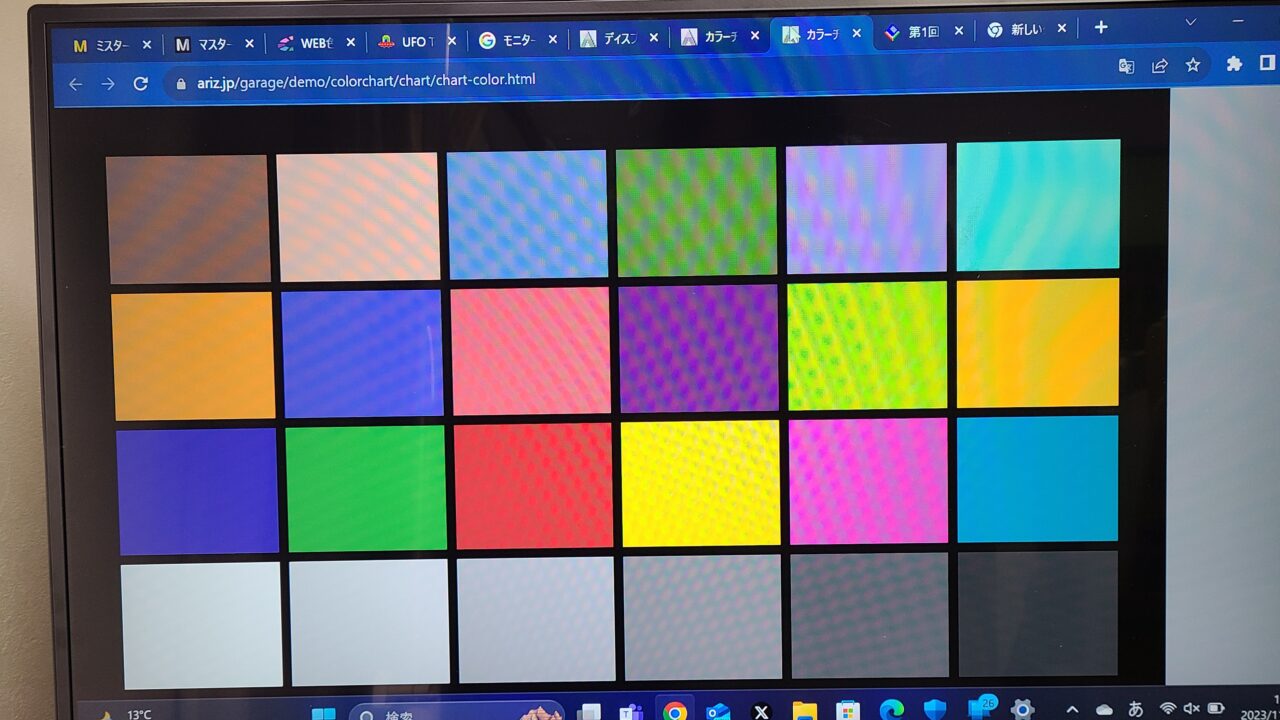
First, I checked for dead pixels and found none.
As I will touch upon later, if your unit happens to arrive with any dead pixels, be sure to make use of the warranty.
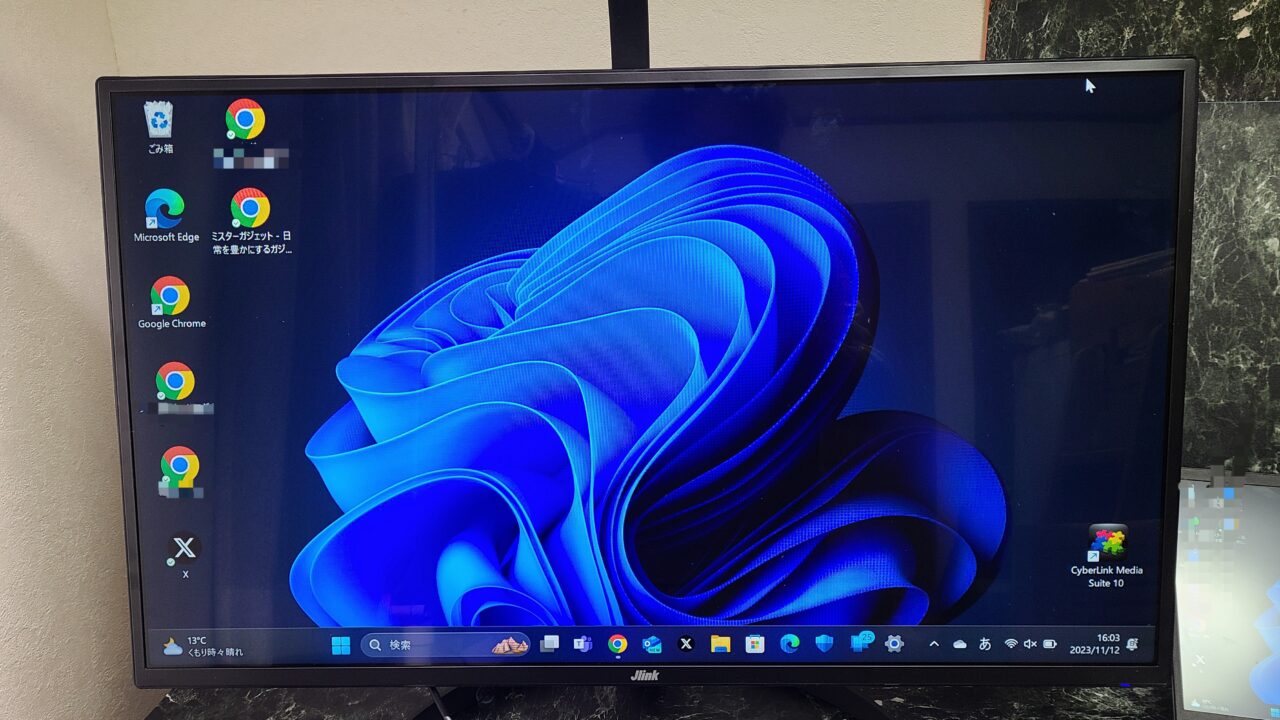
Also, at a glance, the color reproduction felt completely natural.
| Panel Type | Advantages | Disadvantages |
|---|---|---|
| IPS | ・Wide viewing angles ・Beautiful colors | ・Slower response time |
| VA | ・High contrast ・Beautiful colors ・Reasonably wide viewing angles | ・Slower response time compared to TN |
| TN | ・Fast response time ・Inexpensive | ・Narrow viewing angles ・Low contrast |
There are three main types of panels: “IPS“, “VA“, and “TN“.
VA panels offer high contrast and deep blacks, allowing you to enjoy immersive visuals.
Easy and Straightforward Installation!
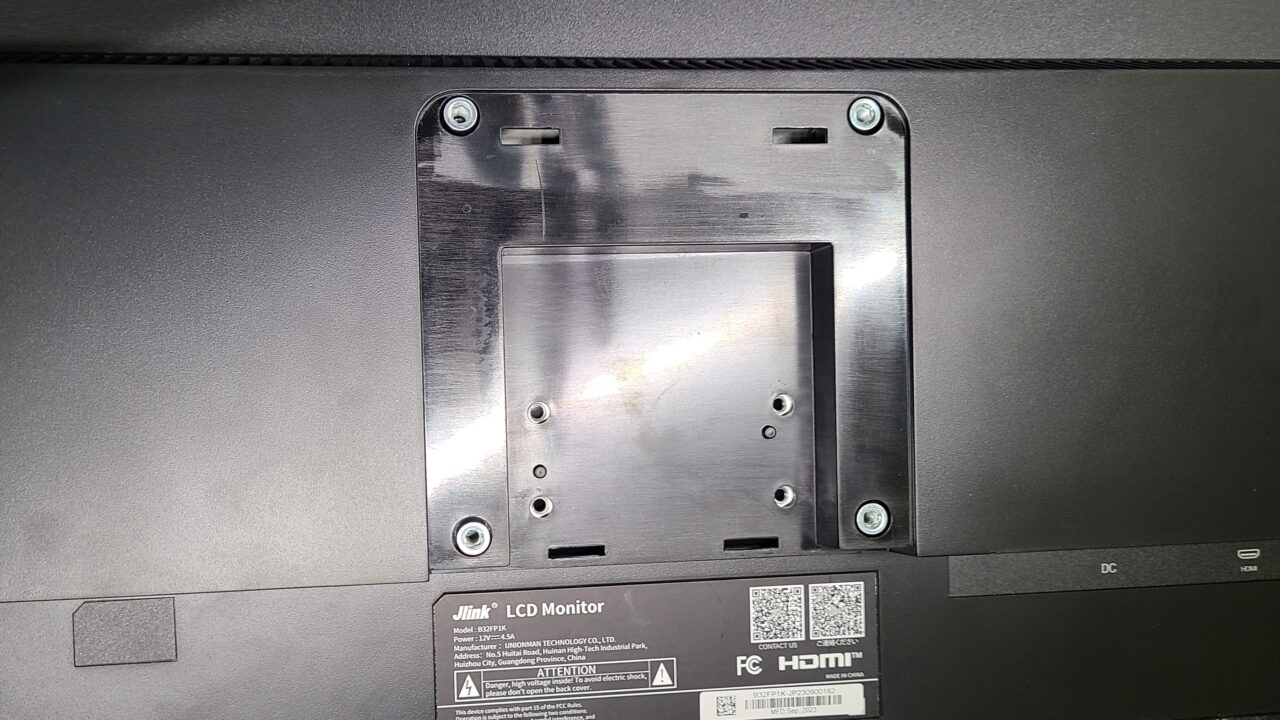
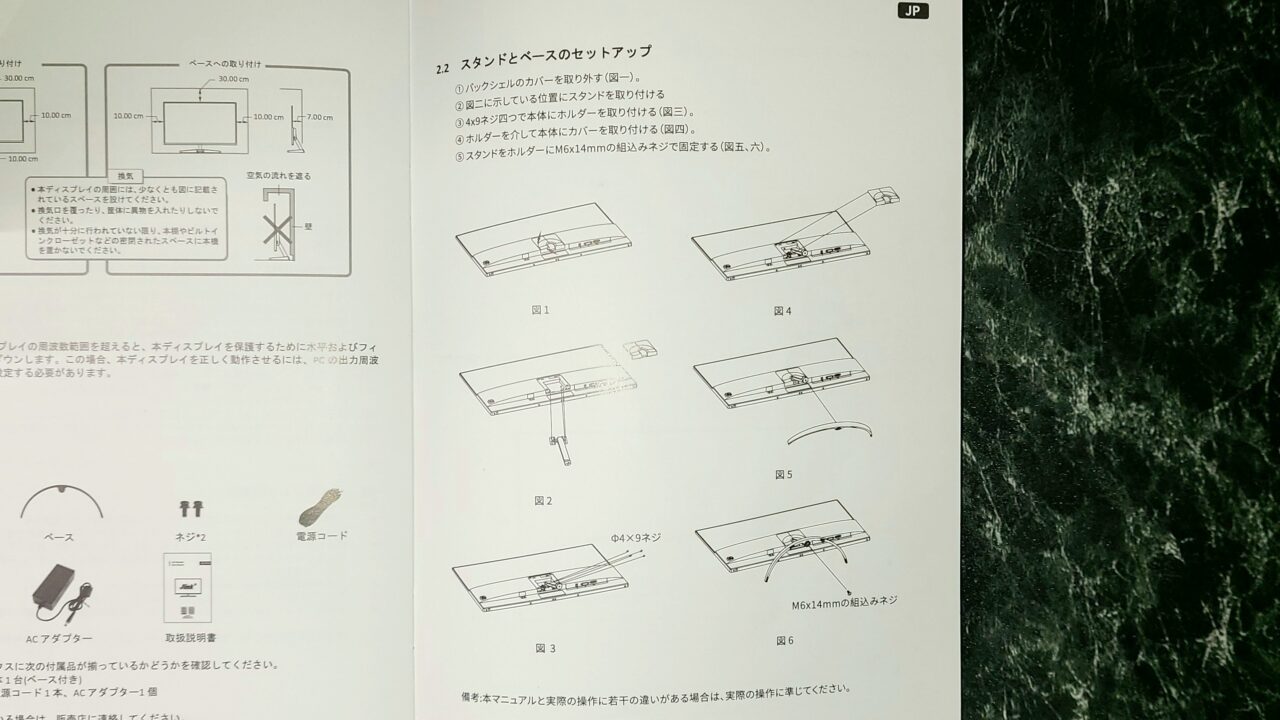
The installation procedure is described in detail in the instruction manual.
 Mr. Gadget
When I reviewed a Jlink monitor previously, it wasn’t documented in this much detail, so it has definitely been improved!
Connection Terminals are the Bare Minimum
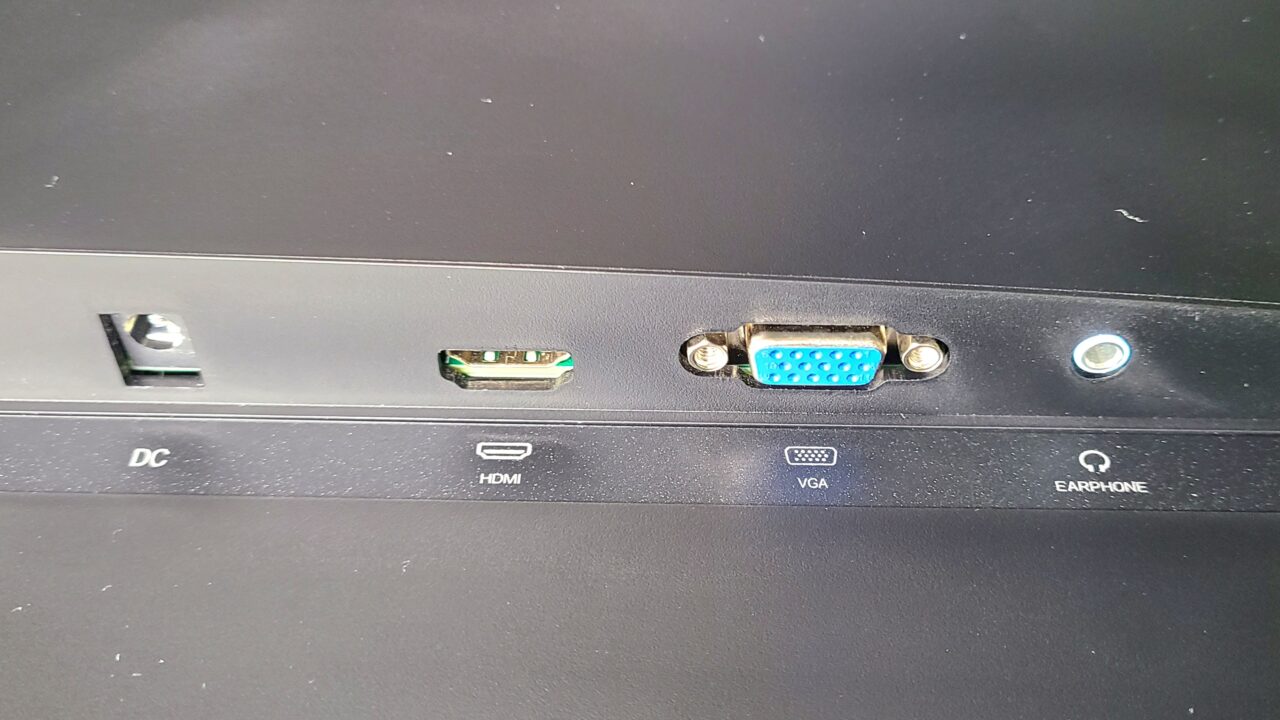
As mentioned during the specifications overview, the details of the interfaces are as follows.
- HDMI 2.0 x 1
- VGA
- 3.5mm Aux x 1
- DC (Power) x 1
 Ms. Gadget
It feels like it has just the bare minimum necessary.
 Mr. Gadget
Personally, I would have liked it to have two HDMI ports…
Vertical tilt can be adjusted,but nothing else
- Tilt: -5 to 15°
You can adjust the monitor angle as shown in the photo below.
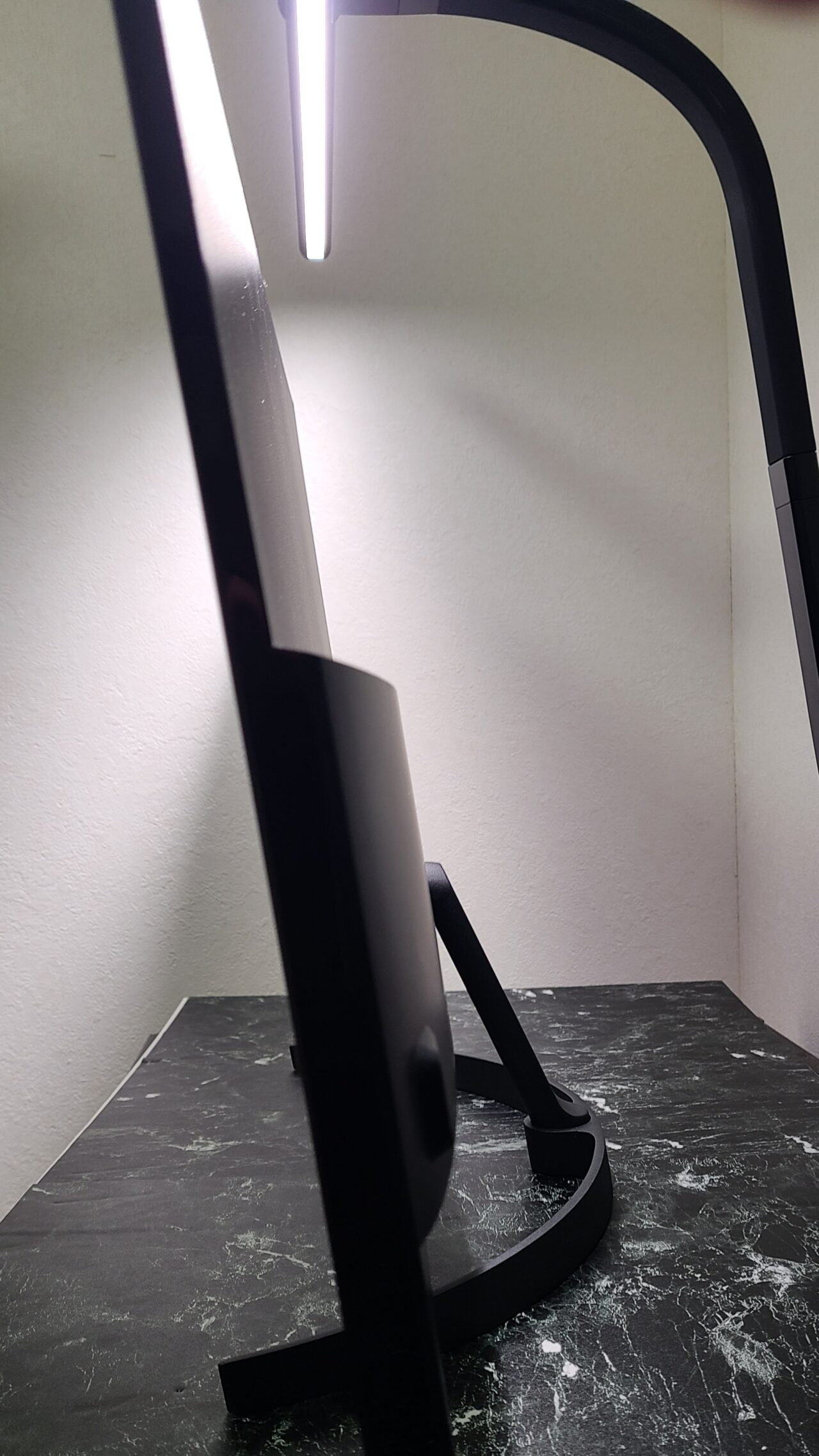
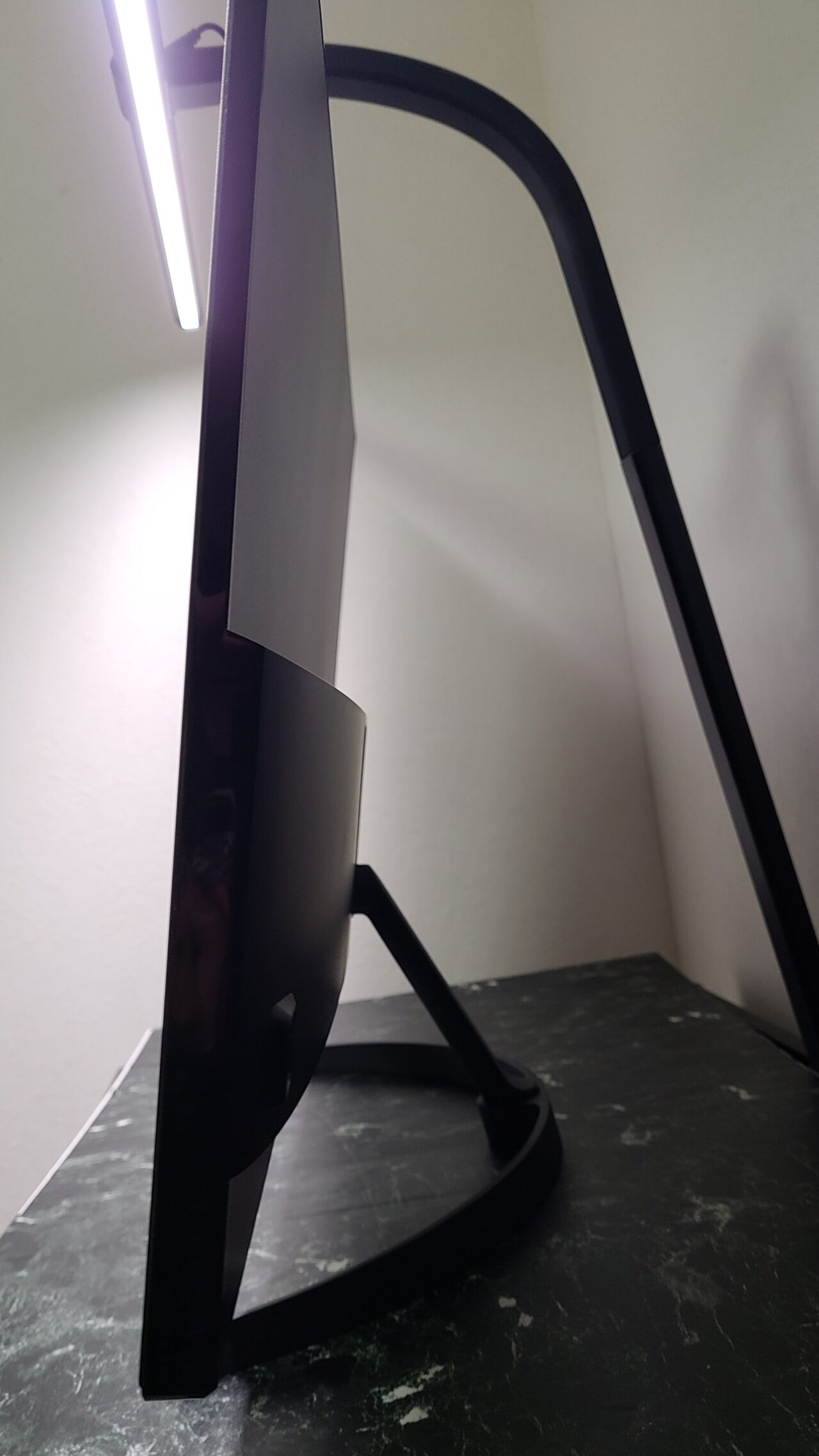
Please note, however, that you cannot swivel the monitor horizontally or adjust its height.
Mr. GadgetPersonally, I really wish they had included height adjustment capability…
AC Adapter Features PSE Mark
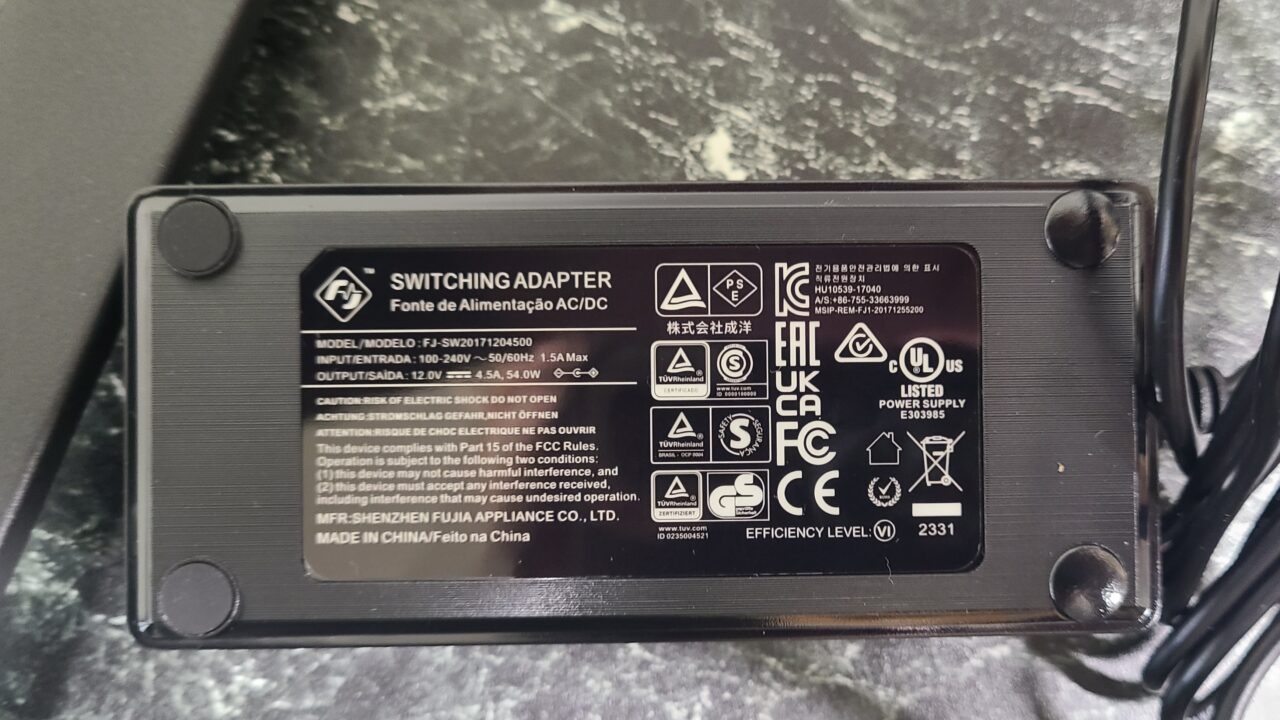
The AC adapter correctly features the PSE mark.
 Mr. Gadget
While having one is naturally expected, products from Chinese manufacturers often lack the PSE mark.
This manufacturer properly included a unit with the PSE mark, which provided peace of mind.
- Please note that listed prices may differ from actual prices, so be sure to check the final price before making a purchase.
Prices are especially likely to change during sales, so please verify before buying.
Includes 36-Month Warranty
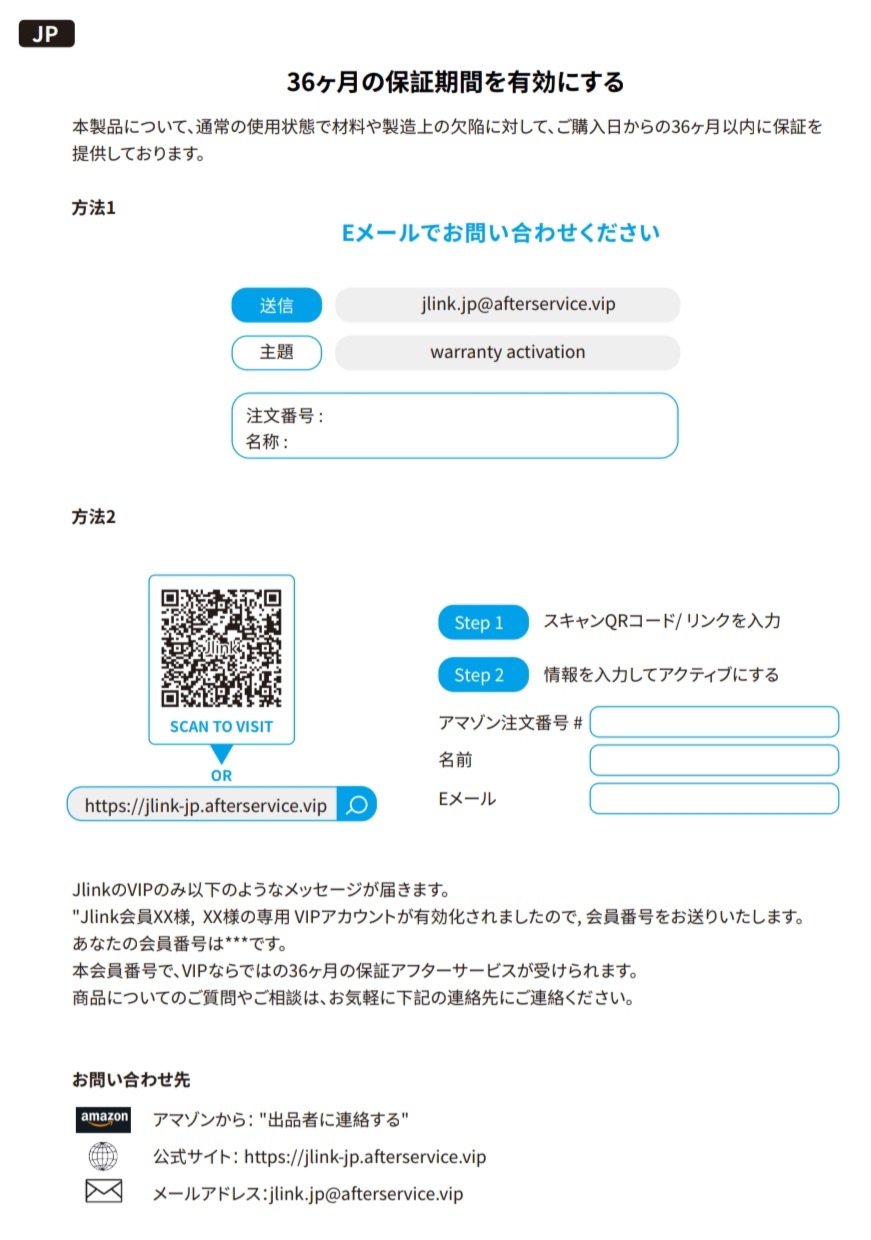
As detailed in the instruction manual, it comes with a 36-month warranty.
Mr. GadgetThree years is quite a long time!
Even those who might be slightly hesitant because it is a Chinese manufacturer should be able to purchase it with peace of mind.
HDR Support
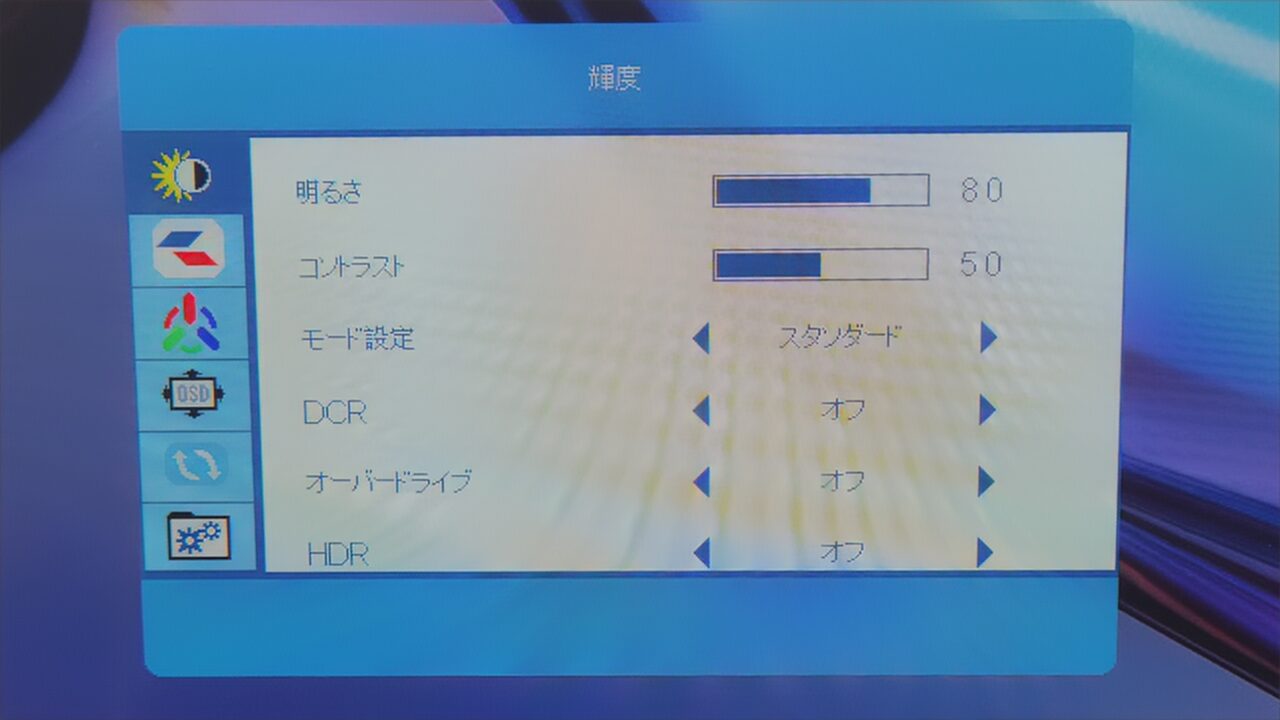
HDR (High Dynamic Range) is a technology that expands the range of brightness. Simply put, HDR support makes images look more realistic.
The “Jlink B32FP1K” supports HDR.
Up to 60Hz Support
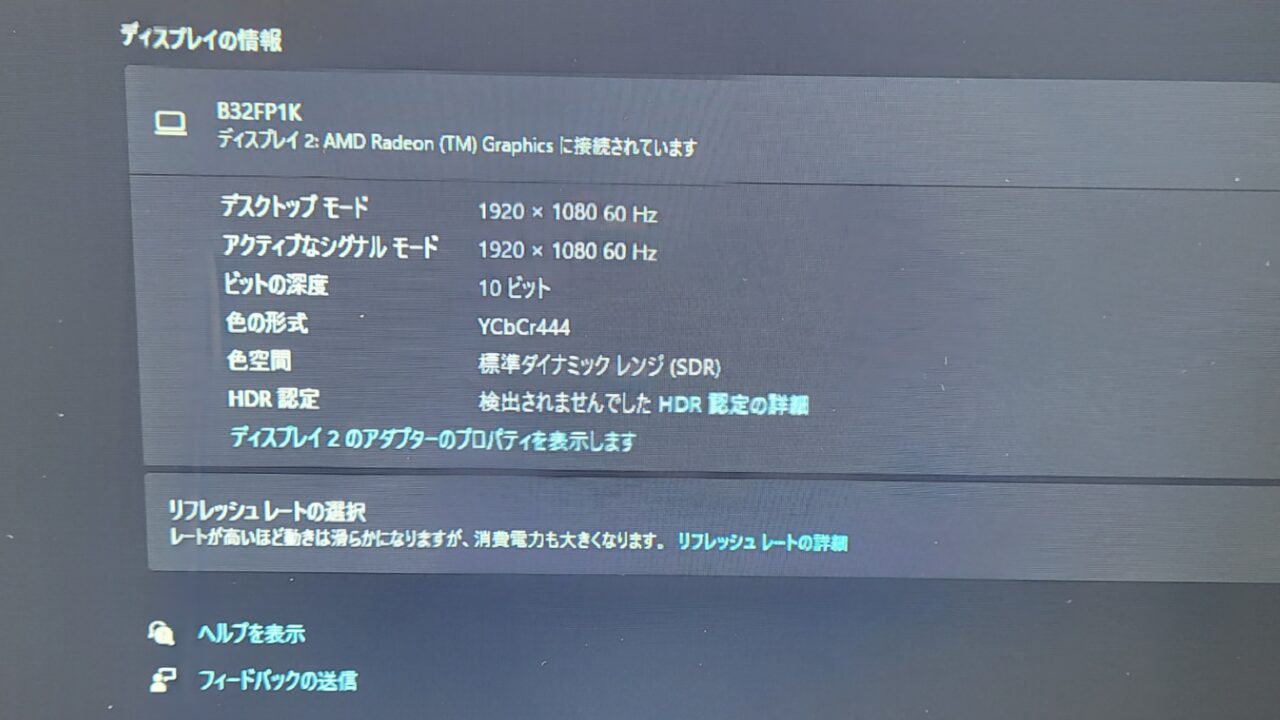
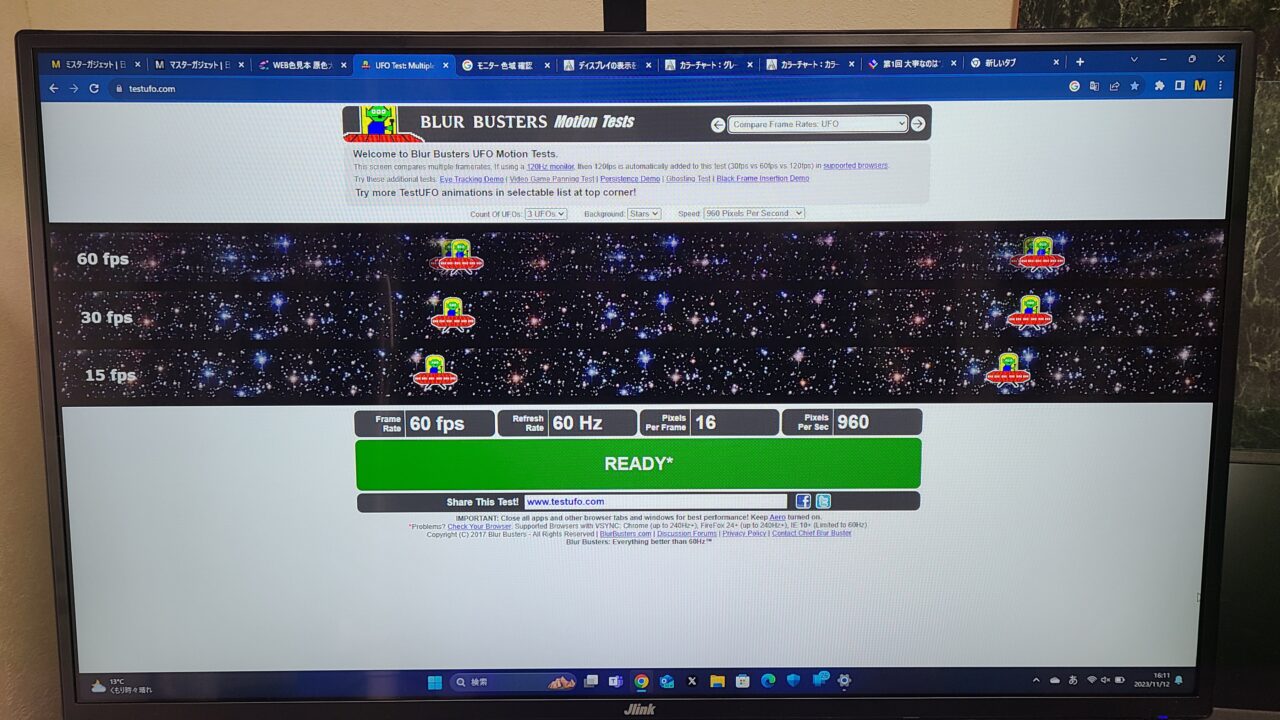
As I mentioned in the specifications section, the “Jlink B32FP1K” supports up to 60Hz.
| Movies, Anime | Approx. 24Hz |
| TV | Approx. 30Hz |
| Nintendo Switch, PS4 | Approx. 60Hz |
| PS5, Xbox Series X | Approx. 120Hz |
For regular everyday use, 60Hz does not feel inconvenient at all.
Mr. GadgetThe PS5 also runs fine even without 120Hz, so there are no issues whatsoever.
60Hz falls a bit short for playing FPS games and the like, but well, since it’s not a gaming monitor, that can’t be helped.
- The listed price may differ from the actual price, so please make sure to check the final price before purchasing.
Prices are especially likely to change during sales, so please be sure to verify.
Response Time: 4.2ms (GTG)
Response time refers to the speed at which colors change, which greatly affects motion blur in video.
It is particularly important in games that require fast reaction speeds, such as FPS and fighting games.
The “Jlink F32FR1K-17B” has a response time of 4.2ms, which is fast enough for reasonably comfortable gaming.
However, while it should be completely fine for people who only play occasionally, to be frank, the figure is a bit underwhelming if you are seriously into playing FPS or TPS games.
When playing RPGs or simulation games, response time is practically irrelevant, so you don’t need to worry about it.
Mr. GadgetWell, people who play games like FPS competitively should probably buy a gaming monitor in the first place (laughs).
For casual enjoyment, there are no issues at all.
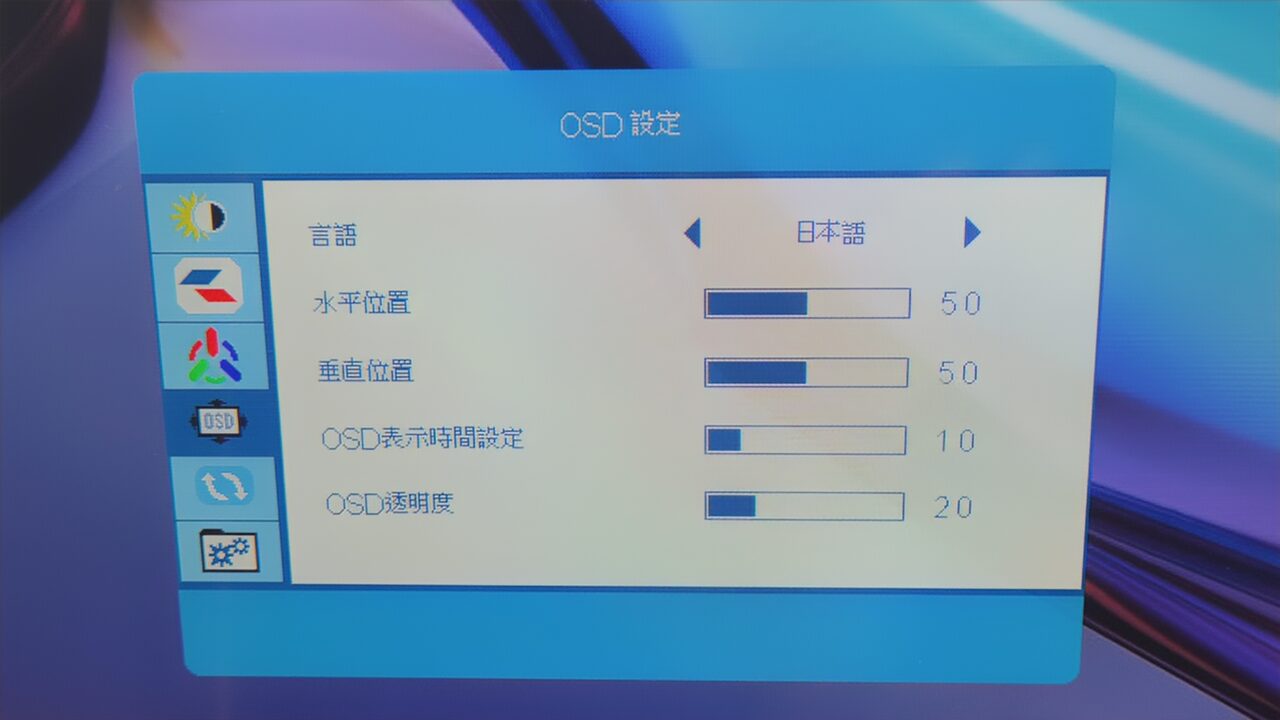
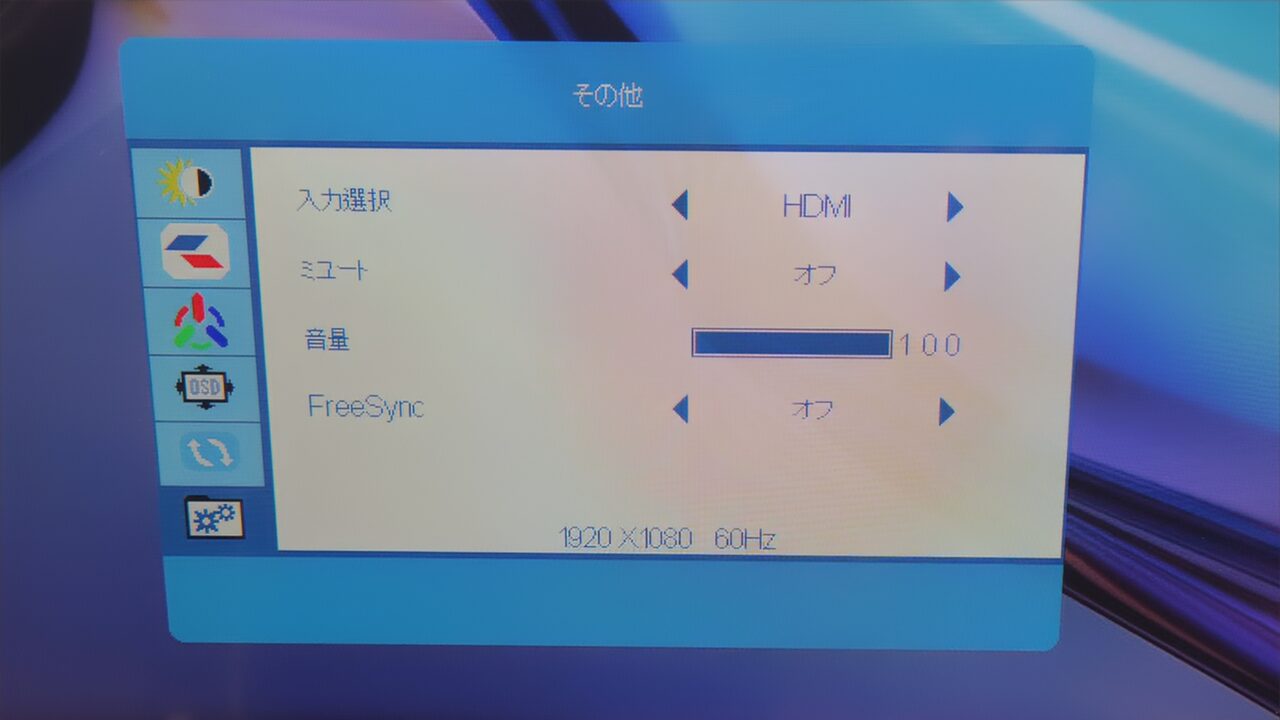
About Settings
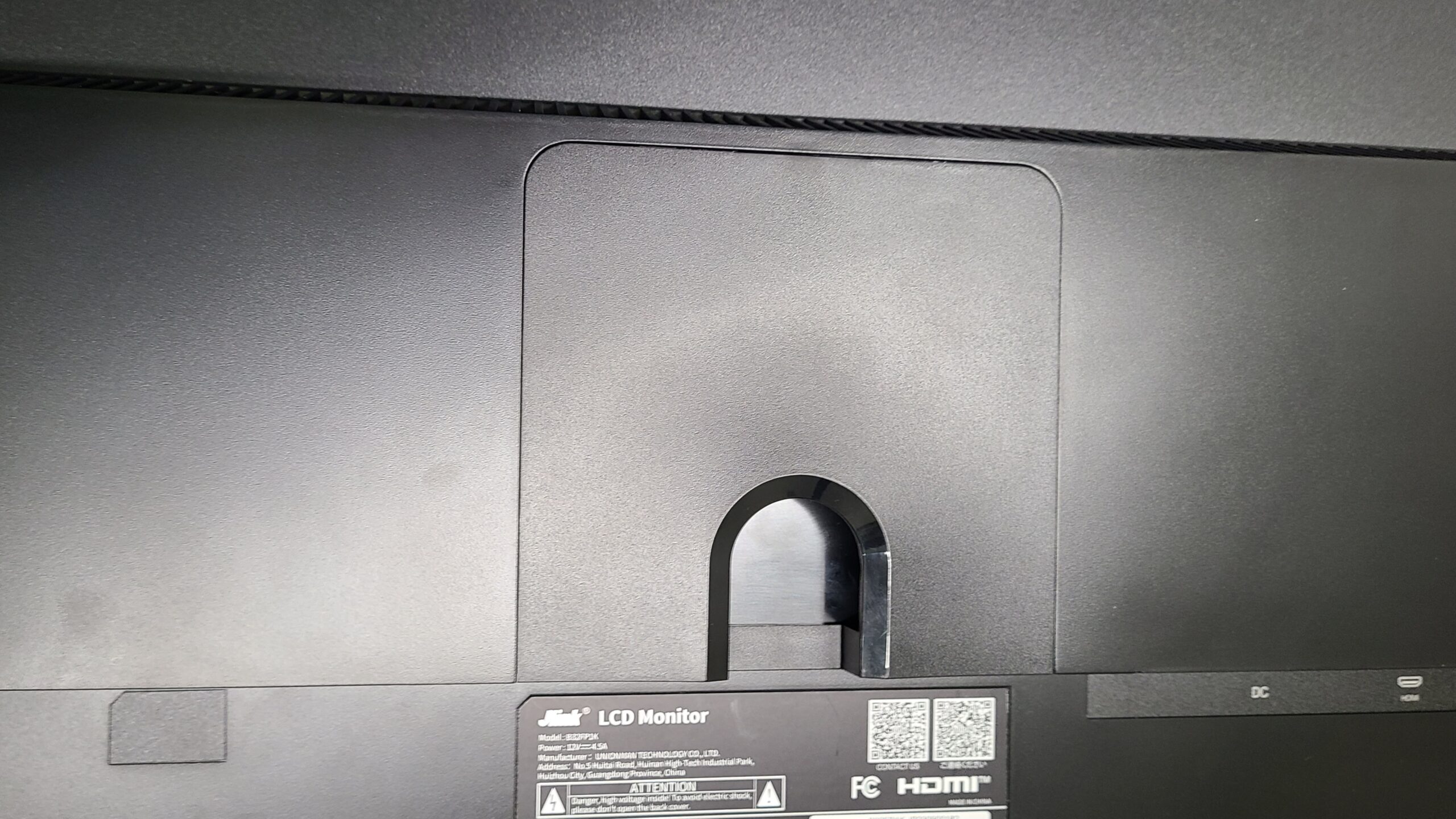
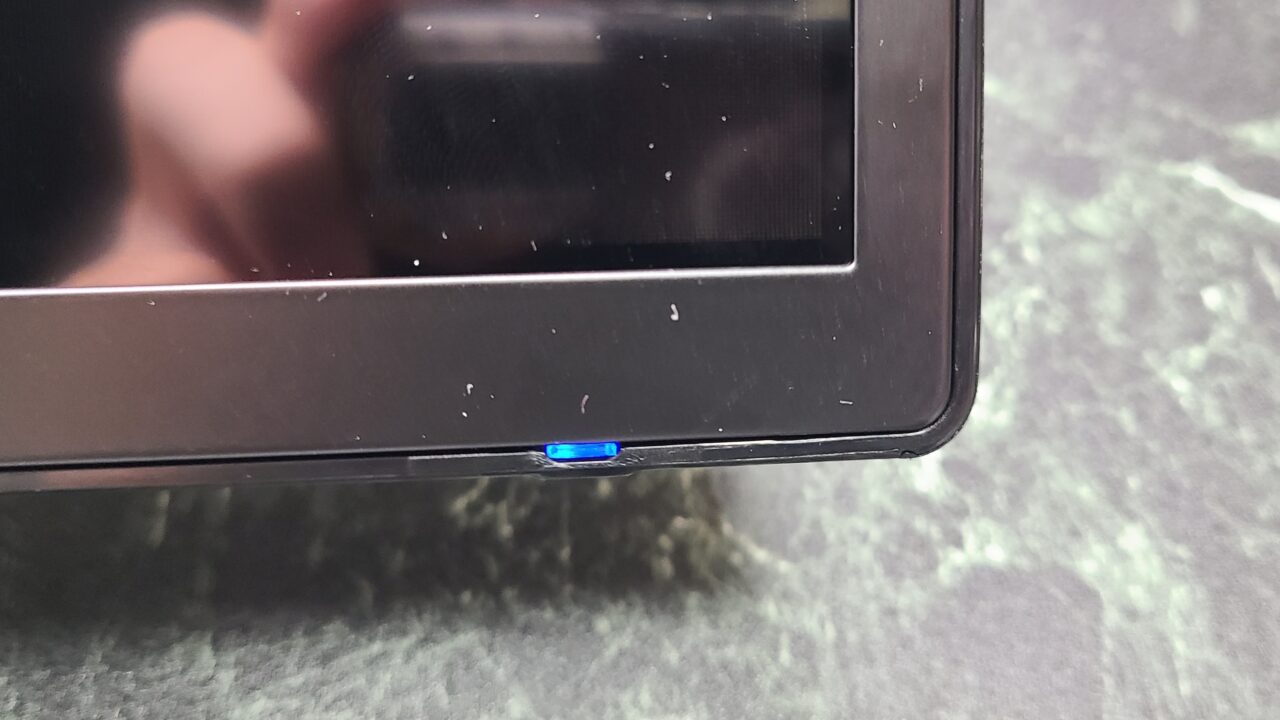
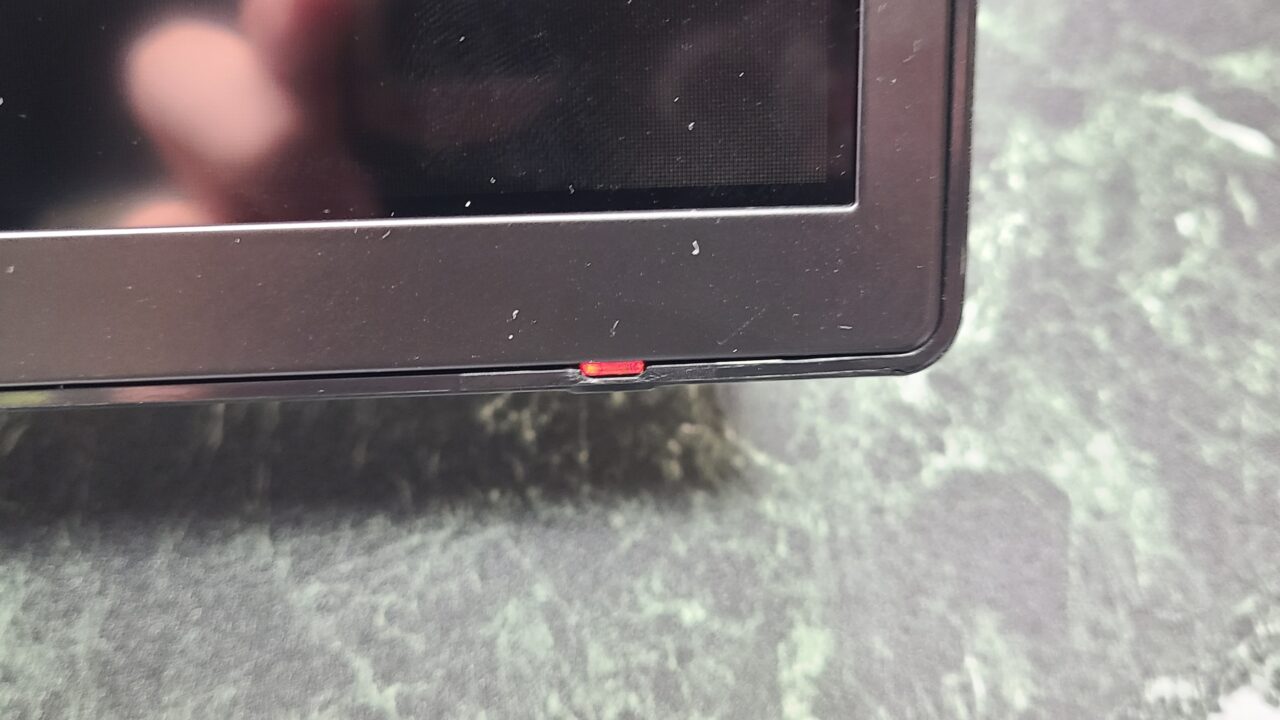
Monitor settings and power on/off are controlled using this function button located on the back of the monitor.
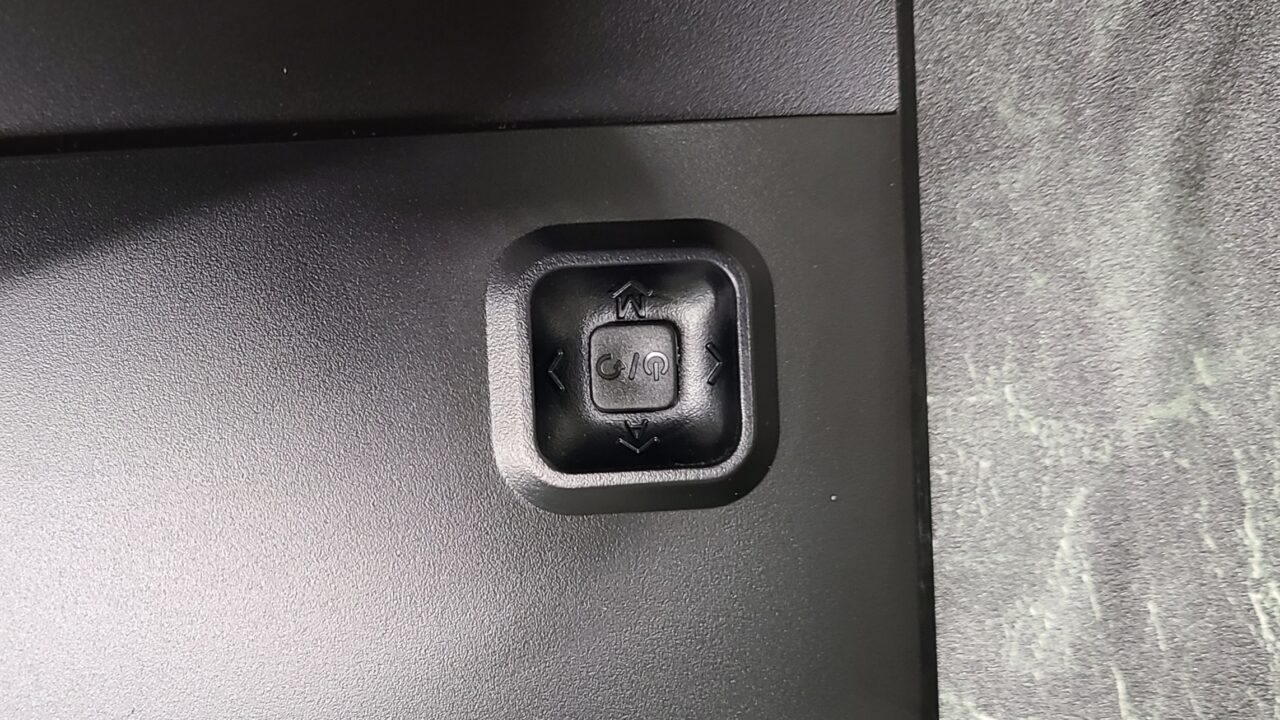
Pressing this function button once turns the monitor on.
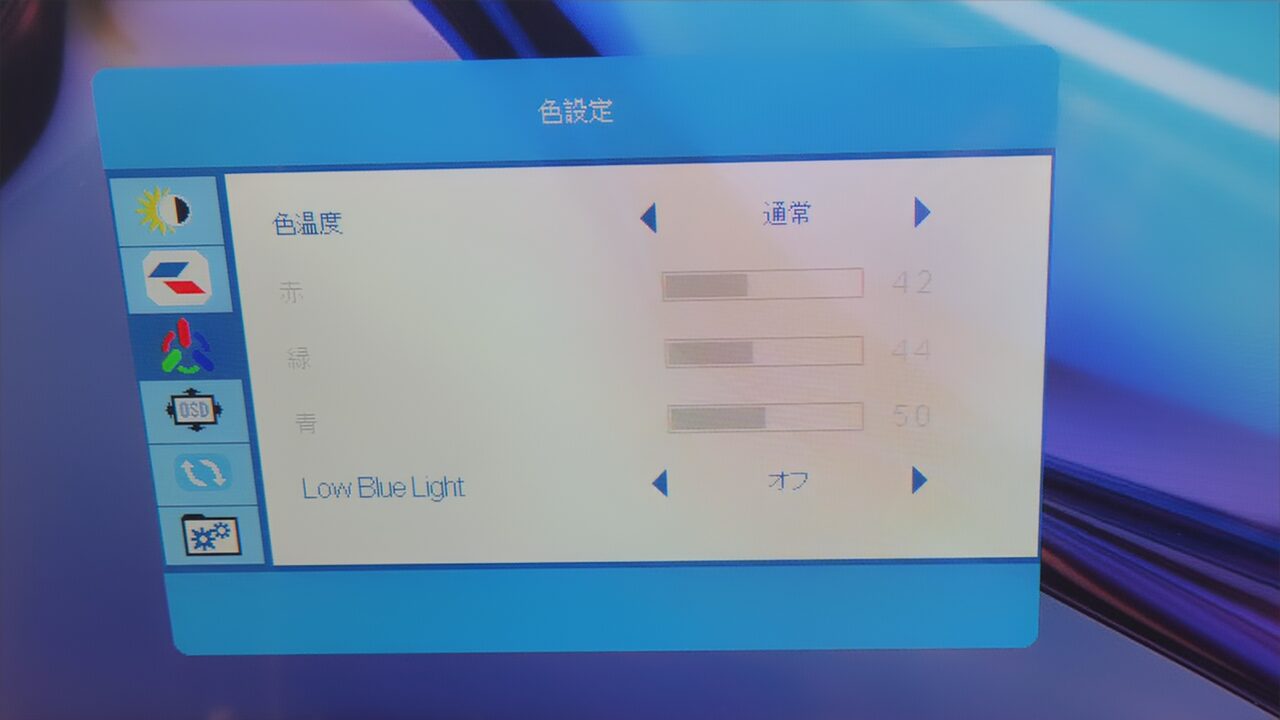
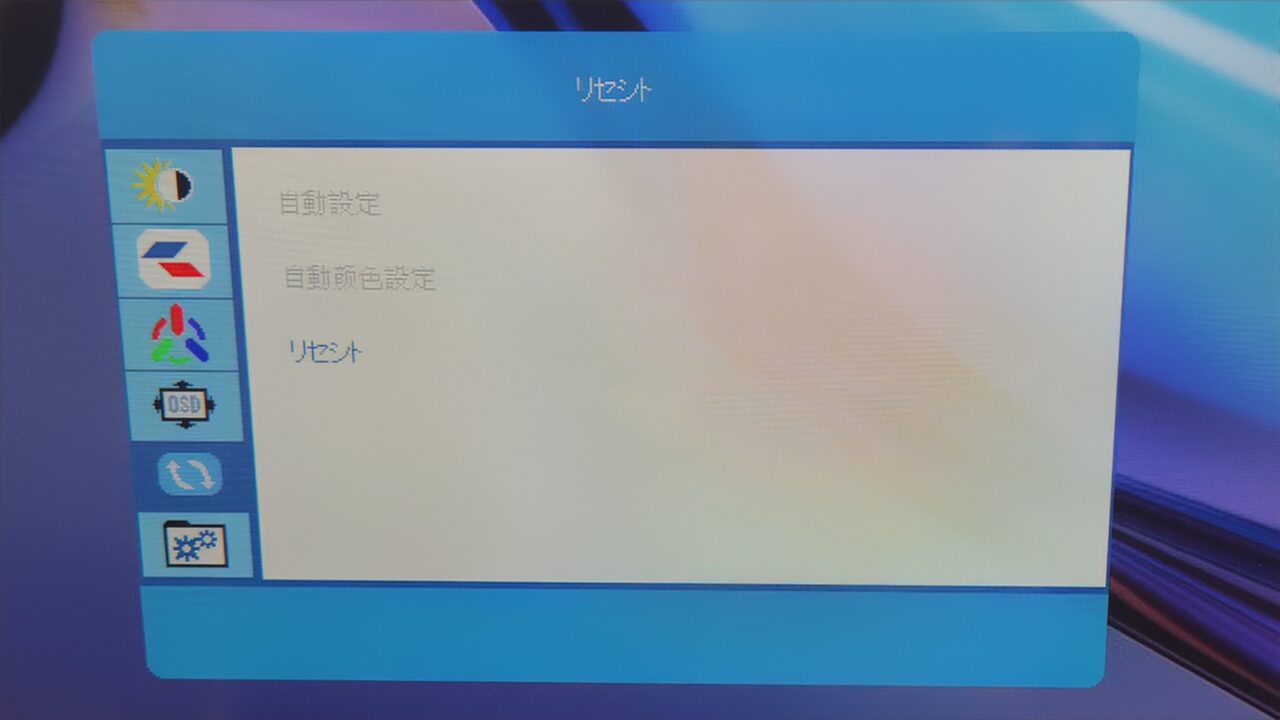
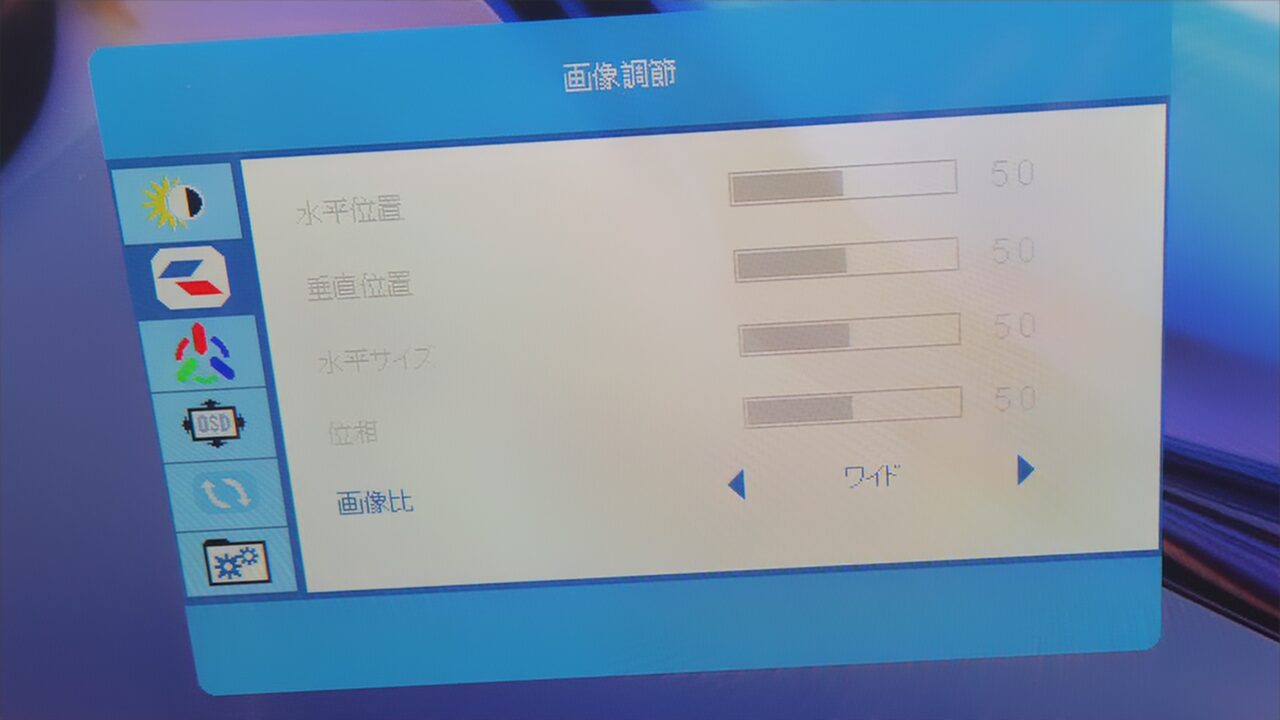
Pressing the button down brings up the settings menu.
Additionally, as shown in the image below, pressing left is assigned as BACK, and pressing right is assigned as ENTER.
Regarding Various Features
As noted in the specifications, it does not feature built-in speakers, so an external speaker is required.
Conclusion
Recommended for Everyday Use
After using it, my impression is that this “Jlink B32FP1K” is a versatile monitor with great cost-performance and few drawbacks.
While the resolution is Full HD, which is fairly standard, it features a maximum refresh rate of 60Hz and a response time of 4.2ms—specs that are more than sufficient for most tasks, including gaming.
Granted, it does have minor flaws, such as the inability to adjust the height, but even taking those into account, I believe this is a monitor that can handle pretty much anything.
It has no major flaws and comes with a 36-month warranty, so you can purchase it with peace of mind.
- コスパ良く短所の少ない万能モニター
- VAパネルだから黒が深い
- 36か月保証あり
- 取り付けが簡単でわかりやすい!
- HDR対応
- 高さ調節ができない
- 接続端子が最低限しかない
- スピーカーが非搭載
- The listed price may differ from the actual price, so please be sure to check the final price before making a purchase.
Prices are especially likely to change during sales, so please verify before purchasing.
Recommended For
- Those looking for an affordable, versatile monitor with great value
- Those who want a monitor with few drawbacks
Thank you very much for reading to the end!
- Product prices and information are current as of the time of the article’s writing.
- Please note that this site assumes no responsibility whatsoever even if this information is incorrect.
- Product and service names mentioned on this site are trademarks of their respective companies.
This article was originally written in Japanese and has been translated.
Comments