
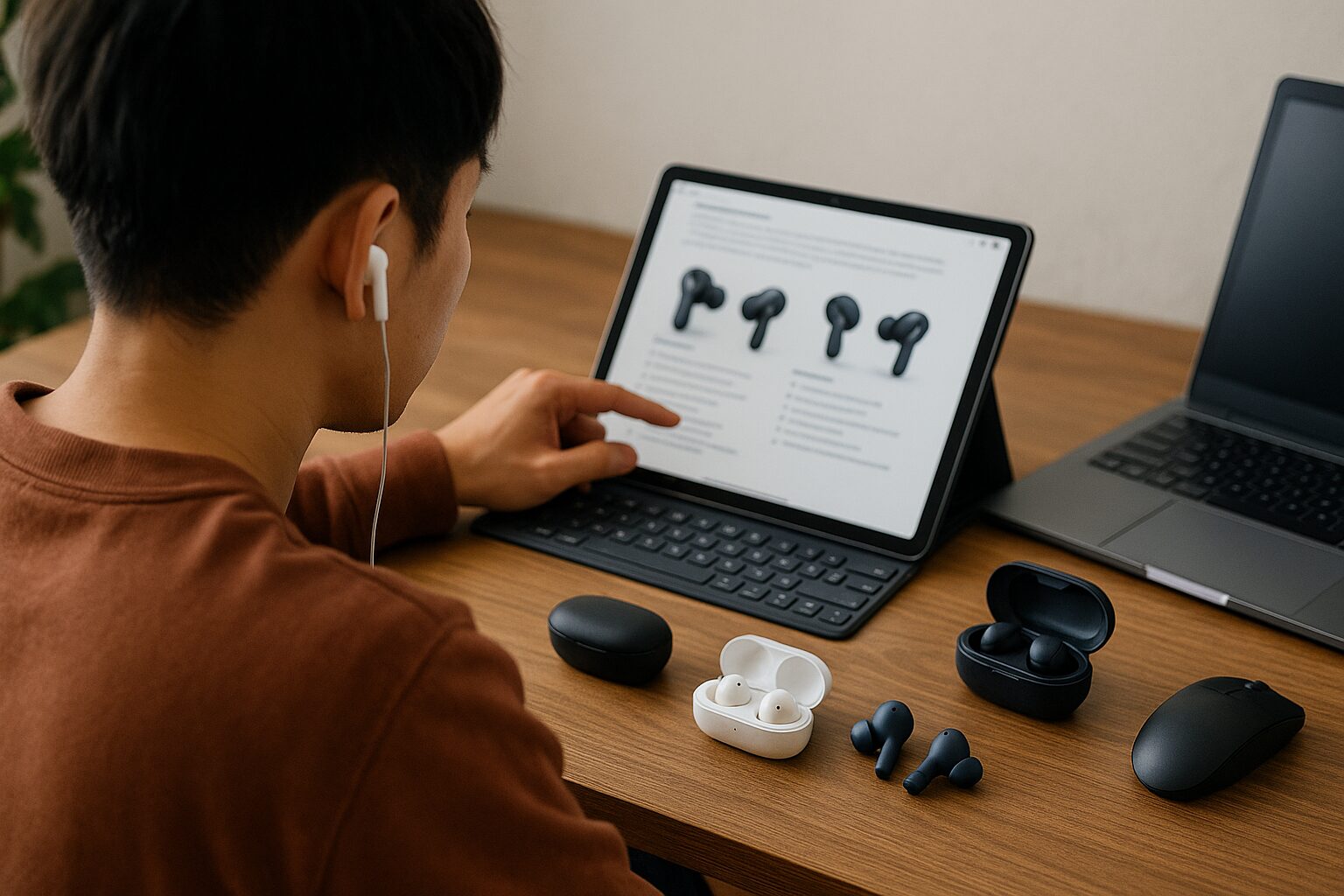
“Completely Wireless Earphones,” there are now so many types available that it’s honestly hard to know which one to choose, isn’t it?
To find the one that’s perfect for you, it’s important to have a basis for judgment to determine what is “important to you” among the many features and performance characteristics.
In this article, we will clearly deliver “information that will be a compass” to find the optimal pair, from the basic knowledge necessary to avoid regretting your completely wireless earphone selection, to comparisons of functions such as sound quality and battery life, and tips on how to choose based on your purpose and usage scenario.
 Ms.Gadgets
There are so many types of completely wireless earphones that I don’t know which one to choose…
 Mr.Gadgets
That’s okay! Reading this article will clarify the functions and performance you need, and you’ll be able to choose with confidence!
What are Completely Wireless Earphones?
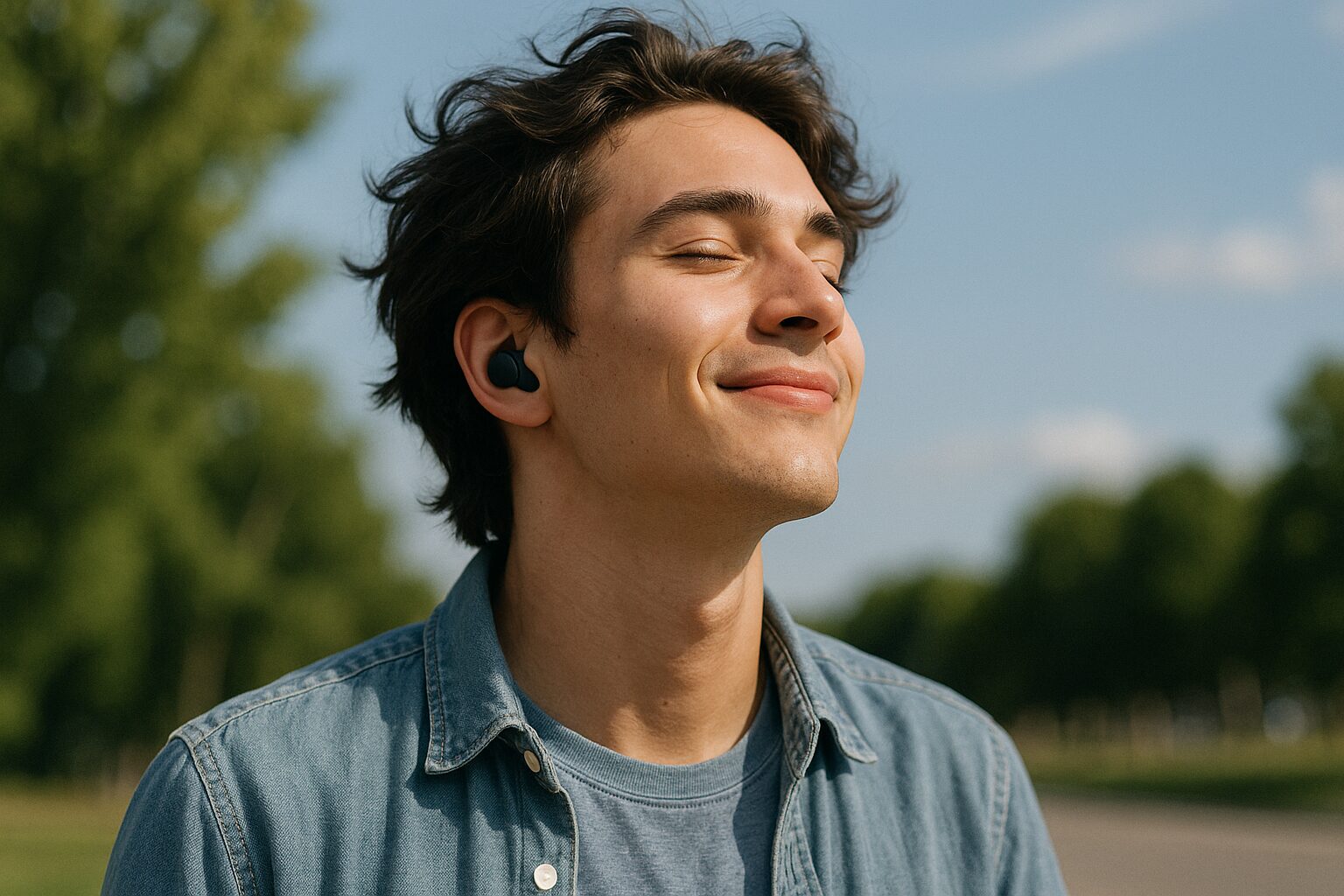
You are completely freed from the hassle of tangled cables and the worry of them getting caught on clothing, allowing for a new level of freedom and comfort when listening to music in active scenes such as commuting during rush hour, walking, or working out at the gym.
| Advantages | Disadvantages |
|---|---|
|
Freedom from tangled cables No worry of cable breakage Can be used away from the playback device |
Connection to the playback device may sometimes be unstable Regular charging is required Small size increases the possibility of loss |
Ms.GadgetsThere are so many types that I don’t know which one to choose…
Mr.GadgetsYes, once you read this article, you’ll have a clear idea of the functions and performance you need, and you’ll be able to choose with confidence!
They are truly groundbreaking items that allow you to enjoy music more closely and freely.
The Role of Completely Wireless Earphones: Voice Assistant in Various Scenarios
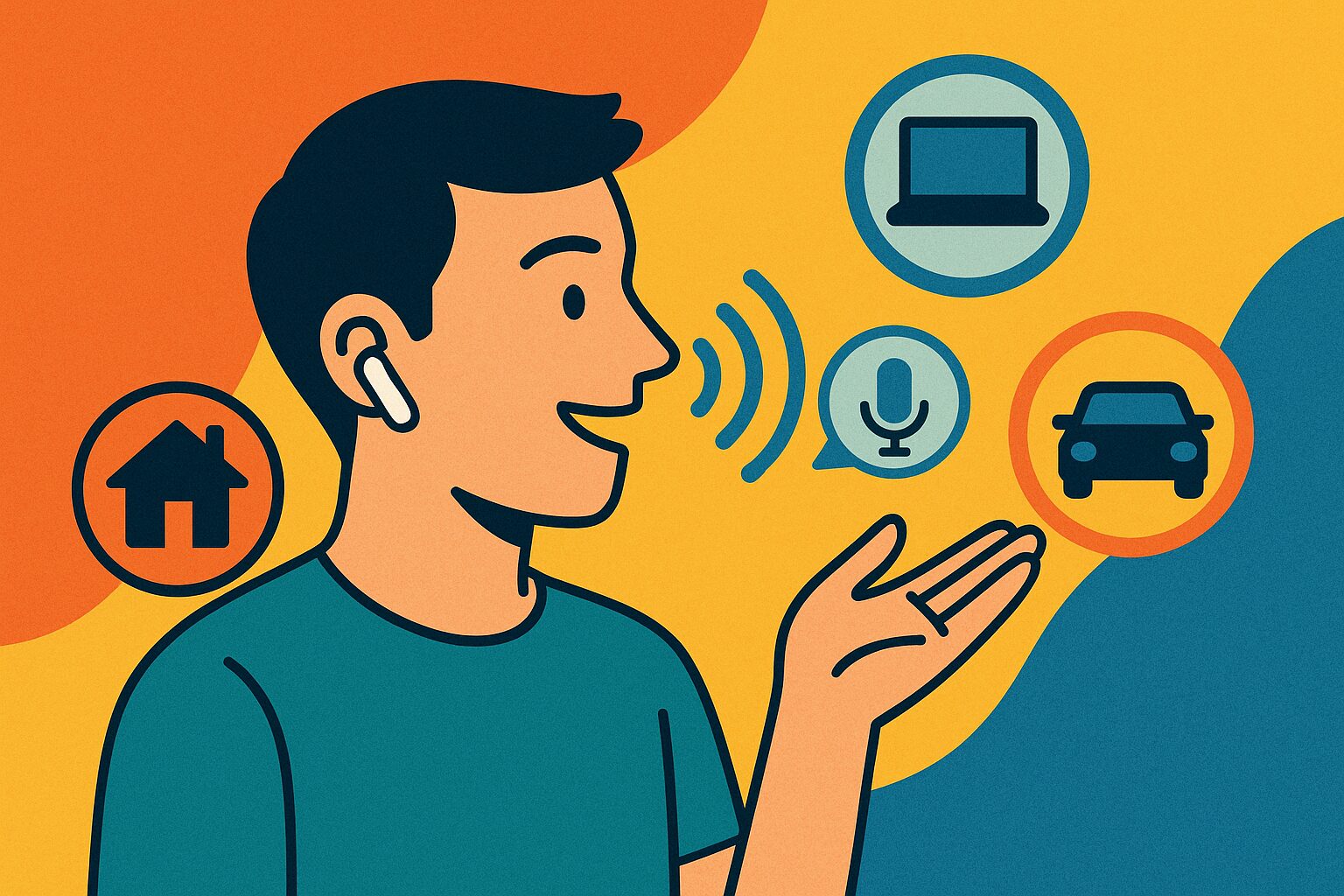
Completely wireless earphones are not just tools for listening to music.
They also play a role as a “voice assistant” in modern life.
For example, you can activate voice assistants such as Siri or Google Assistant by operating the earphones themselves, even when your smartphone is in your bag or pocket, and check the weather forecast, send messages, or manage your schedule.
This allows you to obtain information and perform simple operations even when your hands are full.
Ms.GadgetsI didn’t know earphones could do that!
Mr.GadgetsYes, they’re not just for enjoying music, they’re also a reliable partner that can make your daily life more convenient!
In this way, they are a tool that makes accessing information and communicating more smoothly, and makes daily life more convenient.
Features of Completely Wireless Earphones

Because the left and right earphones are independent, you can use only one earphone.
And, thanks to this charging case, you can easily recharge the earphones multiple times simply by placing them in the case, even if the earphone battery runs out, allowing you to use them for long periods without worrying about the battery running out.
| Feature Item | Description |
|---|---|
| Structure | Left and right earphone bodies are physically completely separated |
| Alternative Name | Independent Earphones, TWS (True Wireless Stereo) |
| Charging Method | Charged by storing in a dedicated charging case |
| Role of Case | Protection/storage of earphones, carrying, multiple recharges of earphone body |
| Convenience | Enables long battery life with the case |
Ms.GadgetsIt’s very convenient to be able to charge with a case! But I’m a little worried about losing it because it’s small…
Mr.GadgetsYou’re right, you need to be careful not to lose it because it’s small, but the case significantly reduces your worries about the battery!
This independent structure and combination with the charging case greatly improve the convenience of completely wireless earphones.
Essential Knowledge When Choosing Completely Wireless Earphones
Key points of this heading!
- Bluetooth
- Codec
- Noise Cancelling: Function to Reduce Ambient Noise and Focus on Music
- Ambient Sound Function: Mechanism to Hear Surrounding Sounds While Wearing Earphones
- Water Resistance (IPX Rating): Indicator Showing the Degree of Protection Against Water Drops and Immersion
- Earphone Shape: Design That Affects Wearing Comfort and Sound Quality
To smartly choose completely wireless earphones, it’s important to acquire some basic knowledge.
Understanding these technical elements such as “Bluetooth”, “Codec”, “Noise Cancelling”, “Water Resistance”, and “Earphone Shape” will help you find the perfect pair.
Bluetooth
Thanks to this technology, you can enjoy a free listening style without the hassle of tangled cables.
Generally, newer versions of Bluetooth have improved connection stability and reduced sound latency.
History of Bluetooth (Major Versions and Features)
| Ver. | When it was released | Brief evolution point |
|---|---|---|
| 1.0 | 1999 | First public version (approx. 1 Mbps). Interoperability and connection instability were issues. |
| 1.1 | 2001 | Bug fixes and added ability to read radio wave strength |
| 1.2 | 2003 | Improvements to reduce interference with Wi-Fi, making it less likely to disconnect. |
| 2.0 | 2004 | Speed increased approximately 3x, and power consumption decreased for the same amount of communication. |
| 2.1 | 2007 | Simplified and secured pairing, and significantly reduced standby power consumption for mice and keyboards. |
| 3.0 | 2009 | High-speed transfer of up to 24 Mbps possible by using Wi-Fi when needed. |
| 4.0 | 2010 | Equipped with ultra-low power consumption mode (later “BLE”). Optimized for sensors and wearables. |
| 4.1 | 2013 | Reduced interference with LTE, and enabled one device to function as both a master and a slave. |
| 4.2 | 2014 | Further faster low-power communication and enhanced encryption. |
| 5.0 | 2016 | Speed doubled, range quadrupled. Major expansion for IoT. |
| 5.1 | 2019 | Ability to determine the direction from which the signal came, making it stronger for location information. |
| 5.2 | 2020 | New low-power audio standard, achieving high-quality and low-latency audio. |
| 5.3 | 2021 | Further reduced standby power consumption and improved link stability. |
| 5.4 | 2023 | Enabled thousands of small devices to safely “call” each other, ideal for retail electronic shelf labels. |
| 6.0 | 2024 | Enables centimeter-level distance measurement between smartphones and devices. Reduced unnecessary scanning and sound latency. |
| 6.1 | 2025 | Randomized device address change timing to prevent tracking and save battery. First update every six months. |
Ms.GadgetsIs a newer Bluetooth version better?
Mr.GadgetsYes, newer versions tend to have more stable connections and less sound latency!
When choosing completely wireless earphones, it’s important to check the Bluetooth version supported by your smartphone and choose earphones with the same version.
Codec
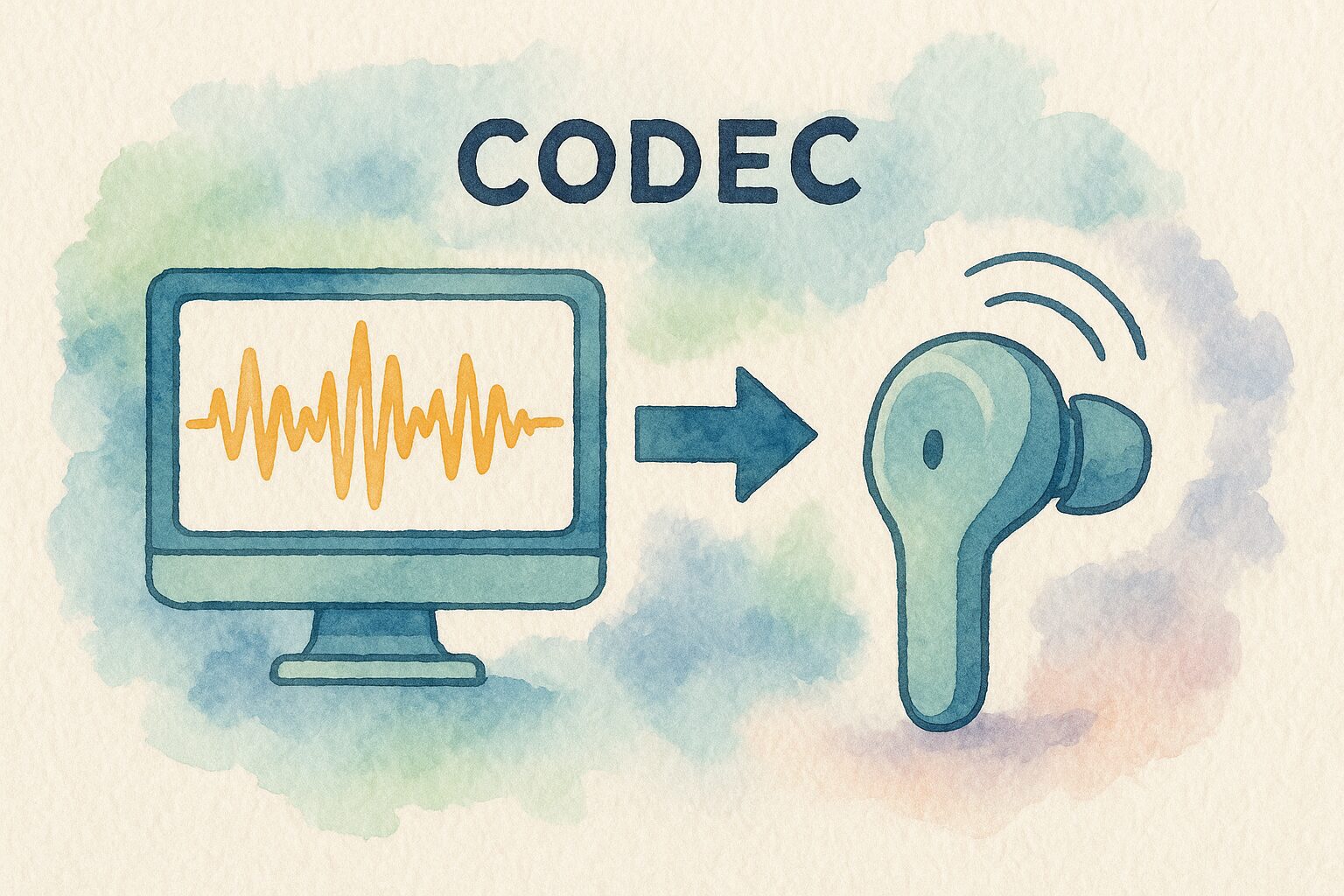
Common codecs include standard “SBC,” “AAC” commonly used in iPhones and other Apple products, and “aptX” available on some Android smartphones.
If the earphones and playback device (smartphone, etc.) do not support the same codec, you will not be able to benefit from that codec.
The codec won’t work if both connected devices don’t support it.
| Earphones (SBC, AAC supported) | Earphones (SBC, aptX, aptX HD supported) | |
|---|---|---|
| Android (SBC, AAC, aptX supported) | AAC | aptX |
| Android (SBC only supported) | SBC | SBC |
If one of the two devices doesn’t support it, the codec that both support will be used.
SBC is basically supported by all devices, so if there’s no support for a higher codec, SBC will be used.
Here’s a summary of codecs:
| Codec | Features |
|---|---|
| SBC | Standard Bluetooth codec. Basically supported by all Bluetooth audio devices. Sound quality and latency are average. |
| LC3 | New codec introduced in Bluetooth 5.2. High-quality and low-power consumption. Achieves higher audio quality at lower bitrates compared to conventional SBC codecs. |
| AAC | Standard codec for Apple products such as iPhones. Also supported by many Android devices. Generally has better sound quality and lower latency than SBC. |
| aptX | Codec adopted by some Android smartphones. Offers better sound quality and lower latency than SBC and AAC. |
| aptX LL | LL stands for Low Latency. Even lower latency than aptX. Sound quality is comparable to aptX, but latency is less than 0.04 seconds. |
| aptX HD | Codec capable of reproducing high-resolution sound quality equivalent to CDs. Slightly higher latency than aptX. |
| aptX Adaptive | Improved aptX HD, stabilizing and reducing latency. Changed from fixed to variable bitrate, resulting in more stable processing and lower latency. |
| aptX Lossless | Latest technology in the aptX series, delivering lossless audio quality. Ideal for high-end devices and audiophiles. |
| LDAC | High-quality codec developed by Sony. Considered one of the highest quality codecs available. Also supported by many Android devices. Latency is generally higher than SBC. |
| LHDC / LLAC | High-quality codec similar to LDAC, supporting 24bit/96kHz. LLAC is a low-latency version with approximately 30ms latency. For Huawei and Xiaomi devices. |
Ms.GadgetsThere are so many codecs that I don’t know which one to choose…
Mr.GadgetsThe first step to high-quality sound is to check which codec your smartphone supports and choose earphones that support the same codec!
If you want to enjoy high-quality sound, it’s important to check the supported codecs. Also, consider what kind of sound you prefer, such as a rich bass or clear vocals.
Noise Cancelling: Function to Reduce Ambient Noise and Focus on Music
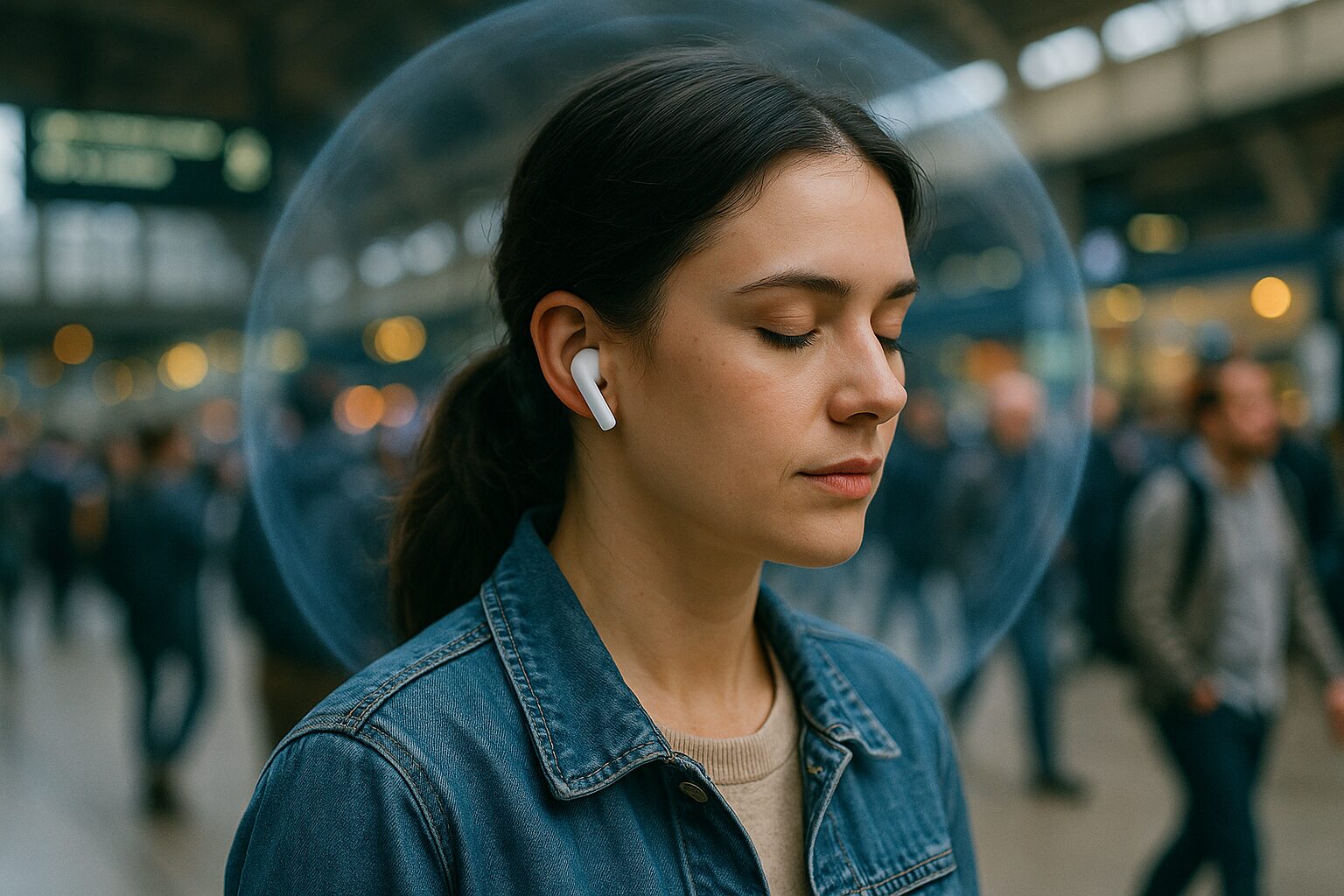
With this function, you can concentrate on music or podcasts even in noisy environments such as on trains, in cafes, or in the office.
It tends to be more effective against low-frequency, continuous noises such as train or airplane sounds.
| Type | Description |
|---|---|
| ANC | Also known as noise cancelling, this is the type built into AirPods and other earphones. It cancels noise by generating sound with the opposite phase. Consumes battery power but has high noise reduction. |
| PNC | Passively reduces noise by physically blocking it out. Improves sound isolation through materials and design. |
| CVC | Reduces ambient noise to your voice during calls. Not useful for listening to music or watching videos. |
Ms.GadgetsI want to be able to concentrate more on the music on the train…
Mr.GadgetsEarphones with active noise cancelling can effectively reduce ambient noise and create a comfortable listening environment!
However, using the noise cancelling function tends to consume more battery power.
It’s recommended to turn it off in quiet environments.
Ambient Sound Function: Mechanism to Hear Surrounding Sounds While Wearing Earphones
With this function, you don’t have to take your earphones off to hear announcements at stations, have conversations while shopping, or be aware of cars and bicycles while running or walking outdoors.
It improves safety and convenience.
Ms.GadgetsIt would be convenient if I could have conversations without taking my earphones off…
Mr.GadgetsYes, with the ambient sound function, you can have natural conversations and be more aware of your surroundings!
For those who want to be aware of their surroundings while listening to music with earphones, the ambient sound function is a very useful feature.
Water Resistance (IPX Rating): Indicator Showing the Degree of Protection Against Water Drops and Immersion

“IP” stands for Ingress Protection. If the “X” is present, it means that the dustproof rating is omitted.
For example, IPX4 indicates “protection against water splashing from any direction,” and IPX5 indicates “protection against water jets from any direction.”
| IPX Rating | Degree of Protection | Example Usage Scenario |
|---|---|---|
| IPX4 | Protection against water splashing from any direction | Sweat during daily life, light rain |
| IPX5 | Protection against water jets from any direction | Sweat during sports, somewhat strong rain |
| IPX7 | Can withstand temporary immersion in water at a certain pressure (1m) | Washing with water, activities with a risk of immersion |
However, even if the earphones have a high waterproof rating, avoid intentionally getting them wet or washing them with soapy water, as this may cause damage.
It’s important to check the appropriate rating based on your intended usage scenario.
Microphone Performance: Clear Voice Transmission and Noise Reduction During Calls
Completely wireless earphones are not only for listening to music, but also for hands-free calls and online meetings.
Therefore, “microphone performance” is an important factor that directly affects comfortable communication.
What’s particularly important is the noise reduction function during calls.
With this function, your voice can be heard clearly even in noisy environments such as on train platforms or outdoors in windy conditions.
Some products are equipped with multiple microphones and use AI algorithms to separate ambient noise from the speaker’s voice, achieving clearer voice transmission.
Ms.GadgetsDuring online meetings, people often tell me my voice is hard to hear…
Mr.GadgetsEarphones with excellent noise reduction during calls may solve that problem!
Since performance varies depending on the position and number of microphones and the technology used, it’s a good idea to refer to actual user reviews as well as specifications.
Wearing Comfort: Long-Lasting Comfort with Earphone Shape and Eartips
Since earphones are directly attached to your ears, “wearing comfort” is an important factor that greatly affects comfort during long-term use.
No matter how good the sound quality or how many features it has, if it’s not comfortable to wear, you’ll be reluctant to use it.
What affects wearing comfort is the “shape” and “weight” of the earphone body, and the type and size of the “eartips” that directly touch your ears.
Earphone shapes include “canal type” which is inserted deeply into the ear canal like an earplug, “inner ear type” which is lightly placed on the entrance to the ear, and “open ear type” which doesn’t cover the ear.
Each has different levels of fit and sound isolation, so choose the one that suits your preferences and usage scenario.
Ms.GadgetsMy ears get tired after wearing earphones for a long time…
Mr.GadgetsIf you choose a lightweight model or find a shape and eartips that fit your ears, you may be able to enjoy comfortable long-term use!
If possible, the most reliable method is to try them on in a store before purchasing to see if they fit your ears.
Operability: Ease of Function Control with Touch Sensors or Physical Buttons
It’s very convenient if you can operate various functions such as play/pause, volume adjustment, and track skip/back with the earphones themselves.
“Operability” is a point that directly affects daily usability.
The main operation methods are “touch sensor type” which lightly taps or holds the side of the earphone body, and “physical button type” which is clicked.
The touch sensor type is characterized by its smart appearance and light operation that puts less strain on the ears.
However, there is a possibility of unintentional operation if touched at the wrong time.
On the other hand, the physical button type allows for certain operation by pressing the button, but some people may feel uncomfortable with the earphones being pushed into their ears when pressing the button.
Consider which operation method is easier for you and less prone to accidental operation.
Some products allow you to customize the operation method with a dedicated app.
Ms.GadgetsI want to be able to quickly adjust the volume with my earphones?
Mr.GadgetsYes, if it has an easy-to-use operation, you won’t have to take out your smartphone!
How easily you can operate the frequently used functions is an important point in enjoying a comfortable earphone life.
Price and Added Value: Balancing Performance and Features Within Your Budget
Completely wireless earphones come in a wide price range, from a few thousand yen to tens of thousands of yen.
Of course, “price” is an important selection criterion, but it’s important to determine whether there is “added value” that matches the price, not just whether it’s expensive or cheap.
| Price Range | Main Features/Functions |
|---|---|
| Under ¥5,000 | Basic playback functions, SBC/AAC support, limited added functions |
| ¥5,000 – ¥10,000 | Good sound quality, noise cancelling (entry-level), waterproof performance IPX4 or higher, basic operability |
| ¥10,000 – ¥20,000 | High-quality codec (aptX, etc.) support, effective noise cancelling, ambient sound function, multi-point |
| Over ¥20,000 | Top-class sound quality, state-of-the-art noise cancelling, a wealth of added functions, high-quality microphone performance |
First, clarify your budget, then list the functions that are absolutely necessary and the functions that would be nice to have, and choose the product that has the best balance of those.
A more expensive product is not necessarily the best for you.
Supplementary Terms and Specifications
Key points of this heading!
- Multi-Point Connection: Function to Simultaneously Connect to Multiple Devices
- Multi-Pairing: Function to Store Pairing Information for Multiple Devices
- Low Latency Mode: Function to Minimize Audio and Video Sync Discrepancies
- Dedicated App: Software That Provides Equalizer Adjustment and Firmware Updates
- Wireless Charging (Qi): Charging Method Using Electromagnetic Induction Without a Charging Cable
There are specialized terms and convenient specifications that you’ll want to know to better understand completely wireless earphones when choosing them.
Here, we’ll explain terms such as “Multi-Point Connection,” “Multi-Pairing,” “Low Latency Mode,” “Dedicated App,” and “Wireless Charging (Qi)”, which will give you hints for choosing.
Multi-Point Connection: Function to Simultaneously Connect to Multiple Devices
For example, if you’re watching a video on your PC and receive a call on your smartphone, the earphones will automatically switch to the audio from your smartphone, saving you the trouble of changing the earphones.
| Feature | Description |
|---|---|
| Number of Supported Devices | Usually 2, some models support 3 or more |
| Usage Scenario | Convenient when using multiple devices such as PC and smartphone, or tablet and smartphone |
| Advantages | Reduces the hassle of switching devices, seamless audio experience |
| Caution | Not all products support this function, so check before purchasing |
Ms.GadgetsI often use multiple devices at the same time, and it’s a hassle to have to reconnect every time…
Mr.GadgetsIf it supports multi-point connection, that hassle will be eliminated!
For those who frequently use multiple devices, this function can greatly improve work efficiency and convenience.
Multi-Pairing: Function to Store Pairing Information for Multiple Devices
Once paired, you don’t have to go through the pairing process again the next time you use the device, simply select it from the earphone’s connection list.
| Feature | Description |
|---|---|
| Number of Storable Devices | Varies depending on the product, but generally several |
| Usage Scenario | Useful when sharing earphones with multiple devices, but simultaneous connection is not necessary |
| Advantages | No need to re-pair when switching connection devices |
| Caution | Unlike multi-point connection, simultaneous connection is not possible |
 Ms.Gadgets
I want to use earphones with my tablet as well as my smartphone, but it’s a pain to have to set them up every time.
Mr.GadgetsIf it supports multi-pairing, you can easily switch between them once you’ve set it up!
It’s a very convenient function for those who want to use earphones with multiple devices but don’t need to connect simultaneously.
Low Latency Mode: Function to Minimize Audio and Video Sync Discrepancies
Especially in content such as action games, rhythm games, and movies, a noticeable audio delay can ruin the enjoyment of the content.
Low latency mode reduces this delay, providing a more comfortable viewing/playing experience.
| Target Content | Video Viewing, Gaming (Especially Timing-Critical Games) |
|---|---|
| Effect | Reduction of audio and video synchronization delay |
| Advantages | More natural and immersive viewing experience, improved operability in gaming |
| Caution | Sound quality may be slightly degraded and battery consumption may increase when the mode is enabled |
Ms.GadgetsWhen I watch videos, the mouth movements and voice don’t always match…
Mr.GadgetsIf you use earphones with low latency mode, that stress may be reduced!
If you want to enjoy videos and games without stress, whether or not to have low latency mode is an important consideration when choosing earphones.
Dedicated App: Software That Provides Equalizer Adjustment and Firmware Updates
Main functions include an “equalizer function” that allows you to adjust the balance of low, mid, and high frequencies to your liking, and “firmware updates” that can improve earphone performance and add new features.
| Main Function | Description |
|---|---|
| Equalizer Adjustment | Change the balance of low, mid, and high frequencies to your liking |
| Firmware Update | Fix earphone bugs, improve performance, and add new features |
| Operation Customization | Change the operation assignment of earphone touch sensors or buttons |
| Noise Cancelling Adjustment | Adjust the strength of noise cancelling and the level of ambient sound |
| Other | Battery level check, earphone search function, tutorial, etc. (varies depending on the product) |
Ms.GadgetsCan I change the sound quality of the earphones to my liking or make detailed settings?
Mr.GadgetsYes, if there’s a dedicated app, you can!
If you want to pursue a more personalized experience or always keep your earphones up-to-date, the availability of a dedicated app is a big advantage.
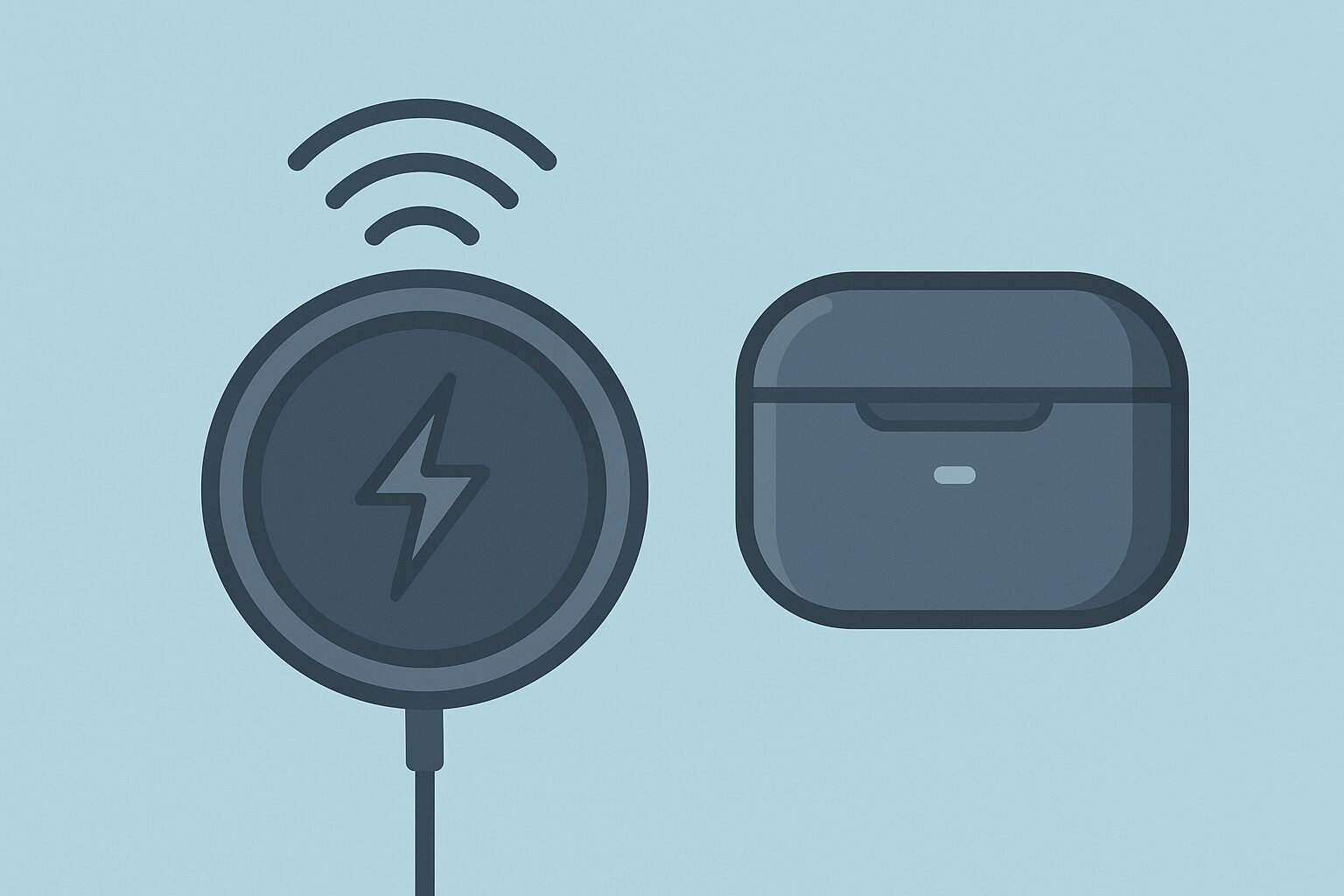
Wireless Charging (Qi): Charging Method Using Electromagnetic Induction Without a Charging Cable
If the earphones support the Qi standard, you can use the same Qi-compatible charger as your smartphone to easily charge them.
It eliminates the need to plug and unplug cables, making your desk area cleaner.
| Feature | Description |
|---|---|
| Charging Method | Electromagnetic induction |
| Advantages | No need to plug and unplug charging cables, can share chargers |
| Disadvantages | Charging speed may be slower than wired charging, a charger is required separately |
| Product Check | Check if the earphone case supports the Qi standard |
Ms.GadgetsI find it a little annoying to have to plug in the earphones to charge them every time…
Mr.GadgetsIf you have a Qi-compatible model, you can just place it on a charger, which is convenient!
If you value the ease of charging, whether or not it supports wireless charging (Qi) is also a point to check when choosing earphones.
Summary
There are many types of completely wireless earphones, and in this article, I, Mr. Gadget, have told you about the “points to find a basis for judgment to determine what is most important to you”.
- Determine the important points for your basis of judgment when choosing.
- Understand the essential knowledge such as codecs and Bluetooth versions.
- Check the performance of noise cancelling, ambient sound, and water resistance.
- Compare wearing comfort, price, and added value.
I hope this article will be a “compass” for those who are struggling to choose completely wireless earphones, and help you find the perfect pair for you.
Please refer to the points explained in this article and find a pair that will enrich your daily life.
Frequently Asked Questions (FAQ)
- How long does the battery last on completely wireless earphones?
-
The battery life of completely wireless earphones varies greatly depending on whether you use the earphones alone or with the charging case.
The continuous playback time of the earphone body alone varies from product to product, ranging from a few hours to over 10 hours.
The charging case has a capacity to recharge the earphone body multiple times, and using it together can achieve a total playback time of 20 hours or more, and in some cases, 40 hours or more.
It’s a good idea to choose a model with the battery performance you need, considering how long you use it throughout the day and how long your commute or outings are.
Also, check if it supports rapid charging, which allows you to use it for a long time with a short charging time. - What’s the difference between the IPX ratings for water resistance?
-
The IPX rating, which indicates water resistance, differs in the degree of water it can withstand depending on the number that follows it.
For example, IPX4 indicates “protection against water splashing from any direction,” and is safe to use for sweat during daily life and light rain.
IPX5 indicates “protection against water jets from any direction,” and many products can withstand more intense rain and sweat during sports.
IPX7 indicates “can withstand temporary immersion in water at a certain pressure (1m),” and may be okay even if accidentally dropped in water, as long as it’s retrieved quickly.
However, this is a test result based on freshwater, and it doesn’t necessarily protect against soapy water or seawater.
Be sure to check the appropriate rating based on your intended usage scenario. - Which is more comfortable for long-term use, canal type or inner ear type?
-
Comfort during long-term use varies depending on the individual’s ear shape and the product’s design, but generally, inner ear type earphones are less constricting and more comfortable to wear for long periods.
Inner ear type earphones are characterized by their open fit, as they are lightly placed on the entrance to the ear.
On the other hand, canal type earphones are inserted deeply into the ear canal like earplugs to enhance the seal, and some people may feel constricted and their ears may become painful after prolonged use.
First, consider the shape that suits your ears, and if possible, try them on in a store to see which one is the most comfortable. - Can I check which audio codecs my smartphone supports?
-
Which Bluetooth audio codecs (AAC, aptX, etc.) your smartphone supports depends mainly on the smartphone’s OS and model.
iPhones generally support AAC.
For Android smartphones, the supported codecs vary depending on the model, but you can often check them in the settings menu, especially in detailed settings such as developer options.
The setting method varies depending on each smartphone manufacturer, so it’s best to check the smartphone’s instruction manual or the manufacturer’s support page.
If both the earphones and the smartphone support the same codec, they will connect using that codec. - Can I use completely wireless earphones with only one ear?
-
Many completely wireless earphones support the use of only one ear.
This is sometimes referred to as “mono mode.”
If it supports one-ear mode, you can listen to music with only one ear while being able to hear station announcements during your commute, or have conversations while driving or working.
You can also alternate between the left and right earphones to extend the battery life.
Check if the product specifications state that it supports one-ear use. - If I can’t try them on at an online store, how can I check the wearing comfort?
-
If you can’t try them on before purchasing online, there are several ways to predict the wearing comfort.
First, check the “weight” listed in the product specifications.
Generally, lighter models are less likely to strain your ears.
Next, search for user reviews and word-of-mouth information for the product you’re considering.
Searching for keywords such as “wearing comfort,” “fit,” and “ear pain” will reveal specific impressions and evaluations from actual users.
Also, check if the product comes with a variety of “eartips”.
If multiple eartips are included, you’ll have a higher chance of finding a size that fits your ears comfortably.
Thank you for reading all the way through!
- Product prices and information are current as of the date of publication.
- This site assumes no responsibility for any inaccuracies in this information.
- The product and service names mentioned on this site are trademarks of their respective companies.
This article was originally written in Japanese and has been translated.
Comments