
In recent years, it has become common to shoot and post videos on SNS such as Instagram and TikTok.
Of course, with the recent improvements in smartphone capabilities, it has become easier to take good videos, but there are still many people who struggle with camera shake or difficulty taking videos.
Do you know about “smartphone gimbals,” which are very useful in such situations?
What is a Smartphone Gimbal?
Simply put, a smartphone gimbal is a high-performance shooting stick that eliminates camera shake when shooting videos with a smartphone.
With a gimbal, you can easily capture smooth videos even when shooting while moving, just by holding it.
Specifically, when shooting scenery while traveling or shooting street scenes while walking, this smartphone gimbal is useful when you inevitably experience shaking or tilting.
Recent smartphones have excellent image stabilization, but there is a dramatic difference between using a gimbal and not using one.
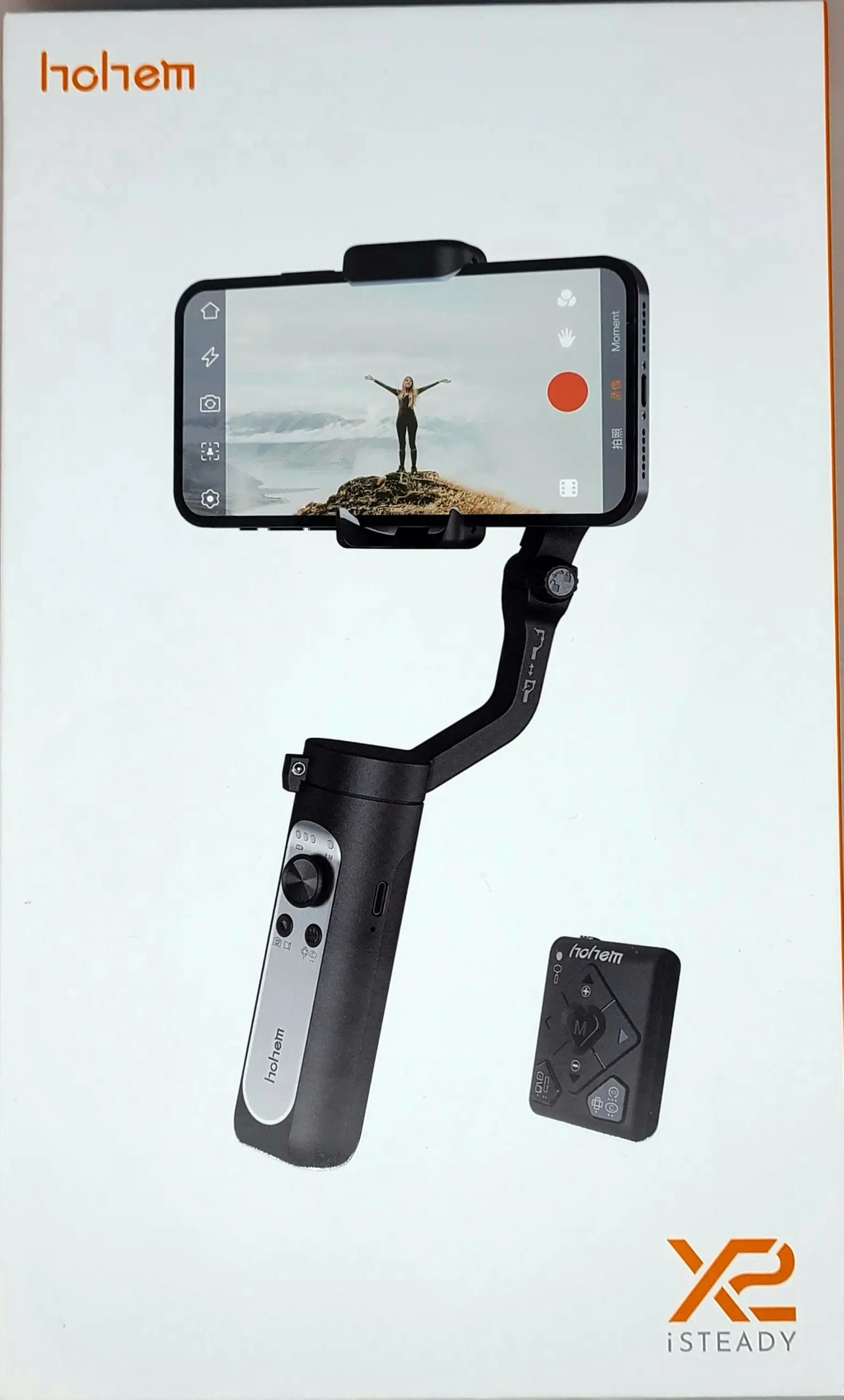
So, this time I would like to introduce the recommended smartphone gimbal, the “hohem iSteady X2”.
- Overwhelming image stabilization
- Operation with a dedicated remote control
- Various shooting functions that can be operated with an app
- Too many buttons and functions, making it difficult to understand
- Sometimes interferes when attaching the smartphone to the gimbal
- App membership registration is cumbersome


 Pochipp
Basic Information about hohem iSteady X2
Specifications
| Gimbal Structure | 3-axis stabilization | Size | 179 x 79 x 39mm |
| Maximum Load | 280g | Weight | Approximately 260g |
| Operating Time | 10 hours | Battery Capacity | 2800mAh |
| Smartphone Width Compatible | 55mm to 90mm | Charging Port | Type-C |
| Smartphone Thickness Compatible | Up to 11mm | Bluetooth | Ver. 4.0 |
| Range of Motion | |
|---|---|
| Tilt | -30 degrees to +30 degrees |
| Roll | 320 degrees |
| Pan | 320 degrees |
Gimbals are available in two types: 2-axis gimbals and 3-axis gimbals. To explain, a 2-axis gimbal can handle shaking in two directions and is capable of controlling tilt (vertical) and roll (rotation) movements.
On the other hand, a 3-axis gimbal can handle shaking in three directions and can handle tilt (vertical), roll (rotation), and pan (horizontal) movements, so you can capture smoother videos than with a 2-axis gimbal.
When choosing a smartphone gimbal, it is more effective to choose a 3-axis gimbal whenever possible.
The “hohem iSteady X2” is a 3-axis gimbal, so you can expect powerful stabilization.
Also, the maximum load and compatible smartphone width and thickness can easily accommodate the latest iPhone, the “iPhone 13 Pro Max”.
However, be careful as the case or accessories may interfere with installation.
Probably, a normal case will be fine, but those with special cases should be especially careful.
Included Accessories
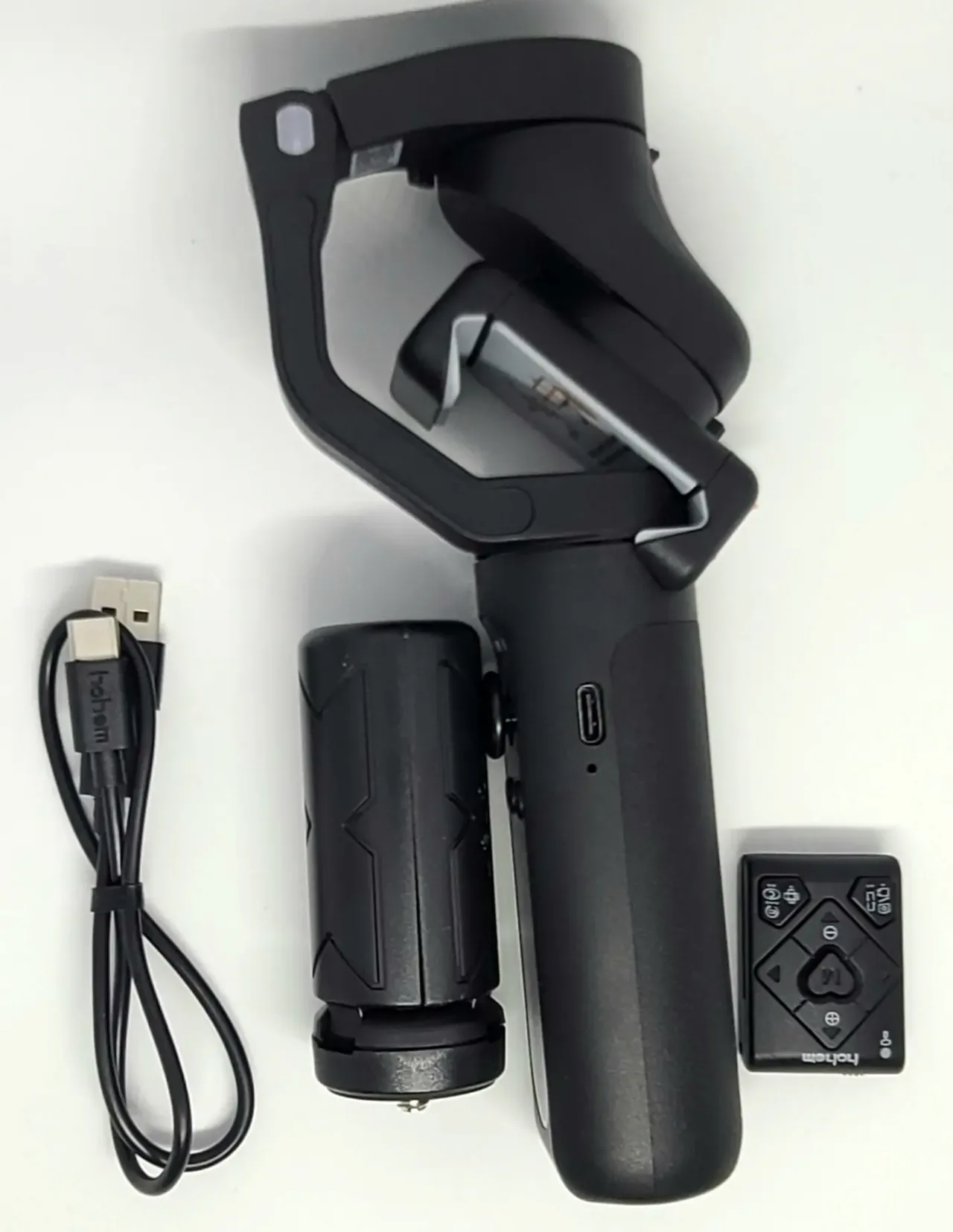
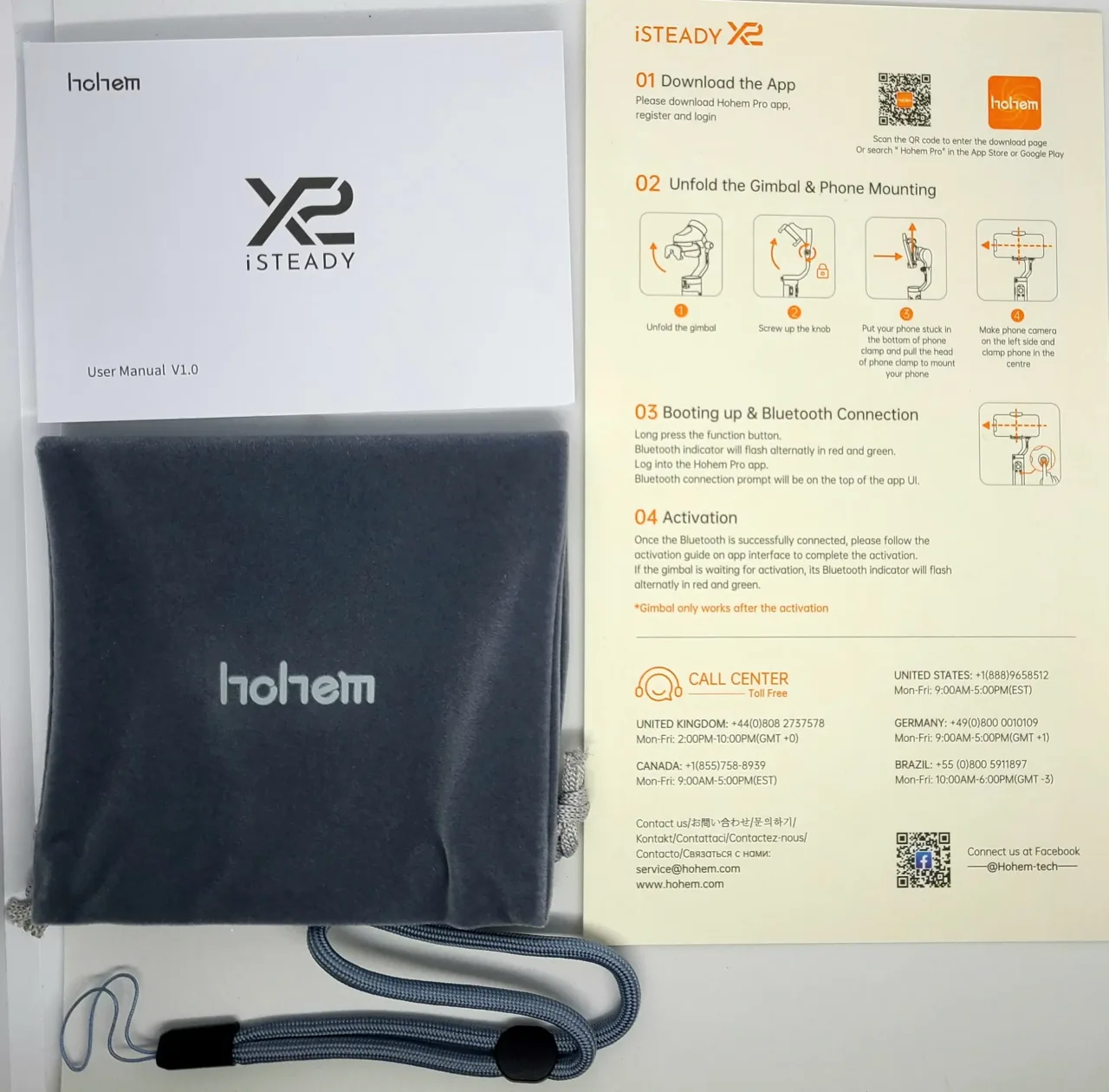
- Main Unit
- Remote Control
- Mini Tripod Stand
- Type-C Cable
- Dedicated Pouch
- Strap
- Manual
The manual was available in Japanese.
Exterior
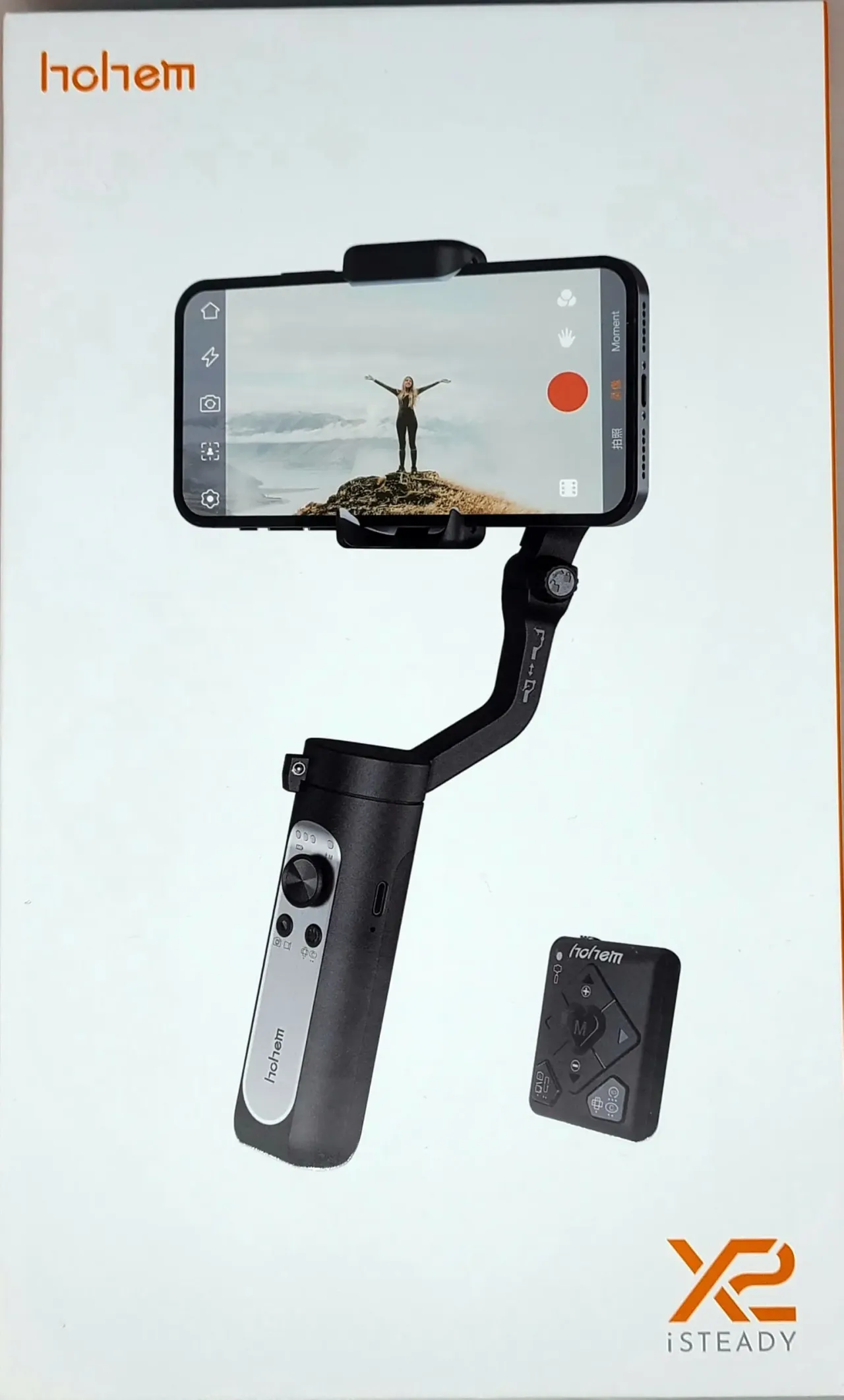
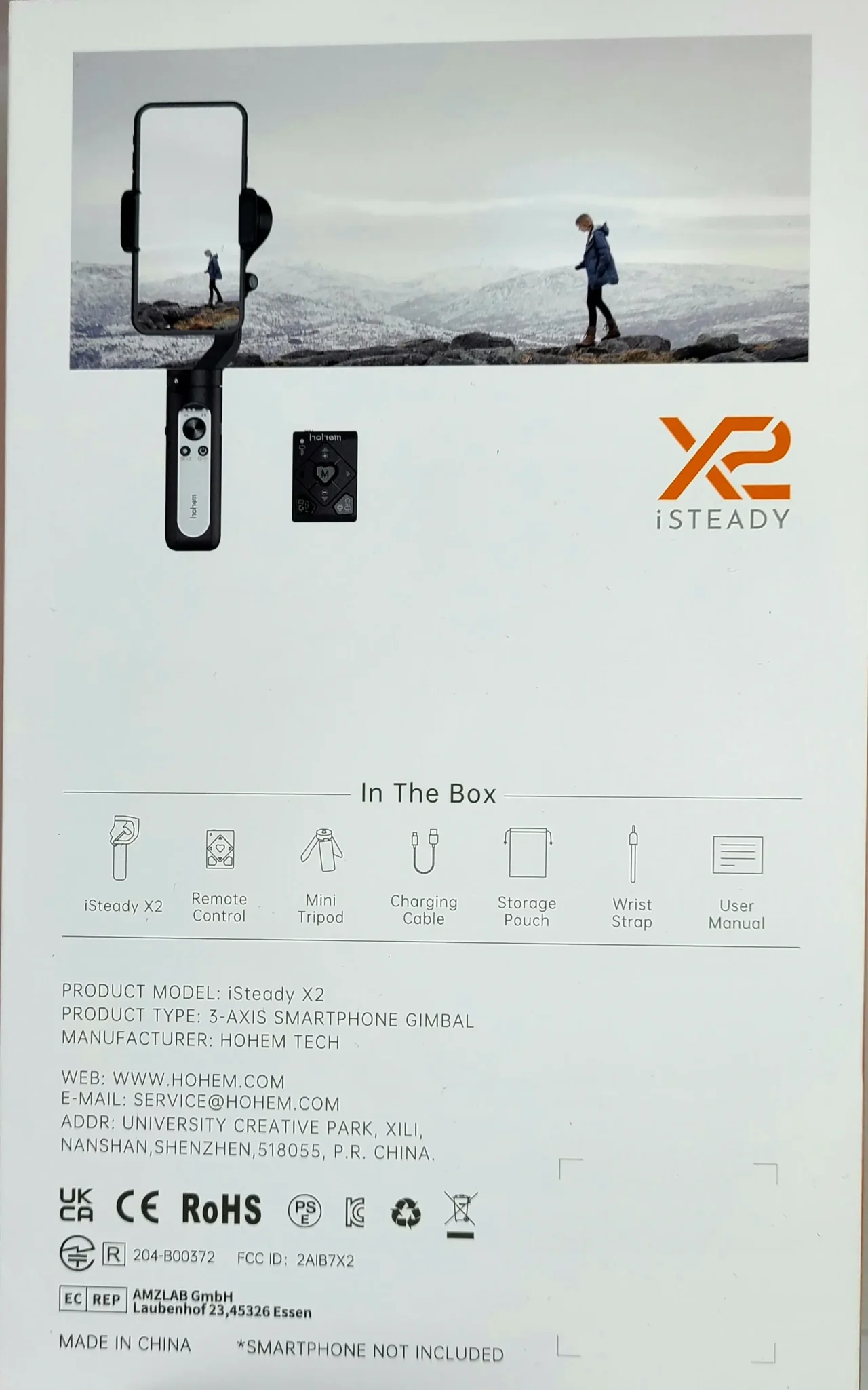
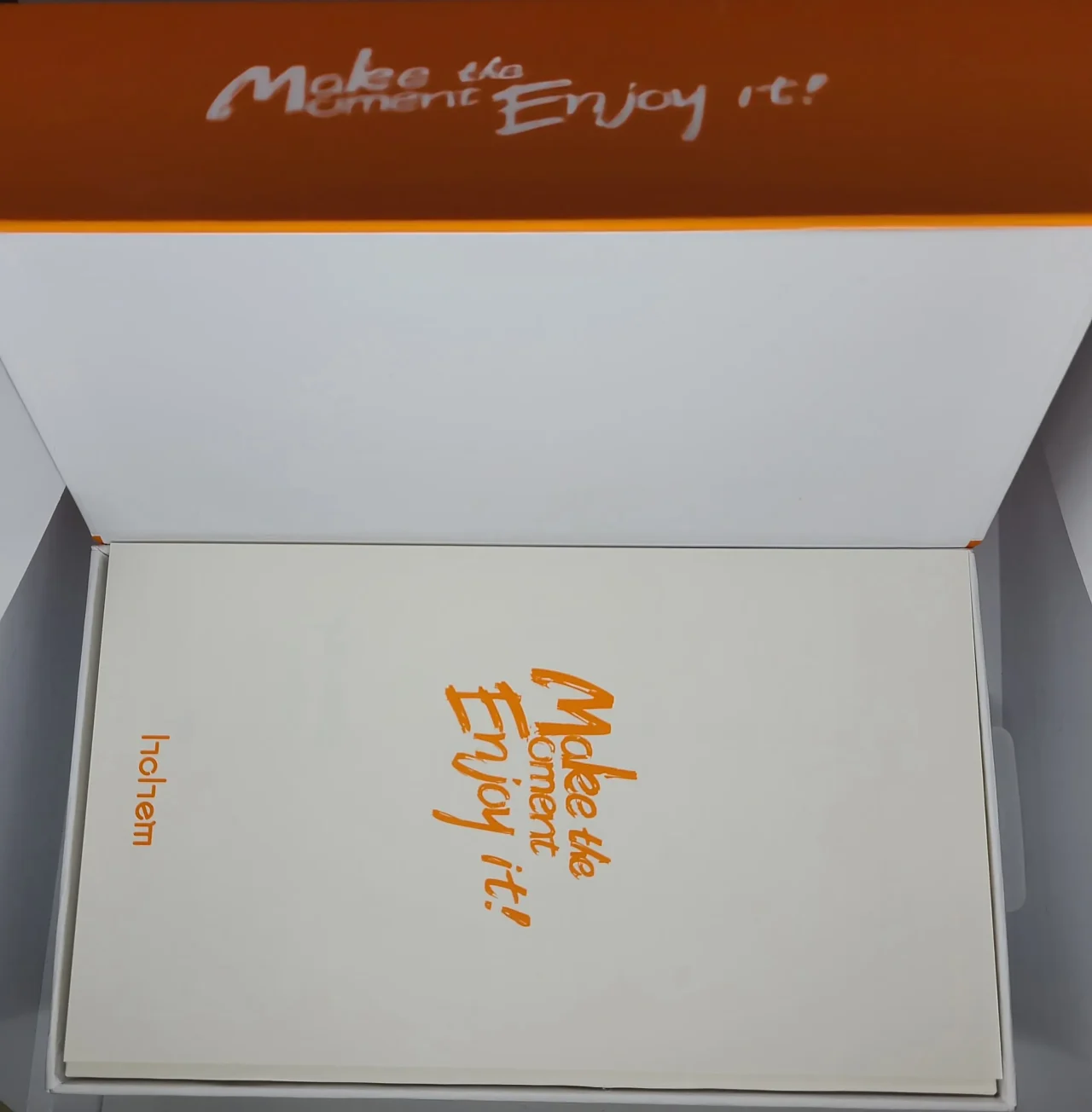
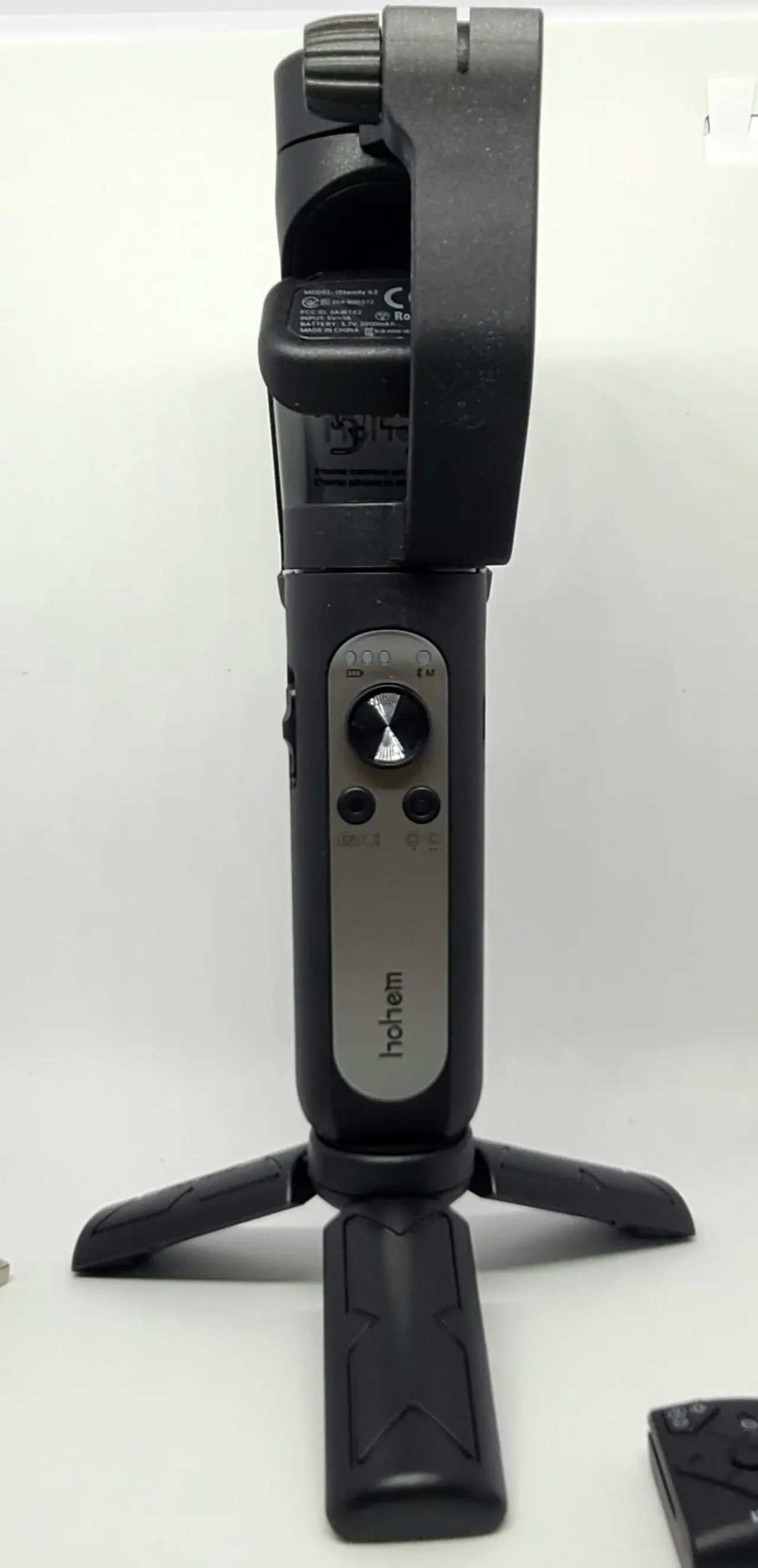
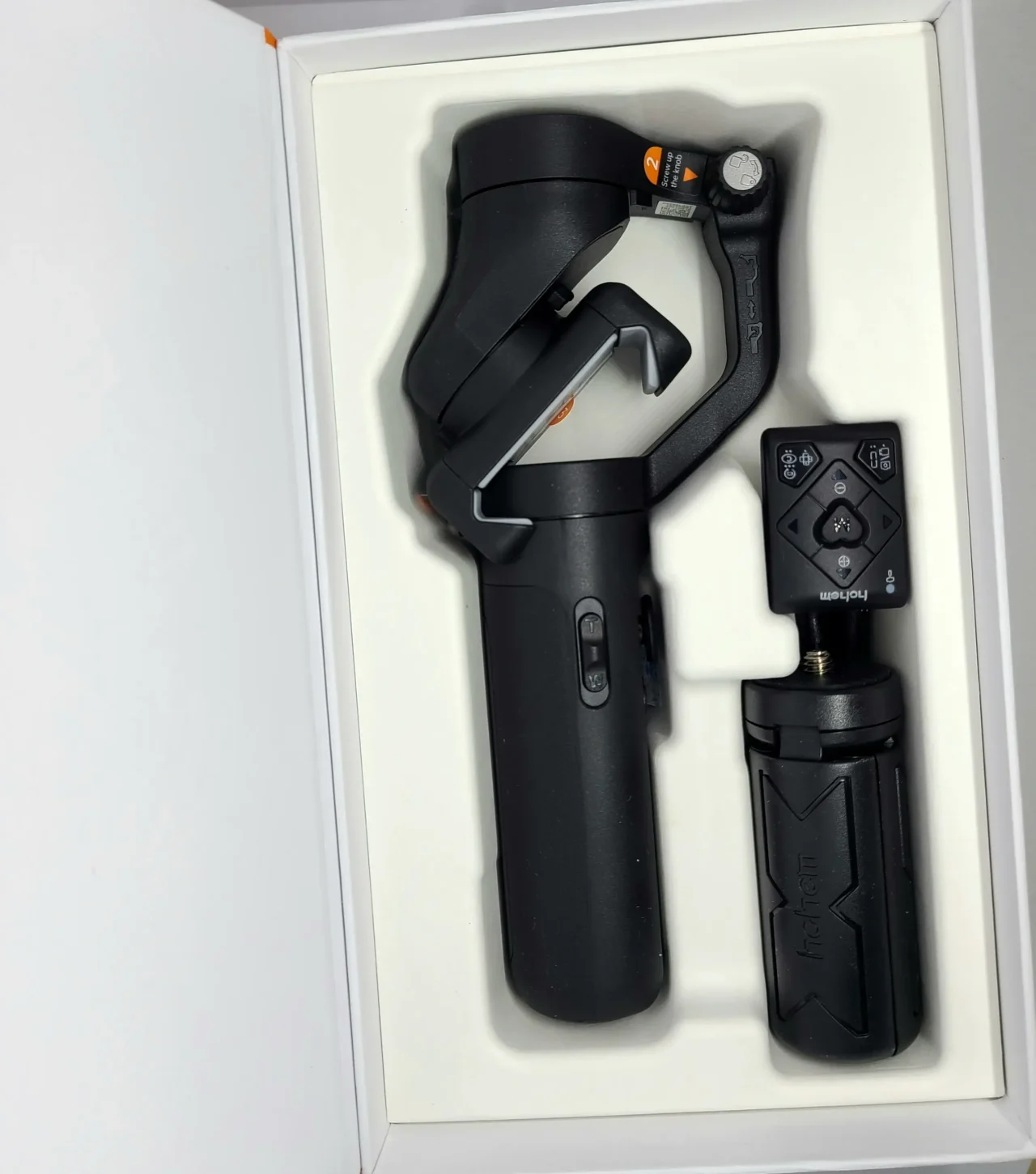
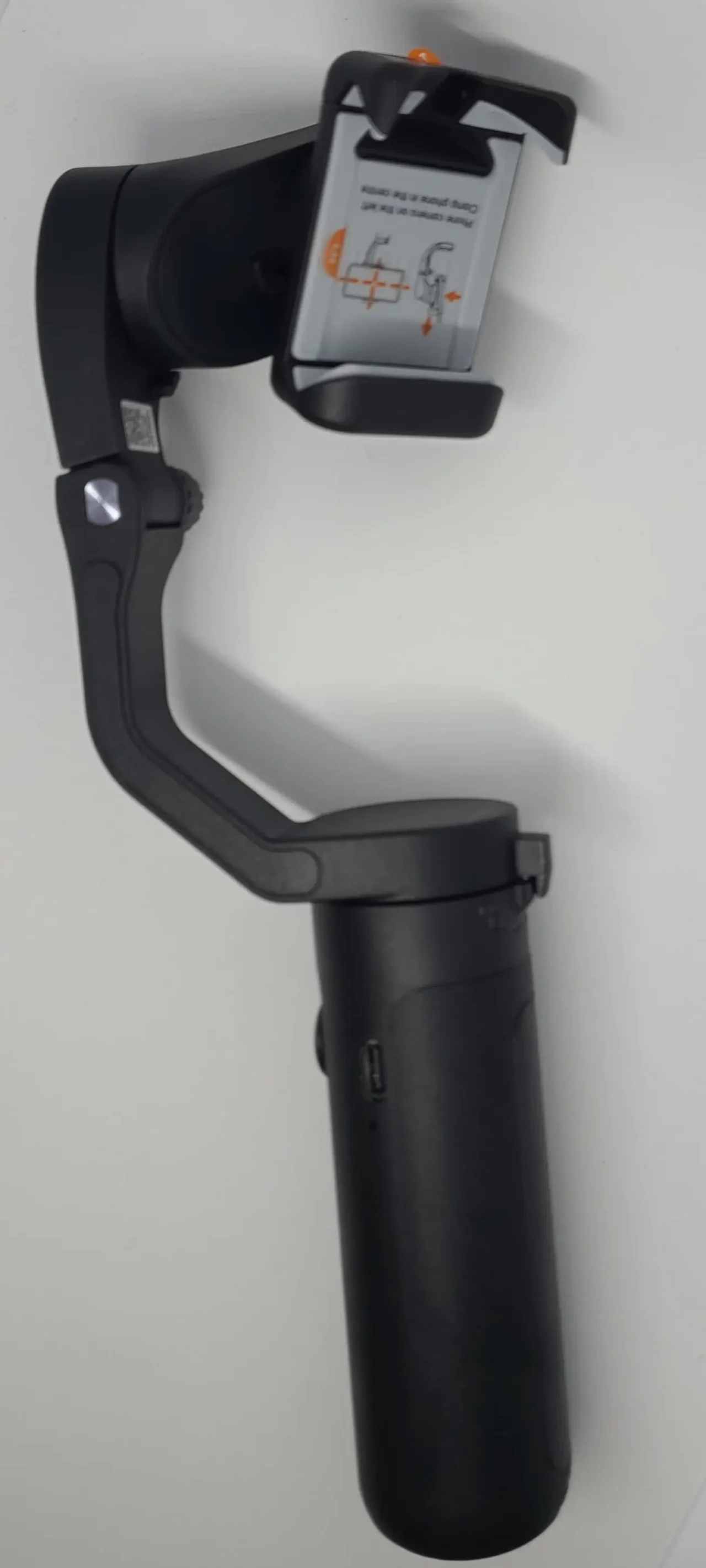 Pochipp
Actual Usage Experience
Video
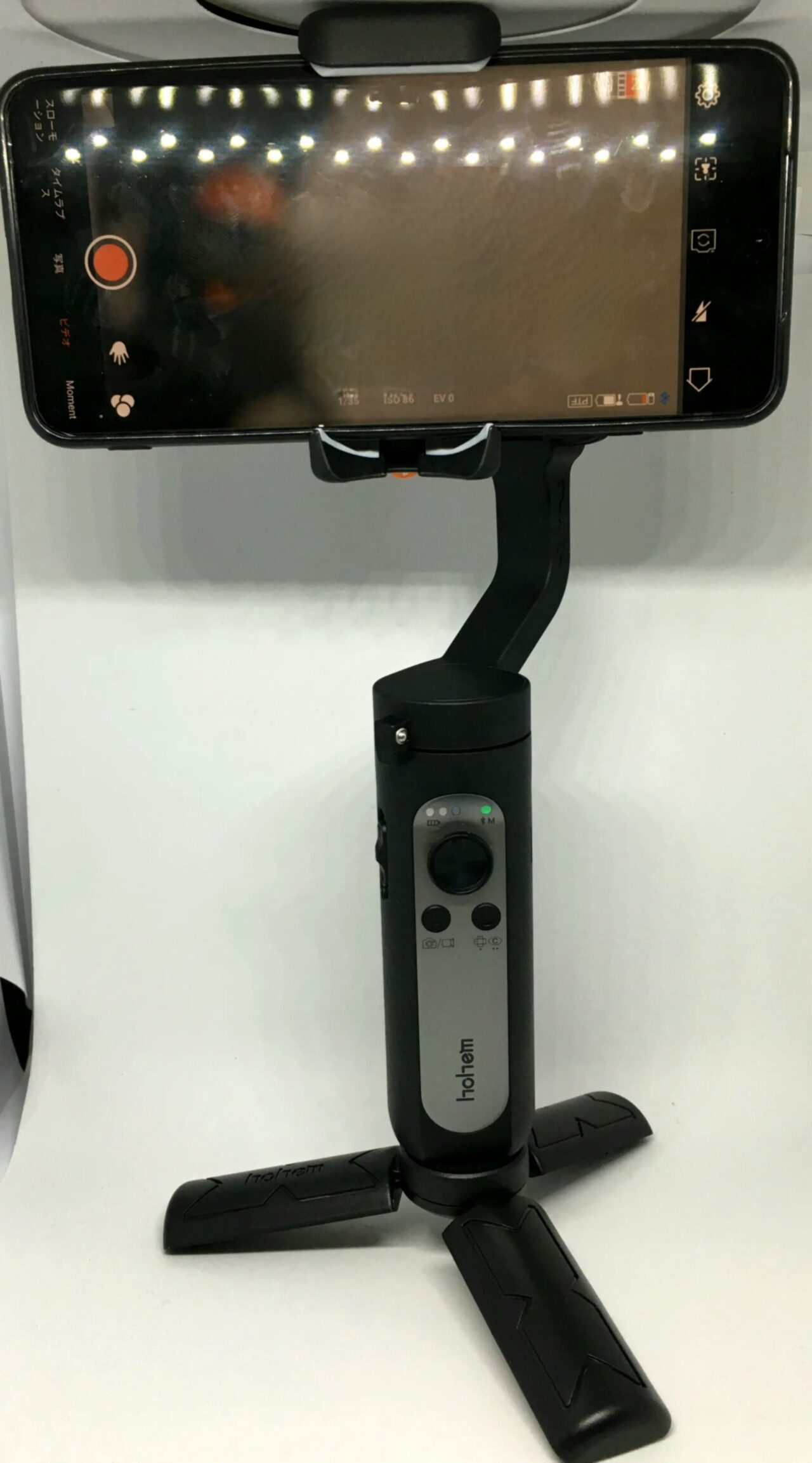
I was able to capture smooth videos even when walking or running. The image stabilization is truly powerful!
I feel that you can capture dynamic videos without blurring, even when shooting while running or in slightly action-packed scenes.
Also, there are plenty of various shooting modes and filters such as panorama video, and it was fun to shoot. I think you can achieve shooting movements that you cannot do with your hands by making effective use of these.
However, when attaching the smartphone to the gimbal, the smartphone’s power button, volume button, and smartphone case sometimes interfere. It was okay if I adjusted it, but there is a possibility that it may not be usable depending on the smartphone.
Remote Control
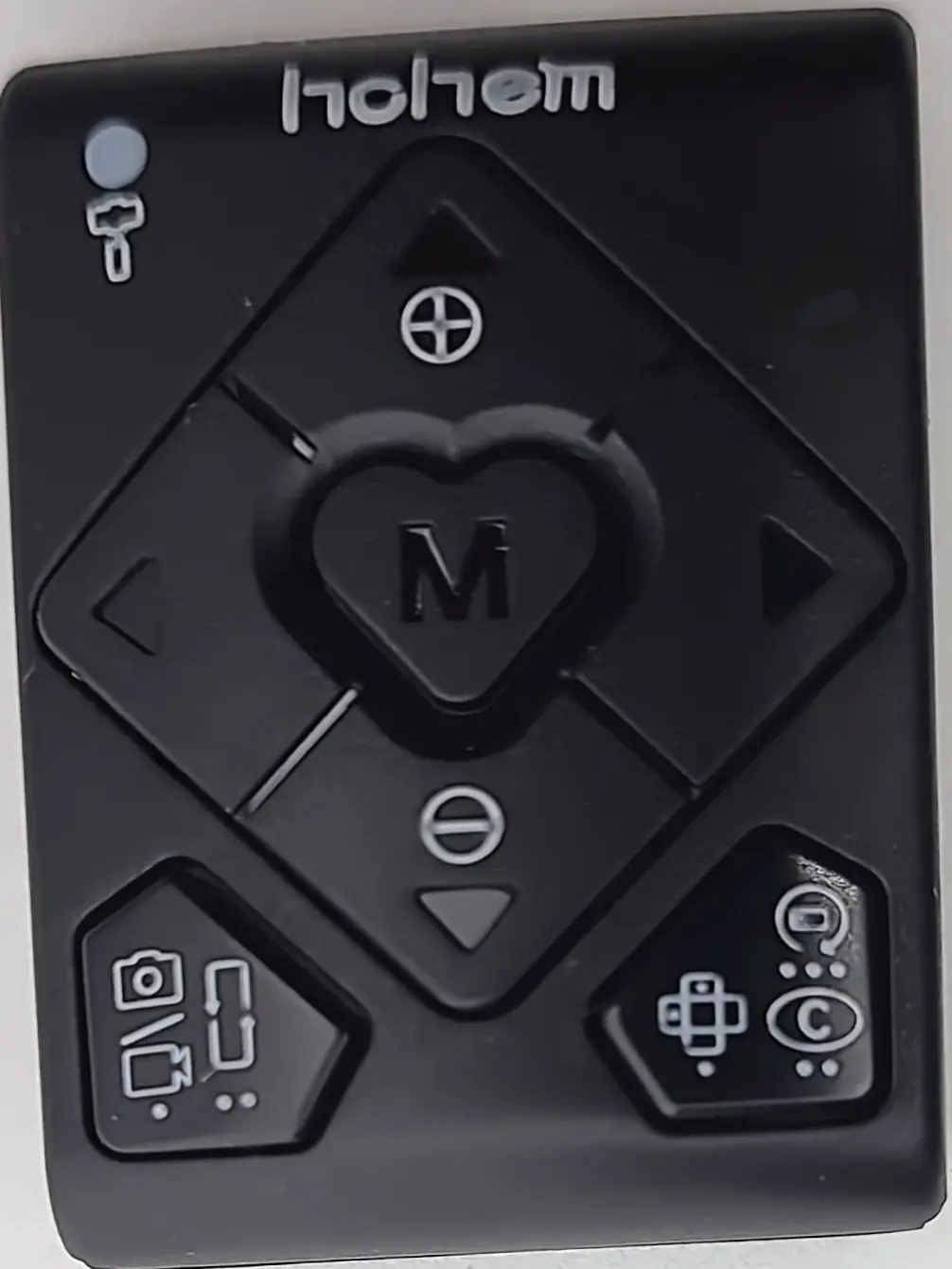
The presence or absence of the remote control made a big difference. It makes a significant change in what you can do. Being able to shoot yourself or operate remotely from a specific location is quite useful.
There is some delay, but it is not particularly noticeable.
Buttons
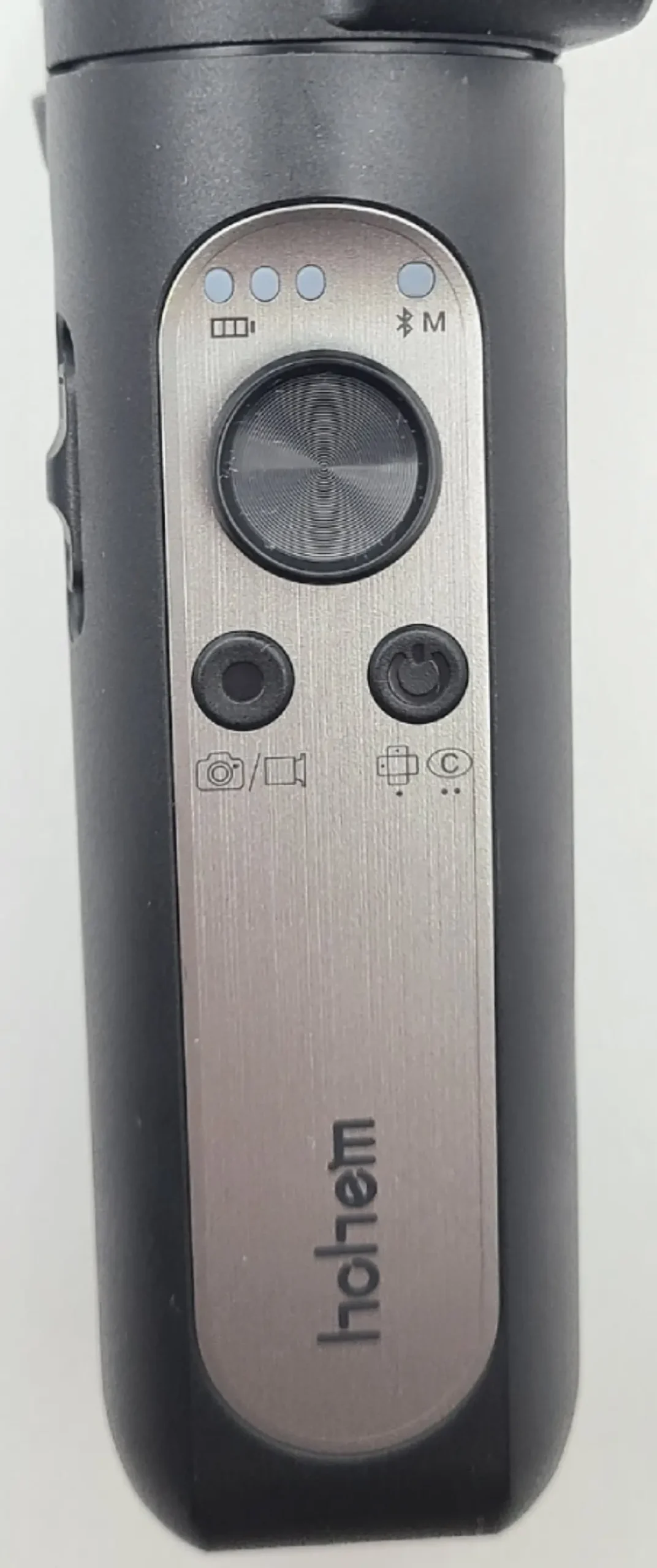
Like the remote control, there are too many types of button operations. The button operations are complicated because there are so many functions.
For example:
| Power Button | |
| Press once | Switch between horizontal and vertical shooting modes |
| Press twice | Return the gimbal to its initial position |
| Press three times | Automatic rotation |
| Press five times | Automatic calibration |
| Press seven times | Remote control pairing |
It is quite complicated like this.
I recommend using the dedicated app to set up and operate the gimbal.
Dedicated App
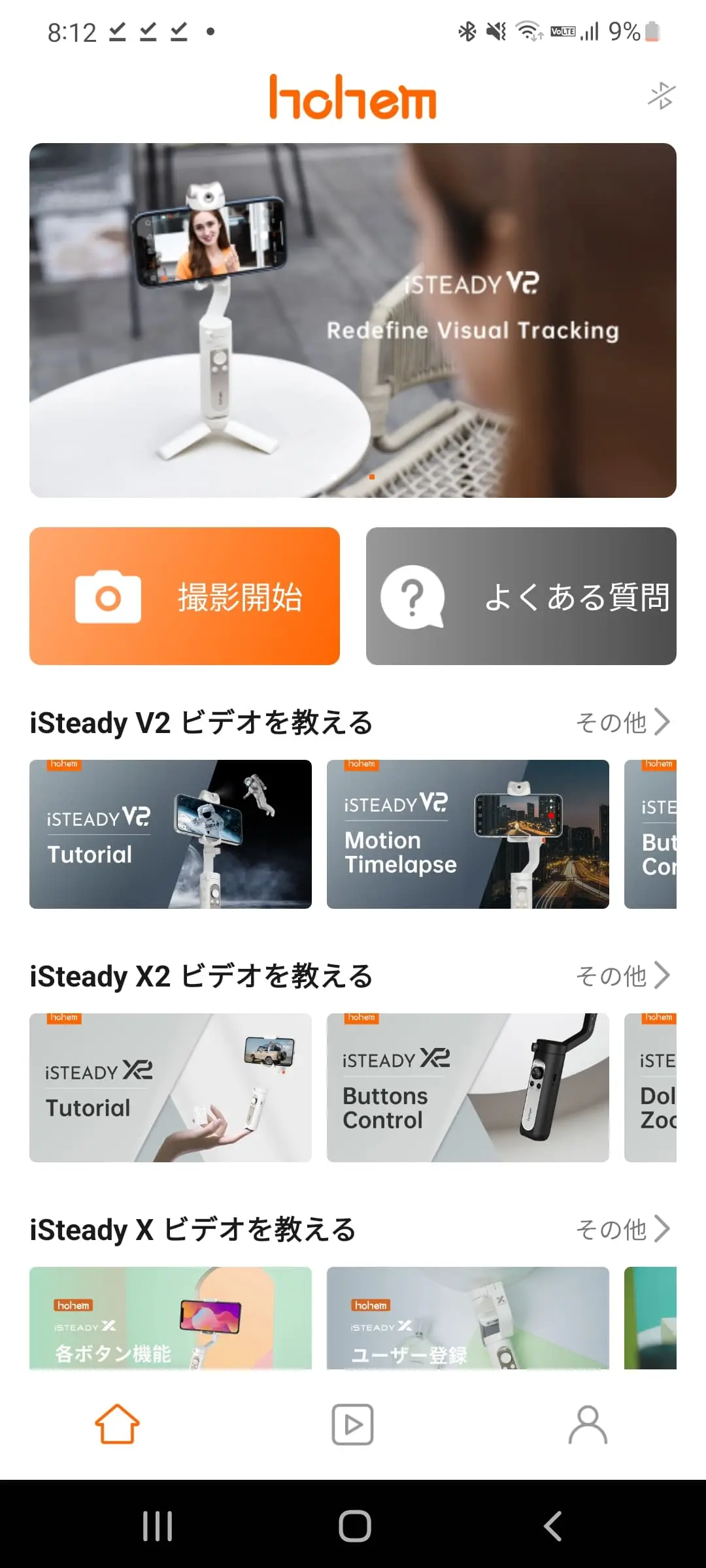
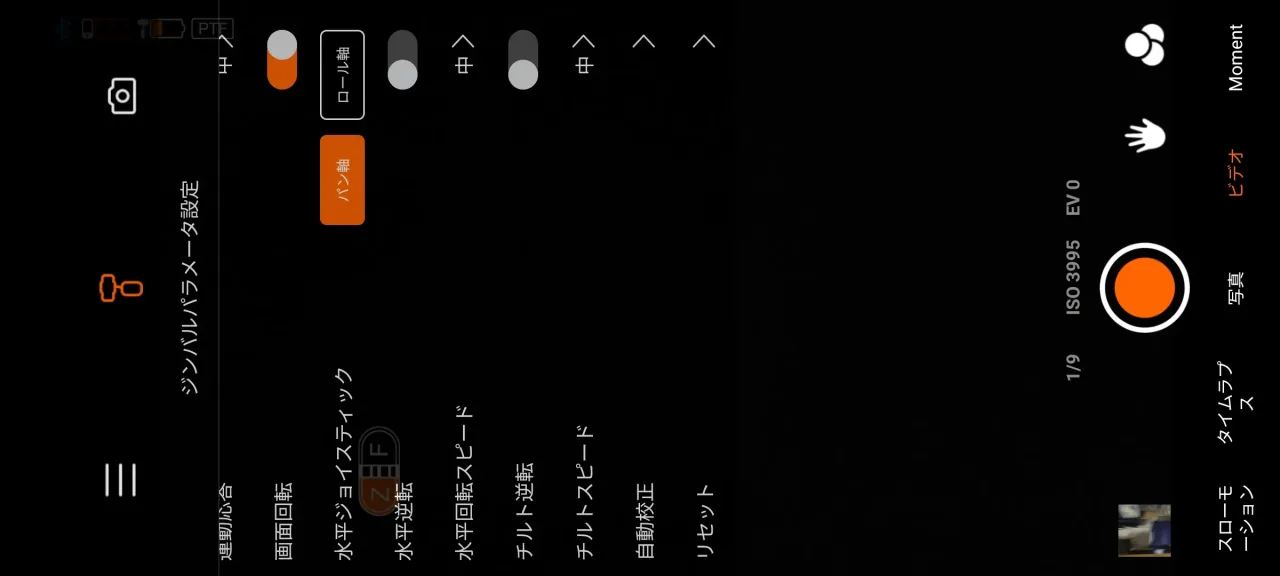
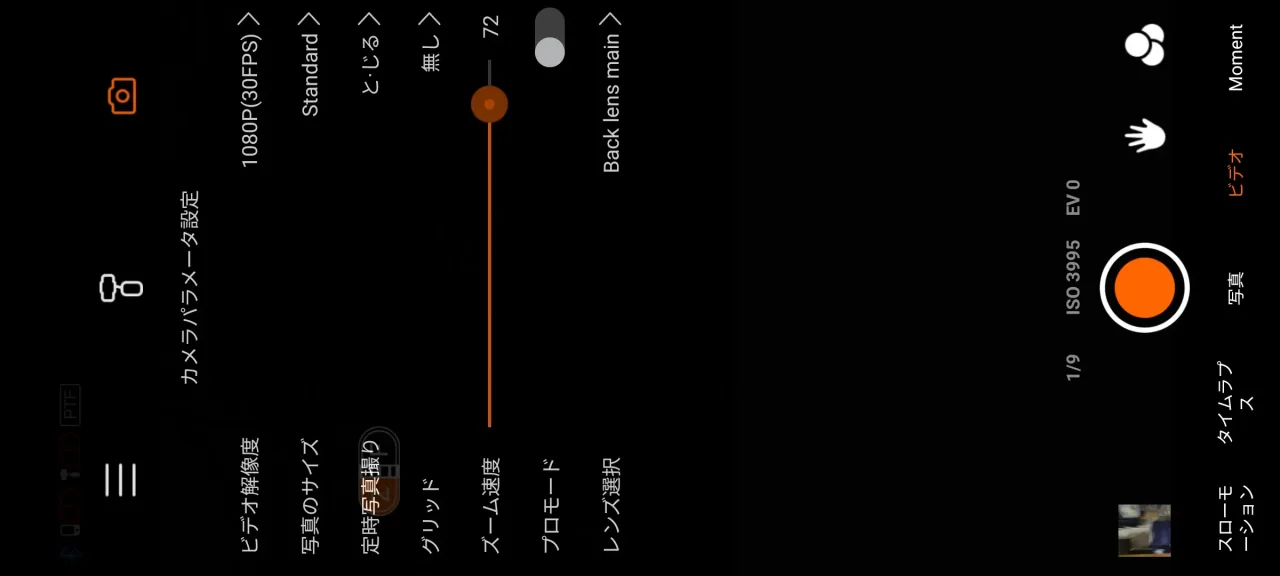
You must install this dedicated app when using the gimbal. First, you have to register as a member, which is very troublesome.
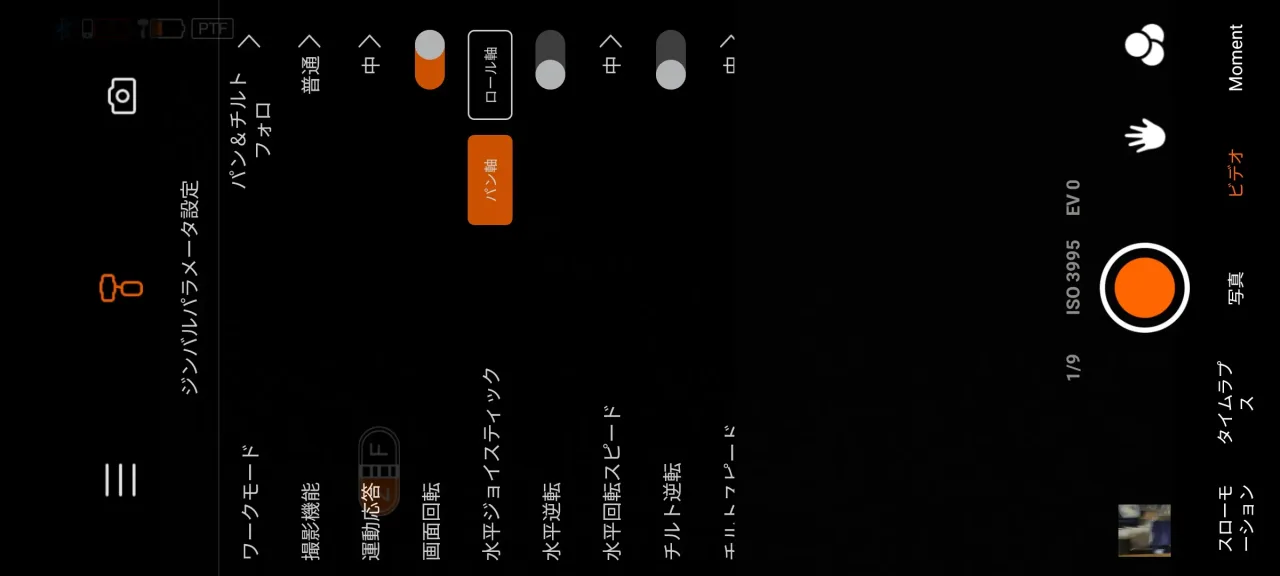
You can adjust various settings from this app. As expected, because it has many functions, it is impossible to set up fine details with the buttons.
For example, the app allows you to set various filters, such as Hitchcock mode, which allows you to shoot with the subject size remaining the same as in a movie, as well as panorama video, time-lapse, slow motion, and fast-forward shooting.
Furthermore, you can set up gesture shooting, which starts shooting by recognizing specific gestures, target tracking, which recognizes and tracks a target object, and face tracking, which accurately tracks the position of a face even when the subject moves.
Summary
- Overwhelming image stabilization
- Operation with a dedicated remote control
- Various shooting functions that can be operated with an app
- Too many buttons and functions, making it difficult to understand
- Sometimes interferes when attaching the smartphone to the gimbal
- App membership registration is cumbersome
I was surprised by how powerful the image stabilization was. It is a must-have for those who shoot while walking around town.
Also, it is a nice point that a carrying pouch is included and it is lightweight.
If you use this, you will be able to shoot videos that are several levels higher than before.
I think it is worth having for those who shoot often.
I feel that it has a quite high cost performance among smartphone gimbals.
Recommended for these people
- People who want to take good videos at an affordable price
- People who want a cost-effective gimbal
- People who have never tried a gimbal before
- People who shoot often
Pochipp
Thank you for reading to the end!
- The price and information of the product are as of the time of writing the article.
- We are not responsible for any inaccuracies in this information.
- The product and service names mentioned in this site are trademarks of their respective companies.
This article was originally written in Japanese and has been translated.
Comments