

In recent years, it has become common to film and post your own videos on social media platforms like Instagram and TikTok.
Of course, improvements in smartphone capabilities have made it easier to capture good footage, but many people still find that their videos are shaky or they struggle to get the shot they want.
Are you familiar with a device called a “smartphone gimbal” that is incredibly useful in such situations?
What is a smartphone gimbal?
Simply put, a smartphone gimbal is a high-performance shooting grip that eliminates shake when filming with your smartphone.
With a gimbal, you can capture smooth footage just by holding it, even while moving.
To give concrete examples, this smartphone gimbal is highly effective when you are filming scenery while traveling or capturing cityscapes while walking—situations where vibrations and tilting are inevitable as you move.
Recent smartphones have excellent built-in image stabilization, but there is still an overwhelming difference between using a gimbal and not using one.
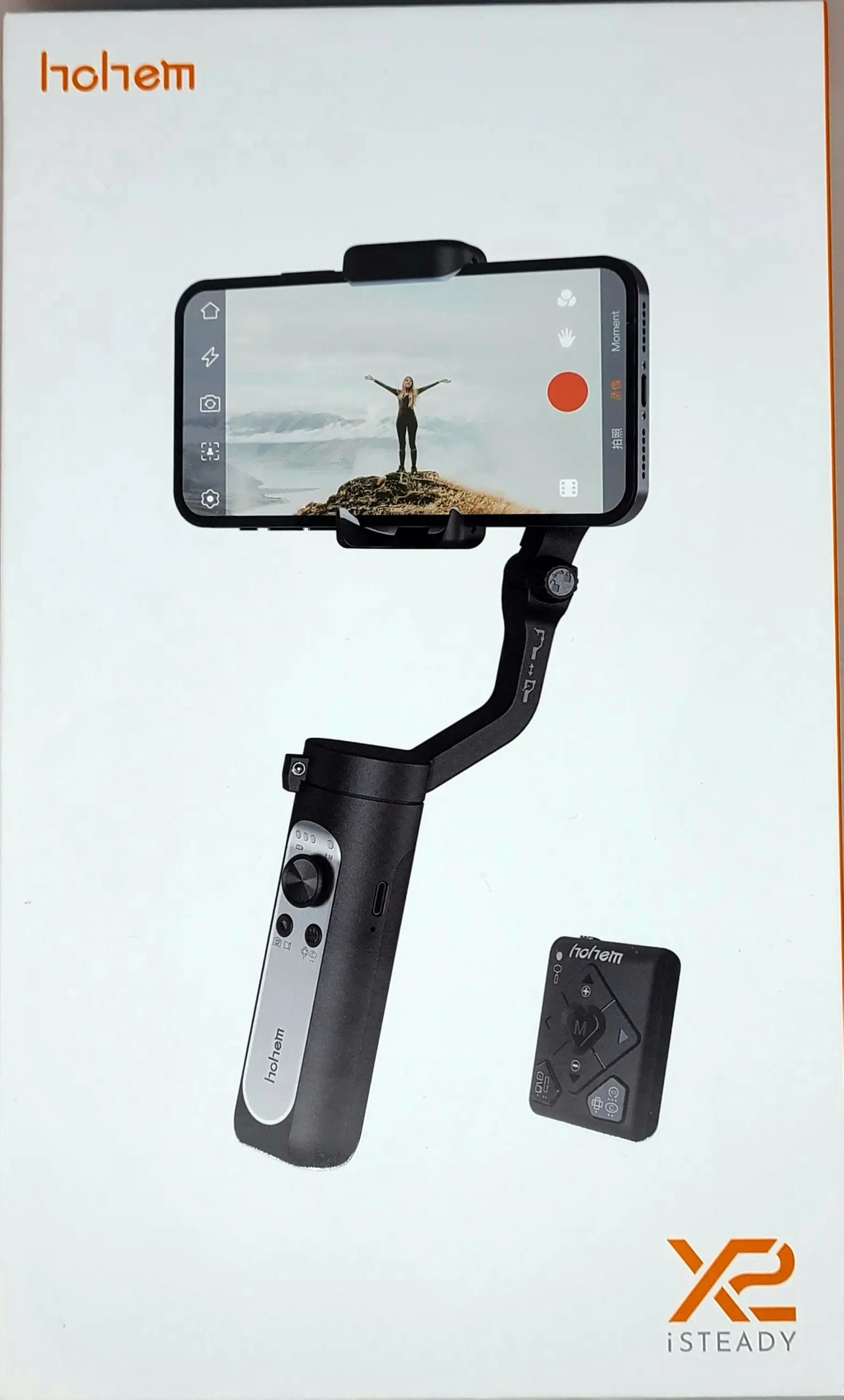
So, in this article, I would like to introduce a recommended smartphone gimbal: the “hohem iSteady X2.”
- Overwhelming image stabilization
- Controllable via dedicated remote
- Various shooting functions manageable via app
- Too many buttons and functions, making it confusing
- Sometimes interferes when clipping the phone to the gimbal
- App registration is a hassle

Basic Information: hohem iSteady X2
Specs
| Gimbal Structure | 3-Axis Stabilization | Dimensions | 179×79×39mm |
| Max Payload | 280g | Weight | Approx. 260g |
| Battery Life | 10 hours | Battery Capacity | 2800mAh |
| Compatible Phone Width | 55mm–90mm | Charging Port | Type-C |
| Compatible Phone Thickness | Up to 11mm | Bluetooth | Ver. 4.0 |
| Range of Motion | |
|---|---|
| Tilt | -30° to +30° |
| Roll | 320° |
| Pan | 320° |
Gimbals come in what are called 2-axis gimbals and 3-axis gimbals. Briefly, a 2-axis gimbal can handle vibrations in two directions, allowing you to control tilt (vertical) and roll (rotation) movements. On the other hand, a 3-axis gimbal can handle vibrations in three directions; in addition to tilt (vertical) and roll (rotation), it can compensate for pan (horizontal) movements, making it possible to capture footage with even less shake than a 2-axis gimbal.
When choosing a smartphone gimbal, you should select a 3-axis model if possible to truly feel the effect.
Since the “hohem iSteady X2” is a 3-axis gimbal, you can expect powerful stabilization.
Furthermore, the maximum payload, compatible phone width, and thickness are sufficient to support even the largest latest iPhone, the “iPhone 13 Pro Max.”
However, be aware that if you attach certain cases or accessories, it might not be compatible. While standard cases should generally be fine, please be extra careful if you use specialized or bulky cases.
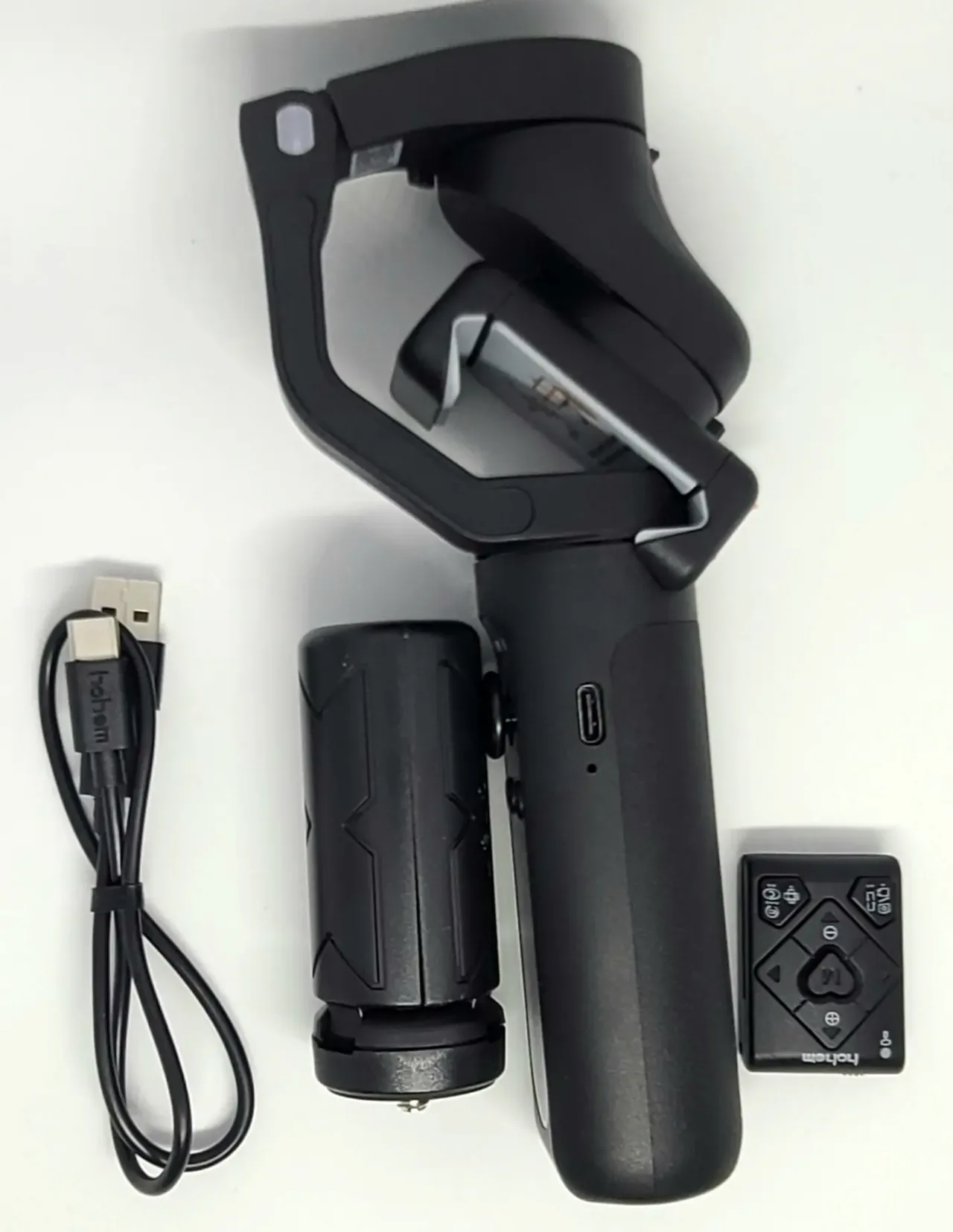
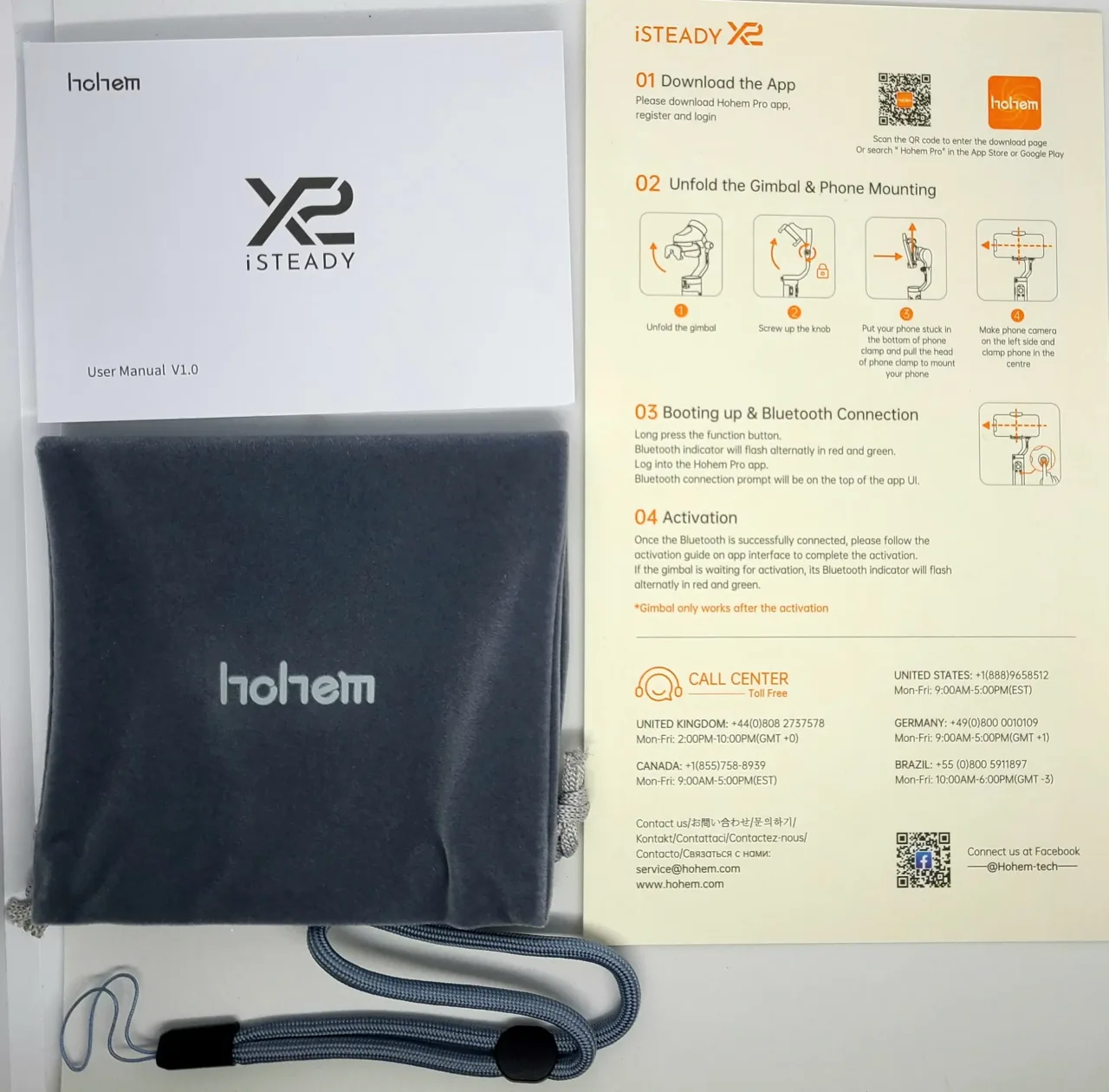
Included Items
- Main unit
- Remote control
- Mini tripod stand
- Type-C cable
- Dedicated pouch
- Strap
- Manual
The manual includes Japanese language support.
Appearance
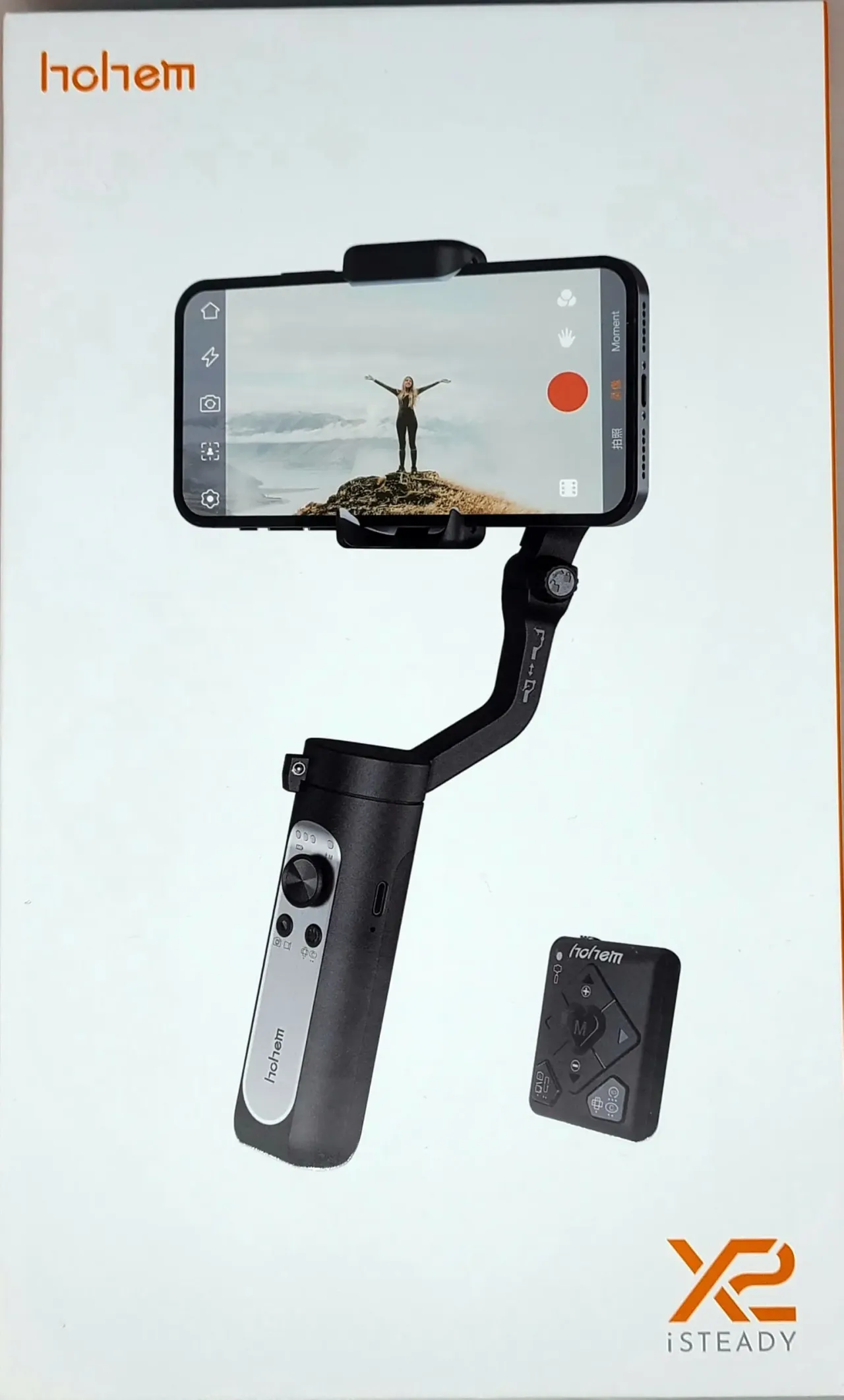
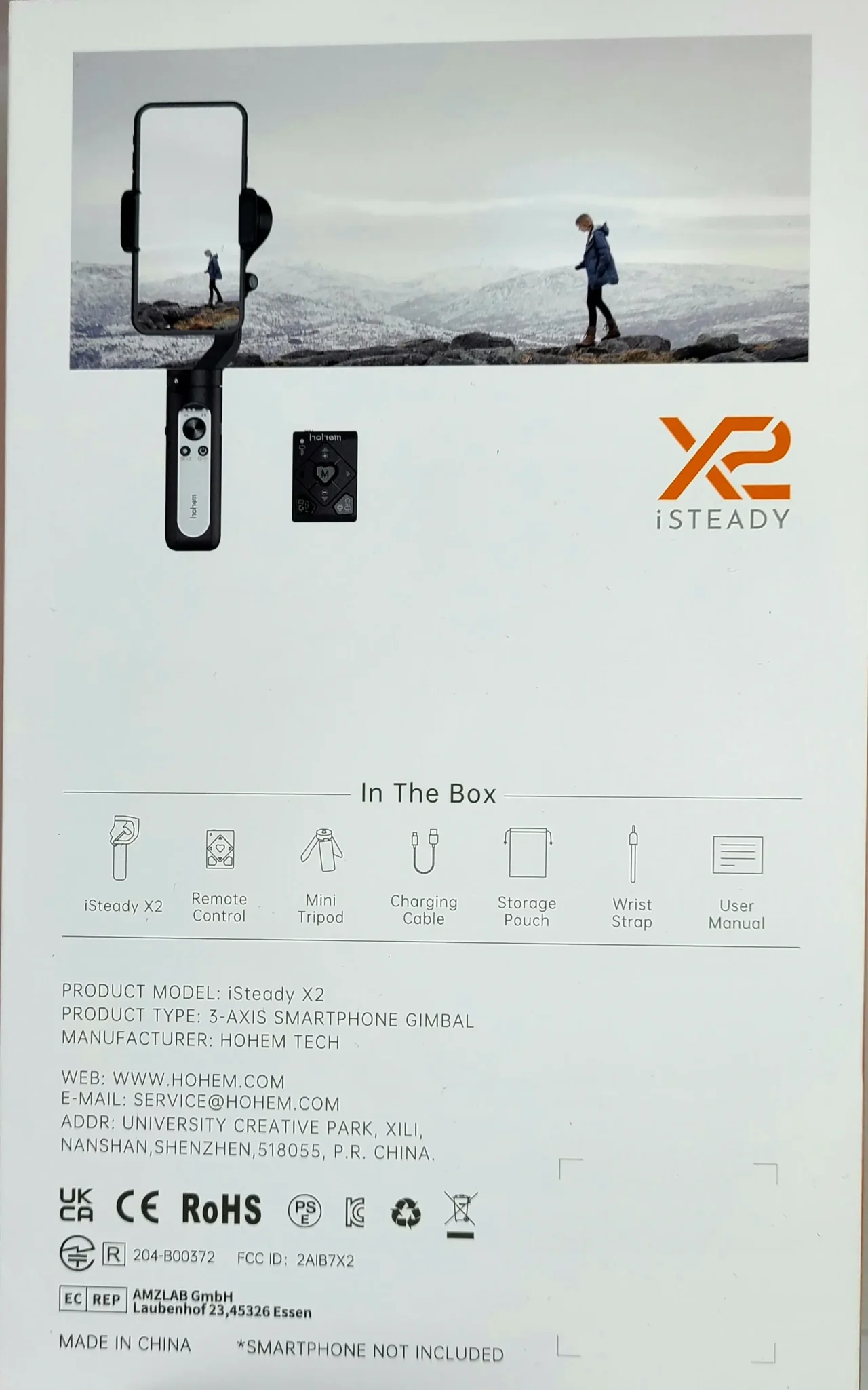
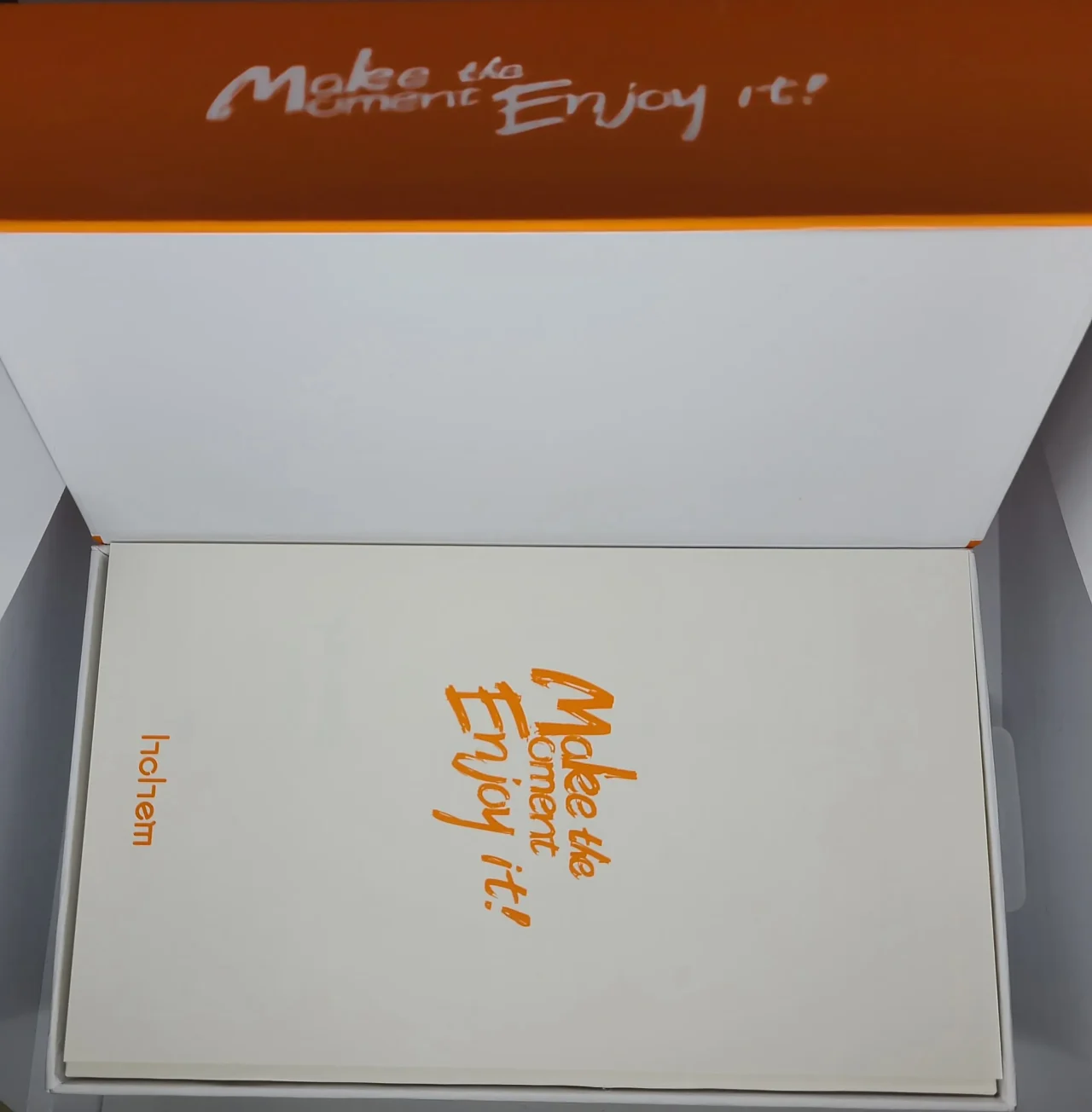
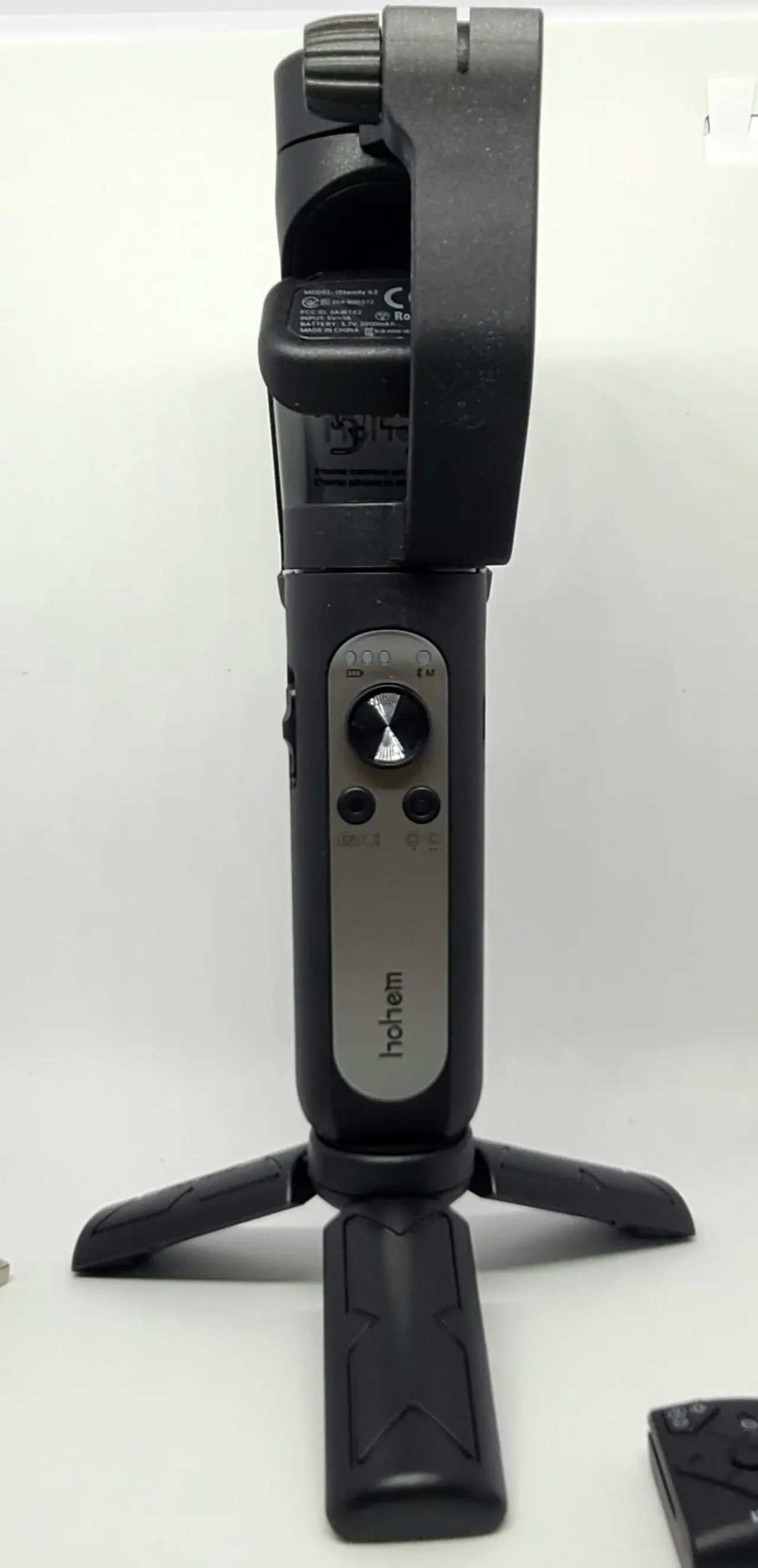
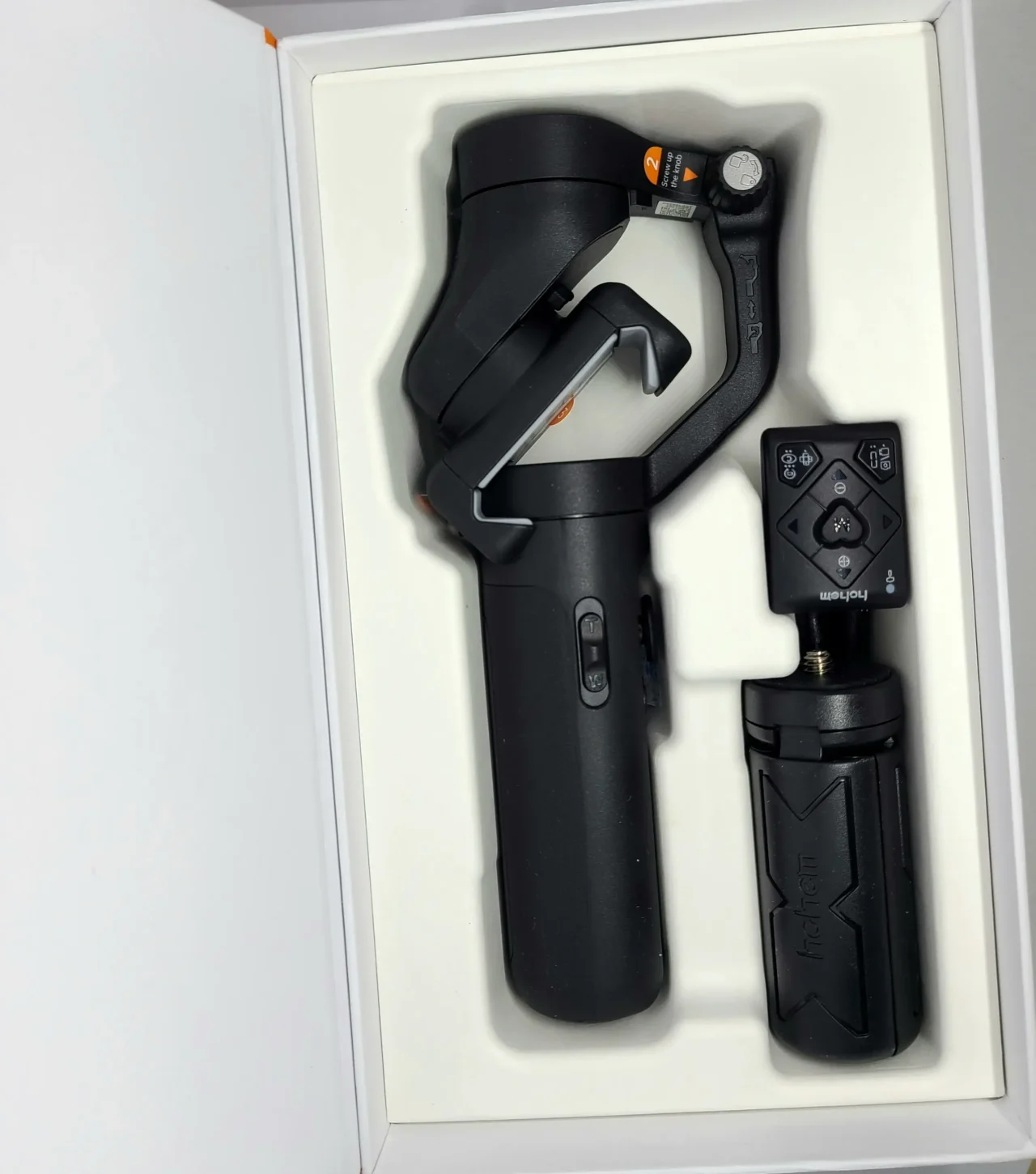
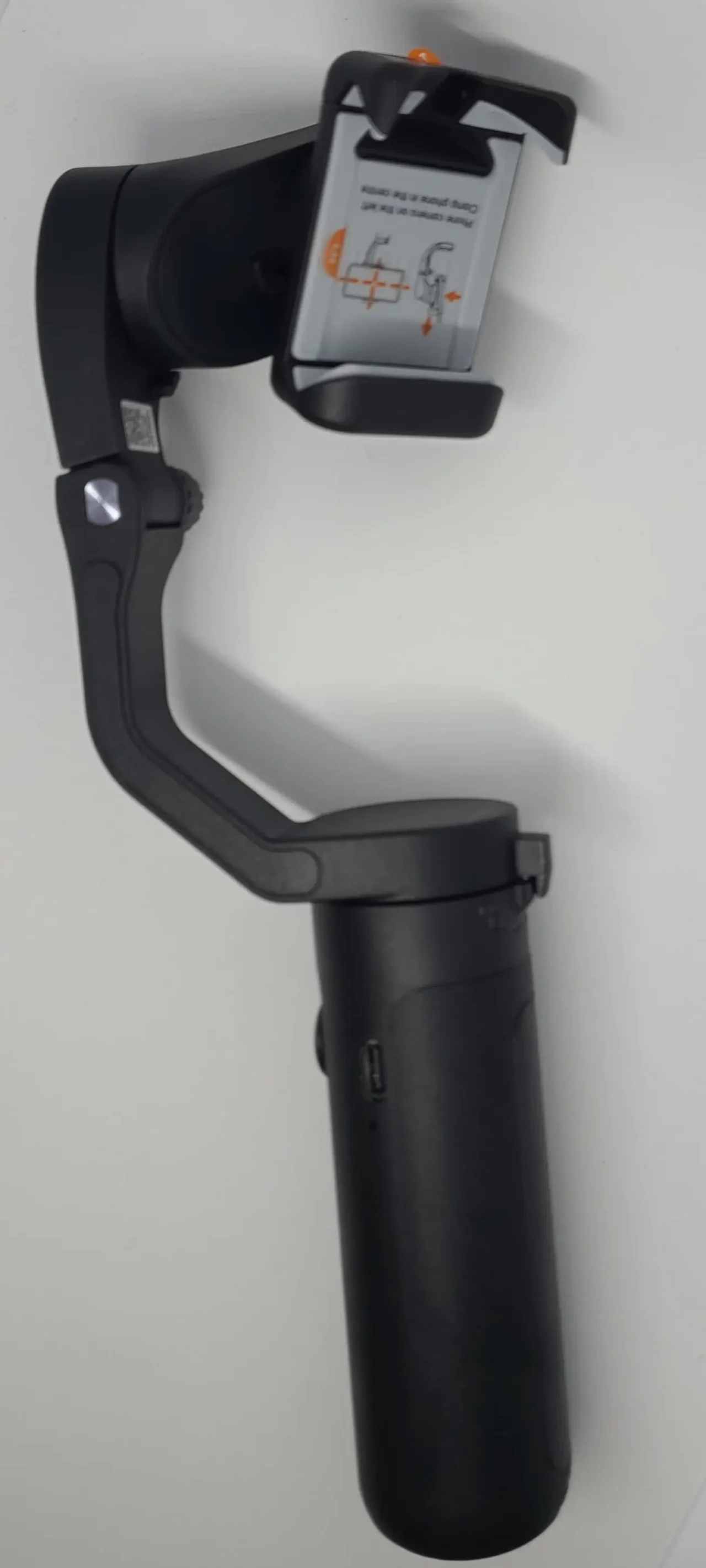
Actual Usage Feel
Footage
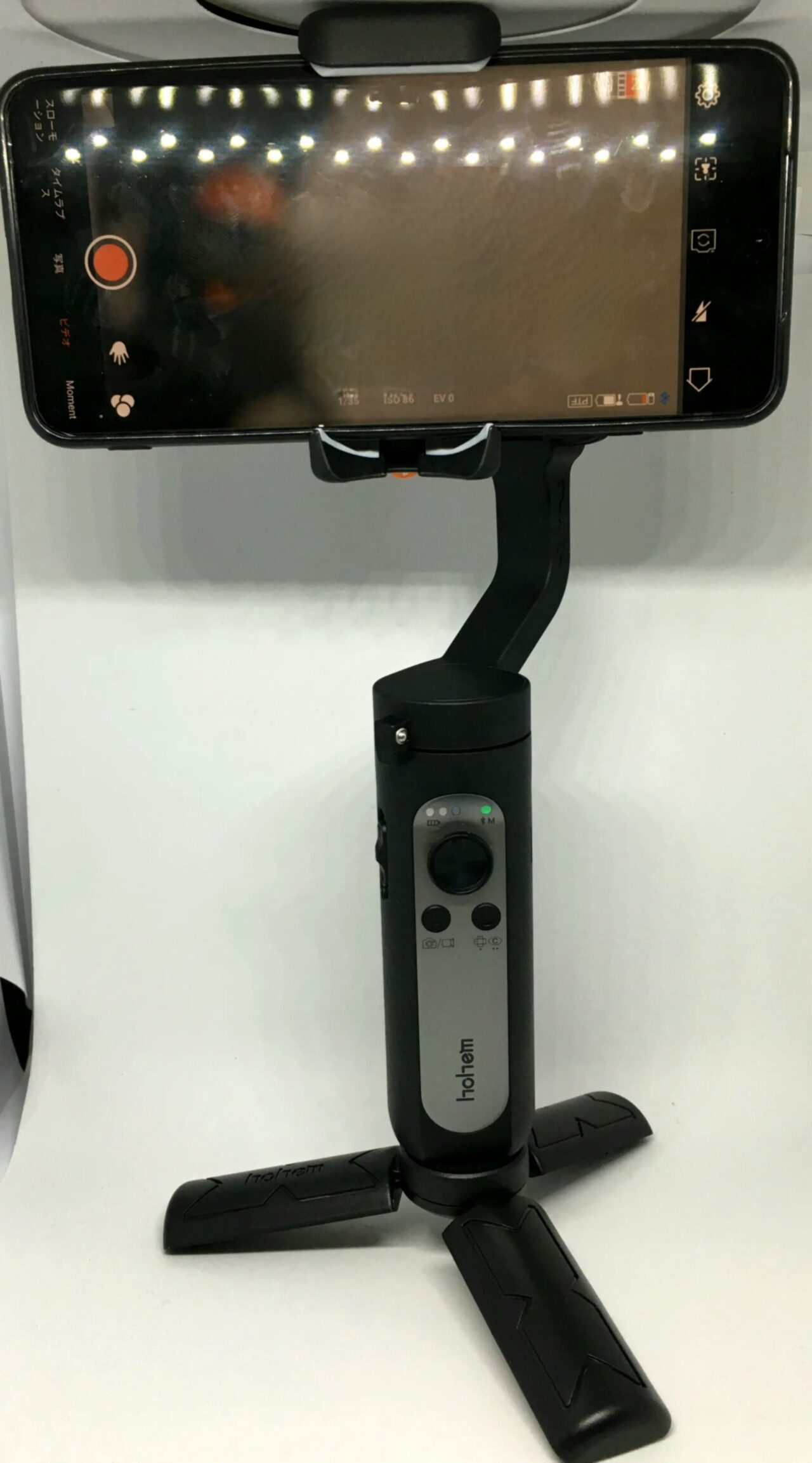
Whether filming while walking or even running, I was able to capture smooth video. The image stabilization is truly powerful!
I feel that it allows you to capture impactful, blur-free footage in situations like running or minor action scenes that would be impossible to film steadily with smartphone stabilization alone.
Also, the variety of shooting modes and filters like panoramic video made filming feel fun. If you make effective use of these, you can even capture camera movements that would be impossible by hand.
However, when clipping the smartphone into the gimbal, the phone’s power button, volume buttons, and case occasionally interfere with the mechanism. I was able to adjust it to make it work, but there is a possibility that it might not work with some incompatible smartphones.
Remote Control
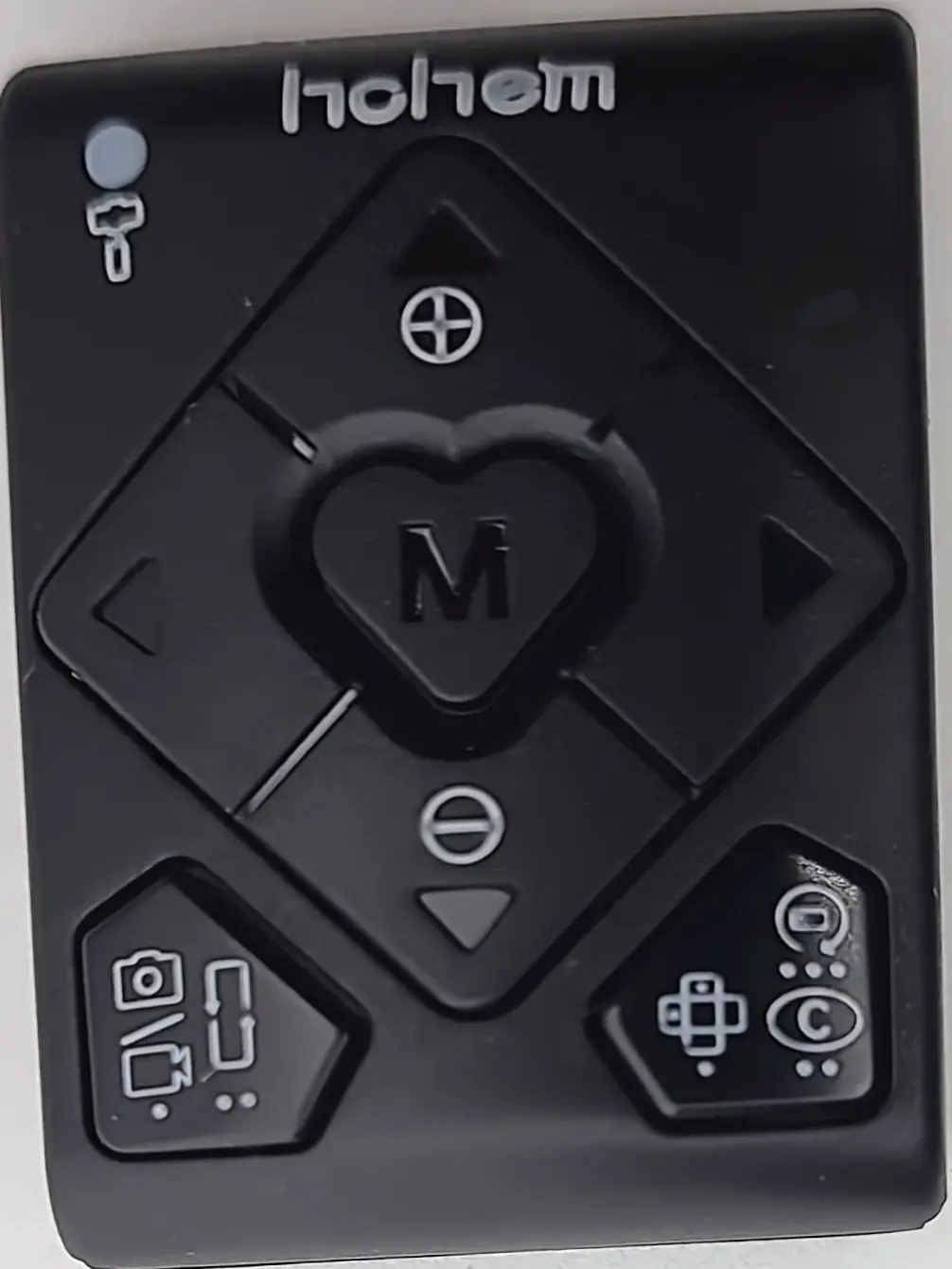
I felt that having a remote control makes a huge difference. Just having it changes what you can do significantly. Being able to film yourself or operate the device remotely from a specific location is quite a big deal.
There is some slight latency, but it isn’t bothersome enough to be a concern.
Buttons
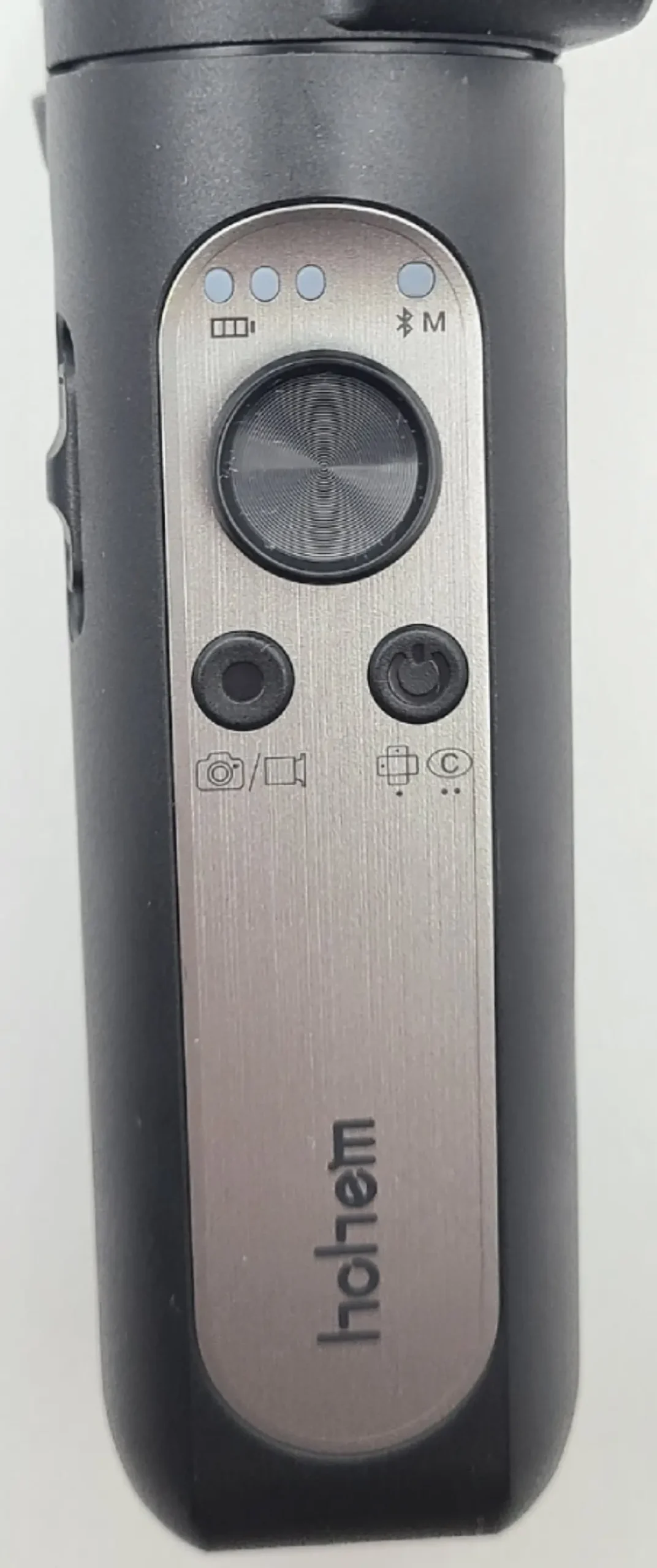
Like the remote, I feel there are too many types of button operations. Perhaps because there are so many features, the button controls are complex.
To give specific examples:
| Power Button | |
| Single press | Switch between landscape and portrait modes |
| Double press | Gimbal returns to initial position |
| Triple press | Auto-rotation |
| 5 presses | Auto-calibration |
| 7 presses | Remote pairing |
As you can see, it is quite complex.
I recommend using the dedicated app I will introduce next for settings and operations.
Dedicated App
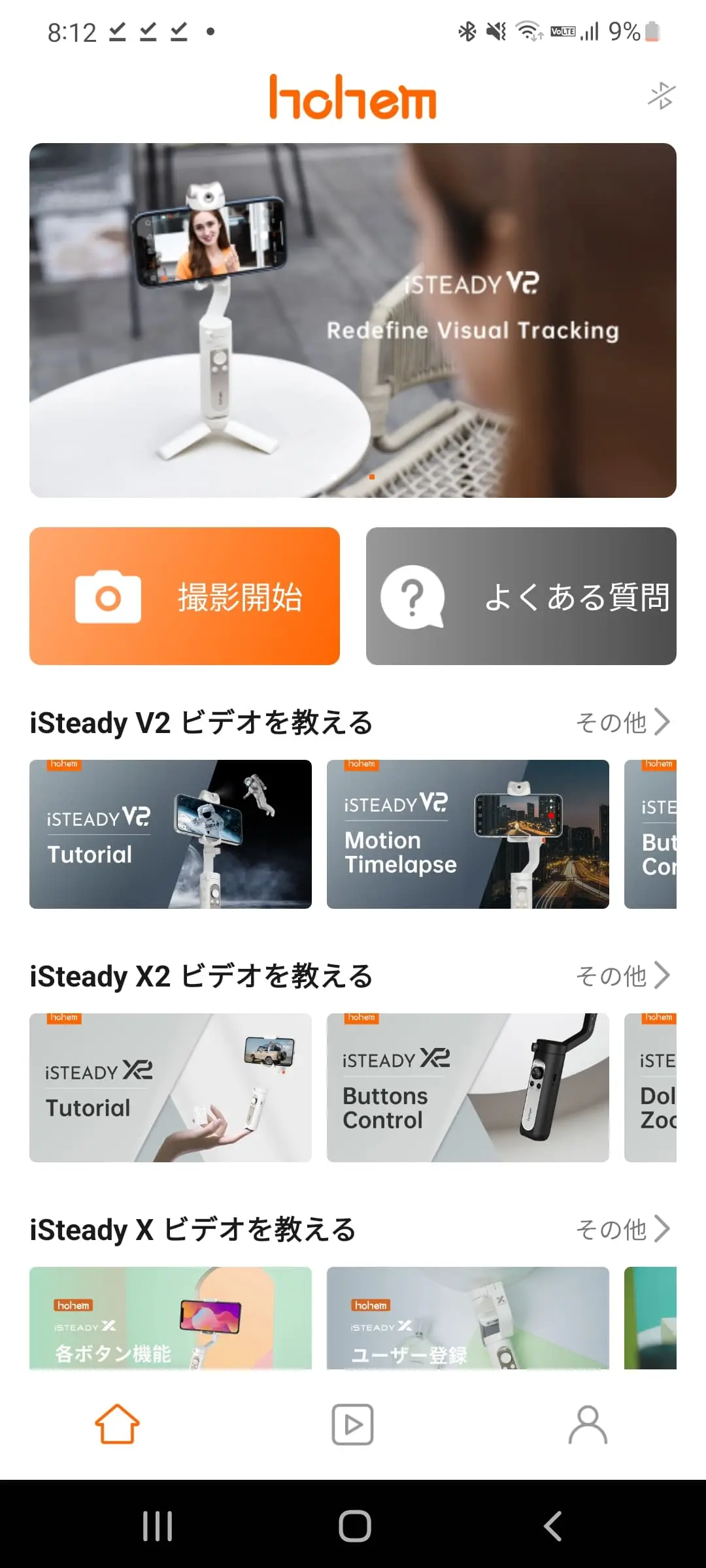
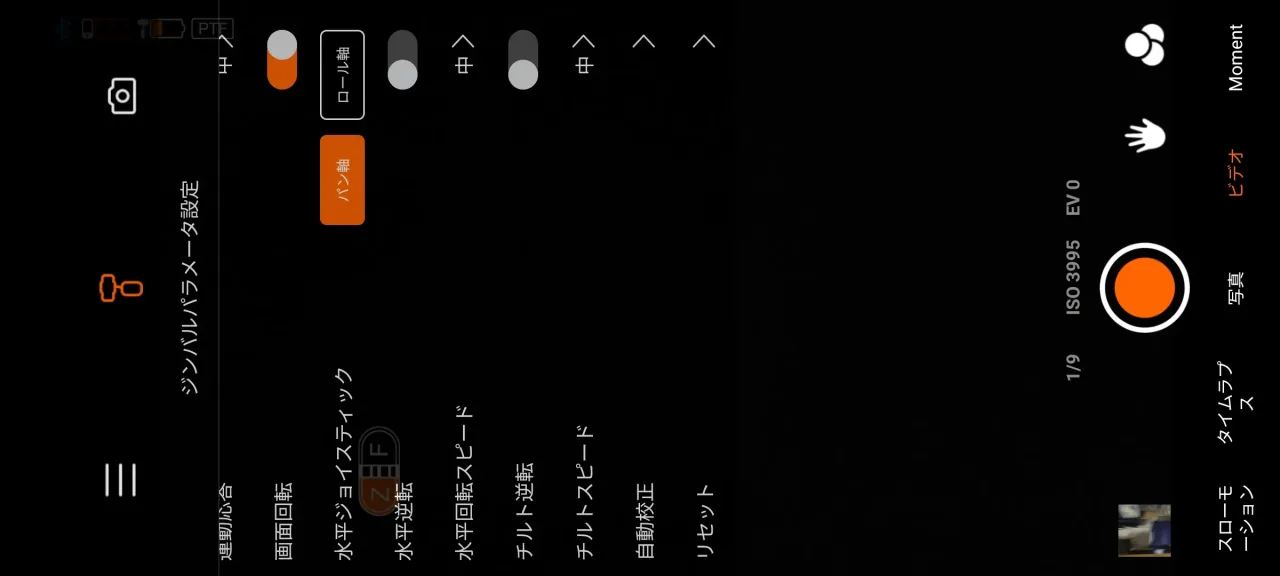
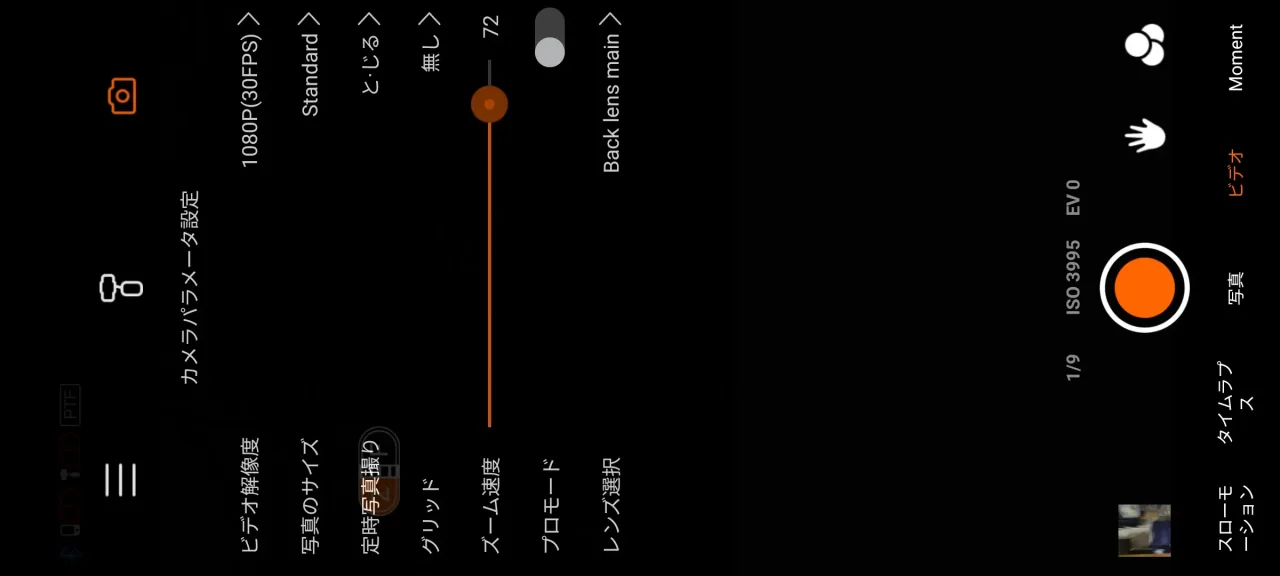
When using the gimbal, you need to install this dedicated app. It was quite a hassle because I first had to register for an account.
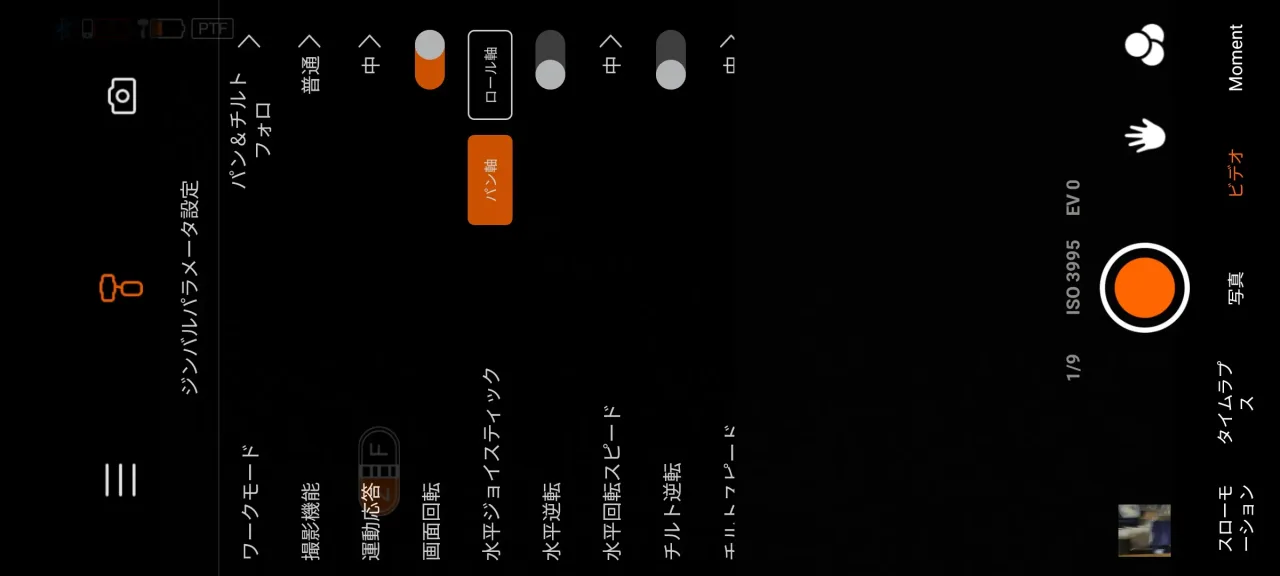
You can adjust various settings from this app. Given that it is multifunctional, it would be impossible to configure everything in detail using just the buttons.
Additionally, the app allows you to set various filters, and there are several types of filter shooting modes such as “Hitchcock mode” (dolly zoom), which keeps the subject the same size while moving the background, panoramic video, time-lapse, slow motion, and fast-motion shooting.
Furthermore, features like gesture shooting, which starts recording when it recognizes a specific gesture; target tracking, which recognizes and follows an object; and face tracking, which accurately follows the position of a face even when the subject moves, can also be configured via the app.
Conclusion
- Overwhelming image stabilization
- Controllable via dedicated remote
- Various shooting functions manageable via app
- Too many buttons and functions, making it confusing
- Sometimes interferes when clipping the phone to the gimbal
- App registration is a hassle
I was surprised that the stabilization was stronger than I imagined. It’s a must-have for anyone who films while walking around town.
Also, the fact that a carrying pouch is included and it is lightweight are nice points.
If you master this device, you’ll be able to capture footage that is several levels above what you’ve done before.
If you film often, I don’t think you’ll regret owning one.
Among smartphone gimbals, I feel this one offers quite high cost-performance.
Recommended for
- People who want to capture good footage affordably
- People who want a gimbal with good cost-performance
- People who have never tried a gimbal before
- People who film often
Thank you for reading until the end!
- Product prices and information are current as of the time of article writing.
- Please note that our site cannot be held responsible for any errors in this information.
- The product and service names mentioned on this site are trademarks of their respective companies.
This article was originally written in Japanese and has been translated.
Comments