

- This article is created entirely based on information provided by the manufacturer.
Please note that this site cannot be held responsible for any inaccuracies in this information.
 Ms.ガジェット
I’m a bit anxious because I don’t know what kind of company EaseUS is.
 Pegasus
I will explain EaseUS in detail!
 Mr.ガジェット
This time, I’d like to explain EaseUS together with their mascot, “Pegasus.”
What kind of manufacturer is EaseUS?
About EaseUS
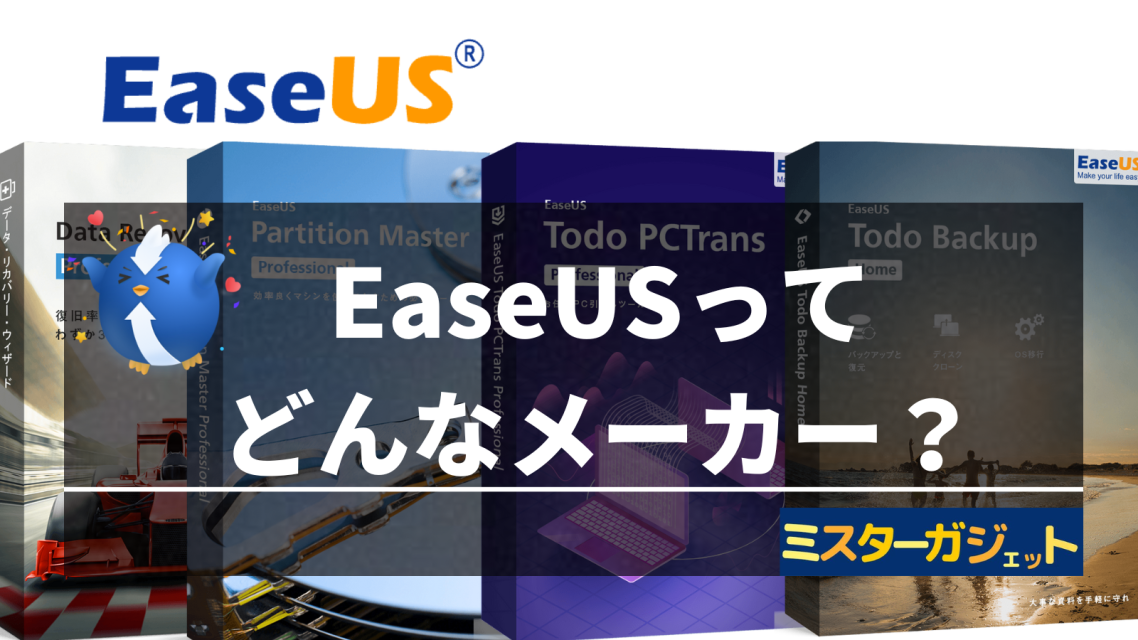
Founded in 2004, EaseUS is a leading software development company specializing in the field of data management.
PegasusWe provide easy-to-use and effective solutions for data recovery, data backup, partition management, smartphone management, and more!
Currently, they are used by tens of millions of individuals and corporate clients across more than 160 countries and regions worldwide.
Major Clients in Japan
Their major business partners in Japan are as follows:
- Vector Inc.
- Exagon Co., Ltd.
- DEGICA Co., Ltd.
- e-frontier, Inc.
- Amazon Japan G.K.
- Rakuten Group, Inc.
- Impress Corporation (Mado no Mori)
- FreeSoft 100
- All Free Soft
- Softonic
Ms.ガジェットThey even do business with famous companies.
Mr.ガジェットBusiness partners can be a benchmark for measuring a company’s reliability, right?
- This article is created entirely based on information provided by the manufacturer.
Please note that this site cannot be held responsible for any inaccuracies in this information.
The History of EaseUS
You can check the history of EaseUS here
EaseUS founded
Windows version of EaseUS Data Recovery Wizard released
EaseUS Development Center established
Partition management software EaseUS Partition Master released
Backup software EaseUS Todo Backup released
EaseUS Partition Master user count exceeds 10 million
EaseUS Data Recovery Wizard Professional wins the Recovery Category Award at the 22nd Vector ProRegi Awards
EaseUS Data Recovery Wizard Professional wins the Backup/Recovery Category Award at the 24th Vector ProRegi Awards
EaseUS Todo Backup Workstation wins the Backup/Recovery Category Award at the 25th Vector ProRegi Awards
EaseUS Todo Backup Workstation wins the Backup/Recovery Category Award at the 28th Vector ProRegi Awards
EaseUS Data Recovery Wizard wins the Special Award at the 30th Vector ProRegi Awards
EaseUS Data Recovery Wizard wins the Recovery Category Award at the 35th Vector ProRegi Awards
 Ms.ガジェット
They’ve won so many awards!
Mr.ガジェットYou can also see they have a deep history, having been founded in 2004.
- This article is created entirely based on information provided by the manufacturer.
Please note that this site cannot be held responsible for any inaccuracies in this information.
Located in Chengdu, Sichuan, China
Chengdu is the fourth most populous city in China, after Chongqing, Shanghai, and Beijing.
 Ms.ガジェット
That’s the place famous for Sichuan cuisine and as a habitat for pandas!
Extensive Aftercare
Many products come with a money-back guarantee and 24-hour technical support.
PegasusWe provide solid support even after your purchase!
Recommended EaseUS Products
PegasusFrom here on, I’ll introduce products recommended by EaseUS!
EaseUS Data Recovery Wizard (Data Recovery Software)
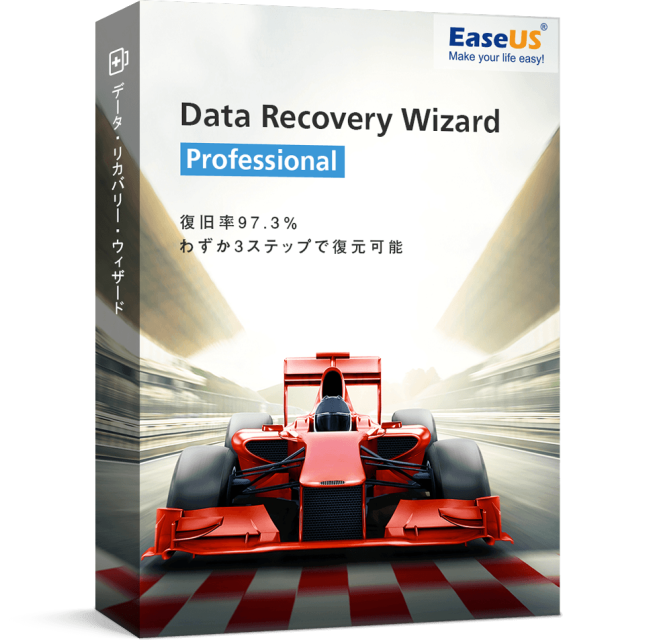
- 97.3% recovery rate
- Supports recovery of over 1,000 types of files
- Recover lost data in 3 steps
- Compatible with various devices
- Free NAS recovery
- Winner of the Recovery Category Award at the 24th/26th/39th/40th Vector ProRegi Awards
- 30-day money-back guarantee based on refund policy & 24-hour technical support
Easy recovery in 3 steps
PegasusThe selling point of this software is that you can recover data easily!
You just need to follow these 3 steps!
Mr.ガジェットThat’s easy!
Comparison between PRO and Free versions
PegasusThere are also various other types, such as software for Mac or the PRO+winPE version, so please choose the one that suits your needs!
Supported devices and files
| PC | Desktop, Laptop |
| Hard Disk Drive | HDD, External HDD, RAID, Zip drive, Pen drive, SSD, etc. |
| Memory Card | USB memory, Memory card, CF/SD card, Micro card, memory cards of various devices, etc. |
| Other | Other storage devices |
Pegasus“EaseUS Data Recovery Wizard” can recover various files, including photos, documents, videos, and audio, from a variety of devices!
| Photo extensions | JPG/JPEG, TIFF/TIF, PNG, BMP, GIF, PSD, CRW, CR2, NEF, ORF, RAF, SR2, MRW, DCR, DNG, WMF, RAW, SWF, SVG, RAF, DWG, etc. |
| Document extensions | DOC/DOCX, XLS/XLSX, PPT/PPTX, PDF, CWK, HTML/HTM, INDD, EPS, etc. |
| Video extensions | AVI, MOV, MP4, M4V, 3GP, 3G2, WMV, MKV, ASF, FLV, SWF, MPG, RM/RMVB, MPEG, etc. |
| Audio extensions | AIF/AIFF, M4A, MP3, WAV, WMA, APE, MID/MIDI, OGG, AAC, RealAudio, VQF, etc. |
| Other | Fully supports recovery of local emails for Outlook, Outlook Express, etc. (PST, DBX, EMLX, etc.), compressed files (ZIP, RAR, SIT, ISO, etc.), and exe files. |
For more details, please check the official website.
Click here for the product page
Click here for the Mac version
EaseUS Todo Backup (Backup/Clone Software)
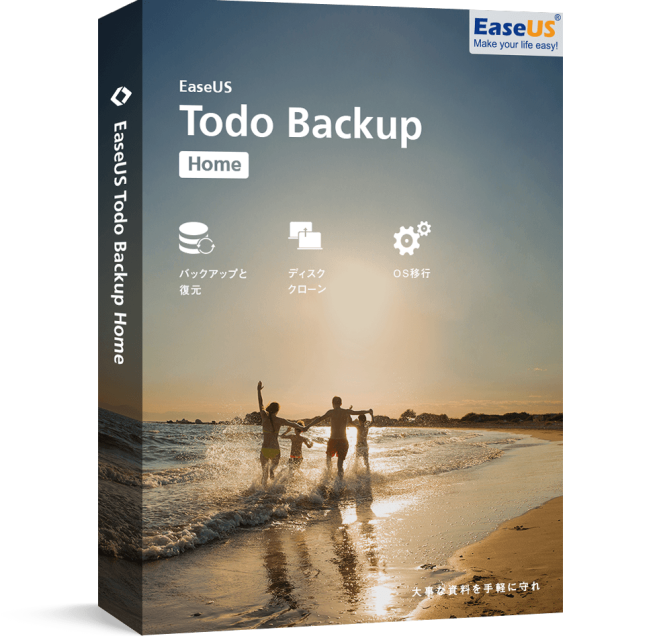
- Ranked No. 1 in customer satisfaction for backup software [ITreview 2022 Summer]
- Used by over 20 million people worldwide
- Provides 250GB of free cloud storage
- Winner of the Recovery Category Award at the 24th/26th/39th/40th Vector ProRegi Awards
- 30-day money-back guarantee based on refund policy & 24-hour technical support
PegasusThere are also various other benefits, such as the ability to manage backups simply and efficiently, scheduling, creating clones, and setting passwords!
What you can do with EaseUS Todo Backup
File Backup
With full backup, incremental backup, differential backup, or scheduled backup functions, you can back up and protect entire data such as specific files, folders, photos, music, emails, applications, videos, and financial files.
Disk/Partition Backup
You can freely back up disks, partitions, dynamic volumes, or GPT disks with full, incremental, differential, or scheduled backups.
System Backup
Back up your system at high speed with one click without interrupting your work.
Disk Clone
Migrate or copy all data on partitions or GPT disks to another location in advance, and easily complete hard drive upgrades without reinstalling any operating system or applications.
Other
It is equipped with many features such as OS migration, email backup, system clone, and secure data erasure.
Comparison between Product and Free versions
PegasusPlease give it a try!
There are also Mac versions and various other editions, so please check the official website.
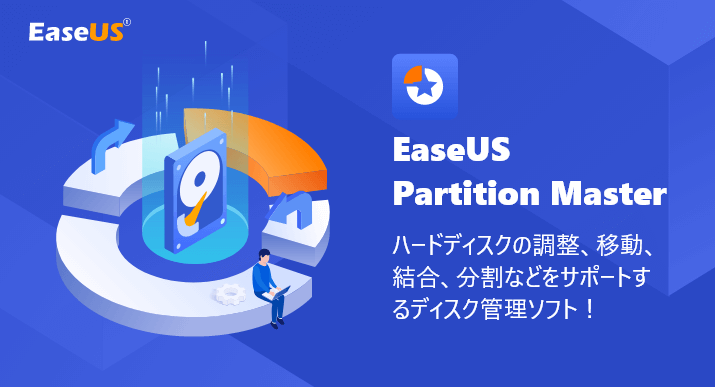
EaseUS Partition Master (Partition Management Software)
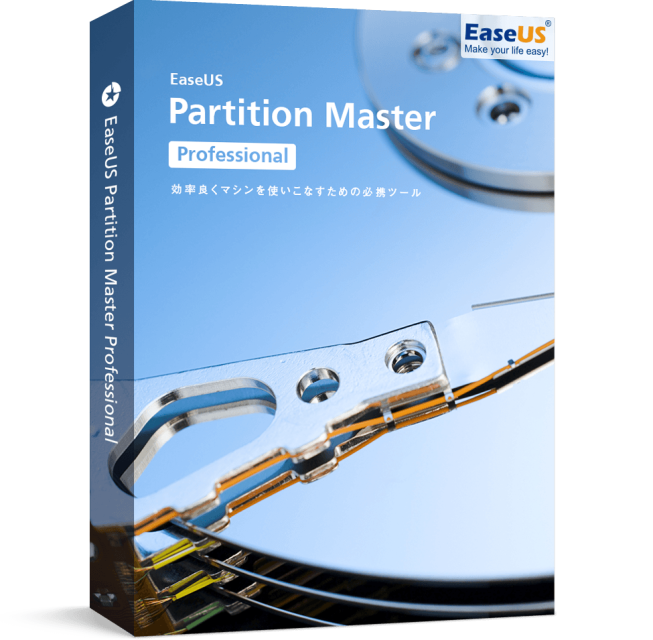
- Can create, delete, split, merge, or resize partitions on various storage media
- Supports all file systems
- Winner of the Partition Management Category Award at the 40th Vector ProRegi Awards
- 30-day money-back guarantee based on refund policy & 24-hour technical support
Easily resize partitions in 3 steps
PegasusOperation is also easy with this software!
Just follow these 3 steps!
What you can do with EaseUS Partition Master
- Resize partition
- Merge partition
- Split partition
- Create partition
- Delete partition
- Move partition
Comparison between Product and Free versions
This software also has a Mac version and various other editions, so please check the official website for details.
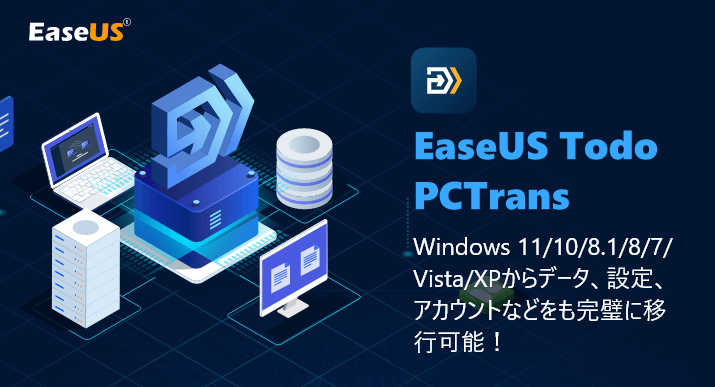
EaseUS Todo PCTrans (Data Migration Software)
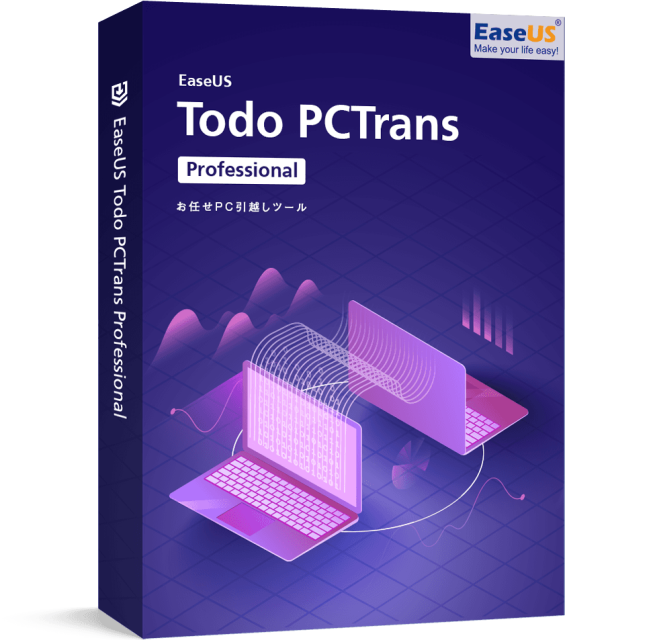
- Quickly migrate files, programs, and settings to a new PC/OS
- Migrate data and apps via network or image file
- Introduced by large corporations
- 30-day money-back guarantee based on refund policy & 24-hour technical support
Impressive list of corporate adopters
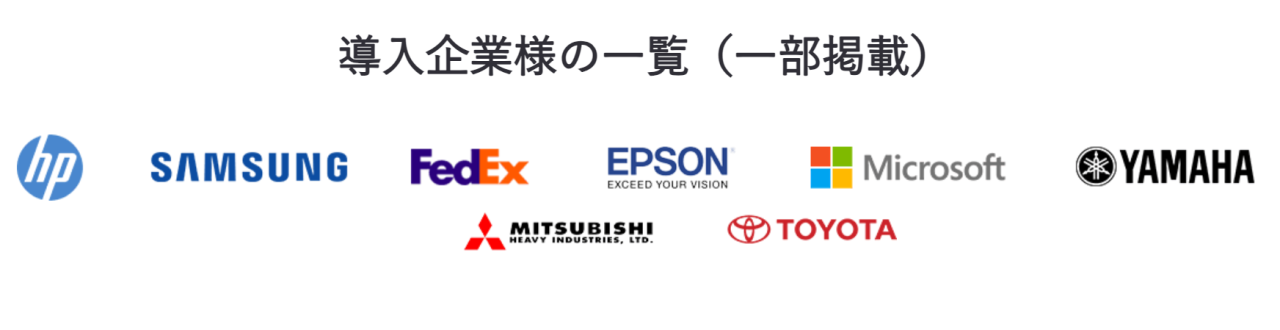
It seems that famous companies such as Toyota, Mitsubishi Heavy Industries, Yamaha, and EPSON have adopted it.
Mr.ガジェットIt’s being used by incredibly famous companies!
What you can do with EaseUS Todo PCTrans
Application Transfer
- You can get the latest app information that Todo PCTrans can migrate from the latest application compatibility list.
- You may need to reactivate applications on the new PC.
User Account & Settings Transfer
File Transfer
Provide Technical Services to Clients
It is optimal for file/program migration when updating Windows 7 to Windows 10.
Comparison between Pro and Free versions
Summary
While checking the information provided, I was surprised to see that the business partners and companies that have adopted their software are very large enterprises. Also, while they are a Chinese manufacturer, the after-sales service was quite solid, including a 30-day money-back guarantee & 24-hour technical support.
It seems they sell many other products besides those introduced here, so why not consider them as one of your options?
Thank you for reading until the end!
- This article is created entirely based on information provided by the manufacturer.
Please note that this site cannot be held responsible for any inaccuracies in this information. - Product prices and information are as of the time of writing.
- Product and service names mentioned on this site are trademarks of their respective companies.
コメント