

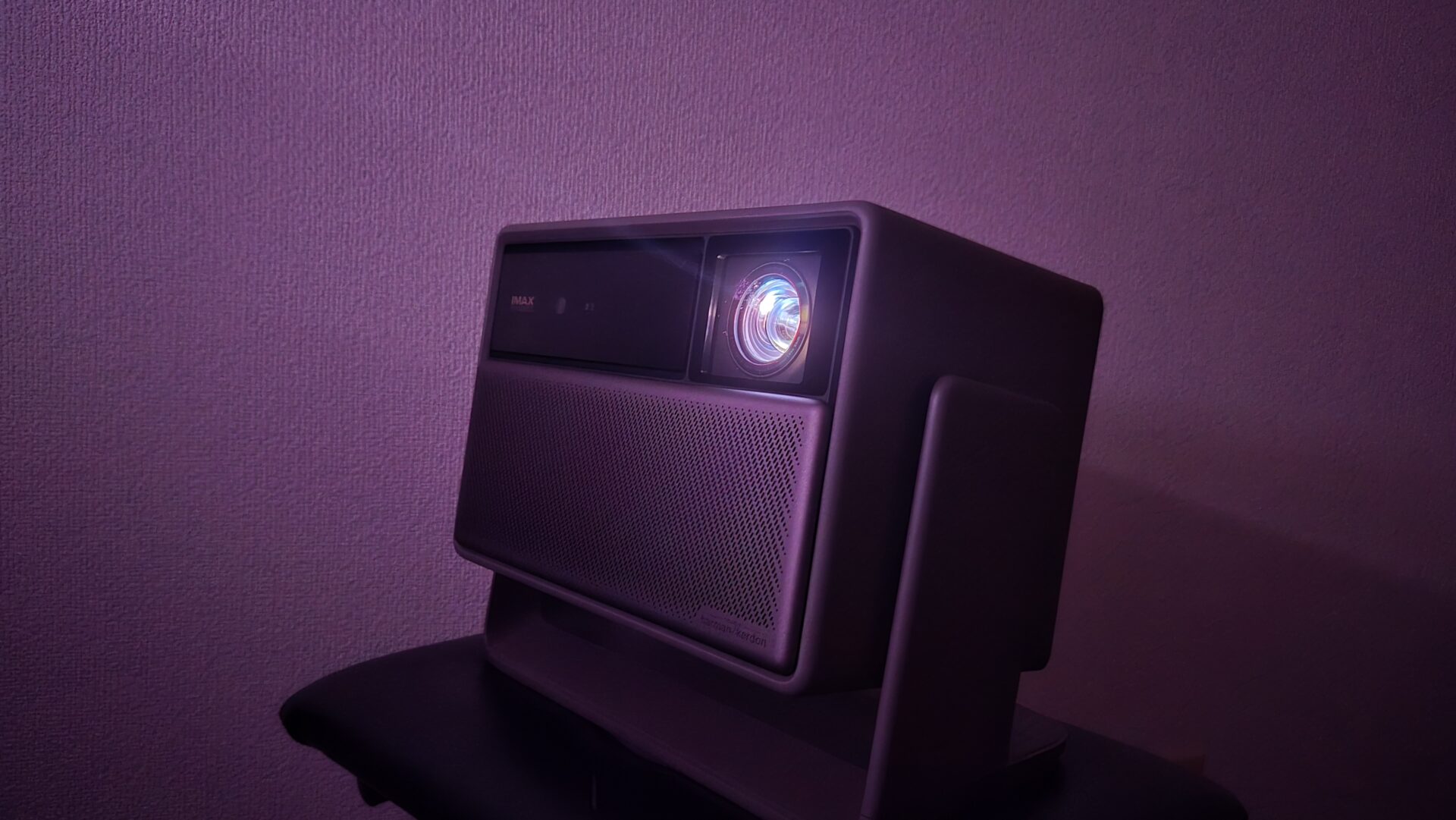
The living room wall is actually bored. Place the HORIZON 20 Pro and turn it on.
Just by doing that, the video spreads out beyond the frame of the TV. Whether it’s an afternoon when you’re having a family meeting about whether to close the curtains or a movie night, you can easily move towards a “life with a big screen” without drastically changing the room’s layout.
The design that is not particular about the placement makes the hassle of a projector a little easier.
What you will learn in this article!


 Pochipp
- Bright enough to see during the day in the living room (4100 ISO)
- BT.2020 110% and DBLE for vivid and dynamic colors
- High freedom of placement with lens shift + optical zoom
- Fast startup and playback with AF + automatic keystone correction
- Dolby Vision/HDR10+ support benefits streaming
- 1080p maximum 240Hz/120Hz + VRR/ALLM for comfortable gaming
- Easy sound enhancement with eARC
- Approximately 4.9kg, not suitable for carrying around
- HDMI has only 2 ports, requiring some ingenuity for simultaneous connection of multiple devices
- Not a short-throw projector, so installation distance is required
- Those who want to easily create a large screen that is easy to see day and night in the living room
- Those who value freedom of installation with lens shift + optical zoom
- Those who want to enjoy a wide range of Dolby Vision/HDR10+ streaming and UHD BD
- Those who want to take advantage of 120Hz/240Hz/VRR in gaming and achieve smooth display
HORIZON 20 Pro Specifications
This model supports 4K (3840×2160) display and features a 3-color RGB laser light source and a nominal brightness of 4100 ISO lumens, making it easy to secure visibility even during the day in the living room. The color gamut is BT.2020 110%, and the contrast ratio is 20,000:1 (DBLE on), emphasizing the dynamic expression of movies and games. Input/output includes HDMI x 2 (1 with eARC), USB, optical digital, and 3.5mm, and Google TV allows you to use major VOD services directly on the device. For gaming, it supports 1080p@240Hz/120Hz, VRR/ALLM.
Specification Table
| Item | Content |
|---|---|
| Resolution / System | 3840×2160 (4K) / DLP |
| Light Source | RGB 3-color Laser |
| Brightness (Nominal) | 4100 ISO Lumens |
| Contrast Ratio (Nominal) | 20,000:1 (DBLE On) |
| Color Gamut (Nominal) | BT.2020 110% |
| Lens Shift | Vertical ±120% / Horizontal ±45% |
| Throw Ratio / Zoom | 1.2~1.5:1 / Optical Zoom |
| Automatic Adjustment | Auto Focus, Automatic Keystone Correction, Screen Auto Adjust, Obstacle Avoidance |
| Game Features | 1080p@240Hz (Nominal 1ms) / VRR / ALLM / Black Equalizer / Crosshair |
| HDR, etc. | HDR10+ / Dolby Vision / IMAX Enhanced |
| Sound | Harman/Kardon 12W x 2, Dolby/DTS Compatible, eARC |
| Terminals | HDMI x 2 (1 with eARC), USB 3.0 x 1, USB 2.0 x 1, Optical Digital, 3.5mm |
| Wireless | Wi-Fi 6, Bluetooth 5.2 |
| Noise / Power Consumption (Nominal) | ≤28dB@1m / ≤230W |
| Size / Weight | 249x298x190mm / 4.9kg |
HORIZON 20 Pro Review and Impressions
Points of this heading!
- Design and Installability
- Picture Quality and Brightness (Including Color and Contrast)
- Sound Quality (Built-in + eARC)
- HDR and Streaming Service Compatibility
- Quietness, Heat, and Power
- When Using for Gaming (Smooth Display and Low Latency)
- Smart Features and Operability (Google TV)
- Ports, Expandability, and Wiring
Design and Installability
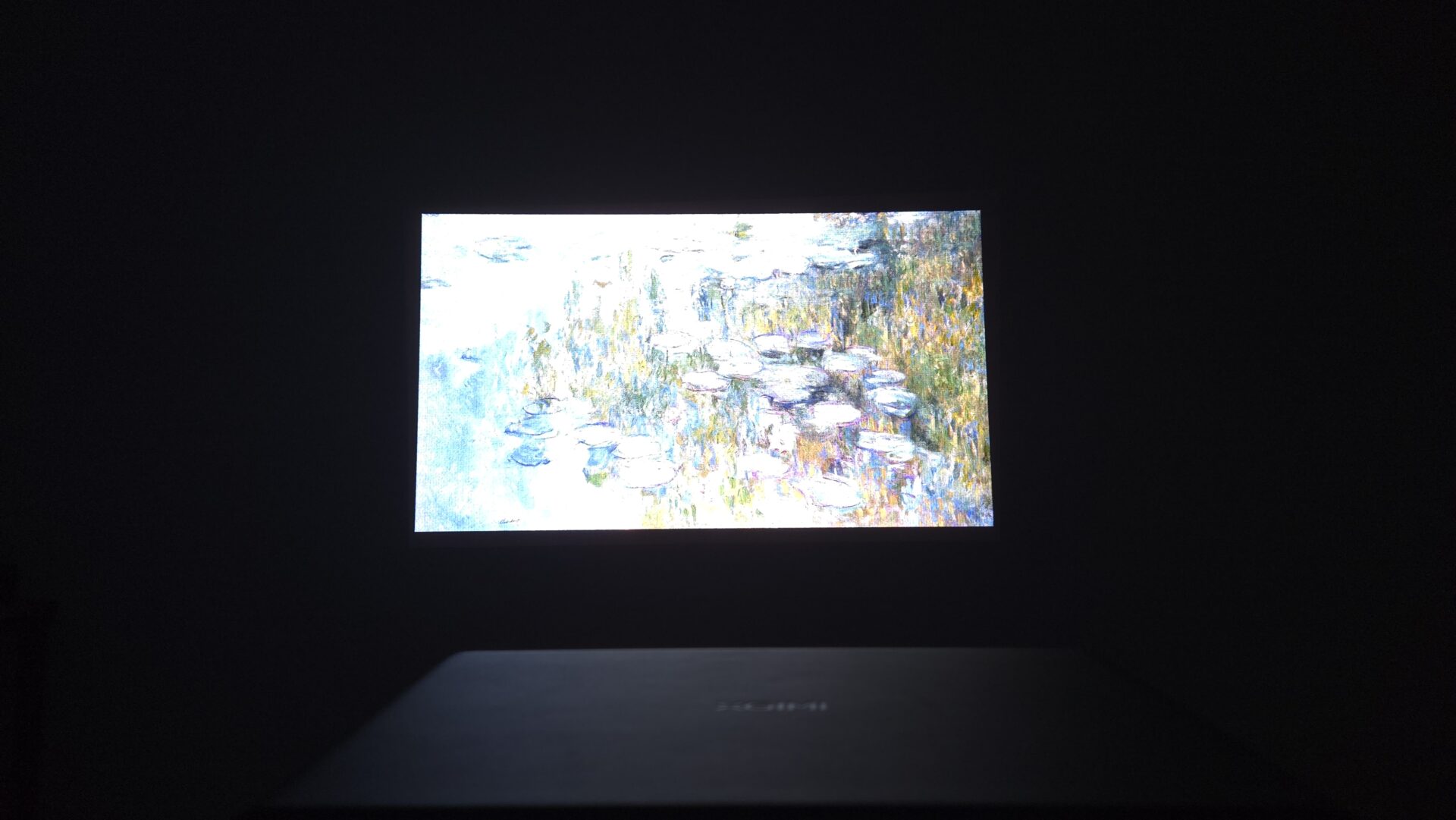
The strength of this model is its ease of placement.
It supports “lens shift,” which allows you to move the projected image up, down, left, and right without moving the main unit. The vertical adjustment is large, and the horizontal adjustment is also wide, so it is easy to align the center of the screen even if it is placed on a shelf near the wall. Furthermore, you can change the screen size without sacrificing image quality with “optical zoom,” making it easy to match the depth of the room.
The weight is 4.9kg. It is a bit heavy to carry around, but it is stable enough to be placed. It is designed to be used as a fixed installation.
 Ms.Gadgets
Will it be okay if the center is off?
 Mr.Gadgets
Yes. First, align the center with lens shift, and minimize keystone correction to maintain image quality.
| Merits | Demerits |
|---|---|
| You can adjust the screen position significantly without moving the main unit (lens shift) You can change the size without sacrificing image quality (optical zoom) Auto focus and automatic keystone correction make startup and playback fast | Weighs 4.9kg, not suitable for carrying around Only 2 HDMI ports, requiring some ingenuity for connecting multiple devices |
Picture Quality and Brightness (Including Color and Contrast)
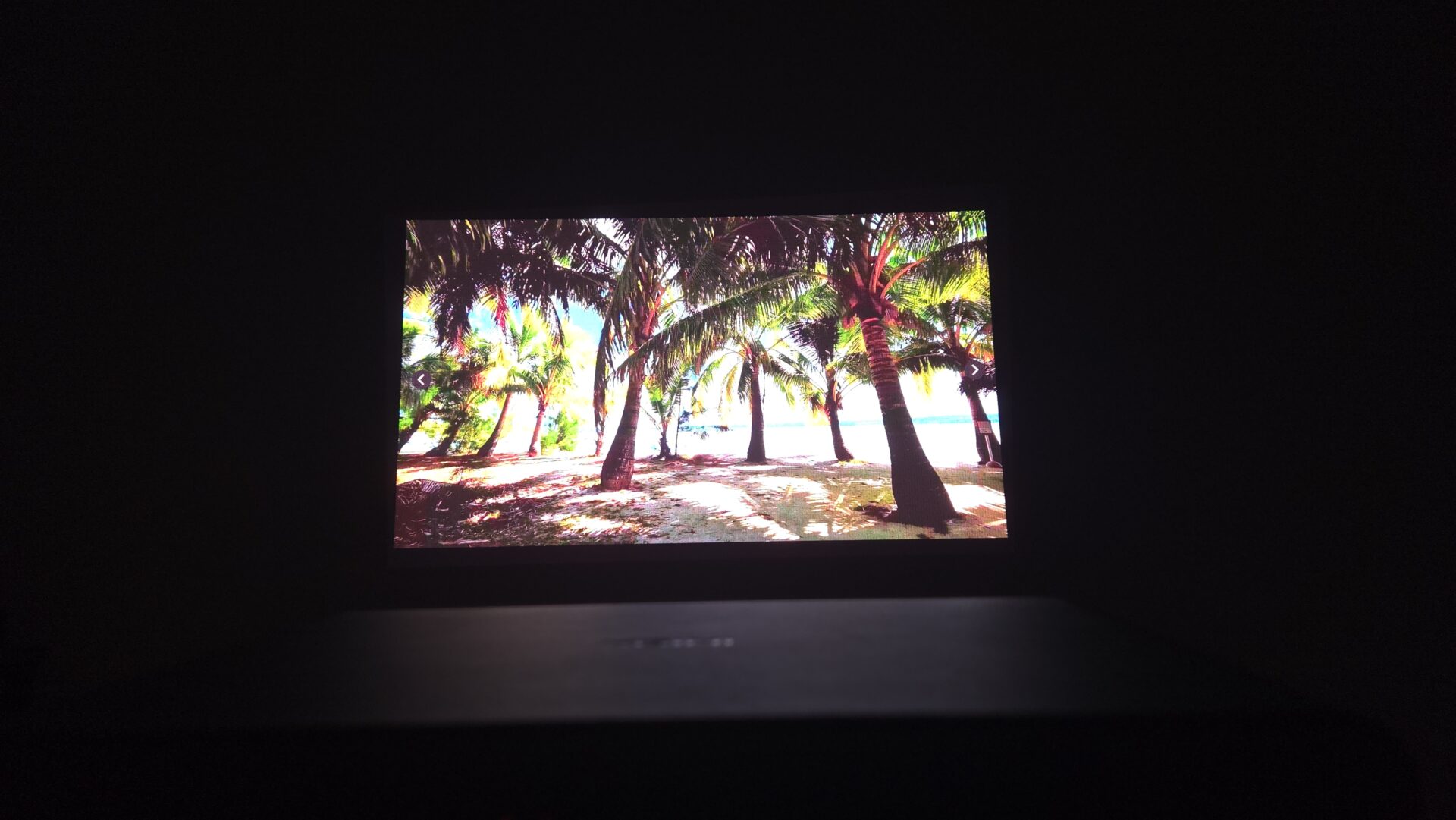
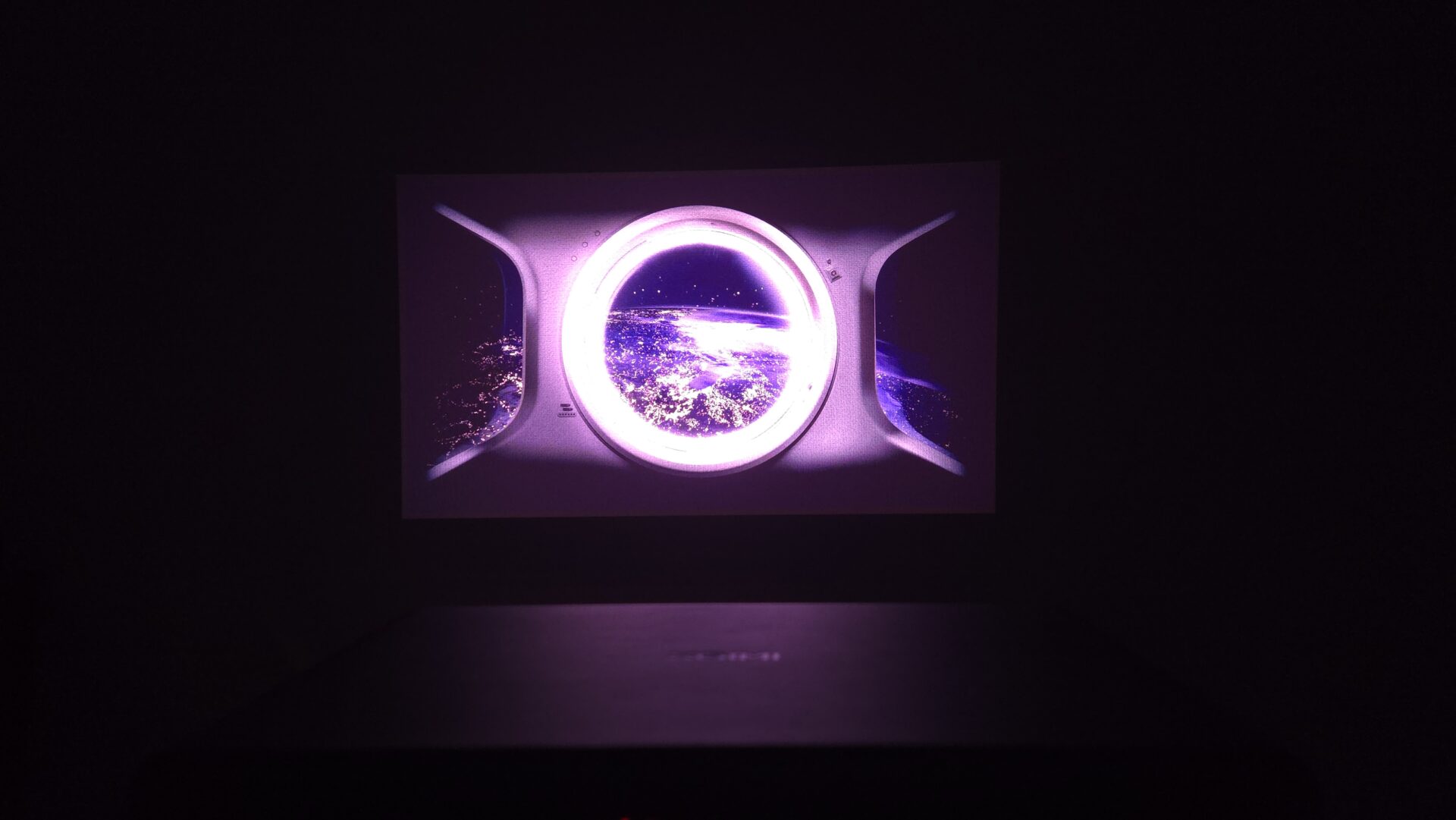
The brightness is 4100 ISO lumens. It is bright enough to see clearly even in a living room during the day. If direct sunlight is shining in, it will appear whitish, so closing the curtains slightly will make it much easier to see. At night or with blackout curtains, the colors will come out vividly and the image will be clear.
Also, the color range is wide (BT.2020 110%), so even flashy colors in anime and games are reproduced beautifully. Furthermore, a mechanism that adjusts the light output according to the scene (DBLE) is effective, making the blacks in dark scenes deep and the bright scenes bright. In other words, it is an image with a sense of high contrast.
| Merits | Demerits |
|---|---|
| Brightness is sufficient to read subtitles even in a bright room Wide color gamut and vivid expression Blacks are tight and movies are easy to see | Not a short-throw projector |
Sound Quality (Built-in + eARC)
The built-in speakers (Harman/Kardon 12W x 2) are characterized by their clear reproduction of voices, such as dialogue and narration. They are sufficient for everyday use. With eARC support, you can easily enhance the sound with just one HDMI cable.
| Merits | Demerits |
|---|---|
| Voices are clear and easy to hear even with the built-in speakers eARC support makes it easy to add a soundbar You can also connect to existing equipment with optical digital/3.5mm |
HDR and Streaming Service Compatibility
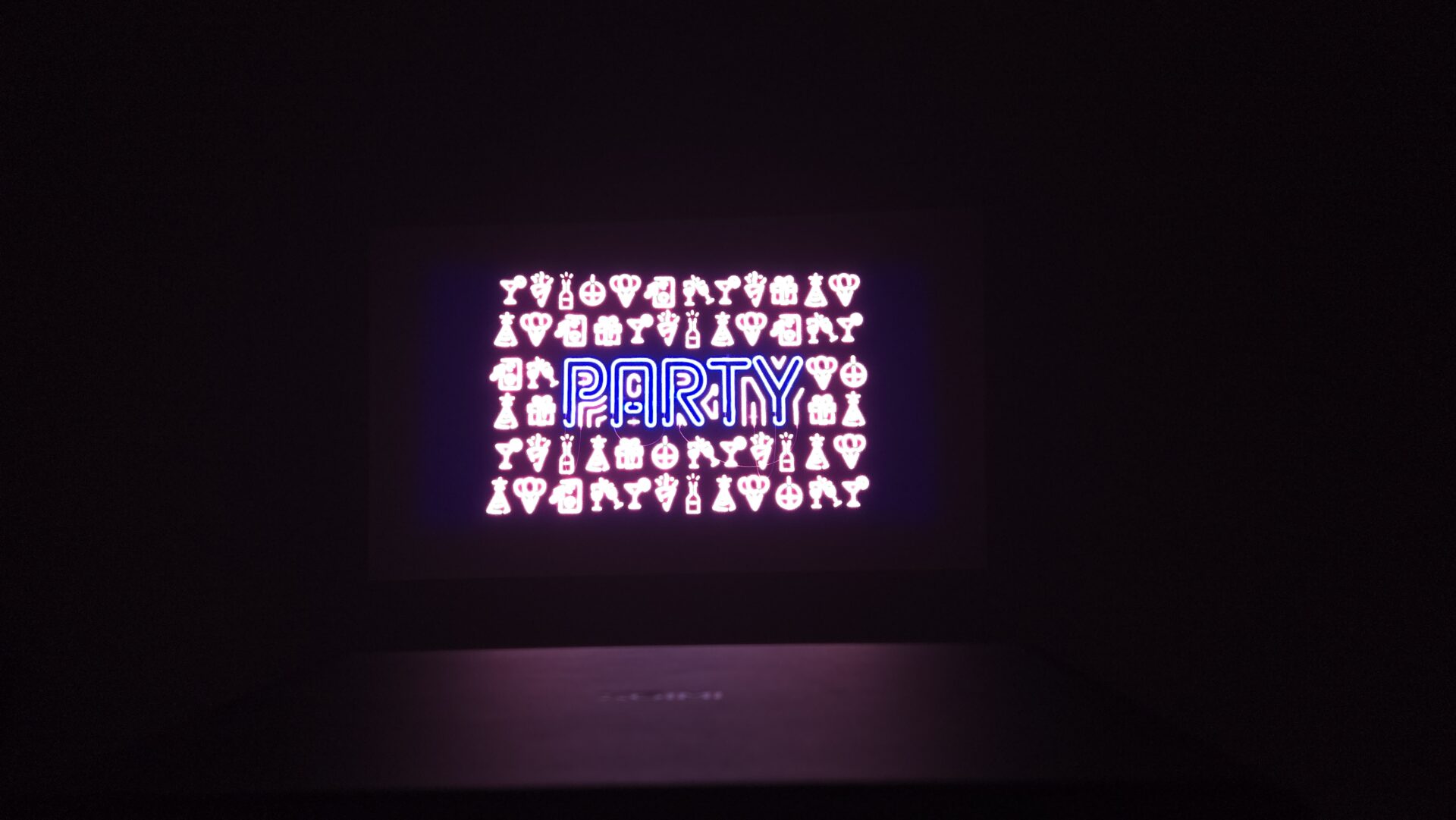
It supports Dolby Vision and HDR10+. If the work supports it, most apps will automatically switch to the optimal format. If it does not switch, check if the work page in the app displays “Dolby Vision” or “HDR”.
When using a UHD Blu-ray player or an external streaming device (Fire TV, etc.), it is recommended to check the output settings of the device (turn on video output “Dolby Vision/HDR”, adjust color depth and gamut) to ensure stability.
| Merits | Demerits |
|---|---|
| Supports major HDR formats and benefits from streaming Easy expansion with external streamer + eARC |
Pochipp
Quietness, Heat, and Power
28dB is the level of “a library.” The noise is not a concern unless you are sitting close to it. On the other hand, the fan will spin more easily and the power consumption will increase as the brightness is increased. It is easier to reduce noise and power consumption by creating two modes: “standard” for daytime and “slightly dark” for movies.
| Merits | Demerits |
|---|---|
| Quiet and inconspicuous at standard brightness Standby power consumption is low (typical trend) | The main unit will become warm if used at high brightness for a long time |
When Using for Gaming (Smooth Display and Low Latency)
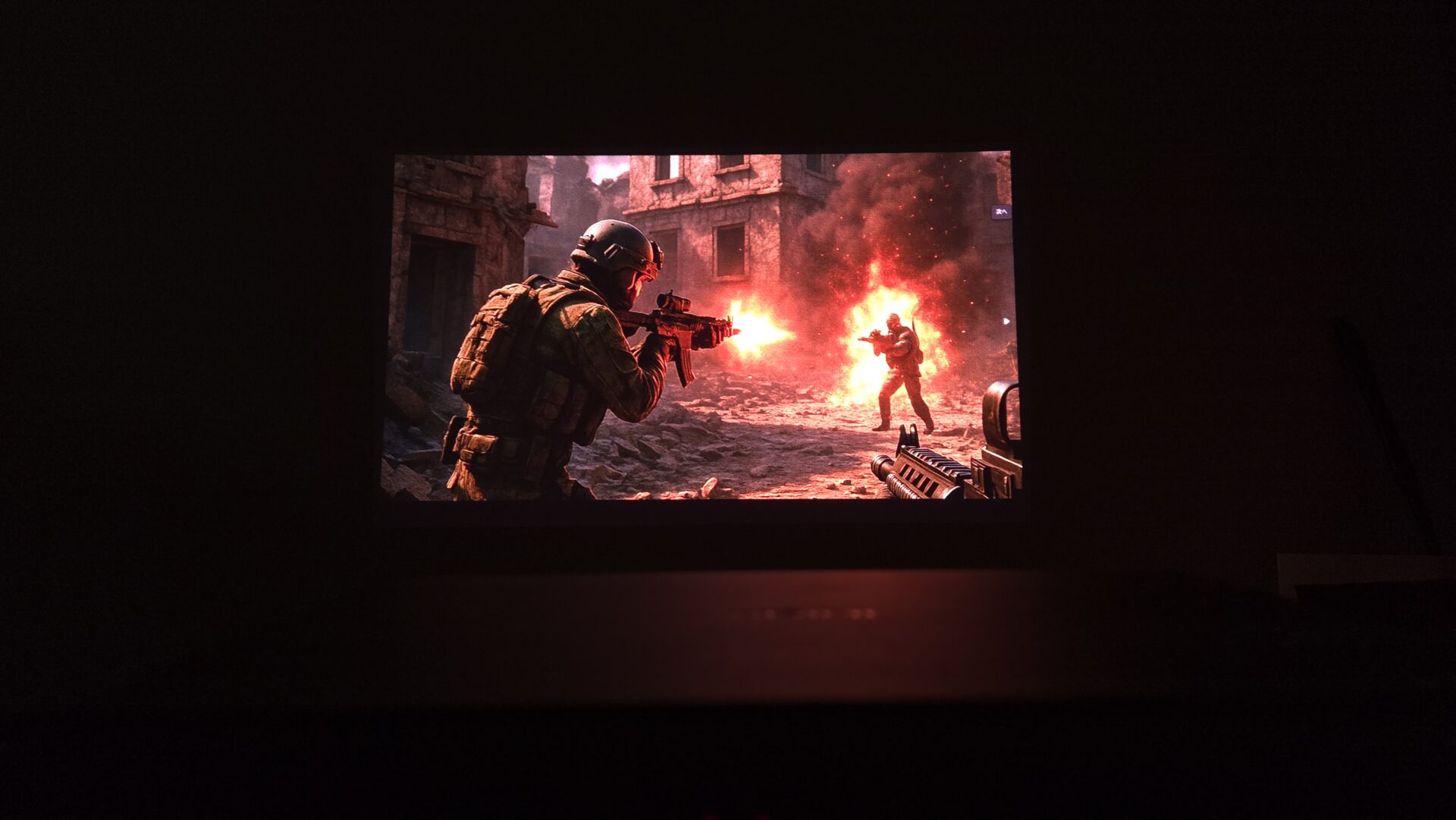
At Full HD (1080p), it can display up to 240Hz/120Hz, providing a very smooth experience. It also supports mechanisms that automatically switch to settings that reduce blur and reduce input lag for VRR/ALLM.
For competitive and rhythm-based games, 1080p with high refresh rate (120Hz) is recommended for priority on smoothness. For single-player games where you want to enjoy the scenery and visuals, prioritize the beauty of 4K. It is a strength that you can easily switch between these.
Brightness adjustment to make enemies easier to see in dark scenes (Black Equalizer) and a function to display a crosshair on the screen are also available.
Ms.GadgetsDoes the latency at 4K output matter? Is 1080p better for competitive gaming?
 Mr.Gadgets
If you prioritize competitiveness, 1080p with a high refresh rate (120Hz) is recommended. If you prioritize the beauty of 4K for solo or scenery-focused games, you can switch depending on the title!
Ms.GadgetsCan I use 120Hz with PS5?
Mr.GadgetsYes. You can use it if the game supports it. Enable 120Hz (or performance priority) in the PS5 settings and use an HDMI cable that supports 120Hz.
| Merits | Demerits |
|---|---|
| Smooth display up to 240Hz/120Hz at 1080p Automatic switching to settings that reduce lag (ALLM) Brightness adjustment for improved visibility in dark scenes and a crosshair function are convenient |
Smart Features and Operability (Google TV)
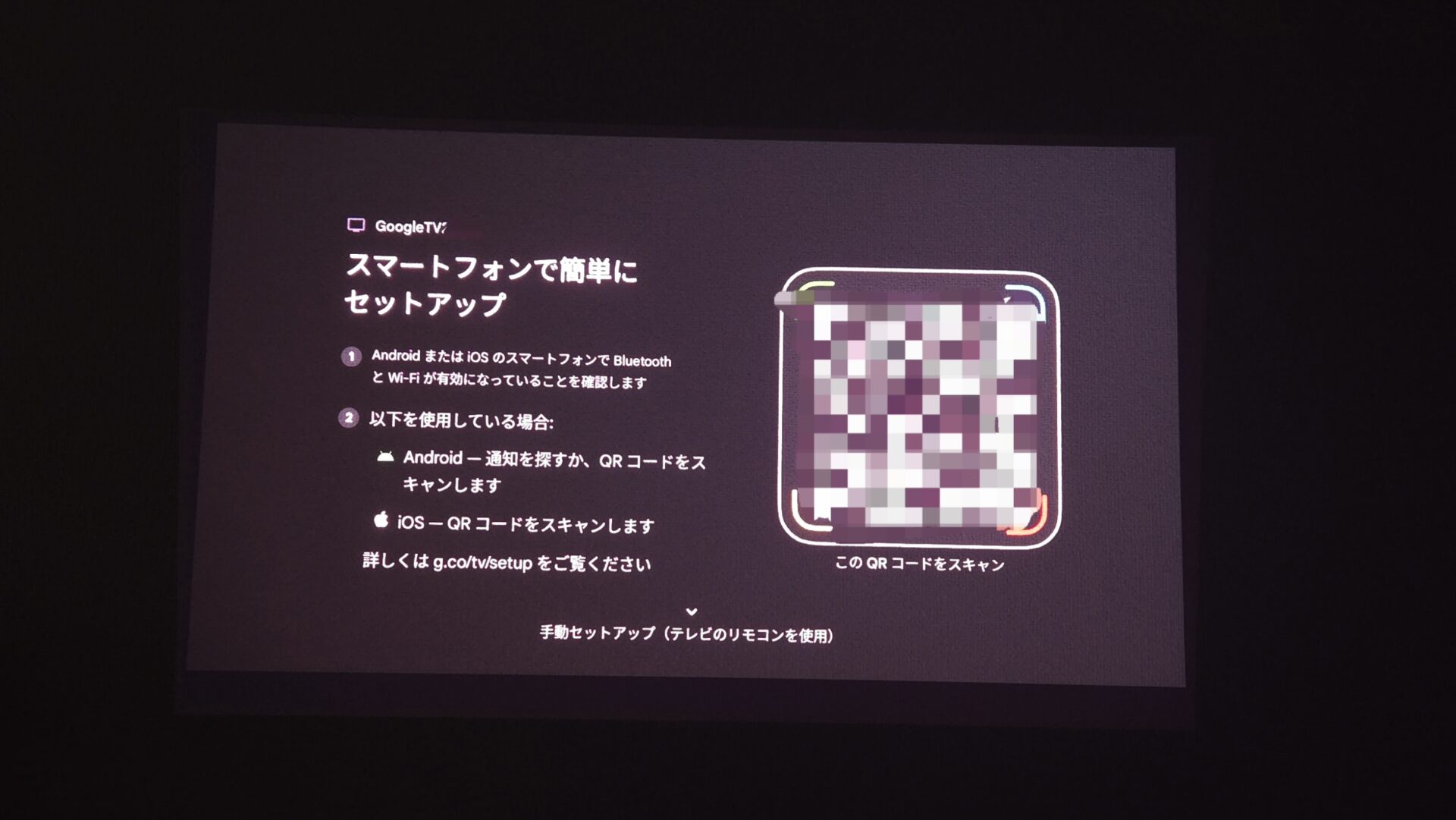
Google TV allows you to install and use major VOD services (Netflix, Prime Video, etc.) directly on the device. You can quickly move to the service you want from the home screen, and search using voice operation on the remote.
 Mr.Gadgets
This is really convenient! You can easily operate it with your smartphone!
When you turn on the power, auto focus and automatic keystone correction work, making it quick to prepare for playback.
| Merits | Demerits |
|---|---|
| Major VOD services can be used directly on the device Initial setup is easy to understand AF/automatic keystone correction makes startup and playback fast | Login and permission settings are required |
Ms.GadgetsIs it difficult to add or update apps?
Mr.GadgetsYou can operate it from the Google TV store just like a regular smart TV. Voice search is also available, and the initial setup is easy if you follow the guide.
Ports, Expandability, and Wiring
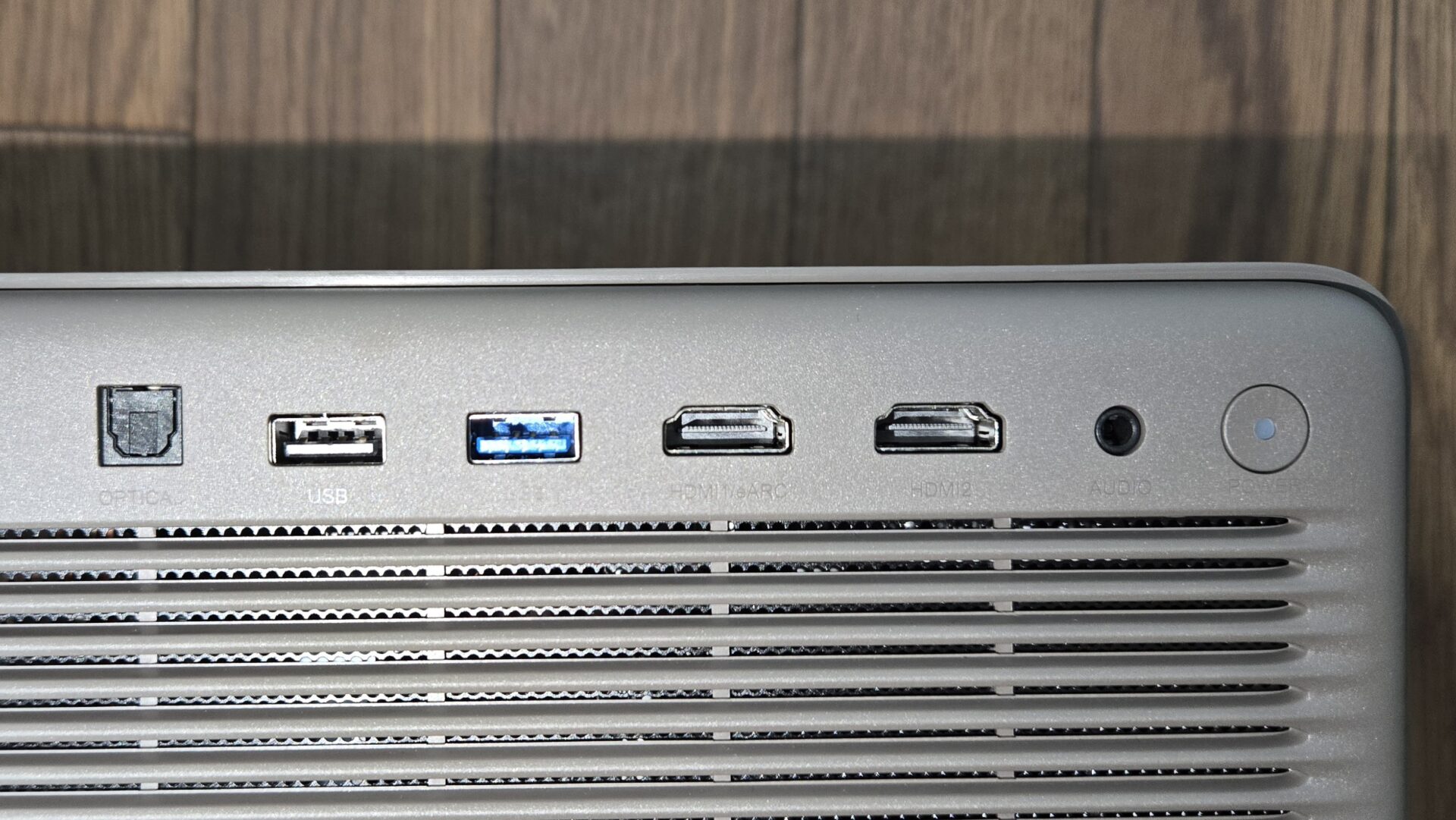
There are HDMI x 2 for video input. If you want to connect all of your gaming console, external streamer, and recorder, it is recommended to use a switch (4K/8K compatible).
- Cable Tip: Use an HDMI 2.1 compatible cable for long wiring or 4K120Hz. Quality differences are more likely to occur with long distances.
| Merits | Demerits |
|---|---|
| Sufficient port configuration for everyday use Local videos and photos can be played from USB eARC support makes sound enhancement simple | Only 2 HDMI ports, requiring some ingenuity for connecting multiple devices |
Summary
A bright model that can be “placed and viewed immediately” even in the living room
The HORIZON 20 Pro is a projector for home use that combines 4K (3840×2160) x RGB 3-color laser, a nominal 4100 ISO lumens, Harman/Kardon 12W x 2, and Google TV. It is easy to create an experience of “placing and viewing immediately” because it does not require you to move the main unit, thanks to lens shift (vertical ±120% / horizontal ±45%) + optical zoom.
The brightness is sufficient to read subtitles even in a bright room. It has a wide color range (BT.2020 110%), and DBLE makes it easy to achieve both deep blacks and bright highlights. The contrast may be weak in direct sunlight, so it is recommended to use curtains.
The weight is approximately 4.9kg, which is stable for installation. Auto focus and automatic keystone correction make initial setup quick.
It supports Dolby Vision/HDR10+/IMAX Enhanced. For gaming, it supports 120Hz/240Hz/VRR at 1080p, making it easy to switch between smoothness and image quality.
Google TV allows you to use major VOD services such as Netflix and Prime Video directly on the device. The voice search and home screen shortcuts make operation smooth.
Mr.GadgetsIf you want to “see clearly” even during the day in the living room, this class is reassuring. The freedom of placement is also a plus!
Pochipp
- 昼のリビングでも見やすい明るさ(4100 ISO)
- BT.2020 110%とDBLEでメリハリと鮮やかさ
- レンズシフト+光学ズームで設置自由度が高い
- AF+自動台形補正で起動から再生までが速い
- Dolby Vision/HDR10+対応で配信も恩恵大
- 1080p最大240Hz/120Hz+VRR/ALLMでゲーム快適
- eARC対応で音の増強が簡単
- 約4.9kgで持ち運びには不向き
- HDMIは2系統で多機器同時接続は工夫が必要
- 超短焦点ではないため設置距離は要確認
Recommended for people like this
- Those who want to create a large screen that is easy to see day and night in the living room
- Those who value freedom of installation with lens shift + optical zoom
- Those who want to enjoy a wide range of Dolby Vision/HDR10+ streaming and UHD BD
- Those who want to take advantage of 120Hz/240Hz/VRR in gaming and achieve smooth display
This article was originally written in Japanese and has been translated.
Comments