MENU
カテゴリーから検索
Search by Month
Gadget Review Blog to Enrich Your Daily Life
Mistergadget
Mistergadget
  1. Home
  2. Gadgets
  3. Conversion Adapter
  4. uniAccessories USB Type-C to HDMI Adapter review!

uniAccessories USB Type-C to HDMI Adapter review!

2025 12/23
Gadgets Conversion Adapter
uniAccessories Review
2025年12月23日
This site earns revenue through affiliate programs.
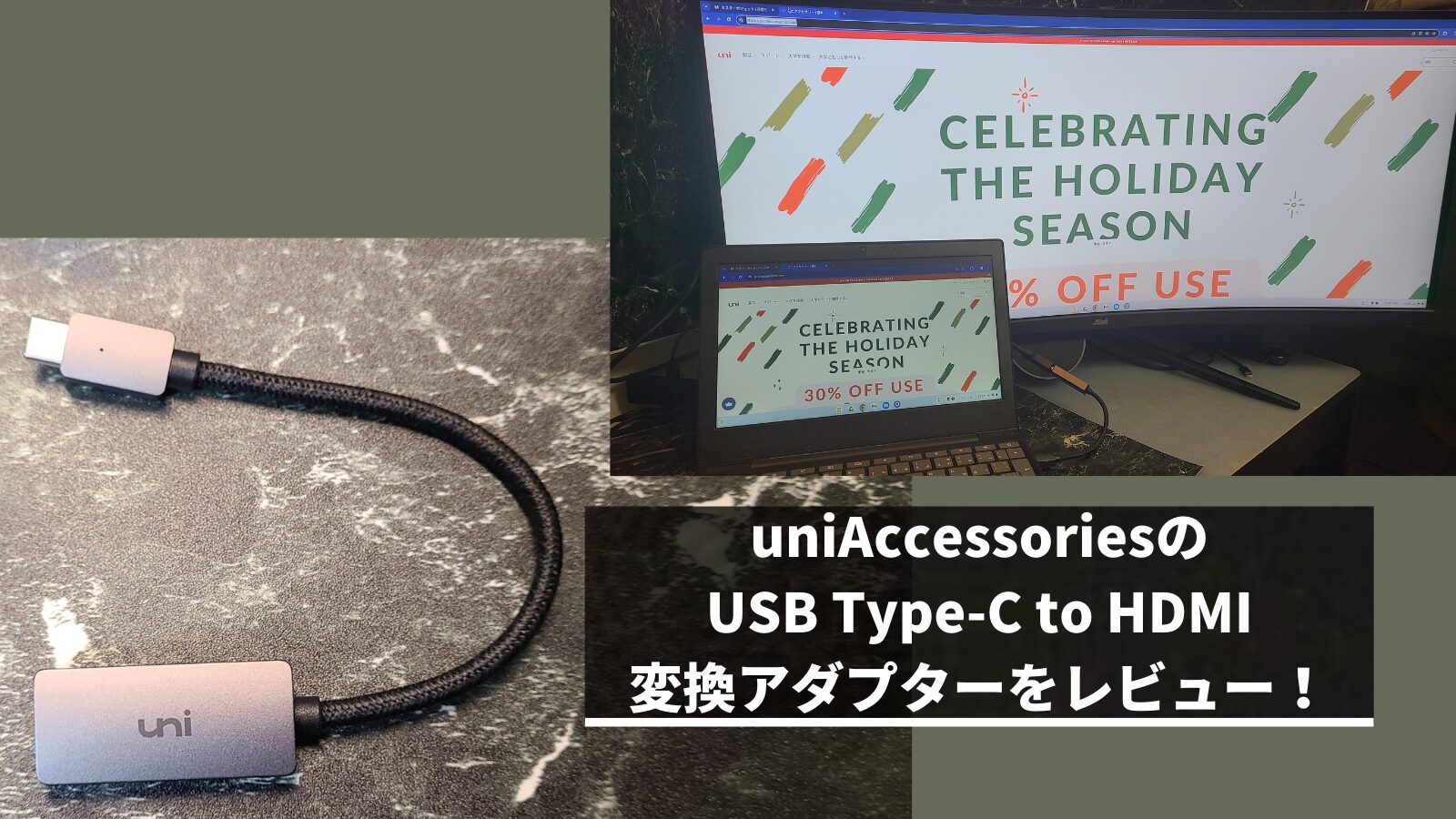
uniAccessoriesのUSB Type-C to HDMI 変換アダプターをレビュー!
🇯🇵 JP🇺🇸 EN🇫🇷 FR🇪🇸 ES🇨🇳 中🇰🇷 한

This time, I would like to review the uniAccessories USB Type-C to HDMI Converter.

It displays properly up to 4K, so there are not many problems with basic use, and it is quite affordable. If you don’t need high performance from a converter adapter, I recommend this USB Type-C to HDMI Converter.

USB C HDMI 変換アダプタ uniAccessories タイプ C HDMI 変換アダプター [4K映像出力] Macbook Pro/MacBook Air/iPad Pro/Air/Chromebook/Surface go/Samsung Galaxy S9/iPhone15 Pro などタイプCデバイス対応
uniAccessories
口コミを見る
\クリスマスタイムセール祭り開催中!/
Amazon
\ポイント最大11倍!/
楽天市場
Yahooショッピング
ポチップ
Written by Mr. Gadget
  • Studied under Masatoshi Ono, a millionaire singer with experience performing at the Kohaku Uta Gassen
  • Exceeded 2,400 followers on X (Twitter)
  • Has experience supervising for the web media Picky’s

For a detailed profile, please click here.

Thank you!

I received a product from uniAccessories when writing this article.(Respectfully)
Also, I strive to provide a fair review in accordance with the content creation policy.

uniAccessories USB Type-C to HDMI Converter
Overall Rating
( 4.5 )
Pros
  • Metallic design is good!
  • Can output from both PCs and smartphones
  • Easy connection by simply plugging it in
  • Supports 4K30Hz and Full HD 144Hz output
Cons
  • HDMI version is old
Recommended for people like this
  • Those who suddenly need a USB Type-C to HDMI converter
  • Those who want a cost-effective, cheap, and easy-to-use USB Type-C to HDMI converter
  • Those who want a cool-looking USB Type-C to HDMI converter
  • Those who don’t care about refresh rate and want a cheap converter
TOC

Basic Information

What kind of manufacturer is uniAccessories?

About uniAccessories
  1. A manufacturer from Shenzhen, China
  2. Mainly manufactures accessories for electronic devices
  3. Many products are on the lower price side with suppressed specifications

Ms. Gadget

A manufacturer characterized by its metallic design and affordable products!
You May Also Like
【メーカーにインタビュー】uniAccessoriesはどんなメーカー?どこの国?そんな疑問を解決します! PCやスマホの電子機器用アクセサリーのメーカーであるuniAccessories、Amazonなどで購入を検討する際にどのようなメーカーなのかわからず不安に思った方も多いと思います。 今回はuniAccessoriesにインタビューを行い、uniAccessoriesがどんなメーカーなのか、どこの国のメーカーなのかを明らかにしていきたいと思います。

Specifications

 Connector USB Type-C to HDMI Type A(Normal HDMI)
 HDMI Version High Speed(HDMI 1.3-1.4)
 USB Version USB 3.1 Gen 1
 Weight Approximately 25g
Specifications of the “uniAccessories USB Type-C to HDMI Converter”
Ms. Gadget

Please note that it only supports converting signals from USB Type-C to HDMI.

Mr. Gadget

The source device (smartphone or PC) needs to support “DisplayPort Alternate Mode” or “Thunderbolt 3/4”.

USB C HDMI 変換アダプタ uniAccessories タイプ C HDMI 変換アダプター [4K映像出力] Macbook Pro/MacBook Air/iPad Pro/Air/Chromebook/Surface go/Samsung Galaxy S9/iPhone15 Pro などタイプCデバイス対応
uniAccessories
口コミを見る
\クリスマスタイムセール祭り開催中!/
Amazon
\ポイント最大11倍!/
楽天市場
Yahooショッピング
ポチップ

Review of the uniAccessories USB Type-C to HDMI Converter

Metallic design looks great!
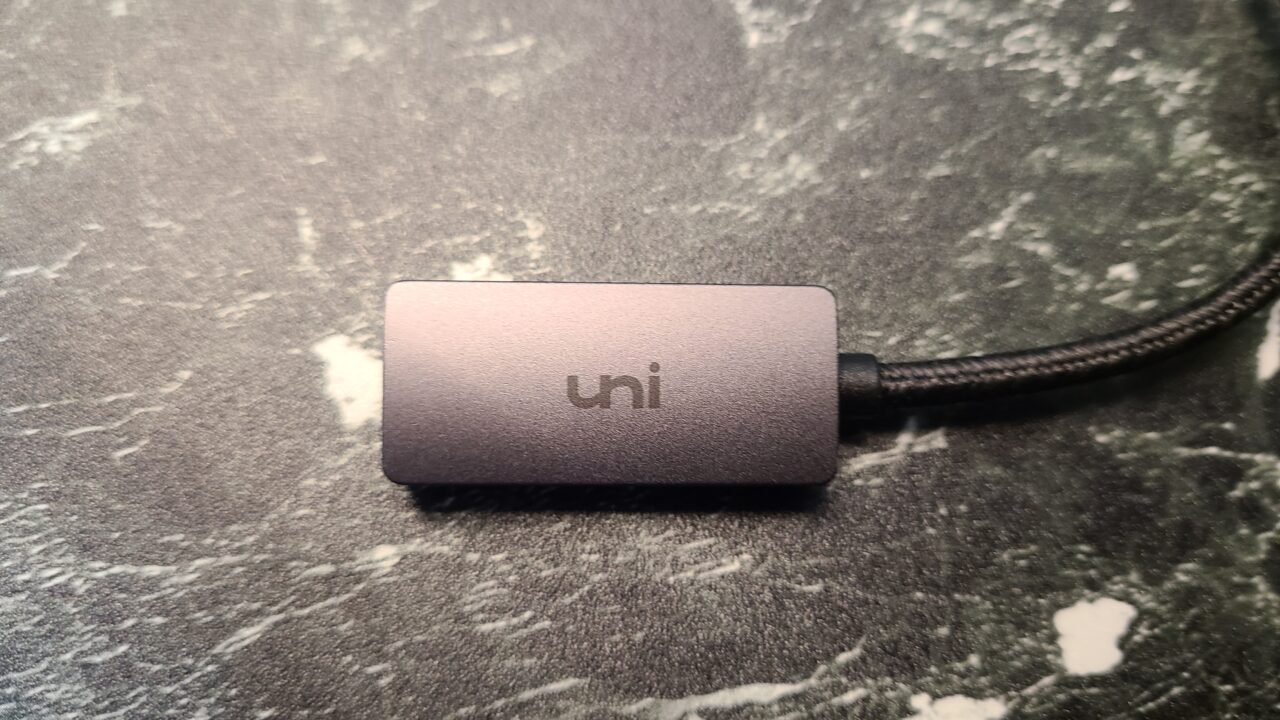
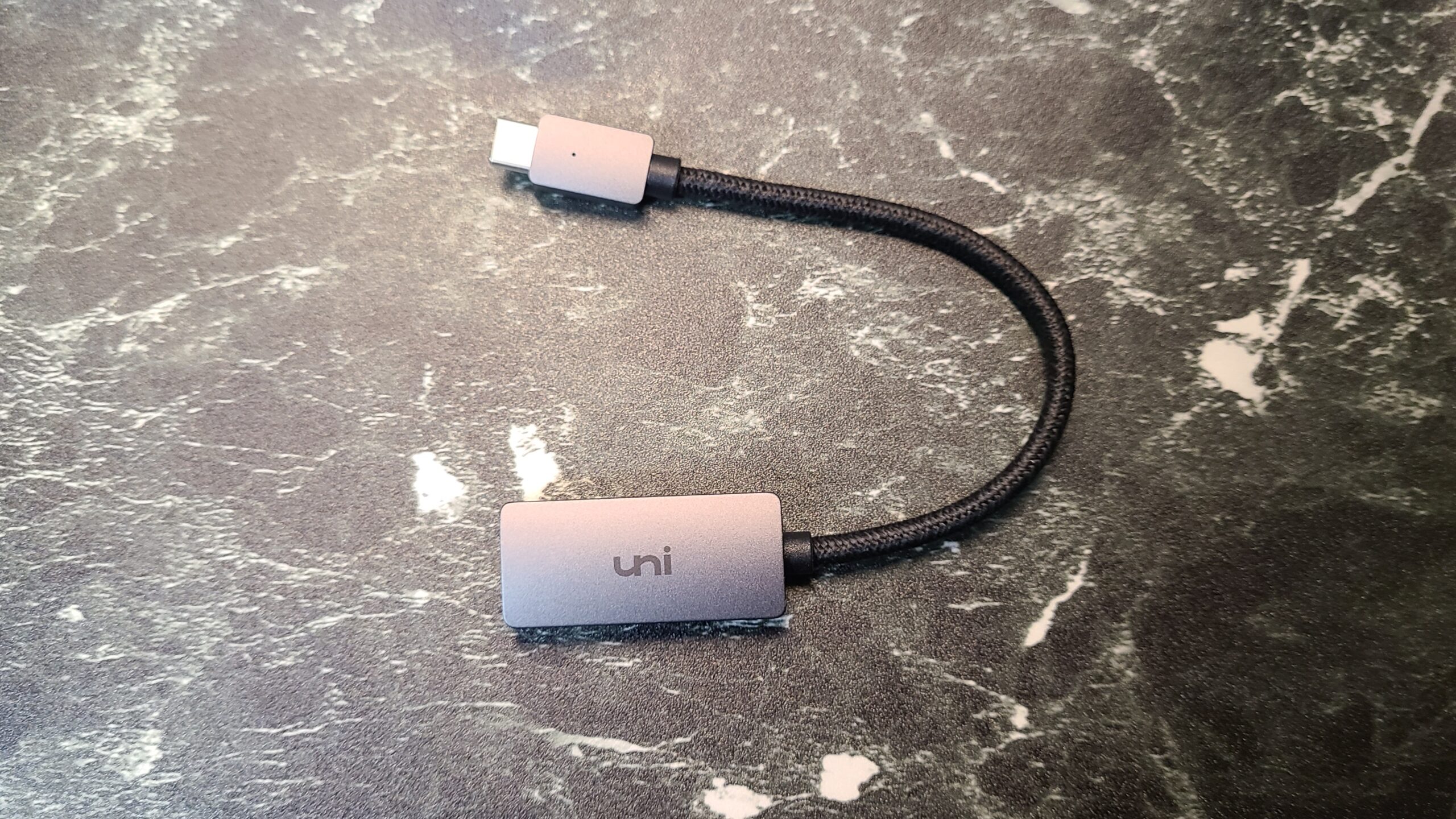
Logo of the “uniAccessories USB Type-C to HDMI Converter”

The exterior is made of aluminum and has the “uni” logo on it.

Mr. Gadget

It has a very cool metallic look.
It doesn’t feel cheap.
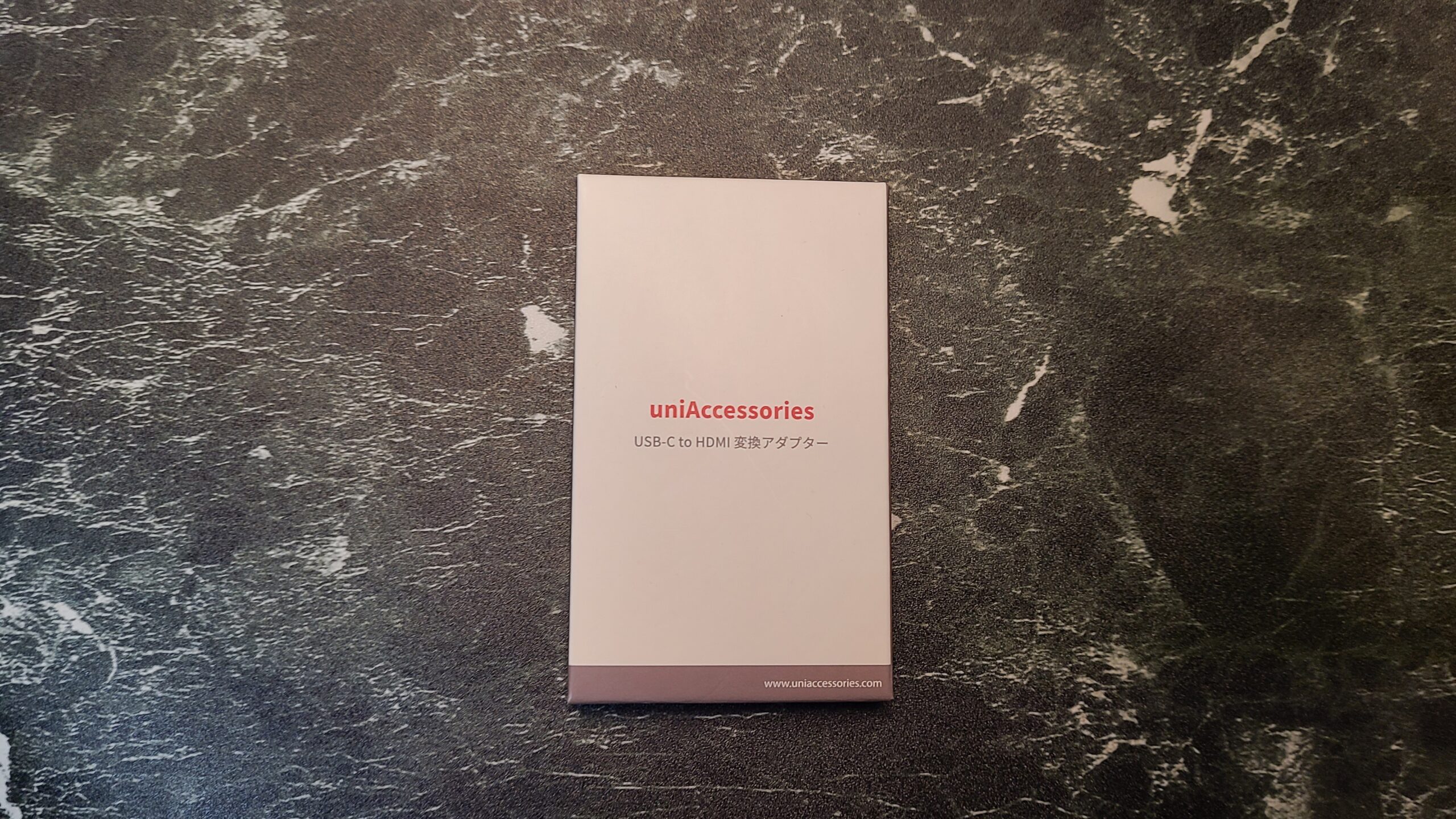
The box looks like this
“uniAccessories USB Type-C to HDMI Converter”
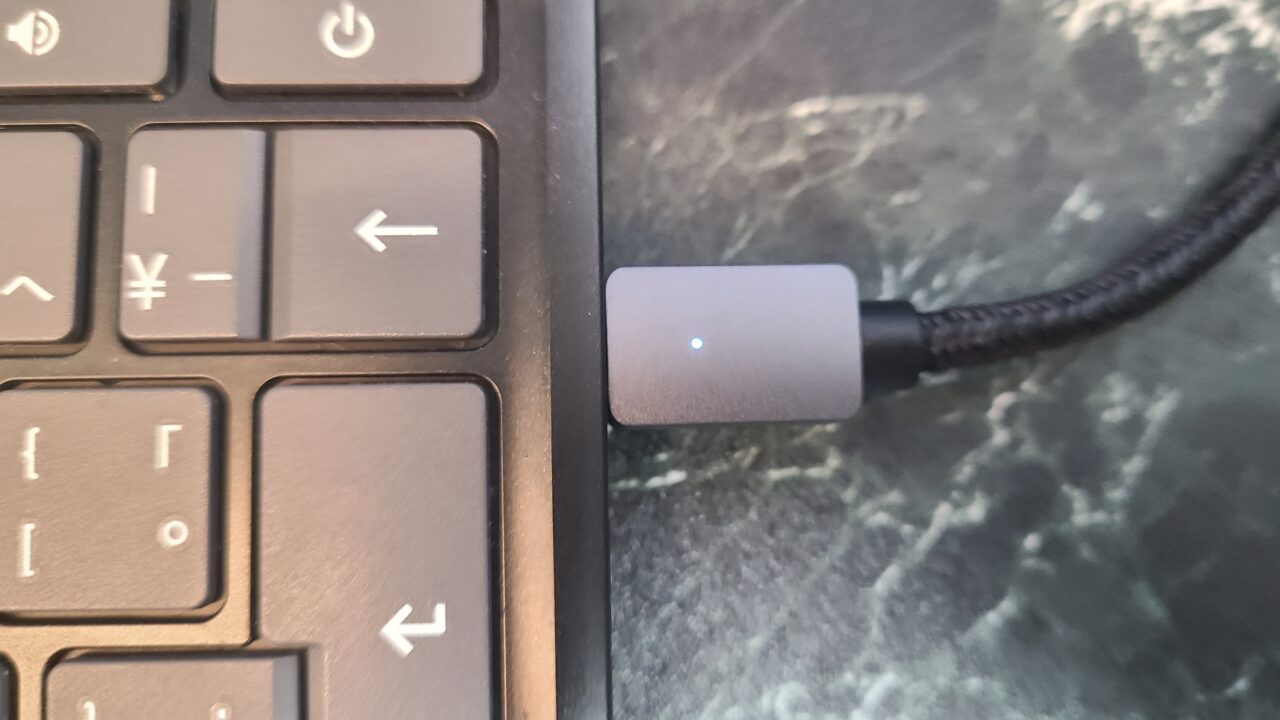
A small light illuminated when connected
Ms. Gadget

The simple design is nice!

Mr. Gadget

The use of durable nylon material is also a nice point.

Can output from PCs and smartphones!
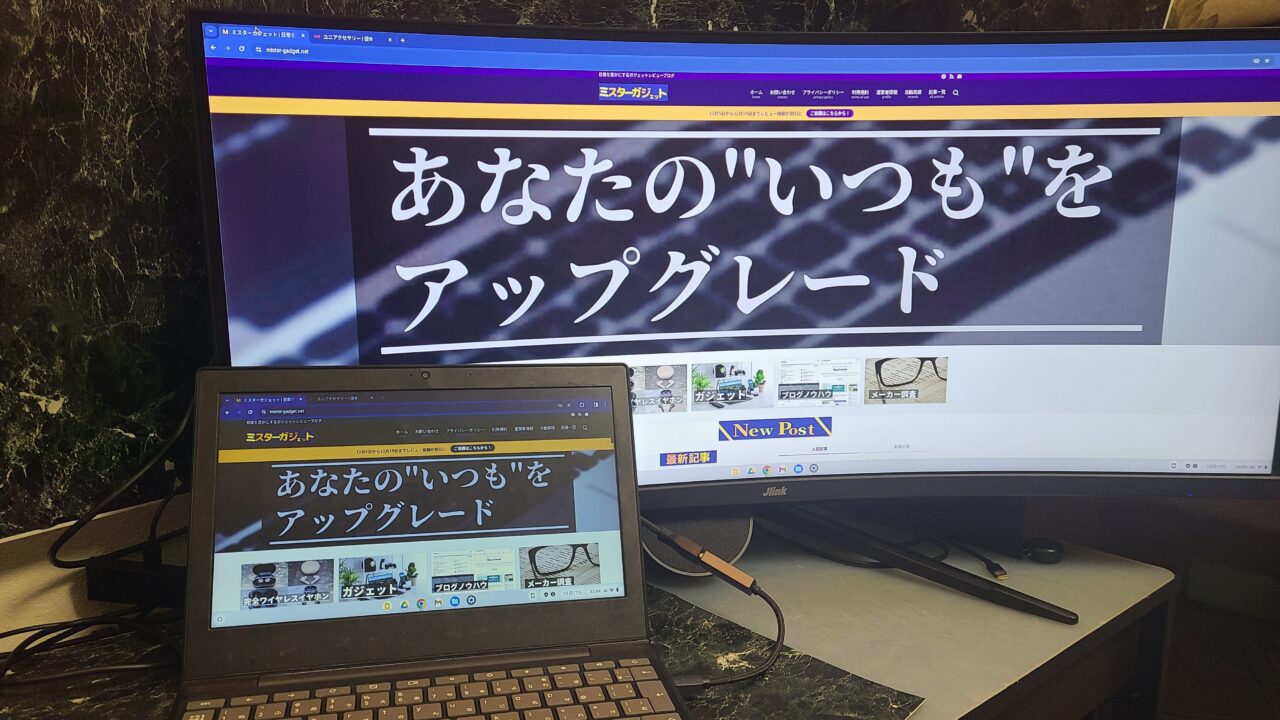
When using the “uniAccessories USB Type-C to HDMI Converter” with a Chromebook
Output from a Chromebook
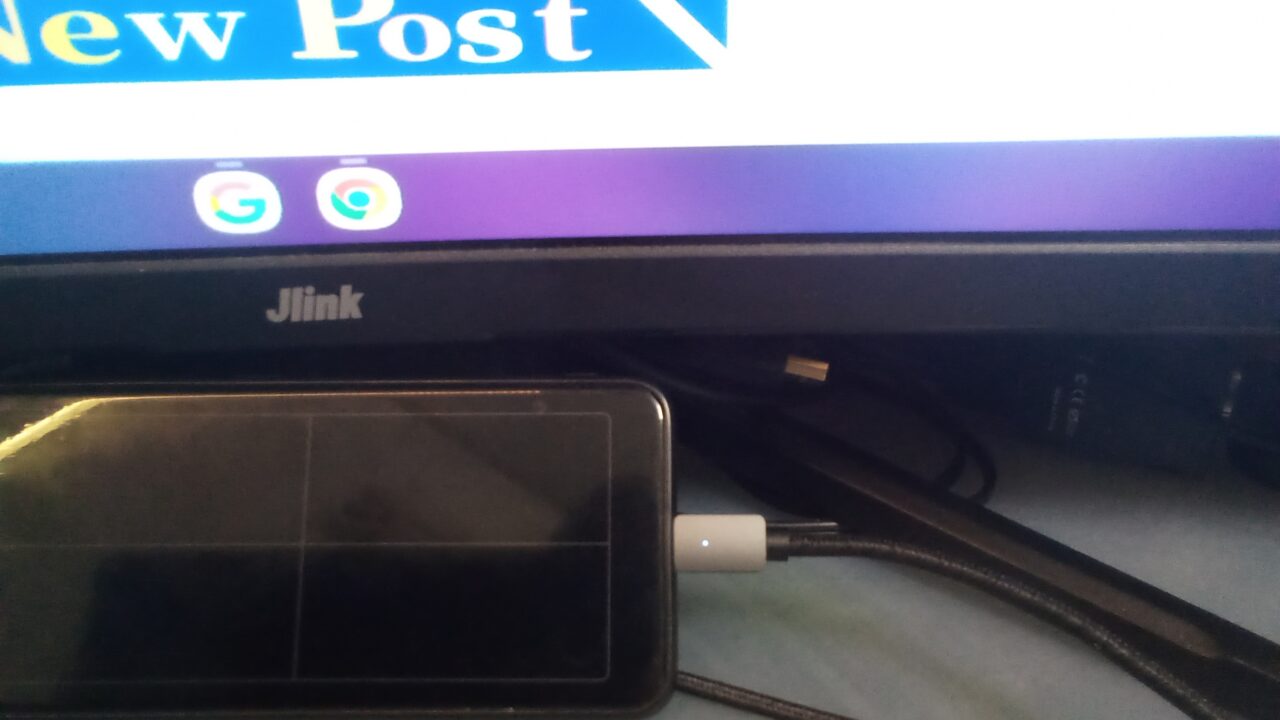
When connecting the “uniAccessories USB Type-C to HDMI Converter” to a smartphone
Output from a Galaxy S20
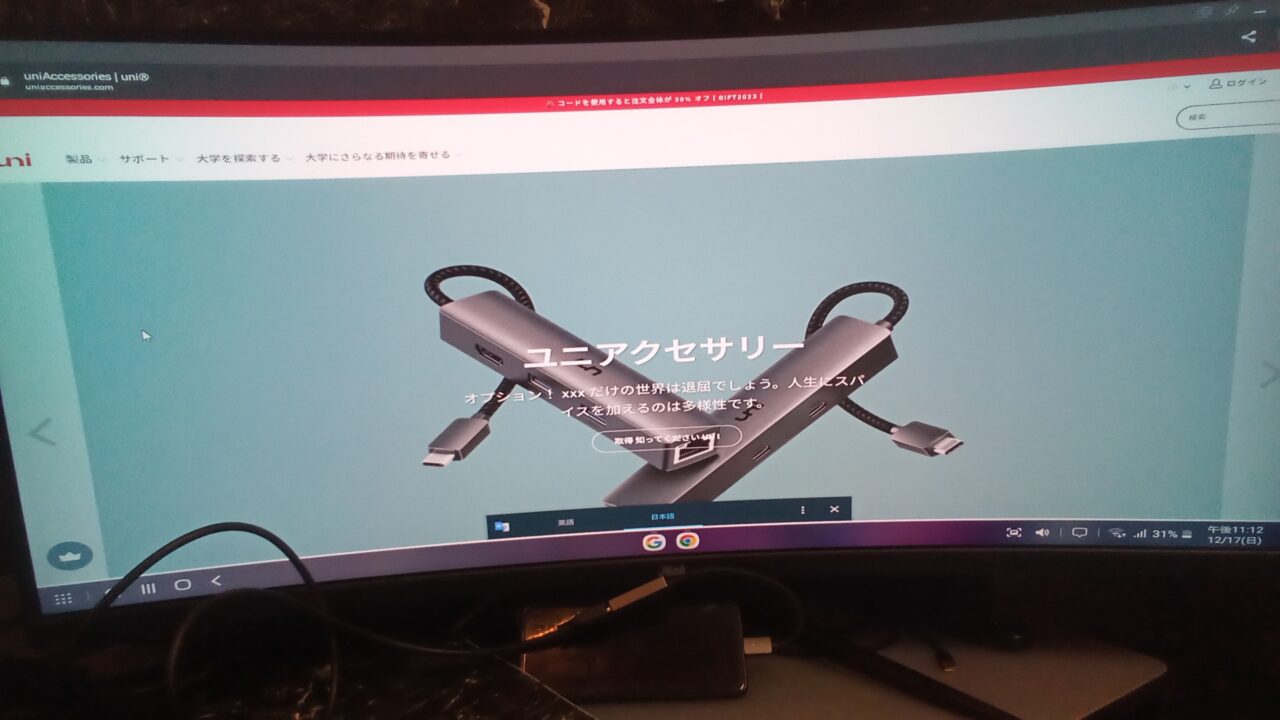
When connecting the “uniAccessories USB Type-C to HDMI Converter” to a smartphone
Samsung’s DeX mode can also be used

As shown in the pictures above, I was able to output from both a smartphone and a PC using the converter adapter.

Ms. Gadget

Most devices have a USB Type-C port, so you can use it with a variety of devices!

However, the USB Type-C needs to support video output, such as “DisplayPort Alternate Mode” or “Thunderbolt 3/4”, otherwise the video will not be output, so please be careful!

Mr. Gadget

Since this is a converter adapter, it won’t output anything even if you connect a device that doesn’t support video output, so be careful.

USB C HDMI 変換アダプタ uniAccessories タイプ C HDMI 変換アダプター [4K映像出力] Macbook Pro/MacBook Air/iPad Pro/Air/Chromebook/Surface go/Samsung Galaxy S9/iPhone15 Pro などタイプCデバイス対応
uniAccessories
口コミを見る
\クリスマスタイムセール祭り開催中!/
Amazon
\ポイント最大11倍!/
楽天市場
Yahooショッピング
ポチップ

Summary

Recommended if you don’t care about refresh rate!

I felt that the “uniAccessories USB Type-C to HDMI Converter” is a recommended USB Type-C to HDMI converter if you don’t particularly care about the refresh rate.

It displays properly up to 4K, and I thought there are not many problems with basic use.

Mr. Gadget

Please check that the USB Type-C port of the source device supports video output!

It is quite affordable, and if you don’t need high performance from a converter adapter, I highly recommend it!

USB C HDMI 変換アダプタ uniAccessories タイプ C HDMI 変換アダプター [4K映像出力] Macbook Pro/MacBook Air/iPad Pro/Air/Chromebook/Surface go/Samsung Galaxy S9/iPhone15 Pro などタイプCデバイス対応
uniAccessories
口コミを見る
\クリスマスタイムセール祭り開催中!/
Amazon
\ポイント最大11倍!/
楽天市場
Yahooショッピング
ポチップ
uniAccessories USB Type-C to HDMI Converter
Overall Rating
( 4.5 )
Pros
  • Metallic design is good!
  • Can output from both PCs and smartphones
  • Easy connection by simply plugging it in
  • Supports 4K30Hz and Full HD 144Hz output
Cons
  • HDMI version is old

Recommended for people like this

  • Those who suddenly need a USB Type-C to HDMI converter
  • Those who want a cost-effective, cheap, and easy-to-use USB Type-C to HDMI converter
  • Those who want a cool-looking USB Type-C to HDMI converter
  • Those who don’t care about refresh rate and want a cheap converter
USB C HDMI 変換アダプタ uniAccessories タイプ C HDMI 変換アダプター [4K映像出力] Macbook Pro/MacBook Air/iPad Pro/Air/Chromebook/Surface go/Samsung Galaxy S9/iPhone15 Pro などタイプCデバイス対応
uniAccessories
口コミを見る
\クリスマスタイムセール祭り開催中!/
Amazon
\ポイント最大11倍!/
楽天市場
Yahooショッピング
ポチップ

Thank you for reading until the end!

  • The price and information of the product are as of the time of writing the article.
  • Please note that this site is not responsible for any inaccuracies in this information.
  • The product and service names mentioned in this site are trademarks of their respective companies.
🇯🇵 JP🇺🇸 EN🇫🇷 FR🇪🇸 ES🇨🇳 中🇰🇷 한
Gadgets Conversion Adapter
uniAccessories Review
uniAccessoriesのUSB Type-C to HDMI 変換アダプターをレビュー!

If you like this article, please
Follow !

Follow @mistergadgetnet Follow Me
Let's share this post !
  • Copied the URL !
  • Copied the URL !

Comments

To comment Cancel reply

CAPTCHA

Popular Posts
  • XbotGoはどんなブランド?どこの国?そんな疑問を解決します!
    XbotGo is what kind of brand? Which country is it from? This solves those questions!
  • AUKEY is what kind of brand? Which country is it from? We will solve those questions!
  • Anker Charger Recommendations 4 selections | Carefully selected for use from smartphones to PCs
Recent Posts
  • 頑張る個人ブロガーの味方『ブロググ』をご紹介!
    Introducing “Bloggu,” a press release & portfolio site that supports aspiring individual bloggers!
  • Edifier TO-U2 mini レビュー
    Edifier TO-U2 mini | Earphones with a stylish and cute OLED display charging case
  • Edifier WH500 レビュー
    Edifier WH500 | Recommended easy-to-use headphones for beginners
  • ETOE D1 EVOをレビュー!
    ETOE D1 EVO review! | Good value for money! An inexpensive and compact projector!
Table of Contents
TOC