

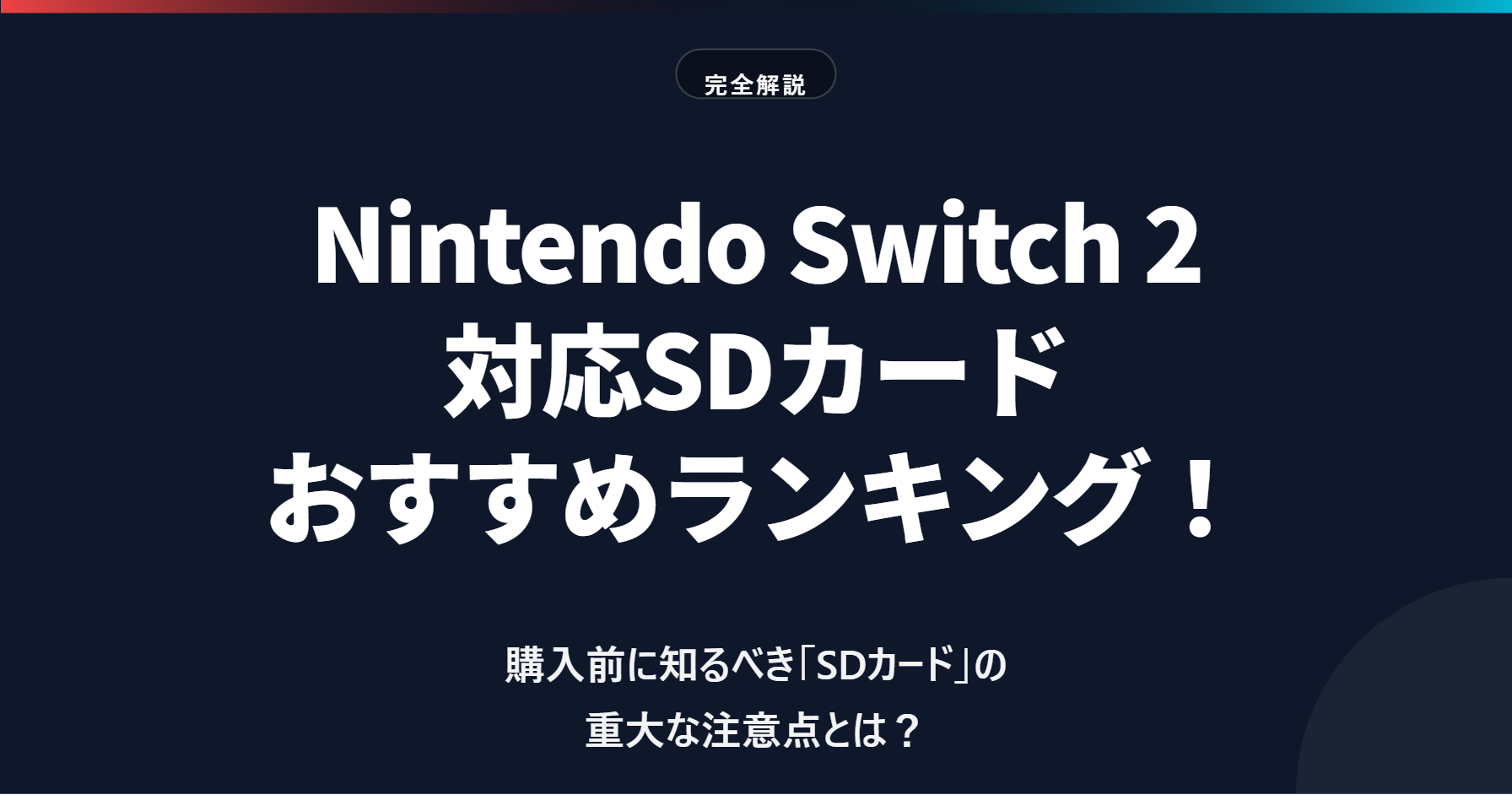
That is the fact that the microSD cards you used with the original Switch “cannot be used to save or play software” on the new console.
The Switch 2 adopts a next-generation standard called “microSD Express” to maximize storage performance. While this increases the maximum transfer speed to nearly 9–10 times (theoretical value) that of the previous standard, it comes with specific rules regarding compatibility and selection.
“I bought one, but my games wouldn’t fit…”
“I bought a cheap one, and now I’m frustrated by the slow load times…”
To prevent such mistakes, we have carefully selected the “best microSD Express cards that are fully compatible with the Switch 2.” We have determined the best buys in both the 256GB and 512GB categories.
Author of this article: "Mr. Gadget"
- Studied under Masatoshi Ono, a million-selling singer who has performed at Kohaku Uta Gassen
- Experience supervising for Ameba Choice and the web media Picky's
- Individual member of the Word of Mouth Marketing Association
Nice to meet you!

How to Choose an SD Card for Switch 2: Essential Knowledge
Before looking at the rankings, let’s update your common knowledge regarding SD card selection for the Switch 2. Different rules apply compared to the previous Switch. Please read this carefully; otherwise, you may end up needing to buy a replacement depending on your intended use.
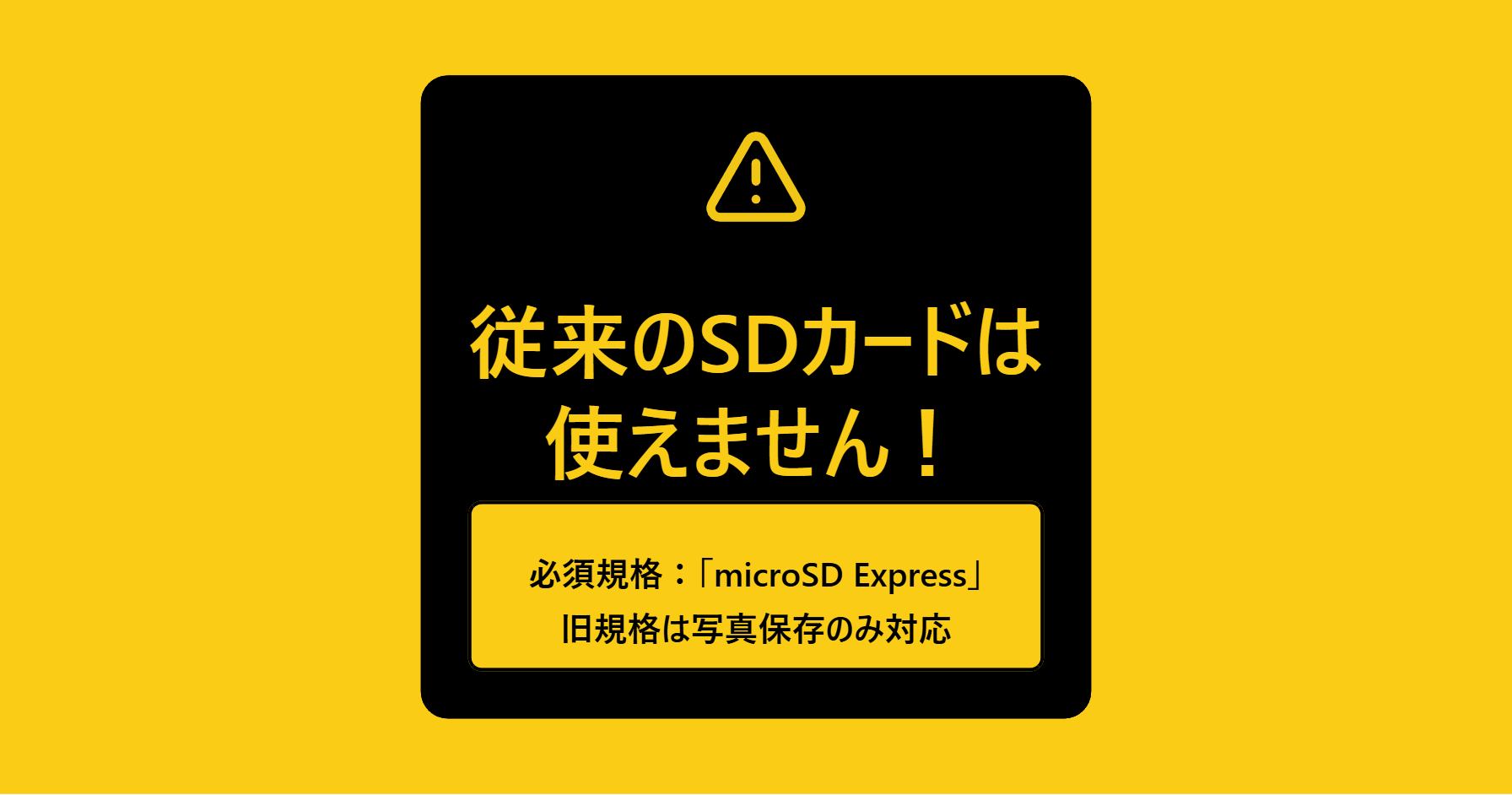
The microSD Express standard is mandatory for “saving and playing downloadable software” on the Switch 2. Software cannot be launched from conventional microSD cards (such as UHS-I). However, older cards can still be used to “import screenshots and videos” from an original Switch.
 Ms.gadget
I bought a Switch 2, but when I inserted the SD card I used with my previous Switch, I couldn’t save my games… Is it broken?
 MisterGadget
Oh, that’s not a malfunction. In fact, to save and launch game software on the Switch 2, you need a card with the new “microSD Express” standard.
Ms.gadgetWhat! They look identical in shape, so they really don’t work?
MisterGadgetThey cannot be used for gaming purposes. However, you can use them to import “screenshots” and “videos” stored on your old SD card to the Switch 2. Their usage is limited.
Can only “microSD Express” be used? (Compatibility notes)
The Nintendo Switch 2 card slot is specifically designed for the “microSD Express” standard.
Think of it as a “super-compact SSD”—it condenses the “PCIe interface” and “NVMe protocol” used in PC SSDs into an SD card form factor.
The “UHS-I” standard SD cards that were mainstream for the original Switch had a maximum transfer speed of about 104MB/s (with some proprietary extensions). However, the microSD Express standard reaches a maximum theoretical transfer speed of 985MB/s. This is expected to improve loading times for massive open-world games and reduce asset loading delays (pop-in phenomena).
- What happens if I insert a conventional card?
-
According to official Nintendo support information, if you insert an incompatible card (a conventional microSD card) into the Switch 2, it cannot be used as a storage destination for downloadable software. The system may display a message stating that it “cannot be used.”
However, as an exception, you can still use the “Data Management” menu in “Settings” to import screenshots and videos saved on the old SD card to the Switch 2 console.
When purchasing, always check the packaging or the card itself for the word “Express” or identification marks like “EX.”
Can’t save game data? What types of data can be stored
The next important point is the type of data that can be saved.
The Nintendo support page clearly states the following specifications:
“Game save data cannot be saved to a microSD Express card. Save data is stored on the console’s internal memory.”
In other words, “save data” such as RPG progress and high scores cannot be backed up to an SD card due to technical specifications.
So, why buy an expensive Express card? It is for storing the following data:
- Downloadable software data: It is not uncommon for recent games to exceed 50GB to 100GB per title.
- Additional Content (DLC): Data for large expansion packs, etc.
- Update data (Patches): Data for bug fixes and feature additions.
- Screenshots and videos: Memories captured with the Capture button.
In particular, games for the Switch 2 generation use high-resolution textures and high-quality audio, which tends to bloat data sizes. A large-capacity Express card is recommended for a comfortable gaming life.
Capacity selection: 256GB or more is currently the standard
Finally, how to choose capacity.
As of 2026, within the product lineup for the microSD Express standard, models with 128GB or less are becoming scarce in the market. Considering cost-performance and practicality, 256GB can be considered the de facto entry-level capacity.
- 256GB: For light gamers to general users.
- 512GB: For gamers who play various games simultaneously.
- 1TB or more: For heavy users who want to save a massive amount of video or don’t want to delete software.
The maximum supported capacity is 2TB.
Recommended Ranking for the 256GB Category (Tied for 1st Place)
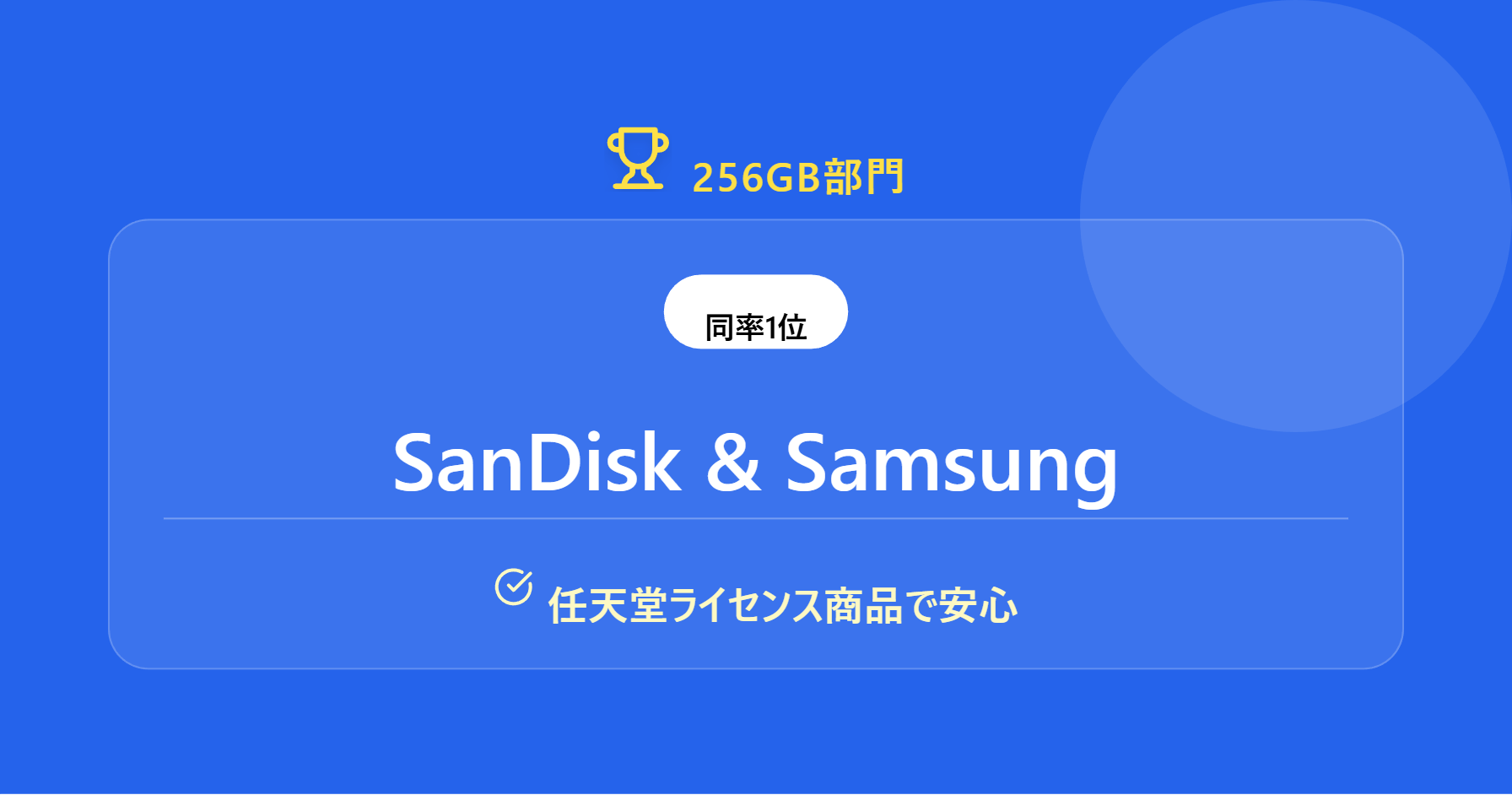
First is the ranking for the “256GB” category, which is the easiest to purchase. In this capacity range, we have selected two products with competing quality and reliability as “tied for 1st place.”
Tied for 1st Place: SanDisk for Nintendo Switch 2

| Item | Details |
|---|---|
| Manufacturer | SanDisk |
| Capacity | 256GB |
| Standard | microSD Express |
This is a model exclusively for the Switch 2, released by SanDisk, a world-class brand in the SD card industry.
Overwhelming Track Record and Reliability
The SanDisk “for Nintendo Switch” series has been popular as an officially licensed product since the previous console generation. This latest version has also been confirmed to be compatible with Nintendo hardware, so you can use it with peace of mind. It adopts a PCIe Gen 3-NVMe interface, achieving high-speed data transfer.
Heat Management and Stable Performance
Because microSD Express offers high performance, temperature management is crucial. Each company incorporates its own thermal control technology. SanDisk is also designed to withstand long hours of gameplay, allowing you to immerse yourself in games without worry.
Pros & Cons
| Pros | Cons |
|---|---|
| Proven track record as a Nintendo licensed product Stable operation thanks to thermal control features | Flashy design may not be for everyone |
If you “want to avoid trouble at all costs” and “want peace of mind,” choose this SanDisk product without hesitation.
Tied for 1st Place: Samsung microSD Express (Nintendo Licensed Product)

| Item | Details |
|---|---|
| Manufacturer | Samsung |
| Capacity | 256GB |
A powerful rival has also emerged from Samsung, a giant in the memory industry that stands shoulder-to-shoulder with SanDisk. This is also certified as a “Nintendo licensed product.”
Nintendo License and Protection Features
The Nintendo licensed logo shining on the package is proof of confirmed compatibility. Samsung also touts six protection features—waterproof, temperature-proof, magnet-proof, X-ray-proof, drop-proof, and wear-proof—as part of its manufacturer specifications, which is a reassuring factor for users who frequently carry their console in handheld mode.
Cost Performance
It also offers excellent cost performance. Since the warranty period may vary depending on the region and retailer, we recommend checking at the time of purchase.
Pros & Cons
| Pros | Cons |
|---|---|
| Six protection features claimed by the manufacturer (waterproof, shockproof, etc.) Peace of mind from being an official Nintendo licensed product | Flashy design may not be for everyone |
For those who are “buying a microSD Express card for the first time,” this Samsung product is well-balanced and highly recommended.
Recommended Ranking for the 512GB Category
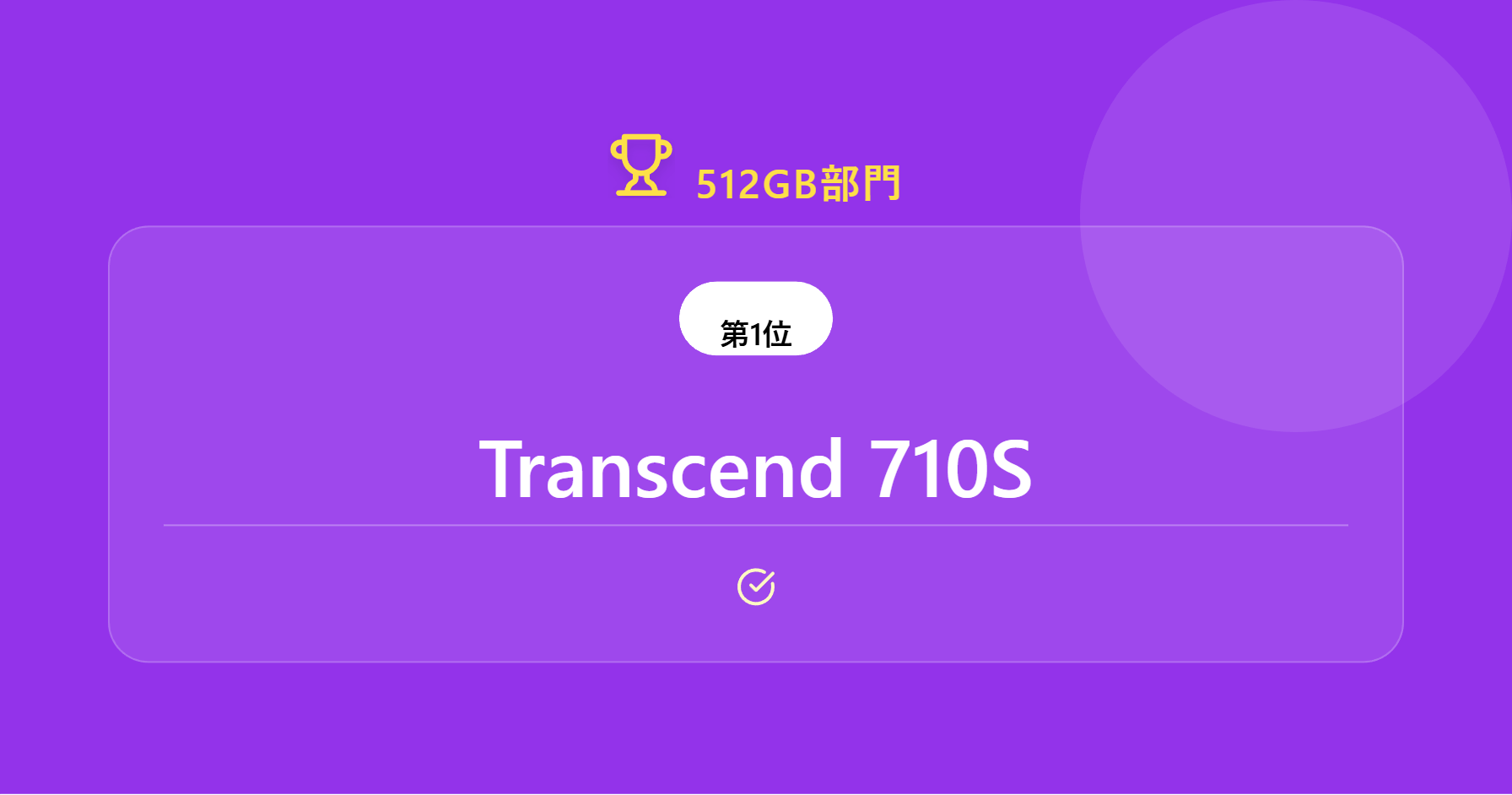
Next is the “512GB” category for gamers who want to install many titles. Here, a model that pursues speed performance and a model that emphasizes support have ranked in.
1st Place: Transcend microSD Express 710S
| Item | Details |
|---|---|
| Manufacturer | Transcend |
| Capacity | 512GB |
| Standard | microSD Express |
| Max Read Speed | 900MB/s |
| Max Write Speed | 780MB/s |
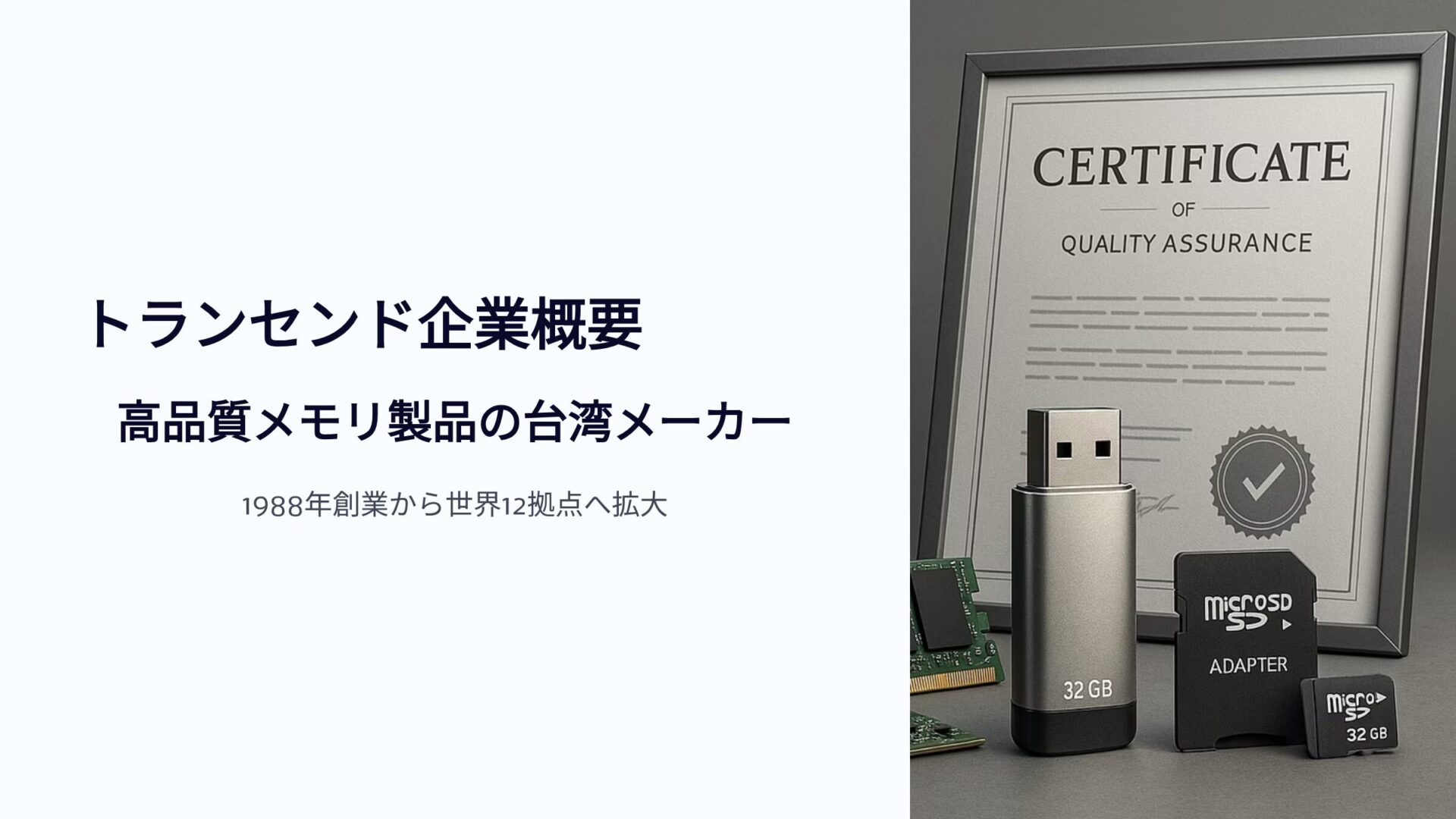
1st place in the 512GB category goes to the “710S” series from Transcend, a long-established Taiwanese memory manufacturer. The greatest appeal of this product lies in its intense “speed,” as per the catalog specs.
“900MB/s” to Cut Loading Times to the Limit
This product fully utilizes the bandwidth of the PCIe interface and is extremely fast. Since Switch 2 loading times depend not only on console performance but also on SD card speed, this is a strong choice for “hardcore gamers” who want to build the most comfortable environment possible.
However, due to its high performance, it comes with a higher price tag.
Pros & Cons
| Pros | Cons |
|---|---|
| Supports high-speed transfer with up to 900MB/s read and 780MB/s write Smooth reading and writing of large-capacity data Operation verified on Switch 2 | Higher price point |
2nd Place: I-O DATA HNMSD-EX512G
| Item | Details |
|---|---|
| Manufacturer | I-O DATA |
| Capacity | 512GB |
| Standard | microSD Express |
2nd place goes to a product from I-O DATA, which has long supported digital life in Japan. In an SD card market dominated by overseas manufacturers, the presence of a domestic Japanese manufacturer is valuable.
Peace of Mind and Cost Performance Unique to a Japanese Manufacturer
As a domestic manufacturer, I-O DATA’s strength is its accessible support system (please check for each model number to see if it is eligible for weekend support). Having a help desk where you can consult in Japanese if you run into issues like “the card is not recognized” provides peace of mind.
The price is also relatively accessible for a 512GB Express card. It has been verified for operation on the Switch 2, making it a product you can use with confidence thanks to solid quality control.
Pros & Cons
| Pros | Cons |
|---|---|
| Japanese manufacturer product for peace of mind Operation verified on Switch 2 |
Summary: “Express” and “256GB or more” are the correct choices for Switch 2
In this article, we introduced the latest “microSD Express” cards compatible with the Nintendo Switch 2 in a ranking format.
Finally, let’s organize the key points for choosing the right one again.
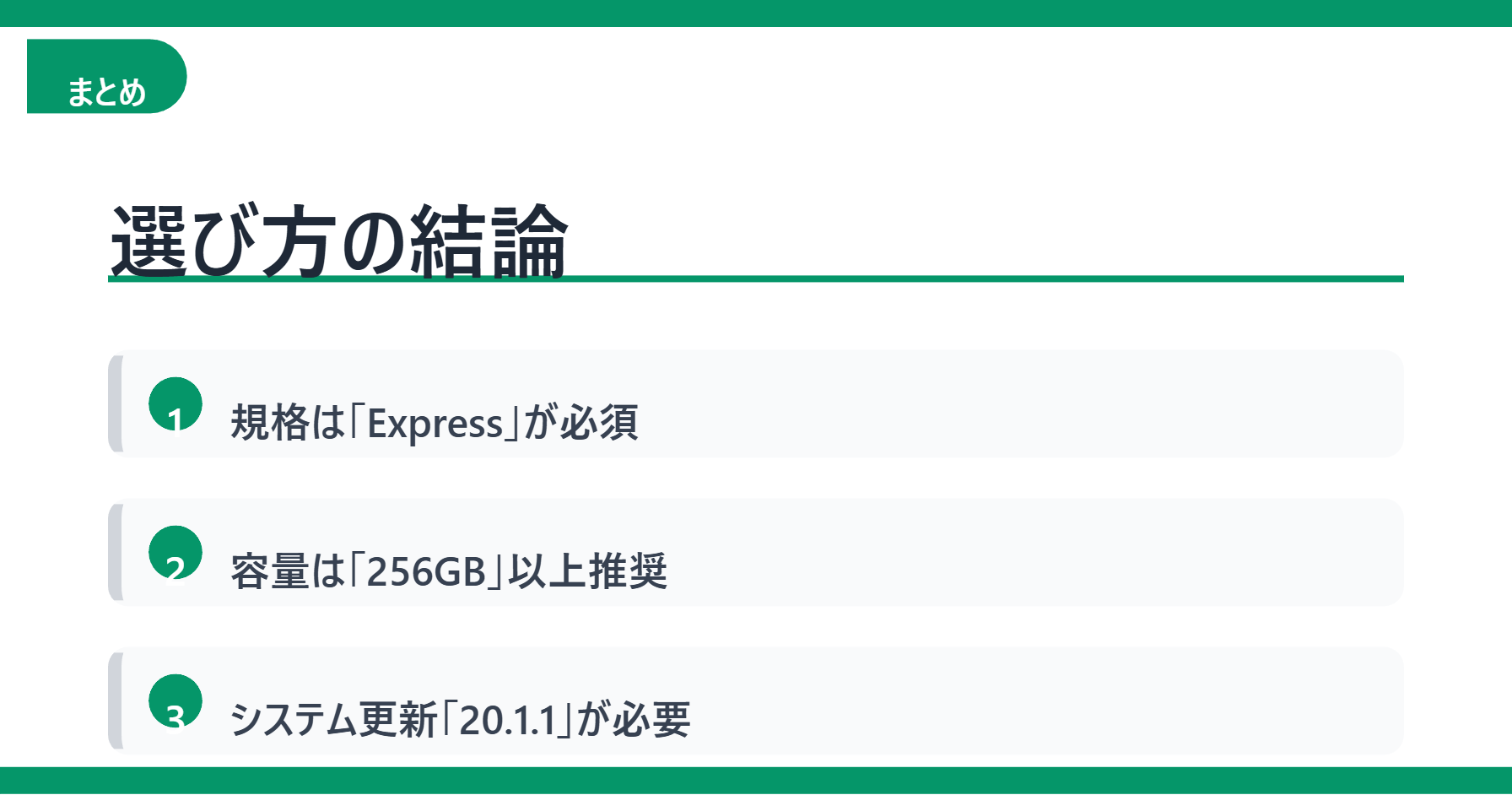
- “Express” is mandatory!: This standard is required to play games (old cards are for data migration only).
- Capacity is “256GB” or more!: Considering the current lineup and software sizes, this is the starting line.
- Don’t forget system updates!: To use these, your Switch 2 console must be on version “20.1.1 or higher.”
Whether you can fully utilize the performance of the Switch 2 depends on your choice of SD card. Find the best one for your budget and play style, and enjoy your next-generation gaming experience to the fullest.
Thank you for reading until the end!
- The evaluation in this article is unique to this site.
- Unless otherwise specified, product prices and information are current as of the time of writing.
- Please note that this site cannot be held responsible for any inaccuracies in this information.
- Product and service names mentioned on this site are trademarks of their respective companies.
This article was originally written in Japanese and has been translated.
Comments