

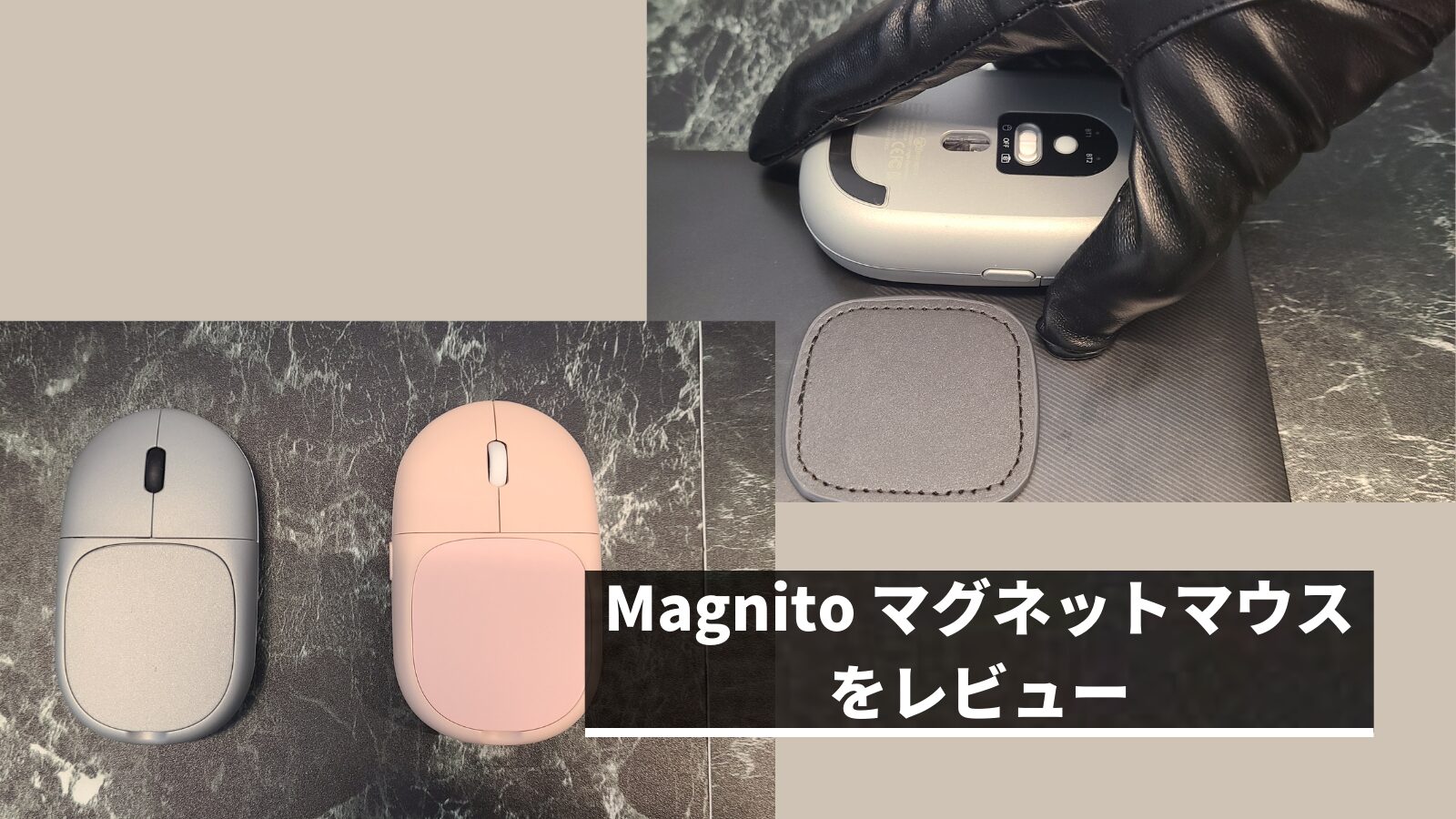
The “Magnito Magnetic Mouse” reviewed here is a mouse specialized for portability that can be attached to a computer using magnetic force.
It’s not just an interesting product; I felt it also possesses practical features, such as support for multi-pairing and an integrated remote control mode.
- Please note that the listed price may differ from the actual price. Please be sure to confirm the final price when making a purchase.
In particular, there is a high possibility that the price will change during sales, so please check accordingly.
Author of this article: "Mr. Gadget"
- Studied under Masatoshi Ono, a million-selling singer with Kohaku Uta Gassen experience
- X (Twitter) follower count exceeded 2,400
- Supervised content for the web media outlet Picky’s
Detailed profile available here
Nice to meet you!
- Mouse attaches to computer for easy transport
- Strong attachment so the mouse doesn’t fall off
- Just the right size
- Pad can be used repeatedly
- Supports multi-pairing
- Functions as a presentation remote!
- Abundant color variations
- Requires a specific technique to detach
- Magnetic force may affect some stylus pens, etc.
- Presenter mode not compatible with Windows OS
- Those who want a highly portable mouse
- Those who travel often for meetings
- Those who like interesting, groundbreaking products
Basic Information
Specs
| Size | Mouse 61×103×23.5mm Pad 50.1×55mm |
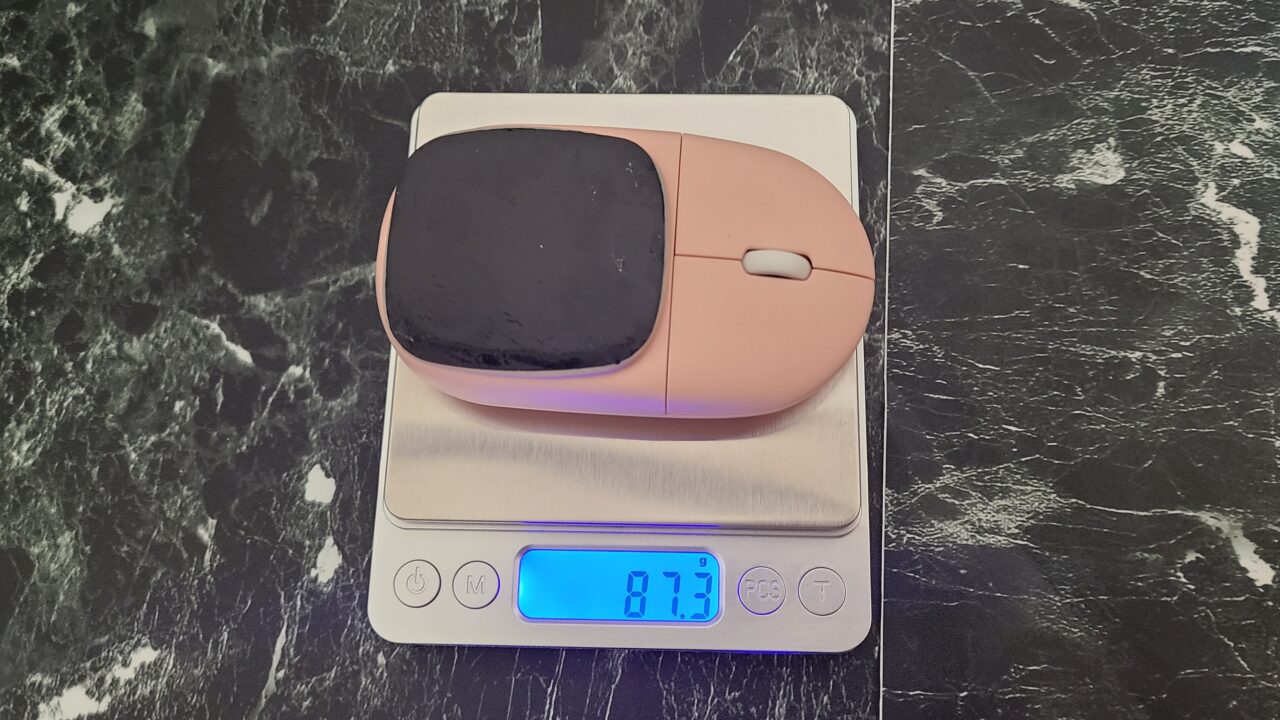
| Weight | Including magnetic pad: 87.3g (As measured by this site) |
| Bluetooth | 5.0 |
| Sensor | Optical |
| DPI | 1000-1600-2400 |
| Power | AAA batteries x2 |
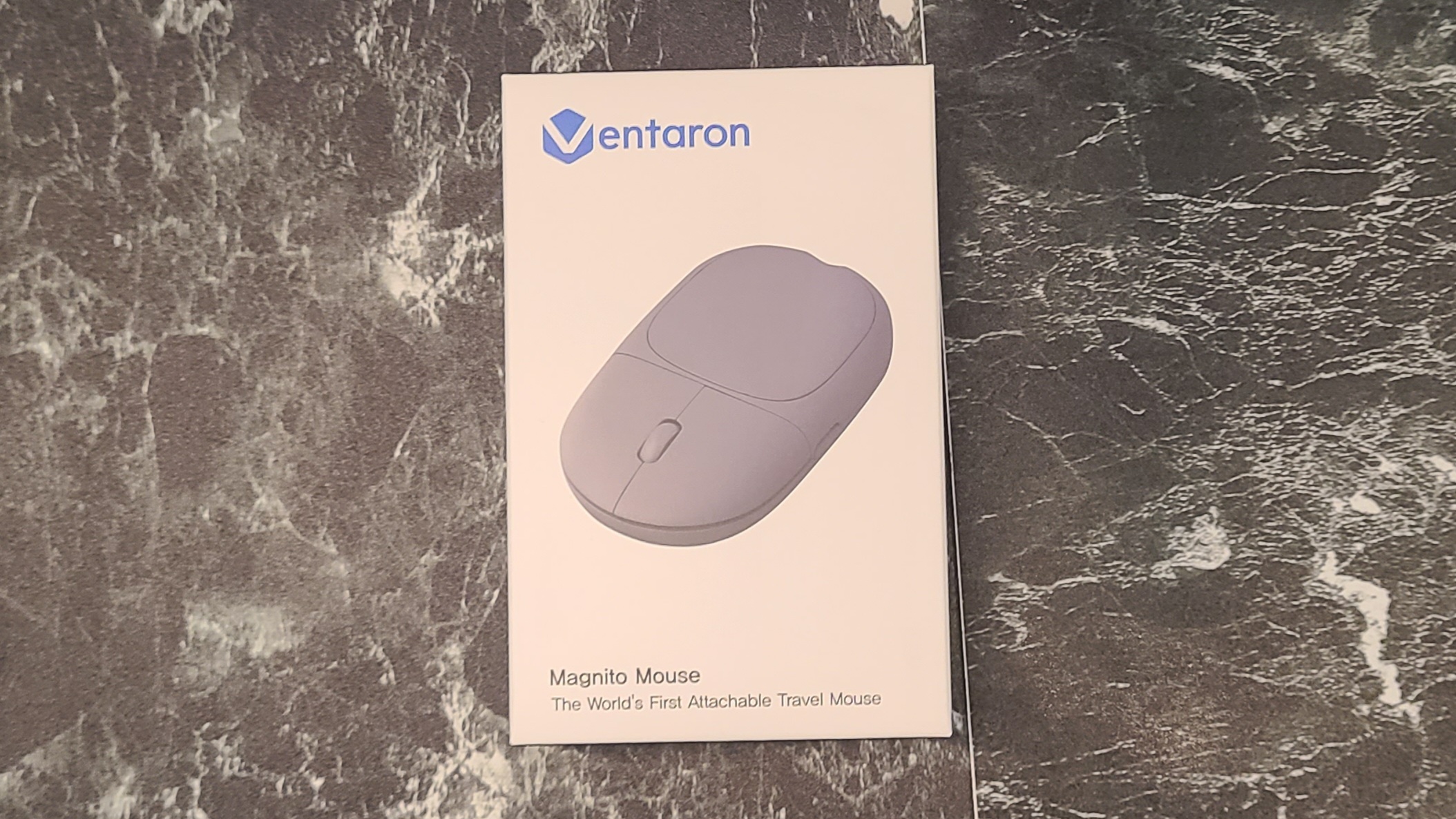
| Colors | White/Pink/Silver/Gray |
 MisterGadget
Please note that batteries are sold separately.
Included Items
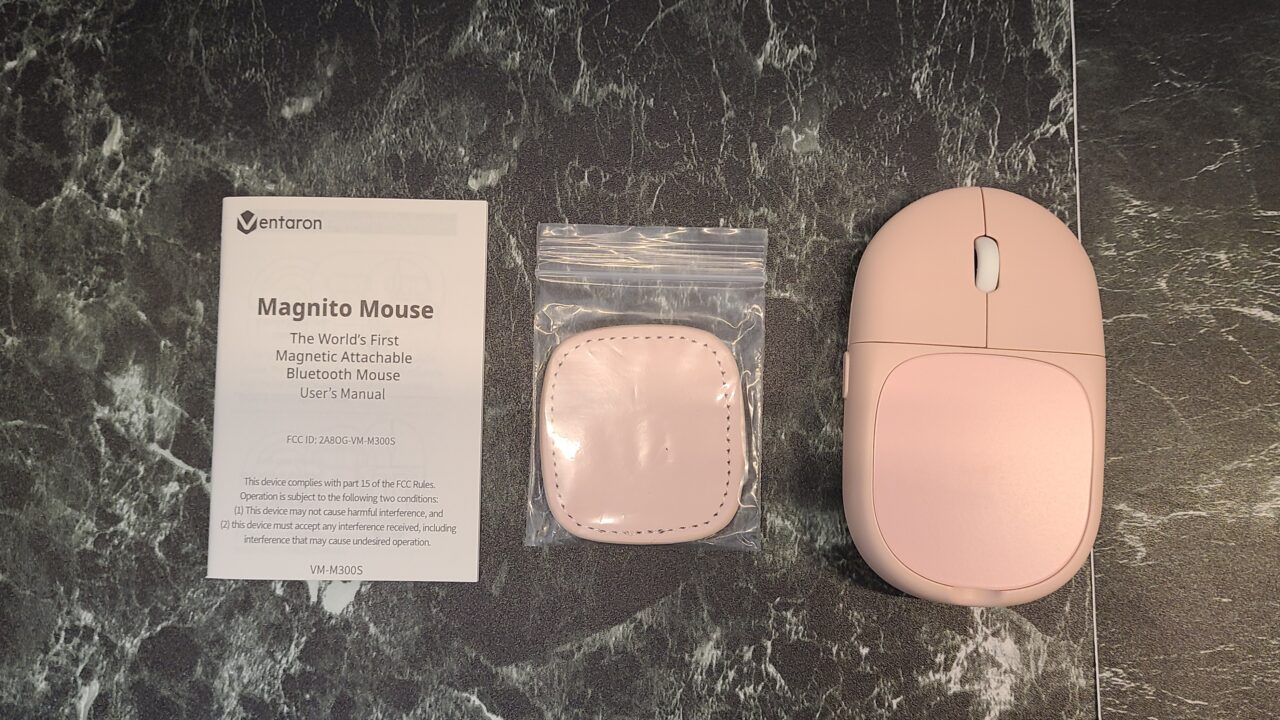
 MisterGadget
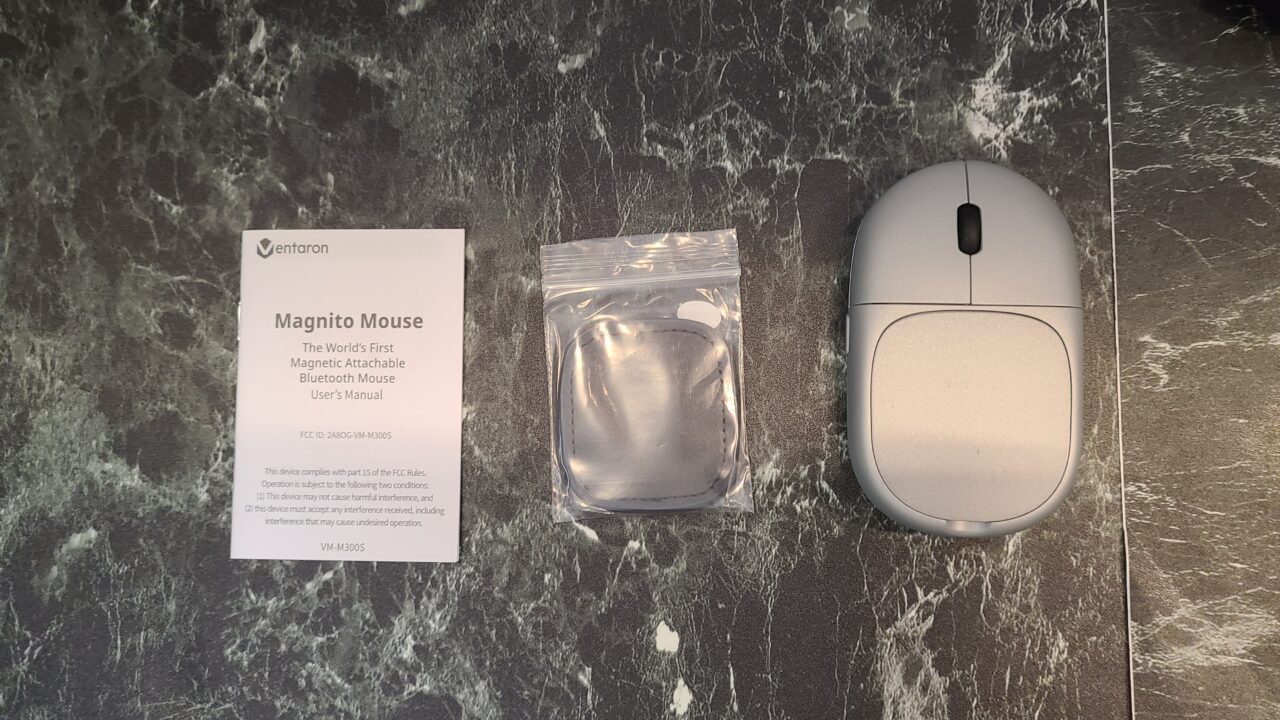
We were provided with two colors this time!
- Magnetic pad
- Instruction manual
Appearance
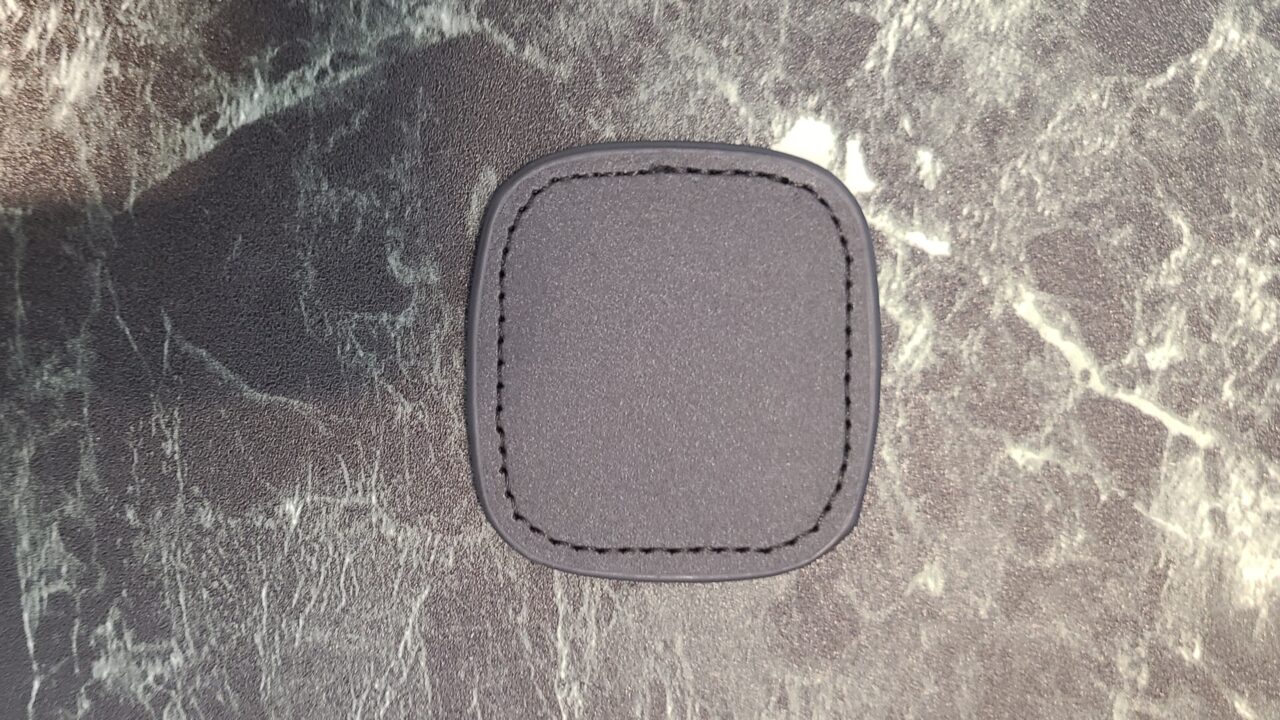
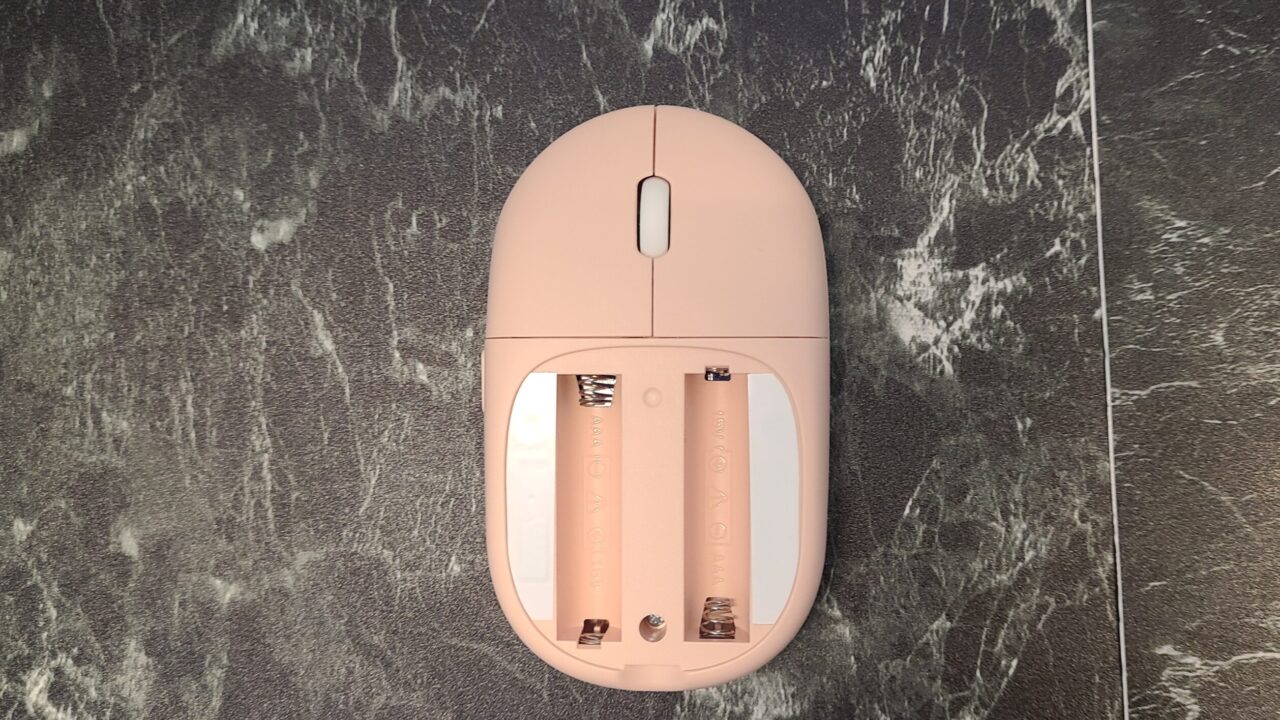
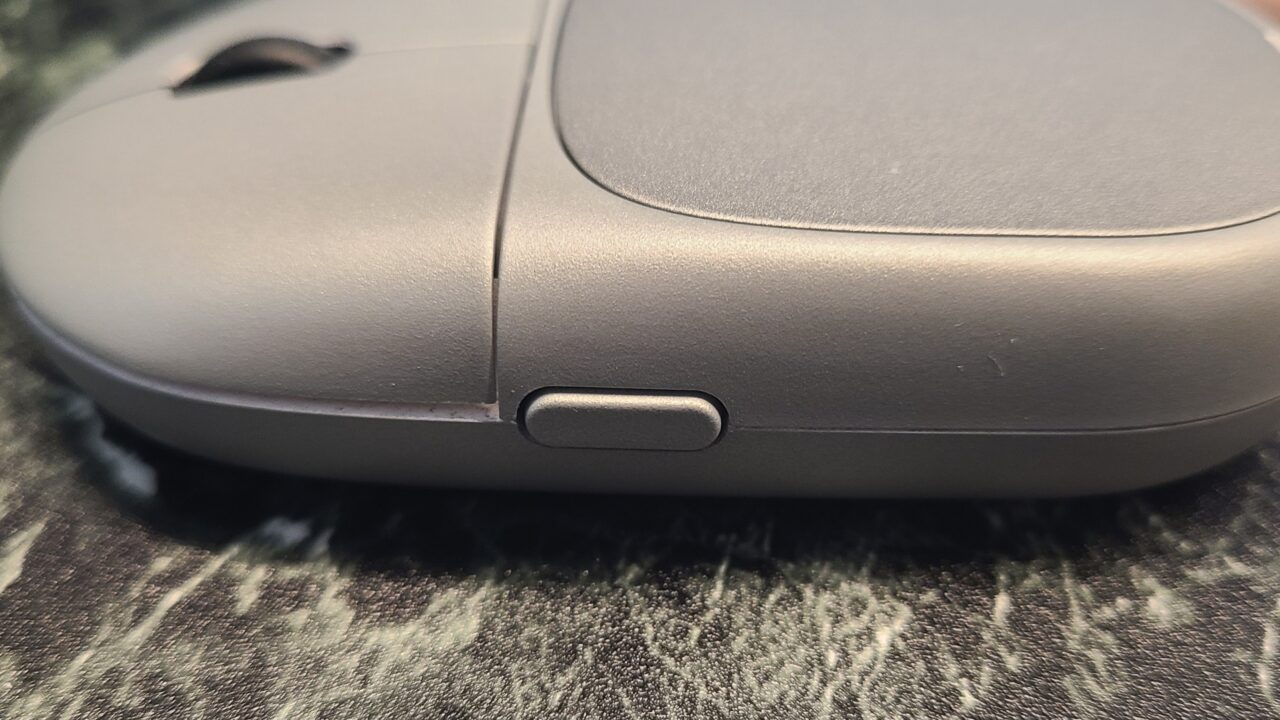
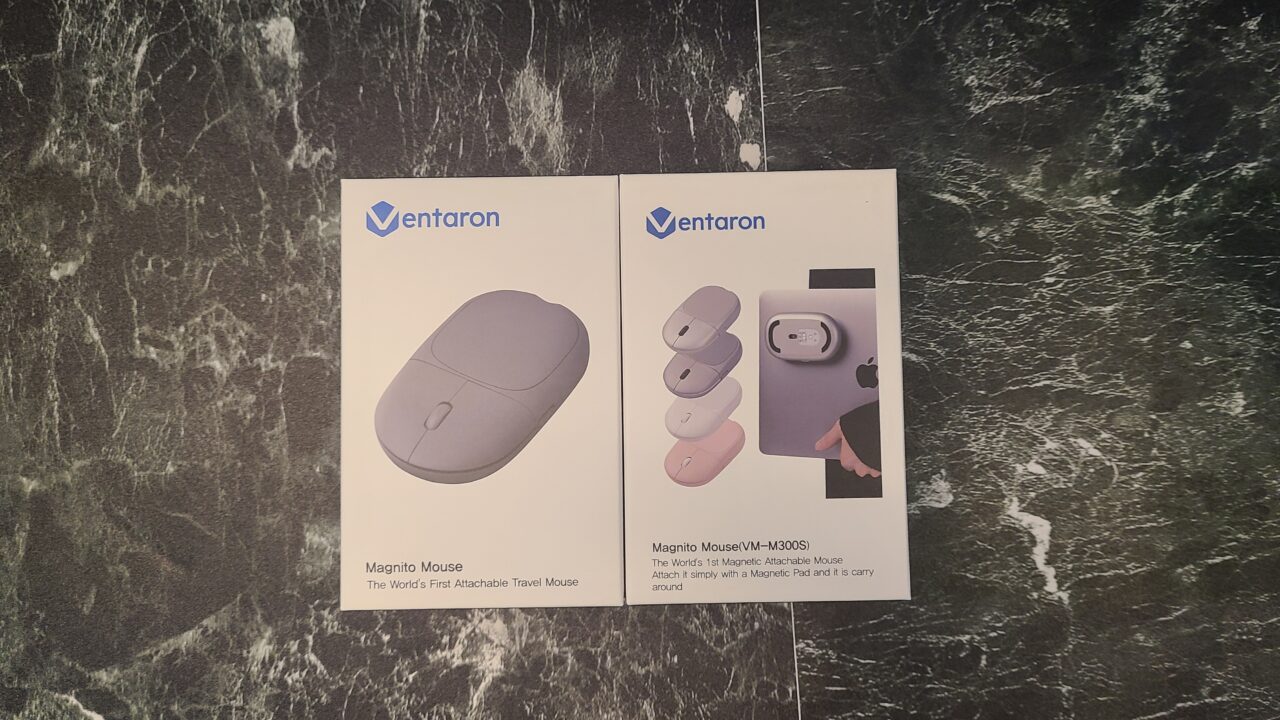
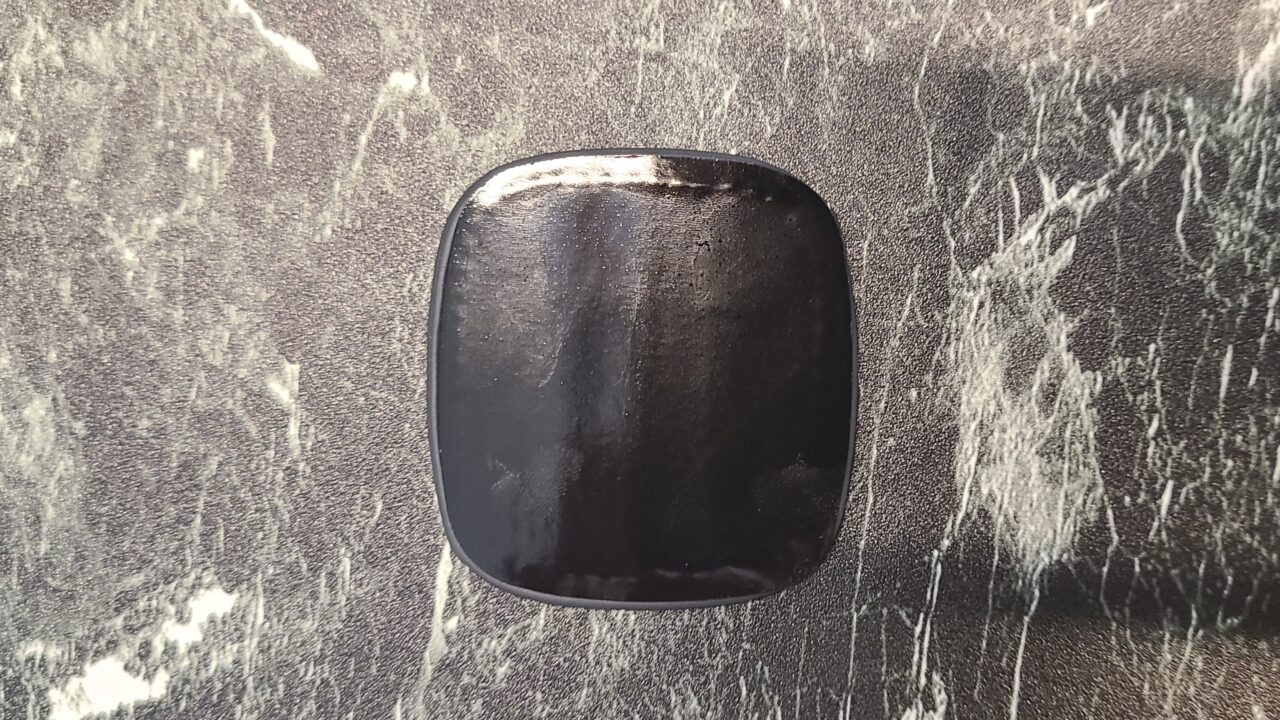
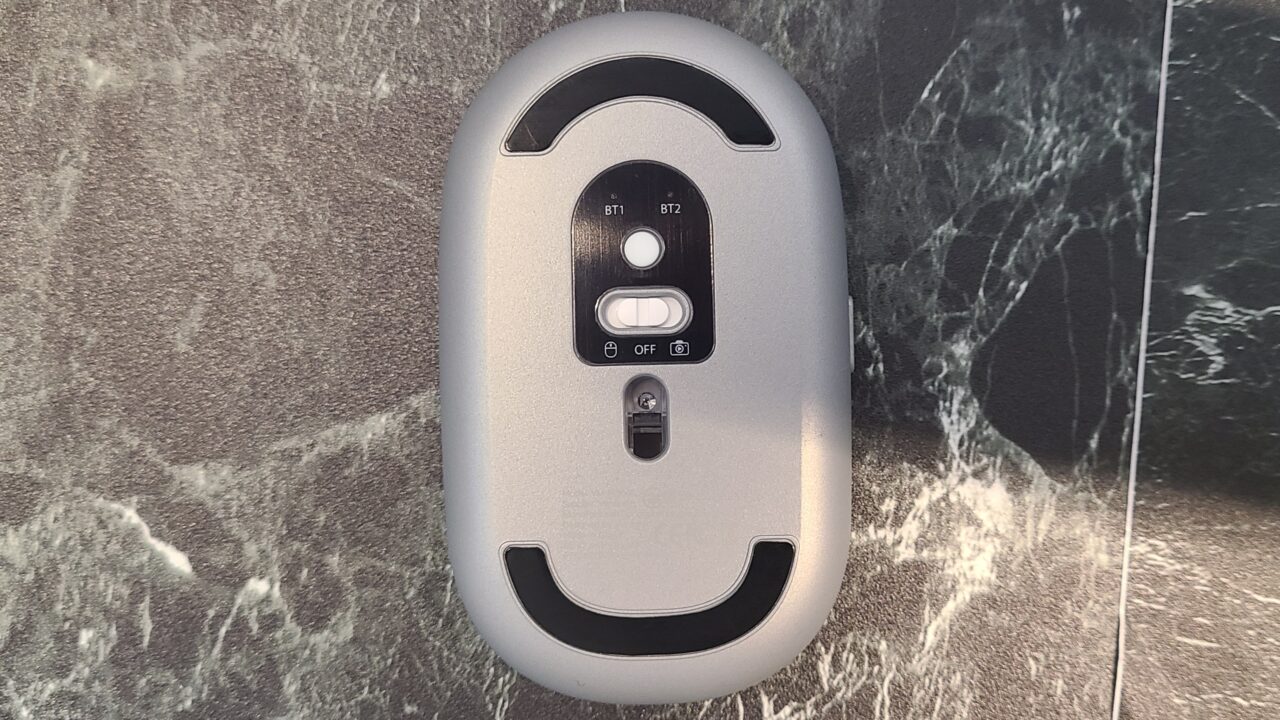
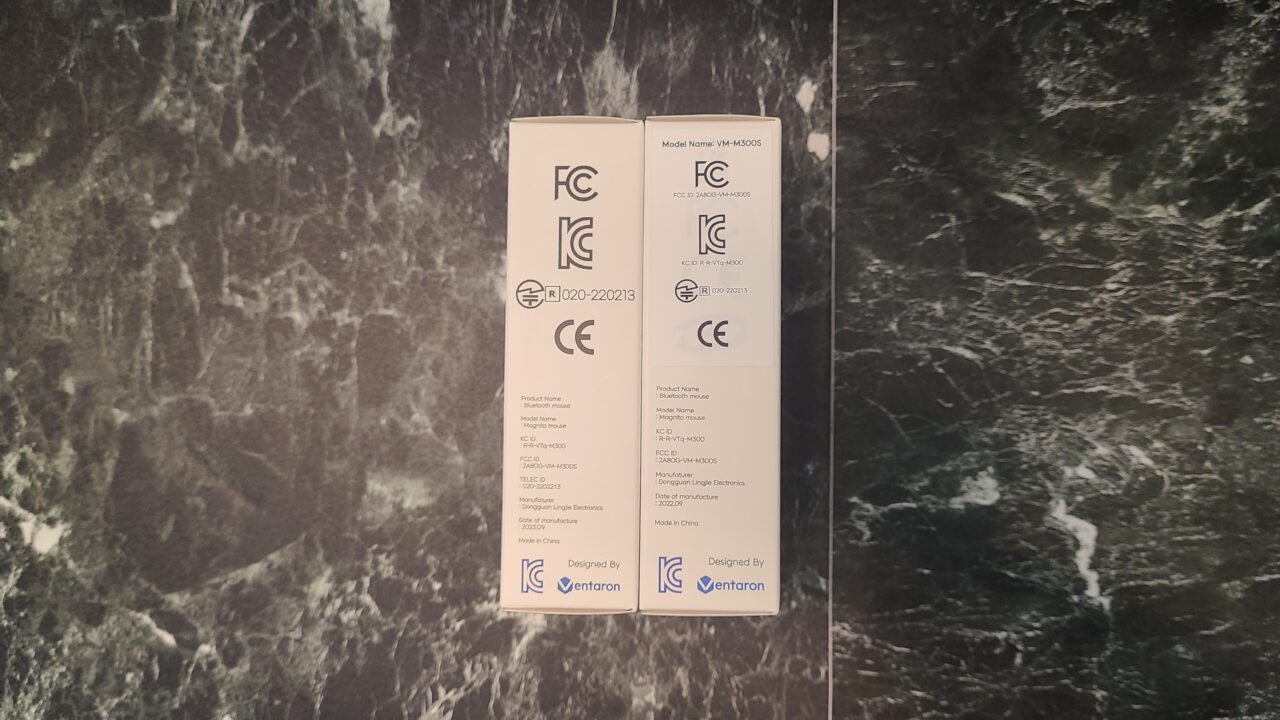
 Ms.gadget
It has a simple design, which is nice!
Personally, I think the pink color is cute and I like it!
- Please note that the listed price may differ from the actual price. Please be sure to confirm the final price when making a purchase.
In particular, there is a high possibility that the price will change during sales, so please check accordingly.
Review of the Magnito Magnetic Mouse
The mouse attaches to your computer, making it easy to carry!
It sticks firmly, so the mouse won’t fall off!
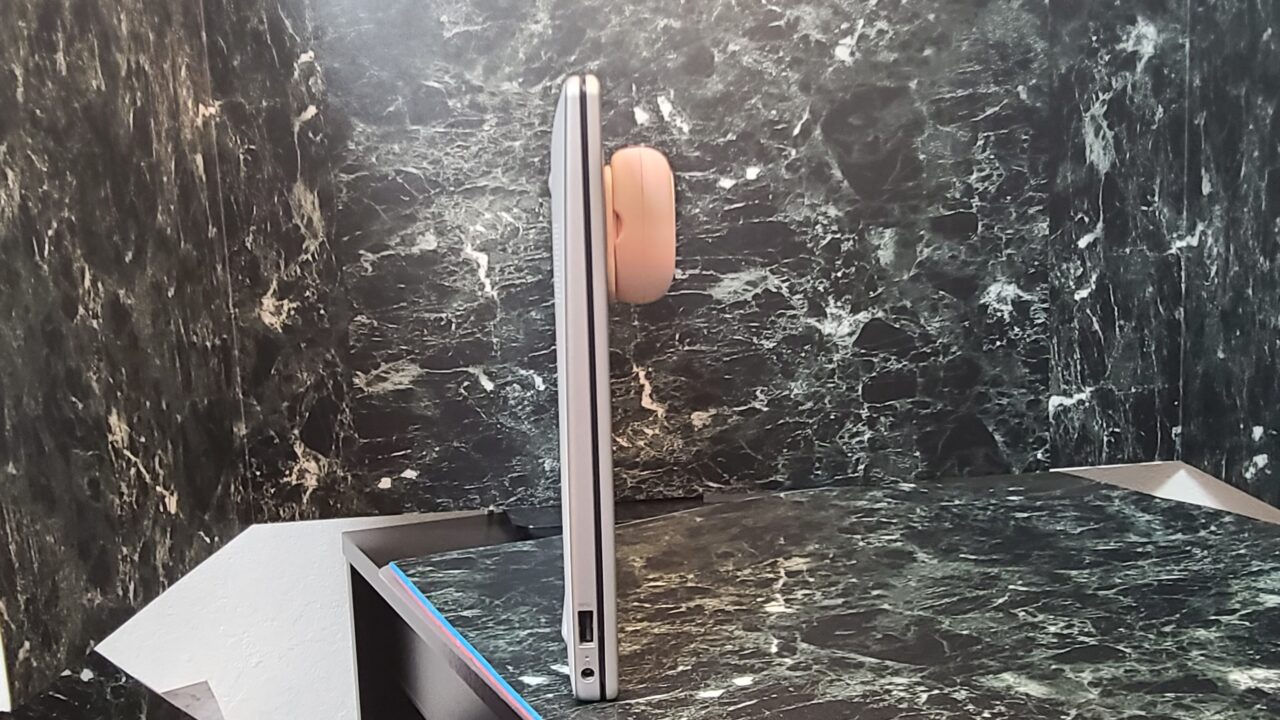
I attached the pad to the computer and stuck the mouse to it.
I’m sure it would be easy to understand if I swung the computer around in a video, but I can’t do that, so I’m not sure how to convey it, but it really doesn’t budge with anything but a significant amount of force.
 Ms.gadget
It sticks with quite a lot of strength.
I actually attached it to my computer and swung it around, and it didn’t come off!
MisterGadgetThat’s why you have to use a little force when taking the mouse off (laughs).
The size is also just right
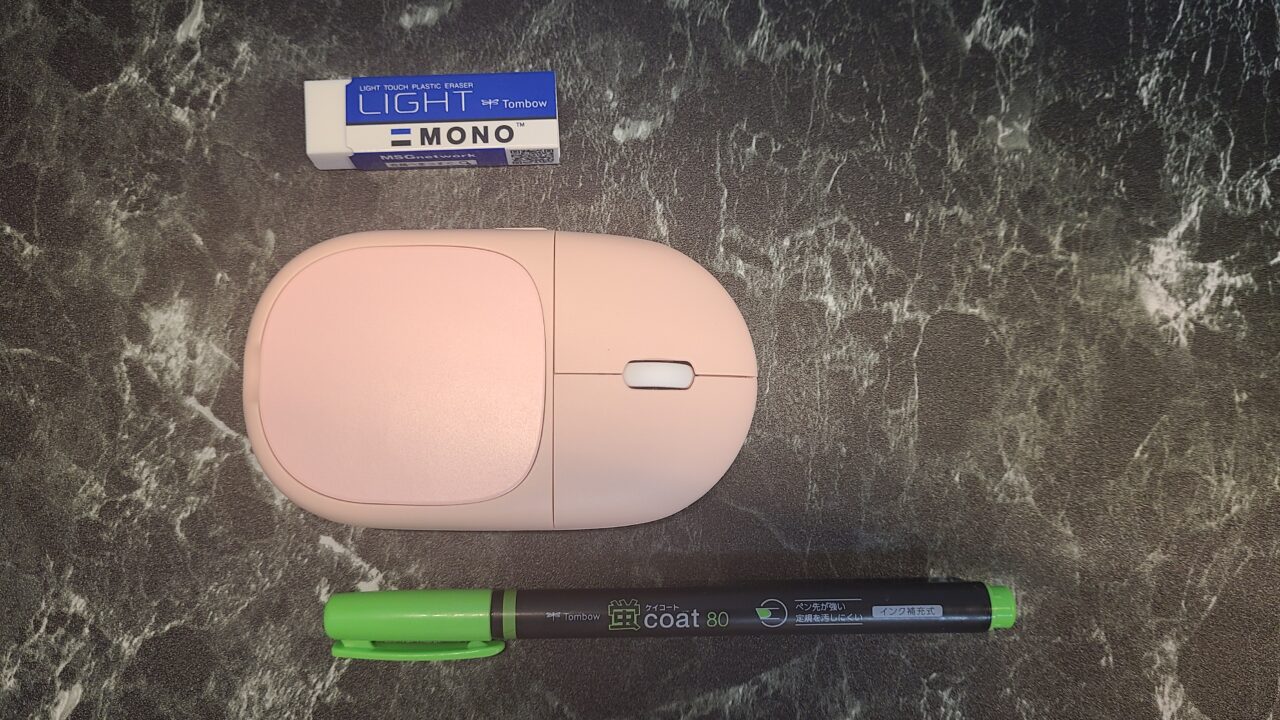
As for the size, it is quite small and compact.
MisterGadgetIt’s perfect for carrying around!
Personally, the weight is not heavy enough to be a concern.
Requires a specific technique to detach
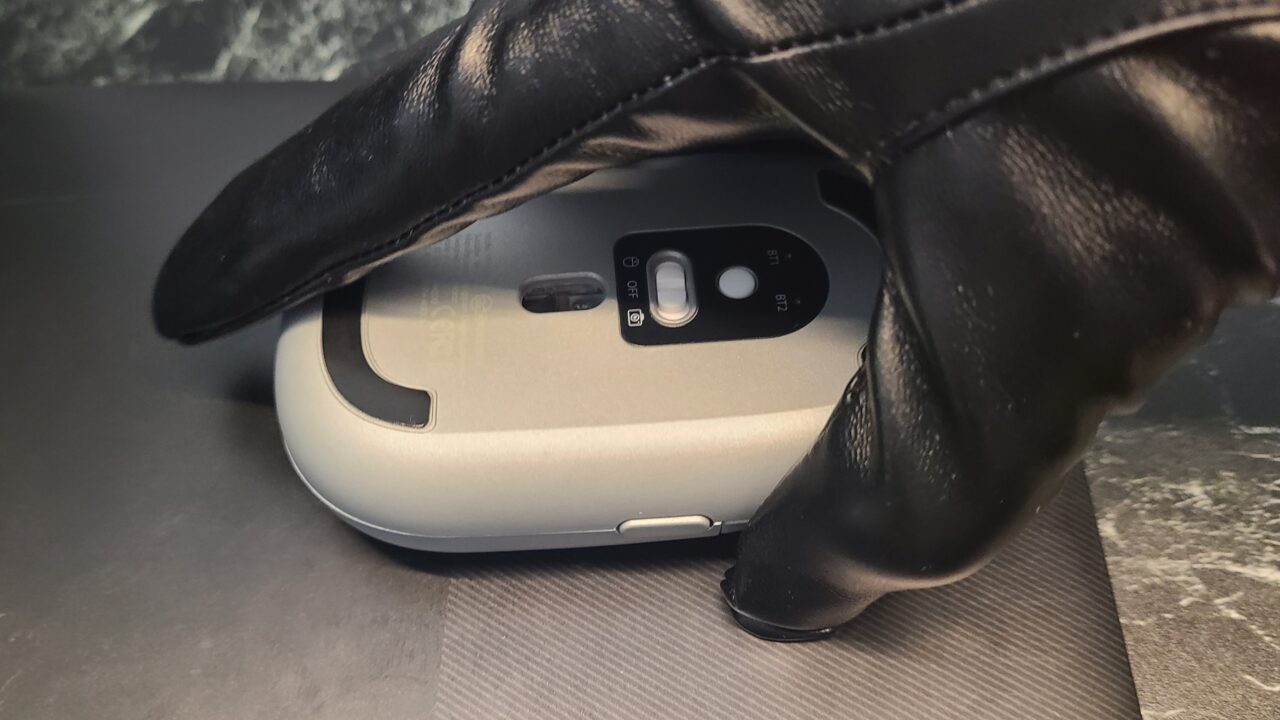
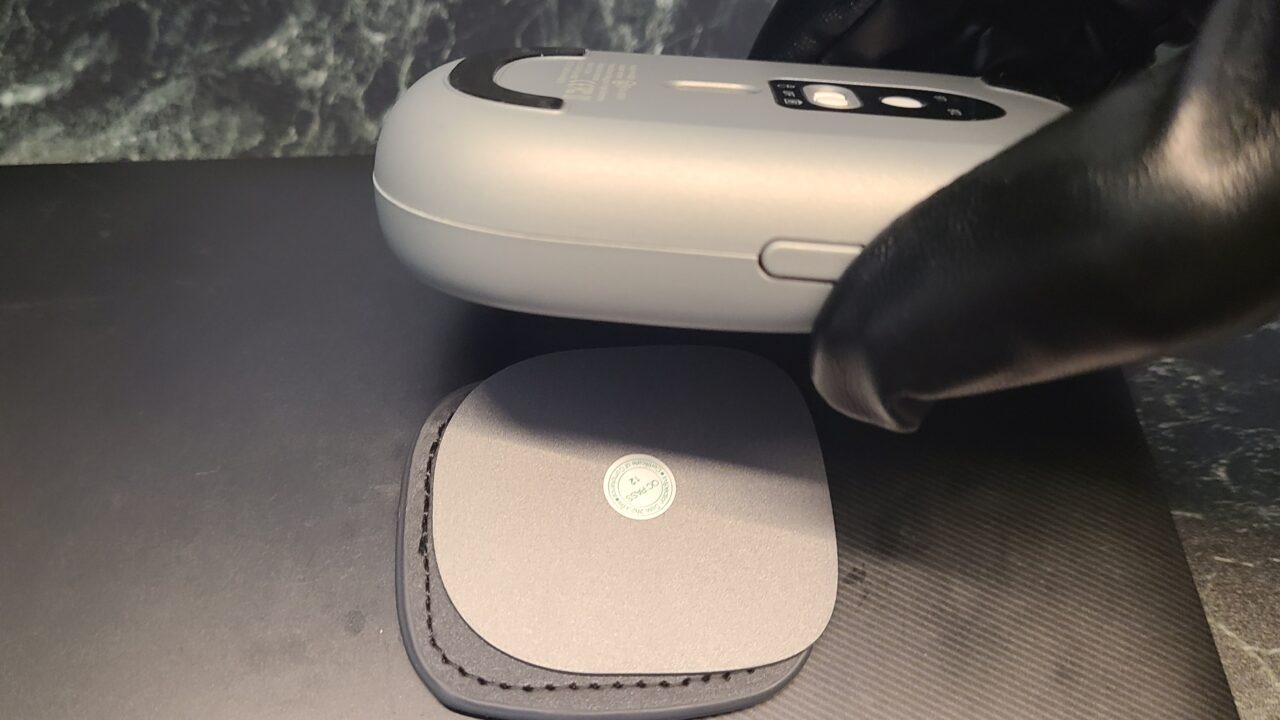
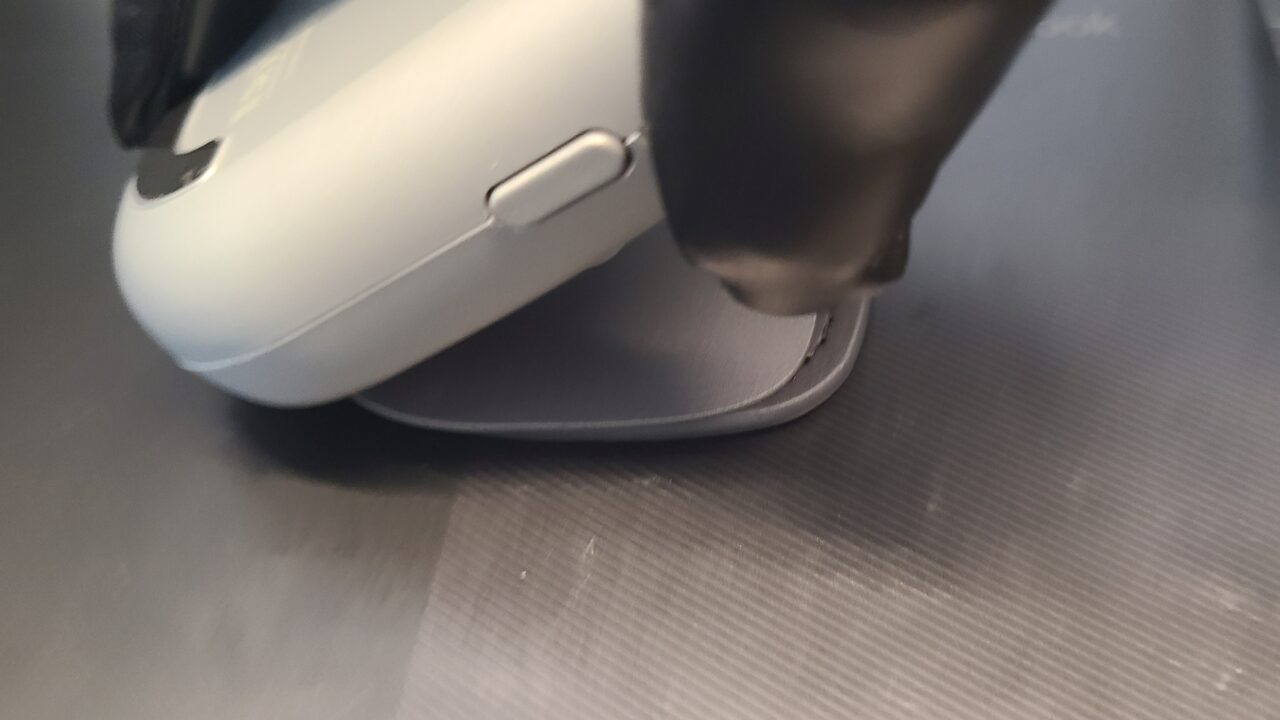
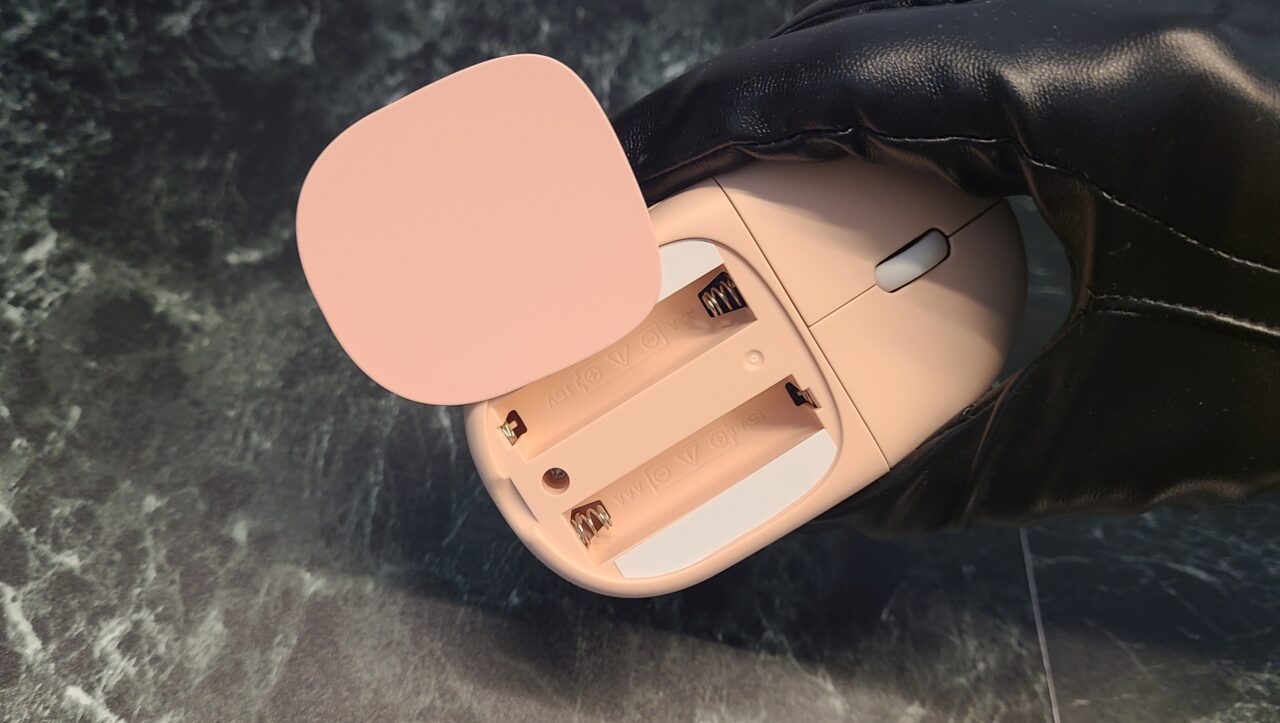
If you detach it the wrong way, the battery cover will come off like this.
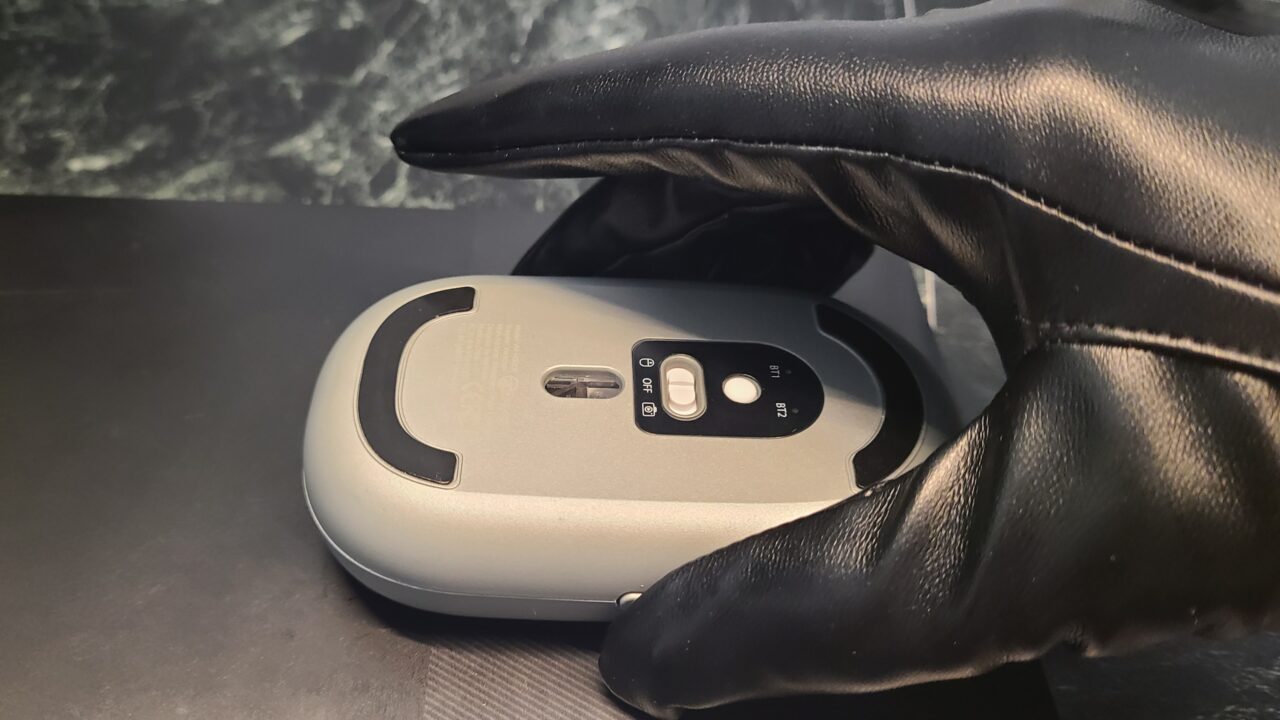
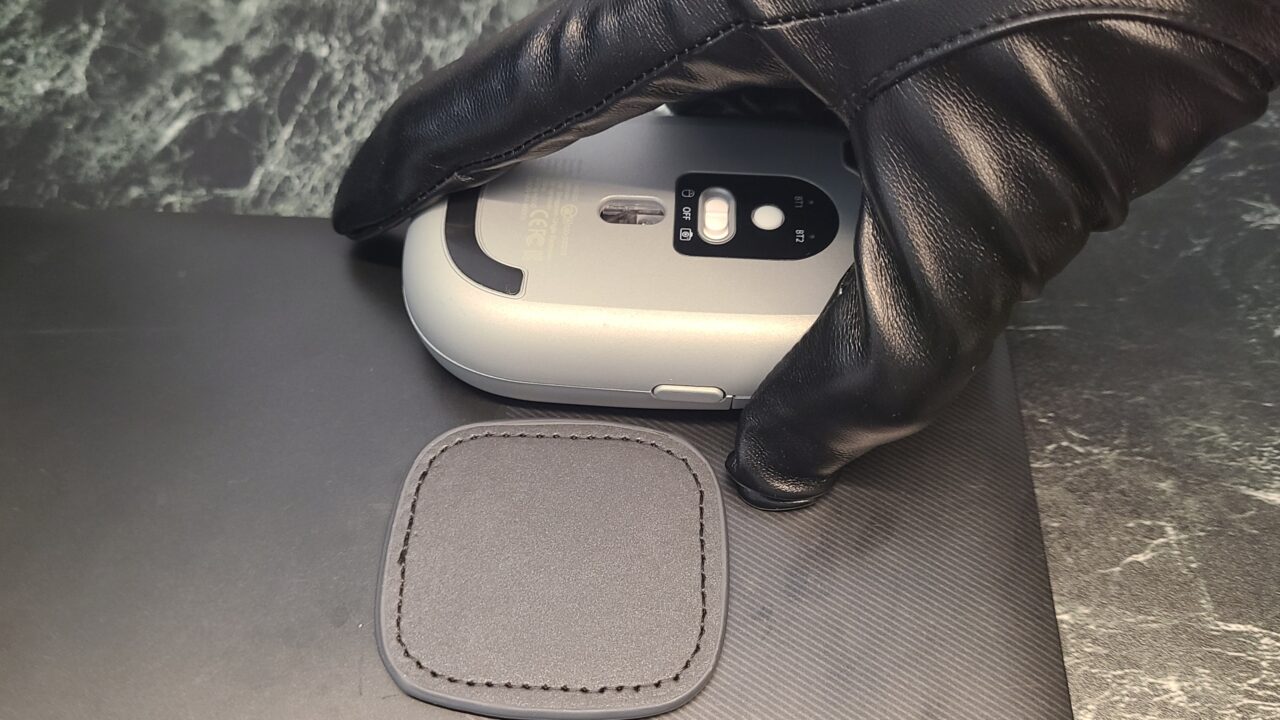
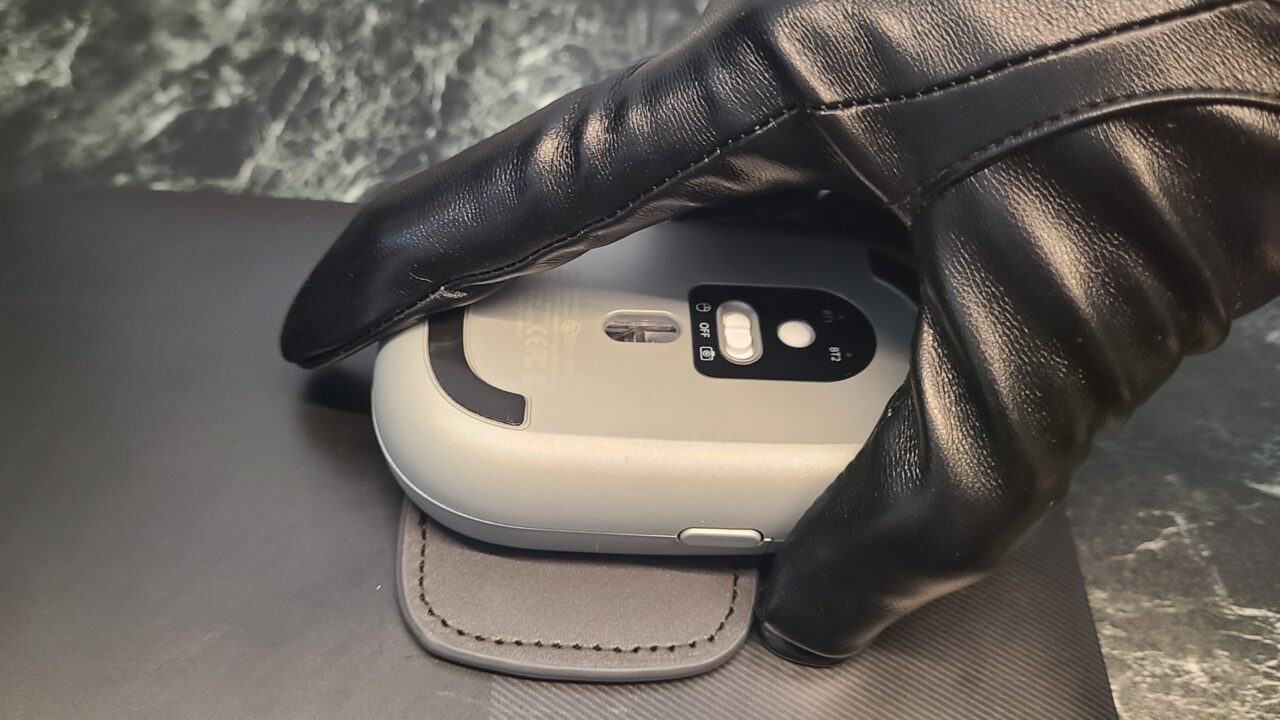
If you slide it sideways like this, you can remove it without the battery cover coming off.
MisterGadgetIt’s not difficult or troublesome at all, but you might accidentally take it off normally, so be careful until you get used to it.
- Please note that the listed price may differ from the actual price. Please be sure to confirm the final price when making a purchase.
In particular, there is a high possibility that the price will change during sales, so please check accordingly.
The pad can be used repeatedly
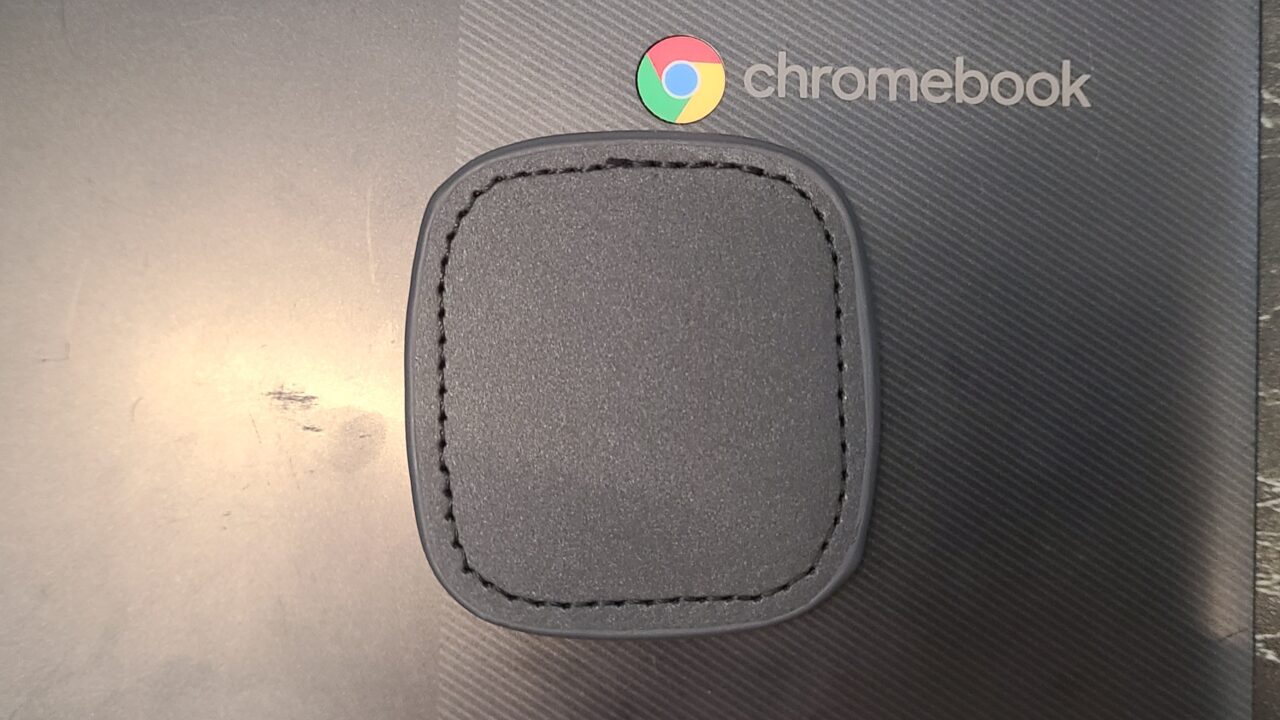
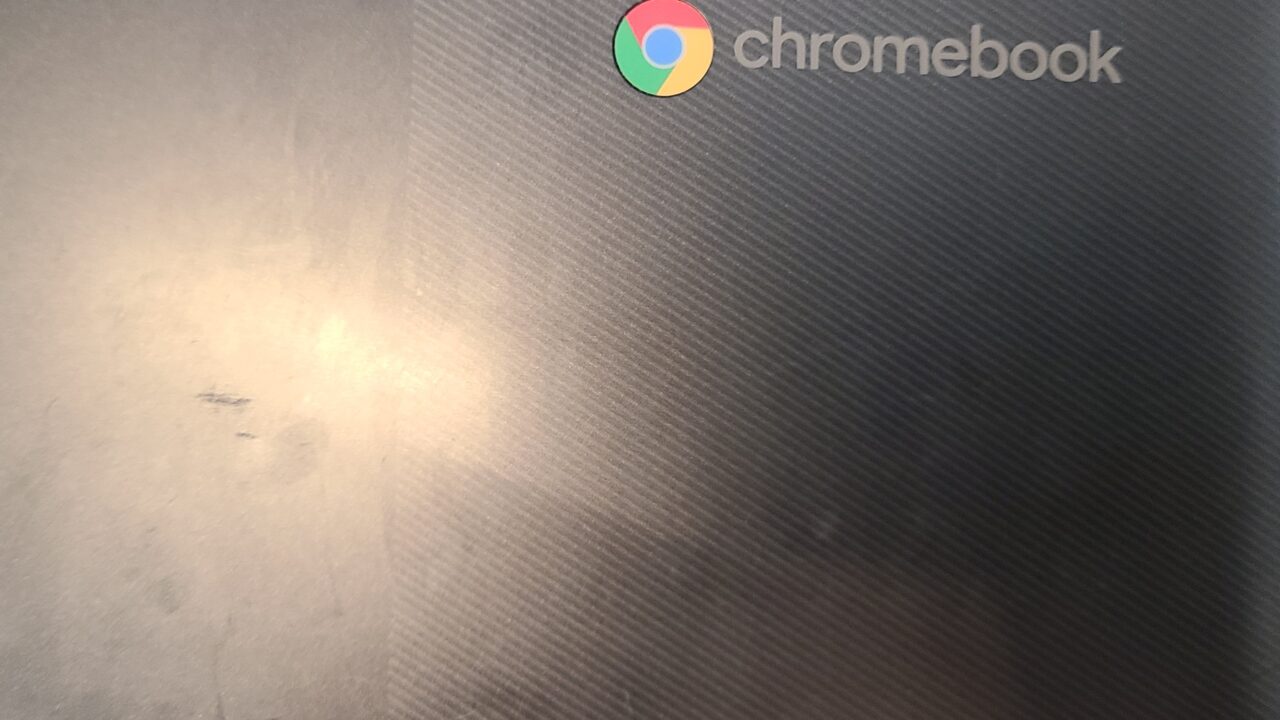
The magnetic pad can be attached and peeled off repeatedly.
 MisterGadget
I thought it would leave a mark when peeled off, but it didn’t leave any at all.
Right after peeling it off, you might faintly see “where it was stuck,” but after some time, it became completely unnoticeable.
Supports multi-pairing
The “Magnito Magnetic Mouse” can pair with up to two devices simultaneously.
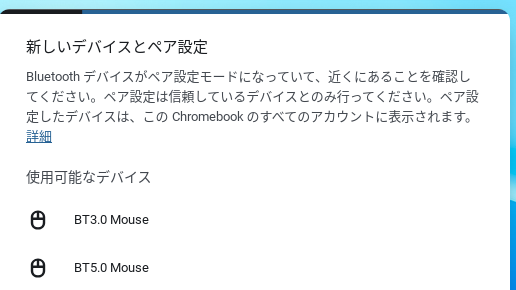
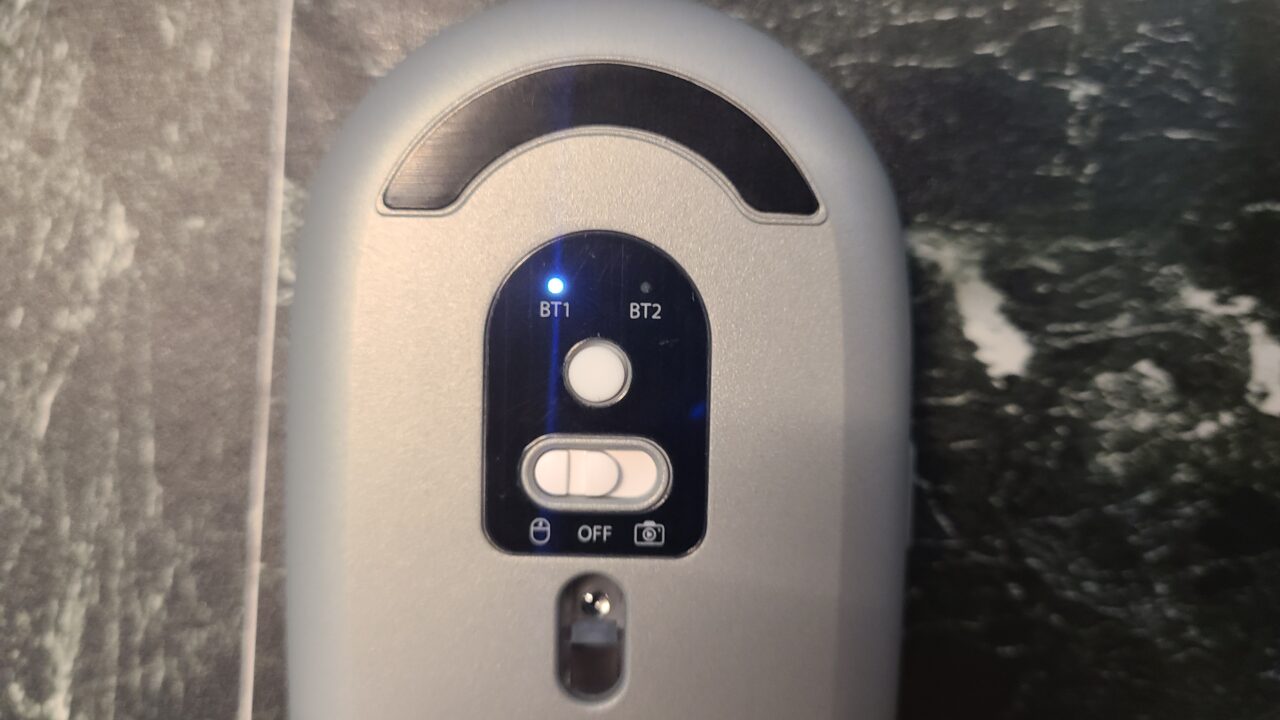

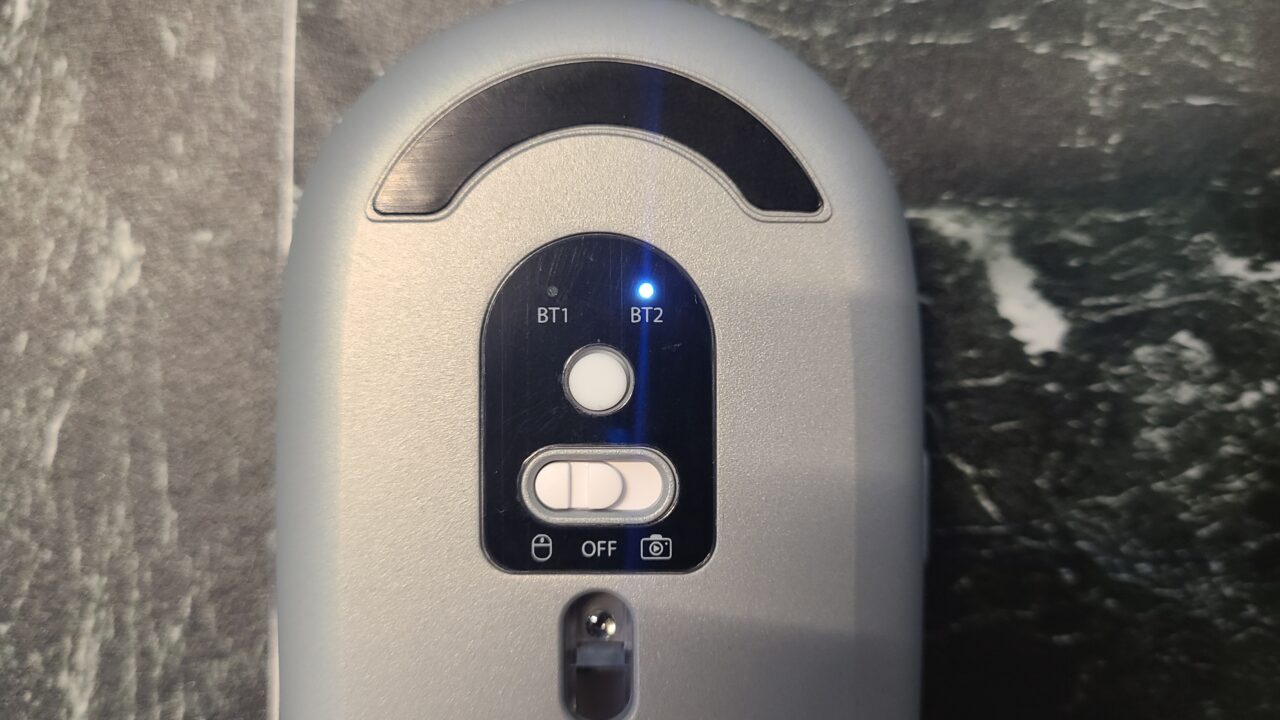
Pairing is completed when you connect to the device displayed as BT3.0 or BT5.0.
MisterGadgetMulti-pairing support is a very welcome feature!
Magnetic force may affect some stylus pens, etc.
It seems that depending on where the magnetic pad is attached, it can affect the operation of Wacom EMR pens or SAMSUNG S-Pens.
Ms.gadgetBy the way, according to the manufacturer’s test results, it apparently does not affect hard drives.
Functions as a presentation remote!
The “Magnito Magnetic Mouse” has three remote control modes: Camera Mode, Presenter Mode, and Media Mode.
To enter remote control mode, just move the switch in the center of the mouse to the right.
If you connect your smartphone and launch the camera app, you can take photos using the mouse, and when giving a slideshow in PowerPoint, you can control it remotely using the mouse.
Additionally, if you connect to a device playing music, you can use the mouse to change the song being played or control the volume.
Ms.gadgetThat’s quite groundbreaking!
MisterGadgetHowever, the presenter mode that can be used in PowerPoint only works on MacOS and AndroidOS.
It’s quite a pain that it can’t be used on Windows…
- Please note that the listed price may differ from the actual price. Please be sure to confirm the final price when making a purchase.
In particular, there is a high possibility that the price will change during sales, so please check accordingly.
Summary
Recommended for those who want to carry a mouse around easily!
I felt that the “Magnito Magnetic Mouse” is a mouse specialized for portability above all else.
It’s compact, and thanks to this mouse, you have fewer things to carry when traveling to meetings, so it’s extremely excellent.
MisterGadgetI was able to hold my computer and mouse with one arm, so traveling became quite a bit easier!
The remote control modes are also useful for meetings, and if you use a device that supports presenter mode for presentations, you won’t even need a separate presentation remote, so you can truly create an environment where you can manage everything with just this.
MisterGadgetIt was a product with a lot of potential.
Also, it is capable of multi-pairing, and I thought its functionality was well-rounded.
It’s an interesting product, so if you want a mouse with excellent portability, please try purchasing it!
- Please note that the listed price may differ from the actual price. Please be sure to confirm the final price when making a purchase.
In particular, there is a high possibility that the price will change during sales, so please check accordingly.
- Mouse attaches to computer for easy transport
- Strong attachment so the mouse doesn’t fall off
- Just the right size
- Pad can be used repeatedly
- Supports multi-pairing
- Functions as a presentation remote!
- Abundant color variations
- Requires a specific technique to detach
- Magnetic force may affect some stylus pens, etc.
- Presenter mode not compatible with Windows OS
Recommended for these people
- Those who want a highly portable mouse
- Those who travel often for meetings
- Those who like interesting, groundbreaking products
Thank you for reading until the end!
- Product prices, information, etc., are current as of the time the article was written.
- Please note that this site cannot be held responsible even if this information is incorrect.
- Product and service names mentioned on this site are trademarks of their respective companies.
This article was originally written in Japanese and has been translated.
Comments