
Running out of battery while on the go is a real hassle.
However, when you actually go to buy a power bank, you might find yourself overwhelmed by the many types and technical terms, wondering, “Which one should I choose?”
Choosing the wrong one could mean it doesn’t work as expected, or in the worst-case scenario, it could even lead to accidents.
Above all, safety is the most important factor that you should never compromise on.
In this article, to ensure you don’t make any mistakes when choosing a power bank, I will explain the five truly essential points that you absolutely need to know, from my perspective, in an easy-to-understand way.
Specifically, in addition to product specifications such as capacity (mAh), output (W/A), fast charging standards, and input, port types and quantity, and size and weight, I will also detail how to choose based on the especially important factor of safety.

What you will learn in this article!
5 Points for Choosing the Right Power Bank
If you understand these points, you will surely be able to find the perfect power bank for yourself.
Capacity (mAh)
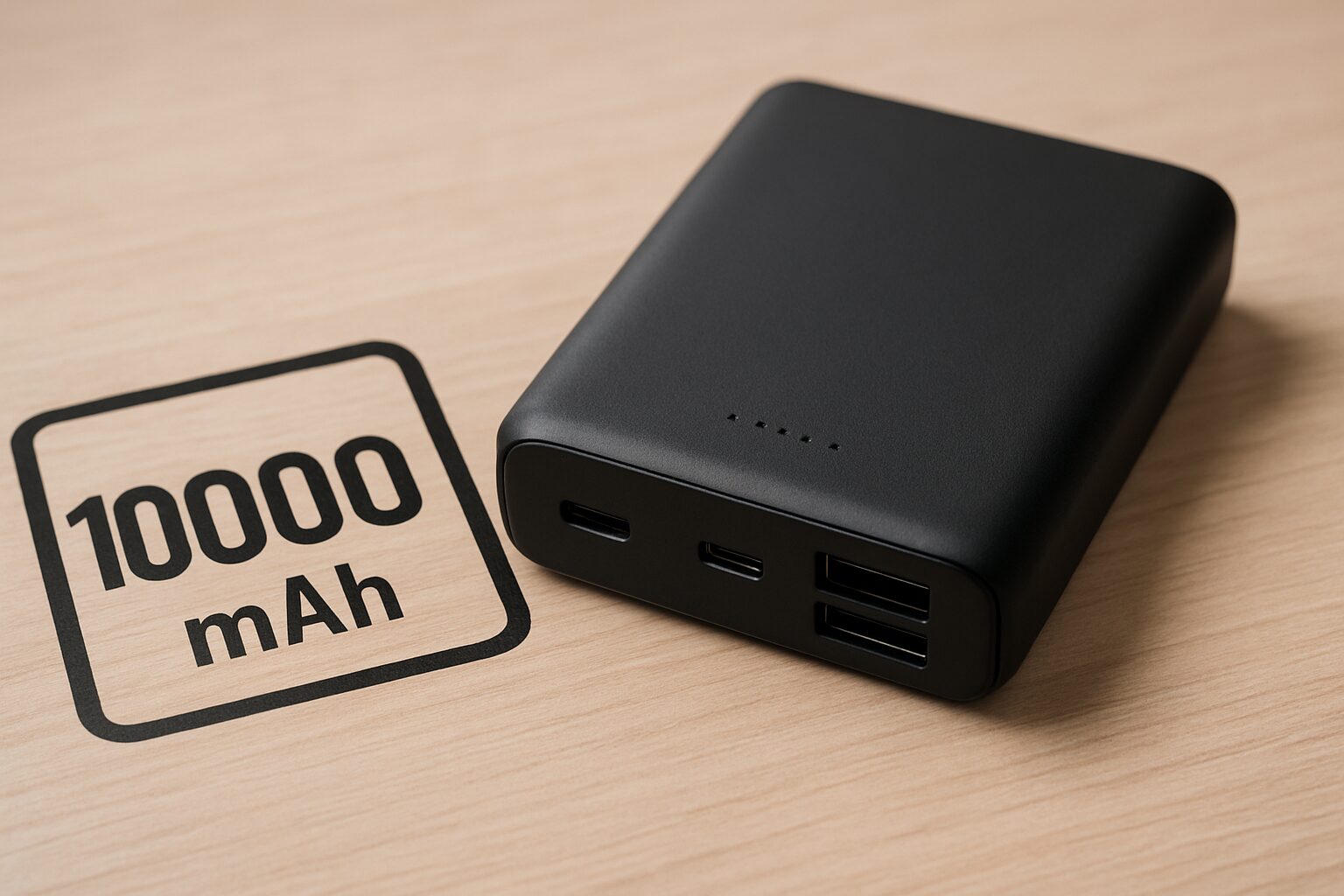
- Compare the power bank’s capacity with your device’s battery capacity: Check how many times you can charge your device.
- Check size and weight: Consider the balance between portability and battery capacity.
- Anticipate usage scenarios: Choose the optimal capacity for your needs, such as daily use, long trips, or outdoor activities.
Capacity refers to the amount of power that can be stored in a power bank, expressed in the unit mAh (milliampere-hour).
The higher the mAh value, the more power can be stored, allowing you to charge smartphones and other devices multiple times.
| Capacity (mAh) | Expected Main Use | Estimated Smartphone Charges (Based on 4000-5000mAh) | Size/Weight Trend |
|---|---|---|---|
| 5000 or less | Emergencies, weight/compactness priority | Less than approx. 1 time | Small/Lightweight |
| 5000-10000 | Daily use for 1-2 smartphone charges, portability priority | Approx. 1-1.5 times | Somewhat small, relatively light |
| 10000-20000 | Multiple smartphone charges, tablet charging | Approx. 2-3 times | Standard size and weight |
| 20000 or more | Long trips, outdoor use, laptop charging, disaster preparedness | Approx. 3 times or more | Large/Heavy |
 Ms.Gadgets
How exactly should I calculate how many times I can charge my smartphone?
Mr.GadgetsA realistic guideline is to divide about 70% of the stated capacity by the battery capacity of the device you are using.
While a larger capacity can store more power, it also changes the size, weight, and price, so it is important to consider the balance between capacity, size, and weight according to your usage.
Output (W/A) and Fast Charging Standards (PD/QC, etc.)
Output refers to the amount of power supplied from the power bank to the device, expressed in units of W (Watts) or A (Amperes).
Higher output results in faster charging speeds.
Additionally, PD (Power Delivery) and QC (Quick Charge) are fast charging standards that enable faster charging between compatible devices.
 Mr.Gadgets
PD is especially important!
For example, it is convenient to have an output of at least 18W or more for fast charging a smartphone.
Furthermore, if you want to charge tablets or laptops, you need to choose one that supports higher output, such as 45W or 60W.
Mr.GadgetsHigher output is often required, especially when charging computers.
| Example of Device to Charge | Required Output Estimate (Guideline) | Example of Fast Charging Standard |
|---|---|---|
| Smartphone | 18W-35W | PD, QC |
| Tablet | 30W-45W | PD, QC |
| Laptop | 30W-100W | PD |
I have summarized the features of PD and QC in a table here.
| PD Version | Release Date | Max Power | Max Voltage | Key Features |
|---|---|---|---|---|
| 1.0 | July 2012 | 100W | 20V | Exchanges 5 power profiles as fixed values |
| 2.0 | August 2014 | 100W | 20V | Supports up to 100W power delivery and video/data via USB-C Alternate Mode with a single cable, automatically negotiates optimal power between devices, and is backward compatible with older standards |
| 3.0 | 2015-2017 | 100W | 20V | PPS※1 for fine-tuned voltage adjustment in 20mV increments and reduced heat generation |
| 3.1 | 2021 | 240W | 48V | Introduced EPR (Extended Power Range) mode, enabling power delivery exceeding 100W, bidirectional power, and hub communication (optional) |
※1 PPS (Programmable Power Supply) = A mechanism that efficiently charges by finely adjusting voltage and current to match the requirements of the device.
| QC Version | Release Date | Max Power | Voltage Range | Key Features | USB PD Compatibility |
|---|---|---|---|---|---|
| 1.0 | 2013 | 10W | Max 6.3V | Automatically determines optimal current for each smartphone | None |
| 2.0 | 2014 | 18W (A) / 60W (B) | 5V/9V/12V/20V | 3-stage voltage switching, supports Dual Charge※2 | None |
| 3.0 | 2015-2016 | 36W | 3.2-20V (200mV increments) | Reduces heat generation by finely adjusting voltage | None |
| 4 / 4+ | 2016-2017 | 100W | QC: 3.6-20V / PD: 5V, 9V, PPS | PD Compatible | Yes |
| 5 | 2020 | Over 100W | 3.3V-20V or more | USB PD PPS compatible, enhanced thermal management, full backward compatibility | Yes (via PPS) |
※2 Dual Charge = Charges simultaneously using two independent power circuits to reduce time.
Ms.GadgetsCheck which standards your device supports before choosing.
Mr.GadgetsThere are also power banks that support wireless charging and other standards not introduced here, so if there are standards you want supported besides PD and QC, be sure to check them carefully!
Input Magnitude
- Charging speed of the power bank itself: Check the time it takes to charge the power bank itself.
- Input port type: Check if the cable terminal used for charging is USB Type-C or Micro USB.
Although often overlooked, the “Input,” which relates to the charging speed of the power bank itself, is also important.
The higher the input, the shorter the charging time for the battery unit.
Choosing a model equipped with a USB Type-C port that supports fast charging standards like PD or QC is convenient as the unit can also be charged in a short time.
Mr.GadgetsIt is an often overlooked point, but it is important!
Be aware that as the capacity increases, the charging time tends to get longer.
 Ms.Gadgets
Also, choose one with a Type-C input port!
Models that still use Micro USB are out of the question, so definitely do not choose them!
Port Types and Quantity
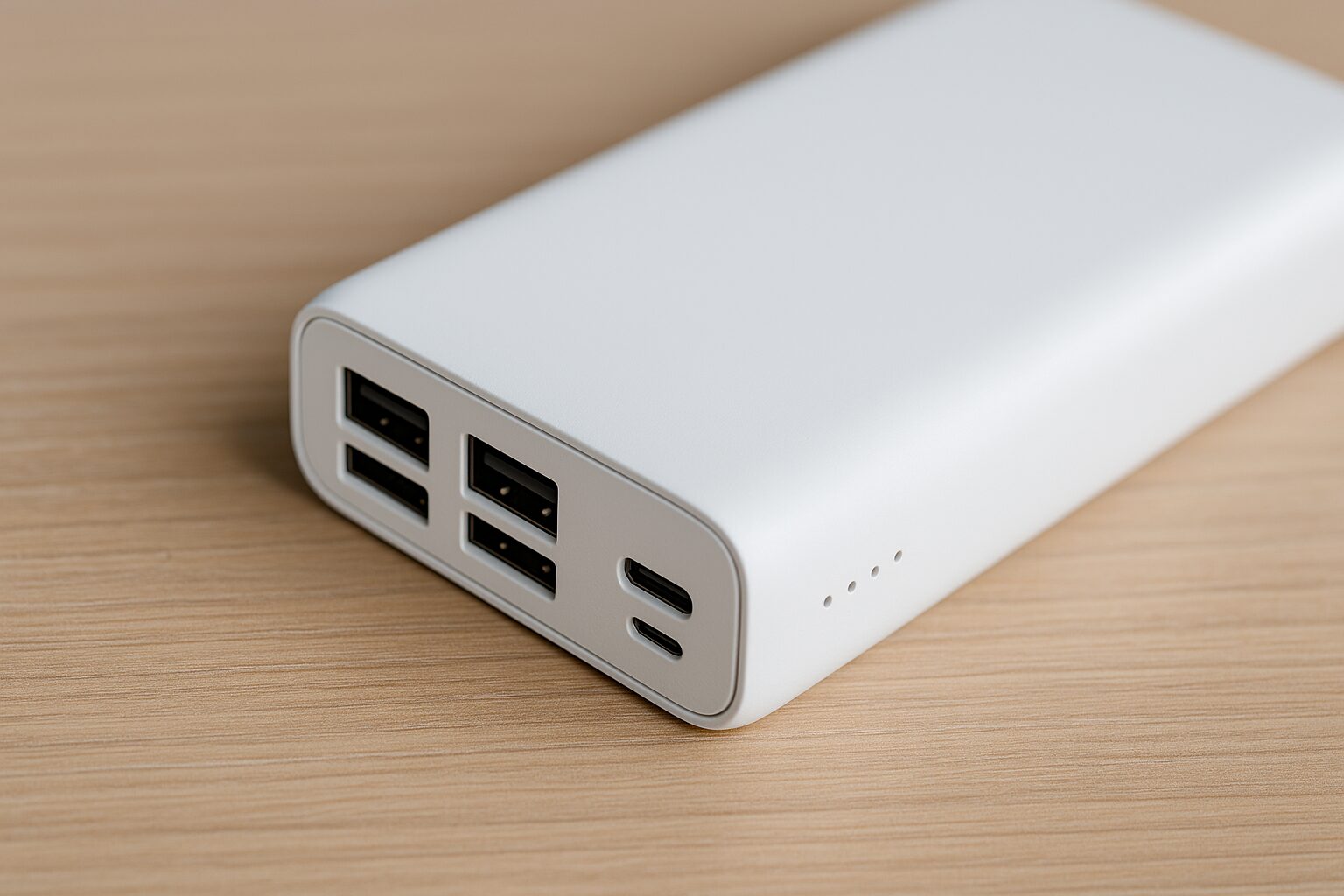
- Need for simultaneous charging: Choose the number of ports based on the number of devices you want to charge at the same time.
- Maximum output per port: Check if each port has enough maximum output.
- Performance during charging: Check how output is distributed when using multiple ports, or if each port provides maximum output independently.
- Compatibility with devices to charge: Check the type of ports needed for your devices (USB Type-A, USB Type-C, etc.).
Ports are terminals for connecting devices to the power bank.
The type of port (USB Type-A, Type-C, etc.) and the number of ports relate to which devices and how many can be charged simultaneously.
Choose the number of ports according to the number of devices you want to charge at the same time.
For example, if you want to charge earphones or a portable gaming device at the same time as your smartphone, a model with at least two ports is convenient.
Currently, the most common are USB Type-A and USB Type-C ports.
The Type-C port, in particular, is recommended because it can be plugged in either way and many support high-output charging such as PD.
| Terminal Name | Simple Shape Description | Main Features | Input/Output | Main Compatible Device Examples |
|---|---|---|---|---|
| USB Type-A | Rectangular | Traditional standard terminal | Output only | Older chargers, PC ports |
| USB Type-C | Symmetrical oval | Can be plugged in either way, fast data transfer, supports high output (USB PD) | Both input/output | Latest smartphones, tablets, laptops, earphone cases, etc. |
| Lightning | Apple’s unique thin shape | Apple proprietary terminal | Mainly input | iPhone (14 and earlier), specific iPads, AirPods cases, etc. |
| Micro USB Type-B | Small, tapered trapezoidal shape | Former standard for small devices, still in use in some areas | Input only | Older Android smartphones, power banks, Bluetooth speakers, etc. |
Ms.GadgetsCan I charge at high speed simultaneously if there are many ports?
Mr.GadgetsEven if the number of ports increases, the maximum output of each port may decrease when used simultaneously.
When there are multiple ports, if you use all ports at the same time, the total output is often distributed, and the maximum output from each port decreases significantly, so it is a good idea to check the specifications for this as well.
It is important to choose a model with the necessary types and number of ports to match your device configuration.
Body Size and Weight
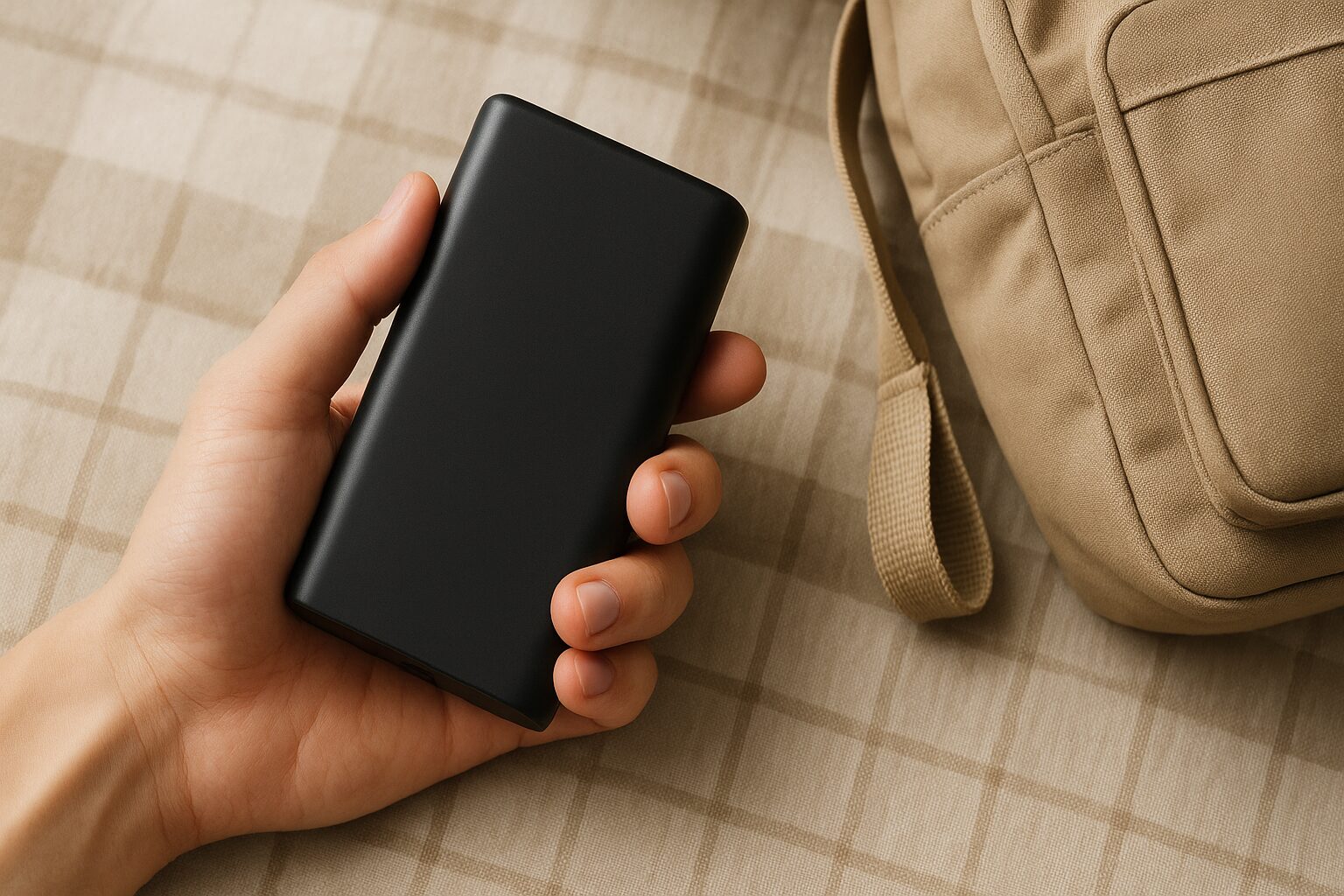
- Ease of portability: If you carry it daily, choose a thin and lightweight model. Consider a size that fits easily into bags or pockets.
- Balance with capacity: High-capacity models tend to be heavier and larger. Choose the most compact model possible with the minimum necessary capacity.
- When to use: For outdoor activities or long trips, it is desirable to select a durable model with high capacity, even if it is slightly larger.
The body size and weight of a power bank are important factors directly linked to portability.
Generally, the larger the capacity, the heavier and larger it tends to be.
Ms.GadgetsI want to carry it daily, what is the guideline for size?
Mr.GadgetsFor daily use, I recommend the 10000mAh class, which has a good balance between capacity and size.
If you often carry it in a bag or pocket daily, it is better to choose a model with a good balance of capacity, size, and weight.
Conversely, if you leave it at home or in the car and use it mostly in emergencies, or if you really need a lot of capacity for long trips, the approach is to choose a high-capacity model even if it is somewhat large.
Recently, there are many products that are more compact than before even with the same capacity, so please check the size carefully.
The Most Important Factor: Safety (PSE Mark)
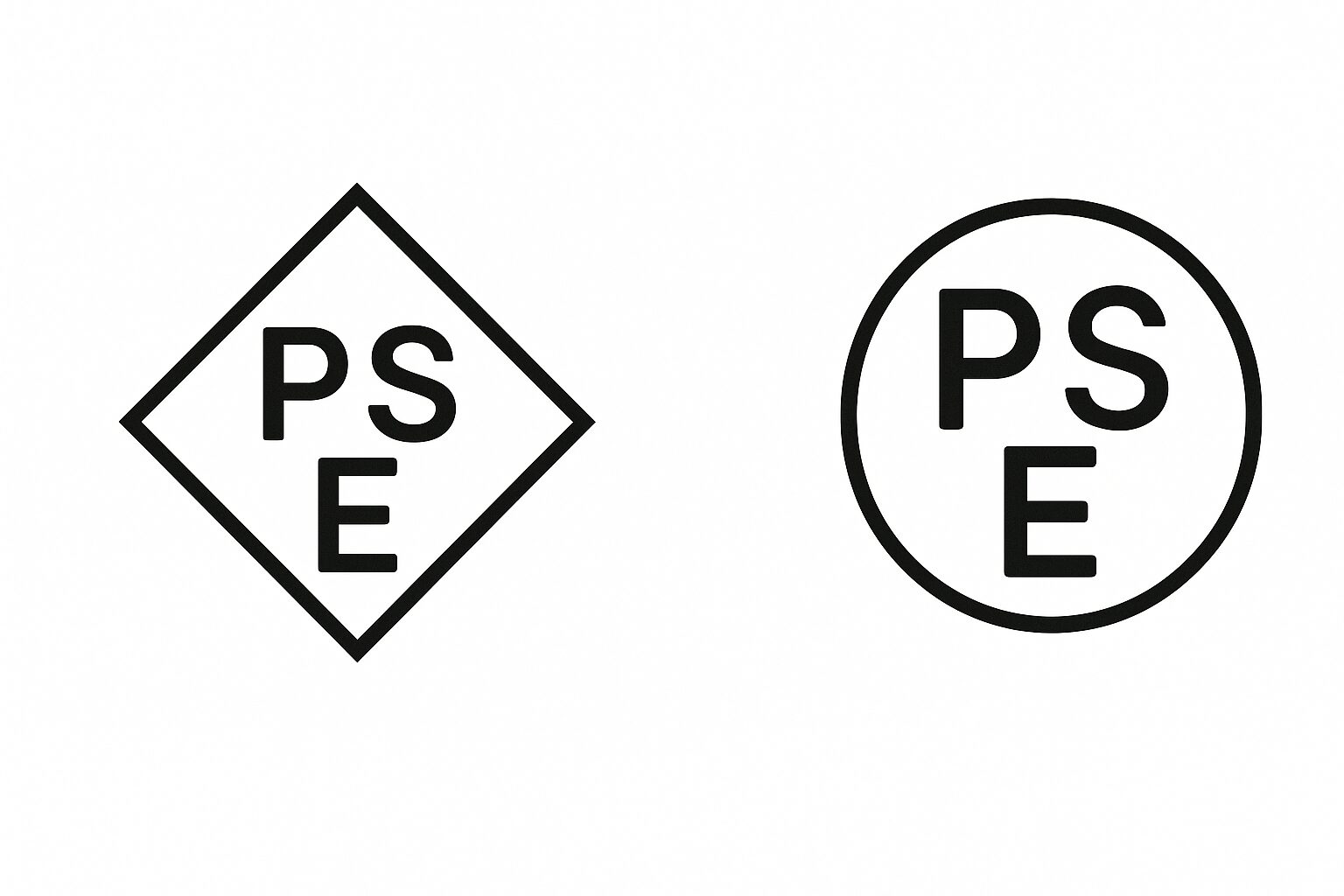
- Protection functions: Check if it has functions to protect devices from overcharging, over-discharging, overheating, and short circuits. These are essential for the safe use of batteries.
- Certification marks: Check for certification marks indicating that the product complies with safety standards, such as the PSE mark (Japan), CE mark (Europe), or FCC certification (USA).
- Reliable brand: Purchase from reputable manufacturers or brands. Refer to reviews and ratings, and check feedback regarding safety from other users.
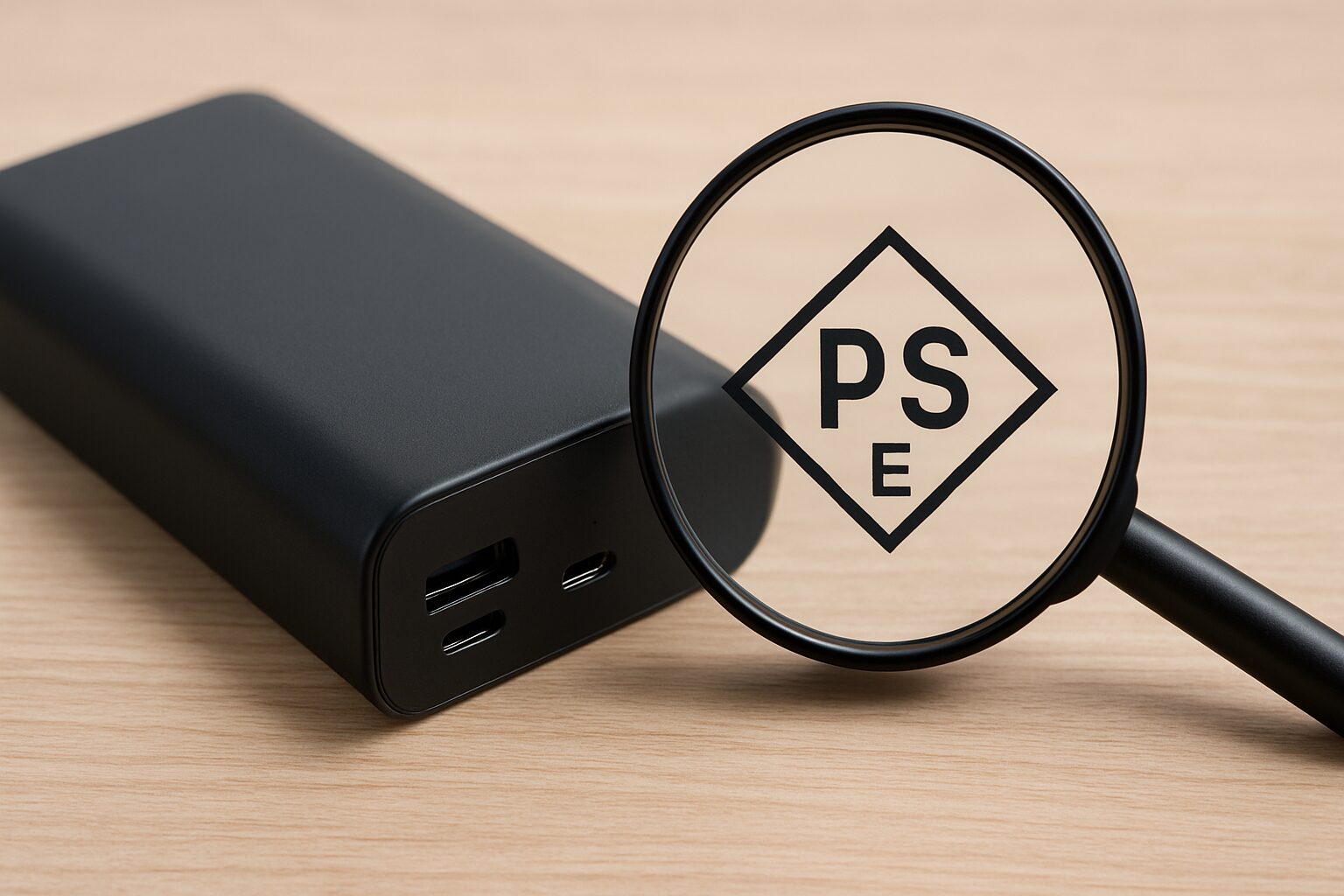
The most, most important thing when choosing a power bank is safety.
Power banks sold in Japan are required by the Electrical Appliance and Material Safety Act to display the PSE mark, which indicates that they comply with safety standards established by the government.
I want you to always choose products that display this PSE mark.
| Safety Check Point | Why is it important? | How to check |
|---|---|---|
| Presence of PSE Mark | Proof of compliance with safety standards in Japan, reduces risks like fire accidents | Product body or packaging |
| Presence of protection functions (overcharge, over-discharge, overheat, short circuit) | Prevents battery deterioration, abnormal heating, and ignition | Product specifications, product description |
| Purchase from reliable manufacturer/retailer | Quality control is solid, and support can be expected | Manufacturer official website, reliable retailer |
Ms.GadgetsIs there any other way to check for safety besides the PSE mark?
Mr.GadgetsChecking if protection functions for overcharging or overheating are included, and choosing from reliable manufacturers also leads to peace of mind.
Lithium-ion batteries can cause heating or ignition if used incorrectly or if there are problems with the product.
Products without a PSE mark or from unknown manufacturers should be strictly avoided.
When disposing of used batteries, there are cases where products from manufacturers not affiliated with JBRC (an organization that promotes the collection and recycling of batteries) (such as mysterious brands on Amazon) are refused at collection boxes in home appliance retail stores.
Mr.GadgetsI recommend purchasing from major manufacturers affiliated with JBRC (Anker, CIO, ELECOM, Buffalo, etc.)!
Also, it is safer to confirm whether protection functions that prevent overcharging, over-discharging, overheating, and short circuits are included.
I recommend purchasing from a reliable manufacturer.
 Mr.Gadgets
For your safety, please always check for the presence of the PSE mark.
Ms.GadgetsThis is a point you absolutely cannot compromise on.
Get a Safe and Reliable Power Bank
In this article, I have explained important points so that you do not get lost when choosing a power bank.
In particular, safety is a standard that you absolutely cannot compromise on to protect your digital life.
- Guideline for required capacity (mAh)
- Output (W/A) and fast charging standards (PD/QC) that match your device
- Size and weight you want to carry
- Type and number of ports for the devices you want to connect
If you keep these points in mind, you can find the perfect, safe, and reliable power bank for yourself.
Please make use of the knowledge you learned today to find the optimal one.
Frequently Asked Questions (FAQ)
- What kind of feature is pass-through charging?
-
Pass-through charging is a feature that allows you to charge the power bank itself from an outlet while simultaneously charging a device like a smartphone connected to the power bank.
With this feature, if you connect the power bank and smartphone with a cable before going to sleep at home, you can use it in a way where both the power bank and smartphone are fully charged in the morning, which is convenient.
However, please be careful about safety when using it, as the power bank tends to heat up easily during pass-through charging. - How long does it take to charge the power bank itself?
-
The time it takes to charge the power bank itself varies greatly depending on the battery capacity and the magnitude of the “input” of the power bank.
The higher the input wattage (W), the sooner charging is completed. - Could you tell me the meaning of W (Watts) and A (Amperes), etc., which are often seen in power bank specs?
-
W (Watts), A (Amperes), V (Volts), and mAh (milliampere-hour) indicating capacity, which are often listed in power bank specs, have the following meanings:
- V (Volts): Voltage. It is the force that pushes electricity.
- A (Amperes): Current. It is the amount of electricity flowing.
- W (Watts): Power. Calculated as Voltage (V) × Current (A), it is directly linked to charging speed. The higher the number, the faster it can charge.
- mAh (milliampere-hour): Capacity. It is the total amount of electricity that can be stored in the battery. The higher the number, the more devices you can charge.
To use an analogy, V is the pressure of the water pipe, A is the amount of water flowing, W is the supply capacity of the water pipe combining them, and mAh is like the capacity of the water storage tank.
It is important to check the power (W or A) your device requires and the number of times you want to charge (mAh) and choose a power bank with specs that match.
Thank you for reading until the end!
- The evaluation in this article is unique to this site.
- Unless otherwise specified, product prices and information are current as of the time of writing.
- Please note that this site cannot be held responsible for any inaccuracies in this information.
- Product and service names mentioned on this site are trademarks of their respective companies.
This article was originally written in Japanese and has been translated.
Comments