
- This article is created based on information provided by the manufacturer. Please note that this site is not responsible for any inaccuracies in the information.
 Ms.Gadgets
I’m worried because I don’t know what kind of manufacturer EaseUS is.
 Pezas
PezasI’ll explain EaseUS in detail!
 Mr.Gadgets
This time, I would like to explain EaseUS together with “Pezas,” EaseUS’s mascot.
What kind of manufacturer is EaseUS?
What is EaseUS?
EaseUS is a leading software developer specializing in data management, founded in 2004.
PezasWe offer effective solutions for data recovery, data backup, partition management, smartphone management, and more!
Currently, it is said that tens of millions of individuals and corporations in over 160 countries and regions around the world are using it.
Major domestic clients
The major domestic clients are as follows:
- Vector Corporation
- Exagon Corporation
- DEGICA Corporation
- i-frontier Corporation
- Amazon Japan Inc.
- Rakuten Corporation
- Impress Corporation Window of the World
- FreeSoft 100
- AllFreeSoft
- Softonic
Ms.GadgetsYou have transactions with famous companies.
Mr.GadgetsClients are one standard to measure a company’s reliability, aren’t they?
- This article is created based on information provided by the manufacturer. Please note that this site is not responsible for any inaccuracies in the information.
EaseUS History
You can check the history of EaseUS here
EaseUS was founded
EaseUS Data Recovery Wizard for Windows was released
EaseUS Development Center was established
Partition management software EaseUS Partition Master was released
Backup software EaseUS Todo Backup was released
The number of users of EaseUS Partition Master exceeded 10 million
EaseUS Data Recovery Wizard Professional won the Recovery Division Award at the 22nd Vector Pro-Resi Grand Prize
EaseUS Data Recovery Wizard Professional won the Backup & Recovery Division Award at the 24th Vector Pro-Resi Grand Prize
EaseUS Todo Backup Workstation won the Backup & Recovery Division Award at the 25th Vector Pro-Resi Grand Prize
EaseUS Todo Backup Workstation won the Backup & Recovery Division Award at the 28th Vector Pro-Resi Grand Prize
EaseUS Data Recovery Wizard won the Special Award at the 30th Vector Pro-Resi Grand Prize
EaseUS Data Recovery Wizard won the Recovery Division Award at the 35th Vector Pro-Resi Grand Prize
 Ms.Gadgets
You’ve won a lot of awards!
Mr.GadgetsIt’s clear that the company has a long history.
- This article is created based on information provided by the manufacturer. Please note that this site is not responsible for any inaccuracies in the information.
Location is Chengdu, Sichuan Province, China
Chengdu is the fourth most populous city in China, after Chongqing, Shanghai, and Beijing.
 Ms.Gadgets
It’s a famous place for Sichuan cuisine and panda habitats!
Excellent Aftercare
Many products come with a money-back guarantee and 24-hour technical support.
PezasWe will continue to support you even after your purchase!
Recommended EaseUS Products
PezasFrom here, I will introduce the products recommended by EaseUS!
EaseUS Data Recovery Wizard (Data Recovery Software)
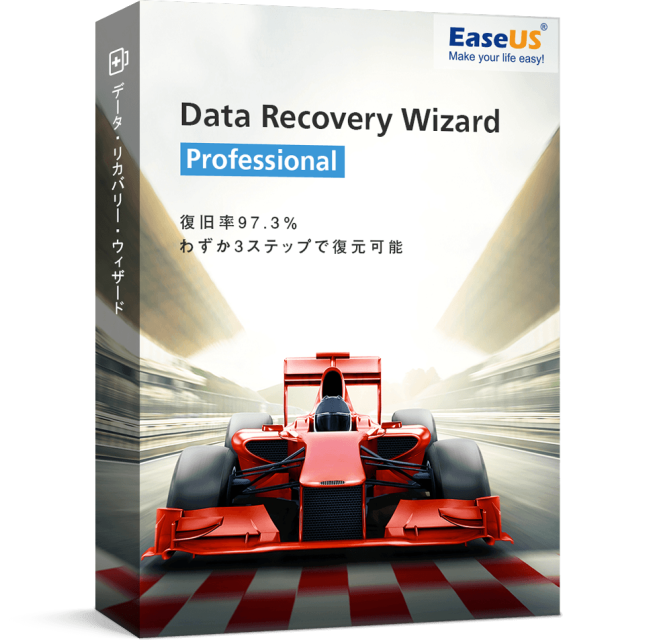
- 97.3% recovery rate
- Supports recovery of over 1000 types of files
- Recover lost data in 3 steps
- Supports various devices
- Free NAS recovery
- Recovery Division Award at the 22nd/26th/39th/40th Vector Pro-Resi Grand Prize
- 30-day money-back guarantee & 24-hour technical support
Easy Recovery in 3 Steps
PezasThe ease of data recovery is the selling point of this software! Just follow these 3 steps!
Mr.GadgetsEasy!
Comparison of PRO version and Free version
PezasThere are also various types such as a Mac version and a PRO+WinPE version, so please choose the one that suits your needs!
Supported Devices and Files
| PC | Desktop, laptop |
| Hard disk drive | HDD, external HDD, RAID, Zip drive, USB drive, SSD, etc. |
| Memory card | USB memory, memory card, CF/SD card, Micro card, memory card of each device, etc. |
| Other | Other storage devices |
PezasWith “EaseUS Data Recovery Wizard,” you can recover various files, including photos, documents, videos, and audio, on a wide range of devices!
| Photo extension | JPG/JPEG, TIFF/TIF, PNG, BMP, GIF, PSD, CRW, CR2, NEF, ORF, RAF, SR2, MRW, DCR, DNG, WMF, RAW, SWF, SVG, RAF, DWG, etc. |
| Document extension | DOC/DOCX, XLS/XLSX, PPT/PPTX, PDF, CWK, HTML/HTM, INDD, EPS, etc. |
| Video extension | AVI, MOV, MP4, M4V, 3GP, 3G2, WMV, MKV, ASF, FLV, SWF, MPG, RM/RMVB, MPEG, etc. |
| Audio extension | AIF/AIFF, M4A, MP3, WAV, WMA, APE, MID/MIDI, OGG, AAC, RealAudio, VQF, etc. |
| Other | Local mail of Outlook and Outlook Express (PST, DBX, EMLX, etc.) and compressed files (ZIP, RAR, SIT, ISO, etc.), and exe files can also be recovered. |
Please check the official website for details.
Click here for the product page:
Click here for the Mac version:
EaseUS Todo Backup (Backup & Clone Software)
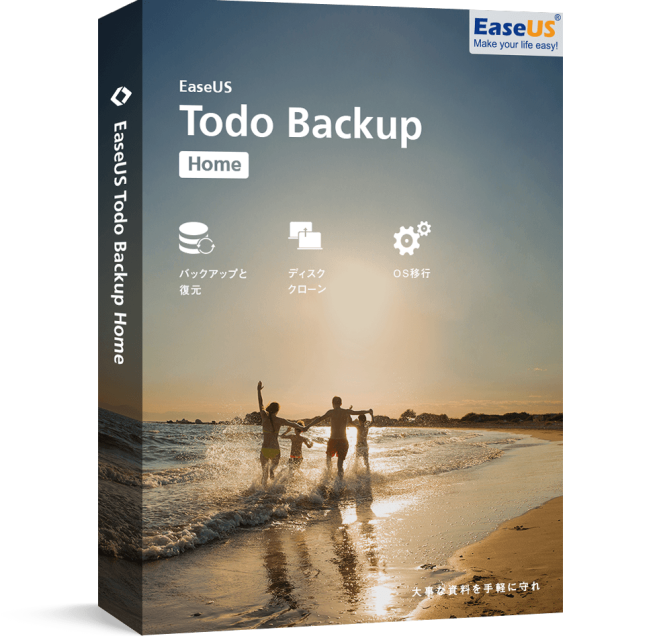
- Won first place in the customer satisfaction ranking of backup software in [ITreview 2022 Summer]
- Used by over 20 million people worldwide
- Offers 250GB of free cloud storage
- Recovery Division Award at the 24th/26th/39th/40th Vector Pro-Resi Grand Prize
- 30-day money-back guarantee & 24-hour technical support
PezasYou can also manage backups efficiently, schedule them, create clones, set passwords, and more!
What you can do with EaseUS Todo Backup
File Backup
You can back up specific files and folders, or all your data, including photos, music, emails, applications, videos, and financial files, with full, incremental, differential, or scheduled backups.
Disk/Partition Backup
You can freely back up disks, partitions, dynamic volumes, or GPT disks with full, incremental, differential, or scheduled backups.
System Backup
Back up your system quickly with one click without interrupting your work.
Disk Clone
Migrate all data from a disk to another without reinstalling the operating system or applications.
Other
It has many features such as OS migration, email backup, system clone, and complete data erasure.
Comparison of Product Version and Free Version
PezasPlease try it!
There are also various editions such as a Mac version, so please check the official website for details.
EaseUS Todo PCTrans (Data Migration Software)
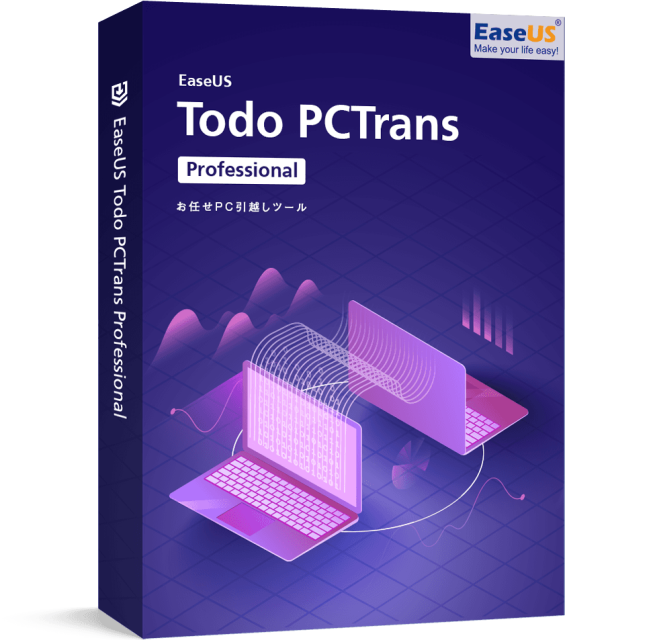
- Quickly migrate files, programs, and settings to a new PC or OS
- Supports migration via network or image file
- Adopted by large corporations
- 30-day money-back guarantee & 24-hour technical support
The companies that have adopted it are amazing
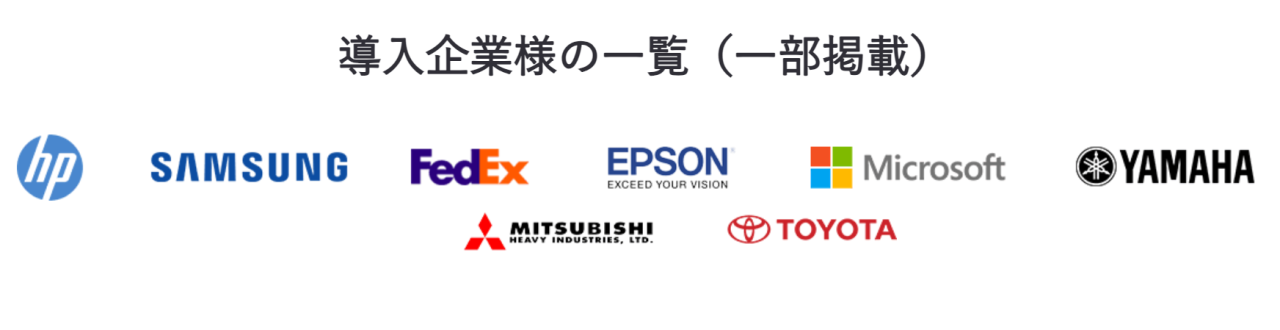
It seems that famous companies such as Toyota, Mitsubishi Heavy Industries, Yamaha, and Epson have adopted it.
Mr.GadgetsIt’s adopted by so many famous companies!
What you can do with EaseUS Todo PCTrans
Application Transfer
- You can find the latest app information that Todo PCTrans can migrate on the latest application compatibility list.
- You may need to reactivate the application on the new PC.
User Account & Settings Transfer
File Transfer
Provide Technical Services to Clients
It is ideal for migrating files/programs when upgrading from Windows 7 to Windows 10.
Comparison of Product Version and Free Version
Summary
Among the information I received, I was surprised that the companies that have transactions or adopted the software are very large companies. Also, there was a good after-sales service such as a 30-day money-back guarantee and 24-hour technical support, even though it is a Chinese manufacturer.
I recommend that you consider the products introduced this time as one of your options.
Thank you for reading to the end!
- This article is created based on information provided by the manufacturer. Please note that this site is not responsible for any inaccuracies in the information.
- The price and information of the products are as of the time of writing the article.
- The product and service names mentioned in this site are trademarks of their respective companies.
This article was originally written in Japanese and has been translated.
Comments