
What kind of monitor do you usually use?
The “Jlink B32FP1K” I am reviewing this time is a versatile monitor that offers great value for money and has few drawbacks, in my opinion.
The resolution is Full HD, which is fairly standard, and it features a maximum refresh rate of 60Hz with a response time of 4.2ms, making it a spec that won’t leave you wanting for most tasks, including gaming.
There are some minor shortcomings, such as the inability to adjust the height, but even taking those into account, this is a remarkably capable all-around monitor that I highly recommend!


 Pochipp
- Please note that the listed price may differ from the actual price, so be sure to check the final price at the time of purchase.
Prices are especially likely to change during sales, so please verify before you buy.
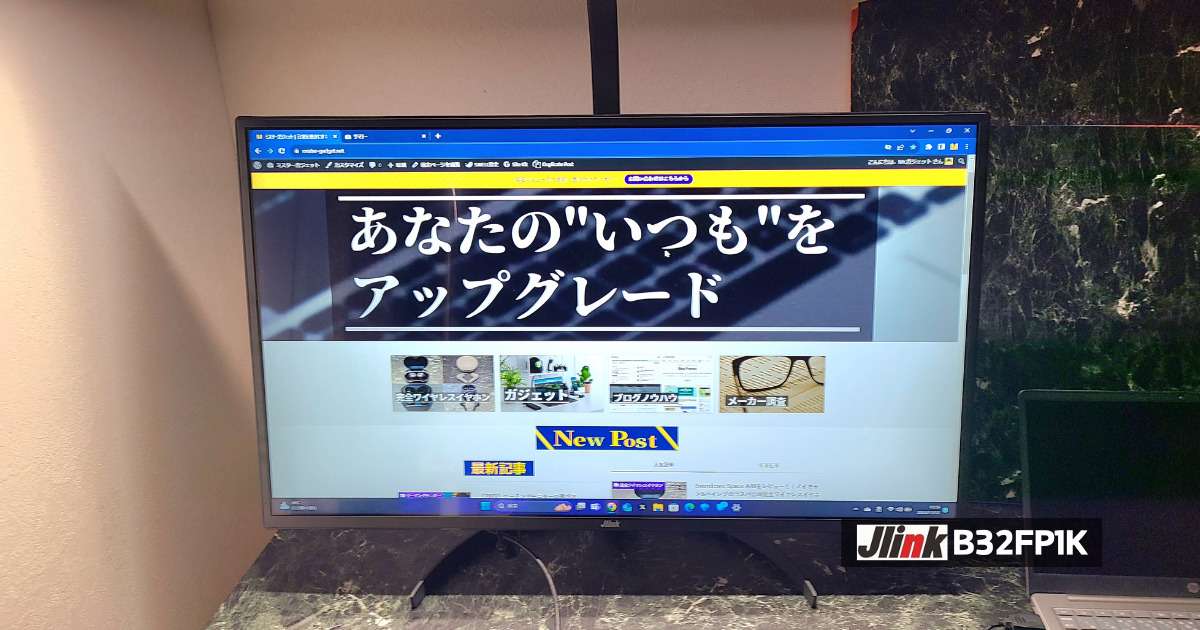
- Great value and a versatile monitor with few drawbacks
- VA panel provides deep blacks
- Includes a 36-month warranty
- Easy and intuitive installation!
- HDR compatible
- Cannot adjust height
- Minimal connection ports
- No built-in speakers
- Want a versatile monitor with good cost-performance
- Want a monitor with few drawbacks
Basic Information
What kind of manufacturer is Jlink?
Jlink is a monitor manufacturer headquartered in Guangdong, China.
They primarily develop and sell high-performance, low-cost gaming monitors and have expanded into overseas markets such as Japan and the United States.
They provide monitors with distinctive designs, such as curved and ultrawide models, as well as excellent performance features like high resolution and high refresh rates, creating comfortable environments for gaming and focused work.
Specs
| Display Size | 32 inches | Color Gamut | sRGB: 98% or more |
| Panel Type | VA, Glossy | Response Time | 4.2ms(GTG) |
| Aspect Ratio | 16:9 | HDR | Supported |
| Resolution | 1920×1080(Full HD) | Dimensions | 72.43×49.74×18.22(cm) |
| Refresh Rate | 60Hz | Adjustable Angle | Tilt: -5° to 15° |
| Viewing Angle | 178 degrees | Ports | HDMI 2.0, VGA, 3.5mm Aux |
| Brightness | 300cd/m² | Speakers | None |
Included Items
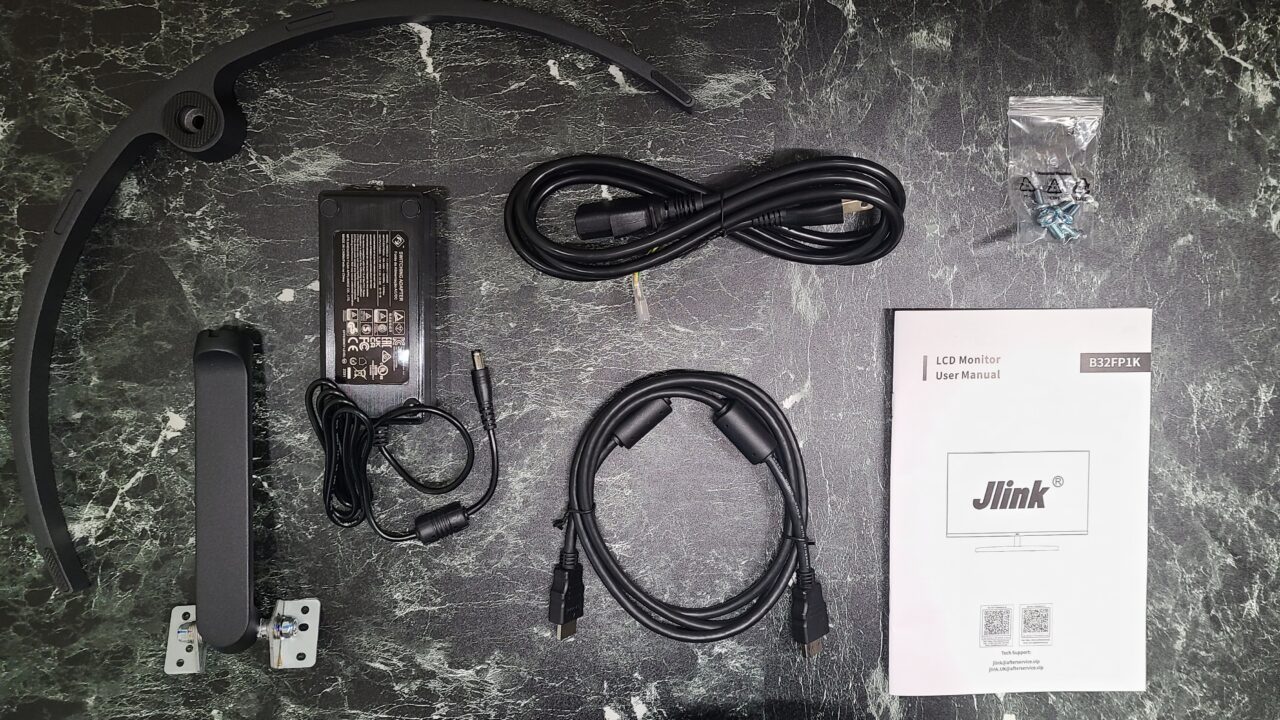
- Stand neck
- Base
- Screws
- Power cord
- AC adapter
- HDMI cable (High Speed)
- Instruction manual
 Pochipp
- Please note that the listed price may differ from the actual price, so be sure to check the final price at the time of purchase.
Prices are especially likely to change during sales, so please verify before you buy.
Jlink B32FP1K Review
Deep blacks thanks to the VA panel
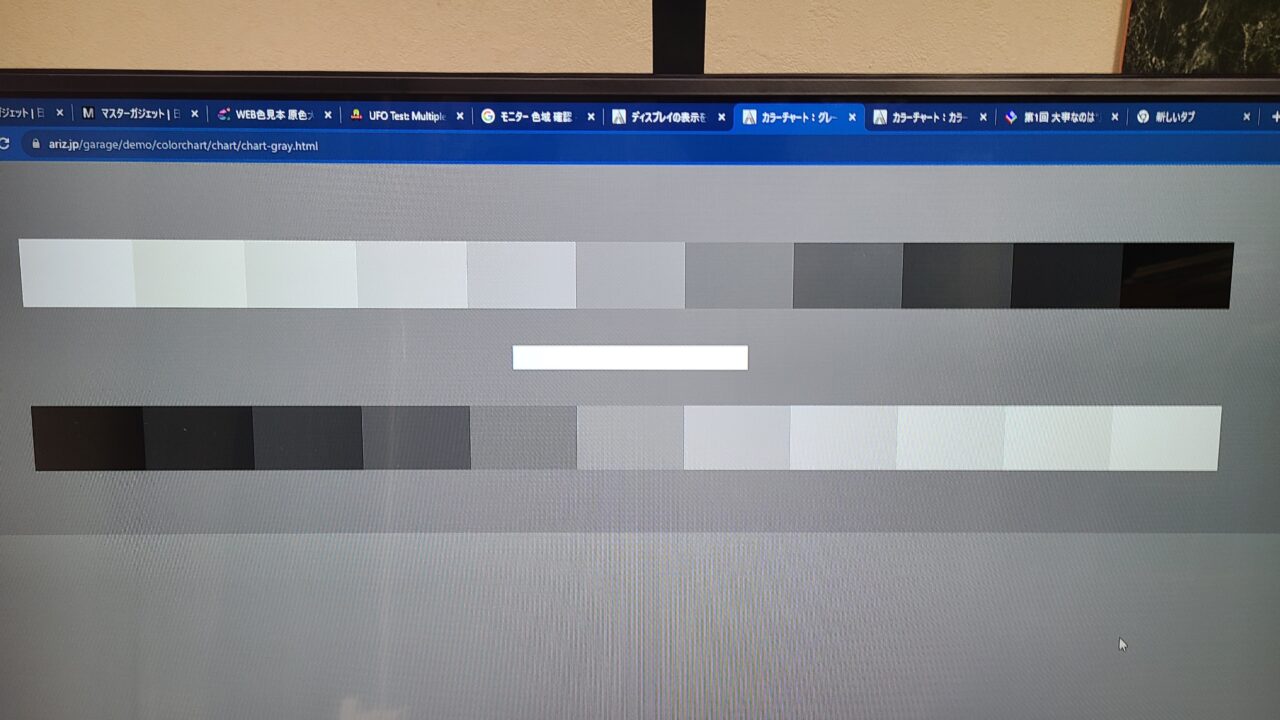
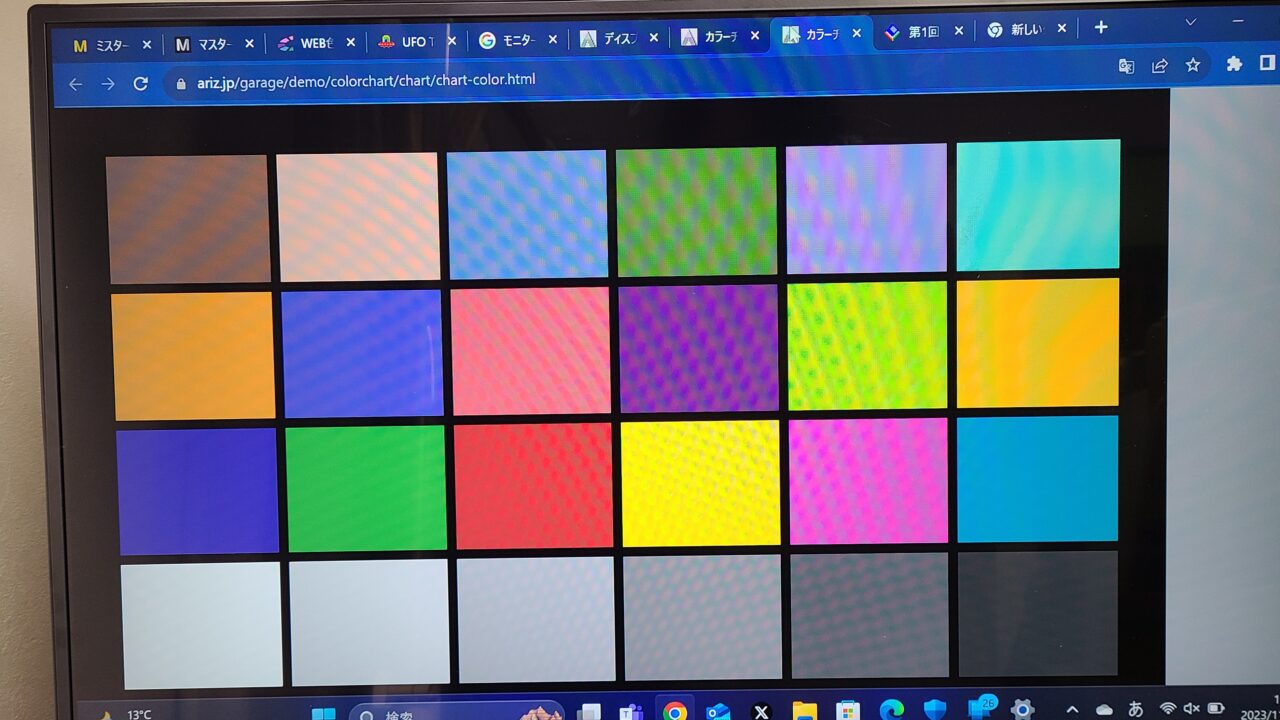
First, I checked for dead pixels, but found none.
As I will touch upon later, if the product you receive has any dead pixels, please try to utilize the warranty.
Also, at a glance, there was nothing unnatural about the color tone.
| Panel Type | Pros | Cons |
|---|---|---|
| IPS | ・Wide viewing angle ・Beautiful colors | ・Slower response time |
| VA | ・High contrast ・Beautiful colors ・Fairly wide viewing angle | ・Response time is slower compared to TN |
| TN | ・Fast response time ・Cheap | ・Narrow viewing angle ・Low contrast |
There are three main types of panels: “IPS,” “VA,” and “TN.”
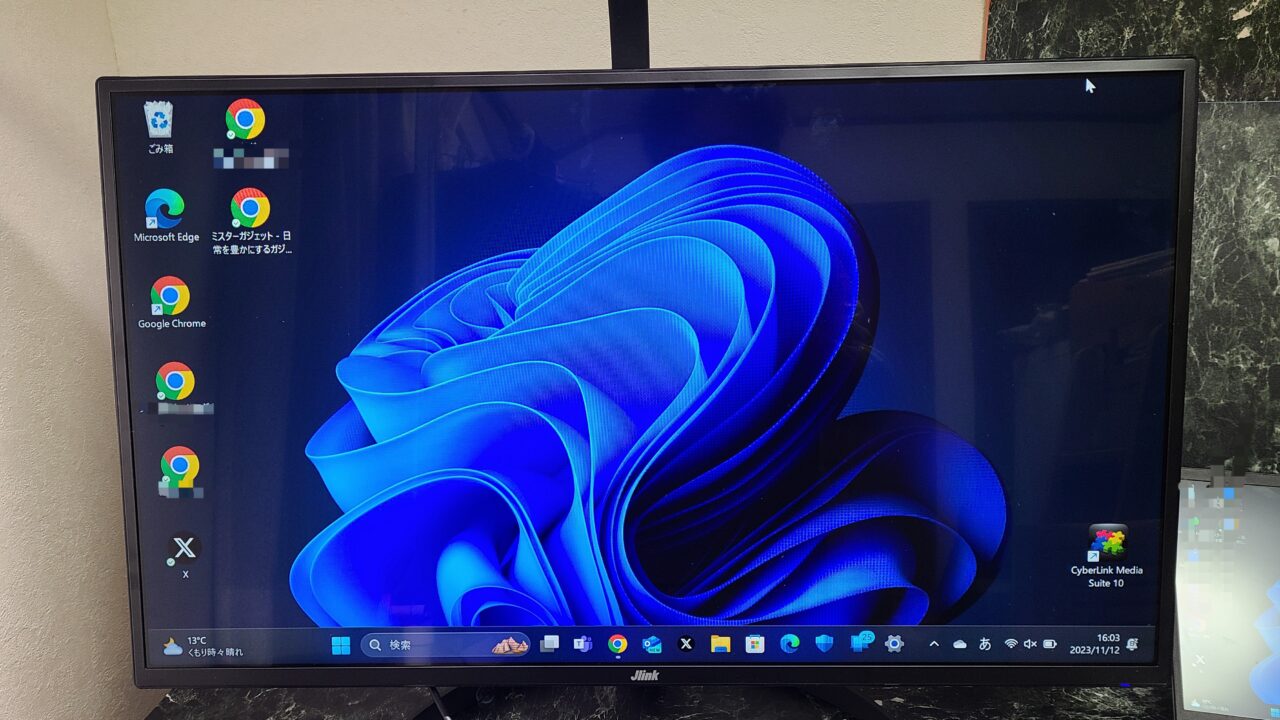
VA panels have high contrast, deep blacks, and allow you to enjoy immersive imagery.
Easy and intuitive installation!
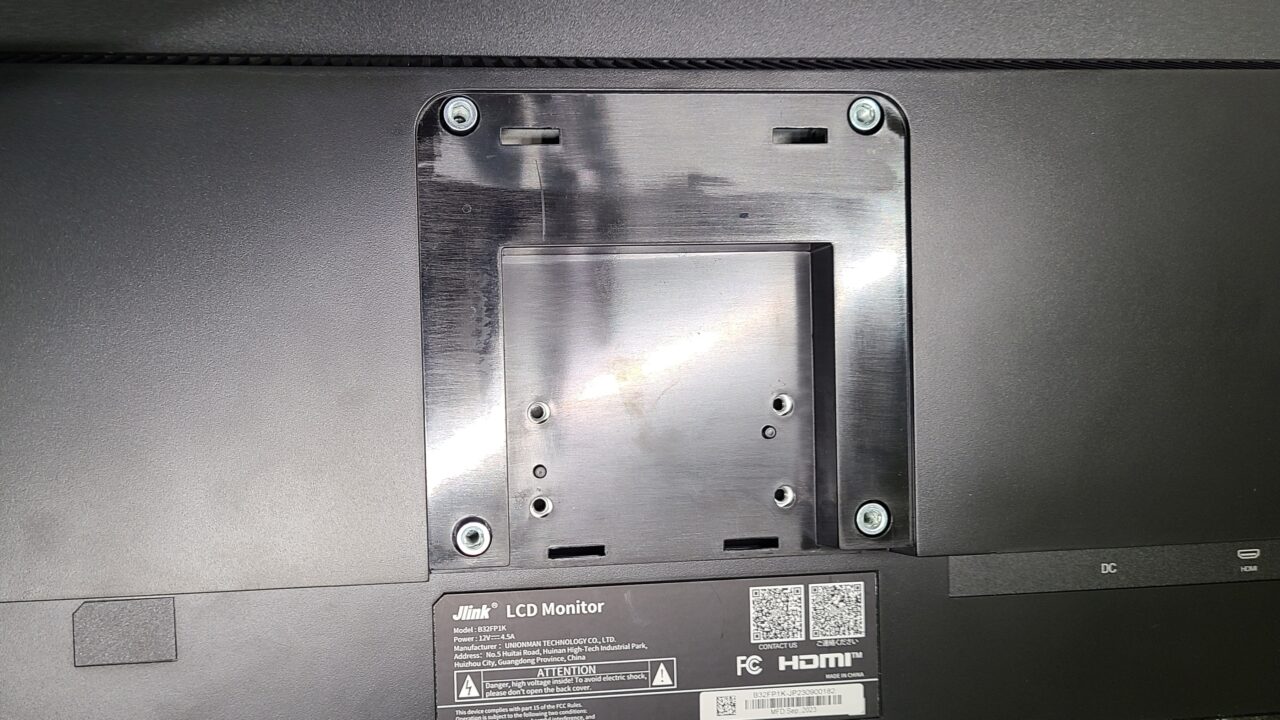
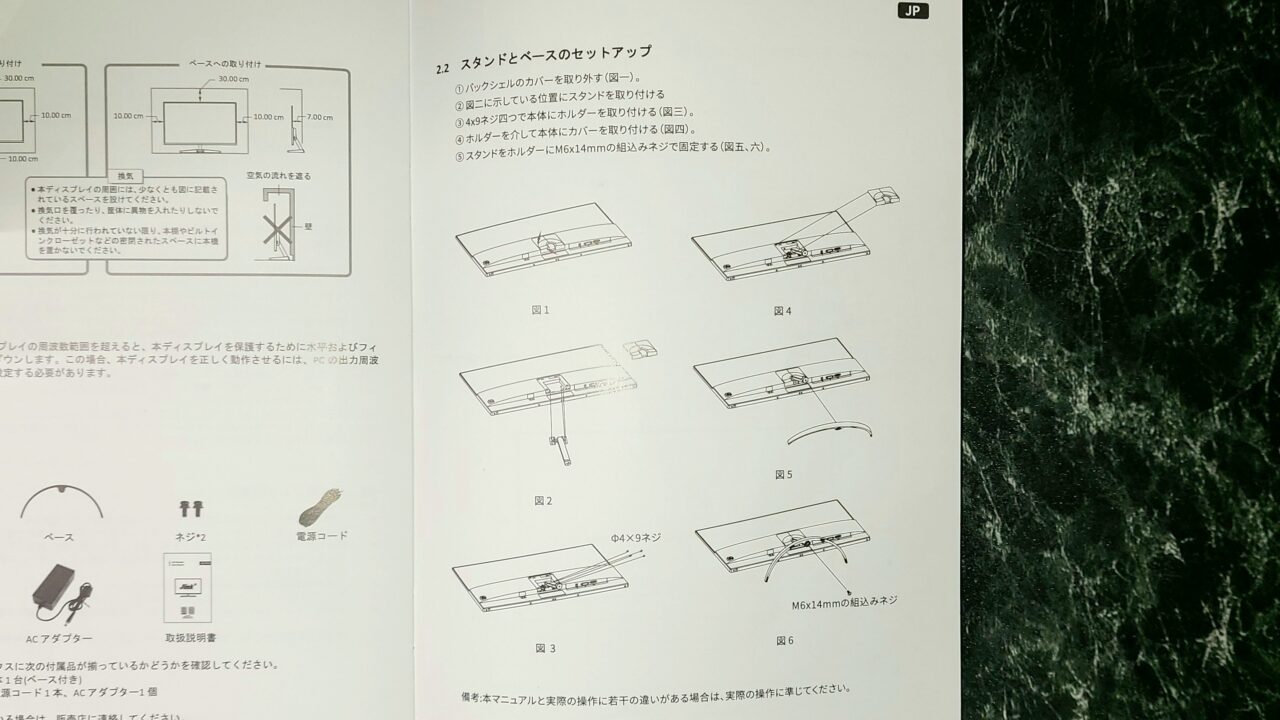
Regarding the installation, it was described in detail in the instruction manual.
 Mr.Gadgets
When I reviewed a Jlink monitor before, it wasn’t described this thoroughly, so it has been improved!
Minimal connection ports
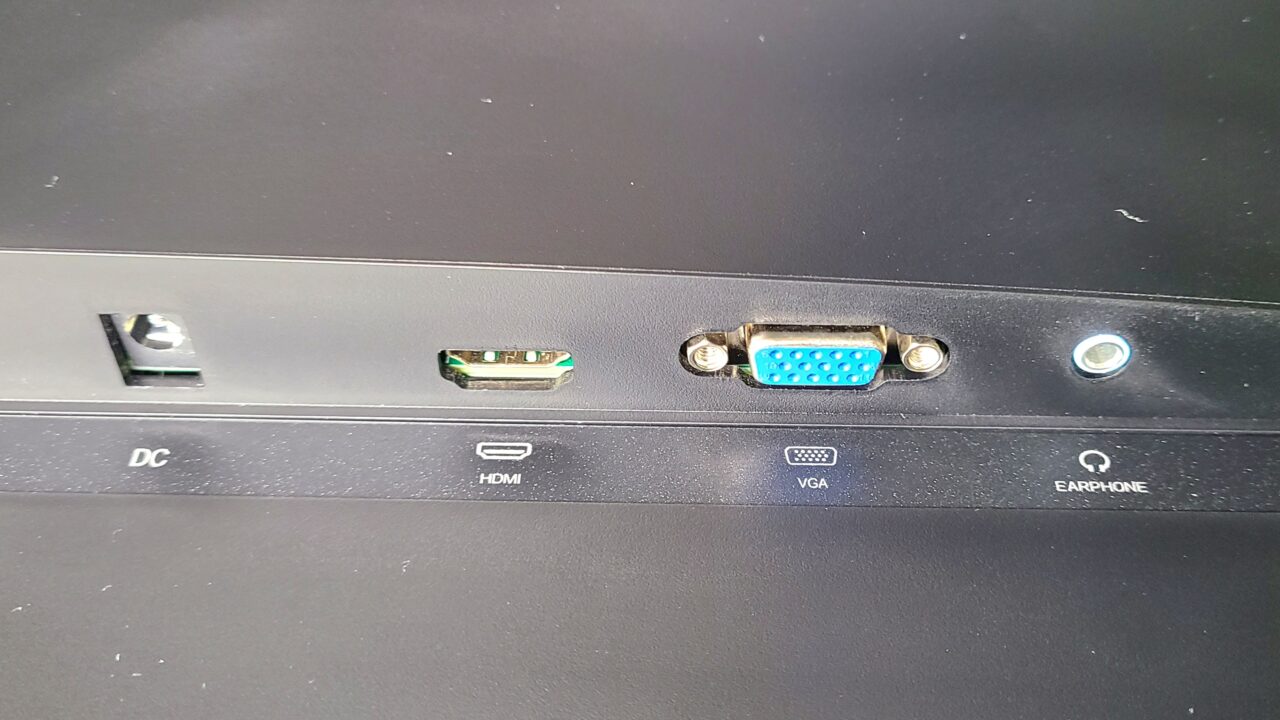
As I mentioned when introducing the specs, the details of the interfaces are as follows.
- HDMI 2.0 × 1
- VGA
- 3.5mm Aux × 1
- DC (Power) × 1
 Ms.Gadgets
It feels like it has the bare minimum.
 Mr.Gadgets
Personally, I wish it had two HDMI ports…
Vertical angle can be adjusted but nothing else
- Tilt: -5 to 15°
You can change the angle of the monitor as shown in the photos below.
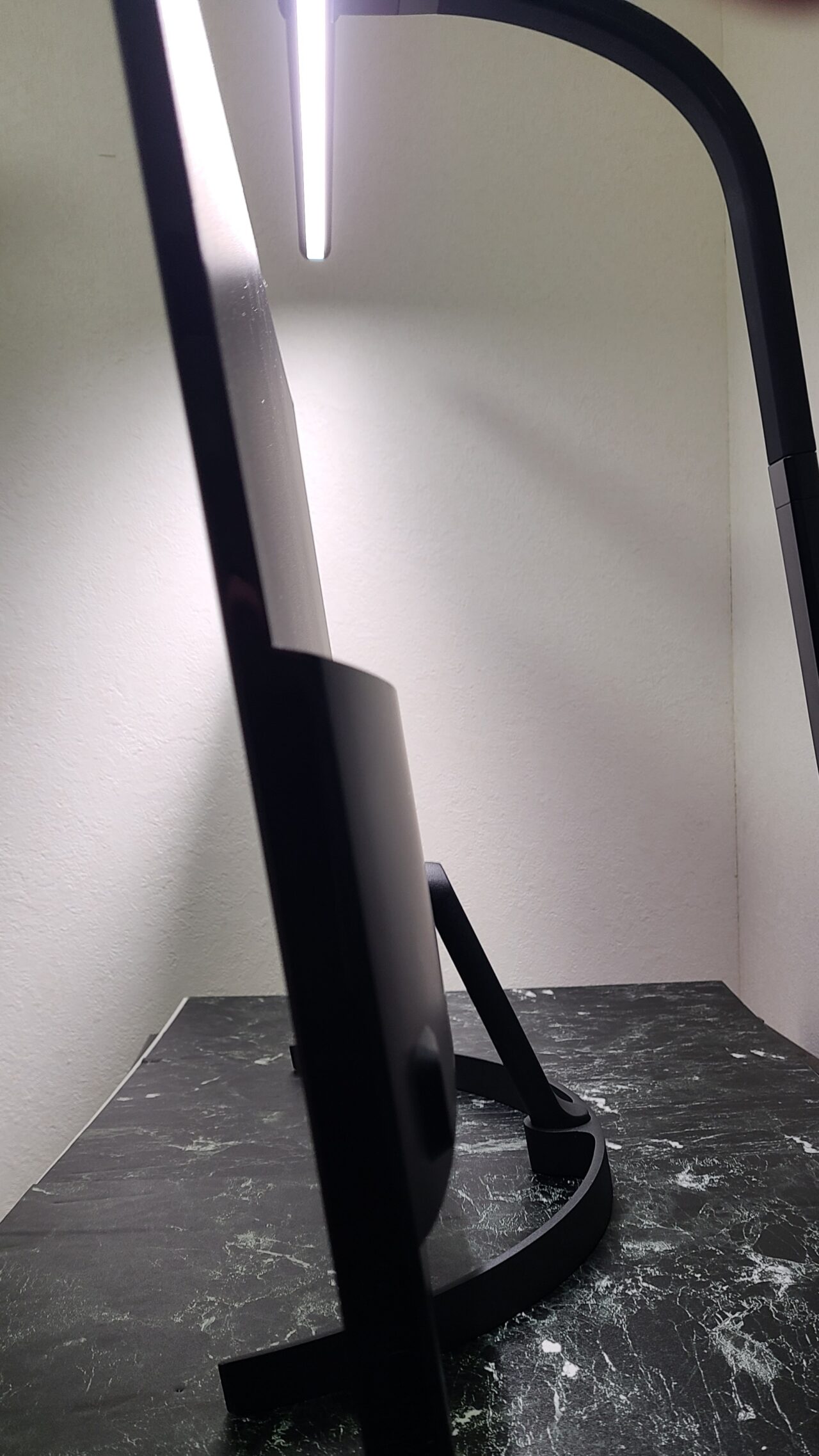
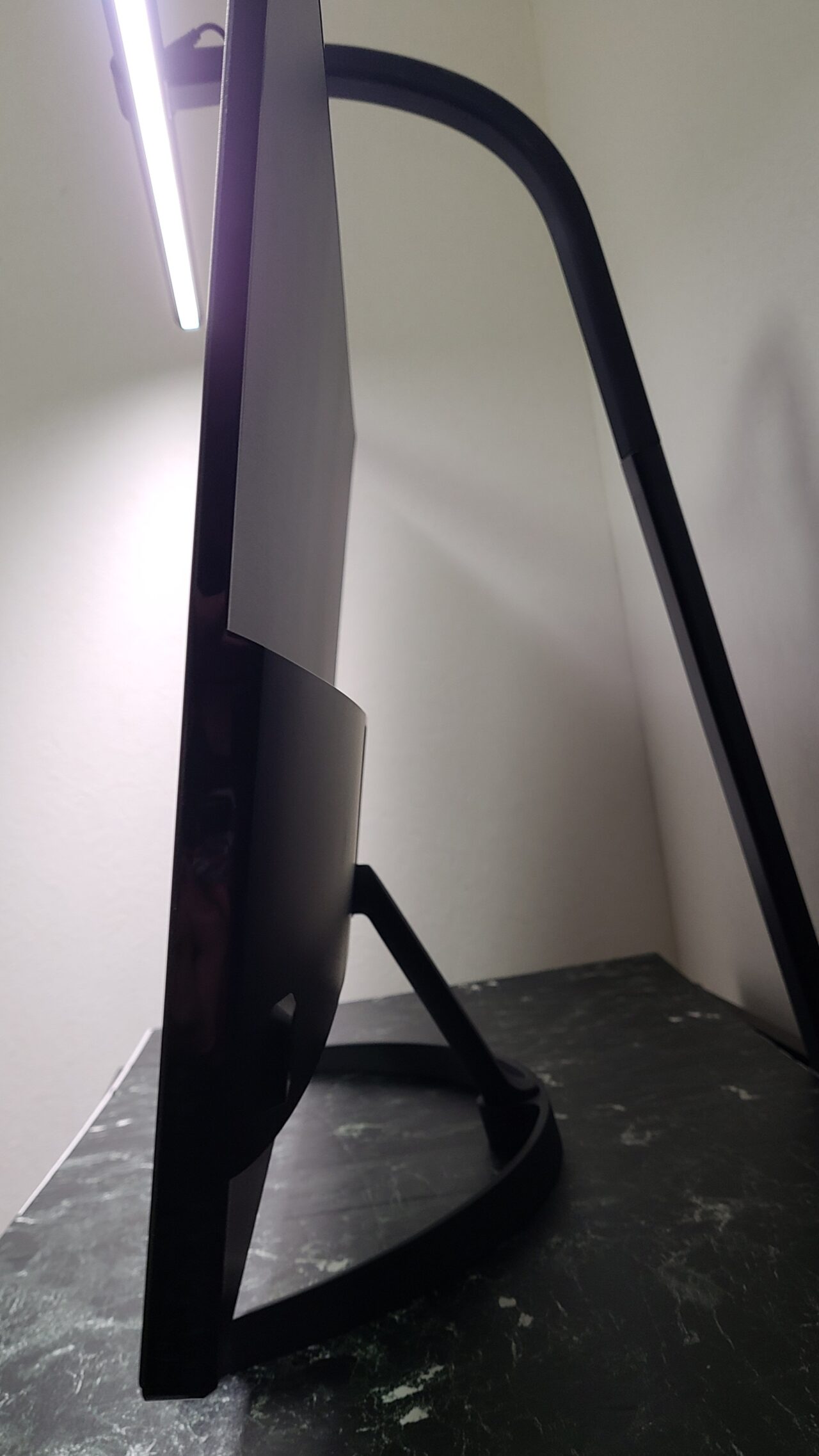
However, please be aware that you cannot adjust the horizontal direction or the height of the monitor.
Mr.GadgetsPersonally, I really wish the height could be adjusted…
AC adapter has the PSE mark
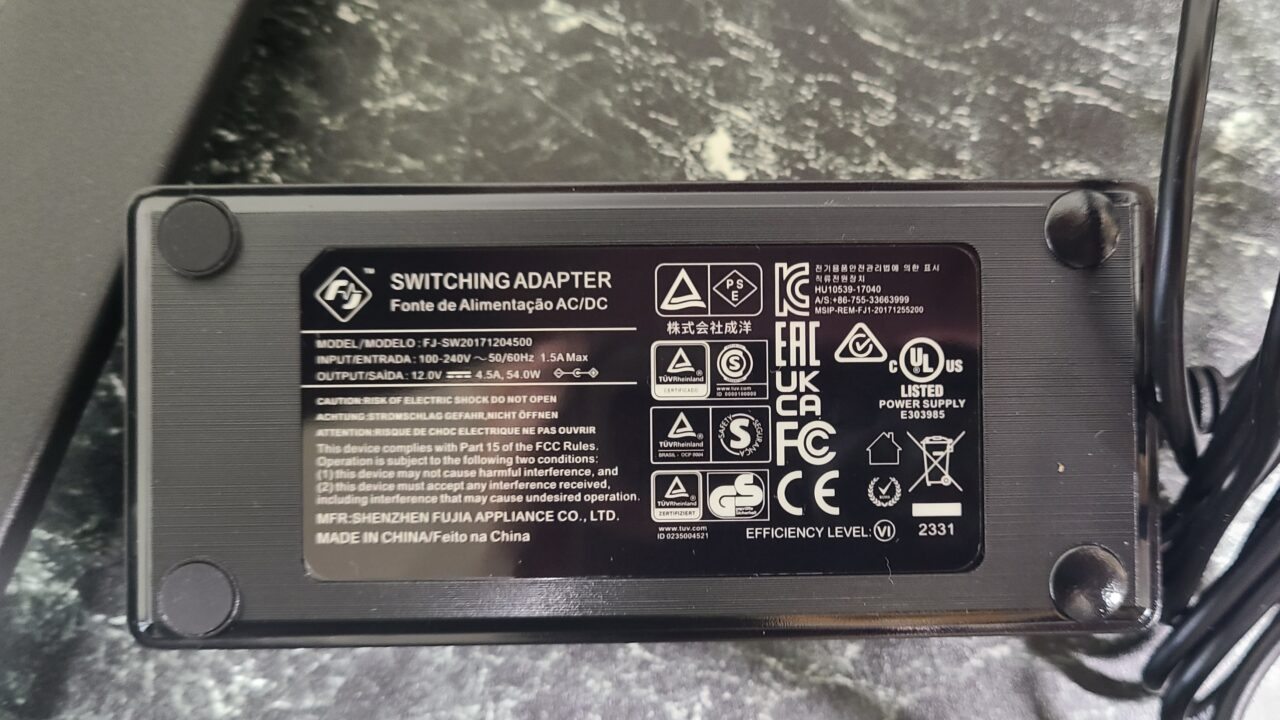
The AC adapter correctly features the PSE mark.
 Mr.Gadgets
Of course, it should be expected that it’s there, but products from Chinese manufacturers often come without the PSE mark.
This manufacturer included one with the proper PSE mark, which gave me peace of mind.
Pochipp
- Please note that the listed price may differ from the actual price, so be sure to check the final price at the time of purchase.
Prices are especially likely to change during sales, so please verify before you buy.
36-month warranty included
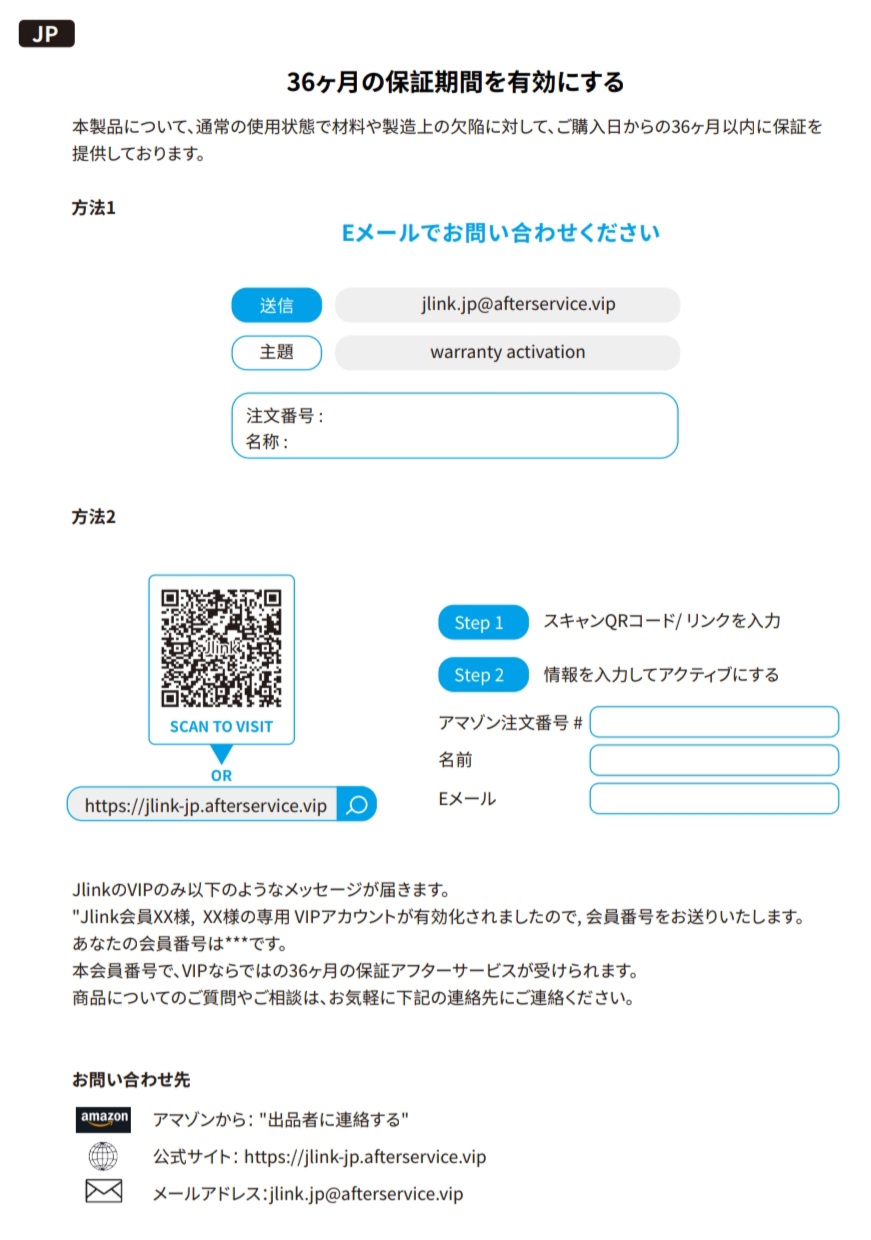
As written in detail in the instruction manual, it comes with a 36-month warranty.
Mr.GadgetsThree years is quite a long time!
I think even those who are a bit anxious about it being a Chinese manufacturer can purchase it with confidence.
HDR compatible
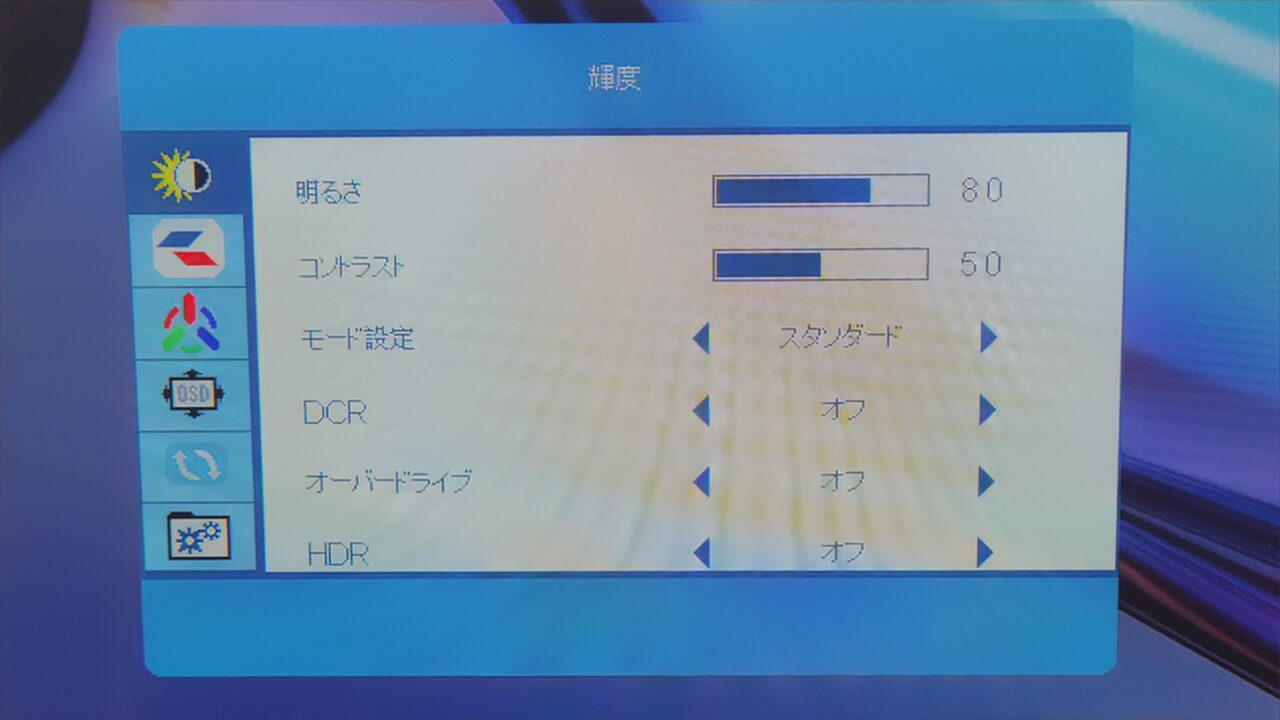
HDR (High Dynamic Range) is a technology that expands the range of brightness. Simply put, when HDR is supported, the image becomes more realistic.
The “Jlink B32FP1K” is HDR compatible.
Supports up to 60Hz
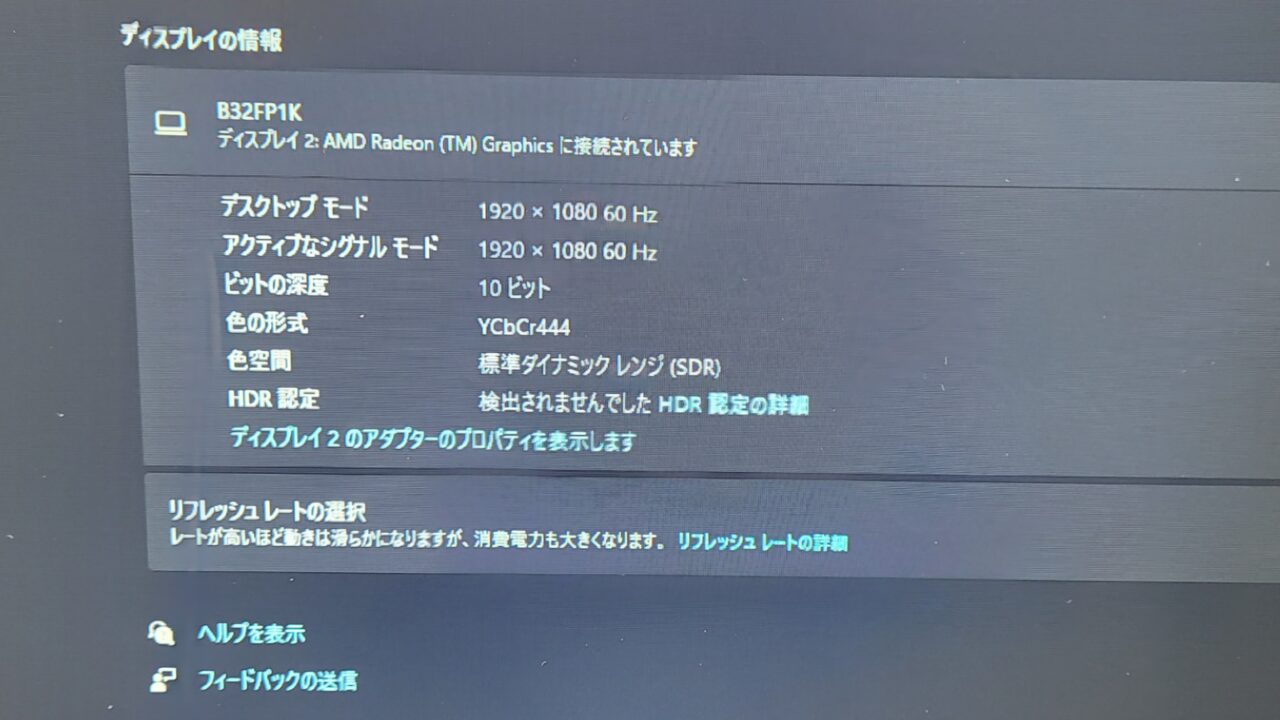
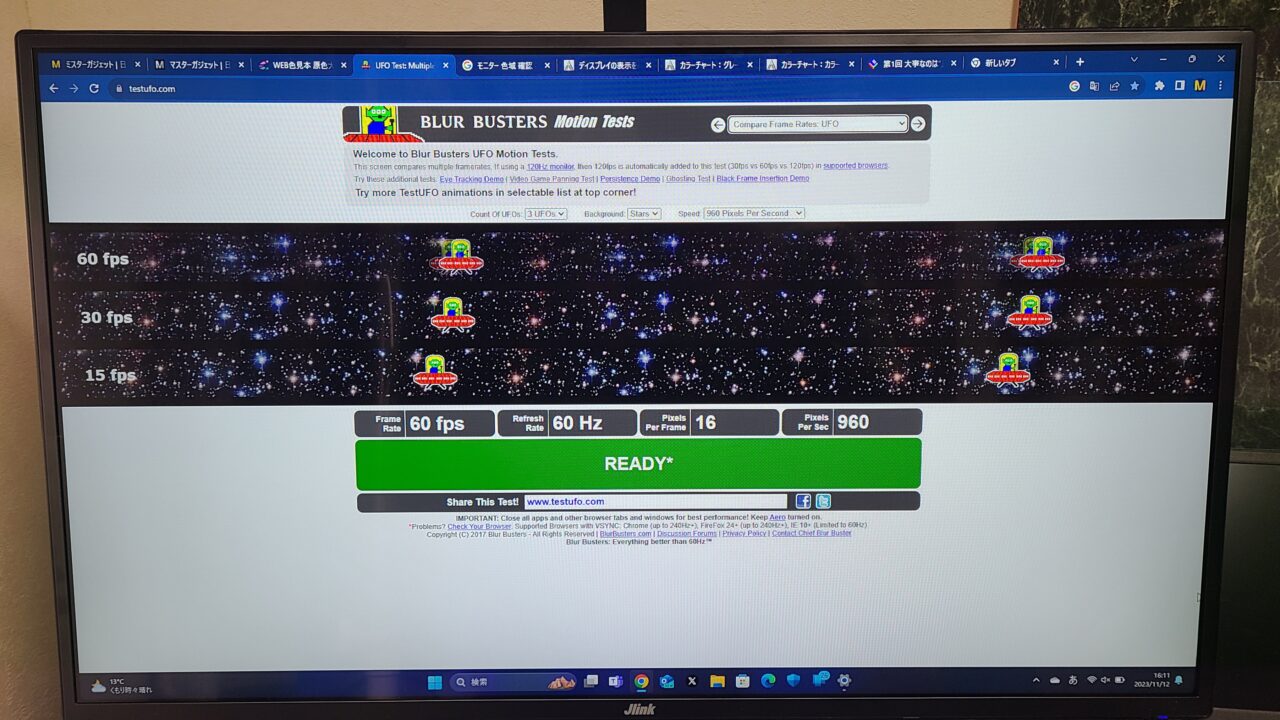
As I mentioned in the specs section, the “Jlink B32FP1K” supports up to 60Hz.
| Movies, Anime | approx. 24Hz |
| TV | approx. 30Hz |
| Nintendo Switch, PS4 | approx. 60Hz |
| PS5, Xbox Series X | approx. 120Hz |
For standard use, you won’t feel any inconvenience at 60Hz.
Mr.GadgetsThe PS5 works perfectly fine even without 120Hz, so there’s no problem at all.
For playing FPS games, 60Hz is a bit lacking, but well, it’s not a gaming monitor, so it can’t be helped.
 Pochipp
- Please note that the listed price may differ from the actual price, so be sure to check the final price at the time of purchase.
Prices are especially likely to change during sales, so please verify before you buy.
Response time 4.2ms(GTG)
Response time refers to the speed at which colors change and has a major impact on the motion blur of the image.
It is particularly important for games that require reaction speed, such as FPS and fighting games.
The “Jlink F32FR1K-17B” has a response time of 4.2ms, which is a speed that allows for comfortable gaming to a certain extent.
However, I think it’s perfectly fine for people who play occasionally, but if you are serious about playing FPS or TPS games, honestly, this figure is underwhelming.
For playing RPGs or simulation games, response time is almost irrelevant, so you don’t need to worry about it.
Mr.GadgetsWell, people who are serious about FPS should buy a gaming monitor anyway (laughs).
For enjoying games normally, there is absolutely no problem.
About settings
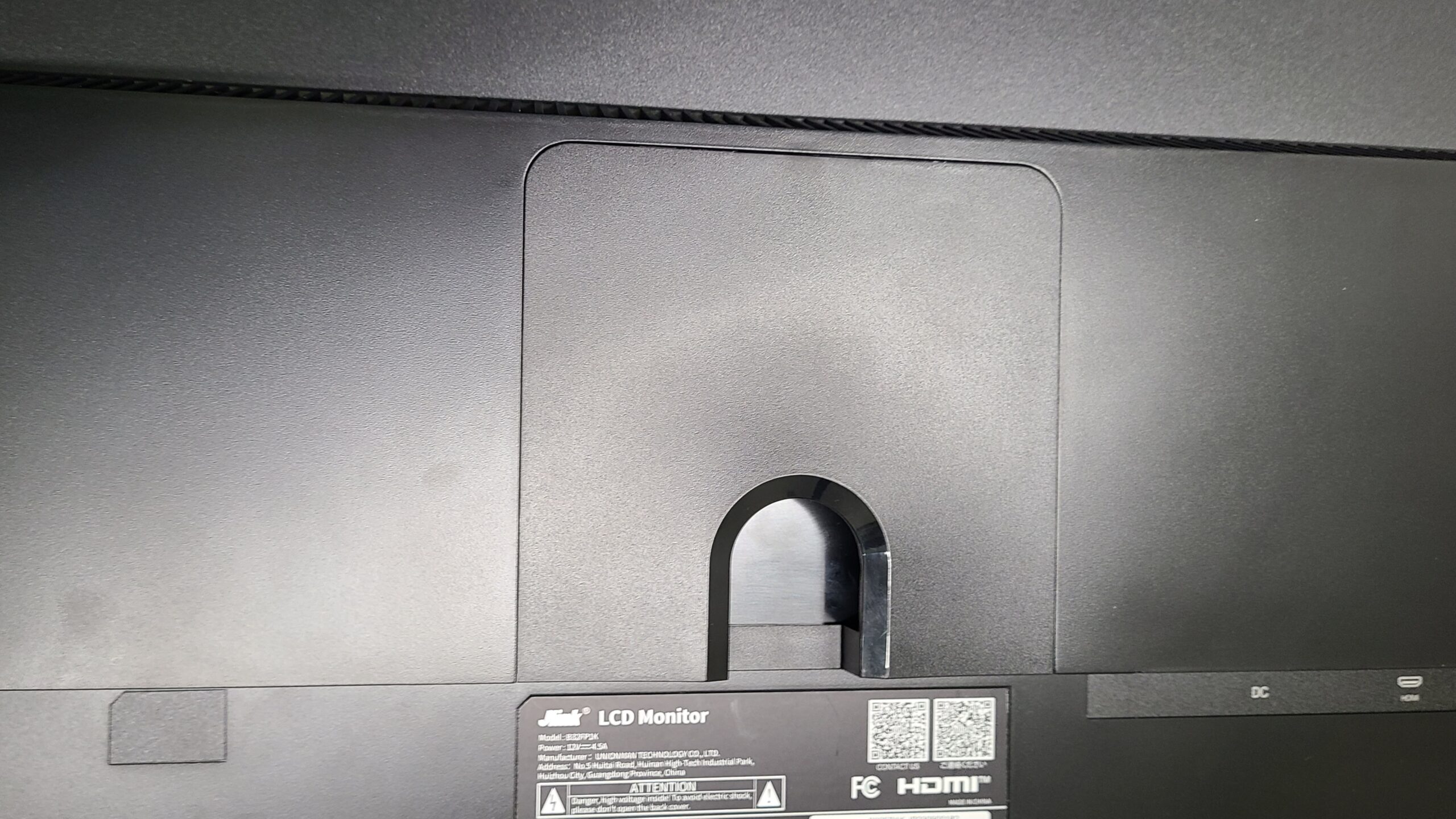
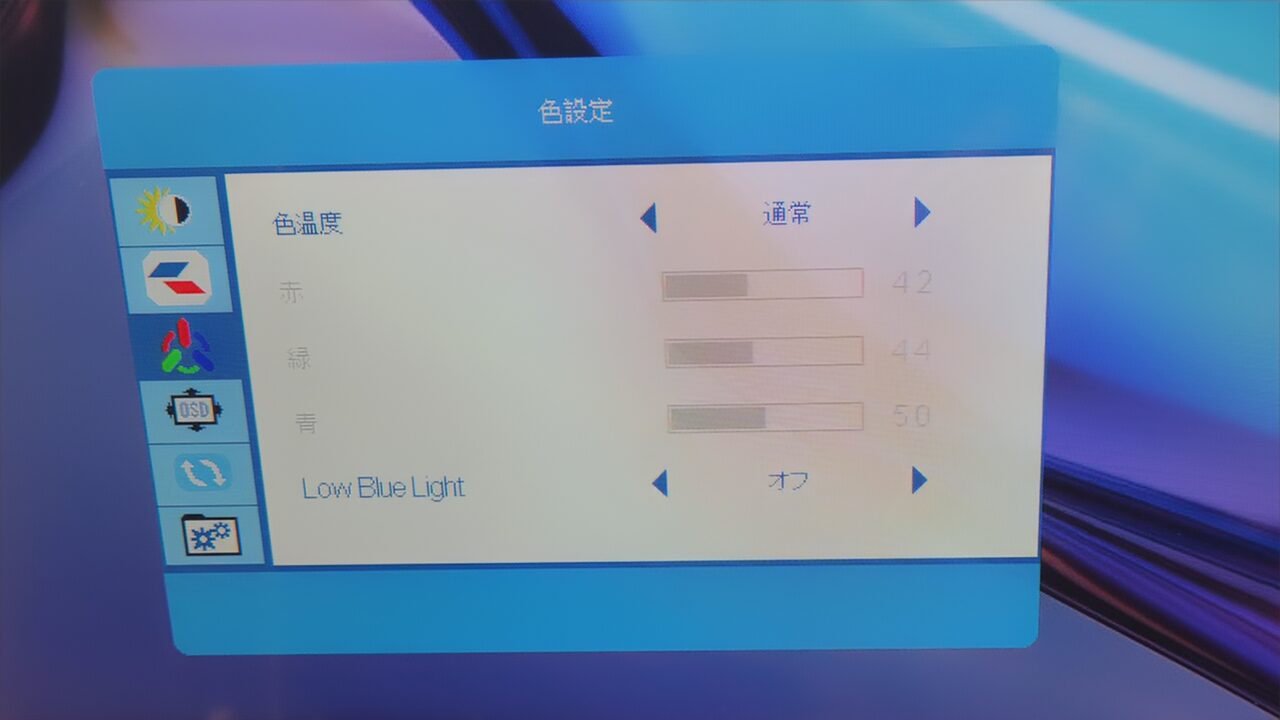
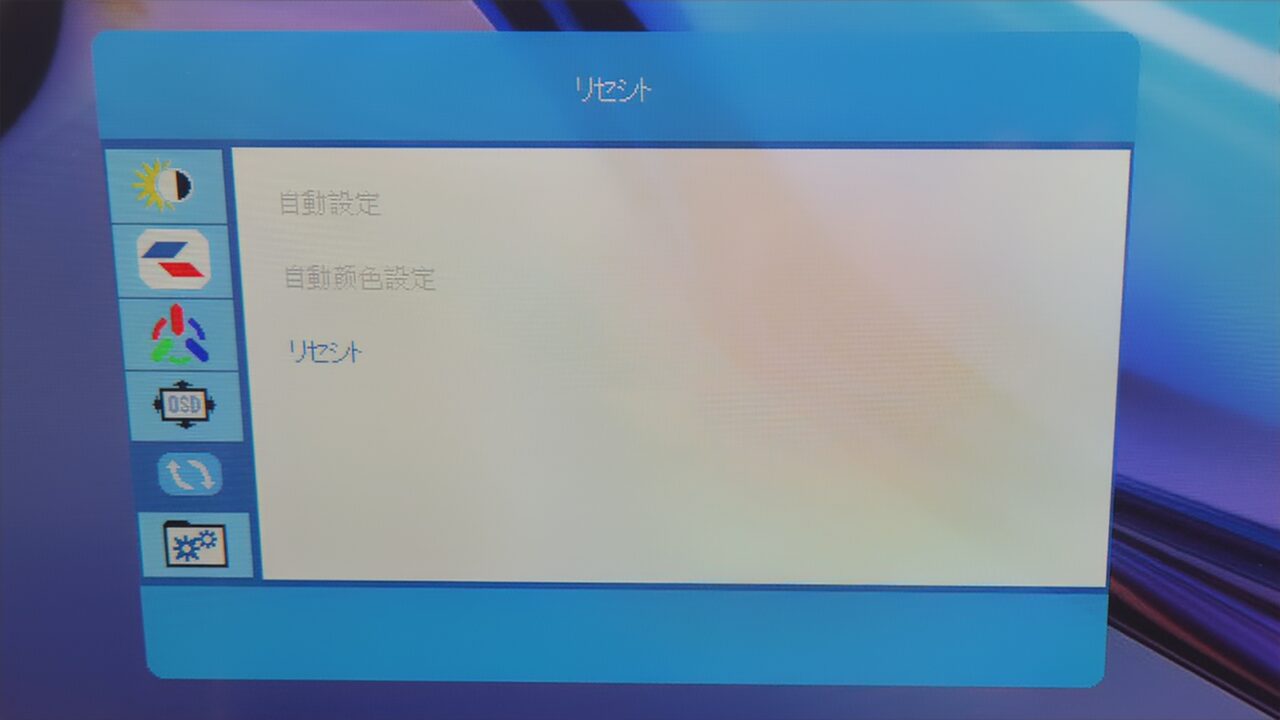
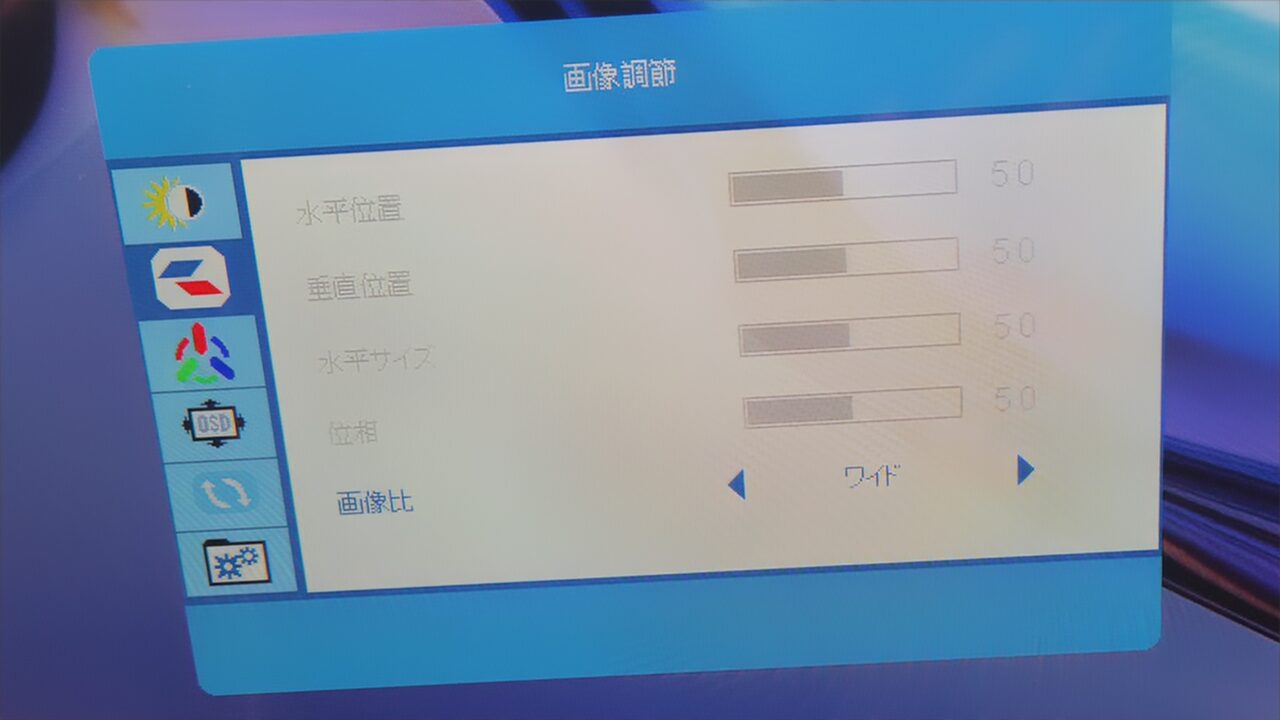
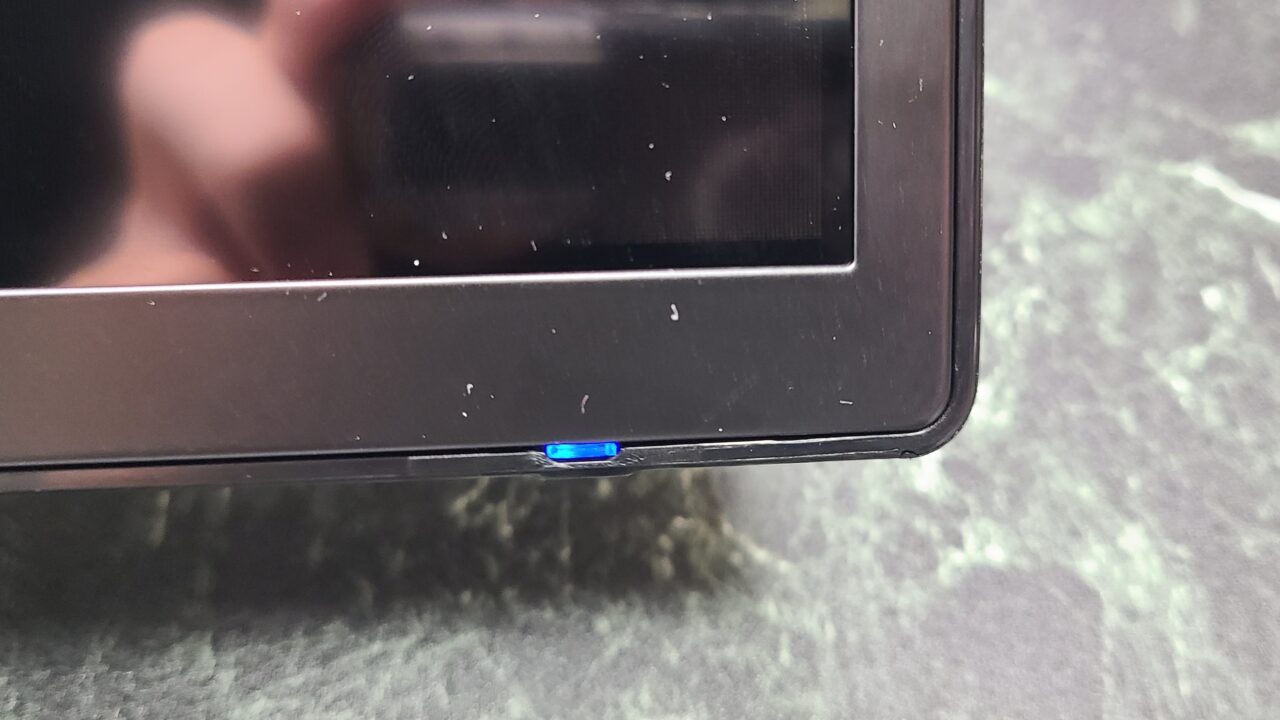
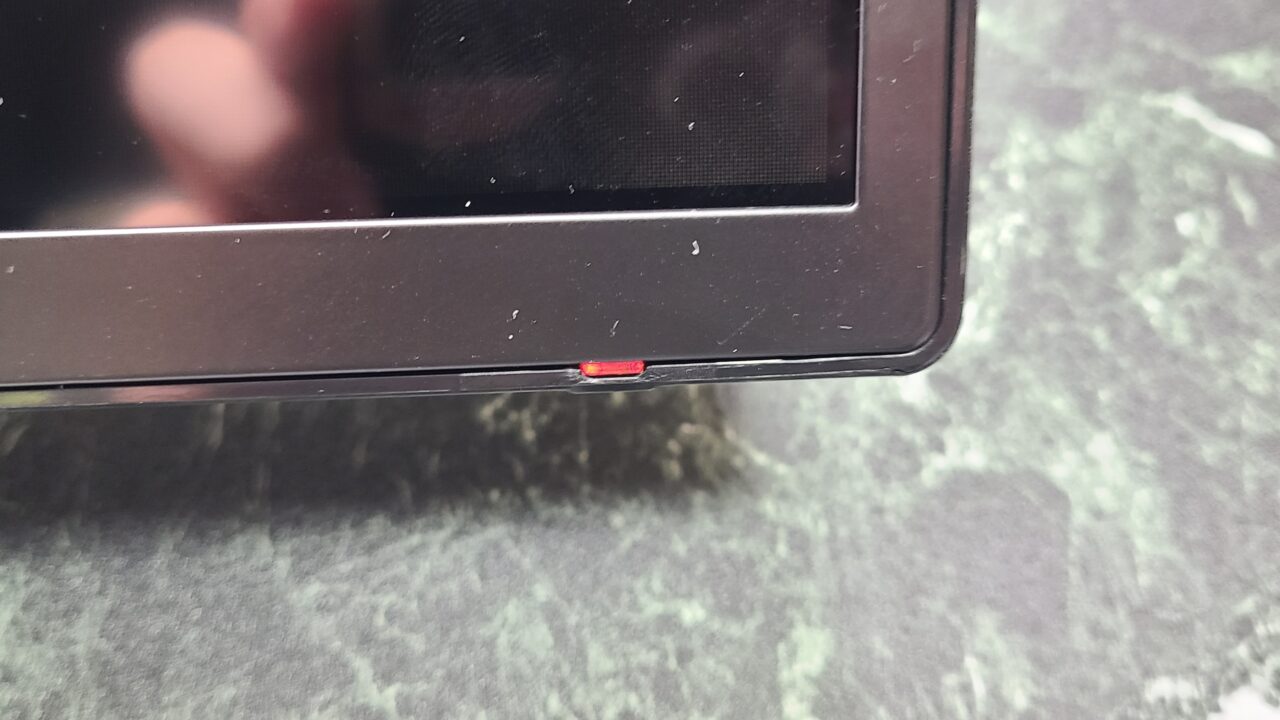
Monitor settings and powering on/off are performed using this function button on the back of the monitor.
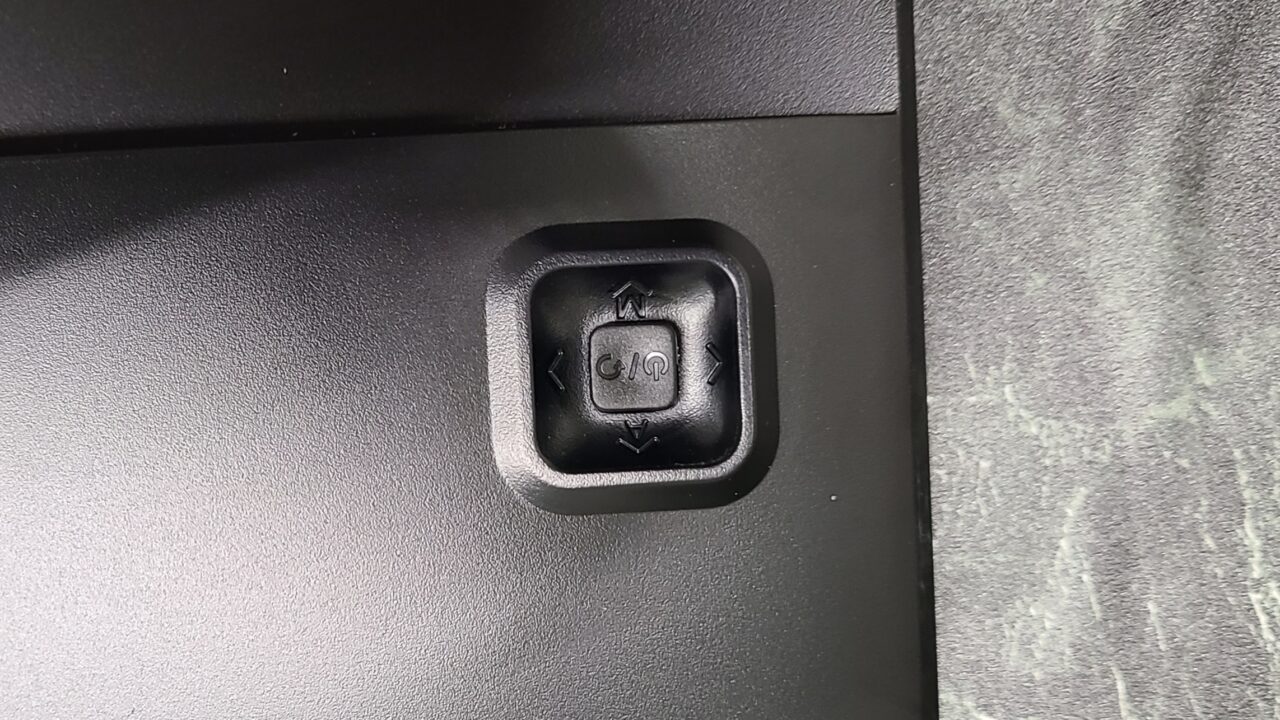
Pressing this function button once turns the monitor on.
Pressing the button down brings up the settings menu.
Also, as shown in the labels in the image below, pushing left was assigned to BACK, and pushing right was assigned to ENTER.
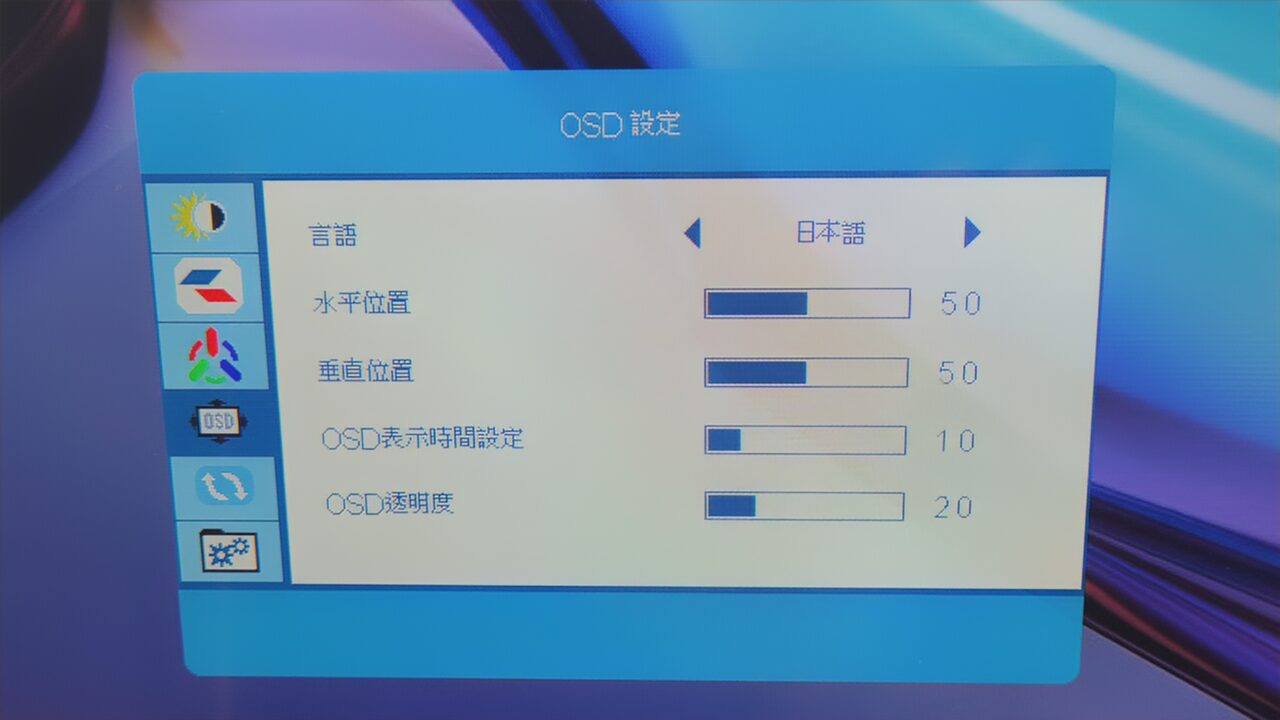
 Pochipp
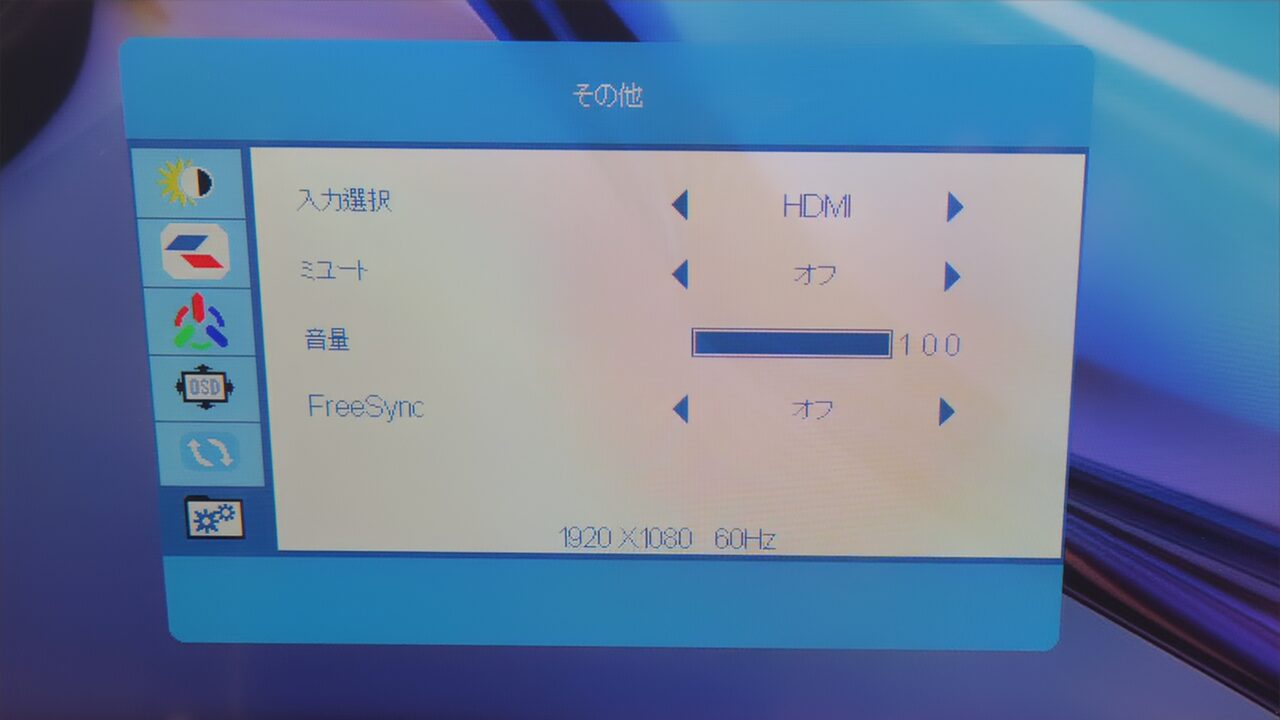
About various functions
As written in the specs, it does not have built-in speakers, so an external speaker is required.
Summary
Recommended for daily use
After using it, I felt that this “Jlink B32FP1K” is a versatile monitor that offers great value for money and has few drawbacks.
The resolution is Full HD, which is fairly standard, and it features a maximum refresh rate of 60Hz with a response time of 4.2ms, making it a spec that won’t leave you wanting for most tasks, including gaming.
Admittedly, there are some minor shortcomings, such as the inability to adjust the height, but even taking those into account, I think this is a monitor that can do just about anything.
There are no major drawbacks and it comes with a 36-month warranty, so please purchase with confidence.
- Great value and a versatile monitor with few drawbacks
- VA panel provides deep blacks
- Includes a 36-month warranty
- Easy and intuitive installation!
- HDR compatible
- Cannot adjust height
- Minimal connection ports
- No built-in speakers
Pochipp
- Please note that the listed price may differ from the actual price, so be sure to check the final price at the time of purchase.
Prices are especially likely to change during sales, so please verify before you buy.
Recommended for people who:
- Want a versatile monitor with good cost-performance
- Want a monitor with few drawbacks
Thank you for reading until the end!
- Product prices and information are as of the time of writing.
- Please note that this site cannot be held responsible even if this information is incorrect.
- The product and service names mentioned on this site are trademarks of their respective companies.
This article was originally written in Japanese and has been translated.
Comments