
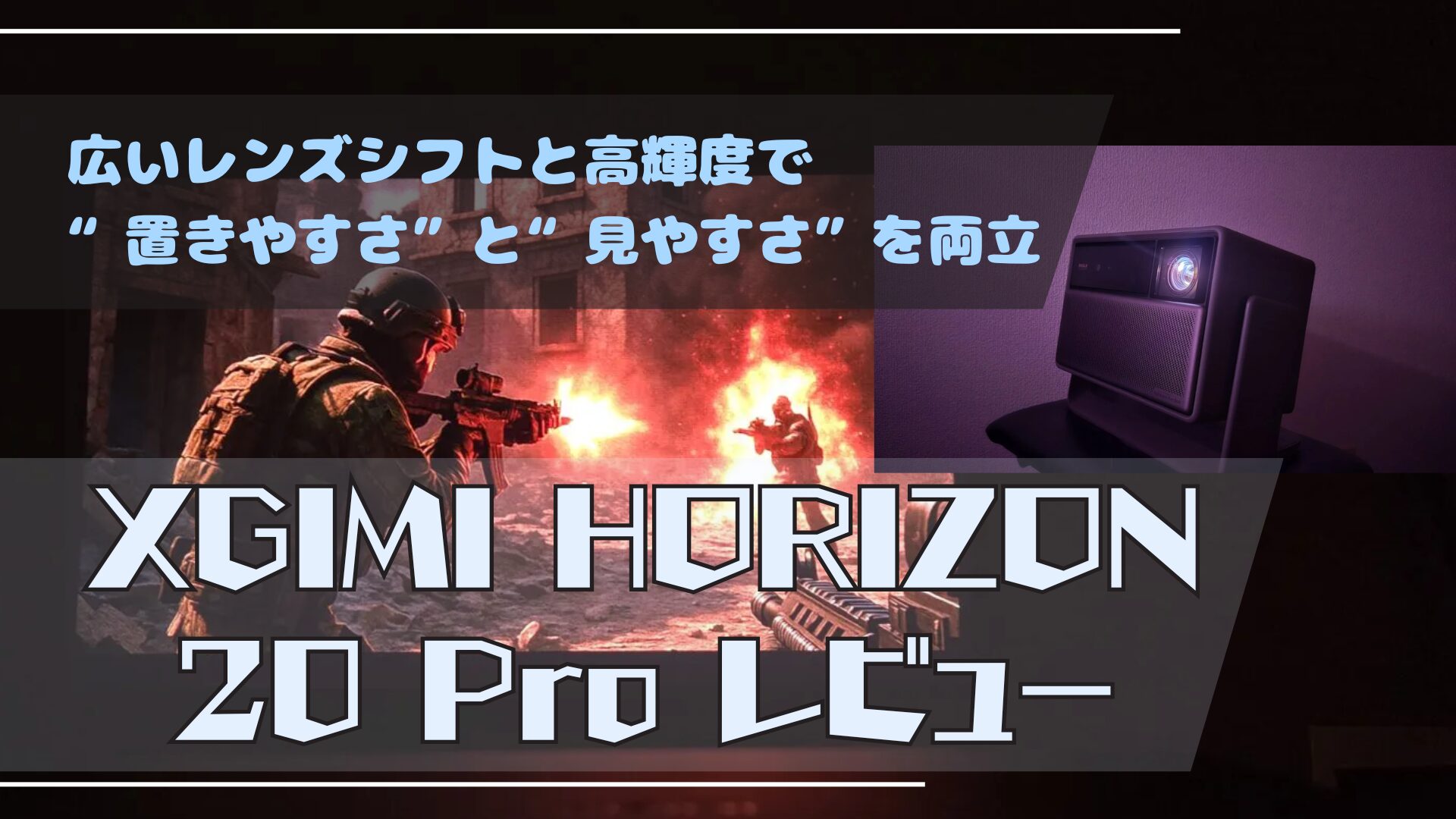
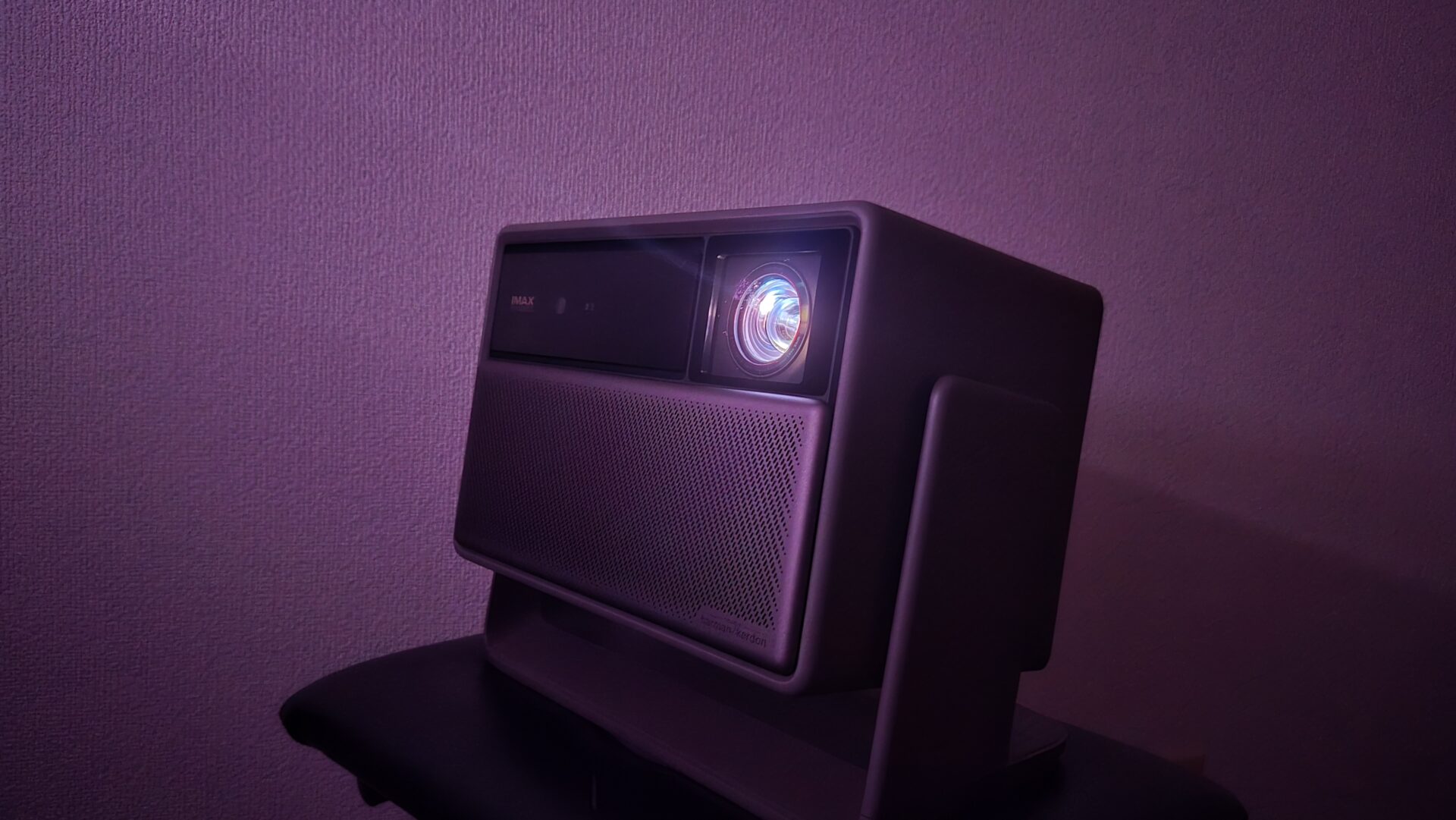
Living room walls often sit idle, just waiting for something to do. I place the HORIZON 20 Pro down and turn on the power.
Just like that, the image spills out, feeling as if it has effortlessly expanded beyond the confines of a traditional television. Whether it’s a quiet afternoon where the family debates whether to close the curtains, or a movie night in the dark, you can enjoy a “life with a big screen” without having to drastically rearrange your room.
A design that isn’t fussy about placement goes a long way toward alleviating the usual hassle of owning a projector.
What you’ll learn in this article!

- Brightness that remains viewable even in a sunlit living room (4100 ISO)
- Sharpness and vibrancy with BT.2020 110% and DBLE
- High installation flexibility with lens shift + optical zoom
- Fast startup to playback with AF + auto keystone correction
- Beneficial for streaming with Dolby Vision/HDR10+ support
- Comfortable gaming with 1080p at up to 240Hz/120Hz + VRR/ALLM
- Easy sound enhancement with eARC support
- At approx. 4.9kg, it is not suitable for portability
- Only 2 HDMI ports, requiring adjustments if connecting multiple devices
- Not an ultra-short-throw projector, so installation distance must be verified
- Those who want an easy way to create a large screen that is easy to see day or night, primarily in a living room.
- Those who prioritize installation flexibility with lens shift and optical zoom.
- Those who want to enjoy a wide range of content including Dolby Vision/HDR10+ streaming and UHD BDs.
- Those who want smooth display for gaming by utilizing 120Hz/240Hz/VRR.
HORIZON 20 Pro Specifications
This unit supports 4K (3840×2160) resolution, and its RGB three-color laser light source combined with a rated 4100 ISO lumens of high brightness ensures visibility even in a living room during the day. It boasts a color gamut of BT.2020 110% and a contrast ratio of 20,000:1 (with DBLE on), emphasizing clarity and impact in movies and games. Input/output includes HDMI x 2 (one with eARC), USB, optical, and 3.5mm audio, and it features Google TV for standalone access to major VOD services. For gaming, it supports 1080p@240Hz/120Hz and VRR/ALLM.
Click here for the spec sheet
| Item | Details |
|---|---|
| Resolution / System | 3840×2160 (4K) / DLP |
| Light Source | RGB three-color laser |
| Brightness (rated) | 4100 ISO lumens |
| Contrast (rated) | 20,000:1 (DBLE on) |
| Color Gamut (rated) | BT.2020 110% |
| Lens Shift | Vertical ±120% / Horizontal ±45% |
| Throw Ratio / Zoom | 1.2–1.5:1 / Optical Zoom |
| Auto Adjustment | Auto focus, auto keystone correction, intelligent screen alignment, obstacle avoidance |
| Gaming Features | 1080p@240Hz (rated 1ms) / VRR / ALLM / Black Equalizer / Crosshair |
| HDR, etc. | HDR10+ / Dolby Vision / IMAX Enhanced |
| Sound | Harman/Kardon 12W x 2, Dolby/DTS compatible, eARC |
| Ports | HDMI x 2 (one is eARC), USB 3.0 x 1, USB 2.0 x 1, Optical, 3.5mm |
| Wireless | Wi-Fi 6, Bluetooth 5.2 |
| Noise / Power Consumption (rated) | ≤28dB@1m / ≤230W |
| Dimensions / Weight | 249×298×190mm / 4.9kg |
HORIZON 20 Pro Review & User Experience
Highlights of this section!
Design and Placement
The strength of this model is its ease of placement.
It supports “lens shift,” which allows you to move the image itself up, down, left, and right without moving the unit. You can adjust it significantly vertically and quite broadly horizontally, making it easy to align the center of the screen even if you place it on a shelf by the wall. Furthermore, you can change the screen size without degrading image quality using “optical zoom,” making it easier to adapt to the depth of your room.
It weighs 4.9kg. While it’s a bit heavy for carrying around, it stays firmly and stably in place. It is designed primarily for stationary use.
 Ms.ガジェット
Is it okay if the center is misaligned?
 Mr.ガジェット
Yes. First, use lens shift to align the center, and if you keep keystone correction to the bare minimum, it is easier to maintain the beauty of the image.
| Pros | Cons |
|---|---|
| Significant screen position adjustment without moving the unit (lens shift) Change size while maintaining image quality (optical zoom) Fast startup to display with auto keystone correction & AF | At 4.9kg, not suitable for portability Only 2 HDMI ports, requiring switching if you have many devices |
Picture Quality and Brightness (including color/contrast)
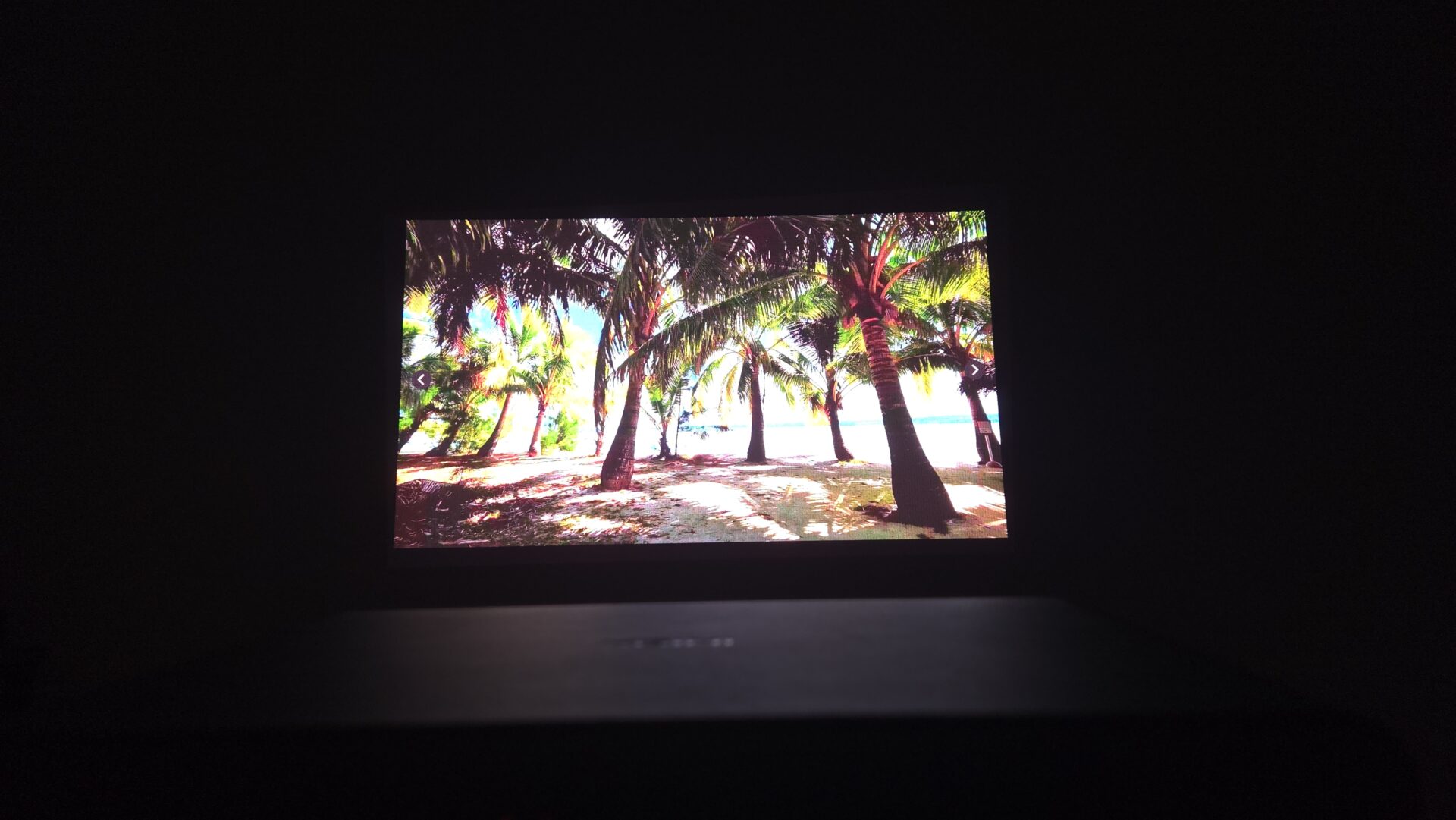
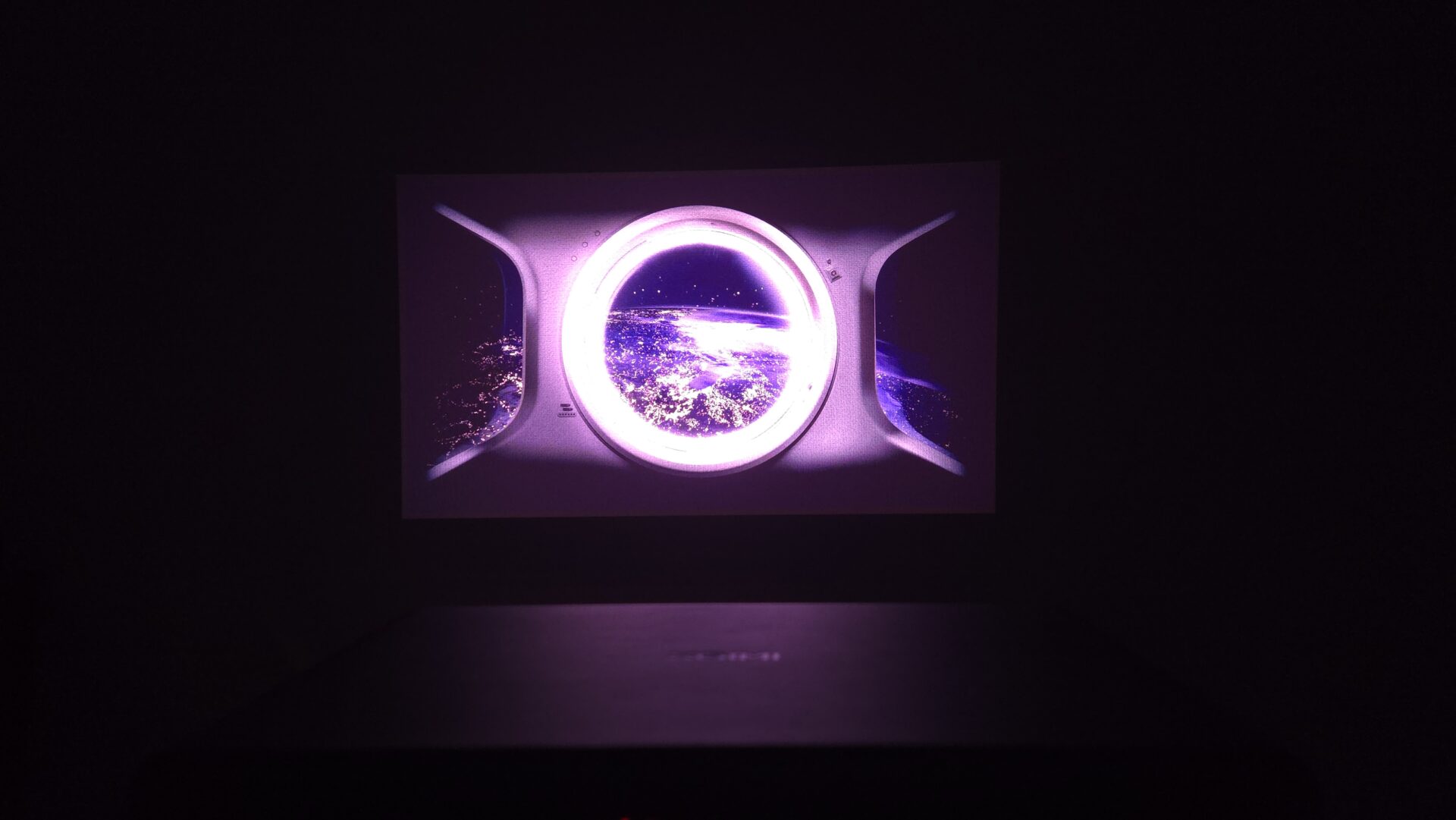
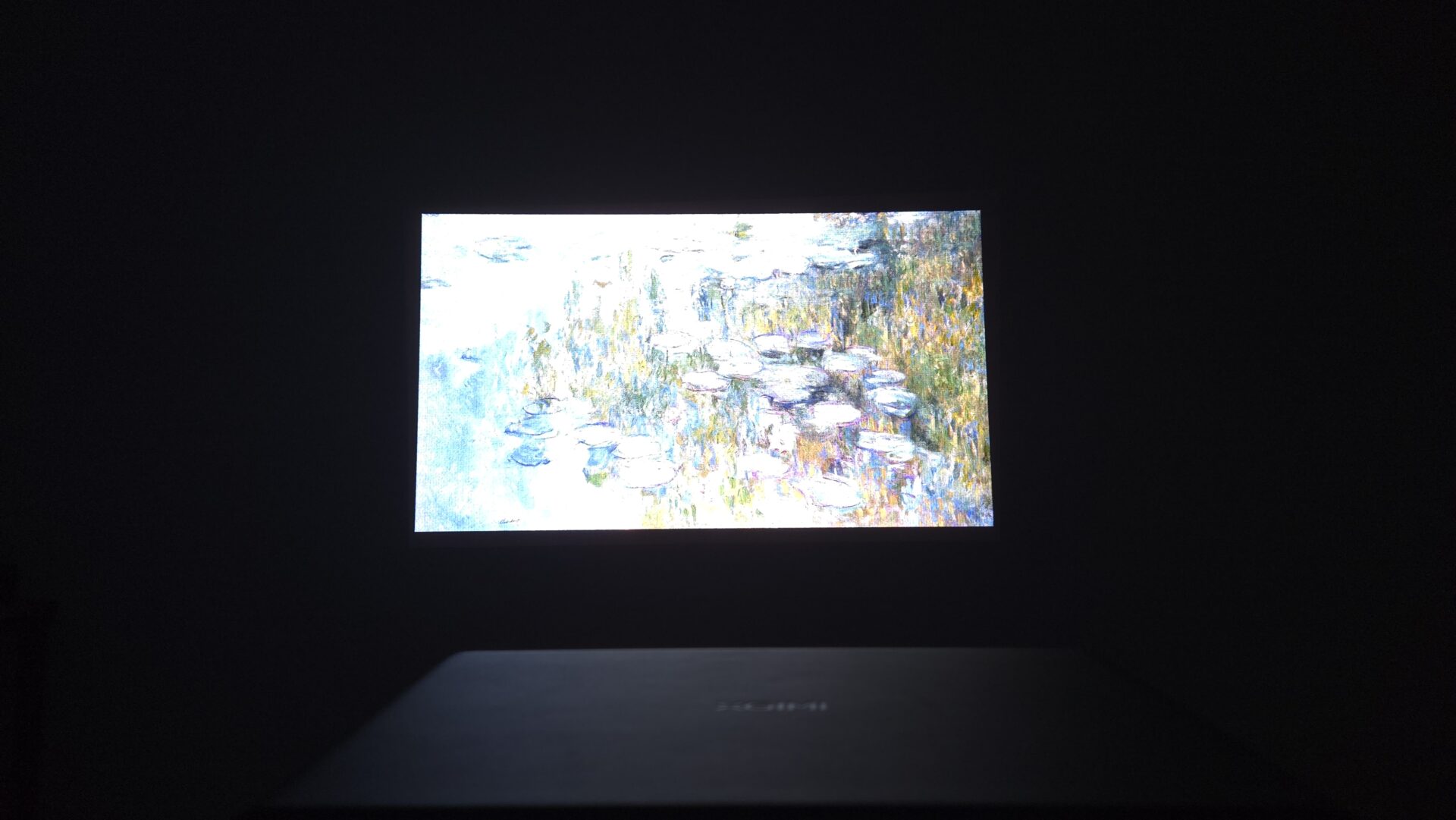
The brightness is 4100 ISO lumens. It is at a level where you can “see properly” even in a living room during the day. Since it inevitably looks whitish in places with direct sunlight, closing the curtains a little makes it much easier to see. At night or under blackout curtains, colors emerge clearly for a sharp, impactful image.
Also, because the color range is wide (BT.2020 110%), it can beautifully express the flashy colors of anime and games. Furthermore, the system (DBLE) that adjusts light output according to the scene is effective; blacks in dark scenes sink in properly, and bright scenes look vibrant. In other words, it is an image where you can easily feel the contrast between light and dark.
| Pros | Cons |
|---|---|
| Brightness makes subtitles easy to read even in daytime rooms Wide color expression, making anime and games vivid Deep blacks in dark scenes make movies easy to watch | Not an ultra-short-throw projector |
Sound Quality (Built-in + eARC)
The built-in speakers (Harman/Kardon 12W x 2) are characterized by dialogue in news and anime being clear and easy to hear. This is enough for daily use. Since it supports eARC, you can easily enhance the sound with a single HDMI cable.
| Pros | Cons |
|---|---|
| Dialogue is clear and easy to hear even with just the built-in speakers Easy to add a soundbar with eARC support Can also connect to existing equipment via optical/3.5mm |
HDR and Streaming Service Compatibility
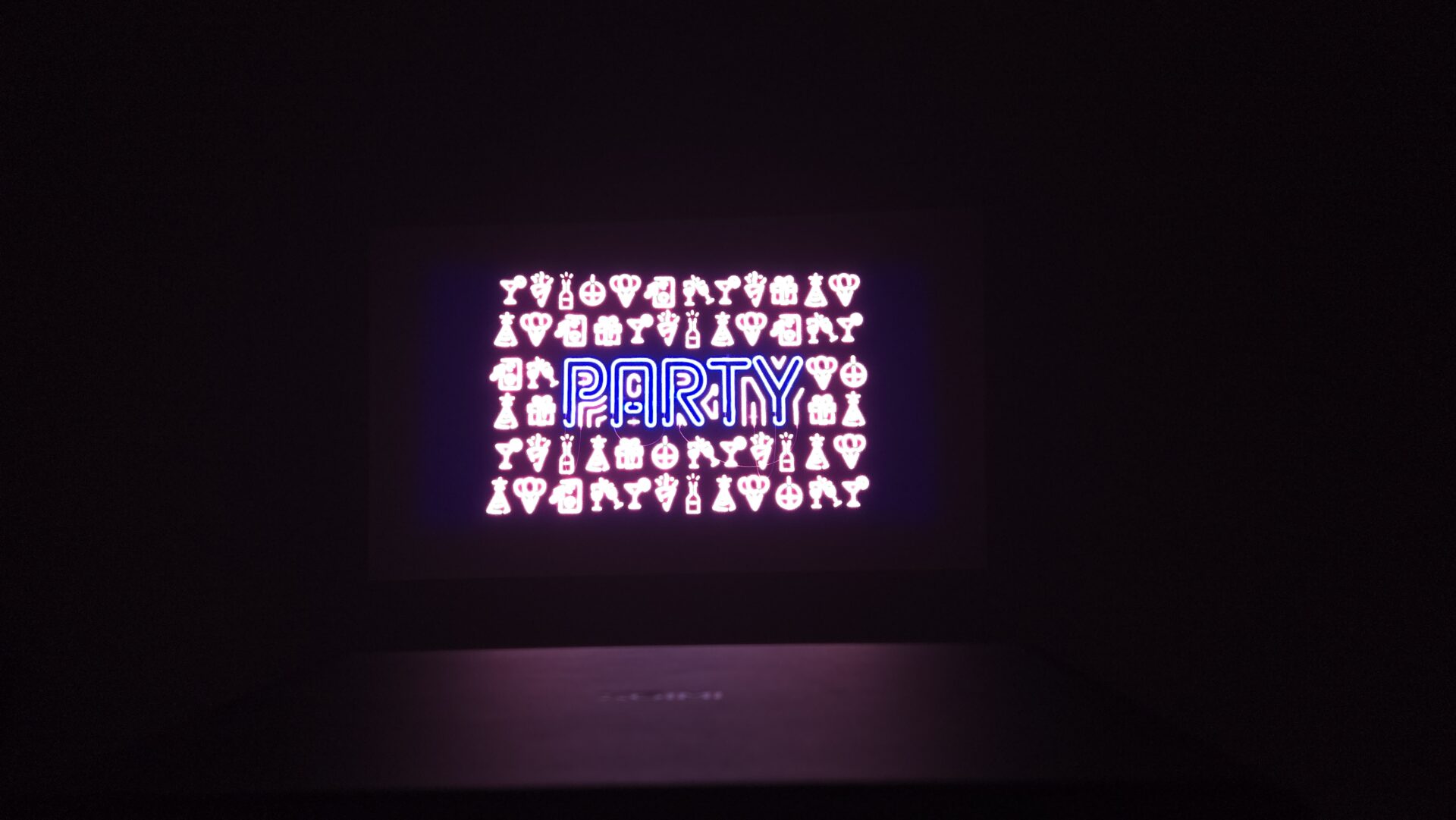
It supports Dolby Vision and HDR10+. Most apps will automatically switch to the optimal format if the content supports it. If it doesn’t switch properly, please check if the “Dolby Vision” or “HDR” icon is displayed on the content page within the app.
When using UHD Blu-rays or external streaming devices (like Fire TV), it is easier to maintain stability if you also review the output settings on the device side (setting video output to “Dolby Vision/HDR on,” deep color/color gamut settings). Using eARC for sound allows you to easily separate the video to the projector and audio to a soundbar.
| Pros | Cons |
|---|---|
| Supports major HDR formats, making it easy to benefit from streaming Easy to expand with an external streamer + eARC |
Quietness, Heat, and Power
28dB is about as quiet as a library. At a normal viewing distance, the sound is not very noticeable. On the other hand, the fans tend to spin up the higher you set the brightness, and electricity costs also tend to rise. By creating two modes—e.g., “Standard” for daytime, “Slightly dimmer” for movies—and switching between them, you can easily keep both noise and power consumption down.
| Pros | Cons |
|---|---|
| Quiet and unobtrusive at standard brightness Low consumption in standby (typical trend) | Unit becomes warm when used for long periods at high brightness |
Gaming (Smooth Display and Low Latency)
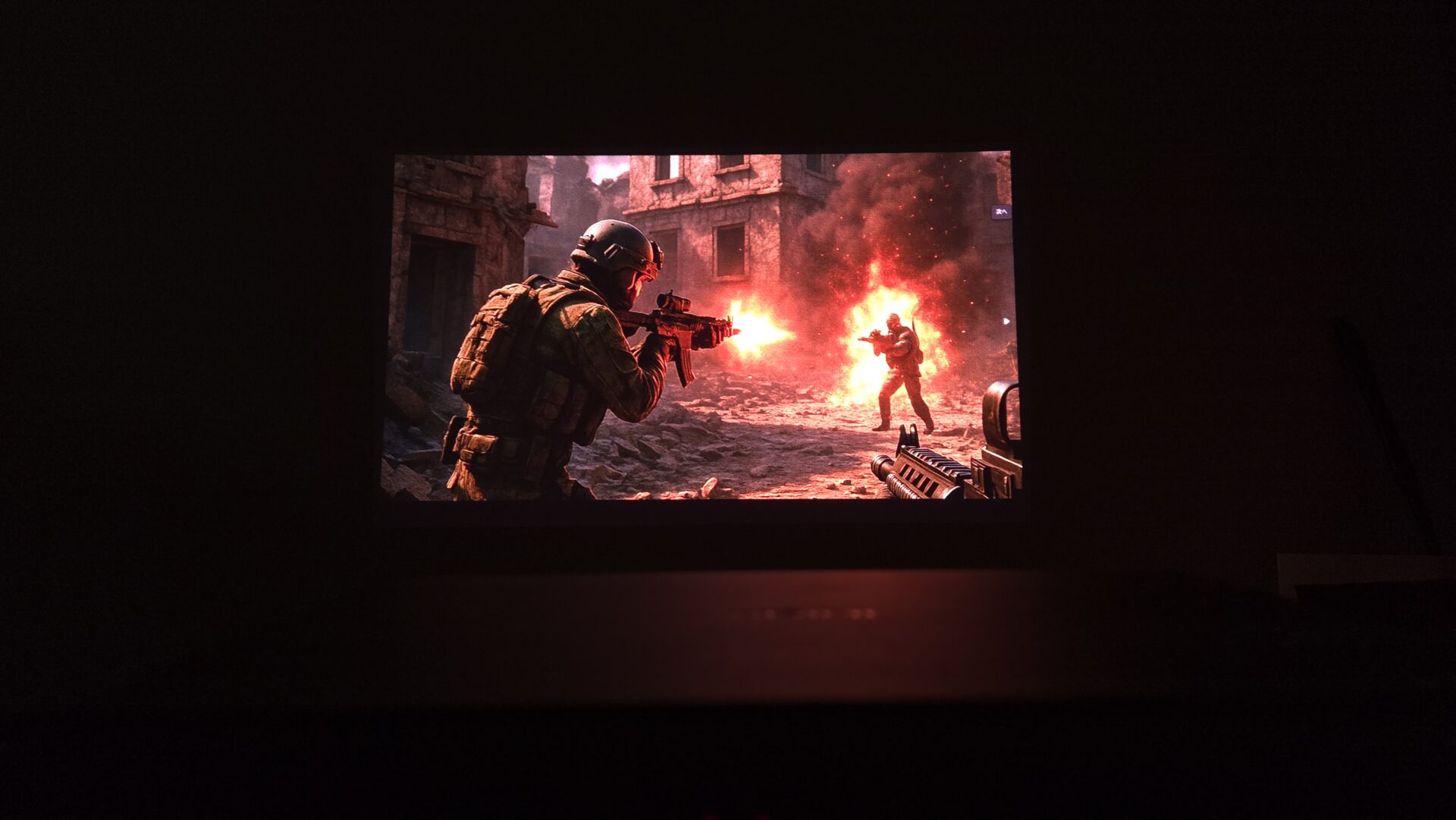
At Full HD (1080p), it runs at up to 240Hz/120Hz, making it very smooth. It also supports VRR/ALLM, which automatically switches settings to suppress stuttering or reduce operational lag according to the game content.
For competitive games or games with rhythmic movement, use Full HD for “Motion Priority.” For single-player games where you want to enjoy the scenery and beauty, use 4K for “Quality Priority.” Being able to switch easily is a strength.
It also features brightness adjustment (Black Equalizer) to make enemies easier to see in dark scenes and a function to display a target mark in the center of the screen (Crosshair).
Ms.ガジェットIs the latency noticeable at 4K output? Is 1080p better for competitive games?
Mr.ガジェットIf you prioritize competitiveness, high refresh rate (120/240Hz) at 1080p is recommended. For single-player or scenery-focused games, prioritizing the beauty of 4K is comfortable, so switching by title is the way to go!
Ms.ガジェットCan I use 120Hz on PS5?
Mr.ガジェットYes. You can use it if the game supports it. Enable 120Hz (or performance priority) in the PS5 settings and use an HDMI cable that supports 120Hz.
| Pros | Cons |
|---|---|
| Smooth display up to 240Hz/120Hz at 1080p Automatically switches to low-latency settings (ALLM) Useful brightness improvement for dark areas and target display |
Smart Features and Operability (Google TV)
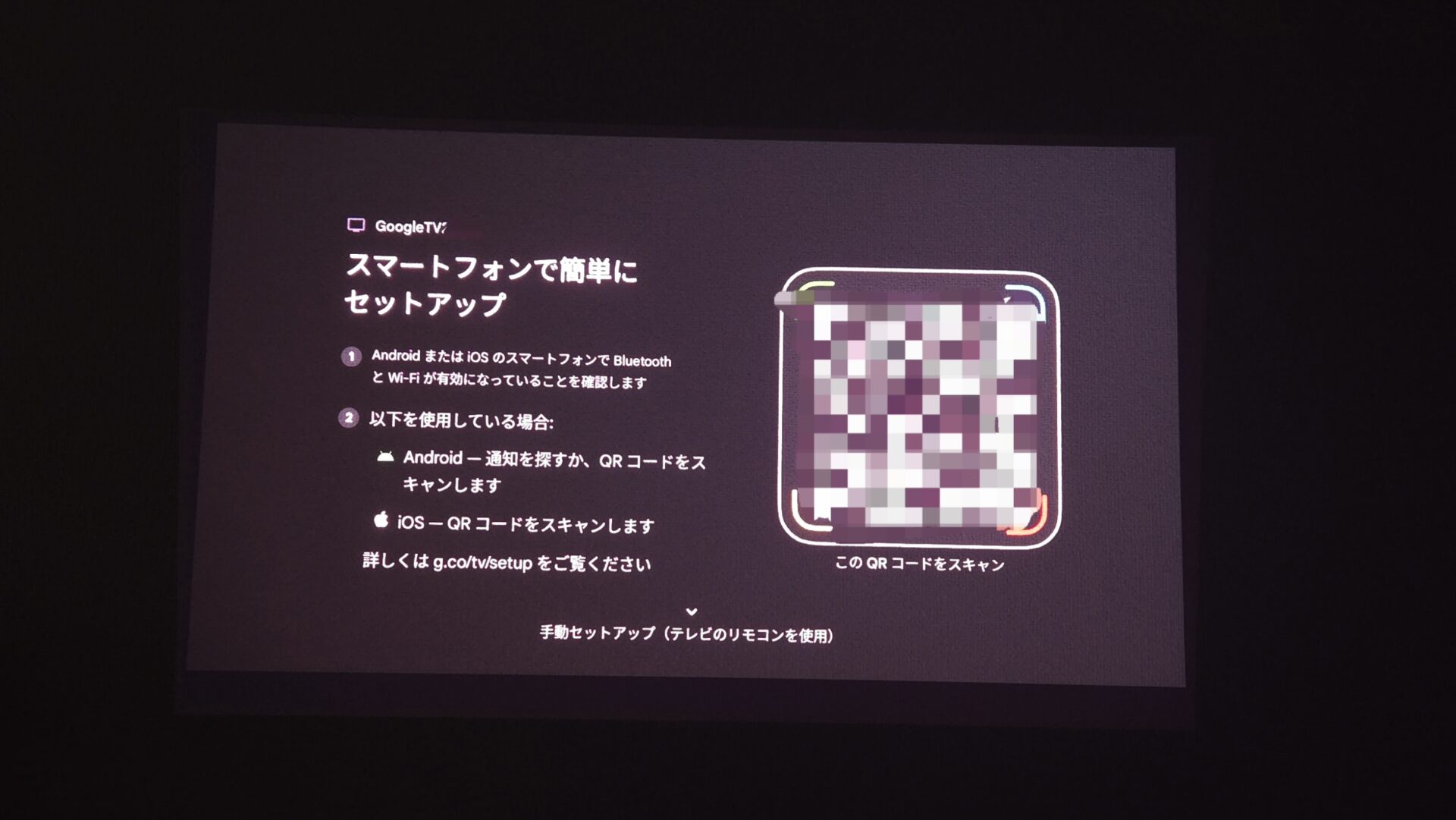
With Google TV, you can install and use necessary apps (Netflix, Prime Video, etc.) on the unit itself. You can move from the home screen to the service you want to watch immediately, and you can quickly call up searches using voice operation on the remote.
 Mr.ガジェット
This is honestly very convenient!
You can easily operate it with just your smartphone!
It’s convenient that auto focus and auto keystone correction work when you turn on the power, making the preparation for playback fast.
| Pros | Cons |
|---|---|
| Major VODs can be used on the unit alone Initial setup is easy to understand Fast to playback with AF/auto correction | Login and permission settings are required |
Ms.ガジェットAre app additions and updates difficult?
Mr.ガジェットYou can operate it from the Google TV store just like a normal smart TV. Voice search is also available, and the initial setup is easy if you follow the guide.
Ports, Expandability, and Wiring
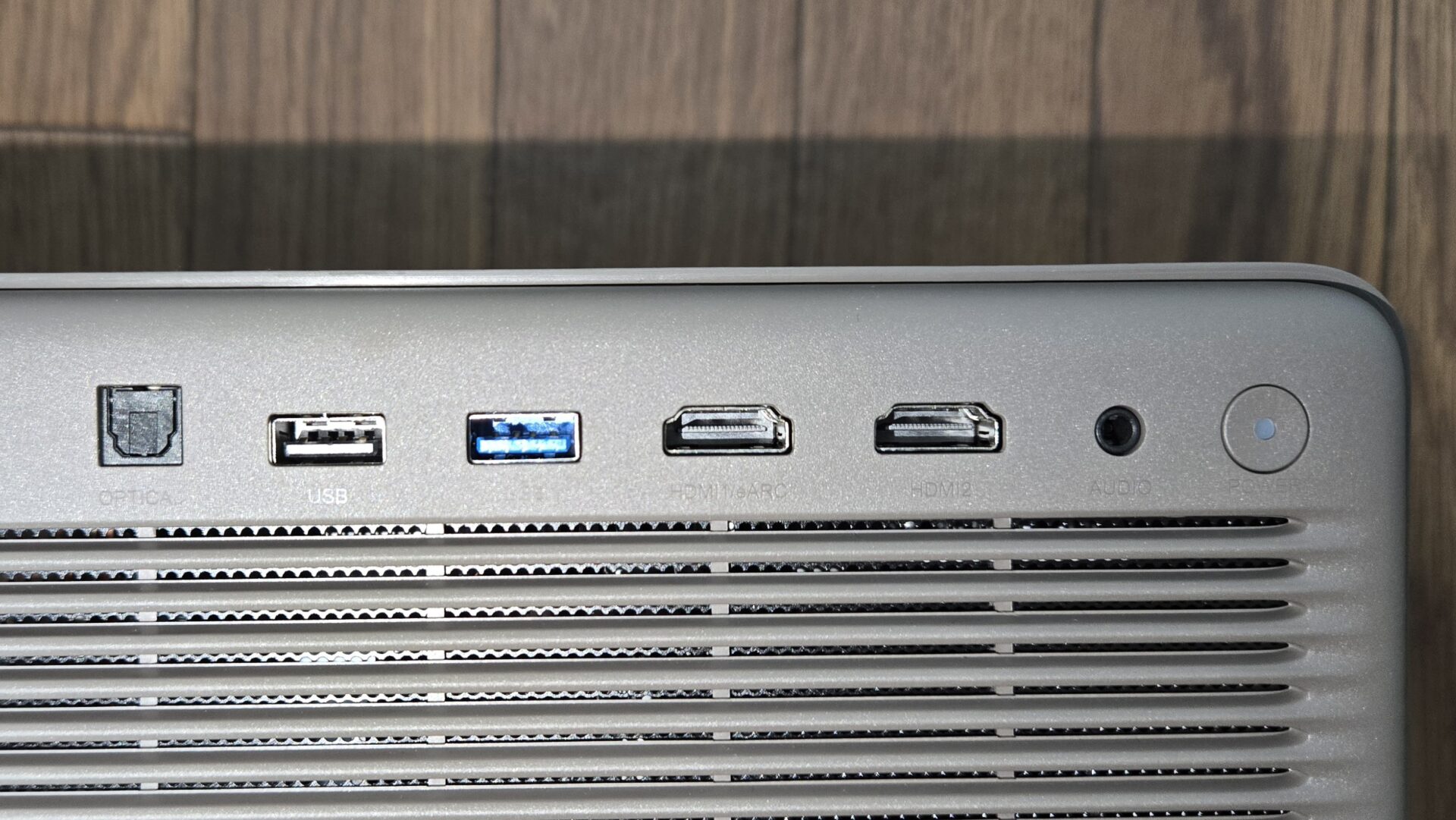
Video input has two HDMI ports. If you want to connect game consoles, external streamers, recorders, etc., all at once, inserting a switcher (4K/8K compatible) in between will make things smooth.
- Cable Tip: For long wiring or 4K/120Hz, we recommend HDMI 2.1 compatible cables. Quality differences are more likely to appear over long distances.
| Pros | Cons |
|---|---|
| Sufficient port configuration for daily use Can also play local videos/photos from USB eARC support makes sound enhancement simple | Only 2 HDMI ports, requiring adjustments for simultaneous connection of multiple devices |
Summary
Highlights of this section!
A bright unit you can “place and watch immediately” even in a living room
The “HORIZON 20 Pro” is a stationary projector equipped with 4K (3840×2160) x RGB three-color laser, rated 4100 ISO lumens, Harman/Kardon 12W x 2, and Google TV. It is attractive because lens shift (vertical ±120% / horizontal ±45%) + optical zoom provides high placement flexibility, making it easy to create an experience where you can “watch immediately just by placing and pointing it.”
Brightness is in a class where subtitles are easy to read even in a living room during the day. The color gamut is wide at BT.2020 110%, and I am under the impression that DBLE makes it easy to balance deep dark areas with sharp highlights. Please note that in environments exposed to direct sunlight, using curtains is realistic, and contrast is likely to soften under complete daytime direct sunlight.
Initial setup is rapid with auto focus + auto keystone correction. It is easier to maintain resolution if you follow the procedure of aligning the screen position with lens shift priority, then using minimal keystone correction. While the unit has a solid weight of approx. 4.9kg, making it suitable for stable placement, it is not intended for portability.
Video compatibility includes Dolby Vision / HDR10+ / IMAX Enhanced. For games, it supports 1080p at up to 240Hz/120Hz (rated 1ms) and VRR/ALLM, making it easy to switch between motion priority and quality priority. Sound supports eARC, making enhancement to a soundbar simple.
With Google TV, you can use major VODs like Netflix / Prime Video on the unit itself. Operability was also nimble with voice search and shortcut startup from the home screen!
Mr.ガジェットIf you are aiming to “see properly” even in a sunlit living room, this class is reliable. It’s also helpful that the placement flexibility is high!
- Brightness that remains viewable even in a sunlit living room (4100 ISO)
- BT.2020 110% and DBLE for sharpness and vibrancy
- High installation flexibility with lens shift + optical zoom
- Fast startup to playback with AF + auto keystone correction
- Beneficial for streaming with Dolby Vision/HDR10+ support
- Comfortable gaming with 1080p at up to 240Hz/120Hz + VRR/ALLM
- Easy sound enhancement with eARC support
- At approx. 4.9kg, it is not suitable for portability
- Only 2 HDMI ports, requiring adjustments if connecting multiple devices
- Not an ultra-short-throw projector, so installation distance must be verified
Recommended for these people
- Those who want to create a large screen viewing experience that is easy to see day or night, primarily in a living room.
- Those who prioritize installation flexibility with lens shift + optical zoom.
- Those who want to enjoy a wide range of Dolby Vision/HDR10+ streaming and UHD BDs.
- Those who want smooth display for gaming by utilizing 120Hz/240Hz/VRR.
Thank you for reading until the end!
- The evaluation in this article is unique to this site.
- Unless otherwise specified, product prices and information are current as of the time of writing.
- Please note that this site cannot be held responsible for any inaccuracies in this information.
- Product and service names mentioned on this site are trademarks of their respective companies.
コメント