
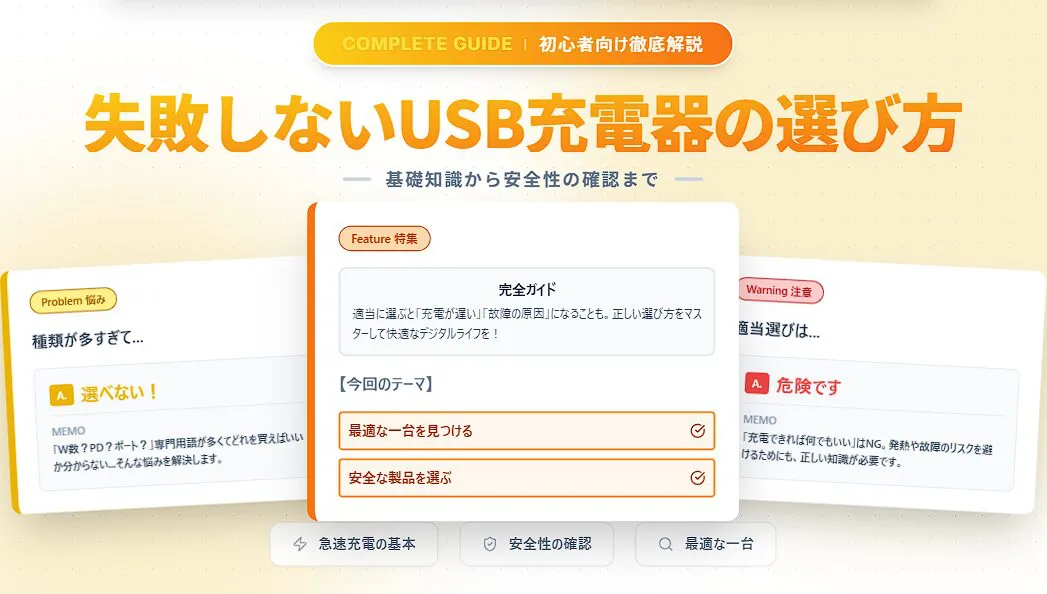
Le nombre d’appareils se rechargeant via USB, tels que les smartphones, tablettes, écouteurs sans fil et ordinateurs portables, a véritablement explosé. En conséquence, les types de chargeurs USB se sont diversifiés de manière surprenante.
Avec l’émergence de termes techniques comme la puissance de sortie en watts, les types de ports et les normes de charge rapide, beaucoup d’entre vous se demandent probablement : « Lequel dois-je choisir ? »
 Ms.ガジェット
Il existe tellement de types différents que je ne sais pas quoi choisir, c’est trop compliqué.
 Mr.ガジェット
Ne vous inquiétez pas, il suffit de connaître les bases pour faire le bon choix sans vous tromper !
Choisir un chargeur avec de mauvaises connaissances peut non seulement entraîner une charge lente, mais aussi empêcher votre appareil d’exploiter ses performances réelles, ou, dans le pire des cas, poser des problèmes de sécurité tels qu’une surchauffe ou une panne de l’appareil.
« Peu importe le chargeur tant que ça charge » est en réalité une attitude très dangereuse.
Dans cet article, nous allons dissiper vos doutes et vos inquiétudes concernant le choix d’un chargeur USB, et vous expliquer en détail et de manière simple, même pour les débutants, comment trouver en toute confiance l’appareil idéal pour vos équipements.
Lisez cet article jusqu’au bout pour rendre votre vie numérique plus confortable et plus sûre.
Qu’est-ce qu’un chargeur USB ?
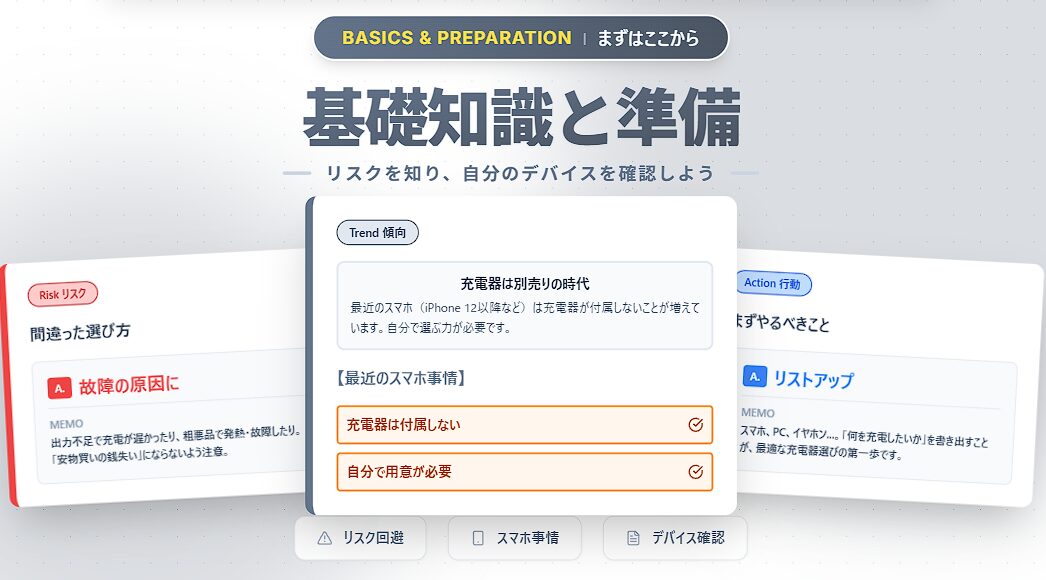
Un chargeur USB est un adaptateur secteur qui transforme le courant alternatif (AC 100V) des prises domestiques en courant continu (DC) pour charger des appareils tels que les smartphones. Autrefois, les smartphones étaient toujours accompagnés d’un chargeur dans leur boîte, mais ces dernières années, une grande évolution a eu lieu.
L’ère des smartphones sans chargeur fourni
Depuis la série iPhone 12 et pour de nombreux smartphones Android, les chargeurs ne sont plus inclus, officiellement pour des raisons environnementales (réduction des déchets électroniques).
En d’autres termes, même si vous achetez un nouveau smartphone, vous devez vous procurer vous-même un chargeur séparément.
Ceux qui utilisaient par habitude le chargeur fourni doivent désormais comprendre comment en choisir un et trouver un produit adapté à leurs appareils.
Les risques d’un mauvais choix
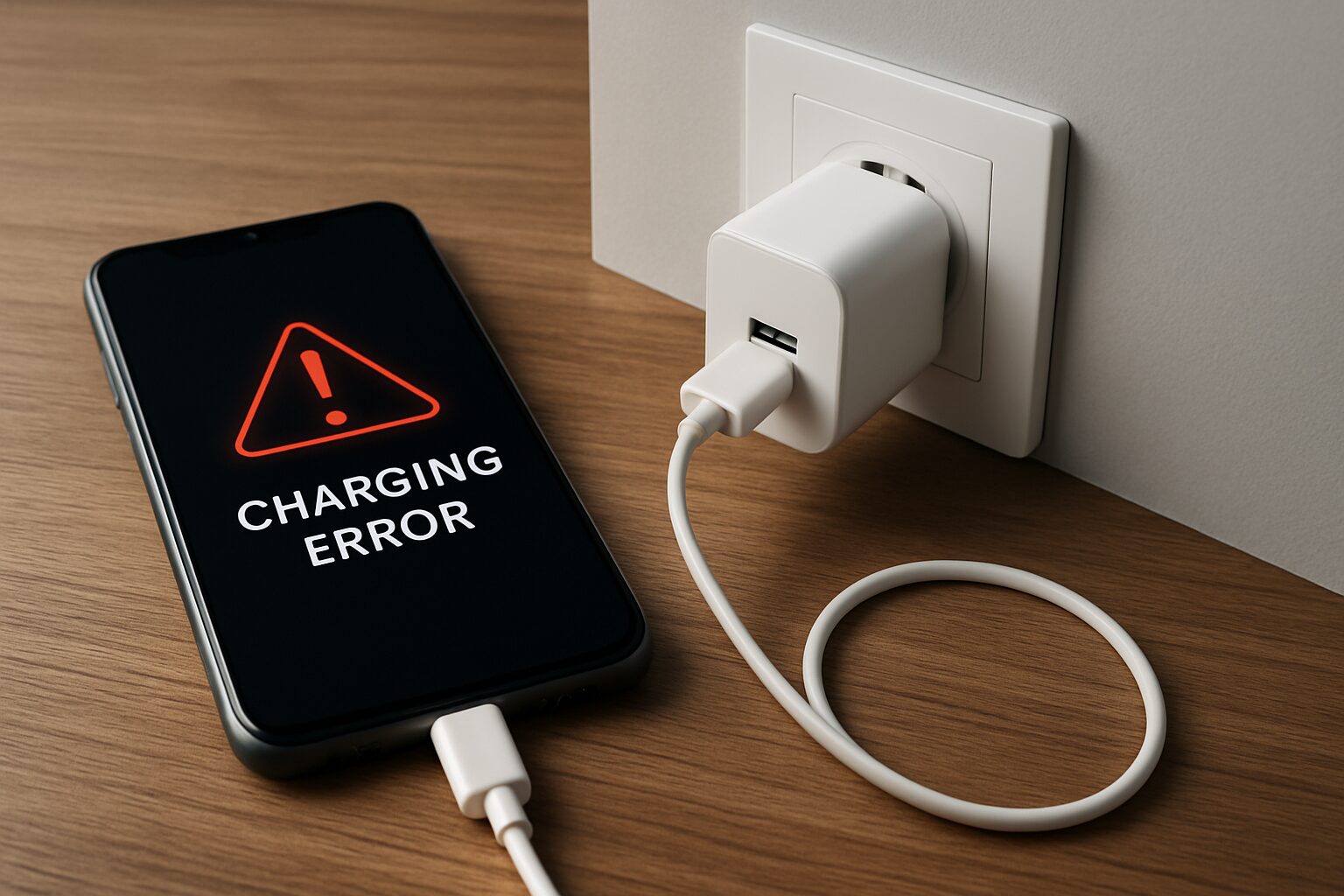
Si vous faites le mauvais choix, les risques suivants peuvent survenir :
- Temps de charge extrêmement long (puissance insuffisante)
- Accélération de la dégradation de la batterie (alimentation de faible qualité)
- Danger de surchauffe ou d’incendie (produits de mauvaise qualité ne répondant pas aux normes de sécurité)
Loin de faire une « bonne affaire », vous risquez d’endommager des appareils coûteux valant des dizaines, voire des centaines d’euros. Il est extrêmement important d’avoir conscience de la nécessité de « bien choisir ».
Connaissances essentielles pour choisir un chargeur USB
Pour choisir l’appareil optimal, voici les 5 termes techniques que vous devez absolument connaître lorsque vous consultez les emballages ou les fiches techniques.
En comprenant ces éléments, le choix du chargeur idéal pour vos appareils deviendra évident.
Nous allons vous expliquer en détail les points clés concernant : « La puissance de sortie (en Watts) », « La norme de charge rapide », « Le type et le nombre de ports » et « La taille et la forme ».
① Puissance de sortie (W) : La valeur qui détermine la vitesse de charge
Le « W » (Watt) indique la puissance électrique que le chargeur peut fournir simultanément. Plus ce chiffre est élevé, plus vous pouvez charger votre appareil rapidement.
| Exemple d’appareil | Puissance nécessaire (indicatif) | Exemple de norme de charge rapide |
|---|---|---|
| Smartphone | 18W – 35W | PD, QC |
| Tablette | 30W – 45W | PD, QC |
| Ordinateur portable | 30W – 100W | PD |
Ms.ガジェットIl est écrit que mon smartphone supporte 25W, est-ce que je peux utiliser un chargeur de 30W ?
Mr.ガジェットVous pouvez utiliser sans problème un chargeur ayant une puissance supérieure à celle requise par l’appareil, et la vitesse de charge sera limitée à la valeur maximale supportée par l’appareil.
De plus, si vous souhaitez charger plusieurs appareils en même temps, vous devez choisir un chargeur dont la puissance totale est supérieure à la somme des Watts nécessaires pour chaque appareil connecté.
Cependant, comme nous le verrons plus en détail dans la section sur le nombre de ports, sachez que l’utilisation de plusieurs ports répartit la puissance, ce qui peut réduire la puissance de sortie maximale de chaque port. En choisissant un chargeur avec une puissance adaptée, vous raccourcissez le temps de charge et réduisez le stress au quotidien.
② Normes de charge rapide (PD, PPS, QC)
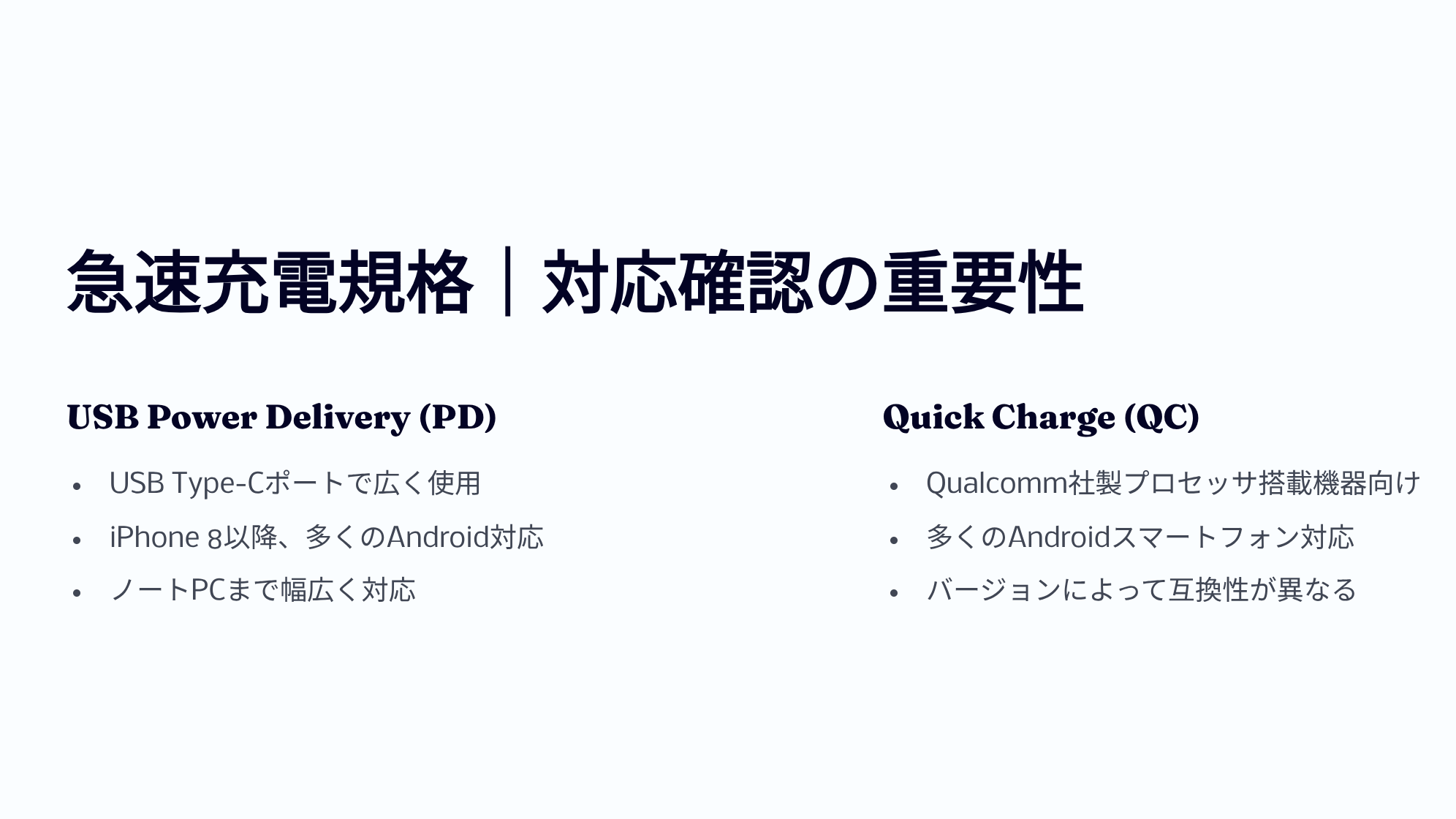
Pour tirer le meilleur parti de votre chargeur, il ne suffit pas d’avoir une puissance élevée ; il est crucial de vérifier la compatibilité avec les « normes de charge rapide ».
Les normes les plus courantes sont « USB Power Delivery (USB PD) » et « Quick Charge (QC) ».
| USB PD (Power Delivery) | 【Standard actuel】Norme universelle supportant jusqu’à 240W. Adoptée par de nombreux appareils comme les iPhone, iPad, MacBook, Pixel, etc. En cas de doute, choisissez « compatible PD ». |
|---|---|
| PPS (Programmable Power Supply) | 【Option du PD】Technologie qui ajuste finement la tension et le courant pour réduire la surchauffe. Indispensable pour la « charge ultra-rapide » sur les smartphones Android comme les Galaxy. |
| Quick Charge (QC) | 【Ancienne norme】Norme propriétaire de Qualcomm. Principalement utilisée sur Android, mais elle est aujourd’hui souvent compatible avec le PD. |
Sachez également que pour effectuer une charge rapide, l’appareil, le chargeur USB et le câble USB doivent tous être compatibles avec la même norme de charge rapide.
Voici un tableau récapitulatif des caractéristiques du PD et du QC.
| Version PD | Date de sortie | Puissance max. | Tension max. | Fonctions principales |
|---|---|---|---|---|
| 1.0 | Juillet 2012 | 100W | 20V | Échange de 5 profils de puissance à valeurs fixes |
| 2.0 | Août 2014 | 100W | 20V | Jusqu’à 100W de puissance et mode Alternate Mode USB-C pour vidéo/données via un seul câble, négociation automatique de la puissance, rétrocompatibilité |
| 3.0 | 2015–2017 | 100W | 20V | PPS※1 pour un ajustement précis de la tension par paliers de 20 mV et réduction de la chaleur |
| 3.1 | 2021 | 240W | 48V | Introduction du mode EPR (Extended Power Range) pour dépasser 100W, alimentation bidirectionnelle, communication hub (option) |
※1 PPS (Programmable Power Supply) = Système qui ajuste finement la tension et le courant selon les besoins de l’appareil pour une charge efficace.
| Version QC | Date de sortie | Puissance max. | Plage de tension | Fonctions principales | Compatibilité USB PD |
|---|---|---|---|---|---|
| 1.0 | 2013 | 10W | Max 6.3V | Détermination automatique du courant optimal pour chaque smartphone | Non |
| 2.0 | 2014 | 18W (A) / 60W (B) | 5V/9V/12V/20V | Commutation de tension en 3 étapes, support de la charge double※2 | Non |
| 3.0 | 2015–2016 | 36W | 3.2V–20V (paliers de 200mV) | Ajustement précis de la tension pour réduire la chaleur | Non |
| 4 / 4+ | 2016–2017 | 100W | QC: 3.6V–20V / PD: 5V, 9V, PPS | Compatible PD | Oui |
| 5 | 2020 | > 100W | 3.3V–20V+ | Compatible USB PD PPS, gestion thermique améliorée, rétrocompatibilité totale | Oui (via PPS) |
※2 Charge double = Temps de charge réduit grâce à deux circuits d’alimentation indépendants.
Ms.ガジェットJ’entends souvent parler de charge rapide, mais comment savoir si mon smartphone est compatible ?
Mr.ガジェットLe moyen le plus sûr est de vérifier les spécifications du produit dans le manuel d’utilisation ou sur le site officiel du fabricant.
En connaissant la norme de charge rapide supportée par votre appareil, vous pouvez choisir la combinaison idéale de chargeur et de câble pour réduire considérablement le temps de charge.
③ Forme et nombre de ports (Type-C / Type-A)
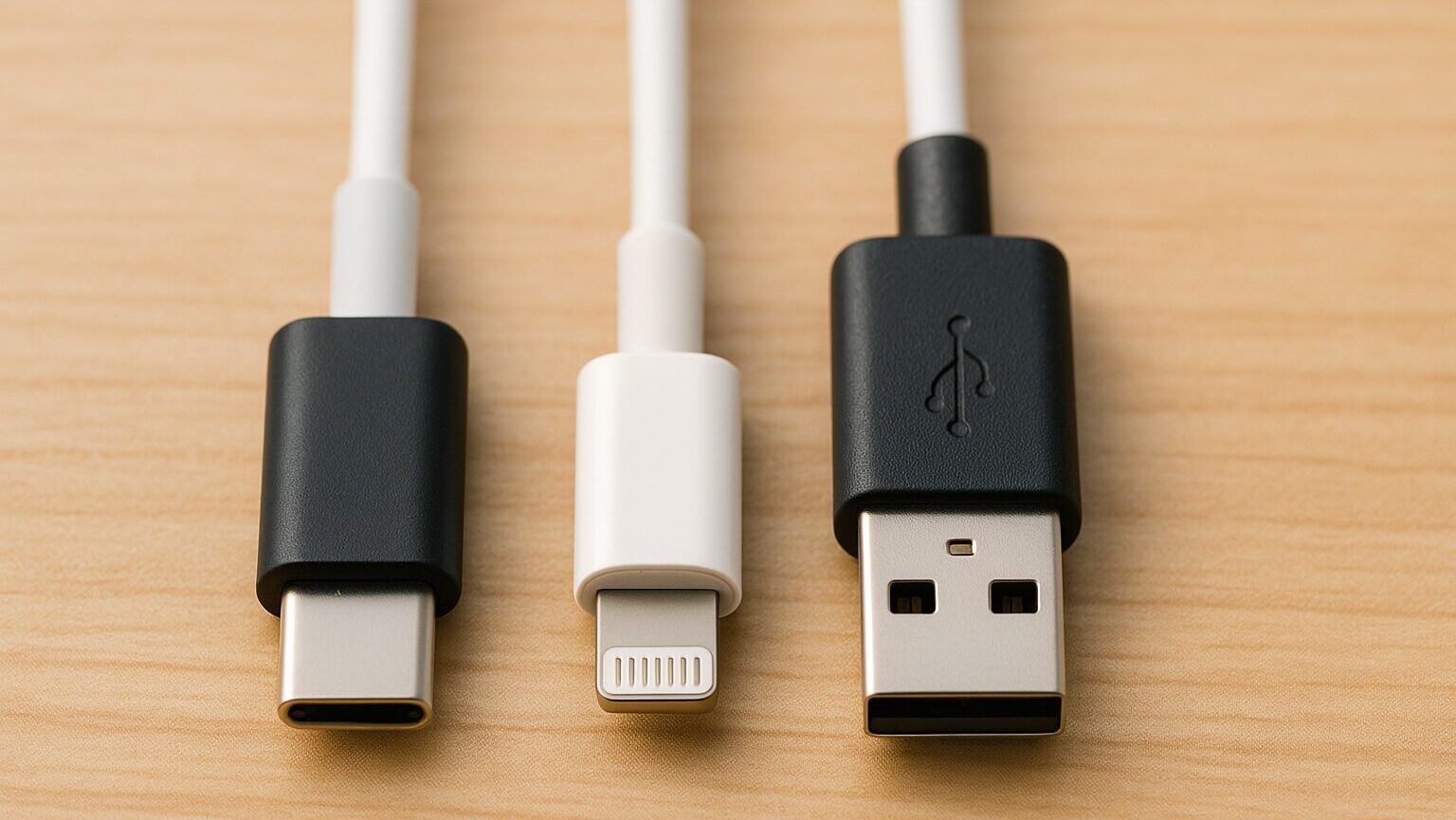
Lorsque vous choisissez un chargeur USB, le « type et le nombre de ports » influencent grandement la facilité d’utilisation.
Les formes principales sont USB Type-A, USB Type-C, et Lightning.
 Mr.ガジェット
L’iPhone est aussi passé à l’USB Type-C depuis la série 15 !
Il est important de vérifier si les ports de vos appareils correspondent à l’un de ces trois types, ou à d’autres formes comme le Micro USB Type-B.
Regardez attentivement les ports de vos appareils pour éviter de vous retrouver avec un câble qui ne convient pas !
④ GaN (Nitrure de gallium) : Technologie de miniaturisation
Le « GaN » est un matériau semi-conducteur de nouvelle génération. Comme il génère moins de chaleur et offre une meilleure efficacité énergétique que le silicium traditionnel, il a permis de réduire radicalement la taille des chargeurs (jusqu’à la taille d’une balle de golf).
 Mr.ガジェット
Pour un usage en déplacement, les modèles utilisant le GaN sont vivement recommandés. Choisissez le chargeur USB avec la taille et la forme optimales en fonction de votre espace d’installation.
Choisir un chargeur avec une forme pratique rendra la charge encore plus confortable.
⑤ Marque PSE : Preuve de sécurité
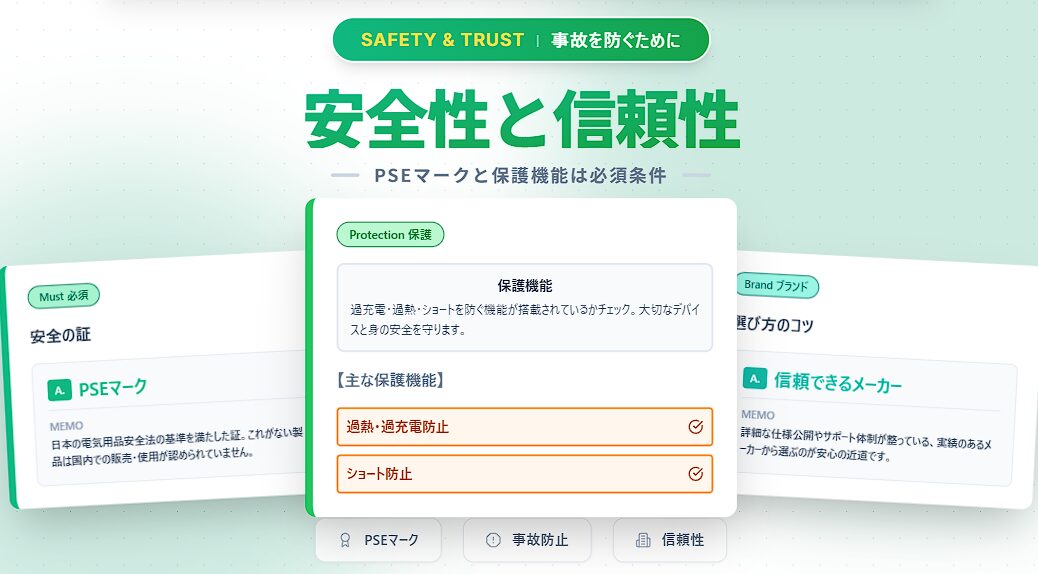
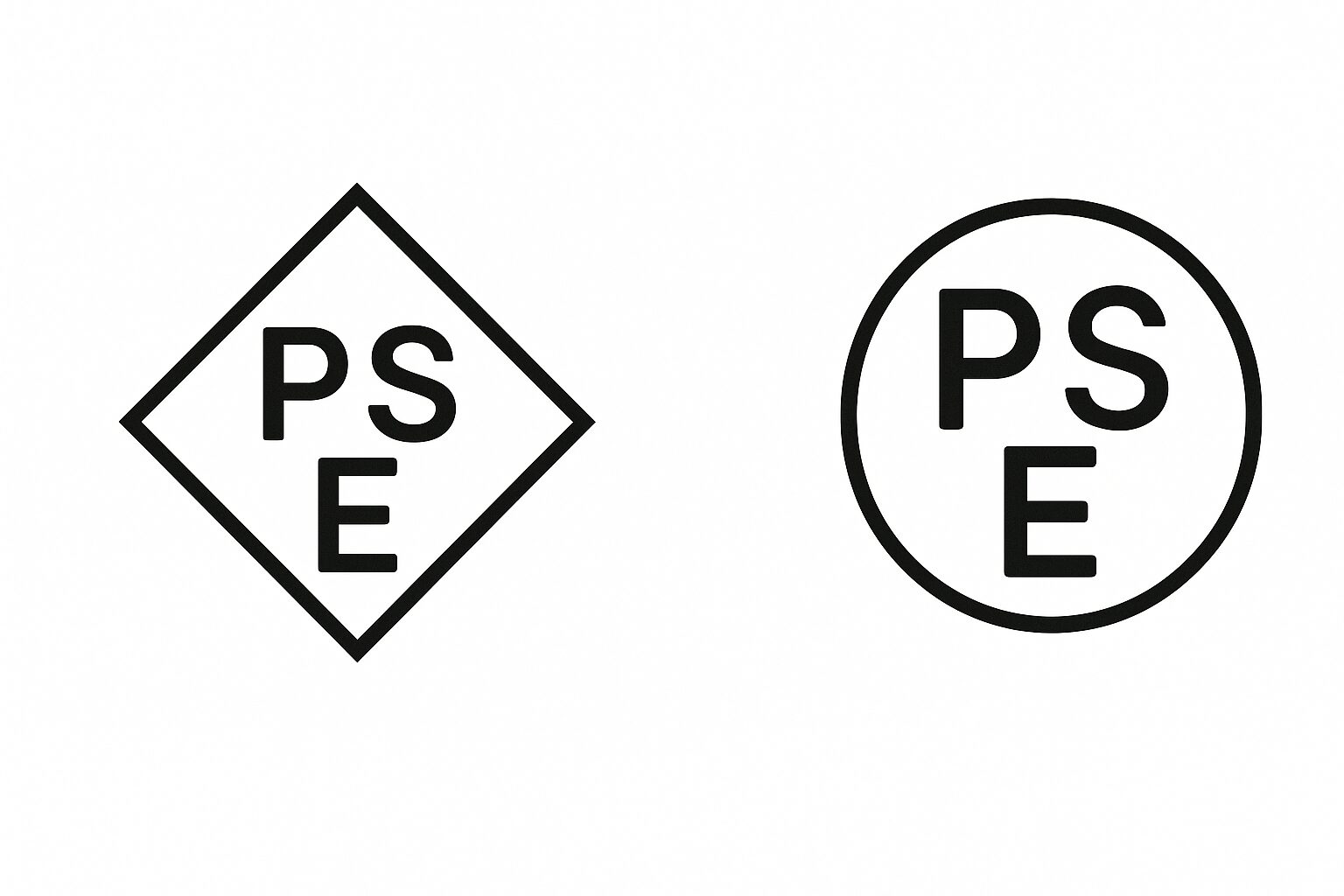
La « marque PSE » est le certificat de sécurité défini par l’État japonais, indiquant que le produit répond aux normes techniques établies par la loi sur la sécurité des appareils électriques et des matériaux. Les produits sans cette marque ne sont pas autorisés à la vente ou à l’utilisation au Japon.
Pour protéger vos précieux appareils et éviter des problèmes imprévus comme des incendies ou des accidents, choisissez toujours des produits portant la marque PSE lors de l’achat d’un chargeur USB.
Comment choisir un chargeur USB
Sur la base de ces connaissances fondamentales, nous allons expliquer la procédure pour choisir le modèle parfait pour vous. En choisissant « avec des fondements » plutôt que « au hasard », vous éviterez les erreurs après l’achat du type « c’est plus lent que prévu » ou « ça ne marche pas ». Suivons les 6 étapes ci-dessous.
ÉTAPE 1 : Vérification des appareils
Vérifiez le type, les ports de connexion et la norme de charge rapide supportée par les appareils que vous souhaitez charger. Commencez par lister tous les appareils que vous rechargez quotidiennement. Selon qu’il s’agisse « juste du smartphone », « du smartphone et des écouteurs », ou même « d’un ordinateur portable », les spécifications du chargeur à choisir changeront considérablement.
Mr.ガジェットLe plus important est de savoir si vous allez charger un « ordinateur portable » ou non. Contrairement aux smartphones, la puissance nécessaire est élevée, donc si vous ne décidez pas cela, vous ne pourrez pas passer à l’étape suivante.
ÉTAPE 2 : Puissance de sortie nécessaire (W)
Déterminez la puissance en Watts en fonction de « l’appareil nécessitant le plus d’énergie » parmi ceux que vous avez listés. Si la puissance (Watts) est insuffisante, la vitesse de charge sera lente, ou dans le pire des cas, la charge ne fonctionnera pas du tout.
Ms.ガジェットEst-ce qu’acheter une puissance élevée « par sécurité » est toujours une bonne idée ?
Mr.ガジェットExactement ! Par exemple, si vous chargez un smartphone (20W) avec un chargeur de 65W, il s’ajustera automatiquement, donc c’est sans danger. En cas de doute, choisir une puissance élevée (classe 45W à 65W, capable de charger un PC) est recommandé pour sa polyvalence.
ÉTAPE 3 : Adaptation à la norme de charge rapide
Vérifiez si l’appareil, le chargeur et le câble supportent la même norme (PD, QC, etc.). Aujourd’hui, il est essentiel de choisir des produits compatibles avec le standard mondial « USB PD (Power Delivery) ».
Pour réaliser une charge rapide, les 3 éléments suivants doivent tous être compatibles. Si un seul ne l’est pas, la charge rapide ne fonctionnera pas.
- Appareil (smartphone, etc.)
- Chargeur (adaptateur secteur)
- Câble
Mr.ガジェットCe qu’on oublie souvent, c’est le « câble ». Les vieux câbles bon marché ne sont souvent pas compatibles PD, alors assurez-vous d’utiliser un câble Type-C marqué « PD supporté ». Attention aussi : même compatible PD, la puissance maximale peut varier selon la version.
ÉTAPE 4 : Type et nombre de ports
Prenez en compte le type de port (USB Type-A / Type-C) et le nombre de ports que vous utiliserez simultanément. Le standard de demain est sans aucun doute « l’USB Type-C ». Si vous achetez un nouveau modèle, optez pour un modèle équipé de ports Type-C.
| Avantages | Inconvénients |
|---|---|
|
Pratique pour charger smartphone et PC en même temps Charge simultanée possible avec 2 ports ou plus Réduit le nombre de chargeurs en voyage |
La puissance par port diminue lors d’un usage multiple Ex : 65W devient 45W + 20W Souvent plus volumineux qu’un modèle à port unique |
Lorsque vous choisissez un modèle multi-ports, vérifiez toujours la « répartition de la puissance lors de l’utilisation simultanée ». Il serait inutile de vouloir charger votre PC et votre smartphone en même temps si la puissance disponible pour le PC devient insuffisante.
ÉTAPE 5 : Taille et forme
Privilégiez la compacité pour le transport, et la stabilité pour un usage fixe. Le mot-clé ici est « GaN (Nitrure de gallium) ».
 Ms.ガジェット
Les chargeurs utilisant le GaN sont nettement plus petits et légers que les anciens modèles. Pour le transport, un modèle « GaN » avec des « fiches pliables » est incontournable !
ÉTAPE 6 : Sécurité (Marque PSE)
Enfin, le point le plus important est la sécurité. Vérifiez toujours la présence de la marque PSE, les fonctions de protection contre la surcharge/surchauffe, et la fiabilité du fabricant.
La vente de produits sans marque PSE est interdite par la loi au Japon. Soyez vigilant avec les produits importés parallèlement sur Amazon, car certains peuvent ne pas porter cette marque.
 Mr.ガジェット
Les produits sans marque PSE sont exclus d’office ! Évitez également d’acheter chez des fabricants inconnus !
En suivant ces 6 étapes, vous trouverez certainement le meilleur chargeur pour vous. Parce que c’est un accessoire quotidien, choisissez un modèle sûr et confortable.
Termes et spécifications complémentaires
Durée de vie du chargeur et moment de remplacement
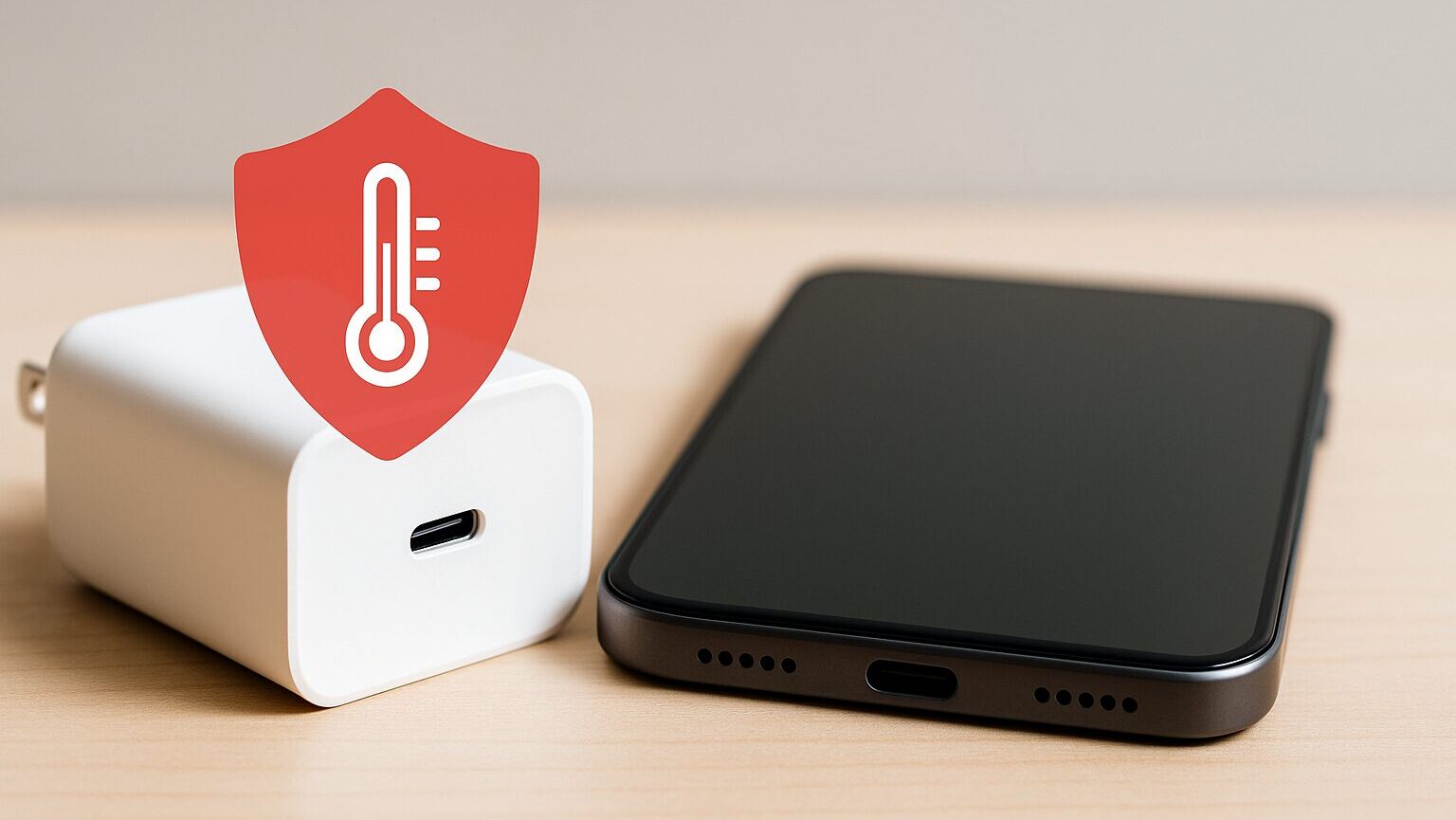
Les adaptateurs secteur ont aussi une durée de vie. Les composants internes, appelés condensateurs, se dégradent avec le temps ; on estime généralement leur durée de vie entre 3 et 5 ans.
- Surchauffe anormale pendant la charge
- Bruit étrange (sifflement)
- La charge se coupe parfois
Si vous constatez ces symptômes, ce sont des signes avant-coureurs de panne. N’hésitez pas : pour votre sécurité, remplacez-le par un nouveau.
Comment choisir un fabricant de confiance
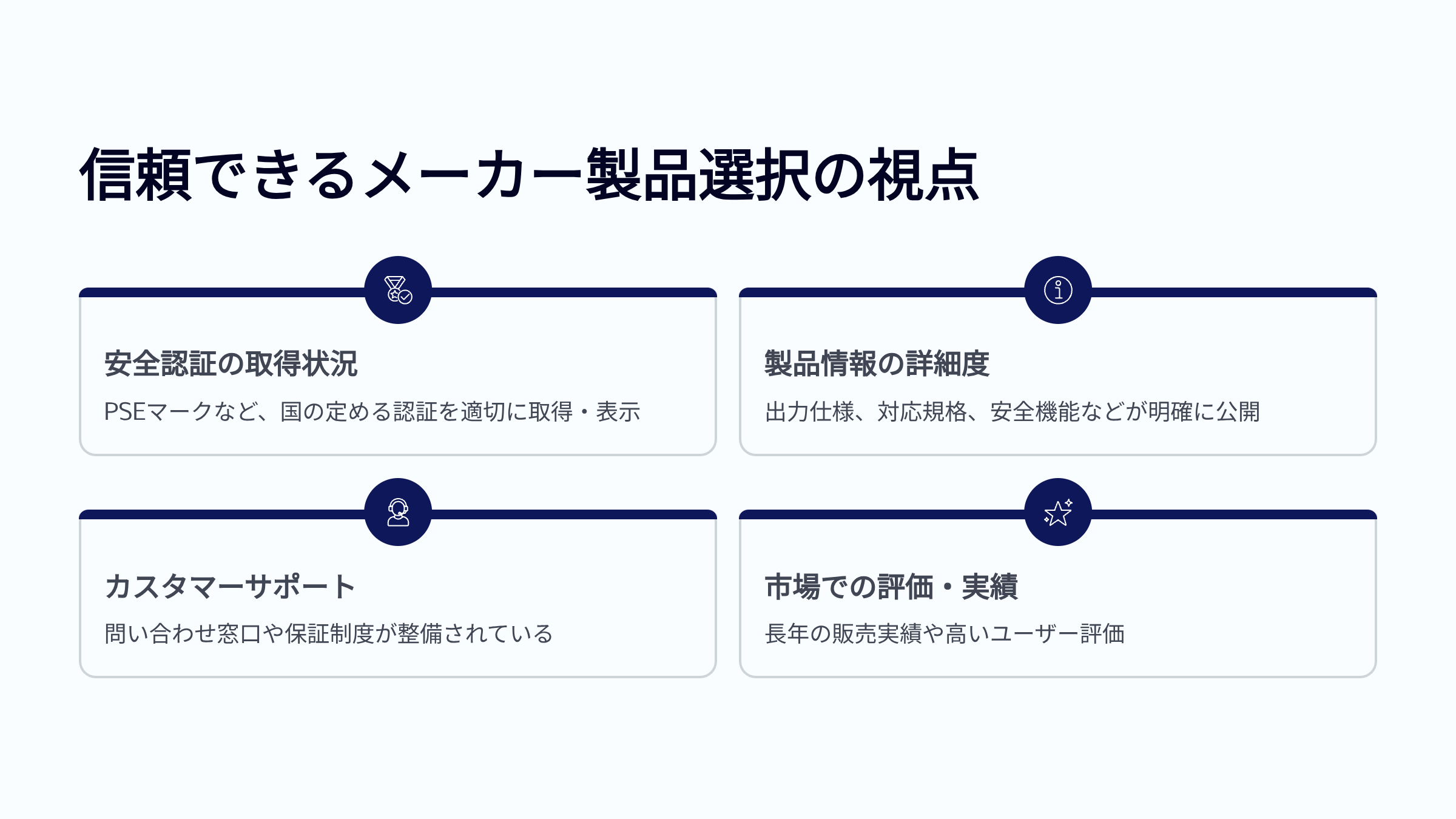
Enfin, voici les fabricants en lesquels j’ai personnellement confiance. Ils disposent d’un système de support adéquat au Japon et possèdent les certifications PSE.
- Anker : N°1 mondial en termes de parts de marché. Gamme très riche.
- CIO : Fabricant japonais. Excellente technologie de miniaturisation, très populaire via le financement participatif.
- UGREEN : Excellent rapport qualité-prix, qualité stable.
- Belkin : Haute fiabilité, distribué sur le site officiel d’Apple.
- Elecom / Buffalo : Fabricants japonais de périphériques PC. Procurent un sentiment de sécurité.
 Ms.ガジェット
Les produits sans marque PSE sont exclus d’office !
Évitez également d’acheter chez des fabricants inconnus !
Vérification finale pour choisir le chargeur USB idéal
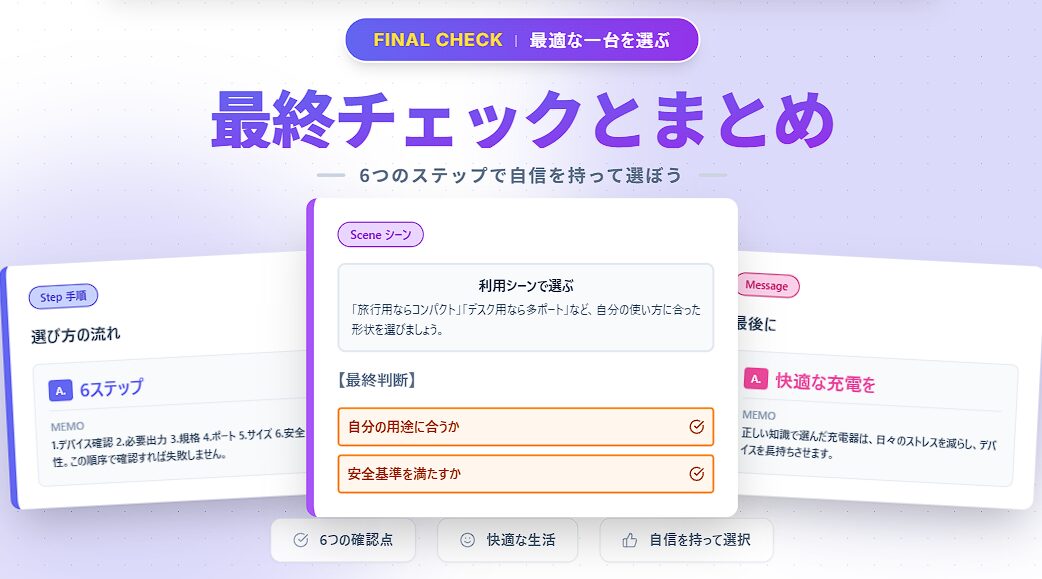
Rappel des points importants
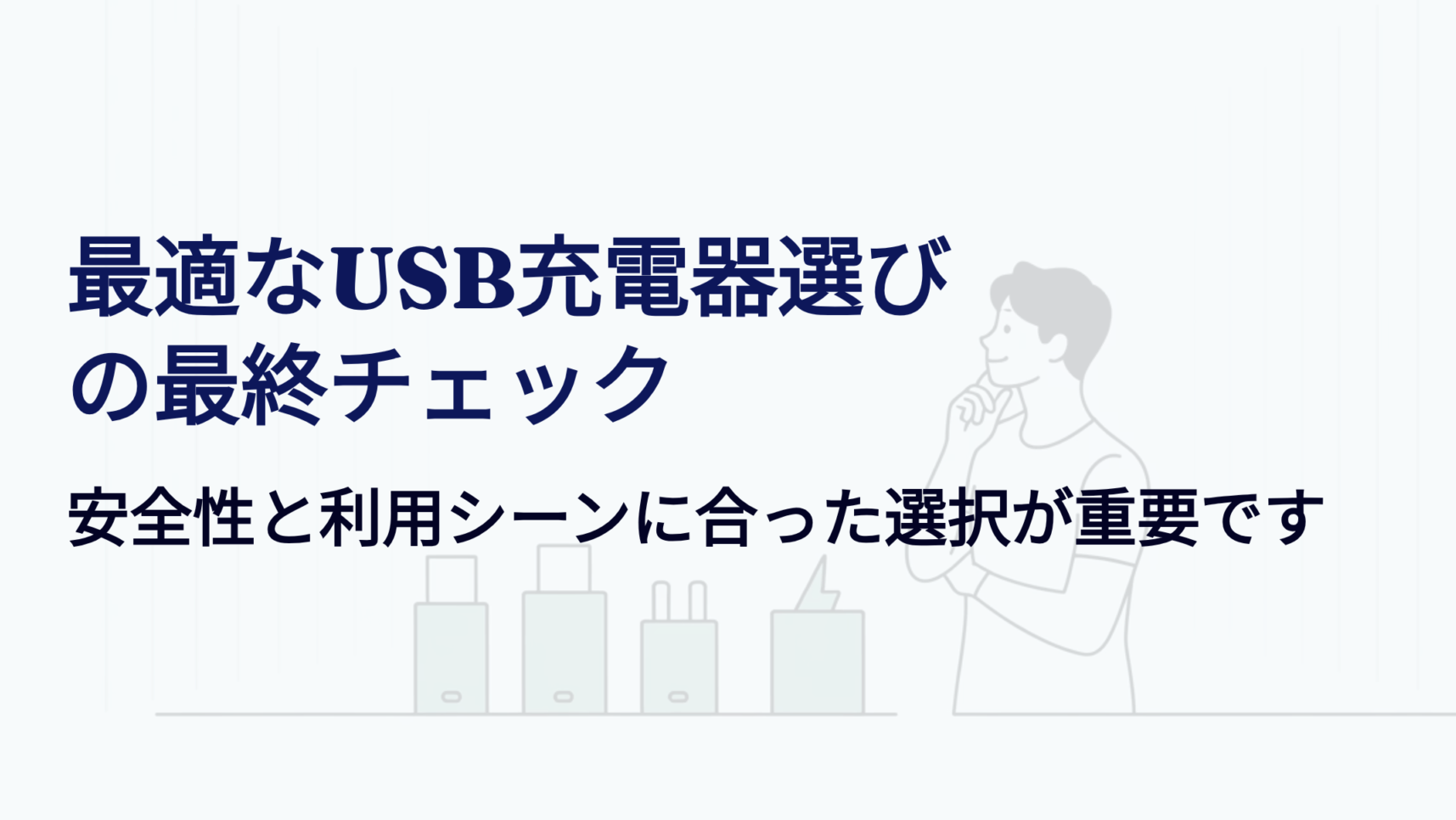
Commençons par récapituler brièvement les 6 étapes que nous avons vues pour choisir le chargeur USB idéal.
Vérifiez le type, les ports de connexion et la norme de charge rapide supportée par les appareils à charger.
Comprenez la puissance en Watts nécessaire pour chaque appareil et la puissance totale en cas de charge simultanée.
Vérifiez si l’appareil, le chargeur et le câble supportent la même norme (PD, QC, etc.).
Prenez en compte le type de port (USB Type-A / Type-C) et le nombre de ports. Vérifiez aussi la répartition de puissance.
Compacité pour le transport, stabilité pour un usage fixe. La possibilité de plier les fiches est aussi un point clé.
Vérifiez toujours la présence de la marque PSE, les fonctions de protection et la fiabilité du fabricant.

Merci de nous avoir lus jusqu’au bout !
- L’évaluation présentée dans cet article est propre à notre site.
- Sauf indication contraire, les prix et informations sur les produits sont ceux en vigueur au moment de la rédaction de l’article.
- Veuillez noter que notre site ne saurait être tenu responsable en cas d’inexactitude de ces informations.
- Les noms de produits et de services mentionnés sur ce site sont des marques déposées de leurs entreprises respectives.
コメント