
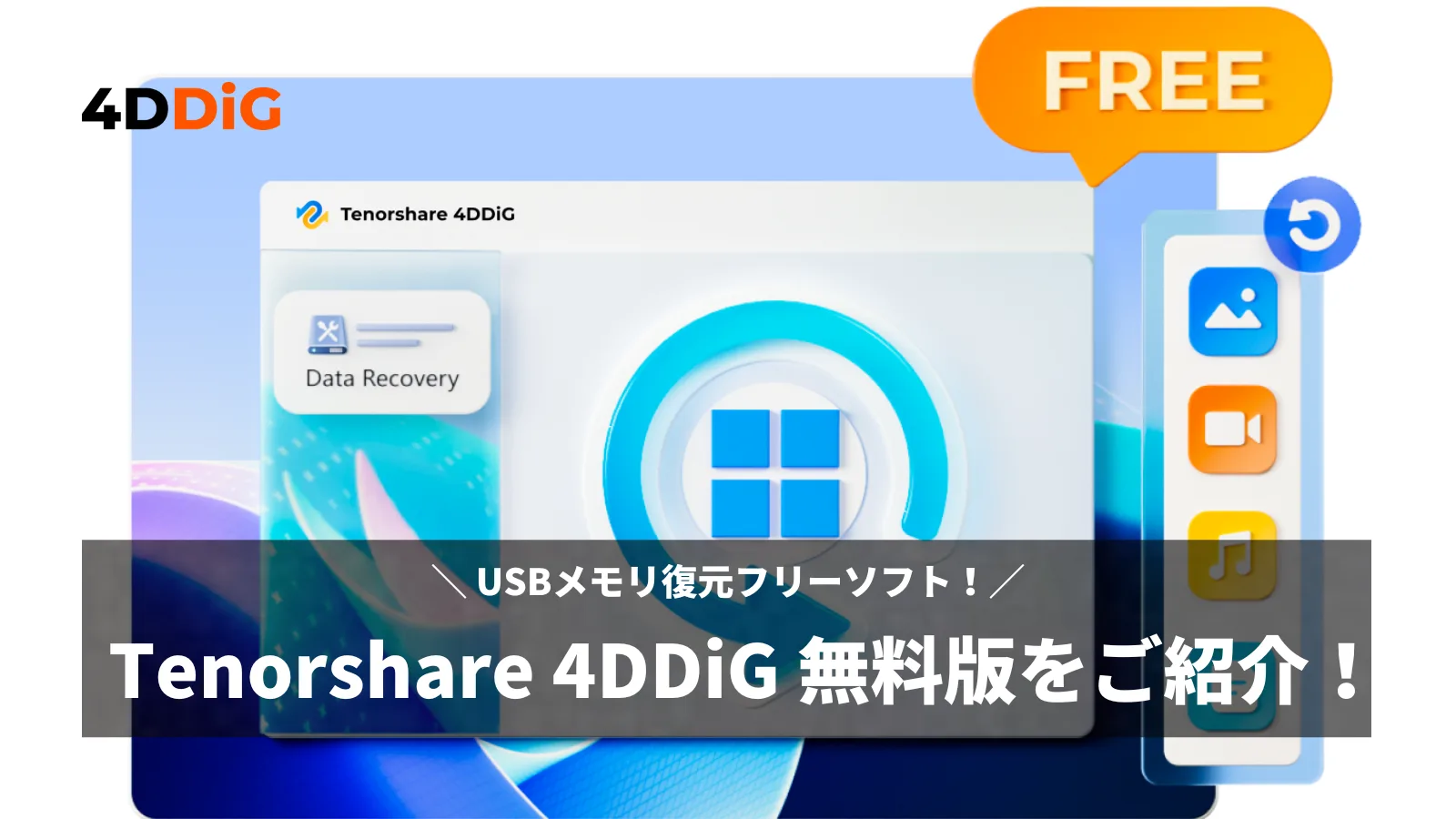
Do you have experience accidentally deleting data from a USB memory or formatting it?
In such cases, the data recovery software “Tenorshare 4DDiG” is reliable.
This article will explain the procedures for USB memory recovery, focusing on the features and how to use the free version.
- This article is created based on information provided by the manufacturer.
Please note that this site is not responsible for any inaccuracies in this information.
What is Tenorshare 4DDiG?
Tenorshare 4DDiG is a software brand specializing in data recovery and management.
It offers products that address various data loss scenarios, such as recovering lost files and repairing damaged partitions.
It is highly regarded in the field of data recovery technology and is supported by a wide range of users, from beginners to professionals.
 Ms.ガジェット
It’s a reliable ally for recovering your important data!
Features and Functions of Tenorshare 4DDiG Free Version
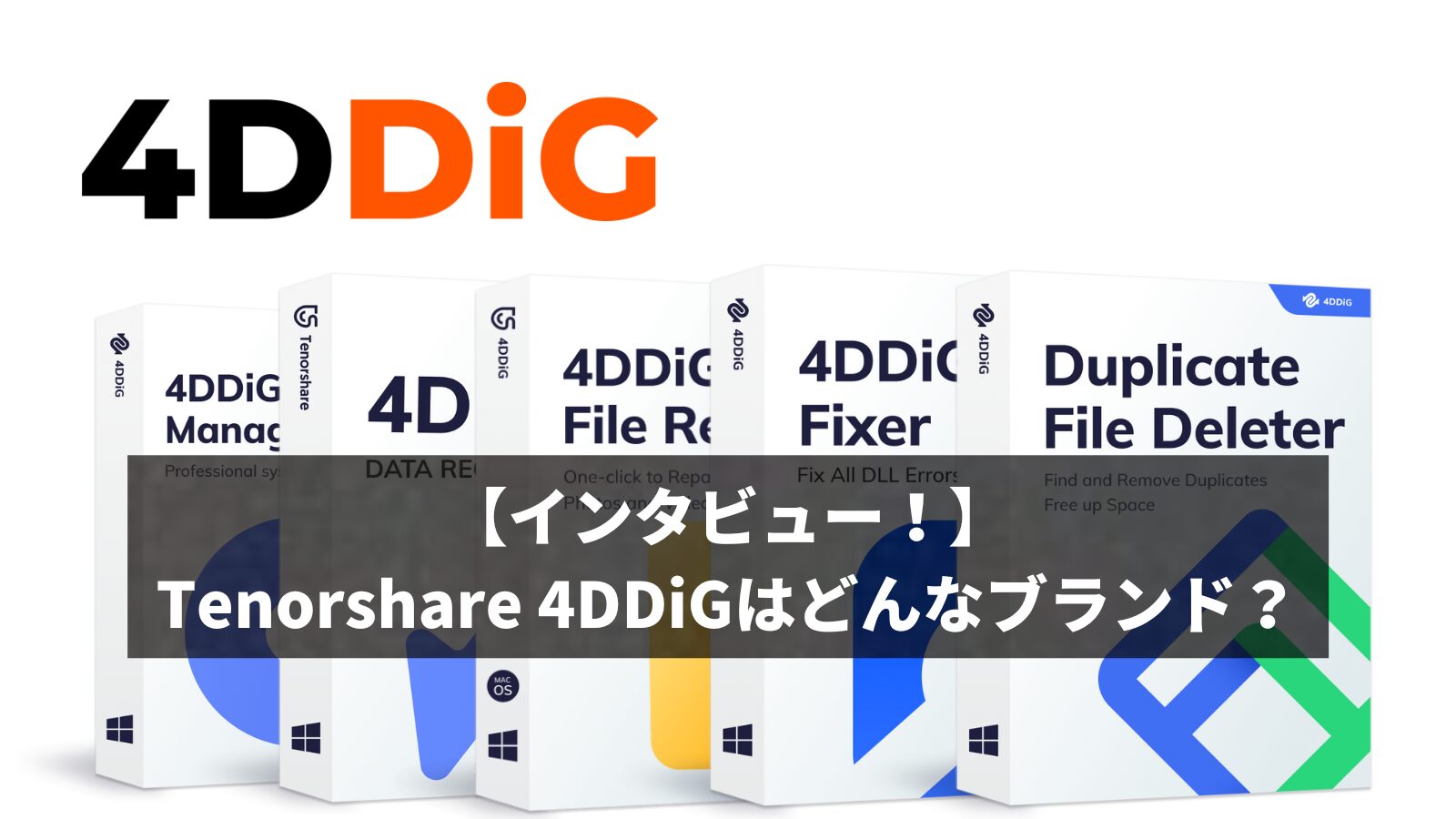
- Advanced Recovery Technology: Recovers data from accidentally deleted files, formatted drives, and data loss due to virus attacks.
- Supports Various Files: Supports recovery of various file formats such as photos, videos, music files, and documents.
- Equipped with Preview Function: Allows you to preview files before recovery and select only the necessary data.
“Tenorshare 4DDiG Data Recovery” is software for recovering lost data on Windows OS environments.
It can recover data from various types of storage devices, including hard drives, memory cards, and USB drives.
It uses advanced scanning algorithms to scan and handle various situations, such as data lost after formatting, virus infection, or system crashes. It corresponds to various situations.
Furthermore, it is equipped with a preview function, allowing you to confirm the contents of the data before actually recovering it.
You can check the specifications here:
Comparison of Paid and Free Versions
Please note that the free version has a recoverable data amount of 500MB initially.
By clicking the “Share” button in the upper right corner of the program launch screen and sharing it on Facebook or Twitter, you can recover up to 2GB of data for free.
 Ms.ガジェット
It’s amazing that you can do so much for free!
How to Recover USB Memory with Tenorshare 4DDiG Free Version
Installation Instructions
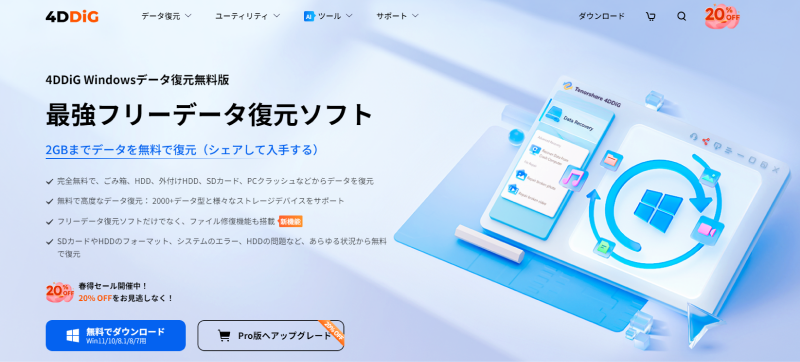
Download from the Homepage
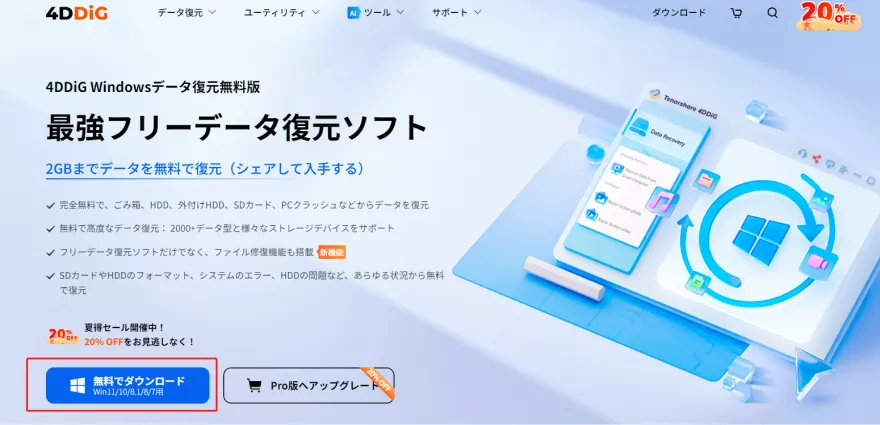
Click “Download for Free”.
Open and Install the File
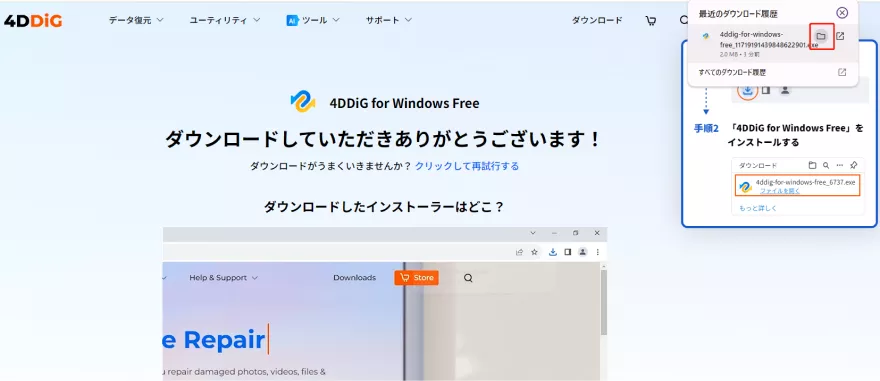
The installer will start downloading. Once completed, click “Open File” and follow the instructions to install.
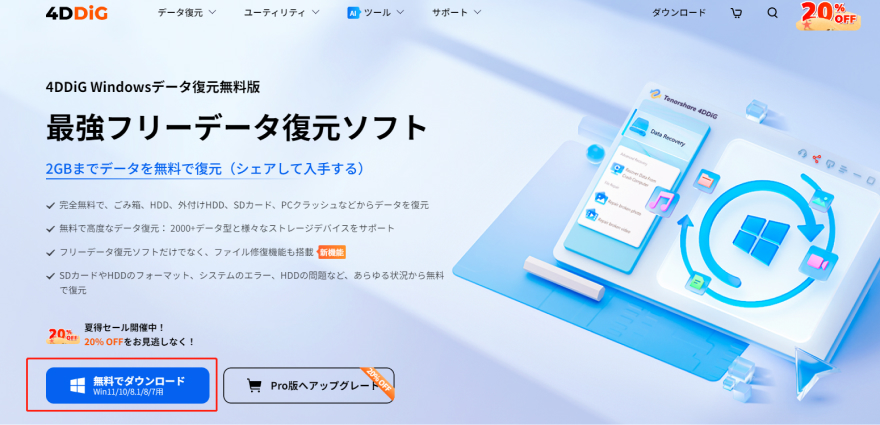
For more details, please visit the following page:
- This article is created based on information provided by the manufacturer.
Please note that this site is not responsible for any inaccuracies in this information.
How to Use
Scan
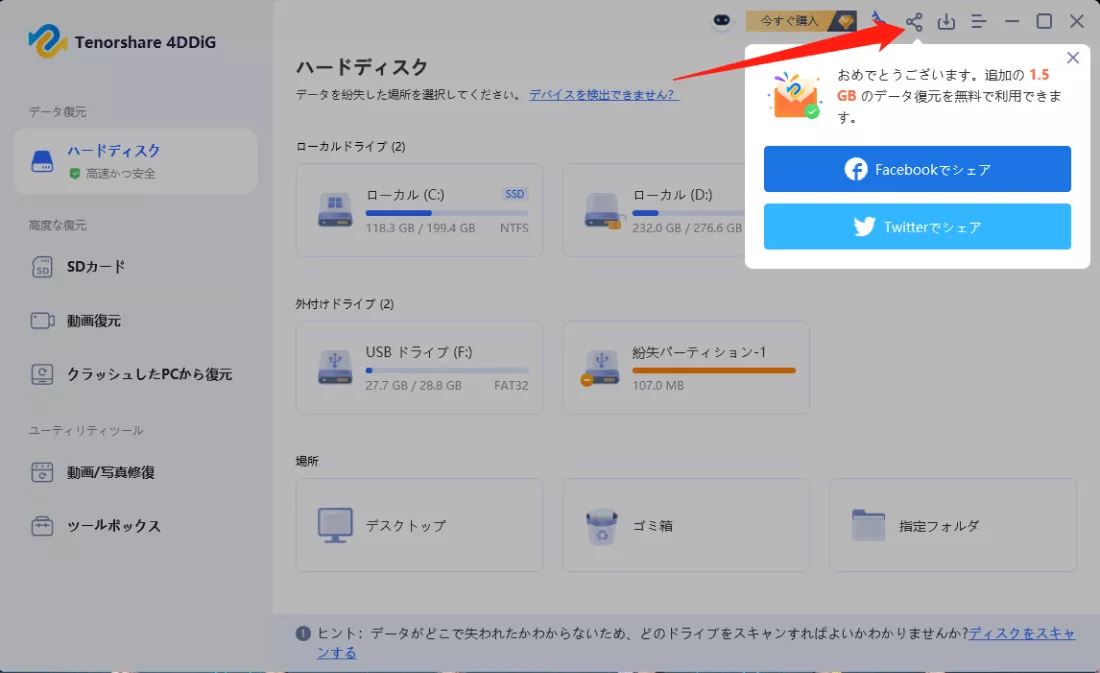
Select the drive or partition containing the data you want to recover and scan.
Scanning may take several minutes to tens of minutes depending on the drive capacity and data status.
Preview the Files
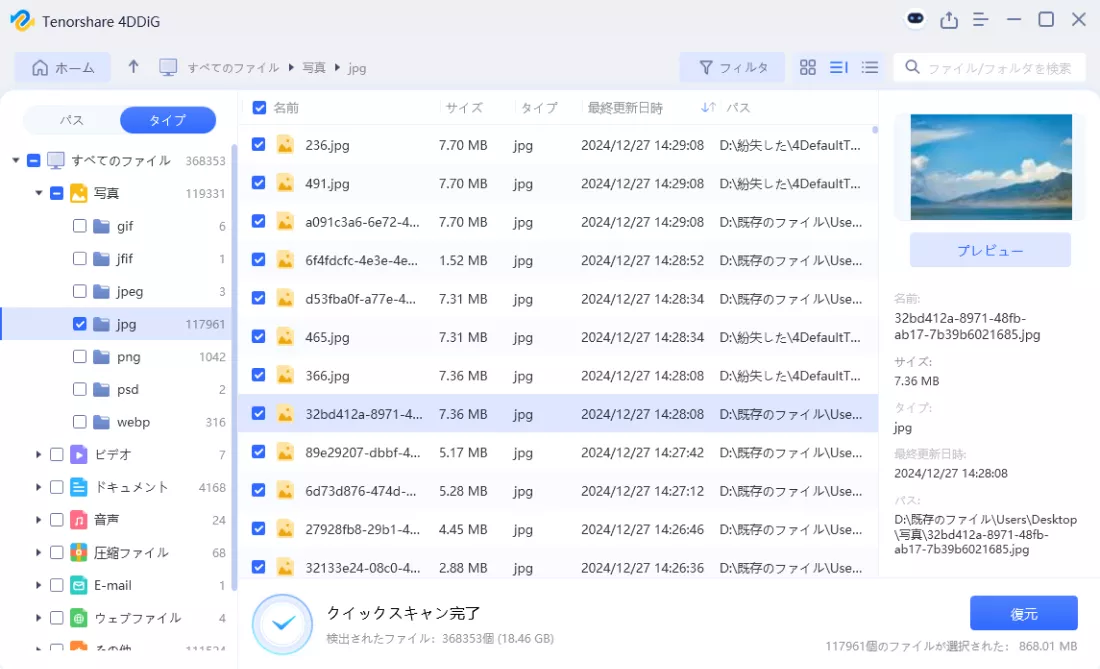
Once the scan is complete, the recoverable data will be displayed in a list.
At this point, preview the files and confirm the necessary data.
Recover the Desired Files
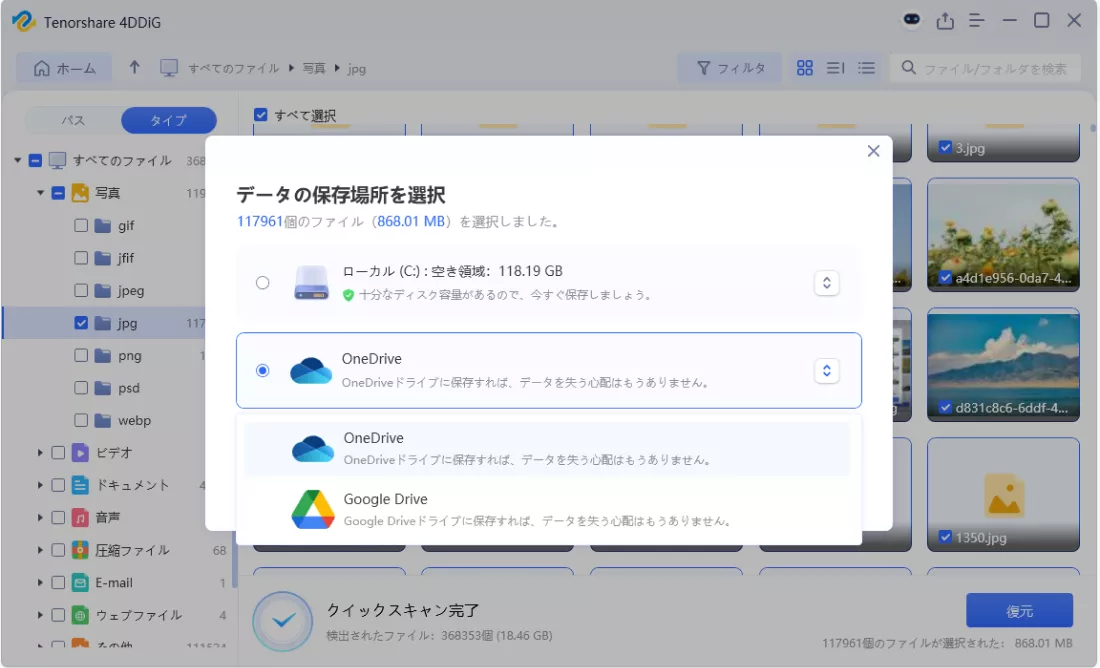
Select the save location for the recovered files and recover the desired files.
Caution: Because overwriting may occur if you recover to the original location, it is recommended to save it to a different storage (external HDD or another folder on your PC).
- This article is created based on information provided by the manufacturer.
Please note that this site is not responsible for any inaccuracies in this information.
Summary
“Tenorshare 4DDiG” is a powerful tool for recovering deleted or lost data.
First, use the free version to check the recoverable data, and upgrade to the paid version if necessary to proceed with data recovery while keeping costs down.
The ability to be used with various storage devices is also a major attraction.
Ms.ガジェットPlease try Tenorshare 4DDiG to protect your valuable data!
Thank you for reading to the end!
- This article is created based on information provided by the manufacturer or brand.
This site is not responsible for any inaccuracies in this information. - The price and information of the products are as of the time of writing this article.
- The product and service names mentioned in this site are trademarks of their respective companies.
コメント