
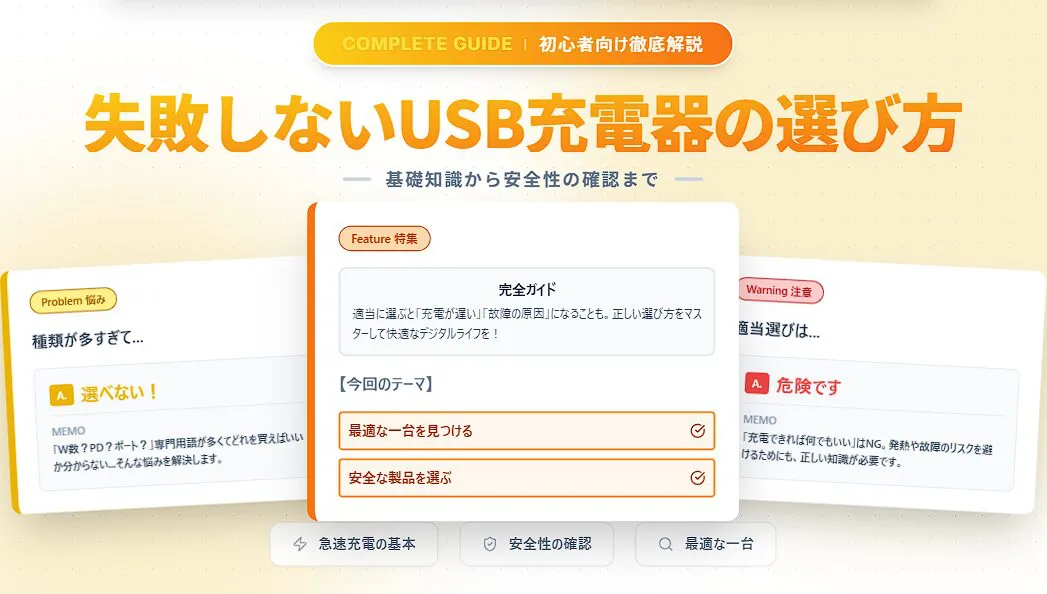
The number of devices we charge via USB, such as smartphones, tablets, wireless earphones, and laptops, has truly increased. Along with this, the variety of USB chargers has diversified surprisingly.
With many technical terms like output wattage, port types, and fast charging standards, many people might wonder, “Which one should I choose?”
 Ms.ガジェット
There are so many types, it’s hard to know what to choose.
 Mr.ガジェット
Don’t worry, if you know the basics, you can choose without making a mistake!
Choosing a charger with incorrect knowledge not only results in slow charging but also fails to utilize your device’s performance, and in the worst-case scenario, it could lead to safety issues like device failure or overheating.
“Well, anything is fine as long as it charges”—choosing randomly with this mindset is actually very dangerous behavior.
In this article, I will explain in a clear and thorough manner how to confidently find the optimal charger for your devices, even for beginners, resolving any questions or concerns about choosing a USB charger.
Please read until the end to make your digital life more comfortable and safe.

What is a USB Charger?
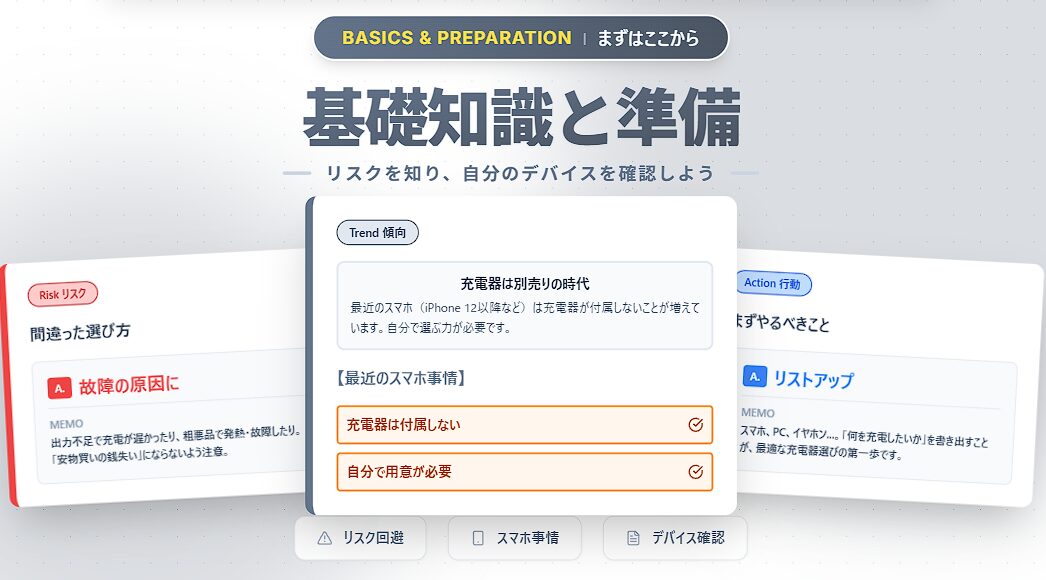
A USB charger is an “AC adapter” that takes electricity from a household outlet (AC 100V) and converts it into direct current (DC) that can charge devices like smartphones. Previously, they were always included in the box when you purchased a smartphone, but big changes have occurred in recent years.
The Arrival of the Era of Smartphones without Included Chargers
Starting with the iPhone 12 series and many Android smartphones, chargers are no longer included due to environmental considerations (reduction of e-waste).
In other words, even if you buy a new smartphone, you need to prepare a charger separately yourself.
Even those who have been using the included chargers without much thought must now understand how to choose one and find products that suit their devices.
Risks of Choosing Incorrectly
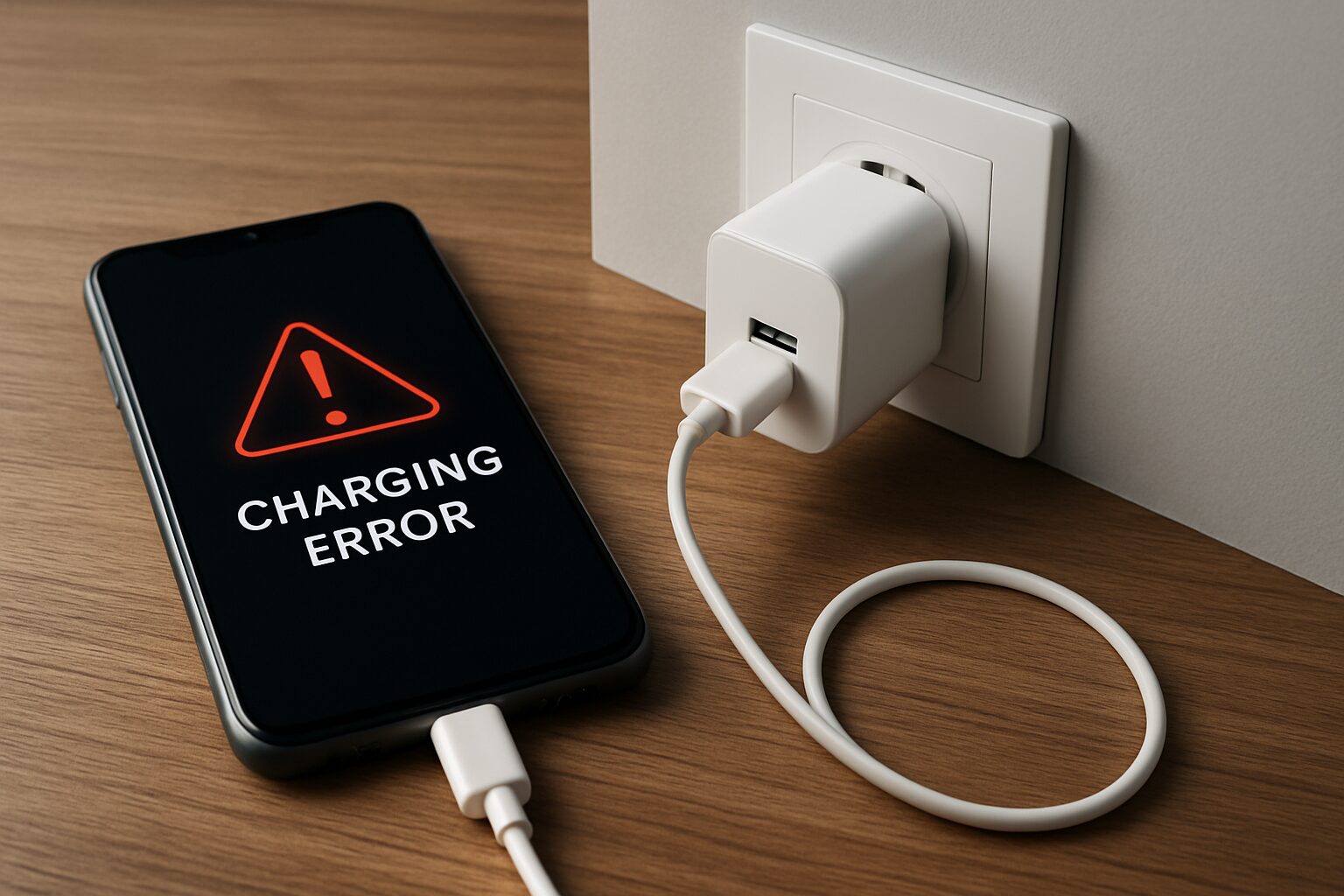
Choosing incorrectly can lead to the following risks:
- Extremely long charging times (Insufficient output)
- Faster battery degradation (Low-quality power supply)
- Danger of overheating or fire (Inferior products that do not meet safety standards)
Far from being “penny wise and pound foolish,” you could end up breaking expensive devices worth tens or hundreds of thousands of yen. It is extremely important to have the mindset of “choosing something proper.”
Essential Knowledge When Choosing a USB Charger
To choose the optimal unit, here are the “5 technical terms” you must know when looking at packages and spec sheets.
Understanding these elements will help you see the ideal charger for your devices.
“Output (Wattage)”, “Fast Charging Standards”, “Port Types and Number”, “Size and Shape”—we will explain each point in detail.
① Output (Wattage): The Value that Determines Charging Speed
“W (Watt)” indicates the amount of power the charger can supply at one time. The higher this number, the faster you can charge your device.
| Example of devices to charge | Estimated required output | Examples of fast charging standards |
|---|---|---|
| Smartphone | 18W–35W | PD, QC |
| Tablet | 30W–45W | PD, QC |
| Laptop | 30W–100W | PD |
Ms.ガジェットMy smartphone says it supports 25W; is it okay to use a 30W charger?
Mr.ガジェットChargers with an output higher than what the device requires can be used without issues, and the charging speed will be limited to the device’s maximum supported value.
Also, if you want to charge multiple devices simultaneously, you need to choose a charger with a total output that exceeds the sum of the wattages required by each device.
However, as detailed in the section on port counts, it is important to note that when using multiple ports, power is distributed among them, which may reduce the maximum output of each port.
By choosing a charger with the appropriate output, you can reduce charging time and decrease daily stress.
② Fast Charging Standards (PD, PPS, QC)
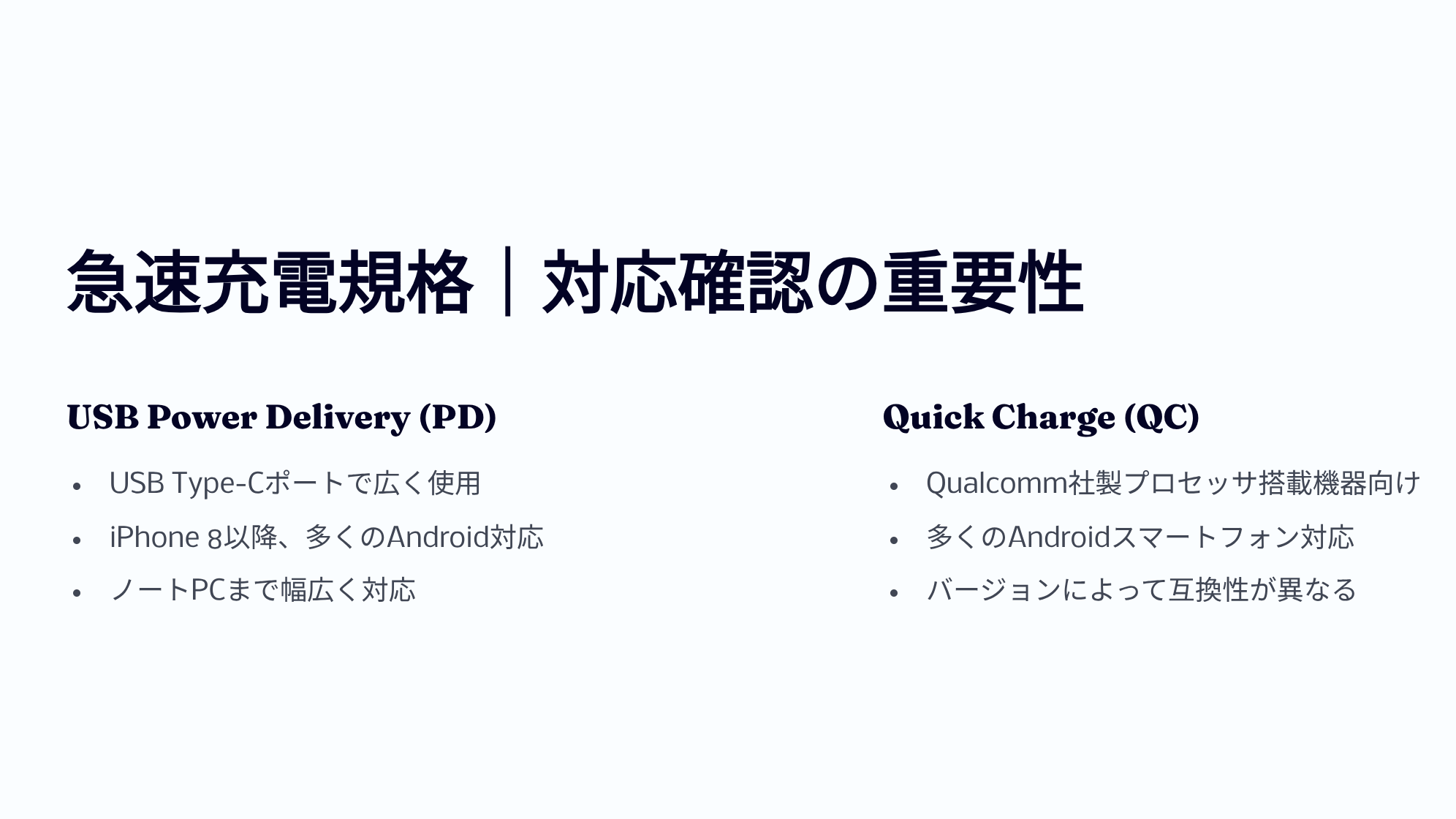
Beyond just having high wattage, confirming compatibility with “Fast Charging Standards” is crucial to maximizing charger performance.
Typical standards include “USB Power Delivery (USB PD)” and “Quick Charge (QC).”
| USB PD (Power Delivery) | [The current standard] A universal standard supporting up to 240W. Used by many devices like iPhone, iPad, MacBook, and Pixel. If in doubt, choosing “PD compatible” is the right move. |
|---|---|
| PPS (Programmable Power Supply) | [A PD option] A technology that finely adjusts voltage and current to suppress heat. Essential for “Super Fast Charging” on Android phones like Galaxy. |
| Quick Charge (QC) | [An older standard] Qualcomm’s proprietary standard. Used mainly on Android, but many are now compatible with PD. |
Also, to perform fast charging, understand that the device, USB charger, and USB cable must all support the same fast charging standard.
Here is a table summarizing the characteristics of PD and QC.
| PD Version | Release Date | Max Power | Max Voltage | Main Features |
|---|---|---|---|---|
| 1.0 | July 2012 | 100W | 20V | Fixed power profile exchange across 5 levels |
| 2.0 | August 2014 | 100W | 20V | Up to 100W supply and video/data via one cable with USB-C Alternate Mode; automatic power negotiation and backward compatibility |
| 3.0 | 2015–2017 | 100W | 20V | Fine voltage adjustment in 20 mV increments and heat reduction via PPS※1 |
| 3.1 | 2021 | 240W | 48V | Introduced EPR (Extended Power Range) mode for power supply over 100W; bidirectional power, hub communication (optional) |
※1 PPS (Programmable Power Supply) = A mechanism that changes voltage and current finely according to the device’s requests for efficient charging.
| QC Version | Release Date | Max Power | Voltage Range | Main Features | USB PD Compatibility |
|---|---|---|---|---|---|
| 1.0 | 2013 | 10W | Max 6.3V | Automatically determines optimal current for each phone | None |
| 2.0 | 2014 | 18W (A) / 60W (B) | 5V/9V/12V/20V | 3-level voltage switching, supports dual charging※2 | None |
| 3.0 | 2015–2016 | 36W | 3.2–20V (200mV increments) | Suppresses heat by changing voltage finely | None |
| 4 / 4+ | 2016–2017 | 100W | QC: 3.6–20V / PD: 5V, 9V, PPS | PD Compatible | Yes |
| 5 | 2020 | Over 100W | 3.3V–Over 20V | USB PD PPS compatible, enhanced thermal management, full backward compatibility | Yes (via PPS) |
※2 Dual Charging = Shortens time by charging simultaneously through two independent power circuits.
Ms.ガジェットI hear about fast charging, but how do I check if my smartphone supports it?
Mr.ガジェットChecking product specs in the instruction manual or on the manufacturer’s official website is the most reliable way.
Understanding the fast charging standards supported by your device allows you to choose the optimal combination of charger and cable, significantly reducing charging time.
③ Port Shape and Number (Type-C / Type-A)
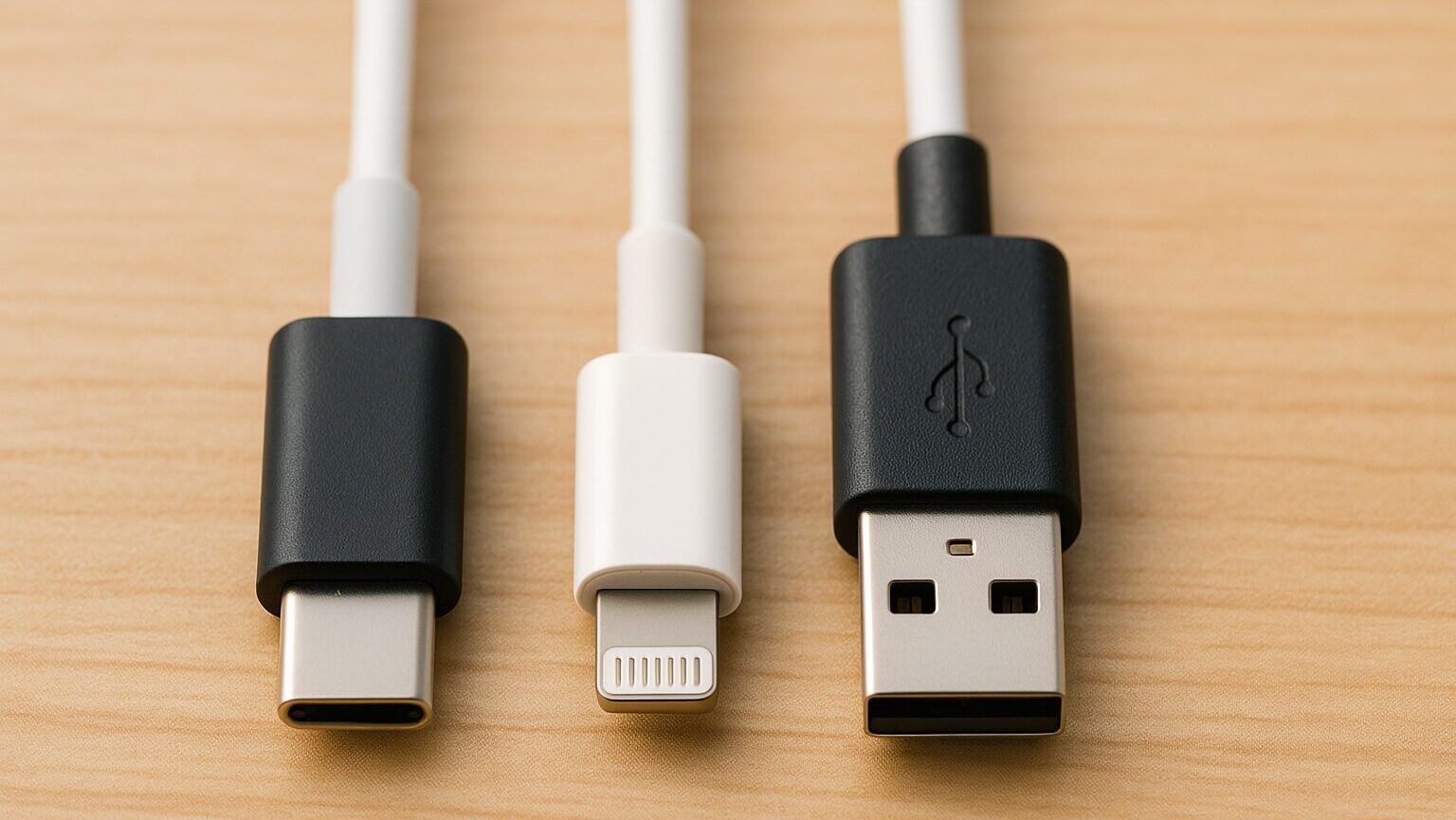
When choosing a USB charger, the “Port Type and Number” greatly affects usability.
Main shapes include USB Type-A, USB Type-C, and Lightning.
 Mr.ガジェット
iPhones from 15 onwards are also USB Type-C!
It is important to check if the connector of the device you want to use is one of these three, or another shape like Micro USB Type-B.
To avoid saying, “I want to charge but the connector is different!”, please look closely at your device’s connector.
④ GaN (Gallium Nitride): Technology for Miniaturization
“GaN” refers to a next-generation semiconductor material. Because it generates less heat and is more energy-efficient than traditional silicon materials, manufacturers have succeeded in dramatically reducing charger sizes (down to golf ball size).
 Mr.ガジェット
For portability, GaN models are overwhelmingly recommended. Please choose the USB charger with the optimal size and shape, also considering the space where you will place it.
Choosing a charger with an easy-to-use shape makes charging even more comfortable.
⑤ PSE Mark: Proof of Safety

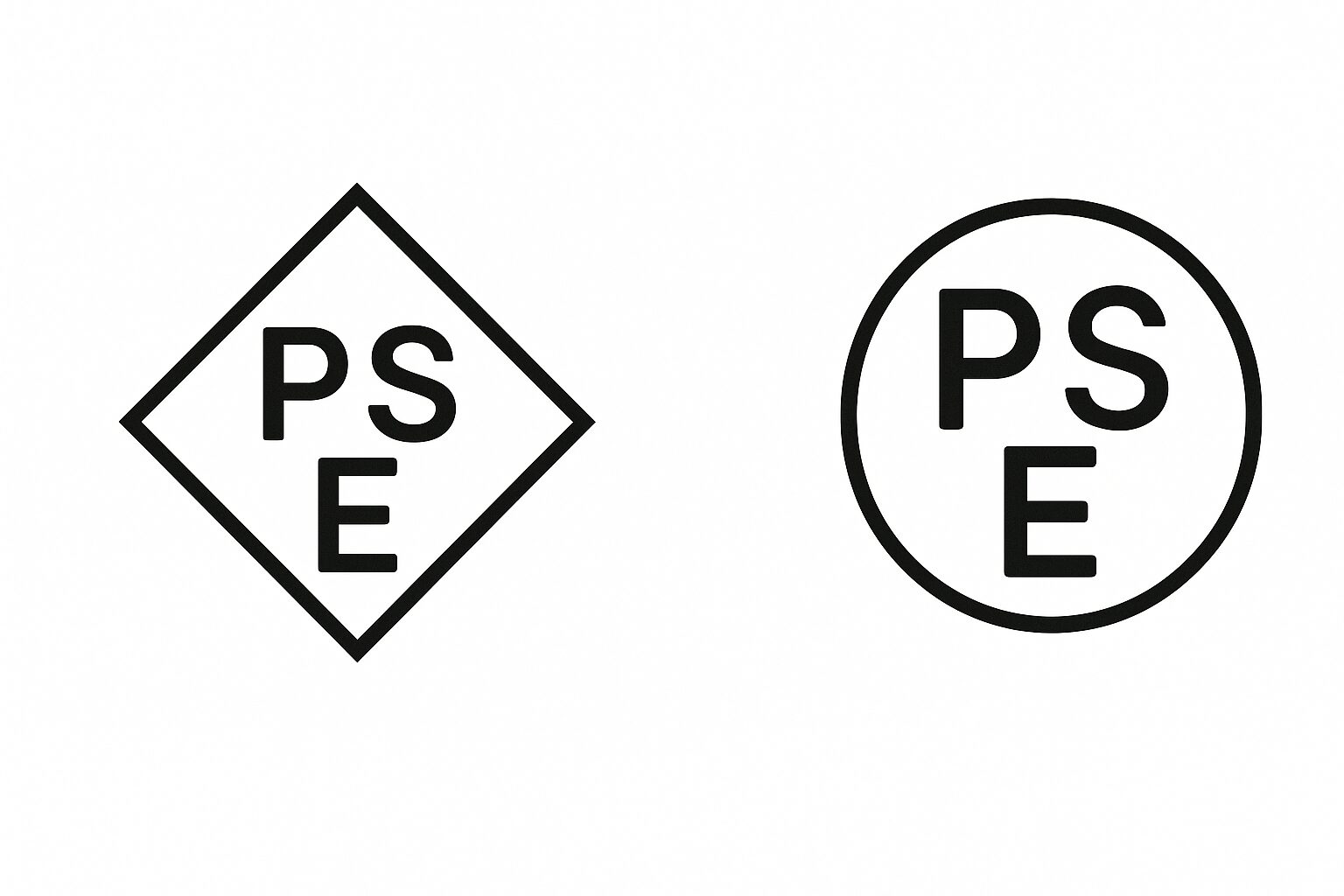
The “PSE Mark” is proof of meeting national safety standards established under Japan’s Electrical Appliance and Material Safety Act.
Products without this mark are not permitted for sale or use within Japan.
To protect your precious devices and prevent unexpected troubles like fire or accidents, always choose products with the PSE mark when purchasing a USB charger.

How to Choose a USB Charger
Based on the basic knowledge, here are the steps to actually choosing the perfect unit for you. Choosing with “evidence” rather than “just because” prevents failures after purchase, such as it being “slower than expected” or “unusable.” Let’s follow these 6 steps.
STEP 1: Device Confirmation
Check the type and connection terminal of the device you want to charge, as well as its compatible fast charging standards. First, list all the devices you want to charge daily. Whether it’s “just a smartphone,” “smartphone and earphones,” or even “a laptop” will significantly change the charger specs you should choose.
Mr.ガジェットIt is particularly important whether you charge a “laptop.” Since laptops require more power than smartphones, you cannot proceed to the next step until this is decided.
STEP 2: Required Output (Wattage)
From the devices you listed, determine the wattage based on the “device that requires the most power.” If the wattage is insufficient, charging speed will be slow, or in the worst case, charging may not be possible at all.
Ms.ガジェット“Bigger covers smaller”—is it safe to just buy a high-wattage one for now?
Mr.ガジェットExactly! For example, if you charge a smartphone (20W) with a 65W charger, it’s safe because it adjusts automatically. If in doubt, choosing a larger output (the 45W to 65W class that can also charge PCs) is highly recommended for its versatility.
STEP 3: Aligning Fast Charging Standards
Confirm that the device, charger, and cable all support the same standard, such as PD (Power Delivery) or QC (Quick Charge). Currently, it is fundamental to choose products compatible with the global standard, “USB PD (Power Delivery).”
To achieve fast charging, all three of the following must be compatible. If even one is incompatible, fast charging will not work.
- Device (Smartphone itself, etc.)
- Charger (AC adapter)
- Cable
Mr.ガジェットA commonly overlooked item is the “cable.” Old cables from 100-yen shops are often not PD-compatible, so be sure to prepare a Type-C cable that says “PD compatible.”
Also, please note that even with PD compatibility, the maximum output varies depending on the version.
STEP 4: Port Types and Number
Consider the types of terminals, such as USB Type-A / Type-C, and the number of ports used simultaneously. The future mainstream is undoubtedly “USB Type-C.” If buying new, choose a model equipped with Type-C ports.
| Pros | Cons |
|---|---|
|
Convenient for charging a smartphone and PC simultaneously Simultaneous charging is possible if there are 2 or more ports Reduces the number of chargers to carry when traveling |
Output per port decreases during simultaneous use Example: 65W is split into 45W + 20W Sizes tend to be larger than single-port models |
When choosing a multi-port model, always check the “output distribution during simultaneous use.” It makes no sense if you want to charge a PC and smartphone simultaneously but the PC’s output becomes insufficient.
STEP 5: Size and Shape
Emphasize compactness if carrying it, and stability if keeping it stationary. The keyword here is “GaN (Gallium Nitride).”
 Ms.ガジェット
GaN-powered chargers are overwhelmingly smaller and lighter than traditional products. For portability, I’d say “GaN-powered” and “foldable plug type” are the only real choices!
STEP 6: Safety (PSE Mark)
Finally, the most important thing is safety. Always check for the PSE mark, overcharge/overheat prevention functions, and the manufacturer’s reliability.
Selling products without the PSE mark is prohibited by law in Japan. Caution is needed as parallel imports from places like Amazon may include unmarked items.
 Mr.ガジェット
Anything without the PSE mark is out of the question! Don’t buy from unknown manufacturers!
If you check these 6 steps in order, you will surely find the best charger for you. Because it’s something you use every day, choose a safe and comfortable unit.
Supplementary Terms and Specifications
Lifespan and Timing for Replacement
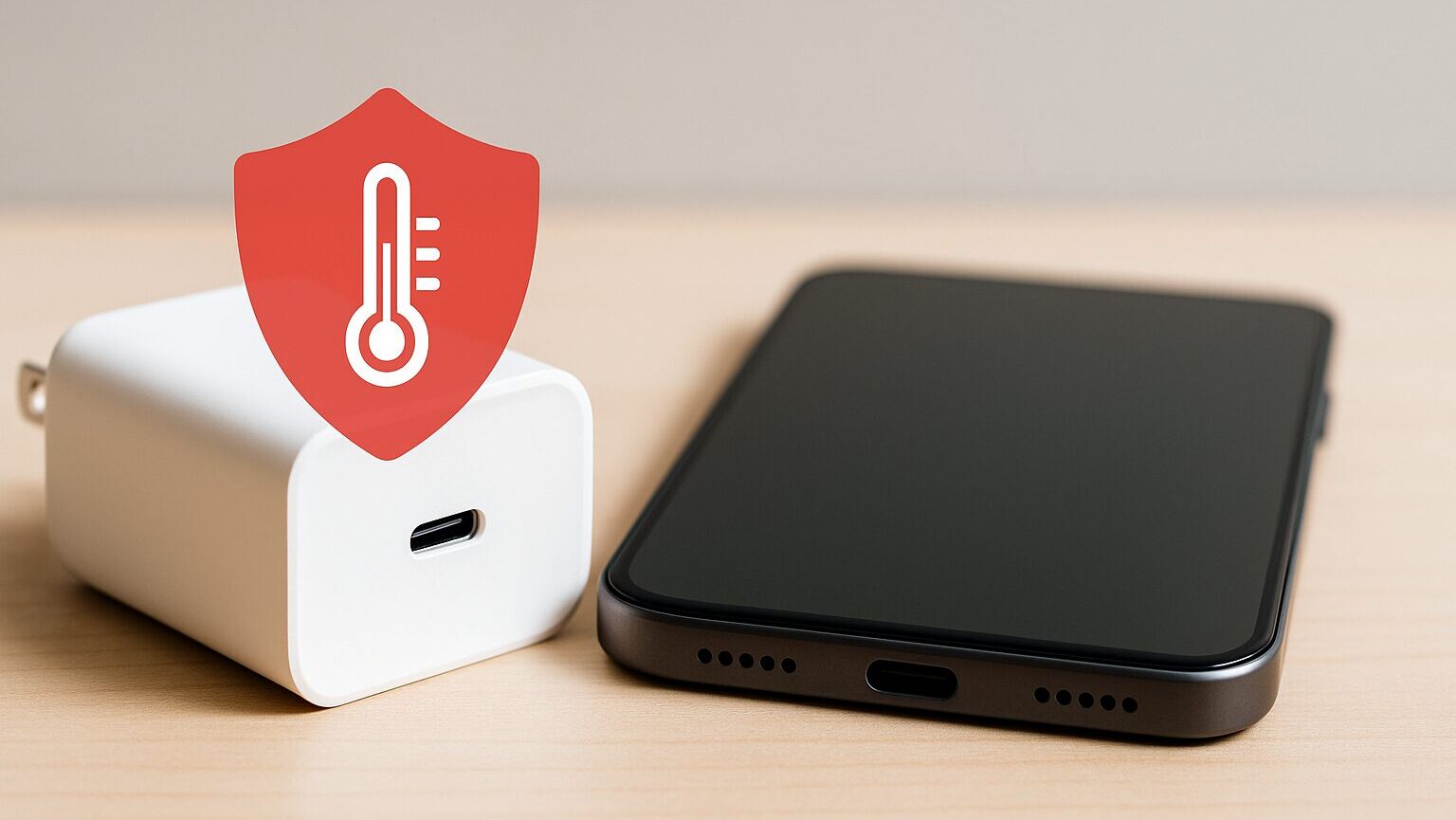
AC adapters (chargers) also have a lifespan. Because internal components called capacitors deteriorate over time, the general lifespan is said to be about 3 to 5 years.
- Becomes abnormally hot during charging
- Makes strange noises (buzzing sound)
- Charging is occasionally interrupted
If these symptoms appear, they are signs of failure. Don’t feel it’s a waste; for safety, replace it with a new one.
How to Choose Reliable Manufacturers
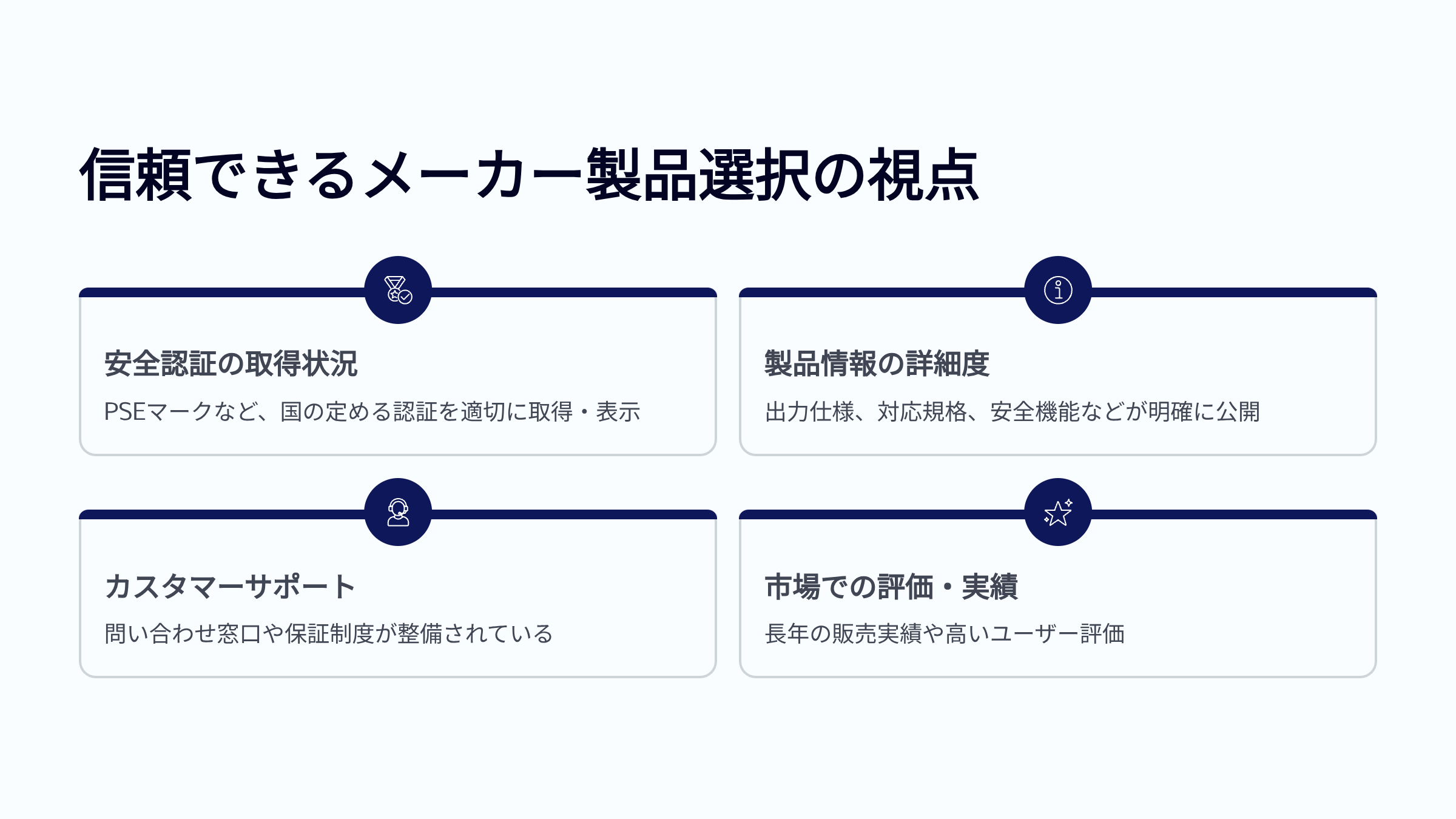
Finally, I will list the manufacturers I personally trust. These have established support systems via Japanese branches and have obtained PSE certification.
- Anker: Proven track record with the world’s No. 1 market share. Extensive lineup.
- CIO: A Japanese manufacturer. Excellent in miniaturization technology and popular in crowdfunding.
- UGREEN: High cost-performance and stable quality.
- Belkin: High reliability, even handled on the official Apple website.
- Elecom / Buffalo: Japanese PC peripheral manufacturers. Provides a sense of security.
 Ms.ガジェット
Anything without the PSE mark is out of the question!
Don’t buy from unknown manufacturers!
Final Check for Choosing the Optimal USB Charger
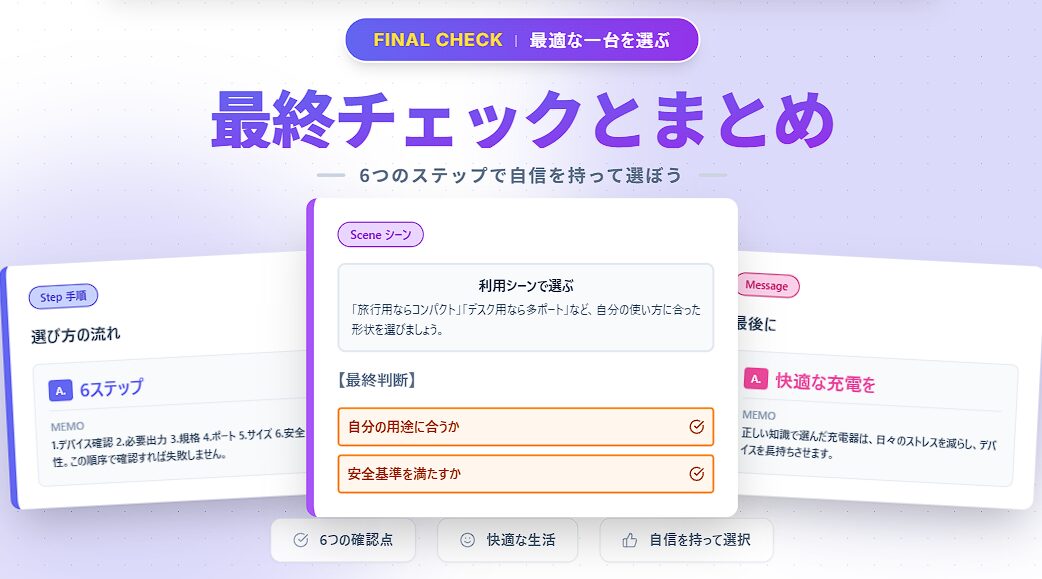
Reconfirming Key Points
First, let’s briefly look back at the 6 steps we’ve covered for choosing the optimal USB charger.
Check the type and connection terminal of the device you want to charge, as well as its compatible fast charging standards.
Understand the wattage required by each device and the total output when charging multiple devices simultaneously.
Confirm that the device, charger, and cable all support the same standard, such as PD (Power Delivery) or QC (Quick Charge).
Consider the types of terminals like USB Type-A / Type-C and the number of ports used simultaneously. Check output distribution too.
Emphasize compactness if carrying it, and stability if keeping it stationary. Foldable plugs are also a key point.
Always check for the PSE mark, overcharge/overheat prevention functions, and manufacturer reliability.



Thank you for reading to the end!
- The views expressed in this article are the independent opinions of this website.
- Unless otherwise stated, product prices and information are current at the time of writing.
- Please note that we cannot be held responsible for any errors or omissions. Thank you for your understanding.
- All product and service names mentioned are trademarks of their respective companies.
コメント