
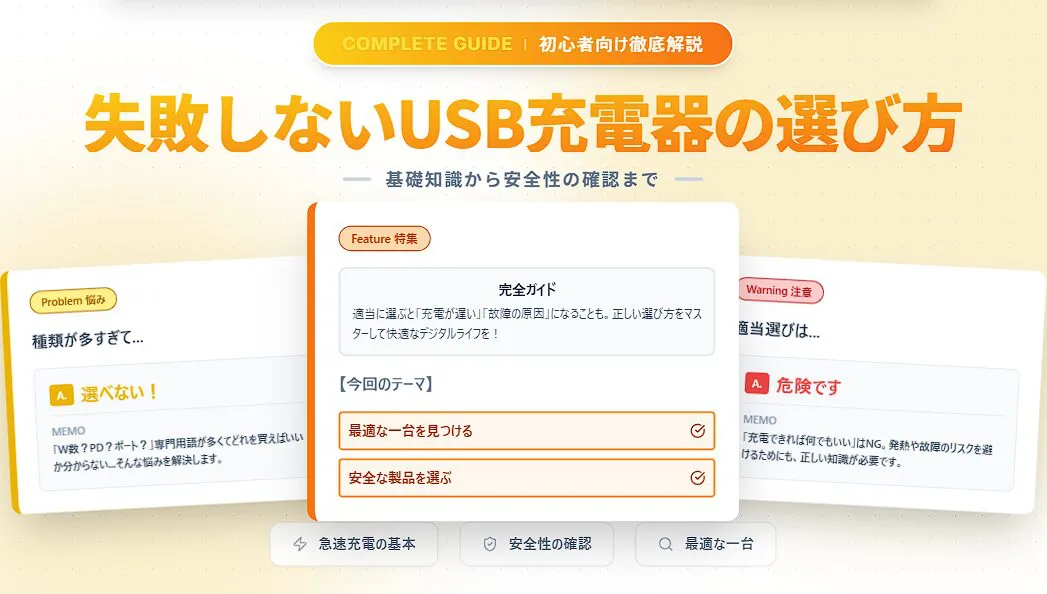
La cantidad de dispositivos que se cargan mediante USB, como smartphones, tablets, auriculares inalámbricos y computadoras portátiles, ha aumentado considerablemente. Con ello, la variedad de cargadores USB también se ha diversificado de forma sorprendente.
Con tantos términos técnicos como vataje de salida, tipos de puertos y estándares de carga rápida, es natural que muchas personas se pregunten: “¿Cuál debería elegir?”.
 Ms.Gadgets
Hay tantos tipos que no sé qué elegir, me resulta difícil y confuso.
 Mr.Gadgets
¡No te preocupes! Si conoces los fundamentos, podrás elegir sin equivocarte.
Si eliges un cargador con información incorrecta, no solo la carga será lenta, sino que podrías no aprovechar el rendimiento de tu dispositivo o, en el peor de los casos, causar problemas de seguridad como fallos en el equipo o sobrecalentamiento.
Pensar “bueno, cualquier cosa sirve mientras cargue” y elegir uno al azar es, en realidad, una conducta muy peligrosa.
En este artículo, resolveremos esas dudas e inquietudes sobre la elección de cargadores USB y explicaremos de manera clara y sencilla, incluso para principiantes, cómo encontrar con confianza el cargador óptimo para tus dispositivos.
Asegúrate de leer hasta el final para que tu vida digital sea más cómoda y segura.

¿Qué es un cargador USB?
Un cargador USB es un “adaptador de CA” que toma electricidad de un enchufe doméstico (CA 100V) y la convierte en corriente continua (CC) para suministrarla a dispositivos como smartphones. Anteriormente, los smartphones siempre incluían uno en la caja, pero en los últimos años se ha producido un gran cambio.
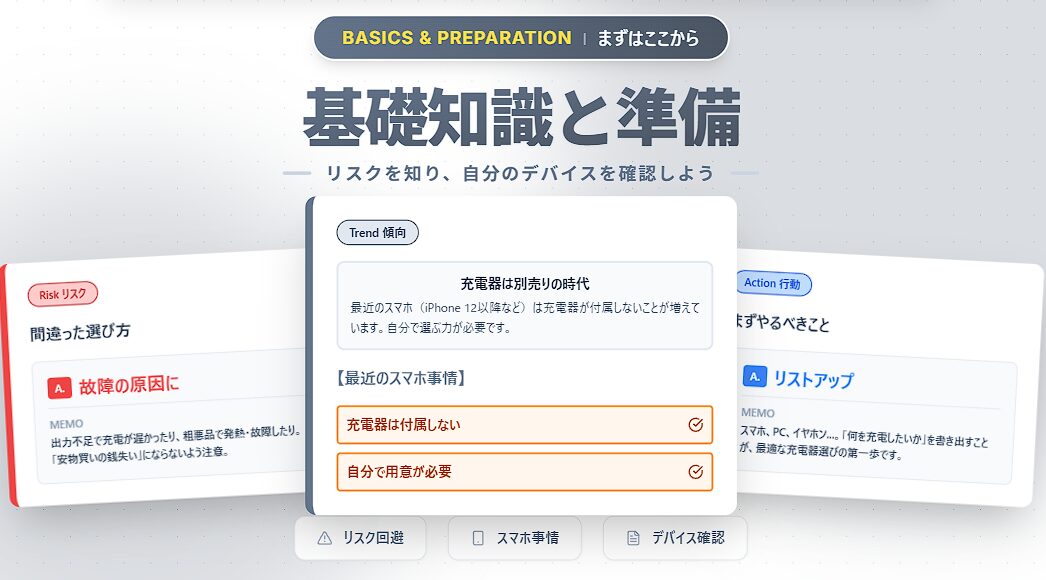
Llega la era de los smartphones sin cargador incluido
Desde la serie iPhone 12 y en muchos smartphones Android, los cargadores ya no se incluyen por razones de consideración ambiental (reducción de residuos electrónicos).
Esto significa que, aunque compres un smartphone nuevo, tienes que preparar el cargador por tu cuenta.
Incluso aquellos que solían usar el cargador incluido sin pensar, a partir de ahora deben entender cómo elegir y buscar el producto adecuado para sus dispositivos.
Riesgos de una elección incorrecta
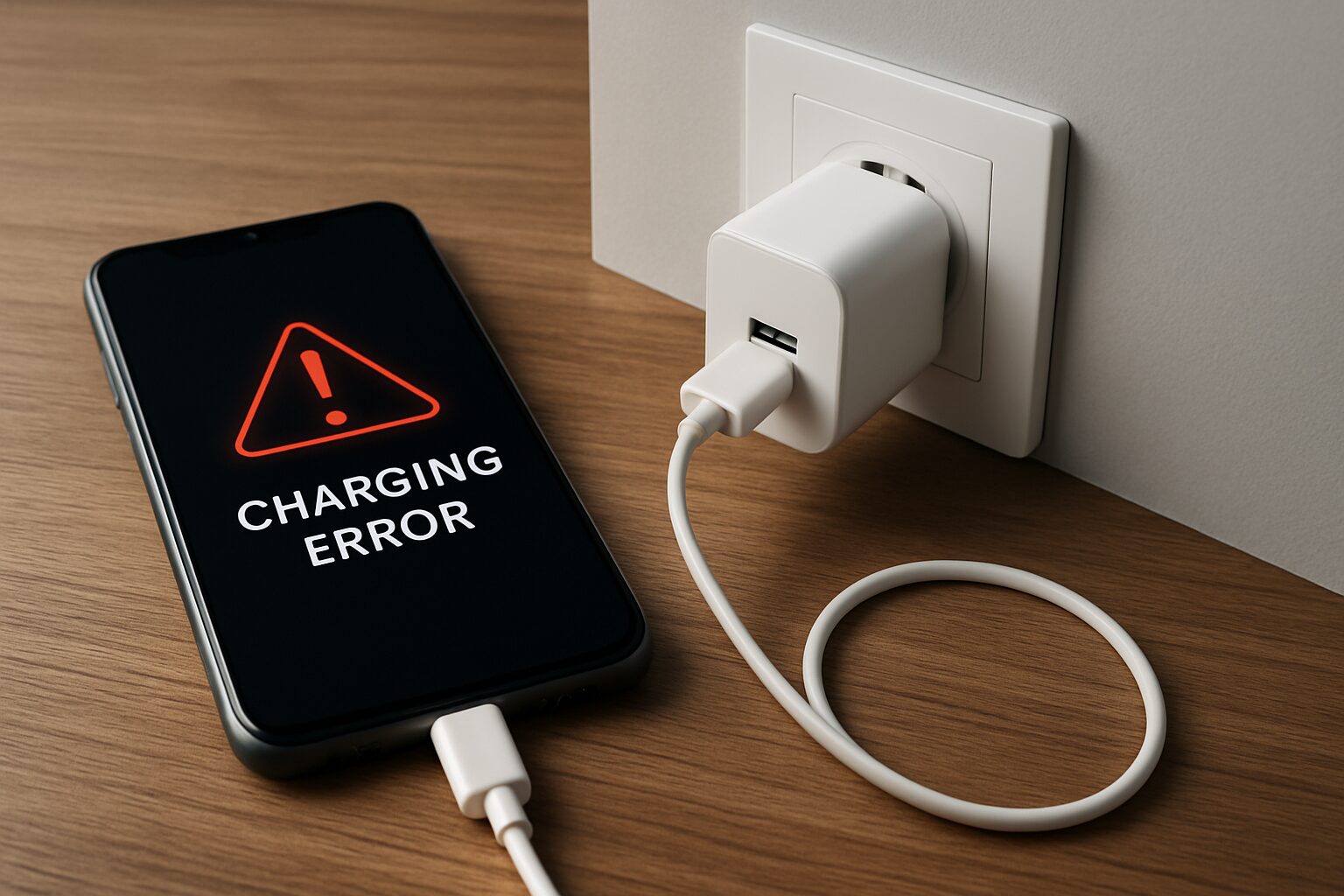
Si eliges incorrectamente, pueden ocurrir los siguientes riesgos:
- El tiempo de carga se vuelve extremadamente largo (salida insuficiente)
- Acelera el deterioro de la batería (suministro de energía de baja calidad)
- Peligro de sobrecalentamiento o incendio (productos de mala calidad que no cumplen estándares de seguridad)
Más que “lo barato sale caro”, podrías terminar rompiendo un dispositivo valioso que cuesta desde decenas hasta cientos de dólares. Es extremadamente importante tener la conciencia de “elegir algo adecuado”.
Conocimientos esenciales al elegir un cargador USB
Para elegir el cargador óptimo, explicaré los “5 términos técnicos” que debes conocer al leer el empaque o la tabla de especificaciones.
Si entiendes estos elementos, verás cuál es el cargador ideal para tus dispositivos.
“Salida (vatios)”, “Estándar de carga rápida”, “Tipo y número de puertos”, “Tamaño y forma”, explicaremos cada punto detalladamente.
① Salida (Vatios): El número que determina la velocidad de carga
“W” (vatios) indica la cantidad de energía que el cargador puede suministrar a la vez. Cuanto mayor sea este número, más rápido podrás cargar tu dispositivo.
| Ejemplo de dispositivo | Salida necesaria (aprox.) | Ejemplo de estándar de carga rápida |
|---|---|---|
| Smartphone | 18W~35W | PD, QC |
| Tablet | 30W~45W | PD, QC |
| Laptop | 30W~100W | PD |
Ms.GadgetsEn mi smartphone dice que soporta 25W, ¿puedo usar un cargador de 30W?
Mr.GadgetsPuedes usar sin problemas un cargador con una salida mayor a la que requiere el dispositivo; la velocidad de carga se limitará al valor máximo compatible del dispositivo.
Además, si deseas cargar varios dispositivos al mismo tiempo, debes elegir un cargador que tenga una salida total igual o mayor a la suma de los vatios necesarios para cada dispositivo conectado.
Sin embargo, como mencionaremos en detalle en la sección de número de puertos, ten en cuenta que cuando se usan múltiples puertos, la energía se distribuye, por lo que la salida máxima de cada puerto puede disminuir. Al elegir un cargador con la salida adecuada, reducirás el tiempo de carga y el estrés diario.
② Estándares de carga rápida (PD, PPS, QC)
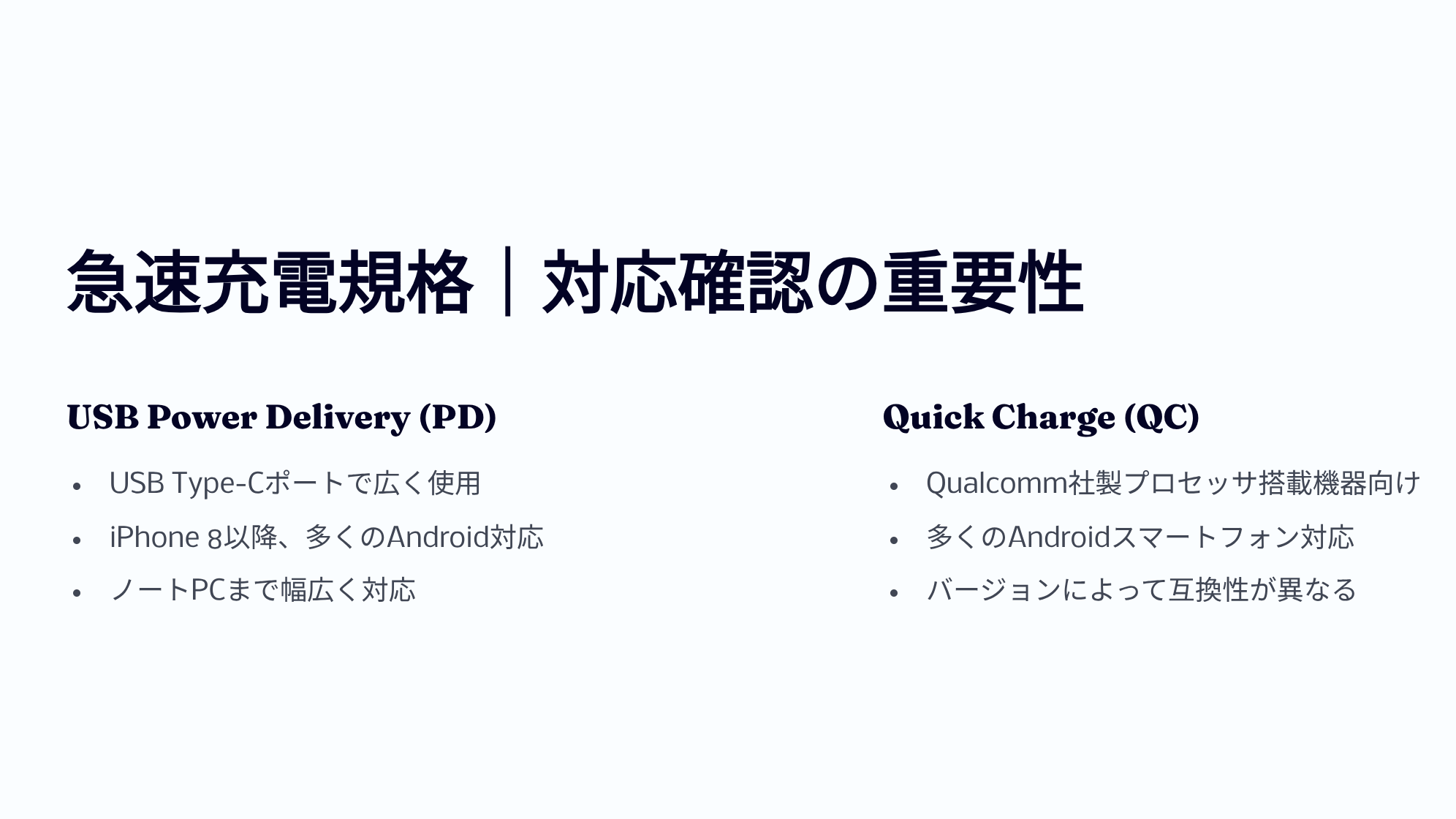
No solo basta con tener un vataje alto; para maximizar el rendimiento del cargador, es muy importante verificar la compatibilidad con estándares de carga rápida.
Los estándares representativos incluyen “USB Power Delivery (USB PD)” y “Quick Charge (QC)”.
| USB PD (Power Delivery) | 【Estándar actual】 Estándar común que admite hasta 240W. Es utilizado por muchos dispositivos como iPhone, iPad, MacBook y Pixel. Si tienes dudas, elige “compatible con PD” y no te equivocarás. |
|---|---|
| PPS (Programmable Power Supply) | 【Opción de PD】 Tecnología que ajusta finamente el voltaje y la corriente para reducir el calor. Es esencial para la “carga súper rápida” en smartphones Android como los Galaxy. |
| Quick Charge (QC) | 【Estándar antiguo】 Estándar propietario de Qualcomm. Se usa principalmente en Android, pero hoy en día muchos son compatibles con PD. |
Además, ten en cuenta que para realizar una carga rápida, el dispositivo, el cargador USB y el cable USB deben ser compatibles con el mismo estándar de carga rápida.
Aquí tienes una tabla resumen con las características de PD y QC.
| Versión PD | Fecha de lanzamiento | Potencia máx. | Voltaje máx. | Funciones principales |
|---|---|---|---|---|
| 1.0 | Julio 2012 | 100W | 20V | Intercambio de 5 perfiles de energía fijos |
| 2.0 | Agosto 2014 | 100W | 20V | Hasta 100W y Alternate Mode USB-C para video/datos con un cable; negociación automática y compatibilidad con versiones anteriores |
| 3.0 | 2015–2017 | 100W | 20V | PPS※1 para ajuste fino de voltaje en incrementos de 20mV y reducción de calor |
| 3.1 | 2021 | 240W | 48V | Introducción del modo EPR (Extended Power Range) para más de 100W, energía bidireccional y comunicación de hub (opcional) |
※1 PPS (Programmable Power Supply) = Sistema que cambia el voltaje/corriente según los requerimientos del dispositivo para una carga eficiente
| Versión QC | Fecha de lanzamiento | Potencia máx. | Rango de voltaje | Funciones principales | Compatibilidad con USB PD |
|---|---|---|---|---|---|
| 1.0 | 2013 | 10W | Máx. 6.3V | Determinación automática de corriente óptima | No |
| 2.0 | 2014 | 18W(A) / 60W(B) | 5V/9V/12V/20V | Cambio de voltaje en 3 niveles, carga dual※2 | No |
| 3.0 | 2015–2016 | 36W | 3.2–20V (incrementos de 200mV) | Cambio fino de voltaje para reducir calor | No |
| 4 / 4+ | 2016–2017 | 100W | QC: 3.6–20V / PD: 5V, 9V, PPS | Compatible con PD | Sí |
| 5 | 2020 | >100W | 3.3V–20V o más | Compatible con USB PD PPS, gestión térmica mejorada, retrocompatibilidad total | Sí (vía PPS) |
※2 Carga dual = Reducción de tiempo mediante dos circuitos de alimentación independientes
Ms.GadgetsEscucho hablar de carga rápida, pero ¿cómo puedo saber si mi smartphone es compatible?
Mr.GadgetsLo más seguro es verificar las especificaciones del producto en el manual de instrucciones o en el sitio web oficial del fabricante.
Al conocer el estándar de carga rápida compatible de tu dispositivo, puedes elegir la combinación adecuada de cargador y cable, reduciendo significativamente el tiempo de carga.
③ Forma y número de puertos (Type-C / Type-A)
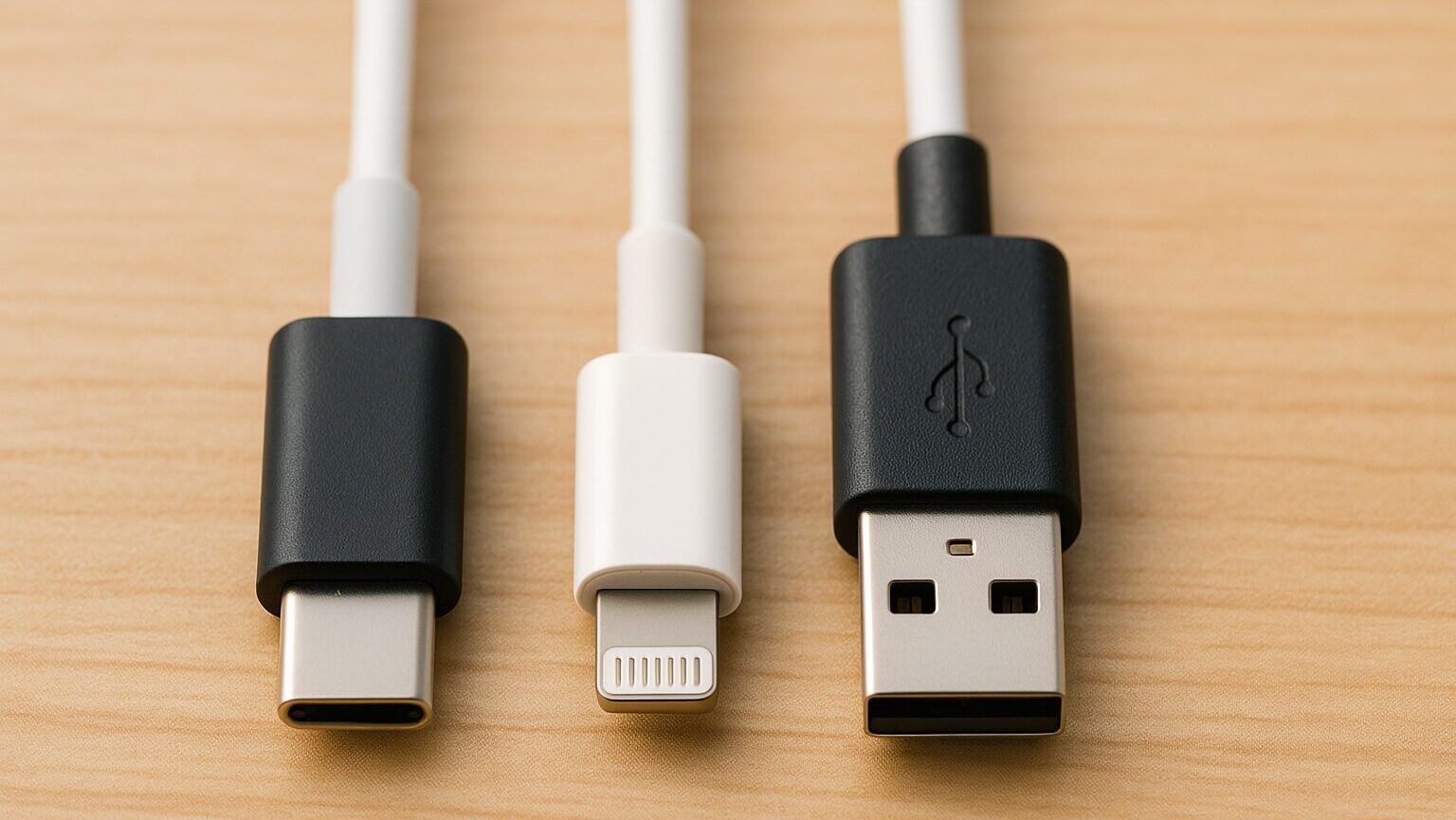
Al elegir un cargador USB, el “tipo y número de puertos” determina en gran medida la facilidad de uso.
Las formas principales son USB Type-A, USB Type-C, y Lightning.
 Mr.Gadgets
¡El iPhone también usa USB Type-C desde la serie 15!
Es importante verificar si el puerto de tu dispositivo es uno de estos tres, o si tiene otra forma como Micro USB Type-B.
¡Revisa bien el puerto de tu dispositivo para no terminar en una situación donde “el terminal no encaja!”
④ GaN (Nitruro de Galio): Tecnología de miniaturización
“GaN” es un material semiconductor de próxima generación. Debido a que genera menos calor y es más eficiente energéticamente que el silicio tradicional, ha permitido reducir drásticamente el tamaño de los cargadores (hasta el tamaño de una pelota de golf).
 Mr.Gadgets
Si es para llevarlo de viaje, los modelos que usan GaN son la opción más recomendada. Elige un cargador USB con el tamaño y forma óptimos considerando también el espacio de instalación.
Al elegir un cargador con una forma fácil de usar, la carga será aún más cómoda.
⑤ Marca PSE: Prueba de seguridad


“La marca PSE” es un símbolo de estándar de seguridad definido por el gobierno de Japón, que indica que el producto cumple con los estándares técnicos establecidos por la Ley de Seguridad de Aparatos y Materiales Eléctricos. Los productos sin esta marca no pueden venderse ni usarse legalmente en Japón.
Para proteger tus dispositivos valiosos y evitar accidentes inesperados como incendios, al comprar un cargador USB, asegúrate siempre de elegir productos que tengan la marca PSE.

Cómo elegir un cargador USB
Basándonos en los conocimientos fundamentales, explicaré los pasos para elegir el cargador perfecto para ti. Al elegir con “fundamentos” en lugar de “por intuición”, evitarás decepciones como “es más lento de lo que pensaba” o “no funcionó”. Sigamos los siguientes 6 pasos.
PASO 1: Verificación del dispositivo
Verifica el tipo de dispositivo que deseas cargar, el puerto de conexión y el estándar de carga rápida compatible. Primero, haz una lista de todos los dispositivos que cargas diariamente. Dependiendo de si es “solo el smartphone”, “smartphone y auriculares” o “también la computadora portátil”, las especificaciones del cargador cambiarán significativamente.
Mr.GadgetsAlgo especialmente importante es si cargarás una “computadora portátil”. A diferencia de los smartphones, requieren mucha más energía, por lo que no podrás avanzar al siguiente paso si no decides esto.
PASO 2: Salida necesaria (Vatios)
Determina los vatios basándote en el “dispositivo que requiere más energía” de tu lista. Si los vatios son insuficientes, la velocidad de carga será lenta o, en el peor de los casos, no se cargará en absoluto.
Ms.Gadgets¿”Lo grande cubre lo pequeño”? ¿Puedo comprar uno con muchos vatios y no equivocarme?
Mr.Gadgets¡Exacto! Por ejemplo, si cargas un smartphone (20W) con un cargador de 65W, este se ajustará automáticamente, por lo que es seguro. Si tienes dudas, elegir una salida alta (clase de 45W a 65W que también carga PC) es muy recomendable por su versatilidad.
PASO 3: Compatibilidad con el estándar de carga rápida
Verifica si el dispositivo, el cargador y el cable son compatibles con el mismo estándar, como PD (Power Delivery) o QC (Quick Charge). Actualmente, es básico elegir productos compatibles con el estándar mundial “USB PD (Power Delivery)”.
Para lograr una carga rápida, los siguientes 3 elementos deben ser compatibles. Si uno solo no lo es, la carga rápida no funcionará.
- Dispositivo (Smartphone, etc.)
- Cargador (Adaptador de CA)
- Cable
Mr.GadgetsLo que se suele pasar por alto es el “cable”. Muchos cables antiguos de tiendas de bajo costo no son compatibles con PD, así que asegúrate de preparar un cable Type-C que diga “Compatible con PD”.
Además, ten en cuenta que incluso si es compatible con PD, la salida máxima varía según la versión.
PASO 4: Tipo y número de puertos
Considera el tipo de puerto (USB Type-A / Type-C) y cuántos puertos usarás simultáneamente. El estándar futuro es definitivamente el “USB Type-C”. Si vas a comprar uno nuevo, elige un modelo equipado con puertos Type-C.
| Ventajas | Desventajas |
|---|---|
|
Conveniente para cargar smartphone y PC a la vez Posible carga simultánea con 2 o más puertos Reduce el número de cargadores al viajar |
La salida por puerto cae al usar simultáneamente Ej: 65W se divide en 45W + 20W Suele ser más grande que un modelo de un solo puerto |
Al elegir un modelo de múltiples puertos, verifica siempre la “distribución de salida durante el uso simultáneo”. No sirve de nada cargar el PC y el smartphone a la vez si la salida para el PC no es suficiente.
PASO 5: Tamaño y forma
Prioriza la compacidad si vas a transportarlo, o la estabilidad si es para uso fijo. Aquí, la palabra clave es “GaN (Nitruro de Galio)”.
 Ms.Gadgets
Los cargadores con GaN son abrumadoramente más pequeños y ligeros que los tradicionales. ¡Para llevar, un modelo “con GaN” y “enchufes plegables” es la única opción!
PASO 6: Seguridad (Marca PSE)
Finalmente, lo más importante es la seguridad. Verifica siempre la presencia de la marca PSE, funciones de prevención de sobrecarga/sobrecalentamiento y la confiabilidad del fabricante.
La venta de productos sin marca PSE está prohibida por ley en Japón. Ten cuidado, ya que los productos importados en paralelo en sitios como Amazon pueden no tener esta marca.
 Mr.Gadgets
¡Los productos sin marca PSE están fuera de discusión! ¡Deja de comprar a fabricantes desconocidos!
Si sigues estos 6 pasos, seguramente encontrarás el mejor cargador para ti. Como es algo que usas todos los días, elige uno seguro y cómodo.
Términos y especificaciones adicionales
Vida útil del cargador y cuándo reemplazarlo
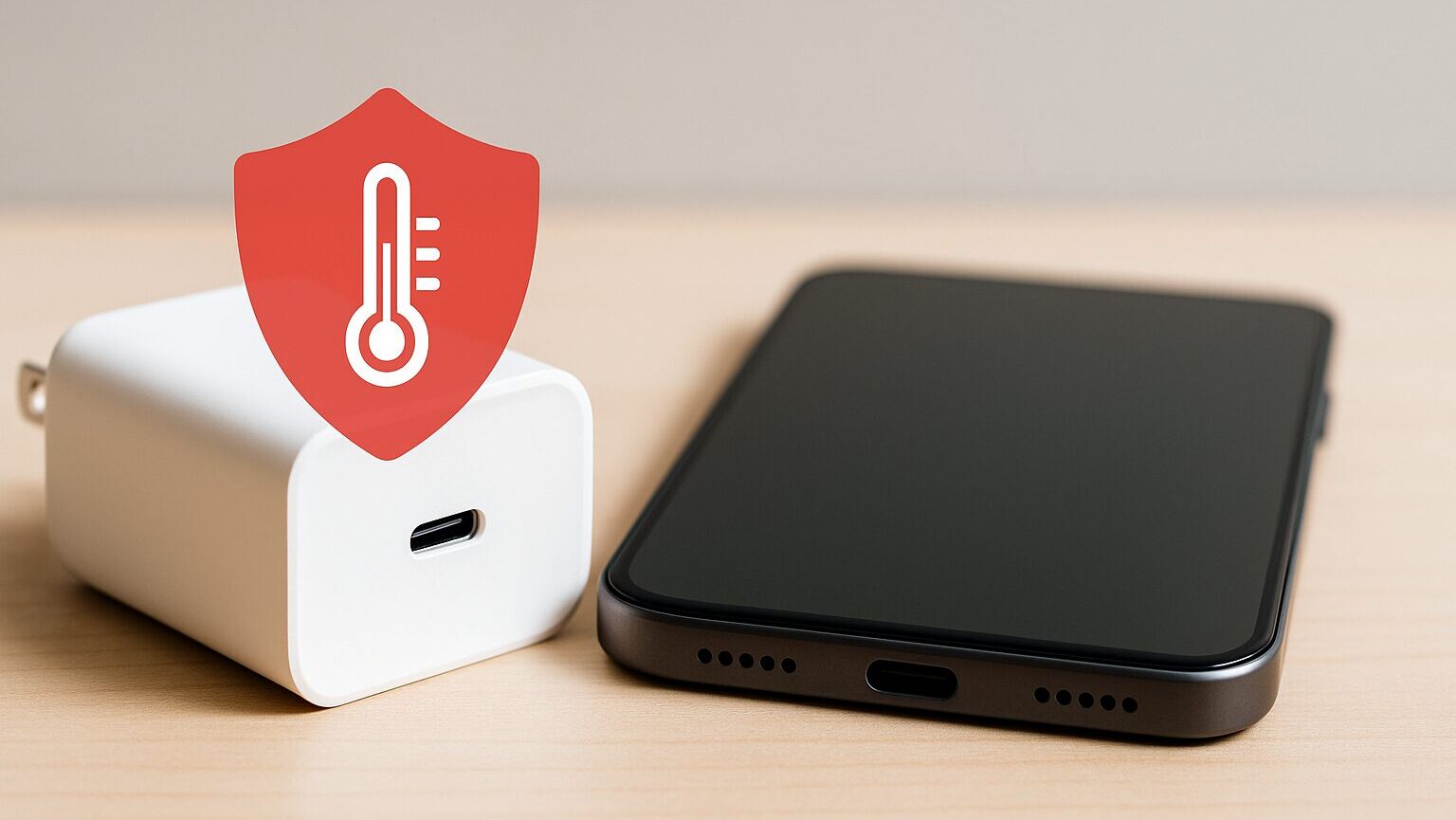
Los adaptadores de CA (cargadores) también tienen una vida útil. Debido a que los componentes internos llamados condensadores se degradan con el tiempo, generalmente se estima entre 3 a 5 años.
- Se calienta anormalmente durante la carga
- Hace ruidos extraños (zumbidos)
- La carga se interrumpe a veces
Si aparecen estos síntomas, son señales de fallo. No pienses que es un desperdicio y reemplázalo por uno nuevo por seguridad.
Cómo elegir fabricantes confiables
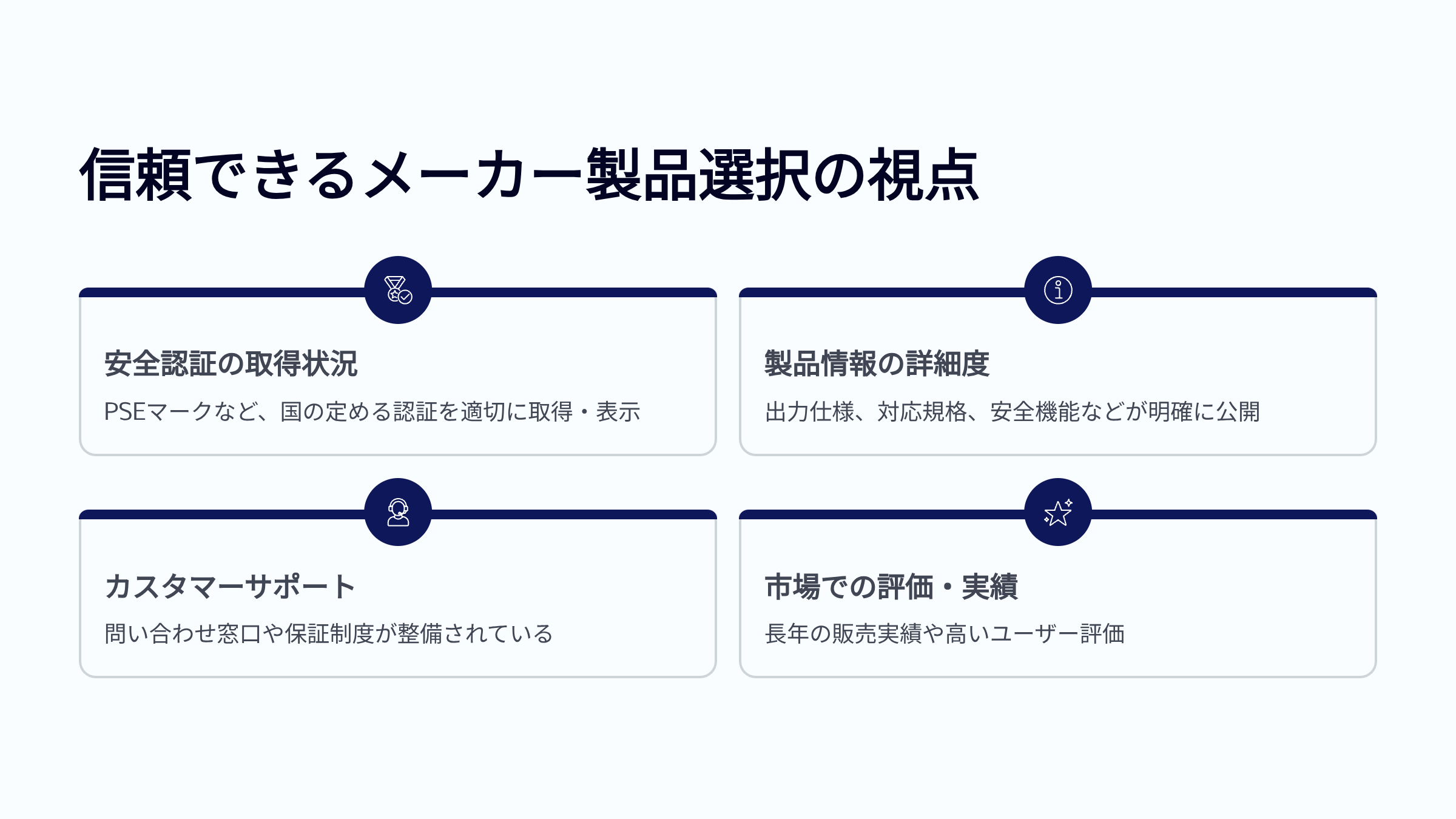
Finalmente, mencionaré los fabricantes en los que confío personalmente. Estos cuentan con un sistema de soporte completo por parte de sus filiales en Japón y han obtenido la certificación PSE.
- Anker: Líder mundial en cuota de mercado. Gran variedad de productos.
- CIO: Fabricante japonés. Excelente en tecnología de miniaturización y popular en crowdfunding.
- UGREEN: Alta relación calidad-precio y calidad estable.
- Belkin: Alta confiabilidad, incluso vendido en el sitio oficial de Apple.
- Elecom / Buffalo: Fabricantes japoneses de periféricos para PC. Ofrecen tranquilidad.
 Ms.Gadgets
¡Los productos sin marca PSE están fuera de discusión!
¡Deja de comprar a fabricantes desconocidos!
Chequeo final para elegir el cargador USB óptimo
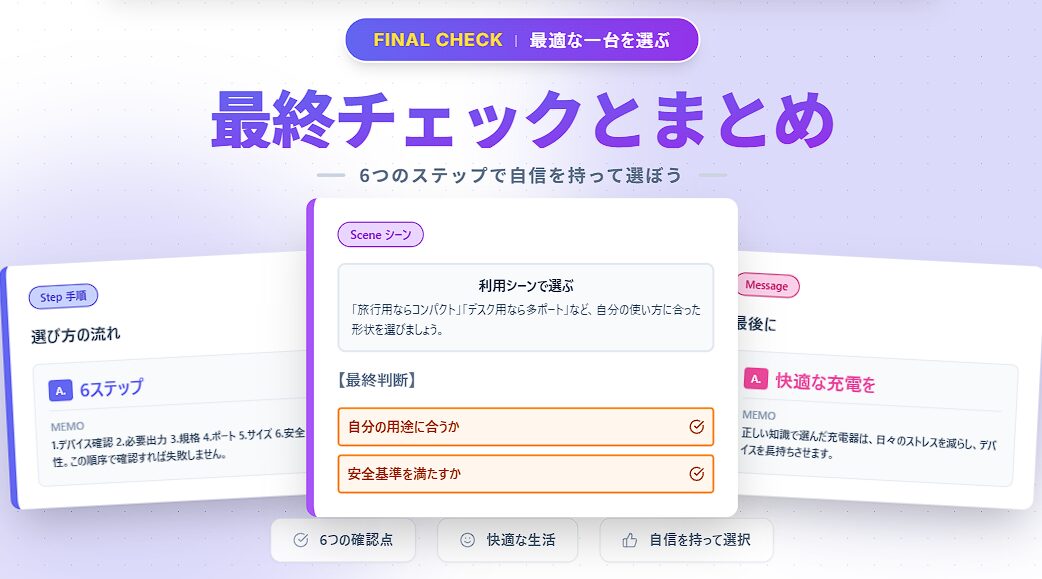
Revisión de puntos importantes
Primero, repasemos brevemente los 6 pasos que hemos visto para elegir el cargador USB óptimo.
Verifica el tipo de dispositivo, puerto de conexión y estándar de carga rápida compatible.
Comprende los vatios necesarios para cada dispositivo y la salida total al cargar varios a la vez.
Verifica que el dispositivo, cargador y cable cumplan con el mismo estándar (PD, QC).
Considera el tipo de puerto y número de puertos simultáneos. Verifica la distribución de salida.
Prioriza compacidad para llevar o estabilidad para uso fijo. La plegabilidad del enchufe es clave.
Verifica siempre la marca PSE, funciones de seguridad y confiabilidad del fabricante.



¡Muchas gracias por leer hasta el final!
- La evaluación de este artículo es propia de nuestro sitio web.
- A menos que se indique lo contrario, los precios y la información de los productos corresponden al momento en que se escribió el artículo.
- Tenga en cuenta que este sitio web no asume ninguna responsabilidad si esta información es incorrecta.
- Los nombres de productos y servicios mencionados en este sitio son marcas comerciales de sus respectivas empresas.
Este artículo fue escrito originalmente en japonés y ha sido traducido.
Comentarios