
When using in-site codes or coupons during an AliExpress sale, it’s more efficient to choose a code that perfectly matches the items you plan to buy, rather than searching for the code with the largest discount. This article summarizes the codes for ongoing campaigns and the steps to confirm the total payment amount before placing an order.
Author of this article: "Mr. Gadget"
- Studied under Masatoshi Ono, a million-selling singer who has performed at Kohaku Uta Gassen
- Experience supervising for Ameba Choice and the web media Picky's
- Individual member of the Word of Mouth Marketing Association
Nice to meet you!

How to Use In-Site Codes and Key Checking Points
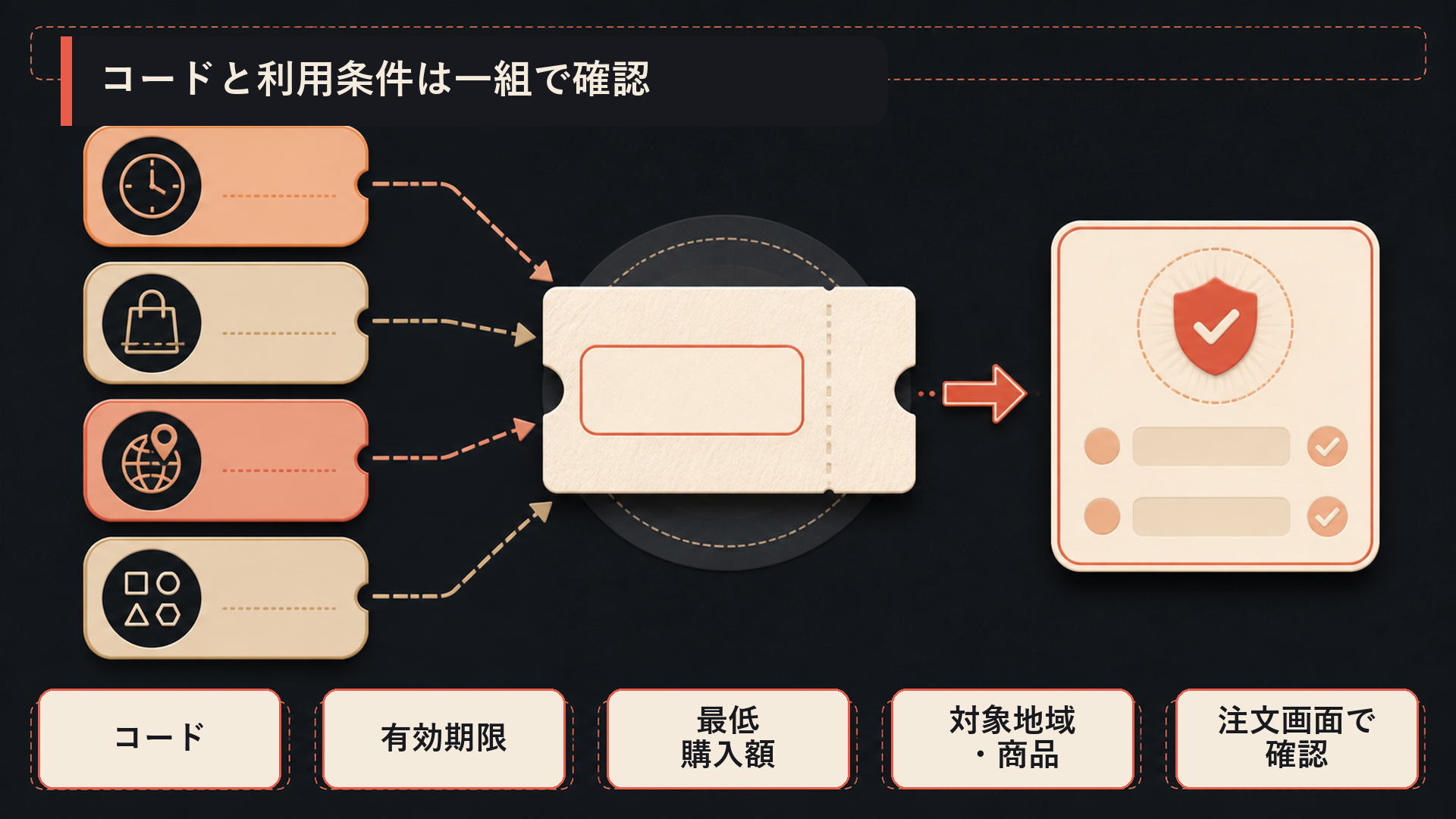
In-site codes are viewed as a set of ‘minimum purchase amount’ and ‘discount amount.’ The codes and conditions announced this time are summarized in the ‘List of In-Site Codes for Japan’ table above. The basic principle is to choose a code that naturally matches the subtotal of the items you plan to buy.
The usage flow consists of just these 4 steps:
- In your cart, decide on the products, quantity, and shipping address, then proceed to checkout.
- Apply the in-site code.
- Check if the code name and discount amount appear in the discount field.
- Make your decision based on the estimated payment amount including shipping and tax.
If your subtotal doesn’t meet the conditions or you change your cart contents, reselect a different code from the table above. If store discounts or other benefits also appear in the discount field, sum only the amounts actually displayed for that order.
When you’re just short of the minimum purchase amount, adding a small item to meet the conditions can also be a smart way to use the code.
 Ms. Gadget
I’m just 300 yen short of being able to use the code… I really want to add something.
 Mr. Gadget
It’s a good strategy if you add something you plan to use anyway. However, shipping and taxes might increase, potentially negating the discount, so compare by the final payment amount.
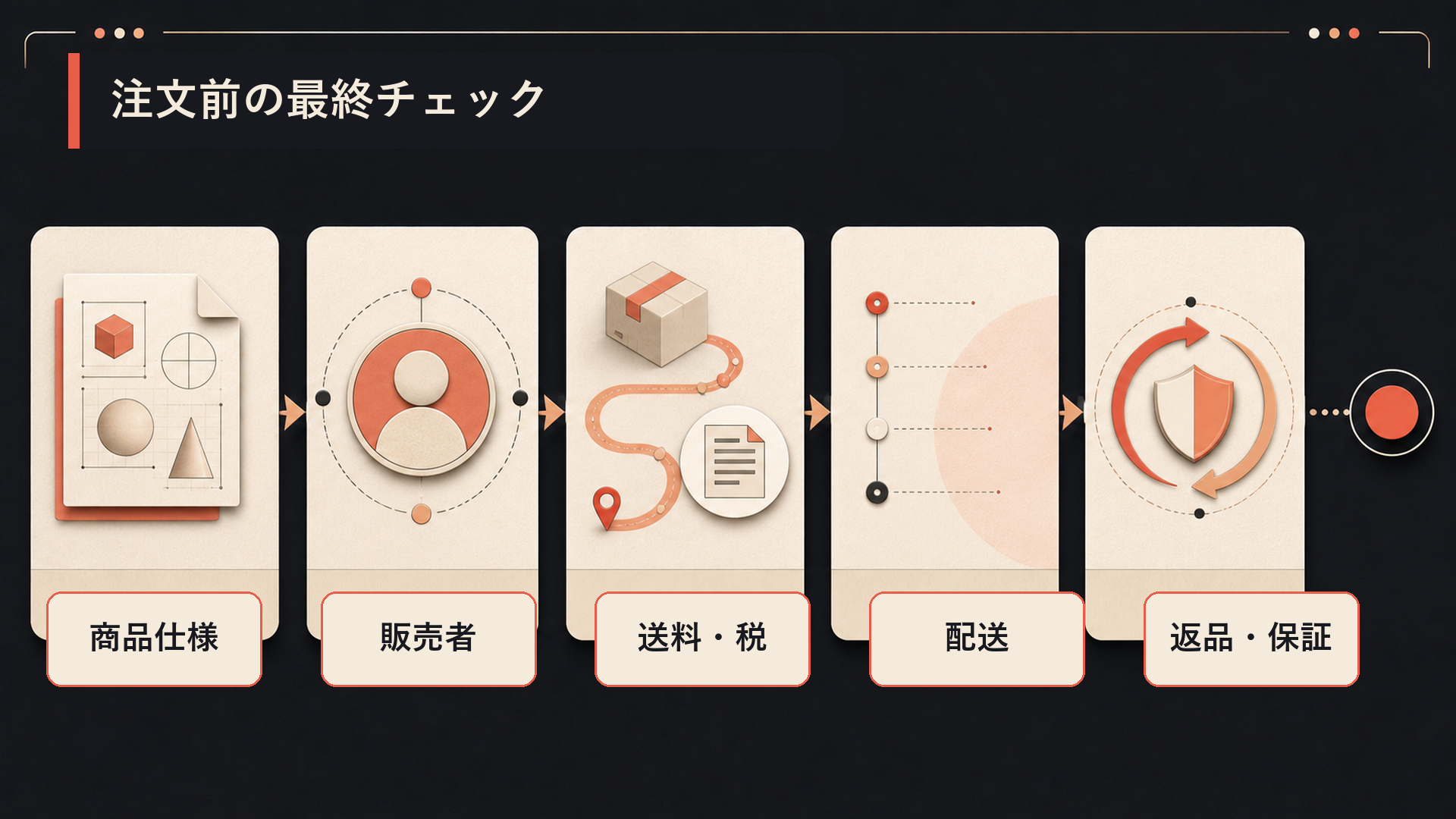
Additionally, it’s reassuring to cross-check that the product model number, color, size, quantity, and seller name match what is displayed on the order screen.
The estimated arrival time varies by shipping method, so for products you need by a certain date, it’s reassuring to also check the estimated arrival display on the order screen.
Returns can be requested under specified conditions for eligible products with a “Free Return” label (AliExpress Free Return Policy). Whether an item is eligible can be determined by the label on the product page.
Summary
When using in-site codes or coupons during an AliExpress sale, first calculate the subtotal based only on the items you plan to buy, and then consider codes that naturally meet those conditions. If you aim for a higher-tier code by adding items, the trick is to compare it with an order without a discount, considering not only the discount amount but also the shipping, tax, and intended use of the added items.
On the order screen, it is recommended to read in the order of ‘Order Contents → Discount Breakdown → Shipping → Tax/Other Fees → Estimated Payment Amount.’ If you change products or shipping conditions, review the discount breakdown and estimated payment amount again and place your order with a satisfactory total.
More important than maximizing a large discount is whether you can buy the necessary products under the necessary conditions for a final satisfactory total. That is the fundamental strategy for conquering sales.
What kind of service AliExpress is, is also explained in detail in the following article.
Thank you for reading until the end!
- The evaluation in this article is unique to this site.
- Unless otherwise specified, product prices and information are current as of the time of writing.
- Please note that this site cannot be held responsible for any inaccuracies in this information.
- Product and service names mentioned on this site are trademarks of their respective companies.
This article was originally written in Japanese and has been translated.
Comments