
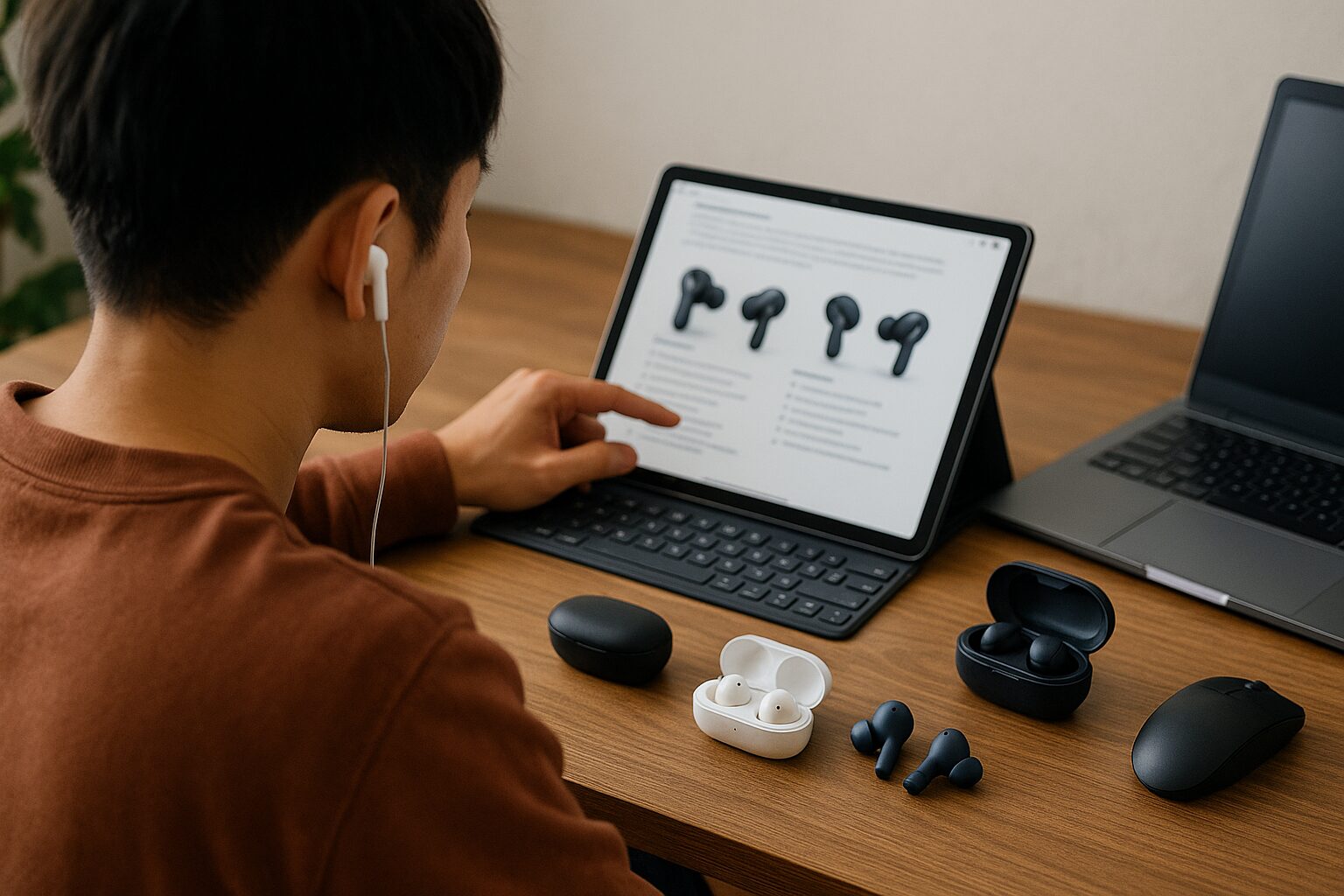
There are so many types of “true wireless earbuds” out there today that it can honestly be confusing to know which one to choose.
To find the perfect pair for you, it is important to have a “decision-making framework to determine what is important to you” from among the many features and performance specs available.
In this article, we will provide you with easy-to-understand information that will serve as a “compass” to help you find the optimal pair, from the basic knowledge needed to avoid regret when choosing true wireless earbuds, to points for comparing features like sound quality and battery life, and tips on how to choose based on your purpose and usage scenarios.
 Ms.ガジェット
There are just too many types of true wireless earbuds, and I don’t know which one to pick…
 Mr.ガジェット
Don’t worry! After reading this article, the features and performance you need will become clear, and you will be able to choose with confidence!
What are true wireless earbuds?
Highlights of this section!
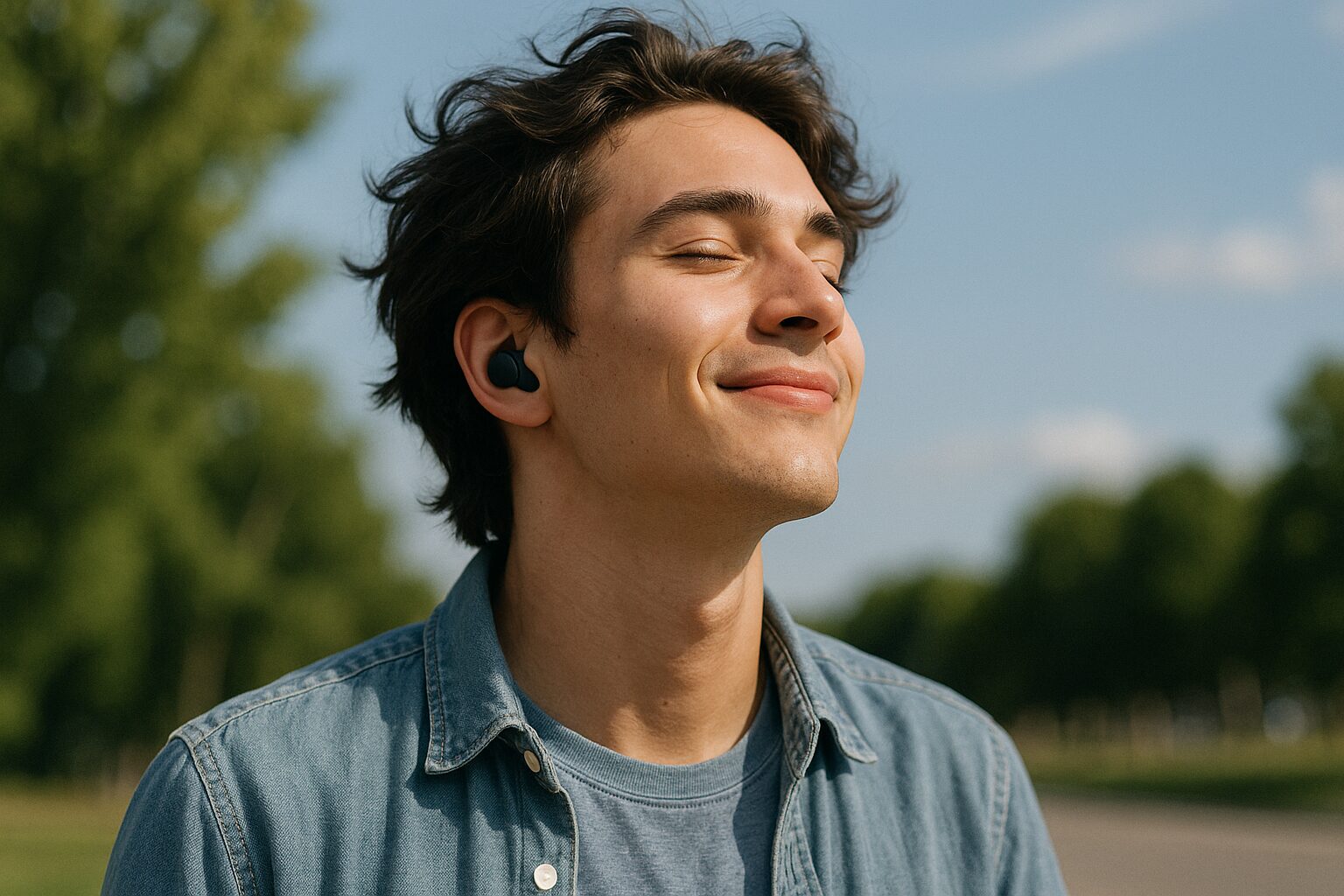
You are completely liberated from the annoyance of tangled cables or the worry of them getting caught on clothing, allowing for a freer and more comfortable music experience than ever before, even in active scenarios like crowded trains during your commute, walking, or training at the gym.
| Pros | Cons |
|---|---|
|
Liberation from tangled cables No worry about cable breakage Can be used even when away from the playback device |
Connection with playback device can occasionally become unstable Requires regular charging Small size means they can be lost |
Ms.ガジェットDoes the usage experience really change that much just by not having cables?
Mr.ガジェットYes, once you experience this sense of liberation, many people feel they can never go back to wired earbuds!
It can truly be called a revolutionary item for enjoying music more closely and more freely.
The role of true wireless earbuds: Voice assistants for diverse scenarios
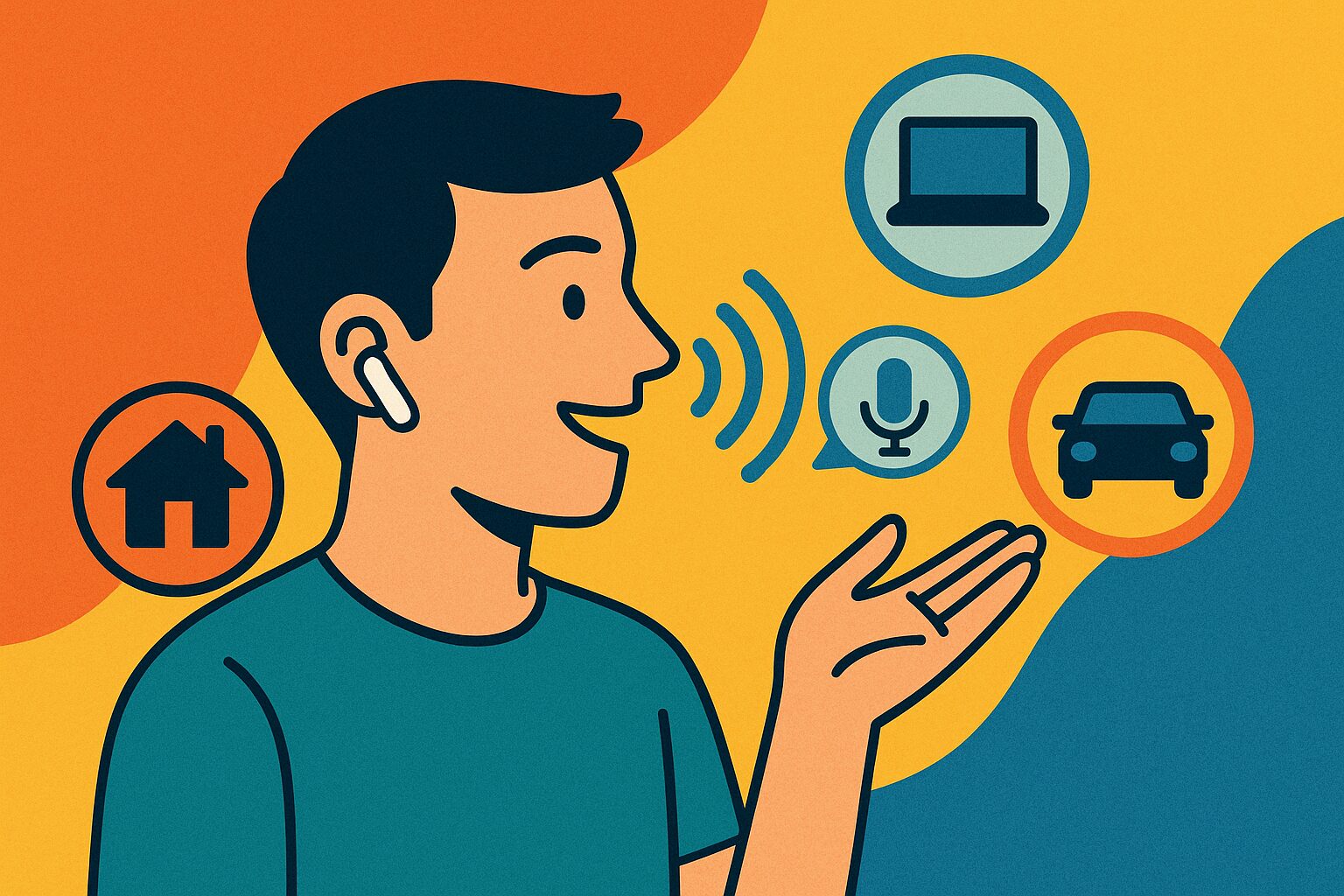
True wireless earbuds are more than just tools for listening to music.
They also fulfill the role of a “voice assistant” in modern life.
For example, without taking your smartphone out of your bag or pocket, you can launch voice assistants like Siri or Google Assistant by operating the earbuds themselves to check weather forecasts, send messages, or manage your schedule.
This allows you to obtain various information or perform simple operations even when your hands are full.
Ms.ガジェットI didn’t know you could do all that with earbuds!
Mr.ガジェットYes, they don’t just help you enjoy music; they can also be a reliable partner that intelligently supports your daily life!
In this way, they are an existence that makes accessing information and communication smoother, making your daily life more convenient.
Features of true wireless earbuds
Because the left and right earbuds are independent, it is possible to use just one earbud.
And thanks to this charging case, even if the battery in the earbuds themselves runs out, you can easily charge them multiple times just by putting them back in the case, making many products usable all day without worry about running out of battery.
Common products often ensure over 20 hours of playback time when combined with the case.
| Feature Item | Description |
|---|---|
| Structure | Left and right earpieces are physically completely separate |
| Other Names | Left/right independent earbuds, TWS (True Wireless Stereo) |
| Charging Method | Charged by storing in a dedicated case with charging function |
| Case Role | Protection/storage of earbuds, carrying, multiple charges for earbuds |
| Convenience | Long battery life realized through combined use with the case |
Ms.ガジェットBeing able to charge in the case is very convenient! However, they are small, so I’m a bit worried about losing them…
Mr.ガジェットAs you say, caution is needed regarding loss due to their small size, but thanks to the charging case, your worries regarding battery are significantly reduced!
This combination of left/right independent structure and charging case is what greatly enhances the convenience of true wireless earbuds.
Essential knowledge for choosing true wireless earbuds
Highlights of this section!
- What is Bluetooth?
- What is a codec?
- What is noise cancelling? A feature to reduce ambient noise and help you focus on music
- What is ambient sound mode? A mechanism to hear surrounding sounds while wearing earbuds
- What is water resistance (IPX rating)? An indicator showing the degree of protection against water droplets or submersion
- What is earbud shape? A design that affects fit and how sound is heard
To choose true wireless earbuds wisely, it is very important to acquire some basic knowledge.
By understanding technical elements like “Bluetooth,” “codecs,” “noise cancelling,” “water resistance,” and “earbud shape,” this should help you in your journey to choosing earbuds you won’t regret.
What is Bluetooth?
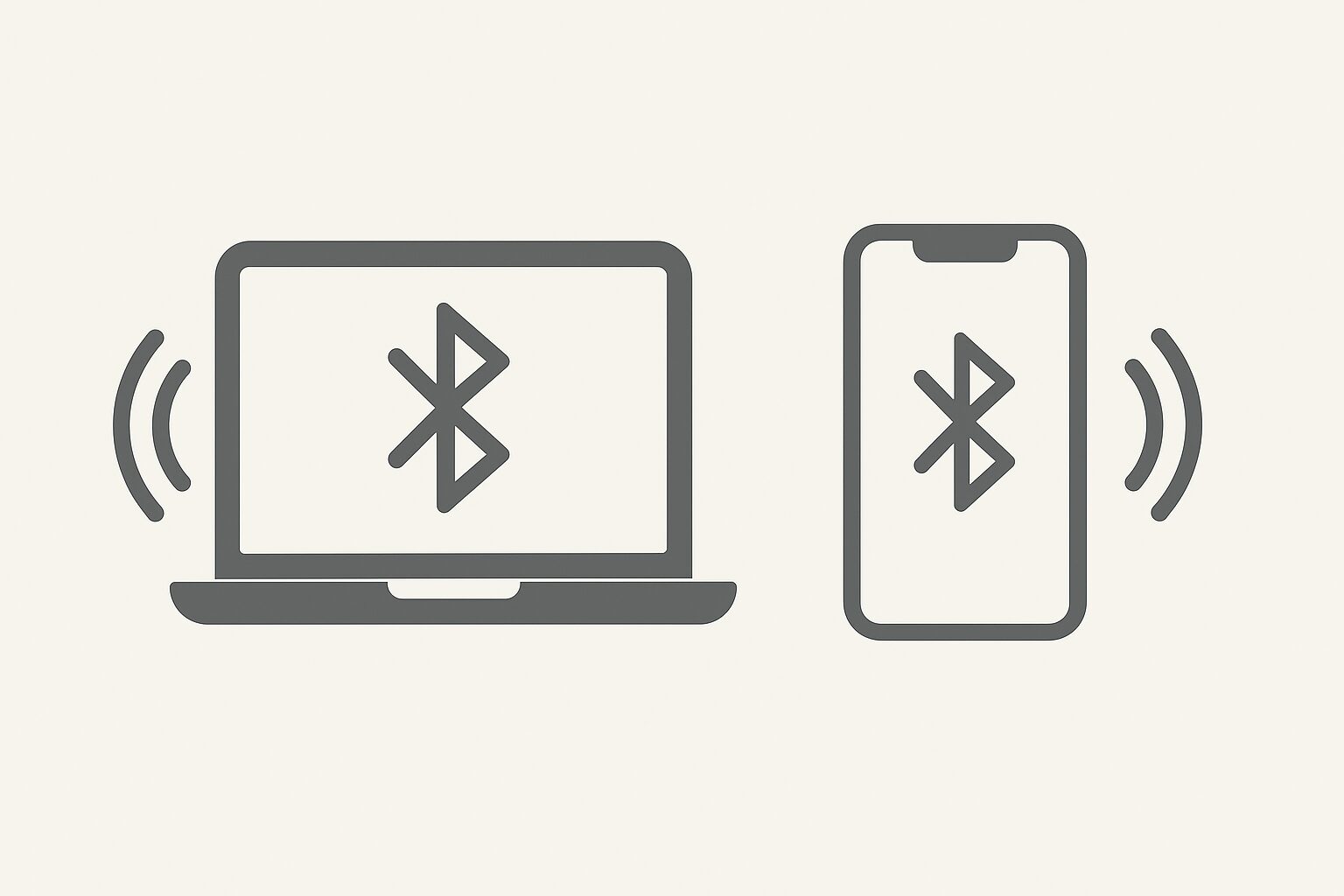
Thanks to this technology, you are liberated from the annoyance of cables, realizing a free listening style.
Bluetooth has versions, and generally, newer versions tend to have improved connection stability and less audio latency.
History of Bluetooth (Major versions and features)
| Ver. | Released | Simple evolution points |
|---|---|---|
| 1.0 | 1999 | First public version (approx. 1 Mbps). Connection still unstable with interoperability issues. |
| 1.1 | 2001 | Added bug fixes and feature to read signal strength. |
| 1.2 | 2003 | Improved to be harder to interfere with Wi-Fi, making it less likely to cut out. |
| 2.0 | 2004 | Speed increased approx. 3x, and power consumption for same amount of data reduced. |
| 2.1 | 2007 | Pairing became easier/safer, and significantly saved standby power for mice/keyboards. |
| 3.0 | 2009 | Enabled high-speed transfer of max 24 Mbps by using Wi-Fi when needed. |
| 4.0 | 2010 | Equipped with ultra-low power mode (later “BLE”), optimized for sensors and wearables. |
| 4.1 | 2013 | Reduced interference with LTE and enabled one device to act as both master and slave. |
| 4.2 | 2014 | Low-power communication became faster, and encryption was strengthened. |
| 5.0 | 2016 | 2x speed, 4x range. Significantly expanded for IoT. |
| 5.1 | 2019 | Signal direction detection enabled, strengthening location services. |
| 5.2 | 2020 | New low-power audio standard enabled high sound quality and low latency for earbuds. |
| 5.3 | 2021 | Further saved standby power and improved link stability. |
| 5.4 | 2023 | Thousands of small devices can safely “call” each other, optimized for retail electronic shelf labels. |
| 6.0 | 2024 | Enables centimeter-level distance measurement for things like smartphone ⇄ keys. Reduces scanning waste and minimizes sound delay. |
| 6.1 | 2025 | Prevents tracking by randomizing timing of device address changes, also saves battery. First of the semi-annual update cycle. |
Ms.ガジェットIs it better to have a newer version of Bluetooth?
Mr.ガジェットYes, newer versions tend to have more stable connections and less audio latency!
When choosing true wireless earbuds, we recommend checking the Bluetooth version on the earbud side in conjunction with the version supported by your smartphone, etc.
What is a codec?
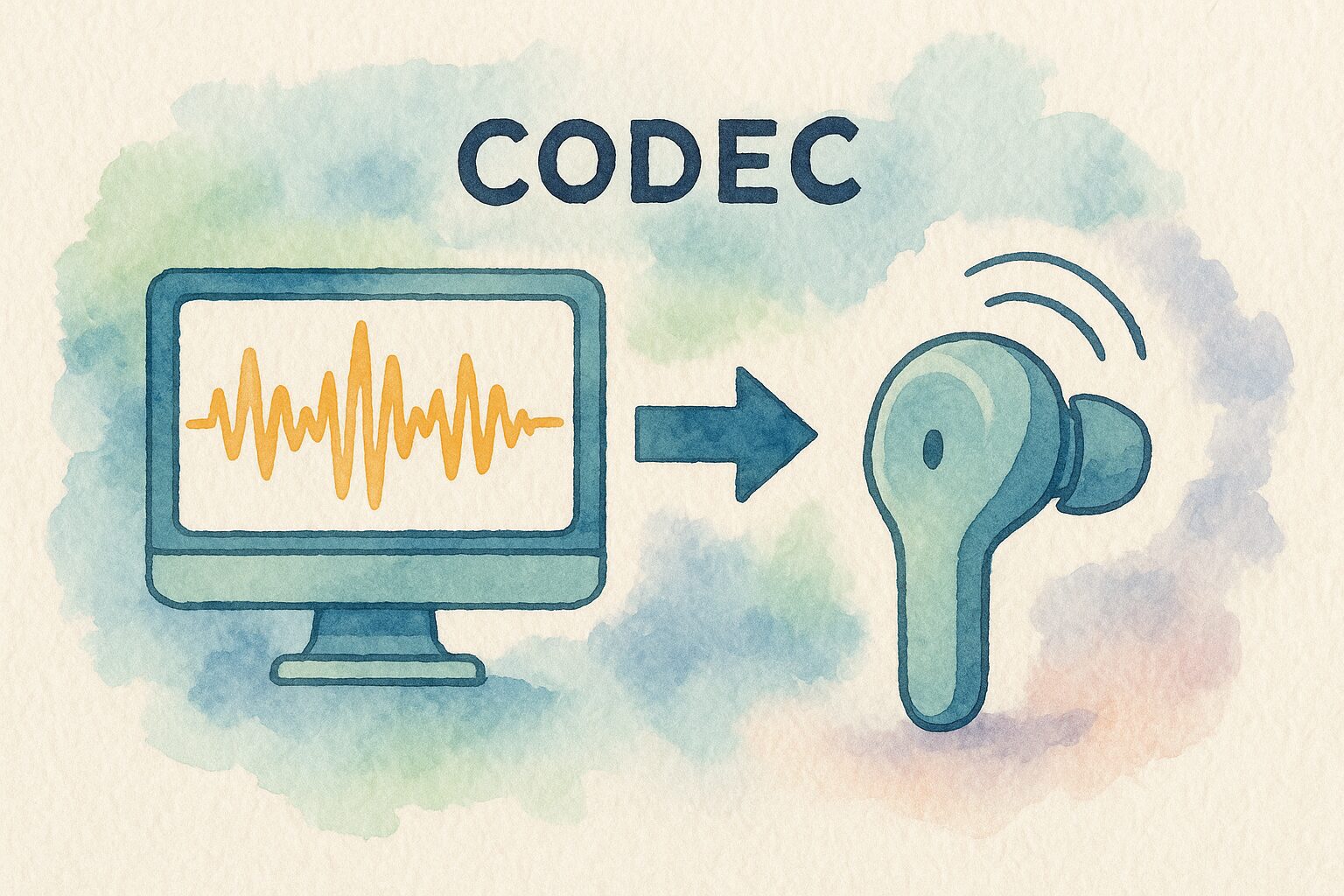
Depending on the type of codec, the sound quality and audio latency change, making it one of the important check points when choosing earbuds.
Representative codecs include the standard “SBC,” “AAC,” which is primarily supported by Apple products like iPhones, and “aptX,” which can be used on some Android smartphones.
If the earbuds and the playback device (smartphone, etc.) do not support the same codec, you cannot receive the benefits of that codec.
Codecs cannot be used unless both connected devices support them
| Earbuds (SBC, AAC support) | Earbuds (SBC, aptX, aptX HD support) | |
|---|---|---|
| Android (SBC, AAC, aptX supported device) | AAC | aptX |
| Android (SBC only supported device) | SBC | SBC |
In this way, if one side does not support it, the codec supported by both will be used.
Since SBC is basically supported by every device, if they don’t support a higher-level codec, communication will take place using SBC.
Codecs are summarized here.
| Codec | Features |
|---|---|
| SBC | Bluetooth standard codec. Basically supported by all devices. Sound quality and latency are standard, for better or worse. |
| LC3 | New codec introduced with Bluetooth 5.2. Also the standard codec for LE Audio. Features high sound quality and low power consumption, achieving higher audio quality even at lower bitrates compared to the conventional SBC codec. |
| AAC | Often used in Apple products like iPhones. Basically supported on Android 8.0 or higher. Less latency and higher sound quality than SBC. |
| aptX | Primarily adopted on Android. Less latency and higher sound quality than SBC and AAC. |
| aptX LL | LL stands for Low Latency. Even lower latency than aptX. Sound quality is equivalent to aptX, but achieves ultra-low latency of less than 0.04 seconds. |
| aptX HD | Capable of high-resolution equivalent sound quality playback. Slightly more latency than aptX. |
| aptX Adaptive | Codec that stabilizes and lowers latency for aptX HD. By changing from a fixed bitrate to a variable bitrate, processing became more stable and lower latency was achieved. |
| aptX Lossless | Latest technology in the aptX series, a codec that achieves lossless sound quality. Ideal for high-quality music listening, for high-end devices. |
| LDAC | Ultra-high sound quality codec developed by Sony. Highest level among those introduced so far. Basically supported on Android 8.0 or higher. Higher latency than SBC. |
| LHDC / LLAC | High sound quality of 24bit/96kHz similar to LDAC. LLAC is a 30ms-class low-latency version. For some models from Huawei, Xiaomi, etc. |
Ms.ガジェットThere are so many codecs, I don’t know which one is good…
Mr.ガジェットThe basic approach is to choose according to your smartphone! For iPhone, AAC support is a guide, and for Android, aptX support is a guide.
By checking which codecs are supported, you can expect a higher sound quality and lower latency music experience, so check the specifications before purchasing.
SBC: Standard audio codec supported by many devices
Therefore, there is almost no need to worry about the compatibility of codecs between earbuds and playback devices, and there is a sense of security that sound will basically come out when connected.
Regarding sound quality and latency, while it may be slightly inferior to other codecs like AAC or aptX mentioned later, it provides sufficient quality for daily music listening.
Unless you are pursuing special high sound quality or your main purpose is not games where audio latency is a concern, you can obtain a sufficiently satisfying music experience even with SBC-compatible earbuds.
AAC: Relatively high sound quality codec adopted by iPhones, etc.
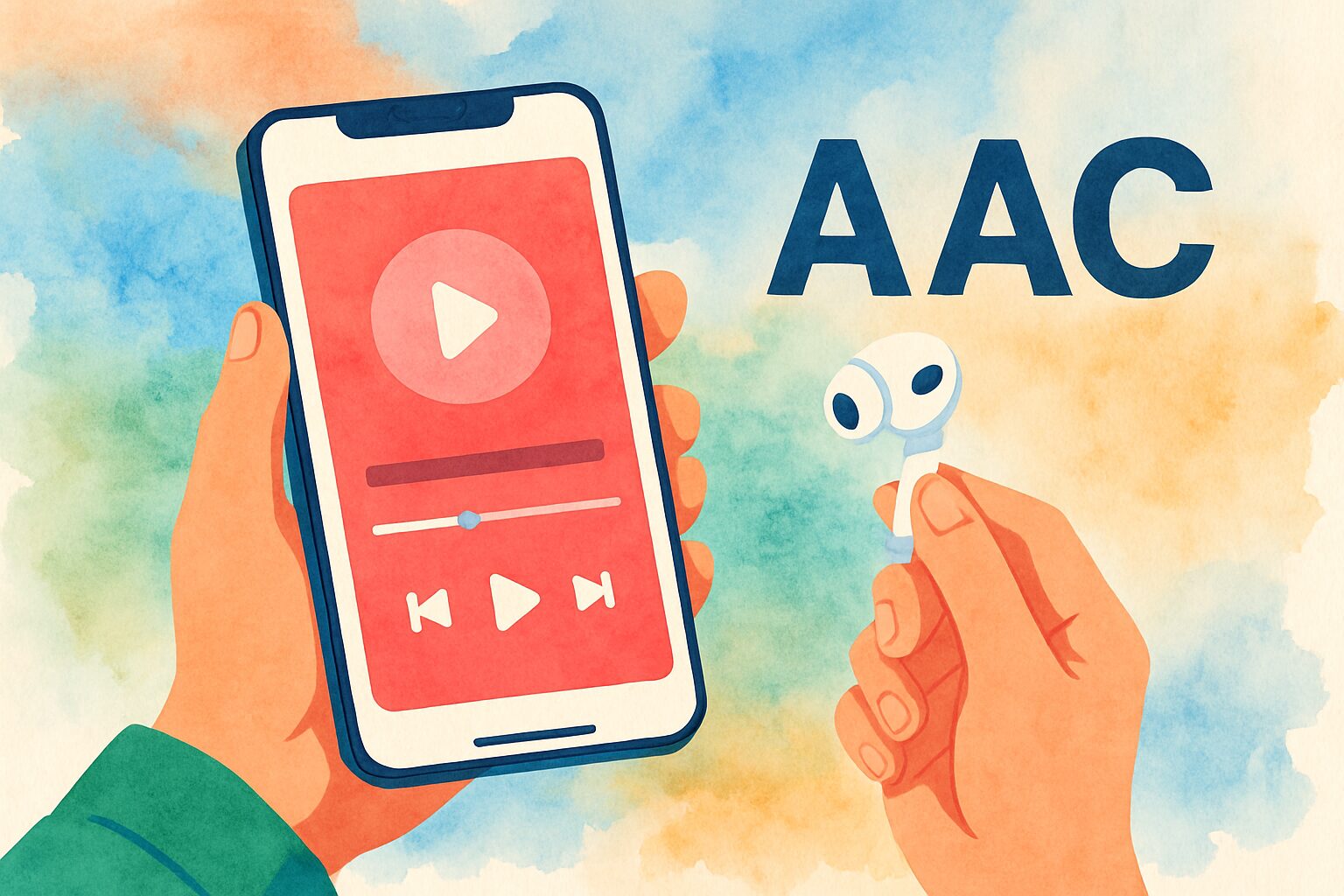
Compared to SBC, it has higher compression efficiency, and generally tends to have less sound quality degradation and less latency.
Therefore, if an iPhone user chooses AAC-compatible true wireless earbuds, they can enjoy higher sound quality sound than with an SBC connection.
Of course, many Android smartphones also support AAC.
For those who primarily use Apple devices, checking whether the earbuds support AAC is one of the points to check if you value sound quality.
aptX: Low-latency, high-sound-quality codec available on some Android smartphones

It is sometimes described as “close to CD sound quality” and has properties that make it easy to maintain a large amount of information during transmission of music data.
Especially in situations where synchronization between video and audio is required, such as watching videos or playing games, the low-latency performance of aptX is a major merit.
However, to use aptX, both the smartphone and the earbuds must support aptX.
For those who have a compatible Android smartphone and want to be particular about sound quality and low-latency performance, aptX-compatible earbuds are an attractive option.
What is noise cancelling? A feature to reduce ambient noise and help you focus on music
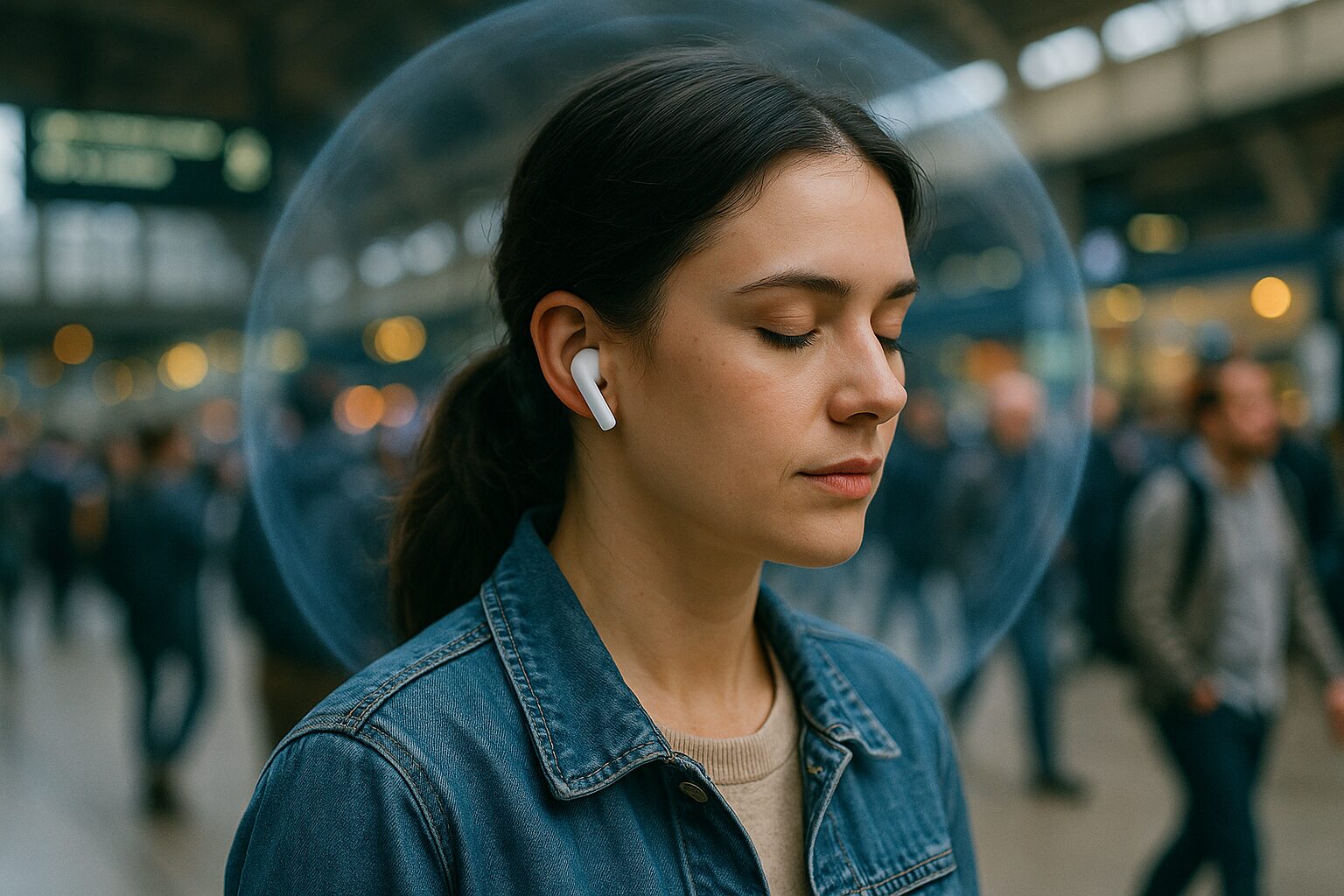
With this feature, it becomes easier to focus on music, podcasts, or phone calls even in noisy environments like trains, cafes, or offices.
It tends to be particularly effective against continuous noise with low-frequency sounds, such as the sound of airplanes or trains running.
Since there are differences in the effectiveness of noise cancelling and the types of noise that can be cut depending on the product, it is good to use reviews as a reference.
| Type | Description |
|---|---|
| ANC | So-called “noise cancelling” equipped on AirPods etc. refers to this Active Noise Cancellation Generates sound with the opposite waveform (anti-phase) to the noise to cancel it out Consumes battery but has high sound insulation |
| PNC | Noise cancelling that physically reduces noise is this Passive Noise Cancellation Improves sound insulation by devising materials and shapes By the way, passive means receptive |
| CVC | This is the noise cancelling for calls that makes it harder for the person you are talking to to hear noise around you Useful during calls, but not at all useful when listening to music or watching videos Official name is “Clear Voice Capture” |
Ms.ガジェットDoes noise cancelling really make things quiet?
Mr.ガジェットYes, especially in environments where certain sounds continue, such as train or bus noise, the effect is easy to feel!
For those who want to enhance immersion in music or those who want to focus on work in a quiet environment, the noise cancelling feature is a very useful existence.
Active noise cancelling: Cancels noise collected by the microphone with anti-phase sound
With this mechanism, a very high level of noise reduction effect can be expected.
However, since it consumes power for this processing, it may affect the battery life of the earbuds.
Also, there are differences in the strength of noise cancelling and the types of sounds that can be reduced depending on the product.
It is an advanced technology that meets the needs of those who want to enjoy music in a quieter environment or who want to focus on their work.
Passive noise cancelling: Noise reduction due to physical sound insulation of earbuds
For example, canal-type earbuds that fit deeply into the ear like earplugs tend to have a high passive noise cancelling effect structurally.
Unlike active noise cancelling, it does not consume battery, but the effect is greatly influenced by the airtightness of the earbuds.
Even for earbuds not equipped with an active noise cancelling feature, you can expect a certain degree of noise reduction by choosing products with high passive noise cancelling effects.
What is ambient sound mode? A mechanism to hear surrounding sounds while wearing earbuds
By using this feature, convenience in daily life improves, such as being less likely to miss station announcements while listening to music, or being able to converse at the register without taking off your earbuds.
Also, when running or walking outdoors, you become more aware of approaching cars or bicycles, leading to ensuring safety.
Ms.ガジェットWhen is the ambient sound mode convenient?
Mr.ガジェットIt’s very convenient because you don’t have to take off your earbuds when listening to station announcements or paying at a store!
For those who have many situations where they want to grasp the surrounding situation even while blocking their ears with earbuds, the ambient sound mode can be said to be a very helpful feature.
What is water resistance (IPX rating)? An indicator showing the degree of protection against water droplets or submersion

The larger this number, the higher the water resistance performance; for example, IPX4 means “protection against water splashing from all directions,” and IPX5 means “protection against water jets from all directions,” and so on.
When assuming sweat during exercise or sudden rain, it is important to check this IPX rating.
| IPX Rating | Degree of protection (guideline) | Example usage scenarios |
|---|---|---|
| IPX4 | Protection against water splashing from all directions | Sweat in daily life, light rain |
| IPX5 | Protection against water jets from all directions | Sweat during intense exercise, some products can be washed with water |
| IPX7 | No water enters even if temporarily submerged under certain water pressure conditions | If accidentally dropped into water (short time) |
Ms.ガジェットI often see IPX, but how much is safe?
Mr.ガジェットFor daily use, IPX4 is fine, and if you sweat a lot during sports, IPX5 or higher is safe!
Especially those who want to use earbuds for sports or outdoors should try to choose products with water resistance performance that matches their usage scenario.
What is earbud shape? A design that affects fit and how sound is heard
Points such as whether it can be used comfortably for a long time, how much surrounding sound can be blocked, and whether the preferred sound quality can be obtained are greatly influenced by the shape of the earbuds.
The main shapes are “canal-type” which is inserted deeply into the ear, “inner-ear type” which rests lightly on the entrance of the ear, and “open-ear type” which delivers sound without blocking the ear.
Each shape has pros and cons, and the optimal shape differs depending on the shape of your ears, main usage scenarios, and what kind of listening experience you seek.
Ms.ガジェットWhich shape should I choose for earbuds?
Mr.ガジェットIf you value sound insulation, I recommend canal-type; for easy comfort, inner-ear type; and if you want to hear surrounding sounds, open-ear type!
Choosing a shape that matches your preference and usage is the first step to choosing earbuds you’ll be satisfied with.
Canal-type: Deeply inserted into the ear canal like an earplug, high sound insulation and fit
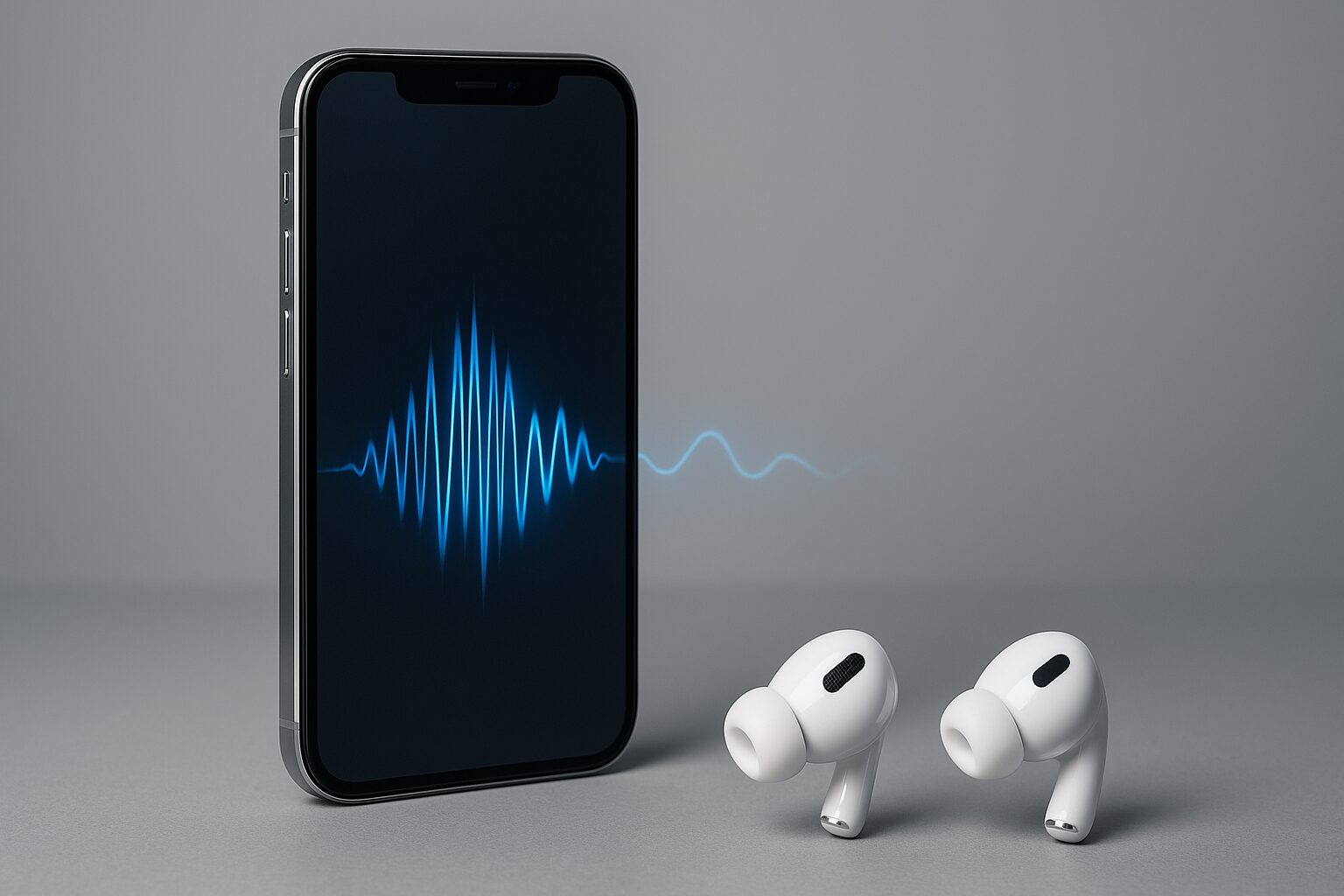
The biggest merit of this shape is that it has a high degree of adhesion to the ear and is excellent in “passive noise cancelling effect” that physically blocks surrounding noise.
This makes it easy to immerse yourself in music and tends to have less sound leakage.
By choosing the size and material of the earpiece to match your ears, you can increase the fit, obtain a more stable wearing feel, and express low-frequency ranges better.
On the other hand, because it seals the ear, some people may feel pressure or find it tiring after long-term use.
Mr.ガジェットThere are various materials such as silicone or foam, and by choosing the size of the earpiece that matches the size of your ear canal, the airtightness increases, preventing sound leakage and expecting the effect of increasing the impact of bass.
For those who want to focus on music in noisy places like trains, or those who want to enjoy firm bass, the canal-type is suitable.
Inner-ear type: Type that rests lightly on the entrance of the ear, open wearing feel
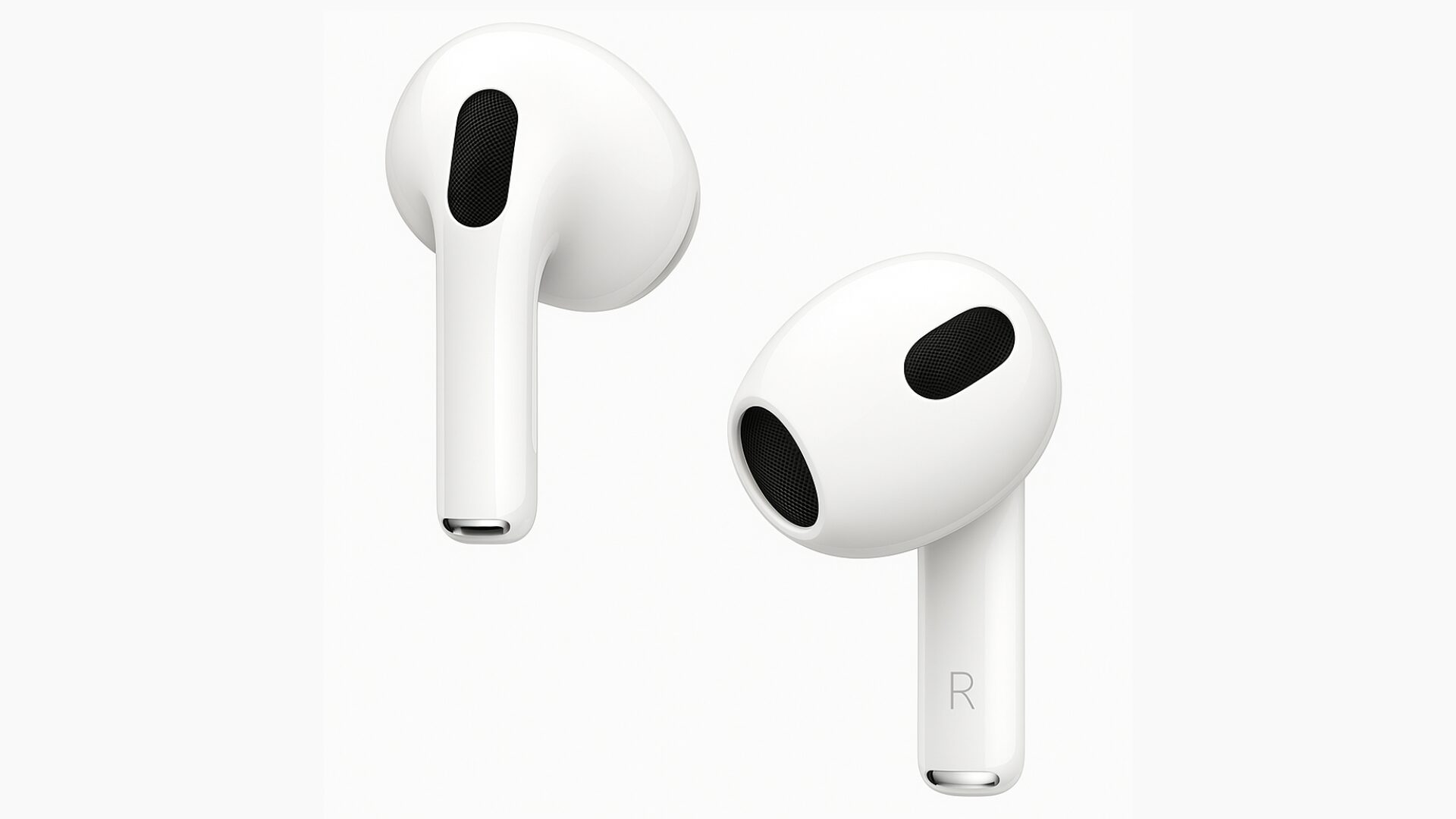
Because it does not insert deeply into the ear canal like the canal-type, it is characterized by less pressure and an open and light wearing feel.
It is difficult for the ears to get tired even if used for a long time, and because surrounding sounds can be heard naturally to some extent, it is suitable for those who are not good at the feeling of closure or for scenarios where you want to “listen while doing something else.”
However, compared to the canal-type, the adhesion is low, so the sound insulation is inferior and sound leakage tends to occur more easily.
Also, the impact of the low-frequency range may be more modest compared to the canal-type.
It is a shape recommended for those who want to maintain comfort even during long-term use, and those who want to enjoy music while also being slightly conscious of surrounding sounds.
Open-ear type: Delivers sound without blocking the ear using bone conduction or special acoustic design
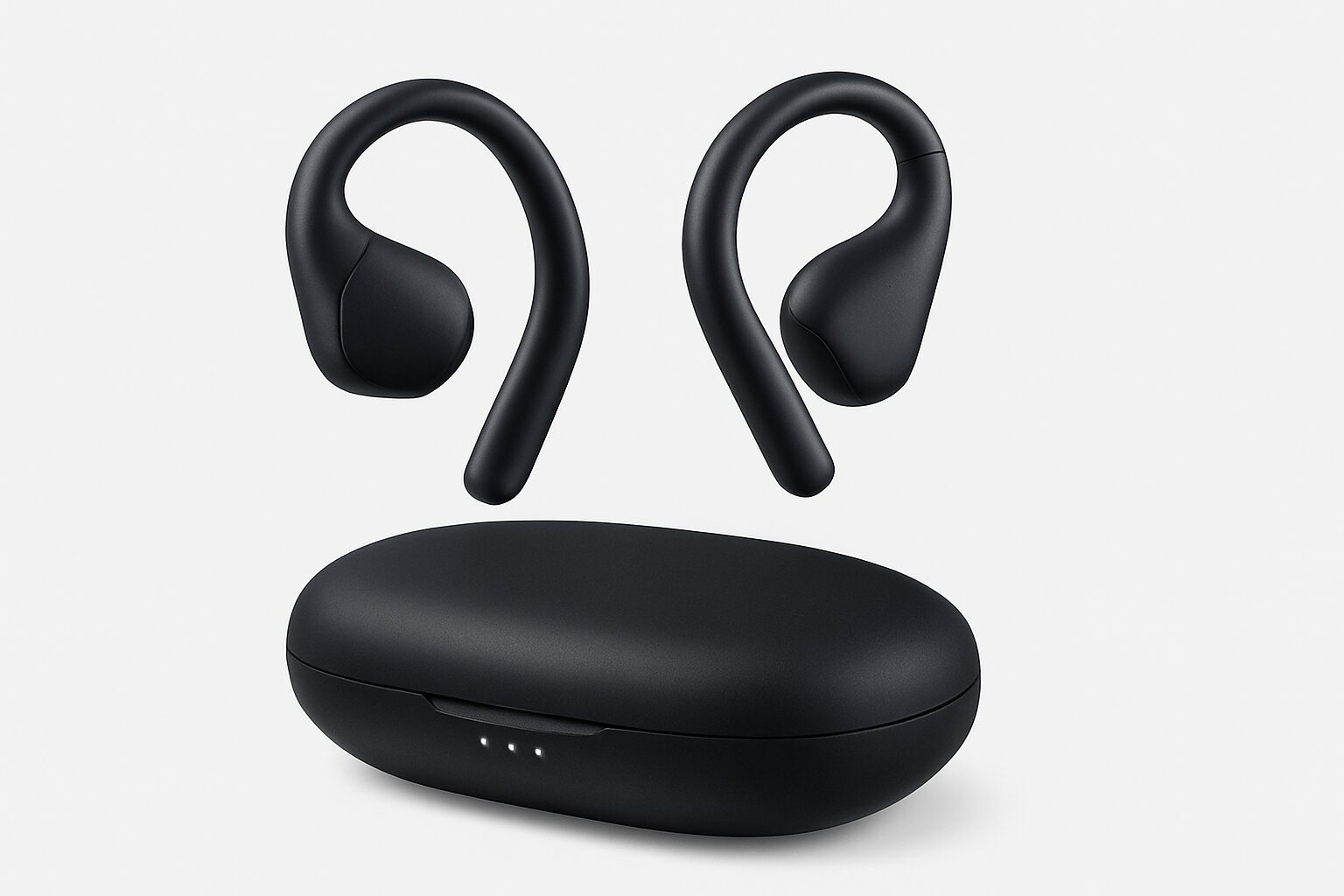
The biggest merit is being able to naturally hear surrounding environmental sounds even while listening to music, which improves safety (e.g., detecting approaching vehicles while running outdoors) and smoothness of communication (e.g., being able to converse while wearing them).
Because it does not block the ear, there is no pressure and it is difficult to get stuffy.
On the other hand, structurally, sound leakage is likely to occur, so caution is needed when using in quiet places.
Also, in terms of sound quality, it may be disadvantageous compared to the canal-type that seals the ear in terms of the volume of bass and delicate sound expression.
It is a shape suitable for those during outdoor activities such as running or cycling, or those who want to enjoy music while communicating with surroundings in the office.
Ear-cuff type: Just “clip” to the edge of the ear
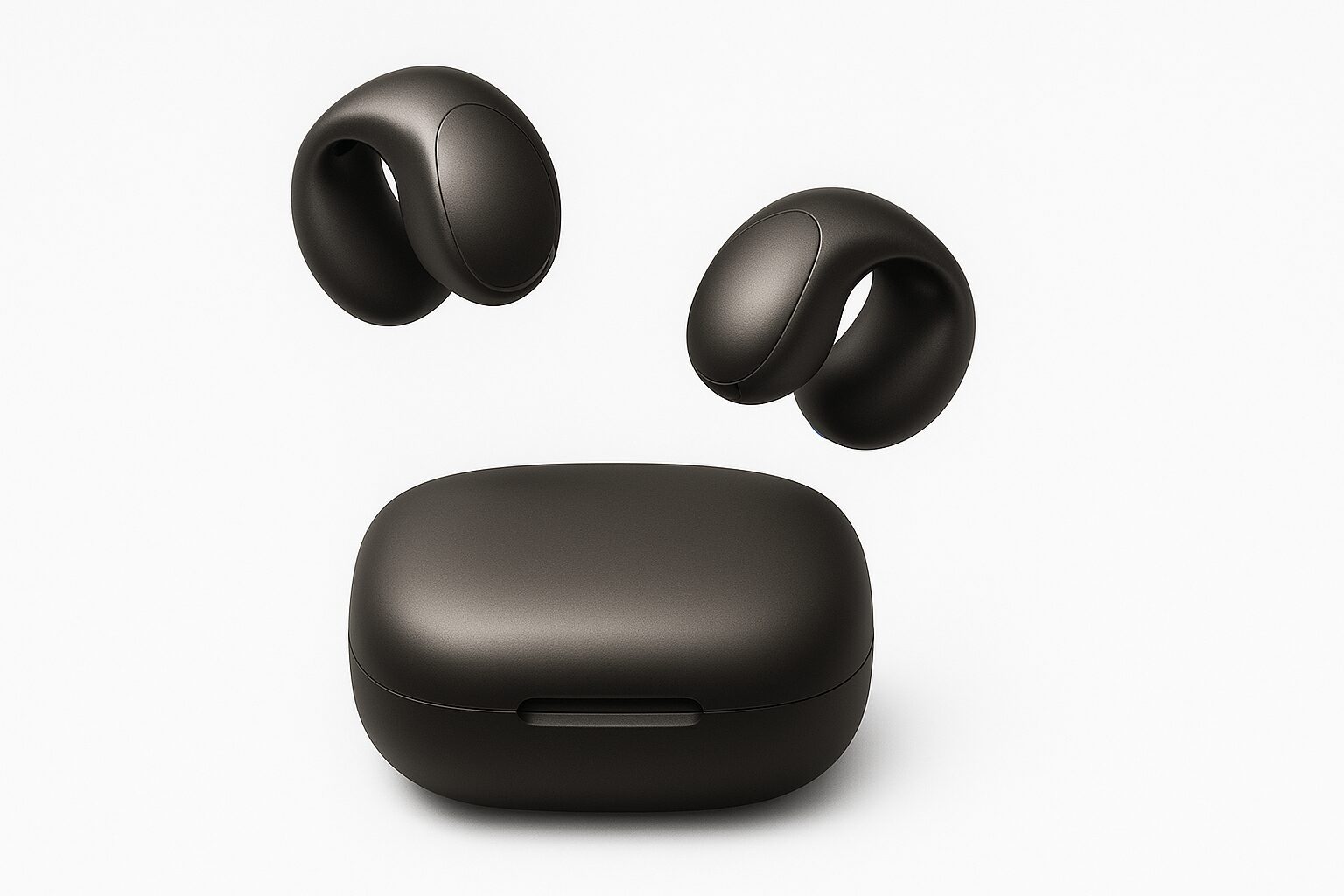
Bone conduction type
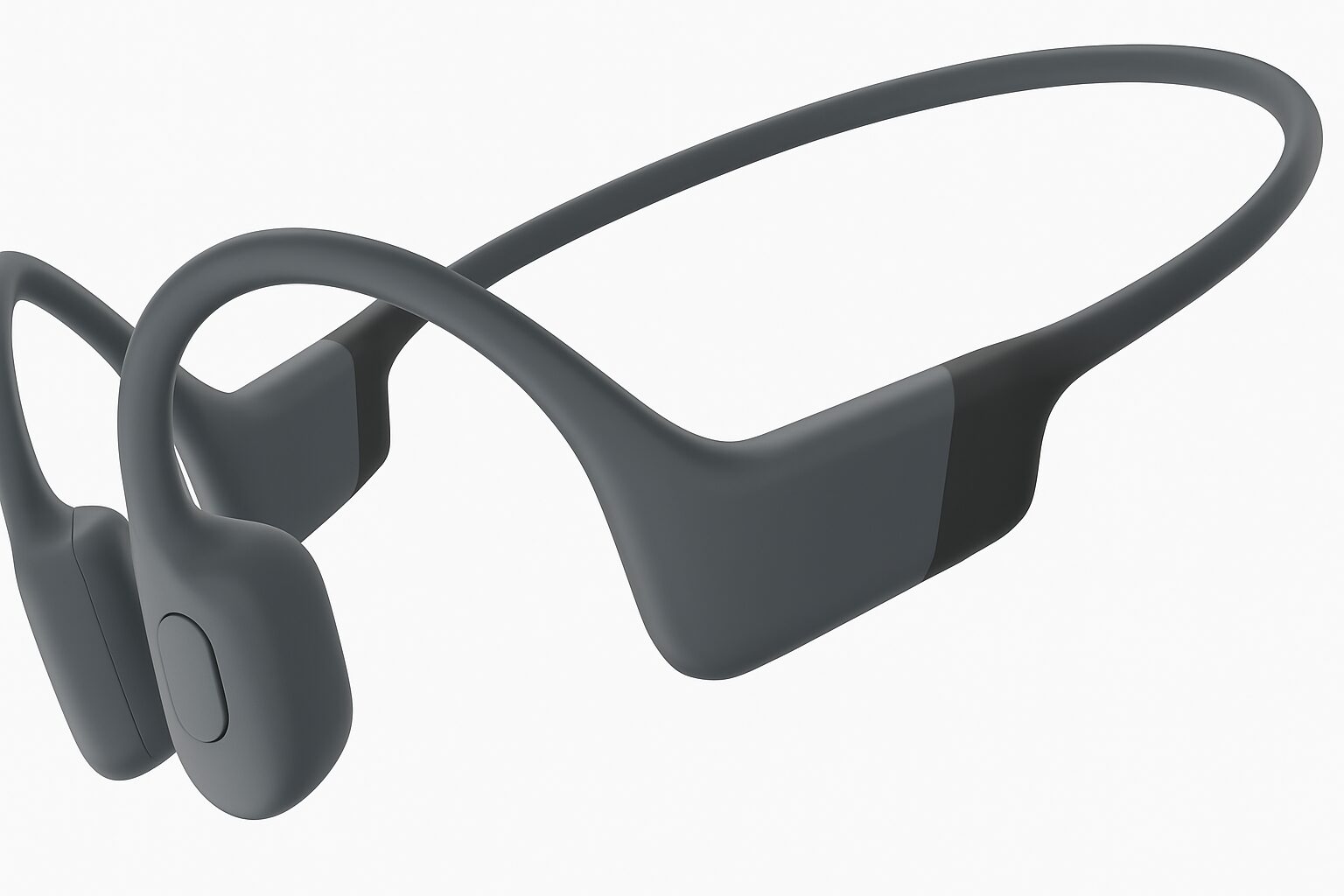
How to choose true wireless earbuds
Highlights of this section!
- Sound quality: Sound reproducibility by supported codec and driver unit
- Connection stability: Bluetooth version
- Battery life: Playback time when using earbuds alone and when combined with charging case
- Noise cancelling performance
- Ambient sound mode: Ease of hearing surrounding sounds and natural sound quality
- Water resistance: Choosing IPX rating matching usage environment such as sweat or rain
- Mic performance: Clear voice transmission during calls and noise removal capability
- Wearing comfort: Earbud shape and earpiece comfortable even for long-term use
- Operability: Ease of function control by touch sensor or physical button
- Price and added value: Balance of performance and features sought within budget
Everyone, what are your criteria when choosing true wireless earbuds? Sound quality, features, or price?
There are so many products, and it’s confusing to know which one to choose.
The most important thing when choosing earbuds is to determine the performance that matches your usage scenario and the experience you seek.
In this section, for choosing earbuds without regret, we will explain in detail specific check points ranging from sound quality, connection stability, battery, and further to noise cancelling features and price and added value.
By understanding these points, you will surely find the optimal pair for you from among many products.
Sound quality: Sound reproducibility by supported codec and driver unit
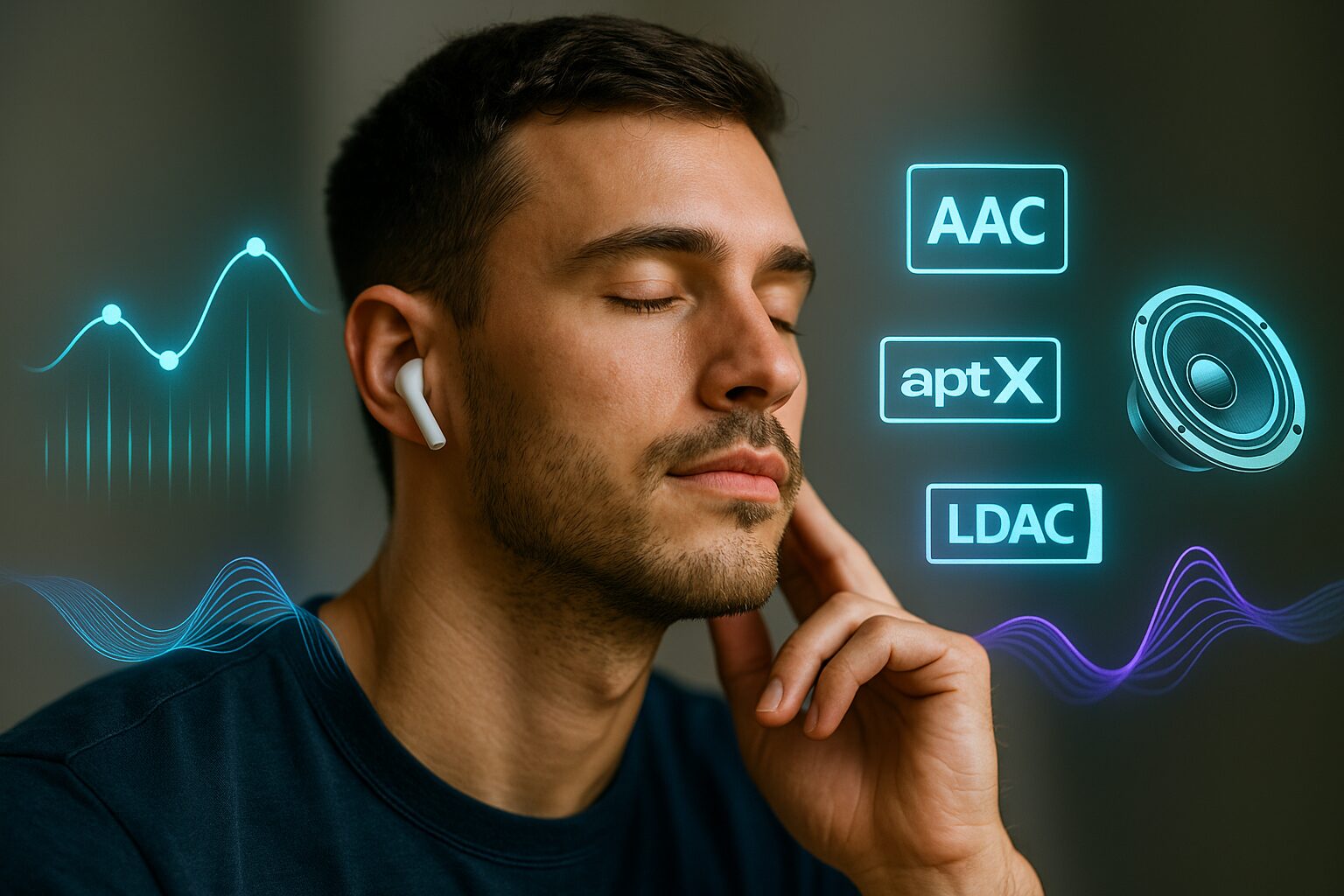
- Supported codec
- Is it your preferred sound type?
“Sound quality” is one of the points that many people value most when choosing true wireless earbuds.
“Codec” refers to the “compression method” when transmitting audio wirelessly from a smartphone etc. to earbuds, and it is greatly involved in sound quality and latency.
Also, the “driver unit” is the part that actually makes sound inside the earbuds, and the type and size of this also influence sound reproducibility.
If you seek high sound quality, the first thing you want to check is the supported codec.
For example, if you use an iPhone, “AAC,” and for many Android smartphones, if it supports a codec called “aptX,” you can enjoy clearer and deeper sound with more information than the standard SBC codec.
Regarding driver units, generally, the larger the caliber, the better it is at expressing rich low-frequency ranges.
Depending on the type of driver, the frequency range it is good at and the character of the sound change.
Ms.ガジェットThere are so many types of codecs, I don’t really understand…
Mr.ガジェットChecking which codec your smartphone supports and choosing products that support the same codec is the first step to high sound quality!
It is also important to have an image of the sound you want to listen to, such as whether you want something where bass echoes firmly, or something where vocals can be heard clearly, according to music genre and preference.
Connection stability: Bluetooth version
- Bluetooth version
“The sound is cutting out…” This is one of the troubles you want to avoid most with wireless earbuds.
This “connection stability” is mainly determined by the Bluetooth version and the performance of the chip built into the earbuds.
Regarding the Bluetooth version, newer ones tend to have more stable connections and improved data transfer speeds.
Furthermore, the performance of the wireless communication chip mounted on the earbuds also affects connection quality and the lack of audio latency.
Ms.ガジェットThe sound sometimes cuts out when I’m on a crowded train, and I’m troubled…
Mr.ガジェットI recommend checking if it supports the latest Bluetooth version, and if possible, checking evaluations regarding actual connection stability in reviews!
Even good sound is not enjoyable if it cuts in and out.
For a comfortable listening environment, be sure to check connection stability.
Battery life: Playback time when using earbuds alone and when combined with charging case
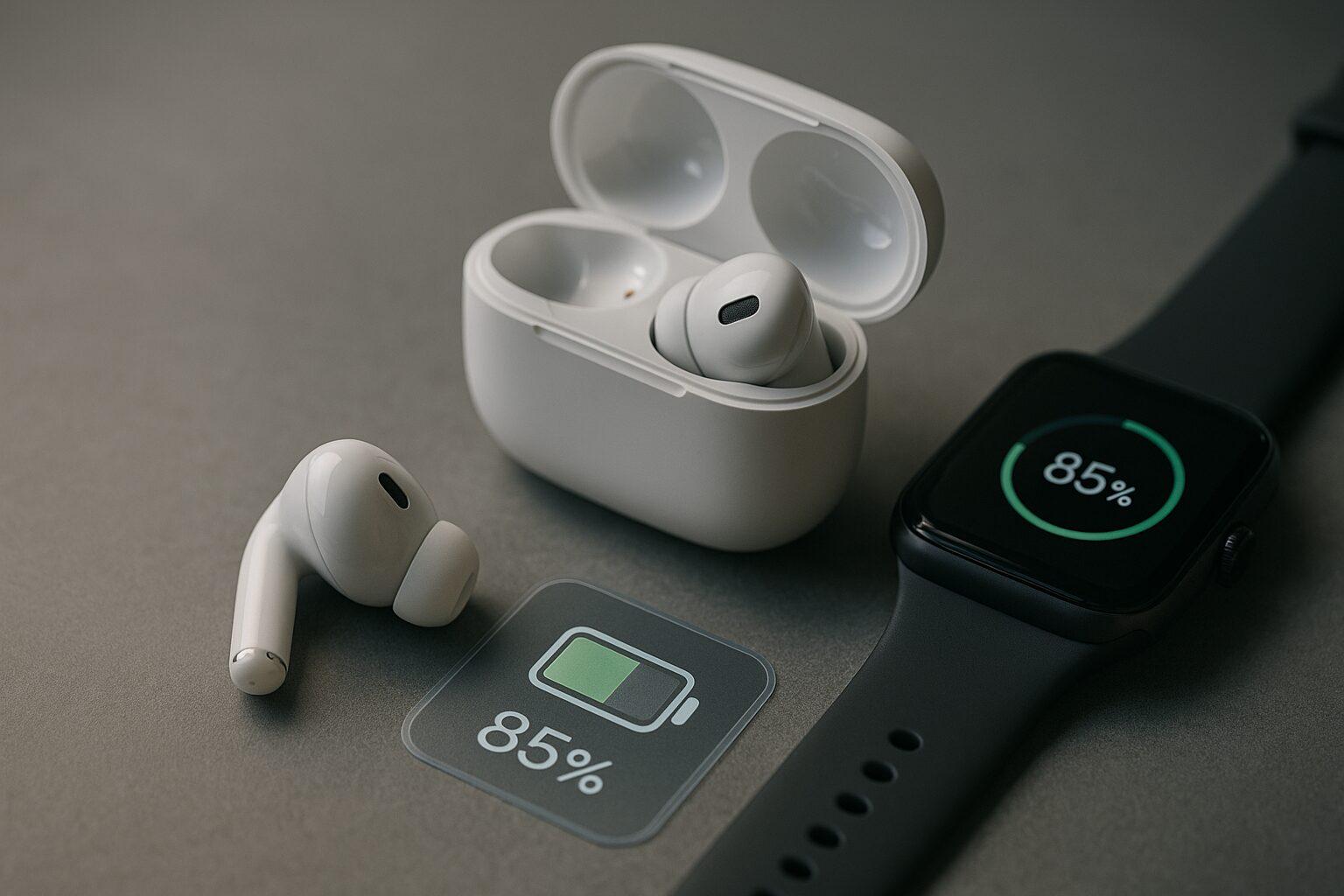
- Continuous playback time of the unit
- Maximum playback time including the case
- Charging speed
- Does it support wireless charging?
Also, if it supports “rapid charging” which allows you to use it for several hours with a short charge, it is very convenient if you forget to charge it.
Imagine how you use them and choose products with optimal battery performance.
Noise cancelling performance

I want to focus on music or content without worrying about train noise or street bustle.
The feature that grants this wish is the “noise cancelling feature.”
This feature is mainstreamed by “Active Noise Cancellation (ANC)” which picks up surrounding noise with a microphone and outputs sound with the opposite phase to that noise from the earbuds to cancel out the noise.
The effect of noise cancelling differs greatly depending on the product.
Depending on the product, there are some that can adjust the strength of noise cancelling, and some that automatically optimize according to the surrounding environment.
Ms.ガジェットI want to focus more on music while on the train…
Mr.ガジェットEarbuds equipped with an active noise cancelling feature can effectively reduce surrounding noise and realize a comfortable listening environment!
However, note that using the noise cancelling feature tends to consume battery faster.
It is recommended to use it smartly, such as turning it off in quiet places.
Ambient sound mode: Ease of hearing surrounding sounds and natural sound quality
When listening to music with earbuds, there are times when you miss station announcements or don’t notice when someone talks to you.
The “ambient sound mode” (also called ambient mode, hear-through, etc.) is convenient at such times.
This feature is a mechanism that picks up surrounding sounds with a microphone mounted on the earbuds and plays them inside the earbuds, allowing you to hear outside sounds even while wearing the earbuds.
By using this feature, you can respond safely and smoothly without the trouble of taking off your earbuds when paying at the register, checking station announcements on the train, or when you want to enjoy music while being careful of outside car sounds etc. outdoors.
The naturalness and volume of the outside sound that is taken in differ depending on the product.
If the sound is too mechanical or certain frequency ranges are emphasized too much, it may feel uncomfortable instead.
Ms.ガジェットI think it would be convenient if I could converse while wearing earbuds!
Mr.ガジェットWith the ambient sound mode, you can converse naturally while wearing earbuds, and it becomes easier to grasp the surrounding situation, so it’s safe!
If possible, we recommend trying them on and choosing products with an ambient sound mode that feels natural and easy to hear for you.
Water resistance: Choosing IPX rating matching usage environment such as sweat or rain

Sweat while training at the sports gym, or sudden rain when going out.
If you want to use earbuds with peace of mind even at such times, checking “water resistance” is indispensable.
Water resistance is indicated by an international standard called “IPX rating,” and the larger the number following “IPX,” the higher the water resistance performance it possesses.
| IPX Rating | Degree of protection | Example usage scenarios |
|---|---|---|
| IPX4 | Protection against water splashing from all directions | Sweat in daily life, light rain |
| IPX5 | Protection against water jets from all directions | Sweat during sports, moderately strong rain |
| IPX7 | No water enters even if temporarily submerged under certain water pressure conditions (1m) | Activities where water washing or submersion is possible |
However, just because water resistance is high, intentionally getting them wet or washing them with soapy water may cause failure, so avoid doing so.
It is important to choose earbuds equipped with the necessary water resistance rating assuming your usage scenario.
Mic performance: Clear voice transmission during calls and noise removal capability
True wireless earbuds are utilized not only for listening to music but also for hands-free calls and online meetings.
That’s where “mic performance” becomes important.
Whether your voice reaches the other party clearly and how much surrounding noise is cut are directly linked to comfortable communication.
Especially, you want to pay attention to the noise reduction (noise reduction) feature during calls.
If this feature is excellent, your voice will be easier for the other party to hear even in noisy places like train platforms or windy outdoors.
Depending on the product, there are some that achieve clearer voice transmission by mounting multiple microphones and performing separation processing of surrounding noise and the speaker’s voice using AI algorithms.
Ms.ガジェットSometimes people say it’s hard to hear my voice during online meetings…
Mr.ガジェットIf you choose earbuds with excellent noise reduction features during calls and mic performance that transmits your voice clearly, communication will be smooth!
Since performance changes depending on the position and number of microphones and the technology mounted, we recommend referring not only to the specifications but also to the voices of actual users.
Wearing comfort: Earbud shape and earpiece comfortable even for long-term use
Since earbuds are worn directly in the ears, “wearing comfort” is an important element that greatly influences comfort for long-term use.
No matter how good the sound quality is or how rich the features are, if the wearing comfort is bad, it becomes tiresome to use.
What influences wearing comfort are the “shape” and “weight” of the earbud unit itself, and the “type” and “size” of the “earpiece” that touches the ear directly.
Earbud shapes include “canal-type” which is inserted deep into the ear, “inner-ear type” which rests lightly on the entrance of the ear, and “open-ear type” which does not block the ear.
Because fit and sound insulation differ for each, choose according to your preference and usage scenario.
Ms.ガジェットSometimes my ears hurt when I wear earbuds for a long time…
Mr.ガジェットBy choosing a lightweight model or finding a shape or earpiece that fits your ears, you can obtain a comfortable wearing feel even for long-term use!
If possible, it is ideal to try them on before purchase to check if they fit snugly in your ears.
Operability: Ease of function control by touch sensor or physical button
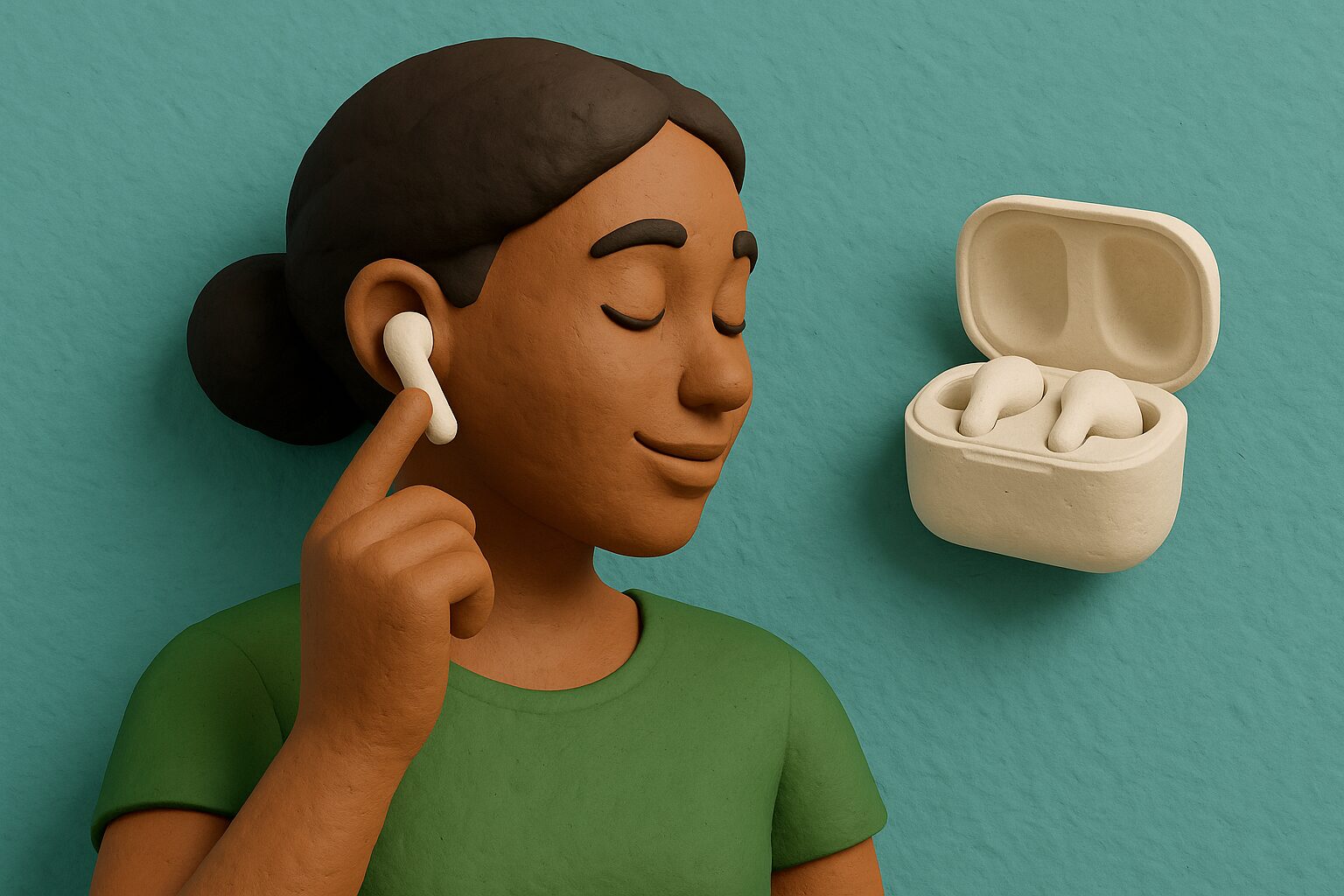
It is very convenient to be able to perform various operations on the earbud unit itself, such as music playback/stop, volume adjustment, song skip/return, call answering, and ending calls.
This “operability” is a point directly linked to daily usability.
There are two main types of operation methods: “touch sensor type” where you lightly tap or long-press the side etc. of the earbud unit, and “physical button type” where you click and push in.
The touch sensor type can be operated with light force, so it has less burden on the ears, and there are many products with a smart appearance.
However, there are also times when you touch it at an unintended timing and misoperation occurs.
On the other hand, the physical button type has a clear feeling of being pressed, allowing for reliable operation, but there are some who are concerned about the feeling of the earbuds being pushed into the ears when pushing the button in.
Consider which operation method is easier to use for you and less likely to cause misoperation.
Depending on the product, there are some that allow you to customize the operation method with a dedicated app.
Ms.ガジェットIsn’t it convenient to be able to quickly adjust volume etc. with earbuds?
Mr.ガジェットYes, if you can intuitively perform operations such as volume adjustment and song skipping as well as playback/stop on the earbud unit itself, it saves the trouble of taking out your smartphone and is very smooth!
Whether you can operate frequently used functions without stress is an unexpectedly important point for living a comfortable earbud life.
Price and added value: Balance of performance and features sought within budget
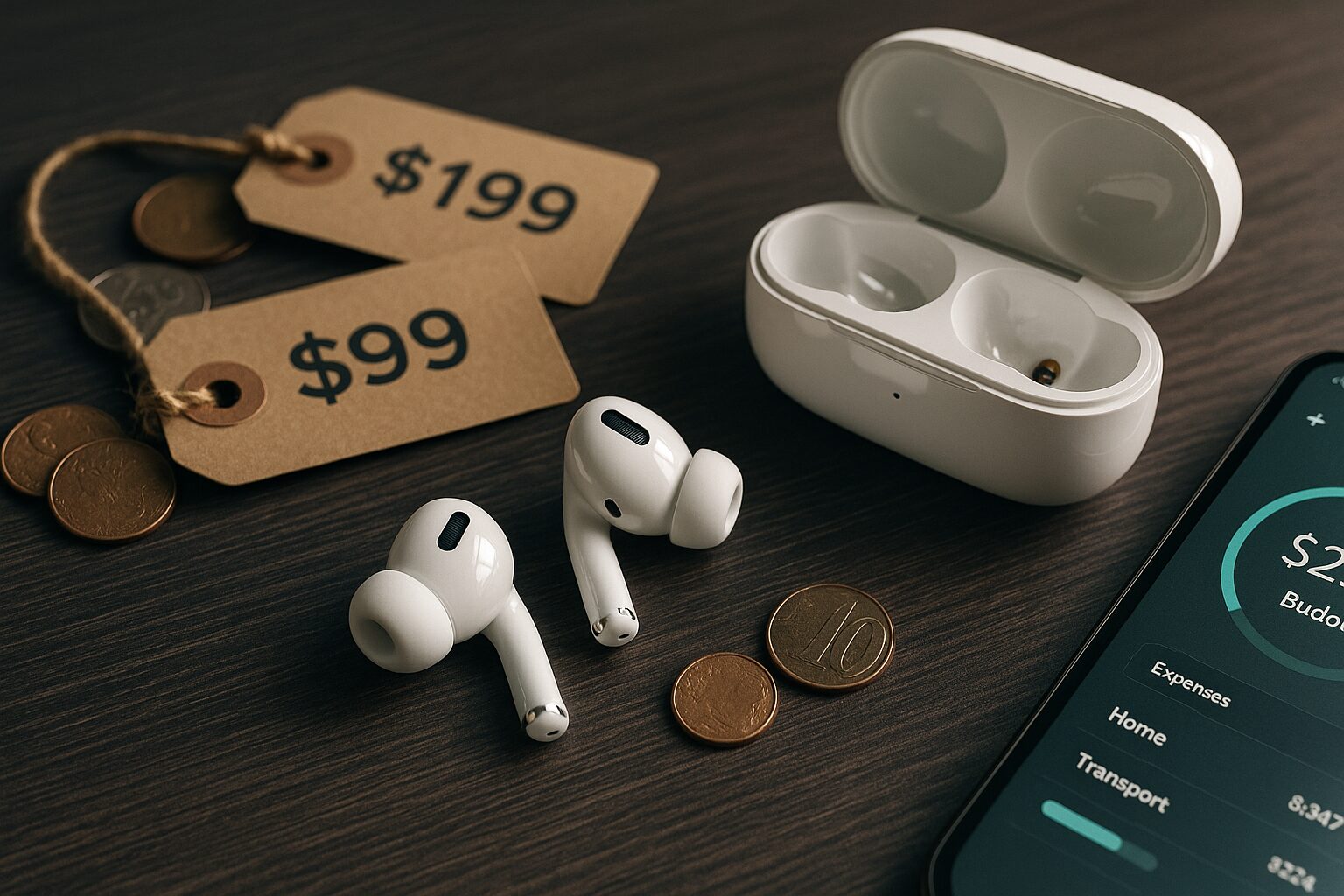
There are products in a very wide price range for true wireless earbuds, from those that can be purchased for a few thousand yen to those that cost tens of thousands of yen.
Of course “price” is one of the important selection criteria, but it is important to determine not only whether the price is high or low, but whether there is “added value worth that price”.
| Price range guideline | Main features/functions |
|---|---|
| ~5,000 yen | Basic playback functions, SBC/AAC support, limited added functions |
| 5,000 yen~10,000 yen | Good sound quality, noise cancelling (entry level), water resistance IPX4 or higher, basic operability |
| 10,000 yen~20,000 yen | High-quality codec (aptX etc.) support, effective noise cancelling, ambient sound mode, multipoint |
| 20,000 yen or more | Highest class sound quality, state-of-the-art noise cancelling, abundant added functions, high-quality mic performance |
After clarifying your budget, list the features you absolutely cannot yield, and features you would be happy to have, and choosing the product with the best balance of these is a wise choice.
Expensive products are not necessarily the best for you.
Terminology and specifications to note
Highlights of this section!
- What is multipoint connection? Simultaneous Bluetooth connection feature to multiple devices
- What is multi-pairing? Feature to memorize pairing information with multiple devices
- What is low-latency mode? Feature to minimize sync misalignment between video and audio
- What is a dedicated app? Software providing equalizer adjustment and firmware updates
- What is wireless charging (Qi)? Charging method using electromagnetic induction that does not require charging cables
There are technical terms and convenient specifications that you can understand products more deeply when choosing true wireless earbuds.
Here, we will explain terms that will be hints for how to choose, especially “multipoint connection,” “multi-pairing,” “low-latency mode,” “dedicated app,” and “wireless charging (Qi).”
By understanding these terms, it will become easier to judge “This is a feature I need!” when looking at a specification table.
What is multipoint connection? Simultaneous Bluetooth connection feature to multiple devices
For example, if there is an incoming call on your smartphone while watching a video on your computer, the earbuds automatically switch the audio from the smartphone, so the trouble of switching earbuds is saved.
| Feature | Description |
|---|---|
| Number of supported devices | Usually 2, 3 or more depending on product |
| Usage scenario | Convenient when using multiple devices such as PC and smartphone, tablet and smartphone |
| Merits | Reduction of trouble switching devices, seamless audio experience |
| Notes | Since not all products support it, confirmation is needed before purchase |
Ms.ガジェットI often use multiple devices at the same time, but it’s troublesome to reconnect each time…
Mr.ガジェットWith multipoint connection support, that trouble goes away!
For those who masterfully use multiple devices on a daily basis, it is an important feature that greatly improves work efficiency and convenience.
What is multi-pairing? Feature to memorize pairing information with multiple devices
If it is a device you have paired once, there is no need for pairing operation again when using it next time, and you can easily switch by just selecting it from the connection destination list of the earbuds.
Many products are equipped with this feature, and generally, several devices’ information can be memorized.
| Feature | Description |
|---|---|
| Number of memorizable devices | Differs by product, but generally from a few to about 8 |
| Usage scenario | When you want to share earbuds with multiple devices but simultaneous connection is unnecessary |
| Merits | No re-pairing operation needed when switching connection destination device |
| Notes | Unlike multipoint connection, simultaneous connection is not possible |
 Ms.ガジェット
Besides smartphone, I want to use earbuds with tablet, but setting it every time is hard
Mr.ガジェットWith multi-pairing support, once you set it, you can easily switch from next time!
For those who want to use earbuds differently with multiple devices but don’t need simultaneous connection, it can be said to be a very convenient feature.
What is low-latency mode? Feature to minimize sync misalignment between video and audio
Especially in action games, rhythm games, and content like movies, if audio latency is noticeable, the enjoyment of the content may be spoiled.
Earbuds equipped with low-latency mode reduce this misalignment and provide a more comfortable viewing/playing experience.
| Target content | Video viewing, game play (especially those where timing is important) |
|---|---|
| Effect | Reduction of sync misalignment between video and audio |
| Merits | More natural and immersive viewing experience, improvement of operability in game play |
| Notes | Sound quality may slightly decrease or battery consumption may increase when mode is enabled |
Ms.ガジェットWhen I watch videos, sometimes the movement of the mouth and the voice don’t match…
Mr.ガジェットWith earbuds equipped with low-latency mode, that stress might be reduced!
For those who want to enjoy video viewing or games without stress, the presence or absence of low-latency mode is an important check point when choosing earbuds.
What is a dedicated app? Software providing equalizer adjustment and firmware updates
As main features, there are equalizer features that allow you to adjust the balance of bass and treble according to your preference, and firmware updates that improve earbud operation or add new features.
| Main features | Description |
|---|---|
| Equalizer adjustment | Change balance of bass/mid/treble to your preference |
| Firmware update | Bug fixes, performance improvement, new feature addition for earbuds |
| Operation customization | Change operation assignment of touch sensor or button of earbuds |
| Noise cancelling adjustment | Adjustment of noise cancelling strength and ambient sound level |
| Others | Battery level check, find earbuds feature, tutorials etc. (differs by product) |
Ms.ガジェットCan I change the sound quality of the earbuds to my preference, or adjust settings in detail?
Mr.ガジェットYes, if it’s a model for which a dedicated app is prepared, that is possible!
For those who want to pursue usage that suits them better, or those who want to keep earbuds in the latest state at all times, the provision of a dedicated app will be a major merit.
What is wireless charging (Qi)? Charging method using electromagnetic induction that does not require charging cables
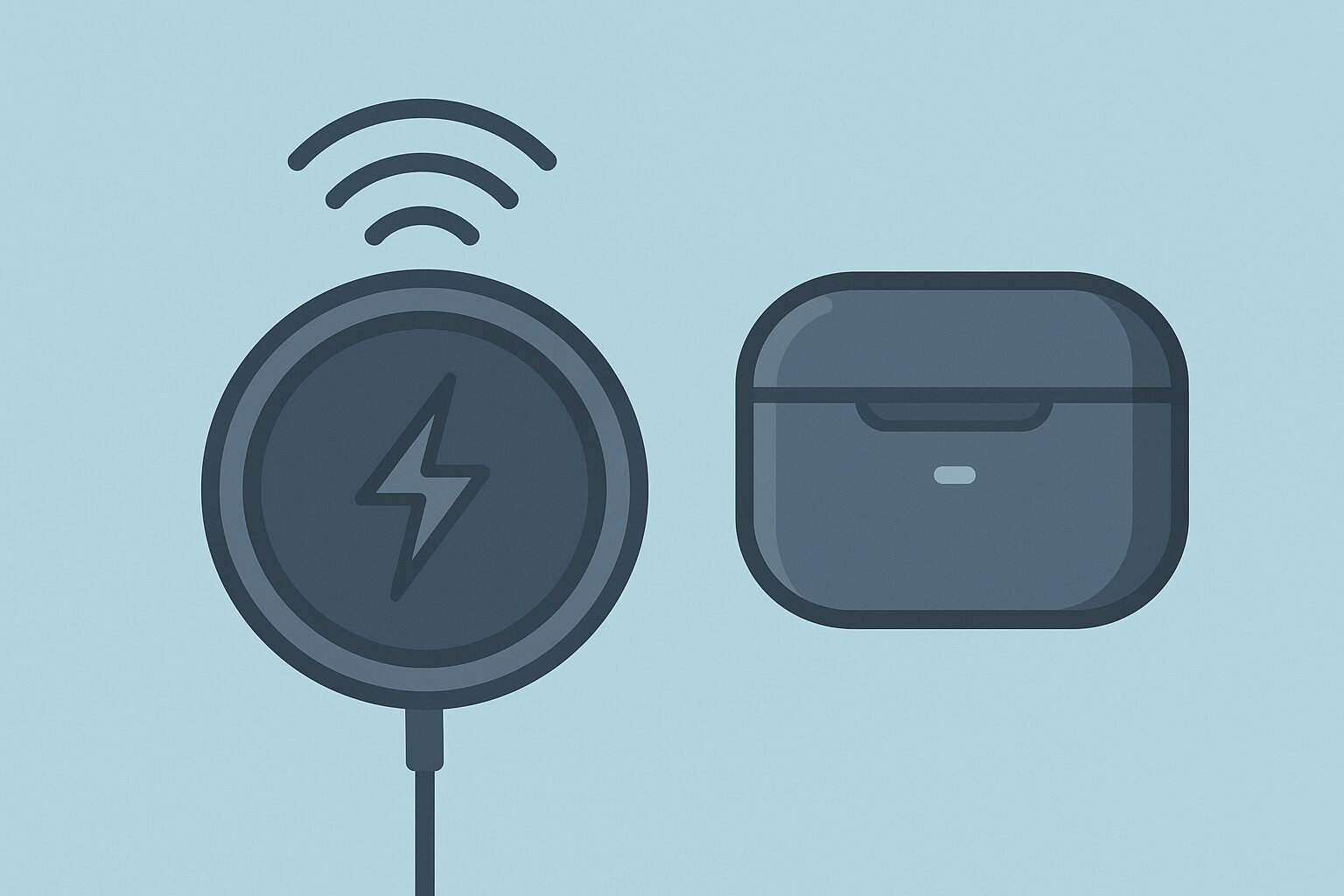
If they are earbuds compatible with this Qi standard, you can repurpose wireless chargers for smartphones, etc., also of the same Qi standard to charge easily.
Because plugging and unplugging cables is unnecessary, it has high convenience for those who want to make the desk area clean, or those who want to reduce the trouble of charging even a little.
| Feature | Description |
|---|---|
| Charging method | Electromagnetic induction |
| Merits | Plugging/unplugging charging cable unnecessary, shared use of chargers possible, desk area clean |
| Demerits | Charging speed may be slower compared to wired charging, charger separately required |
| Supported product confirmation | Need to confirm if earbud case supports Qi standard |
Ms.ガジェットPlugging in a cable every time for earbud charging is a bit troublesome…
Mr.ガジェットWith a wireless charging (Qi) compatible model, you can charge just by placing it, so it’s easy!
If you value the ease of charging, checking whether or not it supports wireless charging (Qi) is also a point to check when choosing earbuds.
Summary
There are many types of true wireless earbuds, but in this article, I, Mr. Gadget, conveyed the points to find the judgment axis for “what is most important to you.”
We carefully explain based on what criteria you should choose to find the perfect pair for you, from basic knowledge to specific features.
- Determine the points that are important to you, which will be the “judgment axis” for how to choose
- Understand essential knowledge such as codecs and Bluetooth versions
- Check feature aspects such as noise cancelling, ambient sound mode, water resistance
- Compare added values such as wearing comfort, price, and dedicated apps
I would be happy if this article becomes a “compass” for everyone confused about choosing true wireless earbuds to find the best partner for themselves.
By all means, please use the points explained in this article as a reference to find the pair you are convinced by, which will color your daily life even richer.
Frequently Asked Questions (FAQ)
- How long does the battery of true wireless earbuds last?
-
The battery life of true wireless earbuds differs greatly depending on whether you use the earbuds alone or combined with the charging case.
Continuous playback time with the earbud unit alone has a wide range depending on the product, with some models playing for a few hours, and others for over 10 hours.
The charging case has a capacity to charge the earbud unit multiple times, and many products realize a total playback time of 20 hours or more, and long ones for 40 hours or more, when combined with the case.
It is good to choose a model with the necessary battery performance considering your commuting time, outing time, or how long you use them throughout the day.
It is also a point to check whether it supports rapid charging that allows you to use it for a long time with a short charge. - How is it specifically different if the water resistance “IPX〇” number is different?
-
The IPX rating indicating water resistance performance differs in the degree of water it can withstand depending on the number.
For example, IPX4 is a level with “protection against water splashing from all directions,” and you can use it with peace of mind if it is just sweat in daily life or light rain.
IPX5 has “protection against water jets from all directions,” and many products can handle stronger rain than IPX4, and intense sweat during sports.
With IPX7, which is even higher, it indicates a level that “does not enter even if temporarily submerged under certain water pressure conditions,” and there are cases where it is okay if you take it out immediately even if you accidentally drop it into water.
However, this is a test result assuming fresh water, and most of them do not support soapy water or seawater etc.
Please check the appropriate rating according to your usage scenario. - Which is less tiring when used for a long time, canal-type or inner-ear type?
-
Tiringness in long-term use differs depending on individual ear shape and product design, but generally, the inner-ear type has less pressure and tends to be less tiring even when worn for a long time.
Inner-ear type is characterized by an open wearing feel because it is worn as if resting lightly on the entrance of the ear.
On the other hand, the canal-type increases airtightness by inserting it deeply into the ear canal like an earplug, and it is excellent for sound insulation and sound leakage prevention, but some people feel pressure easily, and ears may hurt after long-term use.
First, consider the shape that is likely to fit your ear shape, and trying them on at a store etc. if possible is the most certain method. - Can I check which audio codec my smartphone supports?
-
Which Bluetooth audio codec (AAC, aptX, etc.) your smartphone supports is mainly decided by the OS or model of the smartphone.
iPhone basically supports AAC.
In the case of Android smartphones, supported codecs differ depending on the model, but in many cases, you may be able to check them in detailed settings such as developer options in the smartphone settings screen.
Since the setting method differs depending on the manufacturer of each smartphone, it is most certain to check in the instruction manual of the smartphone or the manufacturer’s support page.
When both the earbuds and the smartphone support the same codec, it will connect using that codec. - Can I use true wireless earbuds with just one ear?
-
Many true wireless earbuds correspond to using with just one ear.
There are products that call this “single ear mode” or “monaural mode.”
If it corresponds to single ear use, for example, you can listen to music with one ear while listening to station announcements during commuting/school, or listen to surrounding sounds while driving or working to converse.
Also, ways of using such as lengthening the battery life by alternating between left and right earbuds are conceivable.
Since it is stated in the product specifications whether or not it corresponds to single ear use, it is good to check before purchase. - If I cannot try them on at an online store etc., how should I check the wearing comfort?
-
When prior trial is difficult due to online purchase, there are several methods to predict the wearing comfort to some extent.
First, please check the “weight” listed in the product specifications column.
Generally, the lighter the model of the earbud unit, the easier it is to feel less burden on the ears.
Next, let’s search for user reviews or word-of-mouth information of the product you are considering purchasing.
If you search with keywords such as “wearing comfort,” “fit,” “does ear hurt,” you will find concrete impressions and evaluations of people who actually used them.
Also, “whether the types and sizes of earpieces included with the product are abundant” is a point to check.
If multiple earpieces are included, the possibility that you can find the size that fits your ears increases.
Thank you for reading to the end!
- Product prices, information, etc. are information at the time of writing the article.
- Please note that this site will not take any responsibility even if this information is incorrect.
- Product/service names listed on this site are trademarks of each company.
コメント