
There is a vast array of HDMI cable types available on the market, and many people often find themselves wondering, “Which one should I actually choose?”
In this article, we will provide a thorough explanation of how to choose the optimal HDMI cable for your devices without any hesitation.
By reading this article to the end, you will be able to find the perfect HDMI cable for your environment without compromising on high image and sound quality.
What you will learn in this article!

The deciding factor for choosing an HDMI cable that won’t fail you
Key points for this section!
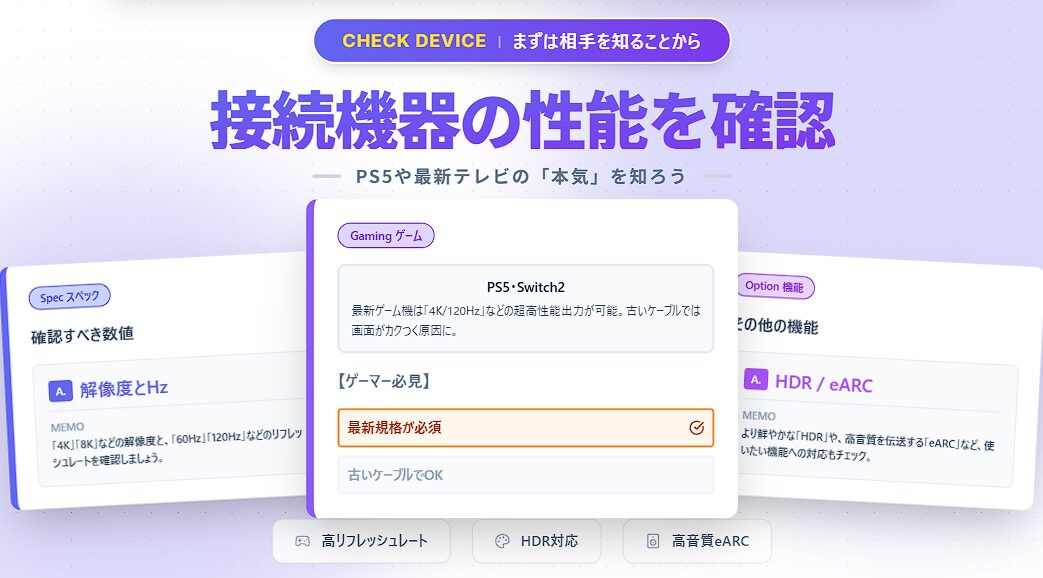
The most important point in choosing an HDMI cable that won’t fail you is to select a cable that matches the performance of the equipment you are using.
Especially for high-performance devices like the PlayStation 5, Nintendo Switch 2, and 4K/8K TVs, an appropriate HDMI cable is essential to maximize their capabilities.
In this article, we will provide you with the information you need to confidently choose the best HDMI cable for your devices.
By grasping the points explained in this article, you can build a comfortable environment without compromising on high image and sound quality.
To maximize the original performance of the PlayStation 5 and Nintendo Switch 2
HDMI is a digital communication standard for transmitting video and audio signals together through a single cable.
It is incorporated into many modern AV devices, such as PCs, TVs, Blu-ray recorders, and gaming consoles like the PlayStation 5 and Nintendo Switch 2.
Even if you have acquired these high-performance devices, if you use an HDMI cable that is not supported, you may not be able to unleash the device’s full potential.
 Ms.ガジェット
What standard should I use for the PlayStation 5 or Nintendo Switch 2?
 Mr.ガジェット
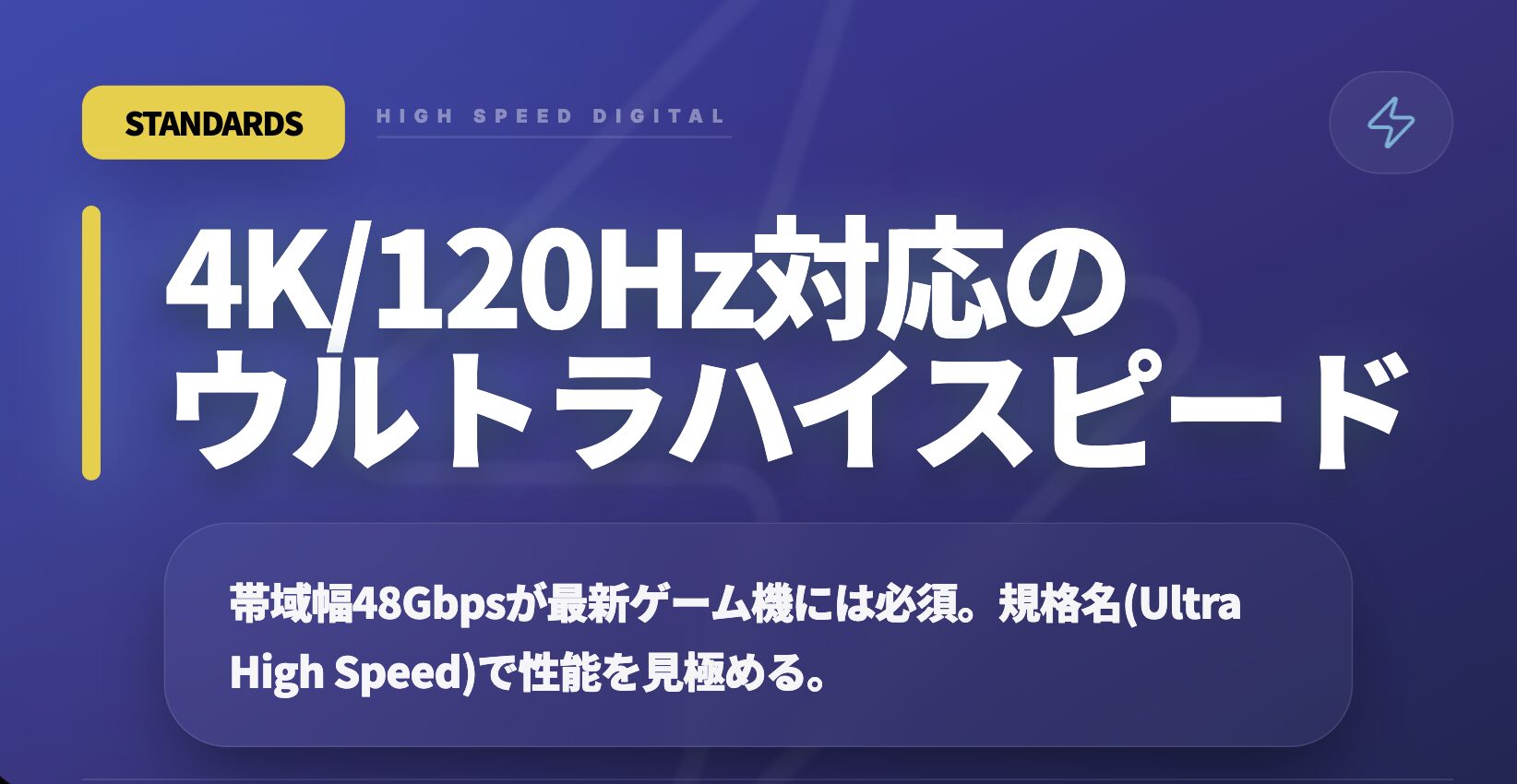
Ultra High Speed is the HDMI cable standard you should use!
For example, if you connect a latest-generation game console that supports 4K resolution at a 120Hz refresh rate to an old-standard HDMI cable, it may result in not being able to display at 4K/120Hz due to insufficient cable performance.
To enjoy the HDR (High Dynamic Range) supported by the latest TVs and high-quality 3D audio, it is important to choose a cable that matches the supported features of your equipment.
| Standard | Maximum Supported Resolution/Refresh Rate | Feature Examples |
|---|---|---|
| Ultra High Speed | 4K/120Hz, 8K/60Hz | Dynamic HDR, VRR, eARC |
| Premium High Speed | 4K/60Hz | HDR |
| High Speed | 4K/30Hz, Full HD/144Hz | |
| Standard | 1080i or 720p |
Ms.ガジェットBut I don’t really understand cable standards. Why are old ones not good?
Mr.ガジェットThat is because the amount of data (bandwidth) a cable can transmit is determined by its standard.
As described, to fully enjoy the beautiful visuals, smooth motion, and powerful sound of your PlayStation 5, Nintendo Switch 2, or other high-performance devices, it is essential to choose an HDMI cable that matches the specs of that device.
Key points to cover when choosing the ideal HDMI cable
Even if you own high-performance AV equipment or gaming consoles, if the cable is not supported, you cannot fully unleash its capabilities.
In this article, we will thoroughly explain the checkpoints for maximizing the performance of connected devices, which is the most important factor in choosing the ideal HDMI cable.
Performance verification of connected equipment
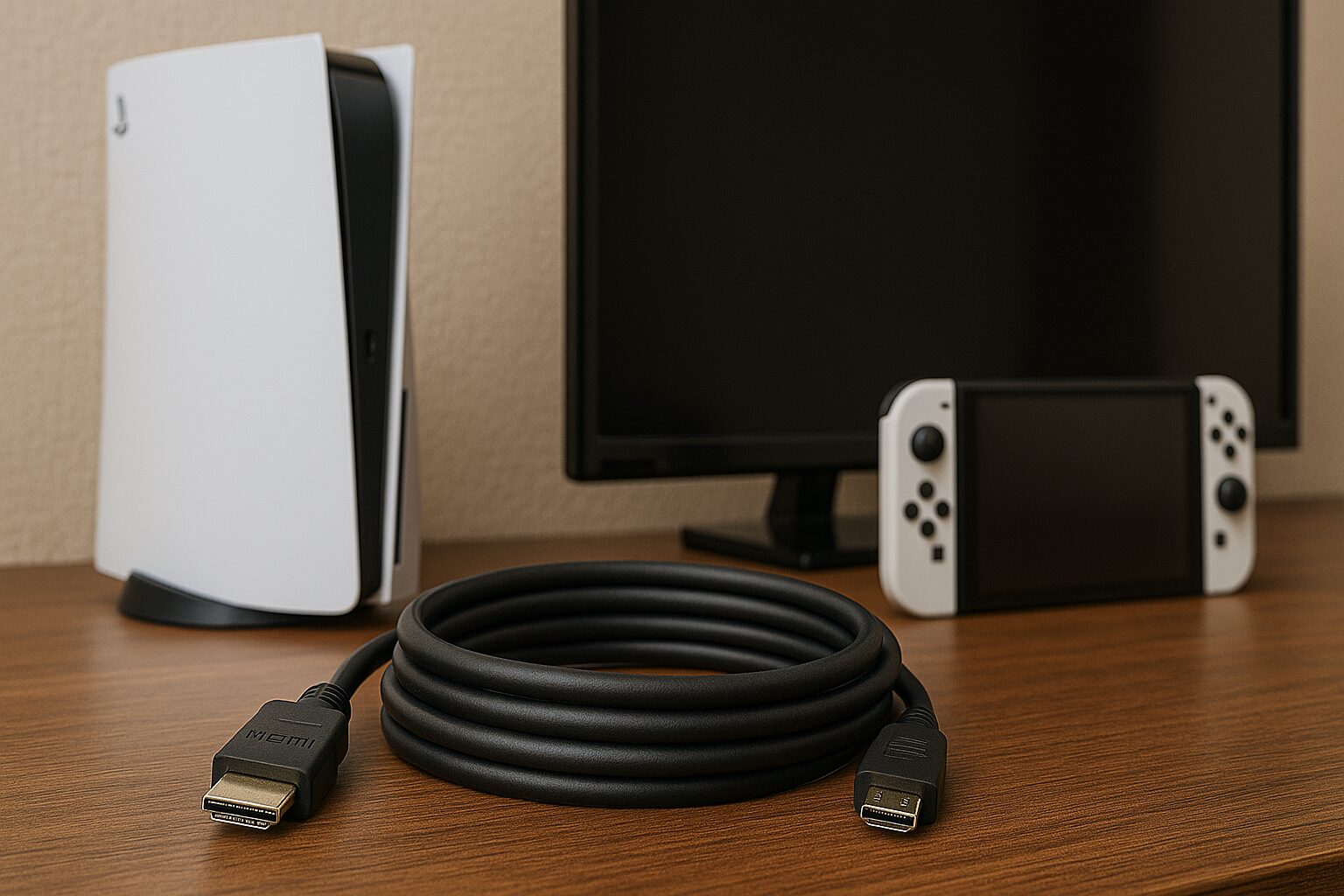
First, it is necessary to check how much video and audio the devices you want to connect (TV, game console, PC, Blu-ray recorder, etc.) support.
Knowing the “maximum performance supported by the device” is the starting point for choosing the optimal HDMI cable.
Be sure to check the supported resolution (e.g., 4K, 8K) and refresh rate (e.g., 60Hz, 120Hz) supported by the devices you have.
In addition, whether it supports features like HDR (High Dynamic Range) or eARC (Enhanced Audio Return Channel) is also an important checkpoint.
These features are necessary to achieve richer, more realistic video expression and high-quality sound.
When connecting high-performance equipment, if the cable does not support those capabilities, you may not get the video or sound quality you expect.
Ms.ガジェットSpecifically, what should I check on the device?
Mr.ガジェットCheck the device’s instruction manual or product specifications, and check for support for resolutions, refresh rates, and features like HDR or eARC.
Choosing a cable that can handle the performance of the device you checked, or has specs equal to or greater than that, can be said to be the first step to choosing a cable without failure.
HDMI connector types
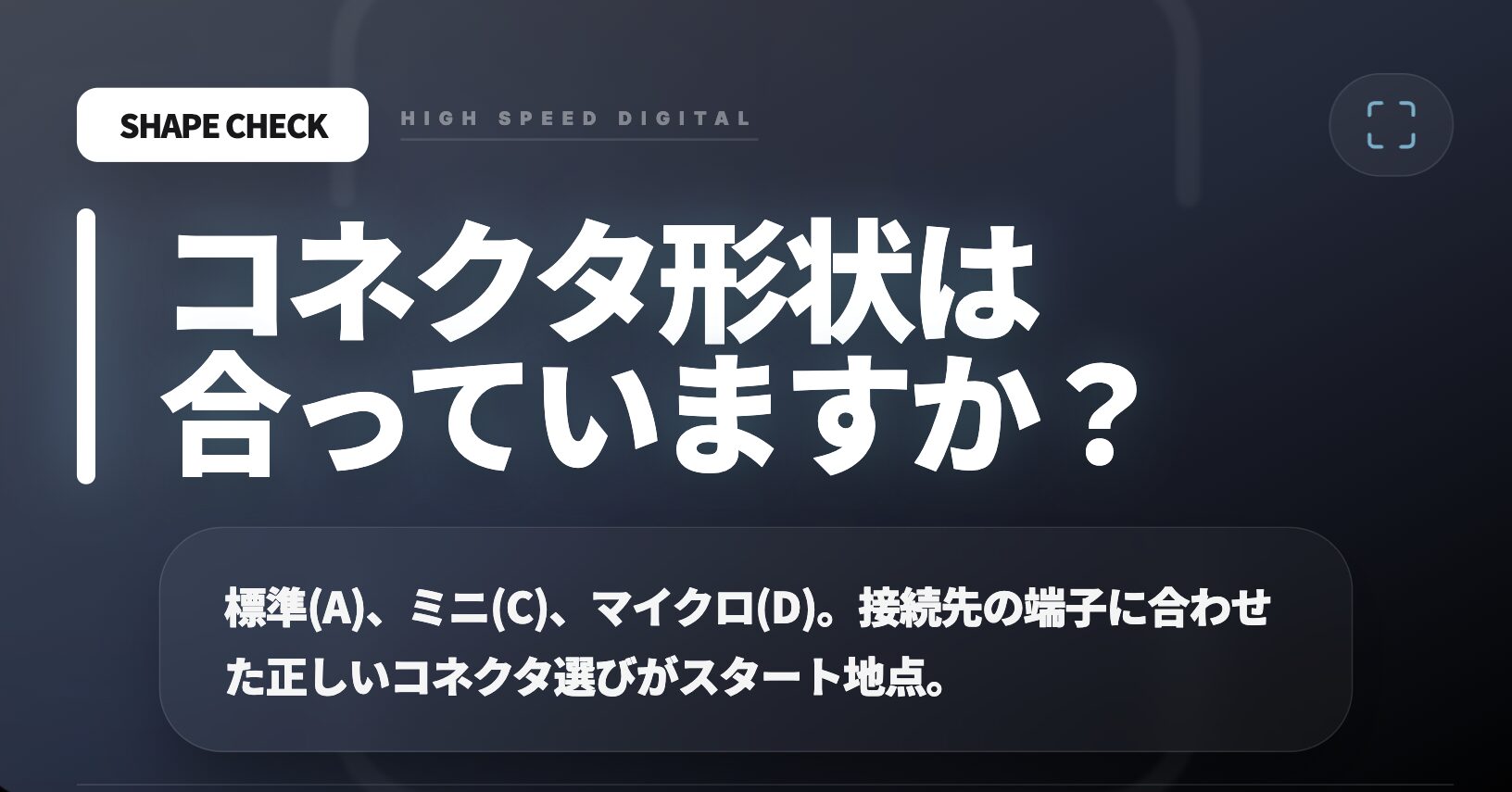
- Type A… The most widespread standard type
- Type B… No longer in use
- Type C… Mini HDMI terminal, one size smaller than Type A
- Type D… Micro HDMI terminal, one size smaller than Type C
- Type E… HDMI terminal used in automobiles, etc.
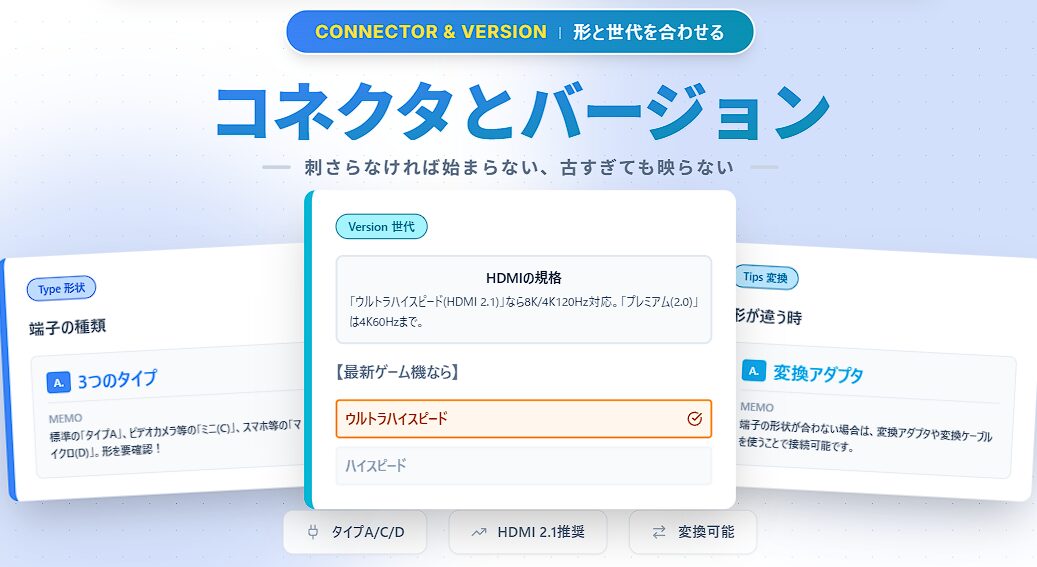
The next thing to check when choosing an HDMI cable is the “shape” of the connector that fits the terminal of the device you want to connect.
There are several types of HDMI connectors, and the shape equipped depends on the device.
If the shape does not match, you won’t even be able to plug the cable in.
The most widely used is the standard HDMI connector called “Type A”.
It is generally used in TVs, many PCs, game consoles, and Blu-ray recorders.
On the other hand, some video cameras and compact laptops may adopt “Type C (Mini HDMI),” which is one size smaller than Type A.
Furthermore, smaller smartphones and digital cameras may use “Type D (Micro HDMI),” which is even smaller than Type C.
Ms.ガジェットWhat should I do if the connector shape of the device I have and the cable don’t match?
Mr.ガジェットEven if the shapes are different, you may be able to connect them using a conversion adapter or conversion cable.
Check the shape of the HDMI terminal on the device you want to connect in advance, and choose a cable with the same type of connector.
HDMI versions
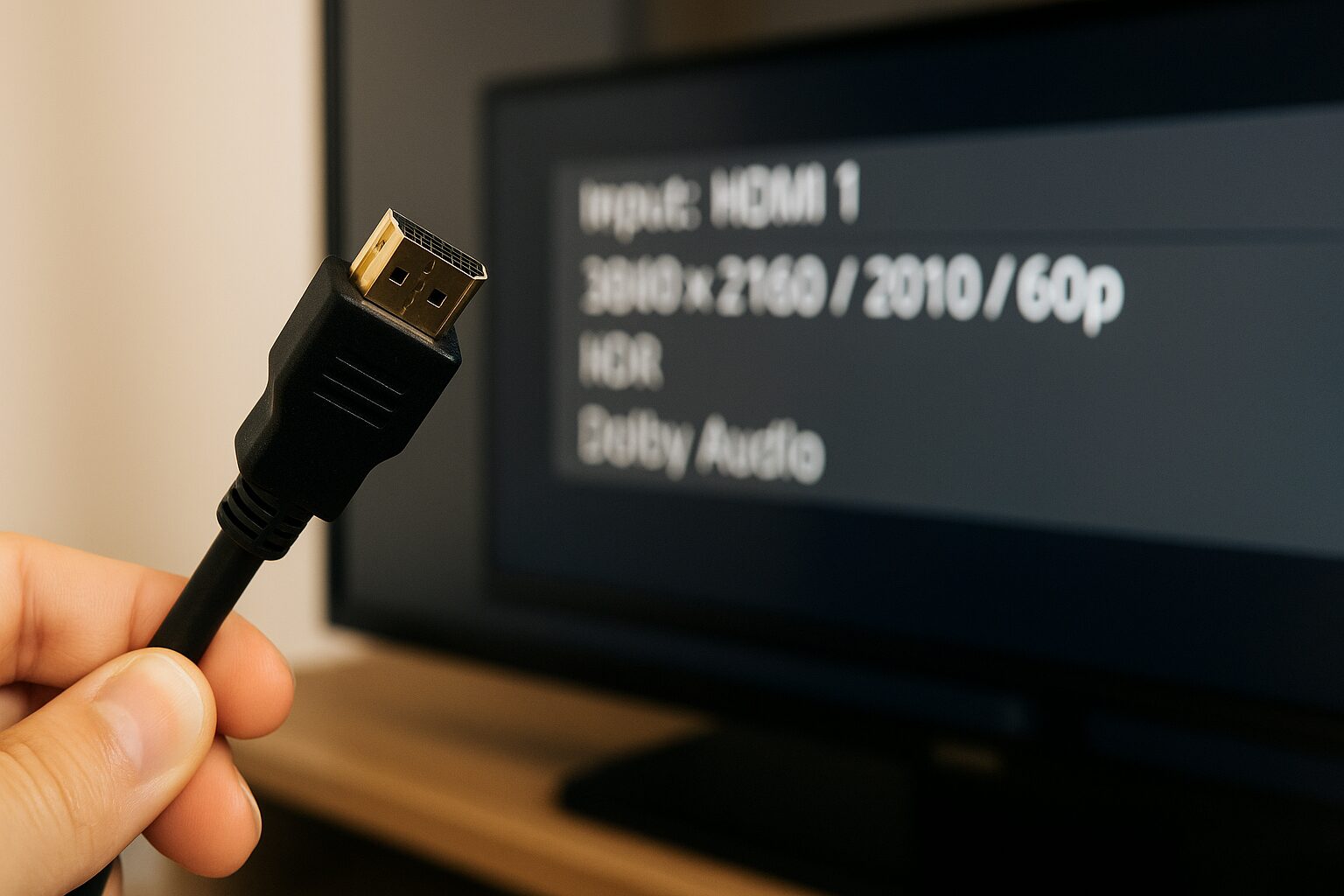
- HDMI 2.2… Ultra96
- HDMI 2.1… Ultra High Speed
- HDMI 2.0… Premium High Speed
- HDMI 1.3-1.4… High Speed
- HDMI 1.2 or earlier… Standard
The HDMI standard has been upgraded over time.
The higher the version, the more data can be transmitted at high speed, and the supported resolution, refresh rate, and available features are improved.
Currently, it is prohibited to indicate the HDMI version number (e.g., HDMI 2.1) on products, but its performance is indicated by the “standard name,” which is listed on the cable packaging or specifications.
| Standard | Main Supported Resolution/Refresh Rate |
|---|---|
| Ultra96 | 12K/120Hz, 16K/60Hz, max 96Gbps |
| Ultra High Speed | 8K/60Hz, 4K/120Hz, max 48Gbps |
| Premium High Speed | 4K/60Hz, HDR, max 18Gbps |
| High Speed | 4K/30Hz, Full HD/120Hz, max 10.2Gbps |
| Standard | Up to Full HD (1080i/720p), max 4.95Gbps |
Click here for a more detailed compatibility table
| HDMI Version | FHD | WQHD | 4K | 8K | 12K | 16K |
|---|---|---|---|---|---|---|
| Ultra96 (HDMI 2.2) | ||||||
| Ultra High Speed (HDMI 2.1) | ||||||
| Premium High Speed (HDMI 2.0) | ||||||
| High Speed (HDMI 1.4) | ||||||
| High Speed (HDMI 1.3) | ||||||
| Standard (HDMI 1.2 or earlier) |
| HDMI Version | FHD | WQHD | 4K | 8K | 12K | 16K |
|---|---|---|---|---|---|---|
| Ultra96 (HDMI 2.2) | 480Hz | 480Hz | 480Hz | 240Hz | 120Hz | 60Hz |
| Ultra High Speed (HDMI 2.1) | 240Hz | 240Hz | 120Hz | 60Hz (120Hz with DSC compression) | ||
| Premium High Speed (HDMI 2.0) | 240Hz | 144Hz | 60Hz | |||
| High Speed (HDMI 1.4) | 144Hz | 75Hz | 30Hz | |||
| High Speed (HDMI 1.3) | 144Hz | |||||
| Standard (HDMI 1.2 or earlier) | 60Hz |
Confirming the performance required by your devices and choosing a cable with a standard that matches it is the key to achieving high image and sound quality.
Appropriate cable length
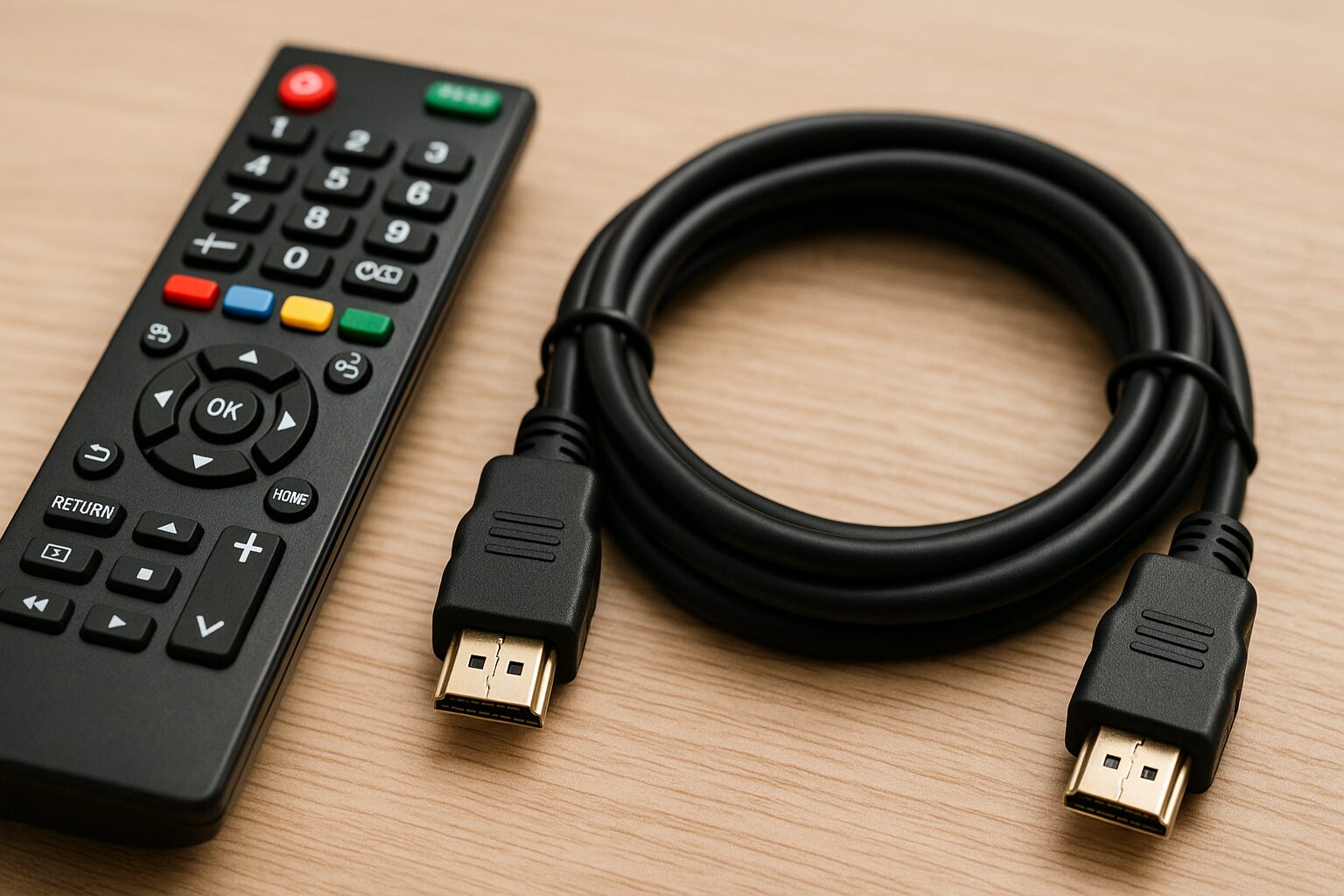
Choosing the length of an HDMI cable is extremely important because it affects not only whether it reaches the distance between devices but also the stability of the signal.
A cable that is too short for the required length is naturally unusable, but a cable that is too long can also cause several problems.
First, if it is too long, the wiring becomes complicated, which not only looks bad but can also get in the way of cleaning, etc.
 Mr.ガジェット
A cable being too short is fatal, but being too long is also something to consider.
 Ms.ガジェット
You can’t wire it neatly if it’s too long, and it takes up space, right…
If it’s 5m or longer, the effect is more pronounced, so we recommend using an active type (built-in video adjustment equalizer) HDMI cable or an optical fiber HDMI cable.
Mr.ガジェットBe careful, as active type (built-in video adjustment equalizer) HDMI cables and optical fiber HDMI cables often have a fixed connection direction!
Active type (built-in video adjustment equalizer) HDMI cables can adjust signal strength and can maintain signal quality even at distances of 10m or more.
Optical fiber HDMI cables have little signal attenuation even over long distances and can transmit efficiently.
Mr.ガジェットOptical fiber is not affected by electromagnetic waves, so one of its features is that it is not only fast in communication speed but also very stable.
Cable thickness and ease of handling
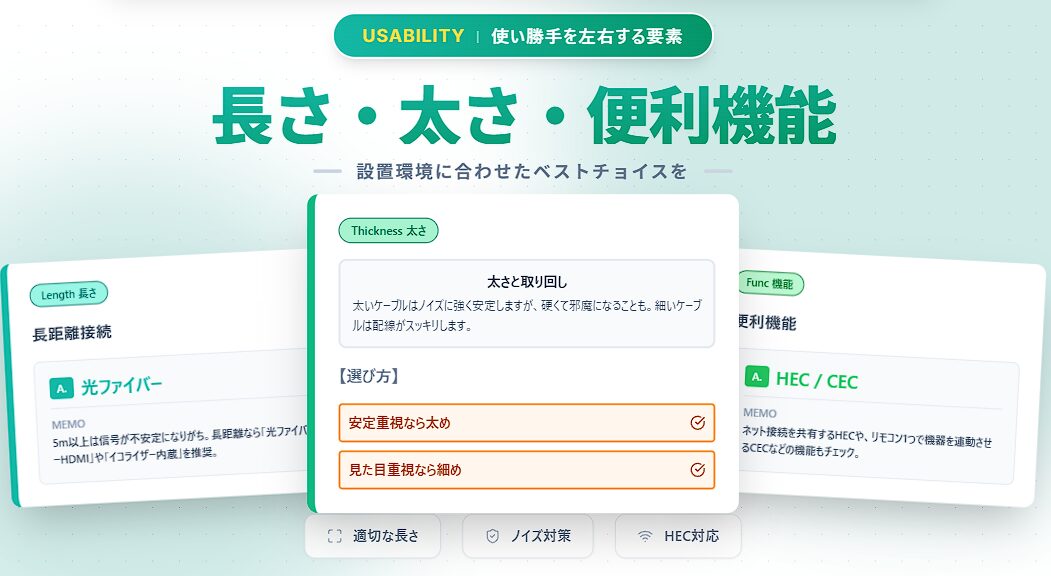
In how to choose an HDMI cable, the thickness and flexibility of the cable itself, so-called “ease of handling,” is also a surprisingly important factor.
Generally, the thicker the cable, the better the internal signal lines are protected, making it more resistant to noise and having a higher tendency for signal stability.
Especially when transmitting long-distance cables or high-load signals (high resolution/high refresh rate), thicker cables can sometimes be expected to have more stable connections.
| Feature | Pros | Cons |
|---|---|---|
| Thick cable | High signal stability, tends to be harder to break | Stiff and difficult to handle, bulky |
| Thin cable | Flexible and easy to handle, neat wiring | Possibility of unstable signals over long distances or high loads |
| Flat type cable | No thickness, easy to run along walls, good appearance | May have restrictions on bending direction |
Ms.ガジェットIs there a difference in performance depending on the cable thickness?
Mr.ガジェットGenerally, thicker cables tend to have more stable signals.
By considering the space in the installation area and the wiring layout, you can create a comfortable connection environment while keeping it looking neat by choosing a cable with the optimal thickness and shape.
Knowledge of convenient features
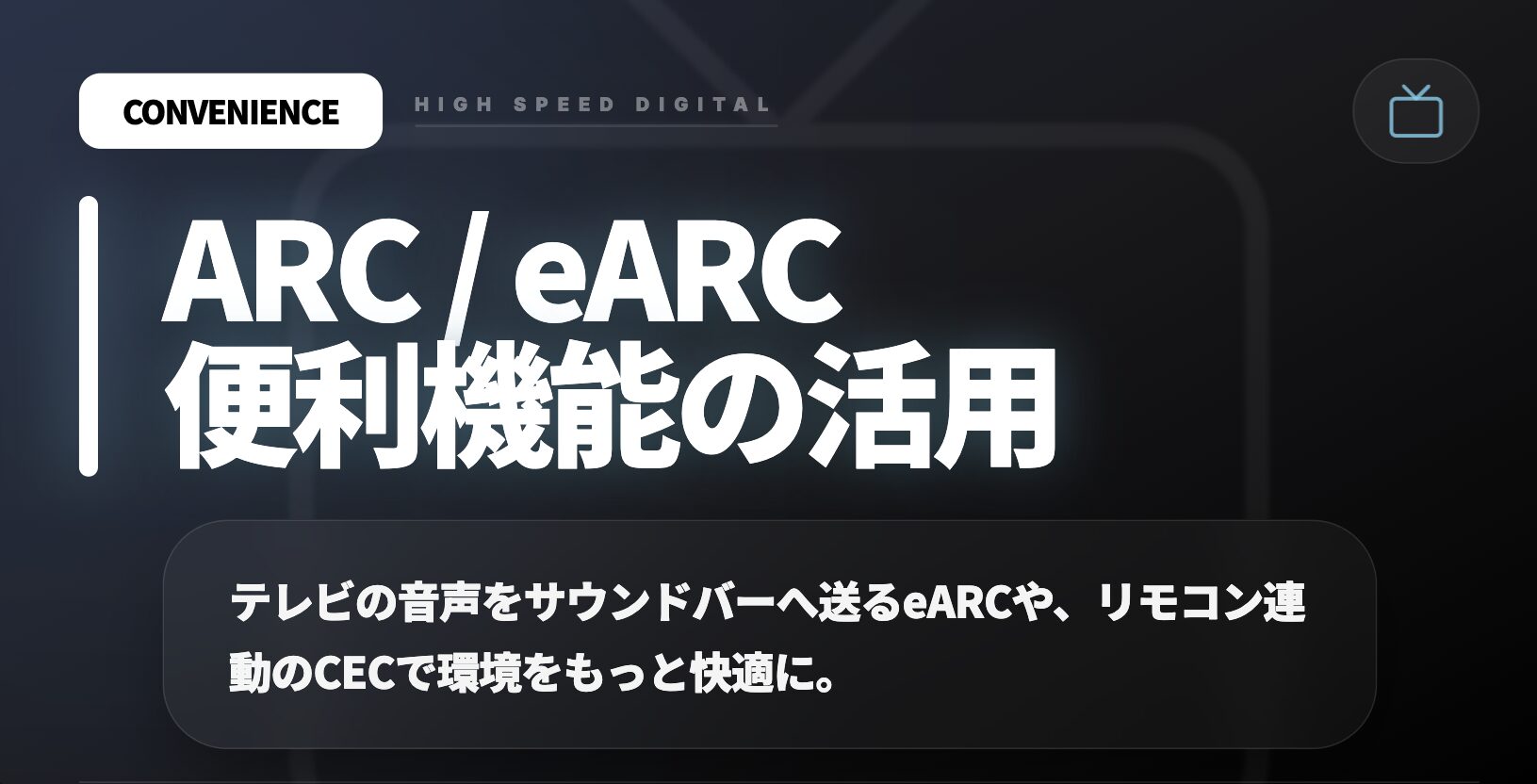
HDMI cables are not only for transmitting video and audio but also support several convenient features.
Knowing these features allows you to further improve the usability of your equipment.
| Feature | Overview |
|---|---|
| HEC | Share internet connection via HDMI cable |
| ARC/eARC | Transmit TV audio to soundbar or amplifier (eARC also supports high-quality audio formats) |
| CEC | Link operations between HDMI-connected devices (e.g., operate a recorder with the TV remote) |
Ms.ガジェットAre there any special features on HDMI cables other than video and audio?
Mr.ガジェットHDMI cables support features such as sharing an internet connection and sending TV audio to a soundbar.
By confirming whether these features are necessary in advance and choosing a cable that supports them, you can simplify device linkage and wiring, and build a comfortable viewing environment.
Notes to know before purchasing
It is wise to avoid making decisions based solely on price when choosing an HDMI cable.
Expensive cables are not necessarily the best, but among extremely cheap cables or products of unknown origin, there are some that do not perform as specified or have low durability.
Especially when used in environments with high requirements such as high resolution or high refresh rates, signals can become unstable with low-quality cables.
| Point | Content |
|---|---|
| Don’t use price as the only criteria | Products that are too cheap may have unstable performance or quality |
| Choose trusted manufacturers | Established manufacturers tend to have solid quality control |
| Check for official certification | Certification marks are a guarantee of meeting specified performance (especially important for latest standards and long distances) |
Ms.ガジェットIs it bad to buy an HDMI cable that is too cheap?
Mr.ガジェットWith cables that are too cheap, there is a possibility that problems such as not achieving the performance as specified may occur.
To maximize the performance of your precious equipment, be careful when choosing a cable and try to select reliable products.
Official certification programs for peace of mind
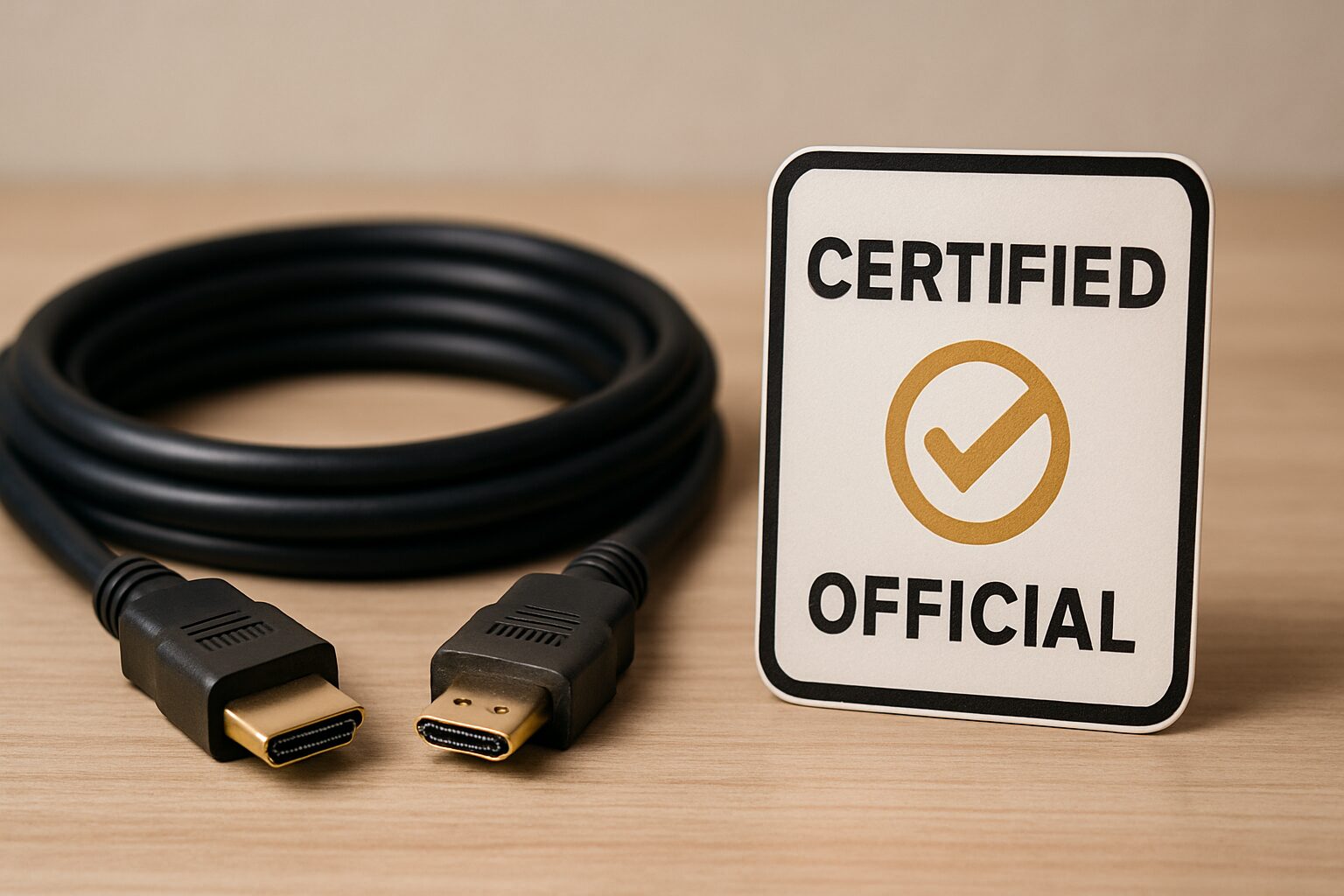
For HDMI cables, there are official certification programs established by organizations that manage HDMI standards, such as the “Premium HDMI Cable Certification Program” and the “Ultra High Speed HDMI Cable Certification Program.”
These programs confirm through rigorous testing that a cable meets specific performance criteria and allow only products that pass to use the certification logo.
Cables that have received these certifications are granted a dedicated certification logo, and it is also possible to scan them with a smartphone, etc., to confirm whether they are genuine products.
| Pros | Content |
|---|---|
| Performance guarantee | Specified resolution, refresh rate, bandwidth, etc., are reliably met |
| Quality reliability | Passed strict tests, and signal stability and noise resistance can be expected |
| Anxiety relief | A guide to choosing with peace of mind from a vast array of products |
| Counterfeit countermeasures | Possible to confirm whether it is a genuine product with the certification logo scan feature |
Ms.ガジェットWhat are the benefits of choosing a cable with an official certification mark?
Mr.ガジェットCables with an official certification mark are guaranteed to reliably meet the specified performance, so you can choose them with peace of mind.
Especially for those of you who are lost because there are so many types of HDMI cables, this official certification logo is a very reliable guide for quality.
If you are lost, we recommend choosing a cable with the certification logo for the standard you want to support.
Thank you for reading until the end!
- The evaluation in this article is unique to this site.
- Unless otherwise specified, product prices and information are current as of the time of writing.
- Please note that this site cannot be held responsible for any inaccuracies in this information.
- Product and service names mentioned on this site are trademarks of their respective companies.
コメント