
That is the fact that the microSD cards you used with the conventional Switch “cannot be used for saving or playing software.”
In Switch 2, a next-generation standard called “microSD Express” was adopted to maximize storage performance. Thanks to this, the maximum transfer speed has jumped to nearly 9–10 times that of previous versions (theoretical value), but in exchange, there are rules regarding compatibility and how to choose.
“I went through the trouble of buying it, but the game wouldn’t fit…”
“I bought a cheap one, and the loading is so slow it’s stressful…”
To prevent such failures, we have carefully selected “recommended microSD Express cards fully compatible with Switch 2.” We will determine the Best Buy for each of the 256GB and 512GB categories.

How to Choose an SD Card for Switch 2 [Essential Knowledge]
Before looking at the rankings, let’s update our common knowledge about choosing SD cards for Switch 2. Different rules apply compared to the previous Switch. Please be sure to read through this, as you might end up having to buy a replacement depending on your usage.
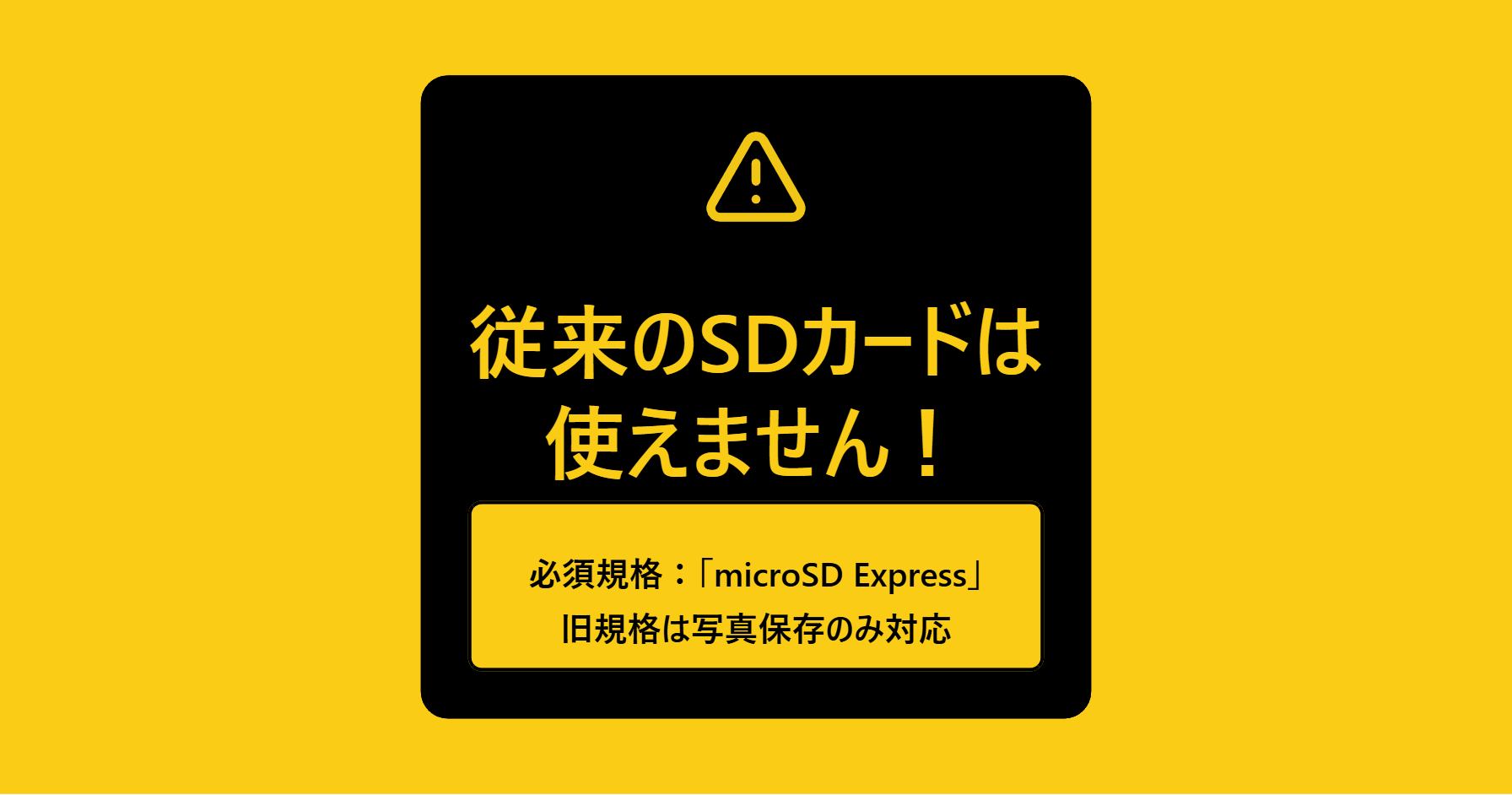
The “microSD Express” standard is mandatory for “saving and playing downloaded software” on Switch 2. Software cannot be launched using conventional microSD cards (such as UHS-I). However, conventional cards can still be used for “importing screenshots and videos” from the old Switch.
 Ms.ガジェット
I bought a Switch 2, but I can’t save games even if I insert the SD card I used with my previous Switch… Is it broken?
 Mr.ガジェット
Oh, that’s not a malfunction. Actually, to save and launch Switch 2 game software, you need a new standard card called “microSD Express.”
Ms.ガジェットWhat! Even though they look the same shape, I can’t use it?
Mr.ガジェットIt cannot be used for games. However, it is possible to import “screenshots” and “videos” from an old SD card to the Switch 2. Its usage is limited.
Can’t use anything other than “microSD Express”? (Compatibility cautions)
The Nintendo Switch 2 card slot is designed specifically for the “microSD Express” standard.
This is essentially a “micro SSD” that condenses the “PCIe interface” and “NVMe protocol”—used in PC SSDs—into an SD card size.
UHS-I standard SD cards, which were mainstream for the conventional Switch, had a maximum theoretical transfer speed of around 104MB/s (with proprietary extensions by some products). However, microSD Express reaches a theoretical maximum transfer speed of 985MB/s. This is expected to improve loading times for vast open-world games and reduce asset loading delays (pop-in phenomenon).
- What happens if I insert a conventional card?
-
According to official Nintendo support information, even if you insert an incompatible card (conventional microSD card) into Switch 2, it cannot be used as a destination for saving downloaded software. The system may display a message stating it “cannot be used.”
However, as an exception, you can import screenshots and videos saved on conventional SD cards to the Switch 2 via “Data Management” in “Settings.”
When purchasing, please be sure to check if the word “Express” or an identification mark such as “EX” is on the package or the card itself.
Can’t save save data? Types of data that can be saved
The next important point is the type of data that can be saved.
The Nintendo support page clearly states the following specifications:
“Software save data cannot be saved to a microSD Express card. Save data is saved to the internal system memory.”
In other words, “save data” such as RPG progress or high scores cannot be backed up to an SD card by design.
Then why buy an expensive Express card? It is for saving the following data:
- Downloaded software data: It’s not uncommon for a single modern game to exceed 50GB to 100GB.
- Add-on content (DLC): Data such as large expansion packs.
- Update data (patches): Data for bug fixes or added features.
- Screenshots and videos: Memories captured with the capture button.
Switch 2 generation games, in particular, tend to have bloated data sizes because they use high-resolution textures and high-quality audio. A large-capacity Express card is recommended for a comfortable gaming life.
Choosing capacity: 256GB or more is currently the mainstream
Finally, how to choose the capacity.
As of 2026, in the microSD Express standard product lineup, options for models with 128GB or less are becoming fewer in the market. Considering cost-performance and practicality, 256GB can be considered the practical entry-level model (introductory capacity).
- 256GB: For light gamers to general users.
- 512GB: For gamers who play various games in parallel.
- 1TB or more: For heavy users who save a lot of videos or don’t want to delete software.
The maximum supported capacity is up to “2TB.”
Recommended Ranking for the 256GB Category (Tied for 1st Place)
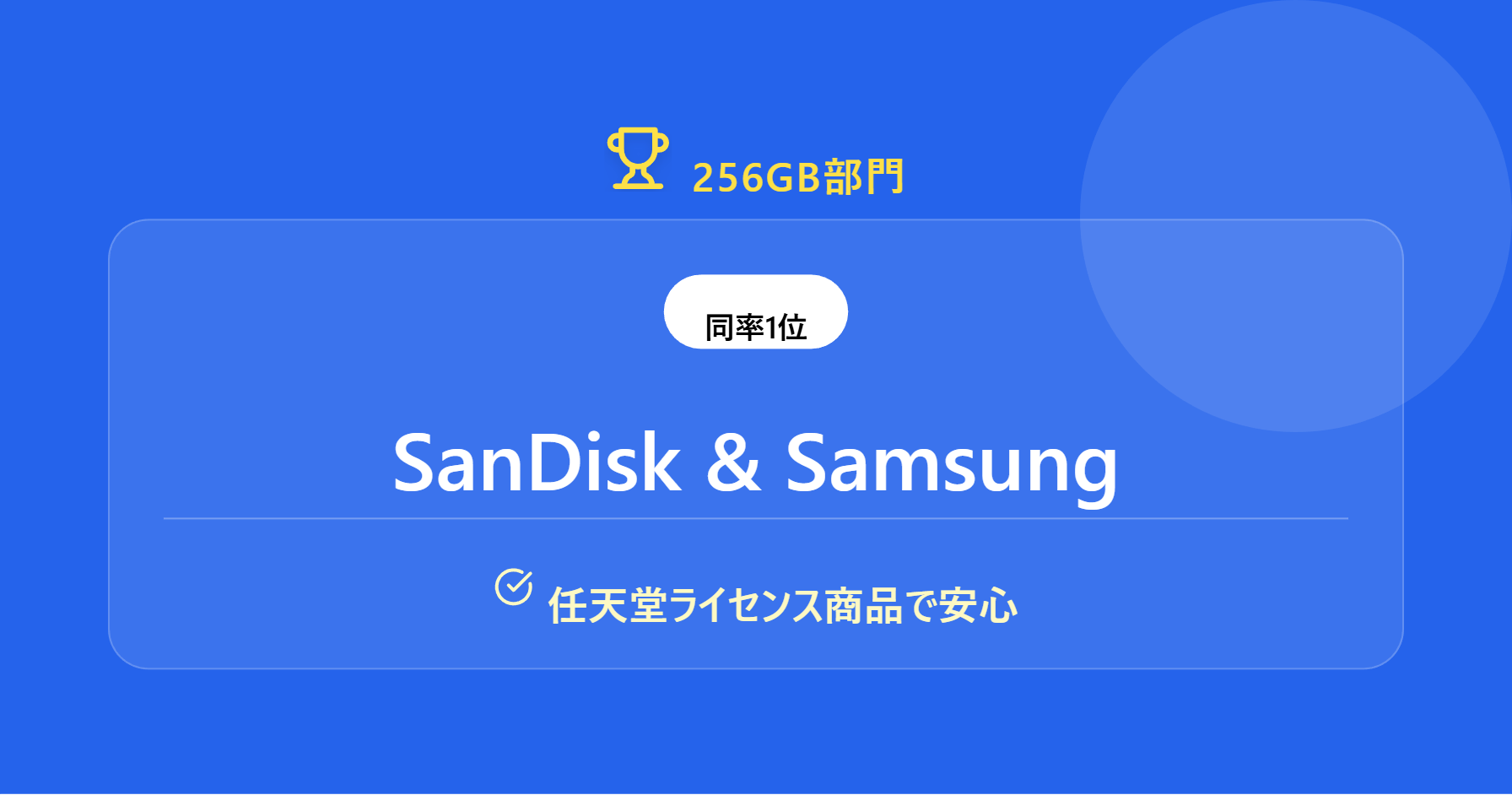
First, the ranking for the most affordable “256GB” category. In this capacity range, we have selected two products with competing quality and reliability as a “tie for 1st place.”
Tied for 1st: SanDisk for Nintendo Switch 2


 ポチップ
ポチップ
| Item | Details |
|---|---|
| Manufacturer | SanDisk |
| Capacity | 256GB |
| Standard | microSD Express |
This is the Switch 2 dedicated model released by SanDisk, a global brand in the SD card world.
Overwhelming track record and reliability
SanDisk’s “for Nintendo Switch” series has been popular as a Nintendo licensed product since the previous generation. This latest version has also been confirmed for compatibility with Nintendo hardware, allowing for safe use. It uses a PCIe Gen 3-NVMe interface to achieve high-speed data transfer.
Heat measures and stable performance
Due to its high performance, temperature management is important for microSD Express, but each manufacturer has included proprietary thermal control technology. SanDisk is also designed to withstand long hours of gameplay, so you can immerse yourself in playing with peace of mind.
Pros & Cons
| Pros | Cons |
|---|---|
| Proven track record as a Nintendo licensed product Stable operation due to temperature control functions | The design is flashy and might be a matter of preference |
If you “want to avoid trouble at all costs” or “want peace of mind,” don’t hesitate to choose this SanDisk model.
ポチップ
Tied for 1st: Samsung microSD Express (Nintendo Licensed Product)
 ポチップ
ポチップ
| Item | Details |
|---|---|
| Manufacturer | Samsung |
| Capacity | 256GB |
A powerful rival has also appeared from Samsung, a giant in the memory world standing alongside SanDisk. This is also certified as a “Nintendo Licensed Product.”
Nintendo license and protection features
The Nintendo license logo shining on the package is proof of confirmed compatibility. Furthermore, Samsung claims six protection features (waterproof, temperature resistant, magnetic resistant, X-ray resistant, drop resistant, and wear resistant) as manufacturer specs, which is a reassuring factor for users who often carry the console in handheld mode.
Cost performance
It is also excellent in terms of price-to-performance. Since warranty periods may vary by region or retailer, we recommend checking at the time of purchase.
Pros & Cons
| Pros | Cons |
|---|---|
| Six protection features claimed by the manufacturer (waterproof, shockproof, etc.) Peace of mind of being an official Nintendo licensed product | The design is flashy and might be a matter of preference |
For those buying their “first microSD Express card,” this Samsung model is well-balanced and recommended.
ポチップ
Recommended Ranking for the 512GB Category
Next, the “512GB” category for gamers who want to install many games. Here, a model pursuing speed performance and a model focused on support have ranked in.
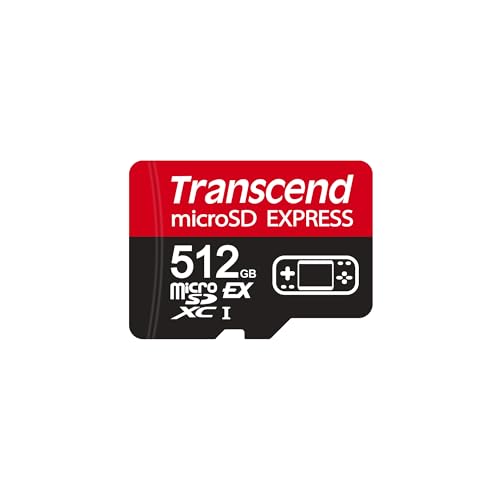
No. 1: Transcend microSD Express 710S
 ポチップ
ポチップ
| Item | Details |
|---|---|
| Manufacturer | Transcend |
| Capacity | 512GB |
| Standard | microSD Express |
| Max Read Speed | 900MB/s |
| Max Write Speed | 780MB/s |
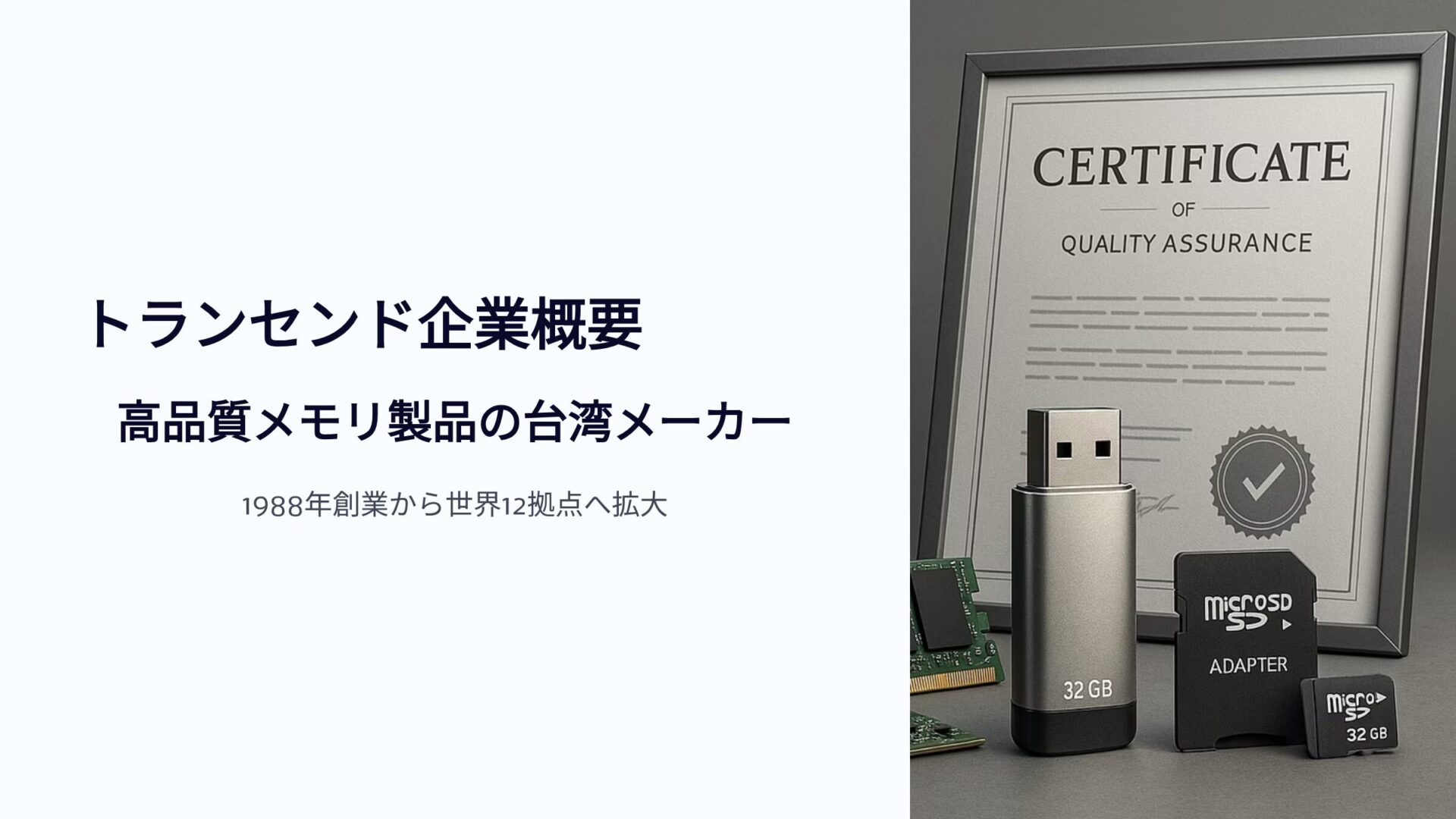
The No. 1 in the 512GB category is the “710S” series from Transcend, a long-established Taiwanese memory manufacturer. The biggest attraction of this product is its intense “speed” as per the catalog specifications.
Cutting loading times to the limit: “900MB/s”
This product fully utilizes the PCIe interface bandwidth and is extremely fast. Since Switch 2 loading times depend not only on the console’s performance but also on the SD card’s speed, this is a strong choice for “hardcore gamers” who want to build the most comfortable environment possible.
However, it is expensive due to its high performance.
Pros & Cons
| Pros | Cons |
|---|---|
| Supports high-speed transfer with up to 900MB/s read and 780MB/s write Smooth reading and writing of large-capacity data Operation confirmed on Switch 2 | Higher price point |
 ポチップ
ポチップ
No. 2: I-O DATA HNMSD-EX512G

| Item | Details |
|---|---|
| Manufacturer | I-O DATA |
| Capacity | 512GB |
| Standard | microSD Express |
Coming in at No. 2 is a product from I-O DATA, which has continued to support Japan’s digital life. In the SD card market, where there are many overseas manufacturers, the presence of a domestic manufacturer is precious.
The peace of mind and cost performance unique to a Japanese manufacturer
As a Japanese domestic manufacturer, I-O DATA has a strength in its easy-to-understand support system (*Please inquire by model number to see if the product is eligible for weekend support). Having a contact point where you can consult in Japanese when facing troubles like “the card isn’t recognized” is a source of reassurance.
The price is also set at a relatively accessible level for a 512GB Express card. Operation has been confirmed on Switch 2, making it a product you can use with peace of mind due to solid quality control.
Pros & Cons
| Pros | Cons |
|---|---|
| Made by a Japanese manufacturer for peace of mind Operation confirmed on Switch 2 |
Summary: For Switch 2, “Express” and “256GB or more” is the correct answer
In this article, we introduced the latest “microSD Express” cards compatible with Nintendo Switch 2 in a ranking format.
Finally, let’s organize the key points of how to choose once again.
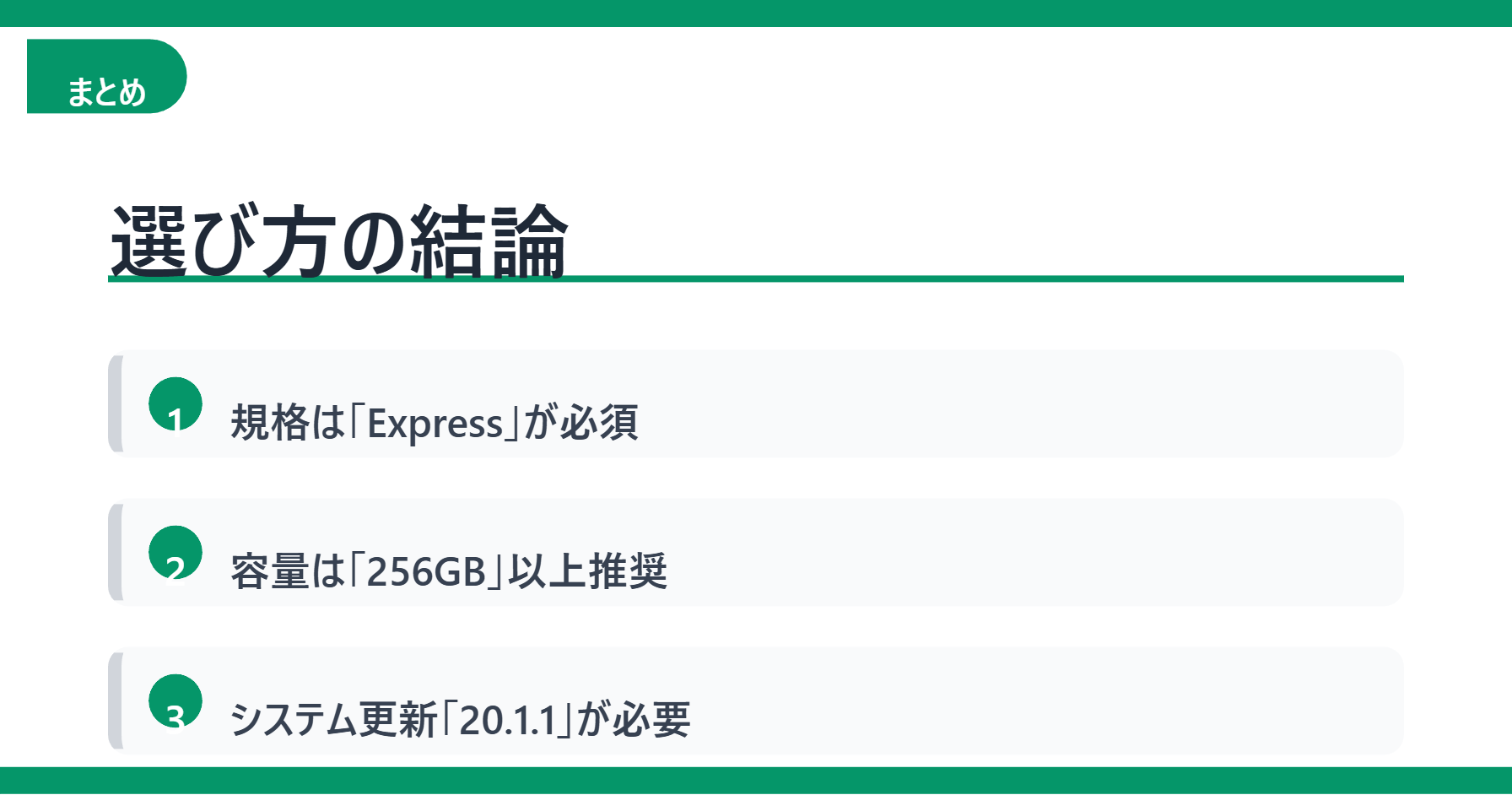
- “Express” is mandatory!: This standard is required to play games (old cards are for data transfer only).
- Capacity 256GB or more!: Considering the current lineup and software sizes, this is the starting line.
- Don’t forget the system update!: The Switch 2 console version must be “20.1.1 or higher” to use it.
Whether you can fully demonstrate the performance of Switch 2 depends on this SD card choice. Find the best one for your budget and playstyle, and enjoy the next-generation gaming experience to the fullest.
Thank you for reading to the end!
- The views expressed in this article are the independent opinions of this website.
- Unless otherwise stated, product prices and information are current at the time of writing.
- Please note that we cannot be held responsible for any errors or omissions. Thank you for your understanding.
- All product and service names mentioned are trademarks of their respective companies.
コメント