
How is everyone doing? If you have energy, you can do anything! This is Mr. Gadget!
Telework and online meetings have been introduced one after another amid the COVID-19 pandemic. Are you familiar with a device called a wireless speakerphone, which plays a major role in these situations?
Using a speakerphone makes it easier to have stable and comfortable communication, even during web meetings with a large number of participants.
You can substitute this with your computer’s built-in microphone and speaker, but considering sound quality and sound pickup, using a dedicated speakerphone is definitely the best choice.
So, today I would like to introduce one of the most recommended speakerphones, the high-performance wireless speakerphone from eMeet: the “eMeet M2.”
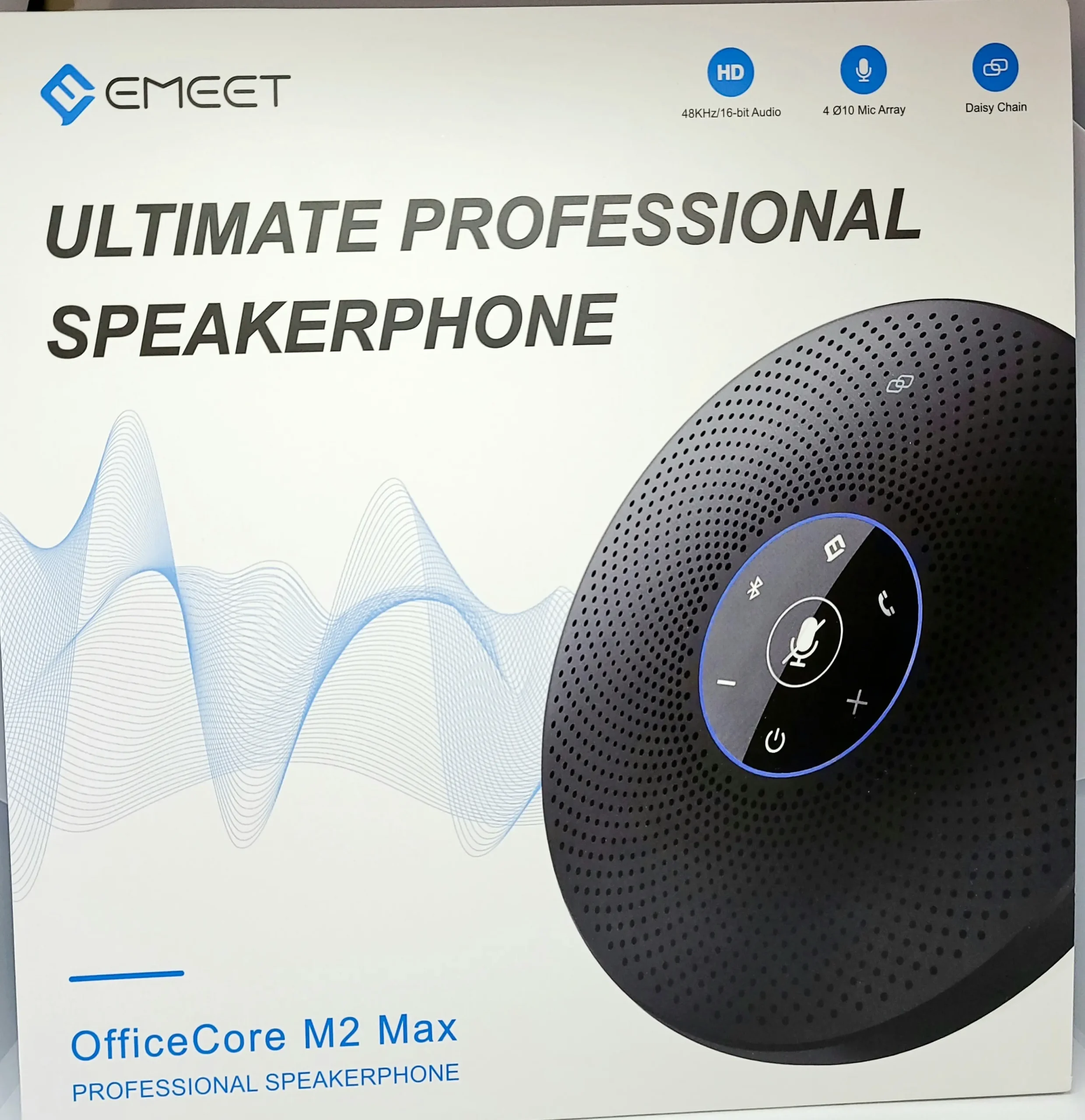
- 360-degree omnidirectional
- Supports large groups
- Features echo cancellation & noise cancellation
- “Position detection function” that automatically detects the speaker’s direction for clear sound pickup
- High portability


 Pochipp
Basic Information about the eMeet M2
Specifications
| Microphone Directionality | 360-degree omnidirectional | Bluetooth Version | Ver4.2 |
| Pickup Range | 8-10m | Bluetooth Connection Range | 20m |
| Battery Specs | 3.6V/2600mAh | Frequency Response | 20Hz-20KHz |
| Usage Time | 12 hours of talk time | Microphone Sensitivity | -26dBFS |
| Charging Time | 3-4 hours | Microphone Frequency Response | 100Hz-8KHz |
| Charging Specs | 5V/1A | Signal-to-Noise Ratio | >80dB |
| Weight | 290g | Speaker Rated Power | 3W RMS |
| Dimensions | 125×125×35mm | USB Port | Type C |
| PC Built-in Mic & Speaker | eMeet M2 | |
|---|---|---|
| Directionality | Limited | 360-degree pickup |
| Pickup Range | Radius approx. 8-10m | |
| Capacity | Usually 1 person | Up to 8 people |
| Sound Quality | Audible | Good |
| Noise Cancellation | ||
| Echo Cancellation |
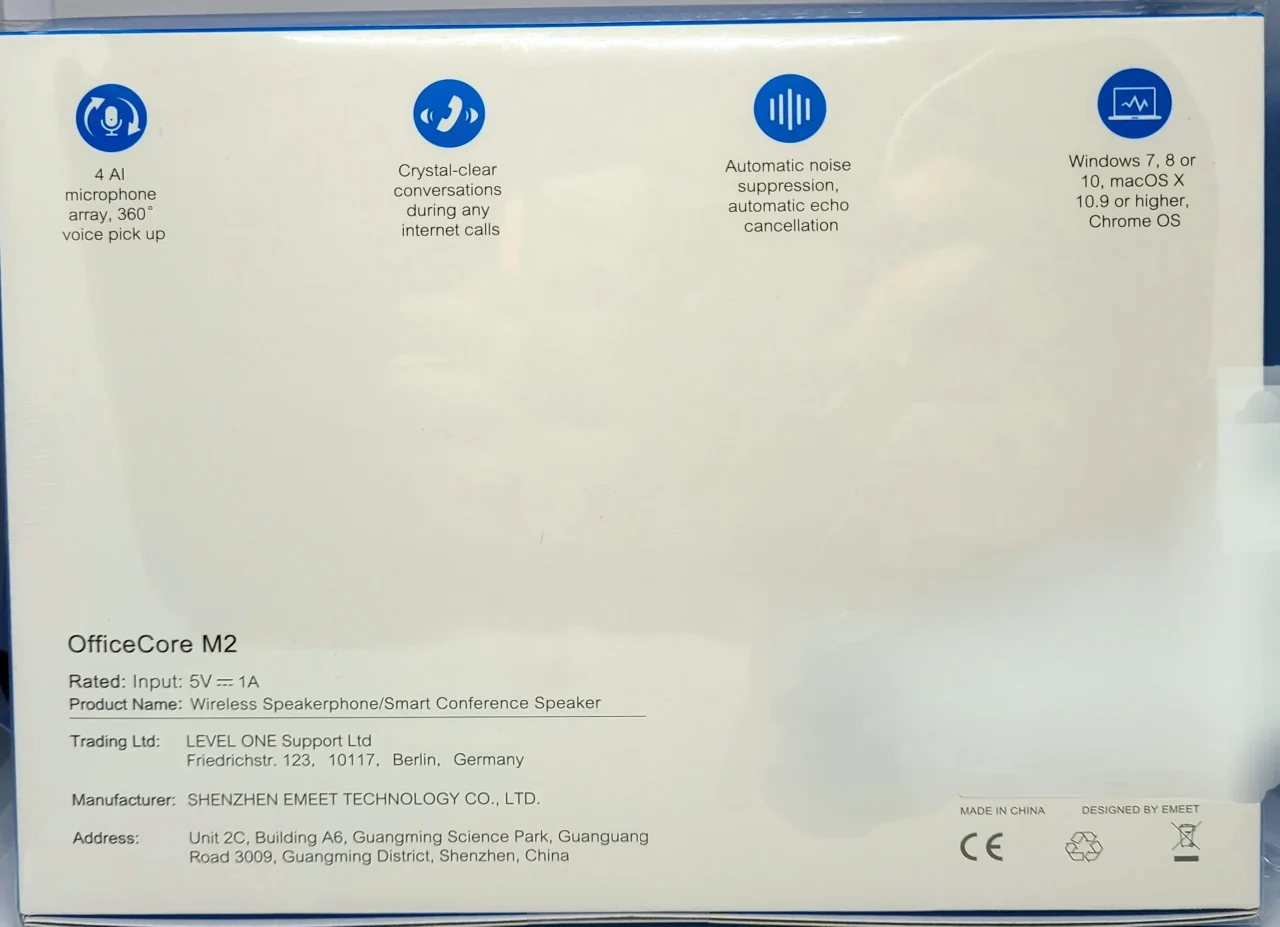
The “eMeet M2” features 360-degree omnidirectionality and a pickup range of approximately 8 to 10 meters in radius. For speakerphones, “directionality,” which refers to the directions from which sound can be picked up, and “sound pickup capability,” which represents the range in which sound can be captured, are particularly important.
This means that no matter which direction the sound comes from, it will reliably pick it up within a radius of approximately 8 to 10 meters. According to the manufacturer, it can support up to 8 people as a general guideline.
Also, it supports both wired and wireless connection methods. Specifically, wired connections include AUX and USB, while wireless connections include standard Bluetooth and Bluetooth via a USB dongle.
Key features include echo cancellation and noise cancellation powered by eMeet’s proprietary voice signal processing technology, VoiceIA. With speaker performance that is clearly audible even to multiple people, and a “position detection function” that automatically senses the speaker’s direction for clear sound capture, it helps facilitate smooth and comfortable communication!
I’m also happy that the USB port is Type-C, rather than Micro-USB!
Included Items
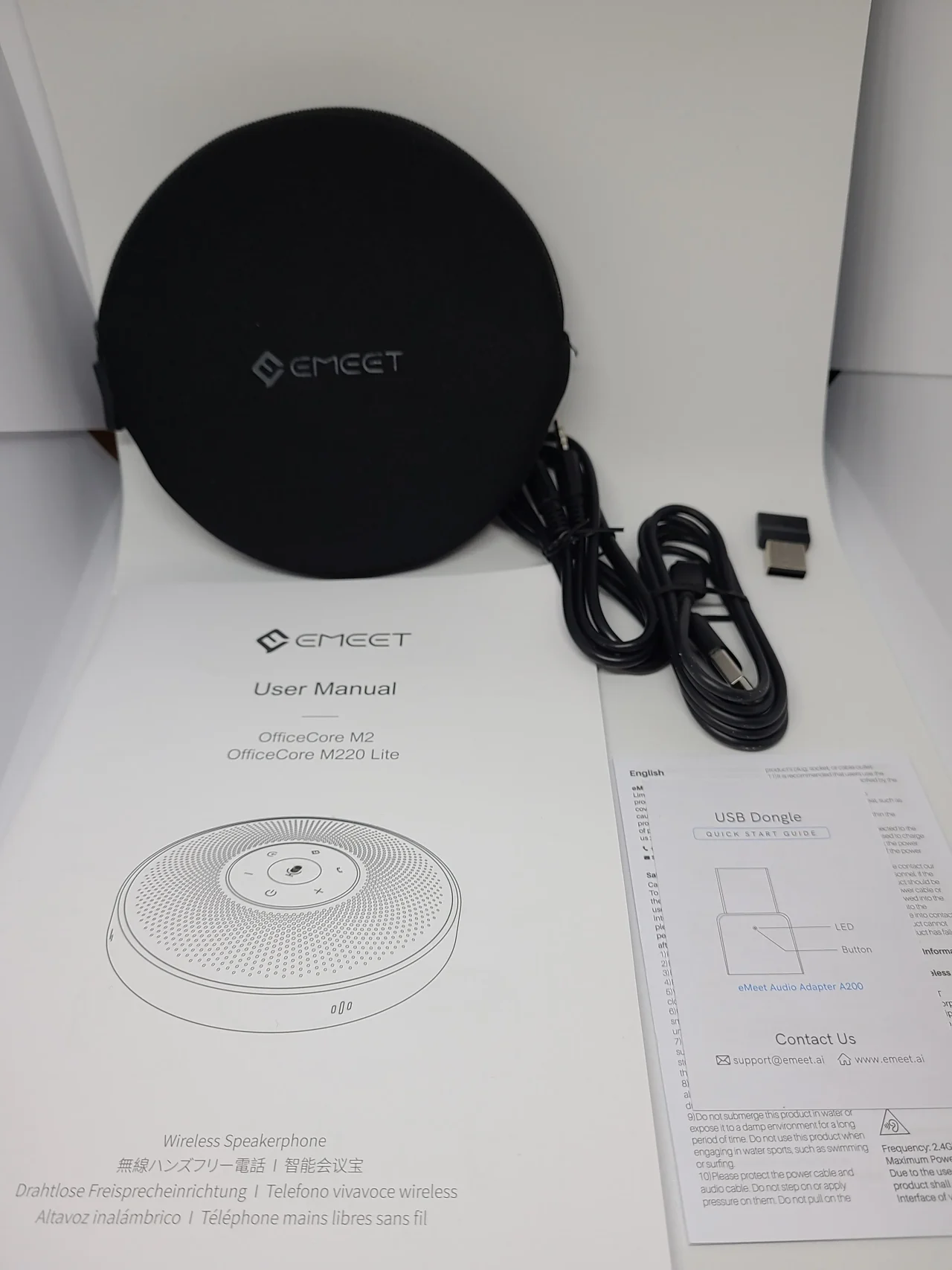
- Type-C cable
- AUX cable
- USB dongle
- Manual
The manual was properly provided in Japanese!
Appearance
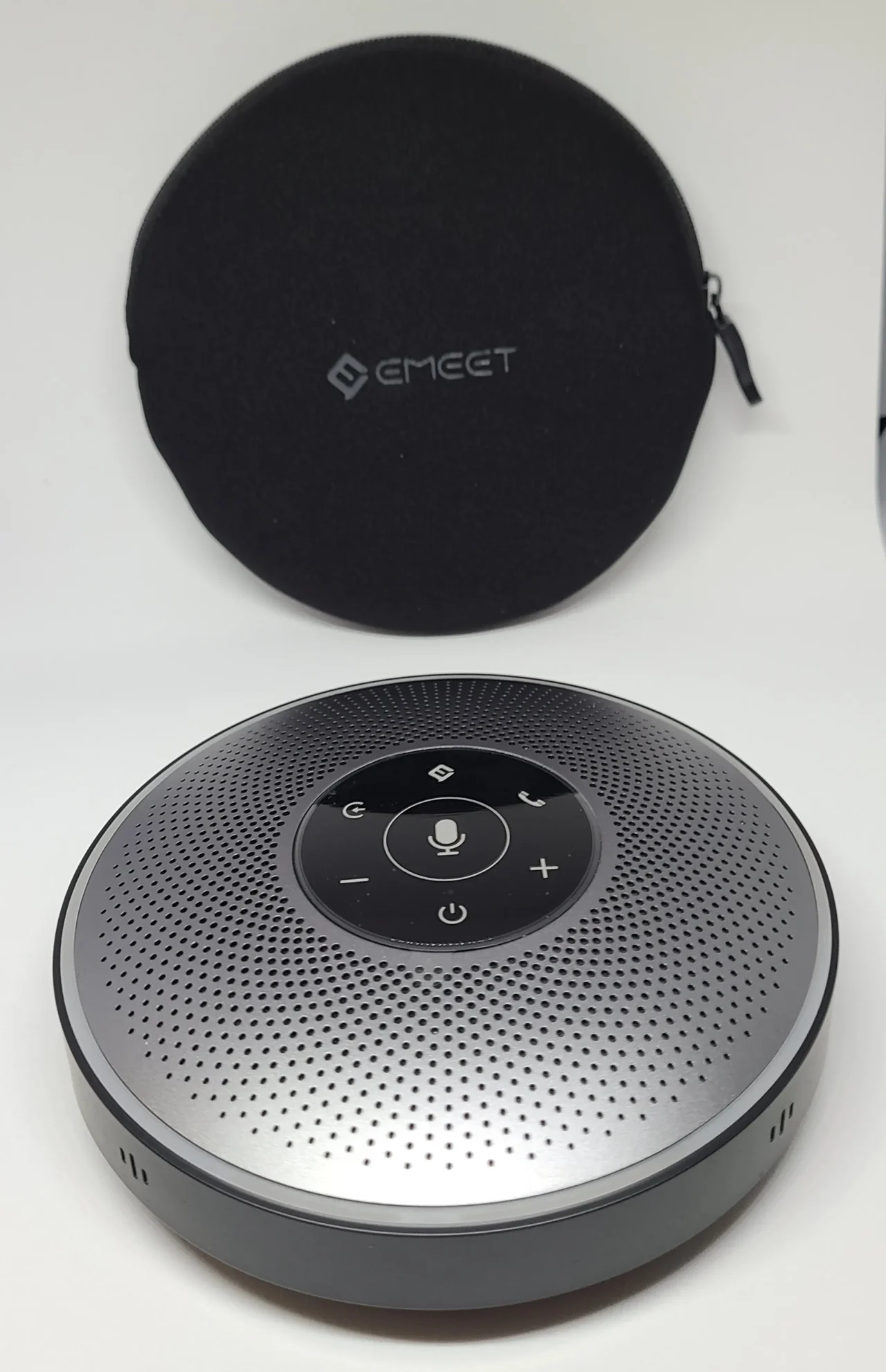
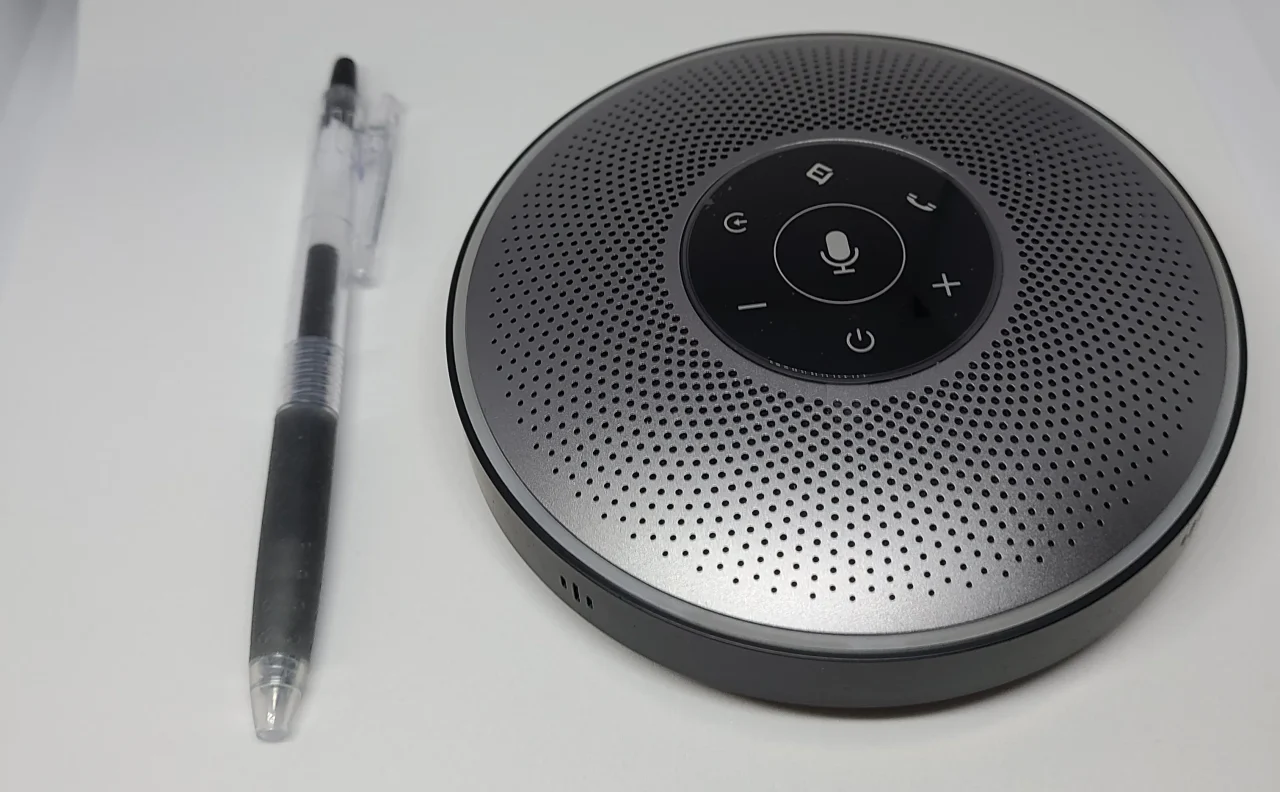
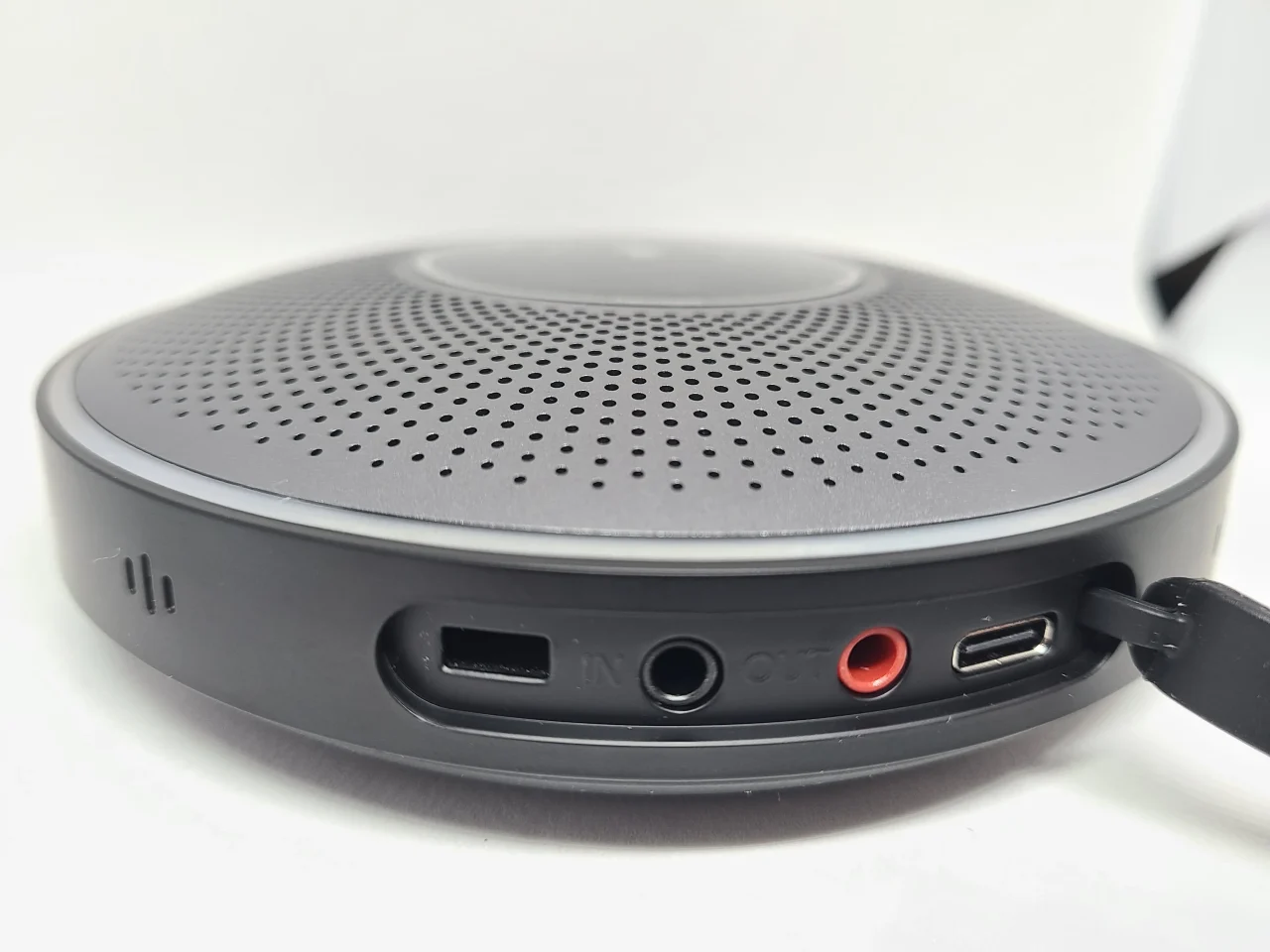
User Experience
I tested it by connecting to Google Meet.
The sound quality is significantly different from the computer’s microphone. The clarity of the sound is completely different. There is absolutely no noise, making the voices themselves very easy to hear.
This is likely thanks to the echo cancellation & noise cancellation provided by eMeet’s proprietary voice signal processing technology, VoiceIA!
The volume felt quite loud even at the minimum setting. At maximum volume, it was so loud that I wanted to cover my ears if I was nearby.
Also, when I changed the volume on the connected computer, the speakerphone reacted accordingly with clear lighting.
About the Position Detection Function
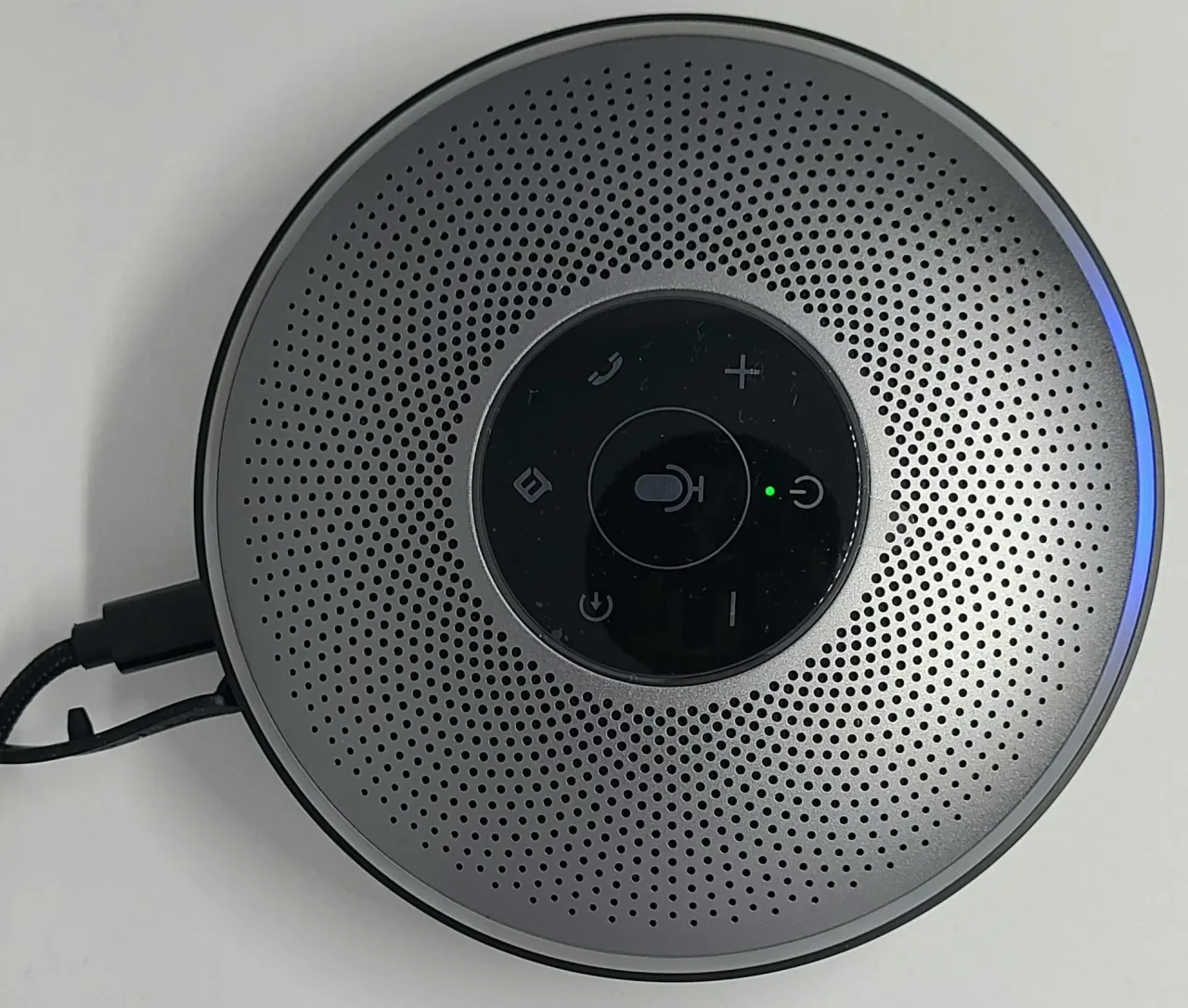
The LED lights reacted accurately in the direction of the speaker! It is reassuring to see it responding properly to voices. It’s very convenient because even with a large group, you can tell who the device is detecting as the speaker.
About Connectivity
Wired connections support AUX and USB, and both worked without any issues. There was little lag, and I didn’t feel any stress.
Wireless connection methods include using a USB dongle and using Bluetooth.
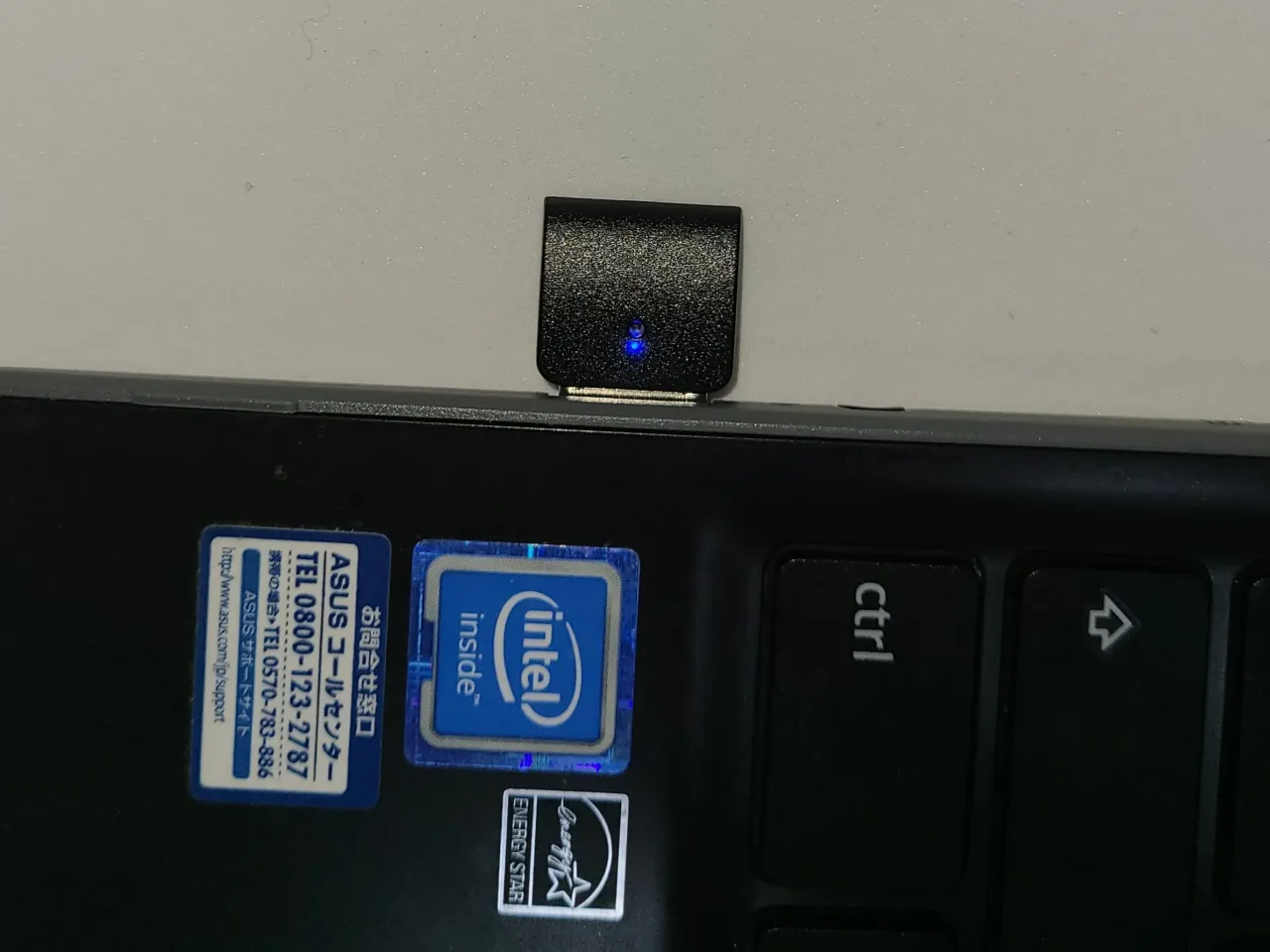
When using the USB dongle, the connection was complete just by plugging it in.

For Bluetooth connection, I paired it with the eMeet M2 at first, but for subsequent use, there was no hassle at all, and it connected smoothly.
In terms of sound quality, there wasn’t much difference between either connection method and a wired connection. However, there is indeed a slight lag compared to wired. But it’s only noticeable if you are really paying close attention, so it didn’t bother me that much.
Also, I was able to use it with a smartphone via Bluetooth connection, not just a computer.
Using it as a Speaker
The sound quality has a very strong mid-range. Well, it’s a speakerphone for meetings, so that’s to be expected (laughs).
I prefer songs that emphasize vocals over high or low frequencies, so this tuning might be quite my type.
I recommend using it when listening to radio or similar content!
Conclusion
- 360-degree omnidirectional
- Supports large groups
- Features echo cancellation & noise cancellation
- “Position detection function” that automatically detects the speaker’s direction for clear sound pickup
- High portability
The performance was higher than I expected, and personally, I was quite surprised. Honestly, I thought, “Isn’t the computer’s built-in microphone and speaker easier?” but the benefits of using this “eMeet M2” overwhelmingly outweighed that.
The difference in sound quality, in particular, is spectacular! You can focus on your meetings without worrying about noise or echo. Although it costs a bit, if you are someone who wants to use it for work, I think you should definitely buy it.
Personally, if you want to make the most of this “eMeet M2,” I recommend a wired USB connection over wireless!
Recommended for
- People who frequently hold web meetings
- People who want a portable wireless speakerphone
- People who want a high-performance wireless speakerphone
Pochipp
Thank you for reading until the end!
- Product prices and information are current as of the time this article was written.
- Please note that this site cannot be held responsible for any errors in this information.
- Product and service names mentioned on this site are trademarks of their respective companies.
This article was originally written in Japanese and has been translated.
Comments