
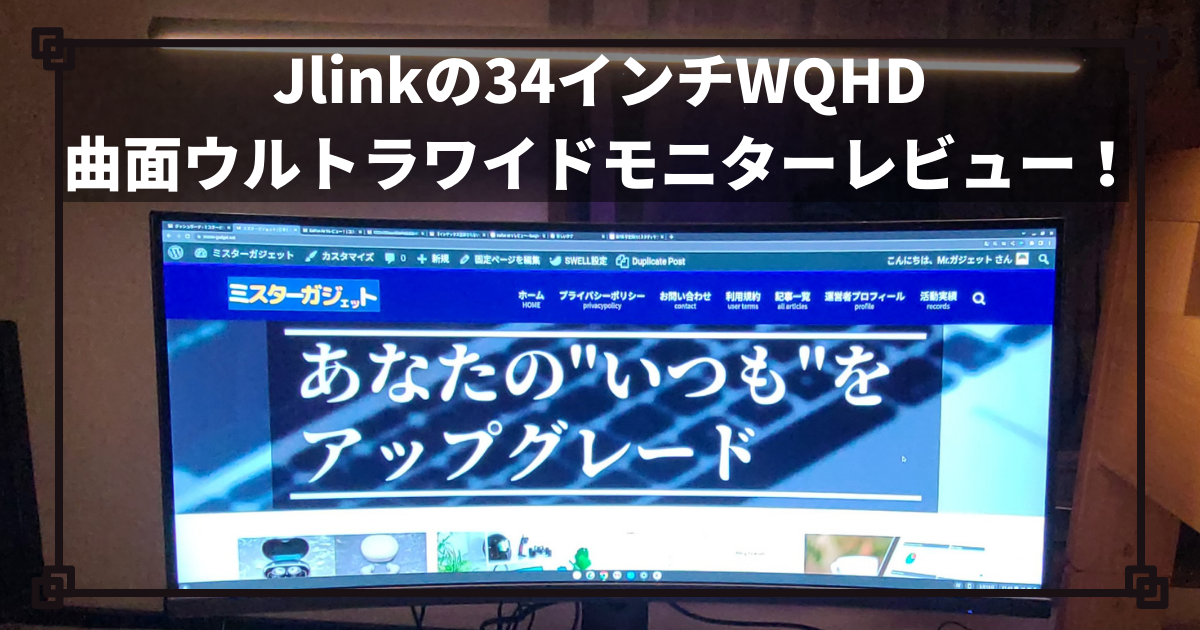
What kind of monitor do you use for gaming or work?
The “Jlink D34QR4K” being reviewed this time features a high WQHD resolution, a 144Hz high refresh rate, and is a curved ultrawide monitor. It is a monitor I can recommend not only to those who do regular work but also to those who need a lot of information at once, such as for FPS games, or those who play games where victory or defeat is decided in an instant!


 Pochipp
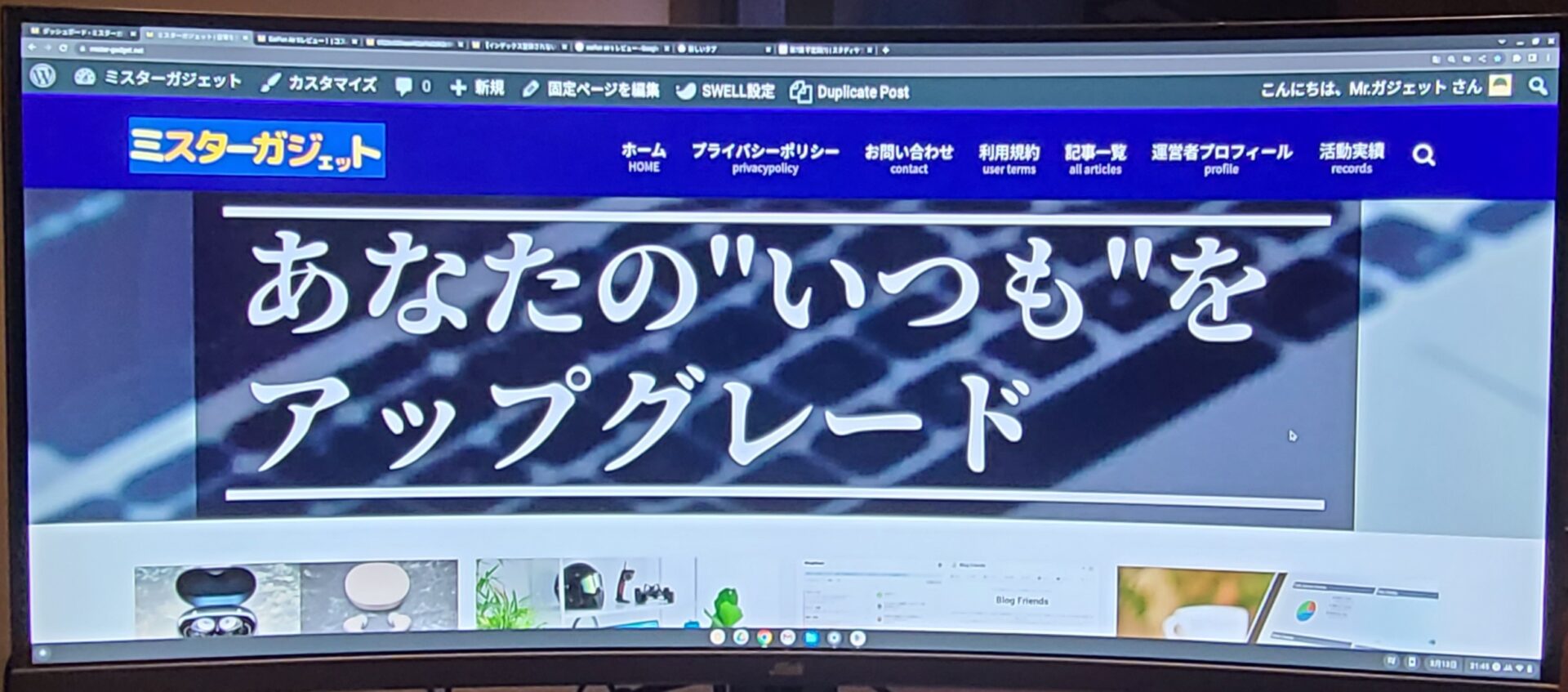
- Curved ultrawide display
- Clear WQHD display
- HDR support
- High 144Hz refresh rate
- 21:9 wide aspect ratio
- Narrow bezels
- Well-rounded interface
- Power adapter is bulky
- Instruction manual is vague
Basic Information
What kind of manufacturer is Jlink?
Jlink is a monitor manufacturer headquartered in Guangdong, China.
They mainly develop and sell high-performance, low-cost gaming monitors and have expanded into international markets such as Japan and the United States.
They provide monitors with distinctive designs like curved and ultrawide, as well as excellent performance such as high resolution and high refresh rates, creating a comfortable environment where you can focus on gaming and work.
Specs
| Display Size | 34 inches |
| Panel | VA, Curved, Non-glare |
| Aspect Ratio | 21:9 |
| Resolution | 3440×1440 (WQHD) |
| HDR | Supported |
| Refresh Rate | 144 Hz |
| Viewing Angle | 178 degrees |
| Brightness | 400cd/m² |
| Contrast Ratio | 4000:1 |
| Speakers | Built-in |
| Dimensions | 81.2 x 36.7 x 1.5 cm | Weight | Approx.11kg |
| Interface | ・HDMI 2.0 ×2 ・USB-UP ×1 ・USB ×1 ・LAN Port ×1 ・DisplayPort (DP 1.4) ×1 ・3.5mm Audio Jack ×1 ・Type-C Port ×1 ・Power Port | Adjustment Range | ・Left/Right: 20° ・Up/Down: 90mm (±5mm) ・Tilt: -5° to 20° |
- Curved Ultrawide Display
- 3440×1440P Resolution
- HDR Support
- High 144Hz Refresh Rate
- 21:9 Aspect Ratio
- Beautiful Black VA Panel
Included Items
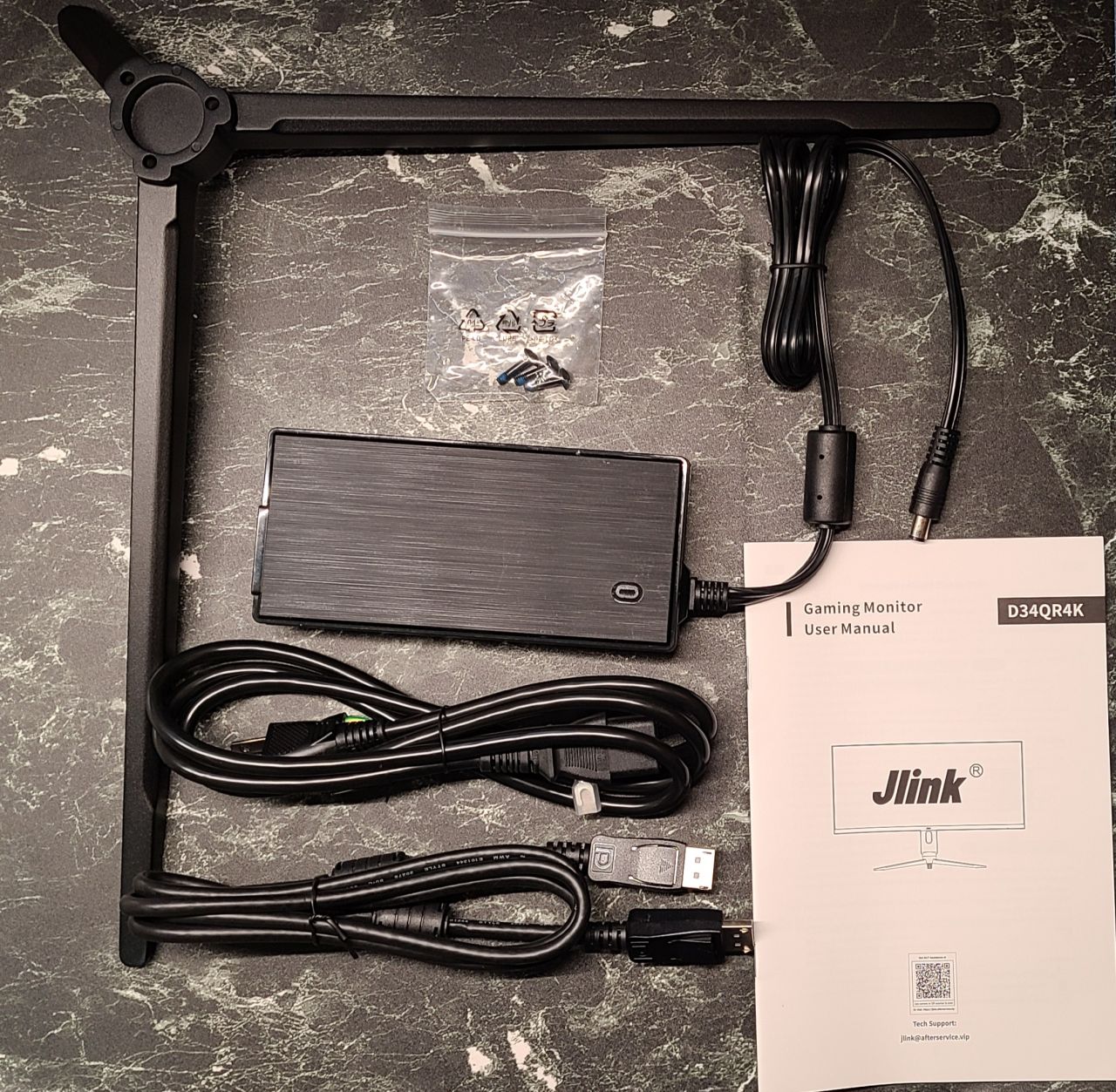
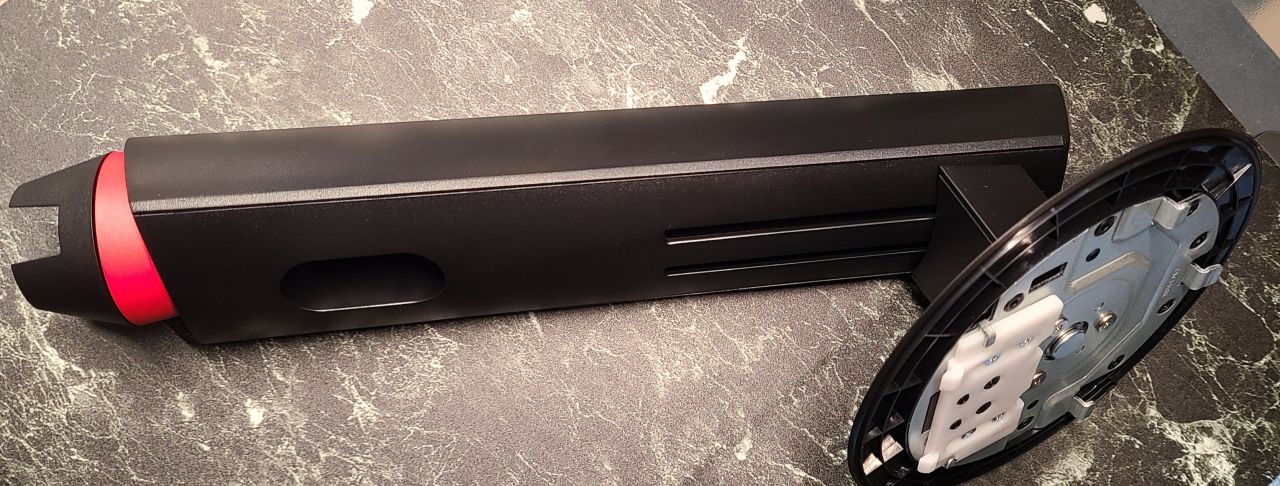
- Monitor Unit
- Monitor Stand
- Base
- DP Cable
- Power Cord
- Power Adapter
- 3 Screws
Pochipp
Review
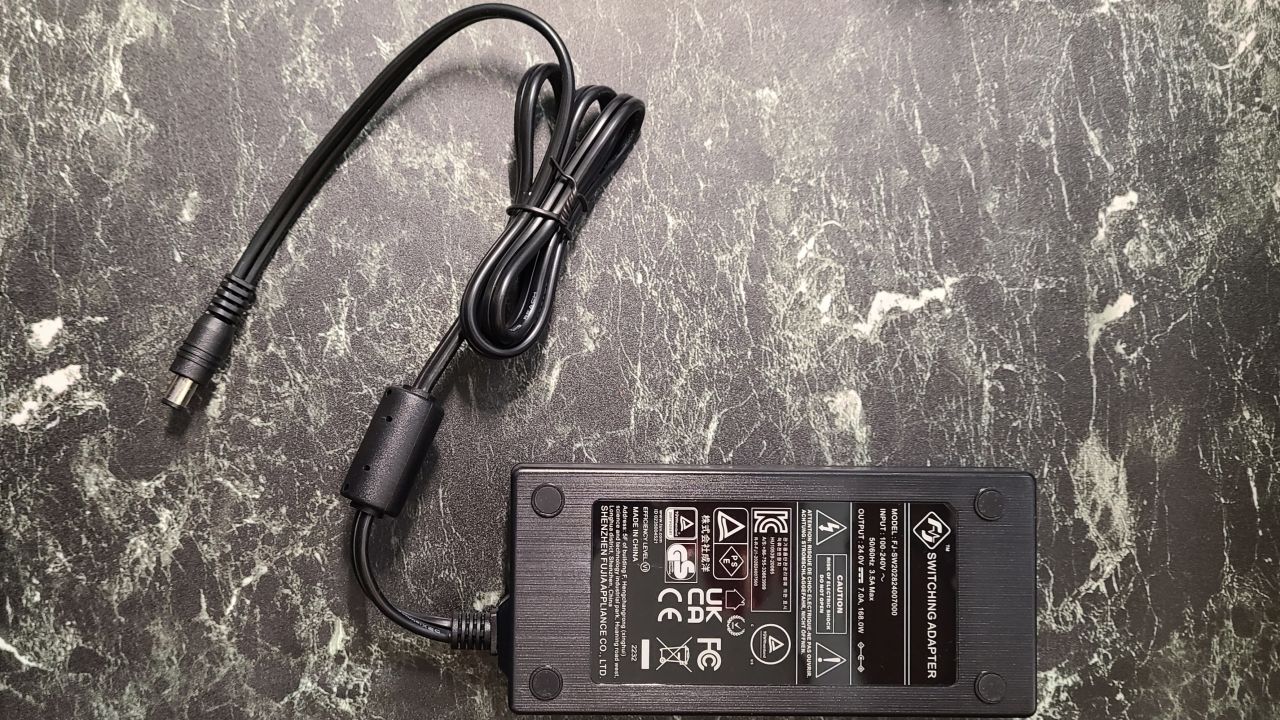
The power adapter is huge
 Mr.Gadgets
Frankly speaking, the power adapter is large and gets in the way.
Installation is easy. However, I wish the manual were more thorough.
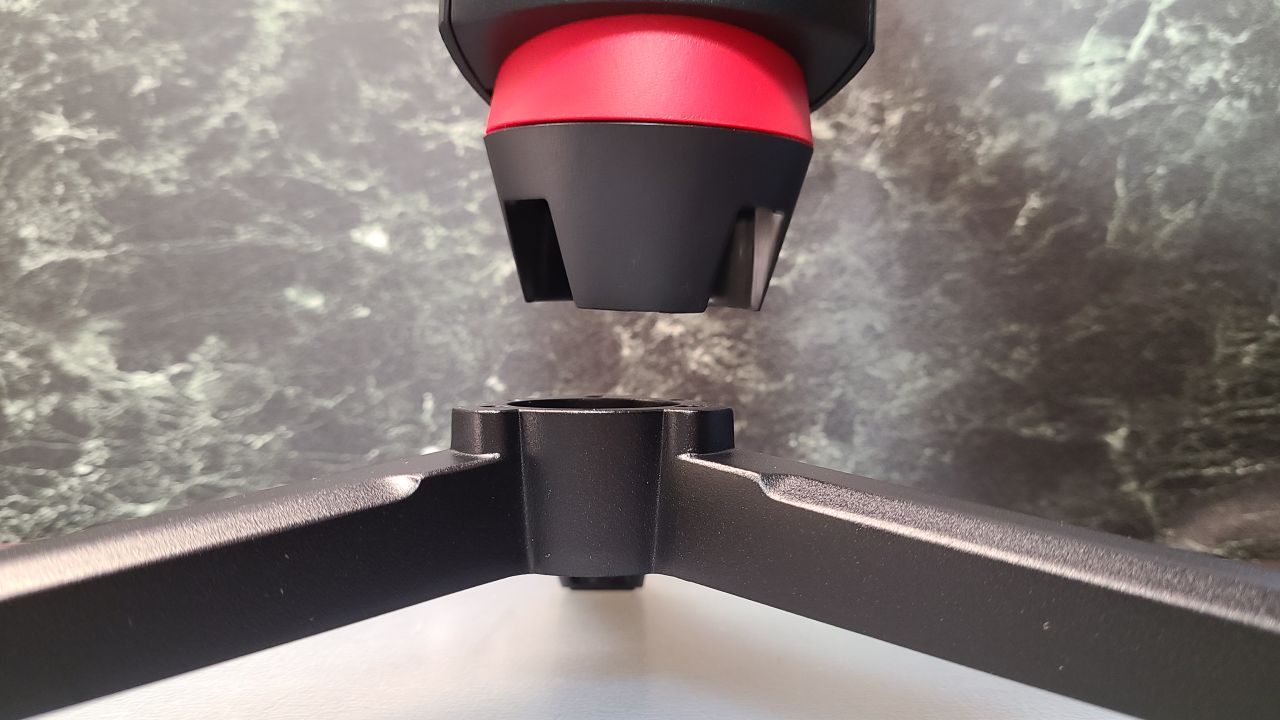
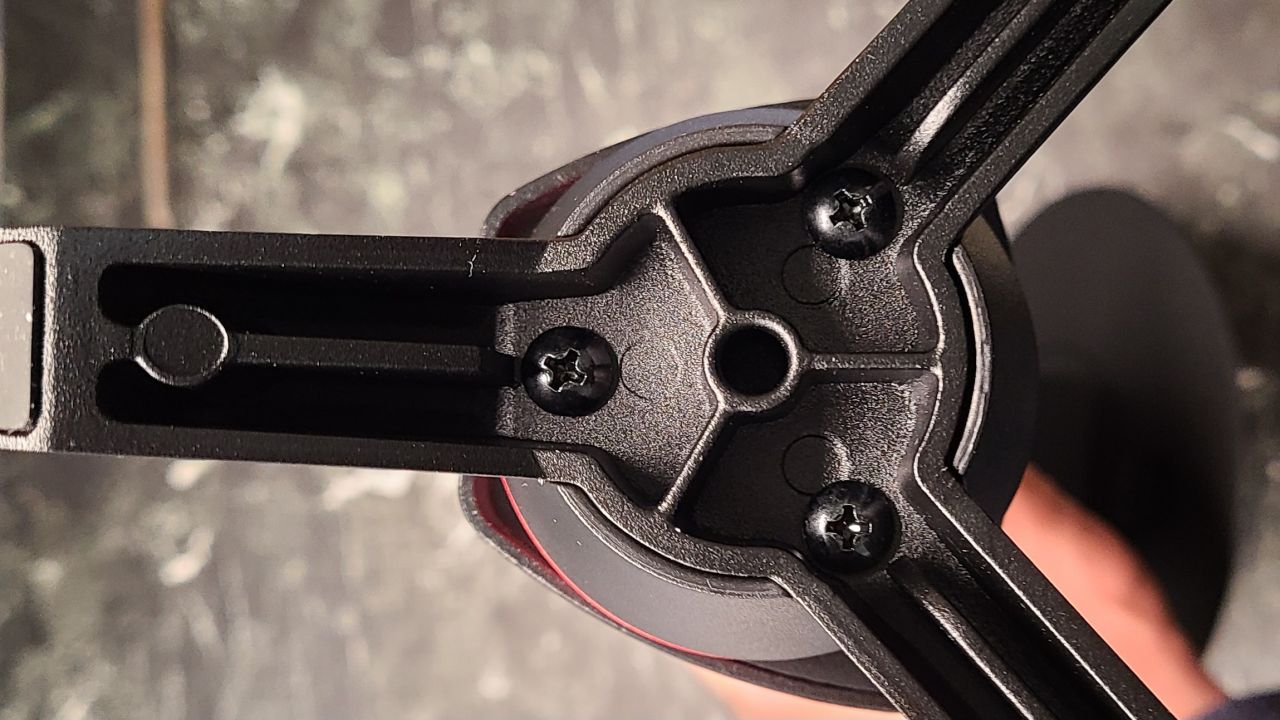
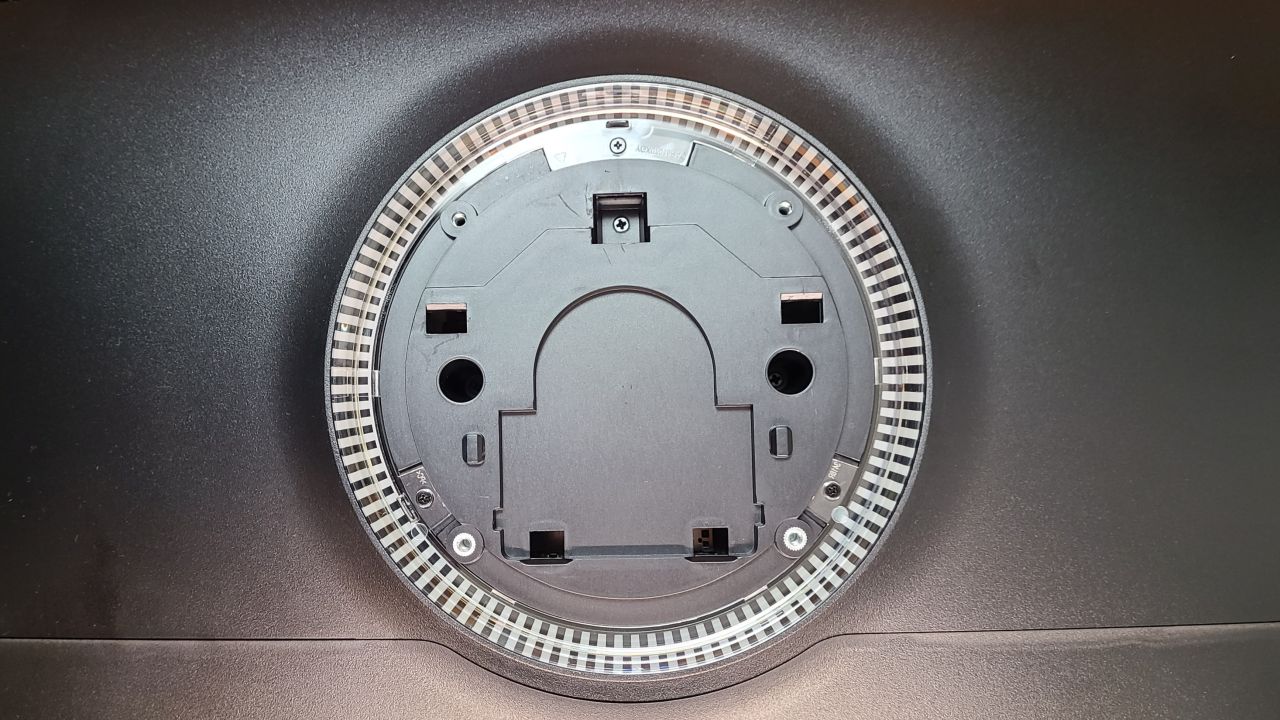
Ensure the clips and holes are properly aligned
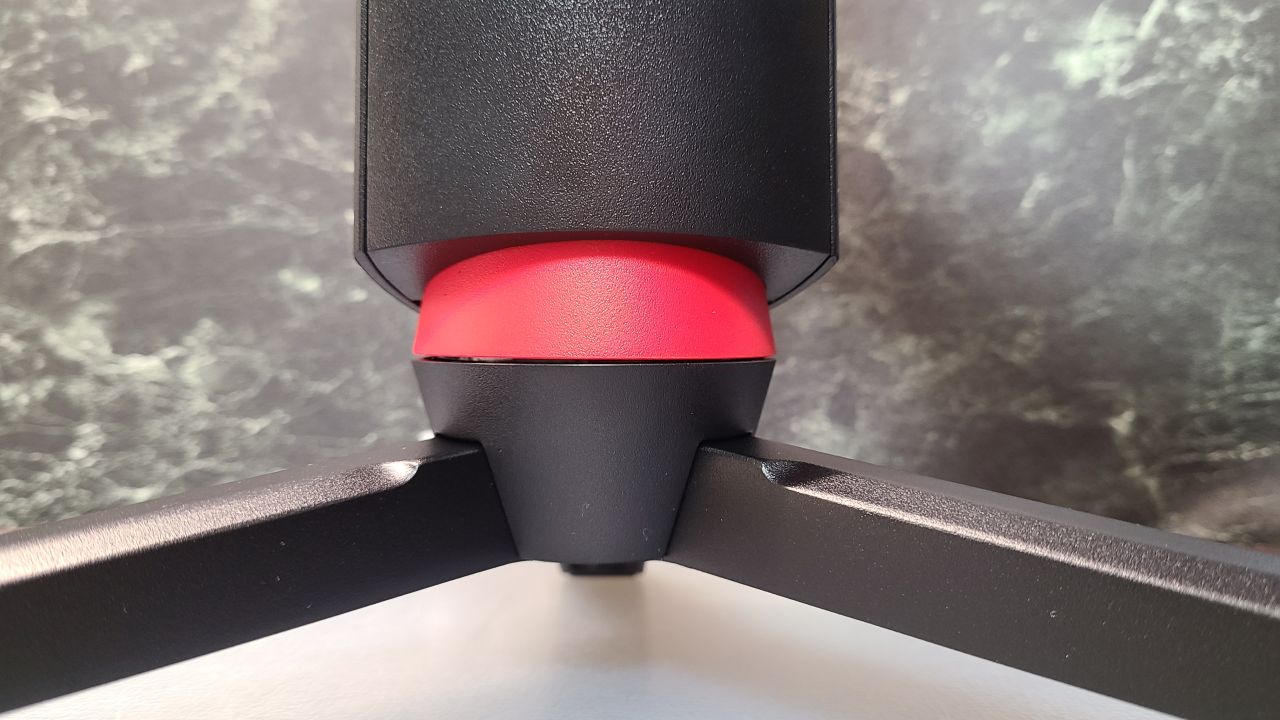
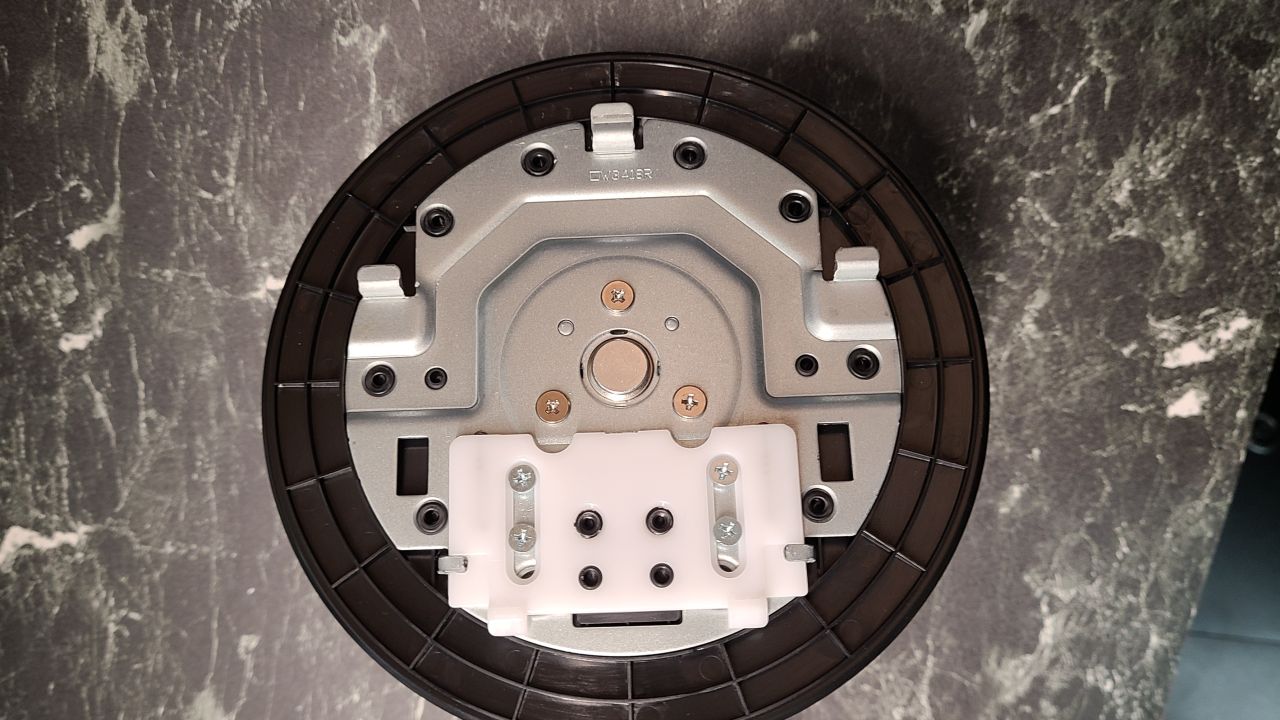
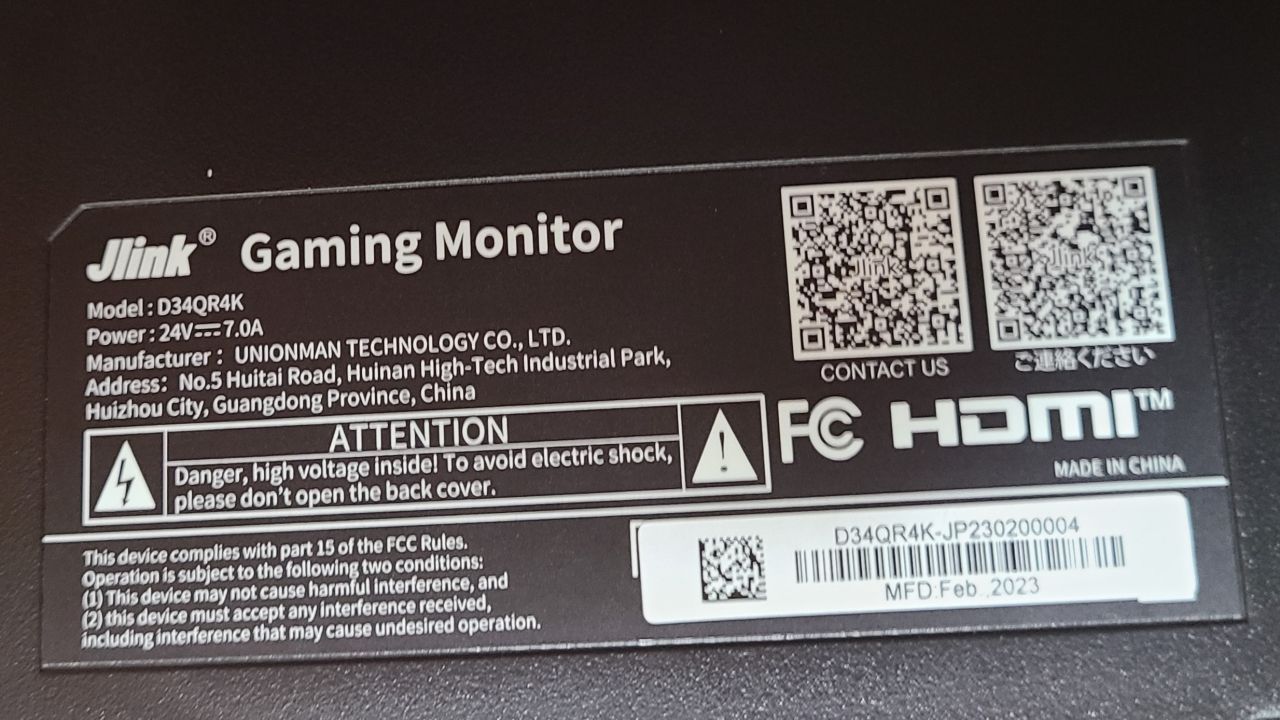
 Mr.Gadgets
The base and stand installation was easy, but I personally struggled with attaching the monitor to the stand…
By the way, the manual did not contain detailed installation instructions.
It might be fine for those used to installing monitors, but those who are not should be careful.
The interface is reasonably well-equipped
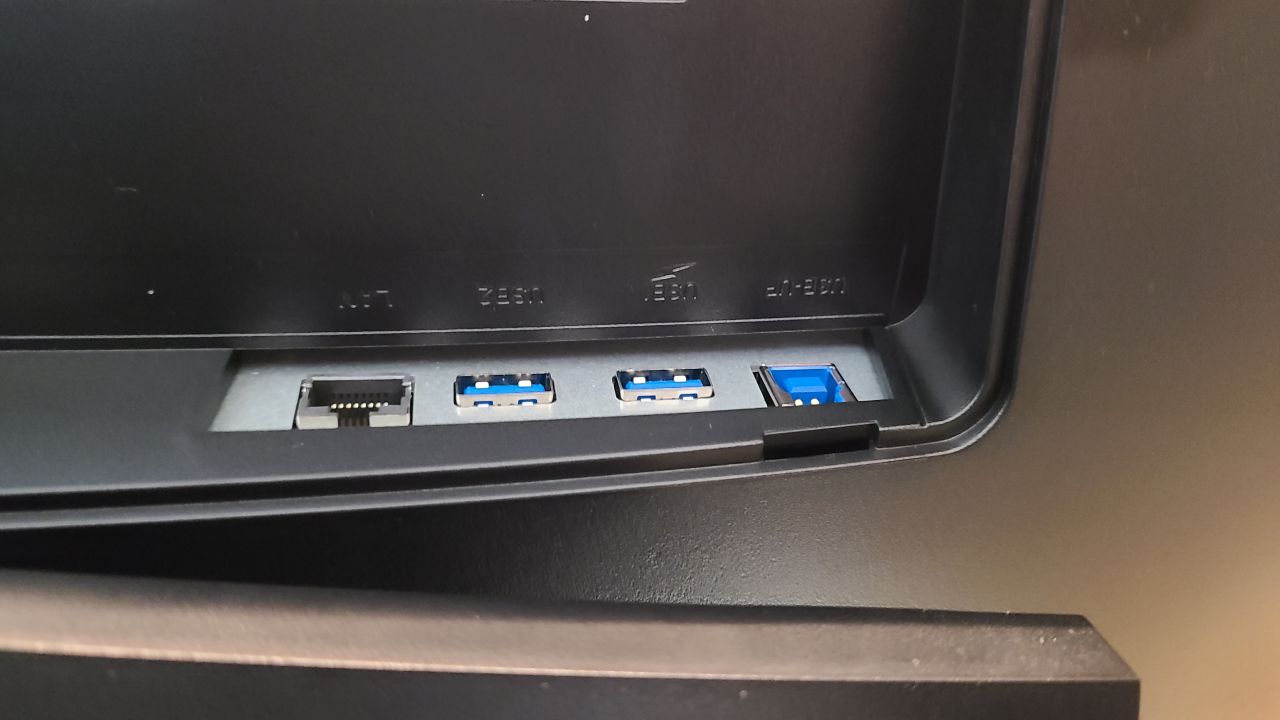
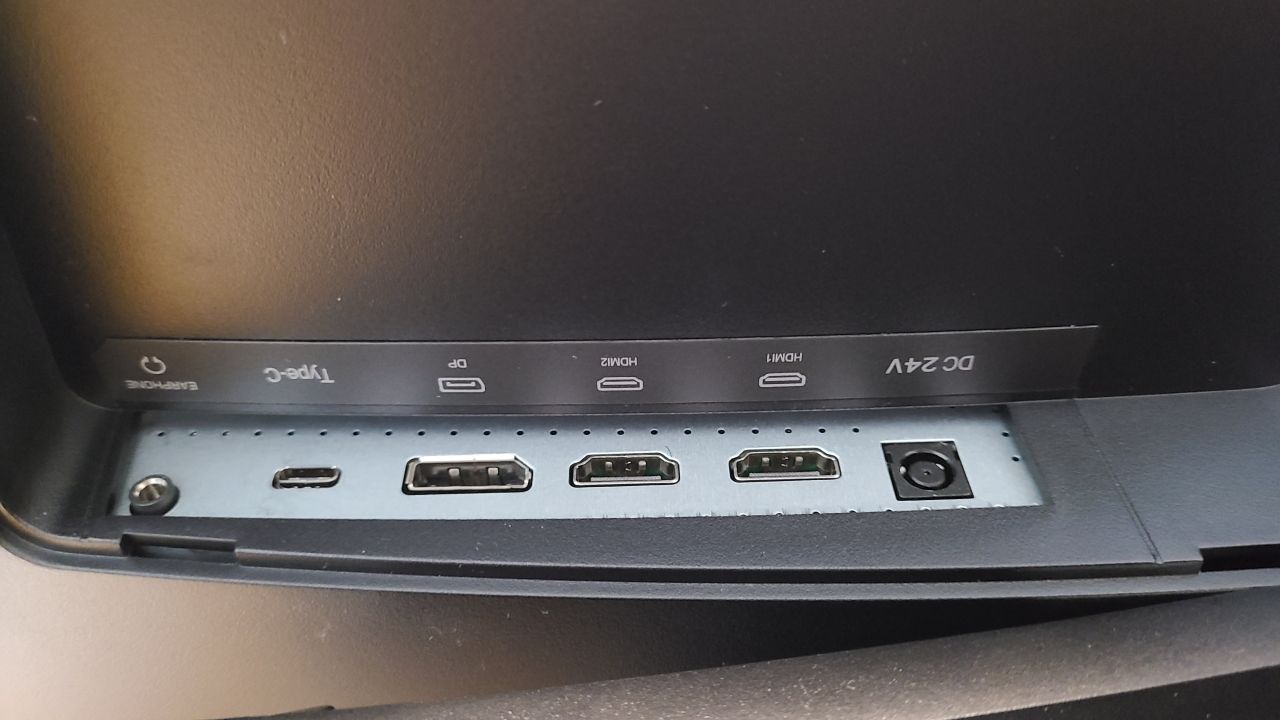
As I mentioned during the spec introduction, the details of the interface are as follows:
- HDMI 2.0 ×2
- USB-UP ×1
- USB ×1
- LAN Port ×1
- DisplayPort (DP 1.4) ×1
- 3.5mm Audio Jack ×1
- Type-C Port ×1
- Power Port
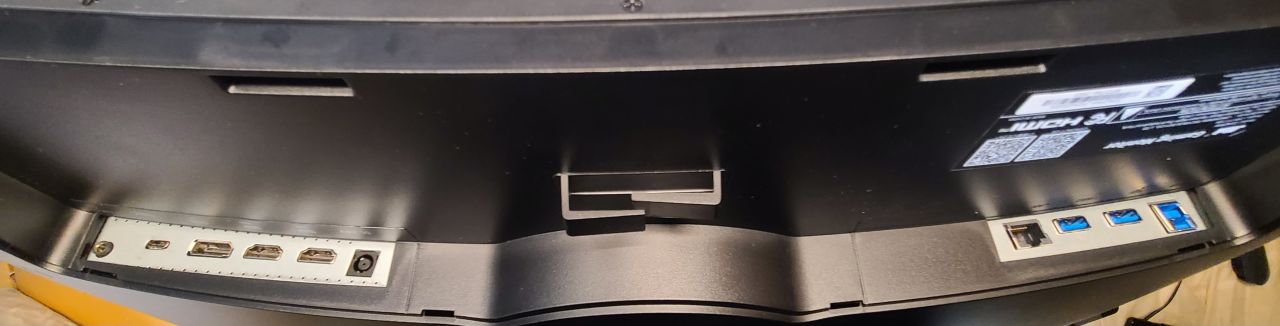 Mr.Gadgets
It has most of the ports you’d typically use!
Range of Motion
- Left/Right: 20°
- Up/Down: 90mm (±5mm)
- Tilt: -5° to 20°
You can change the angle of the monitor as shown in the photos below.
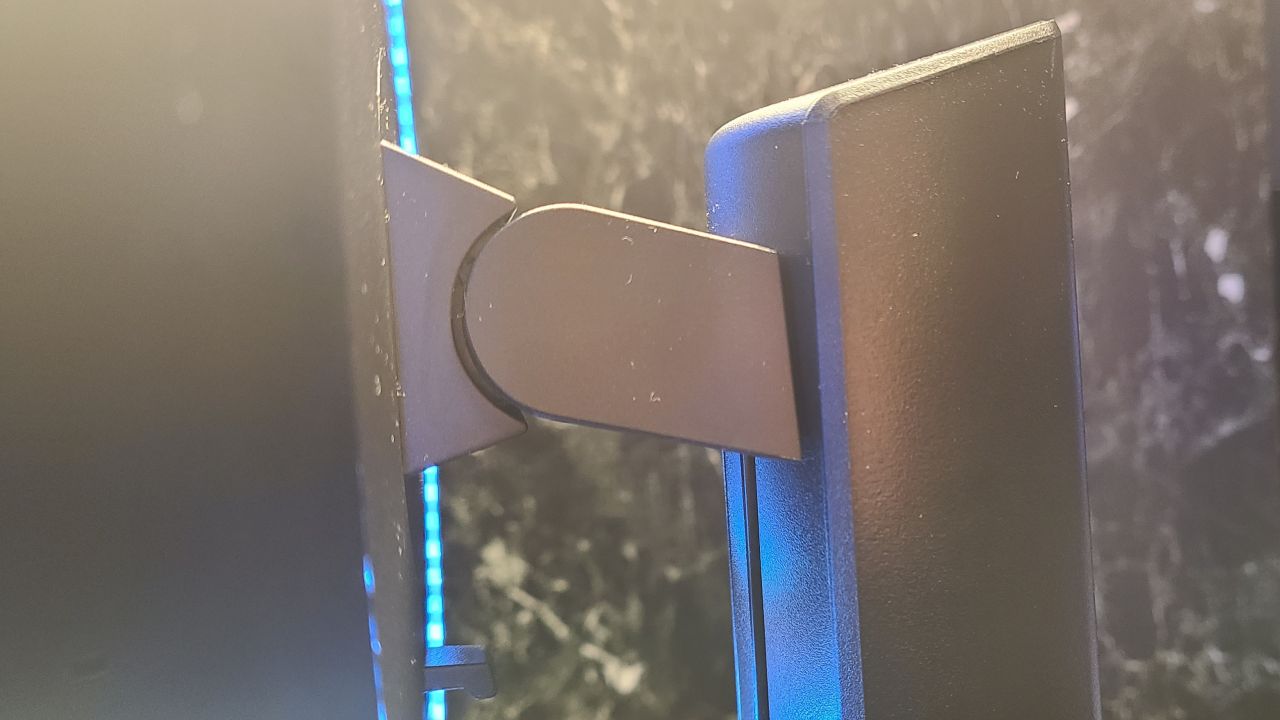
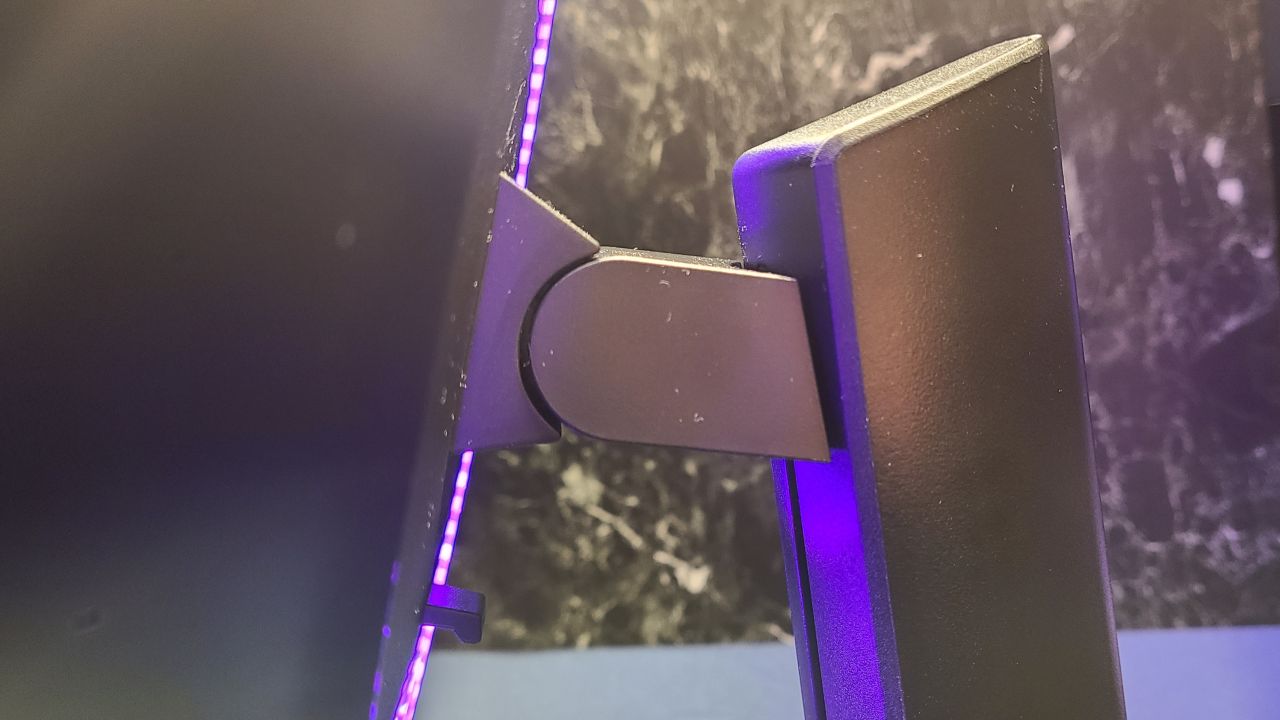
The height of the monitor can be changed in the same way.
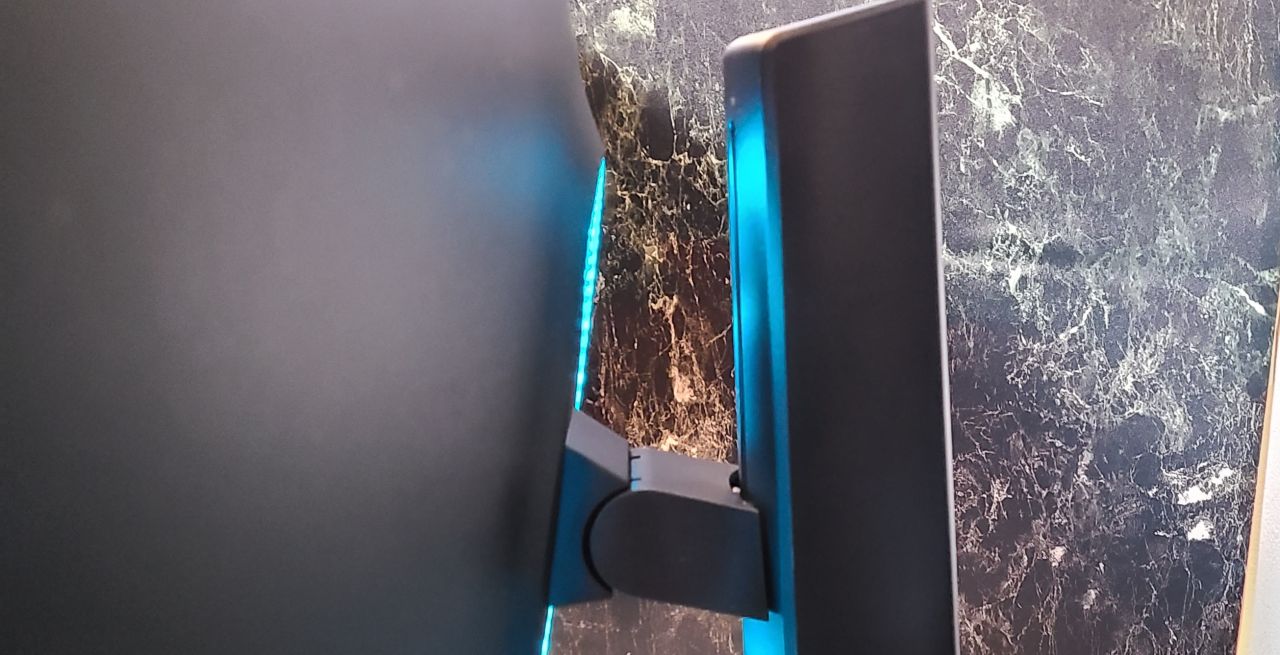 Pochipp
Gaming-inspired rear design
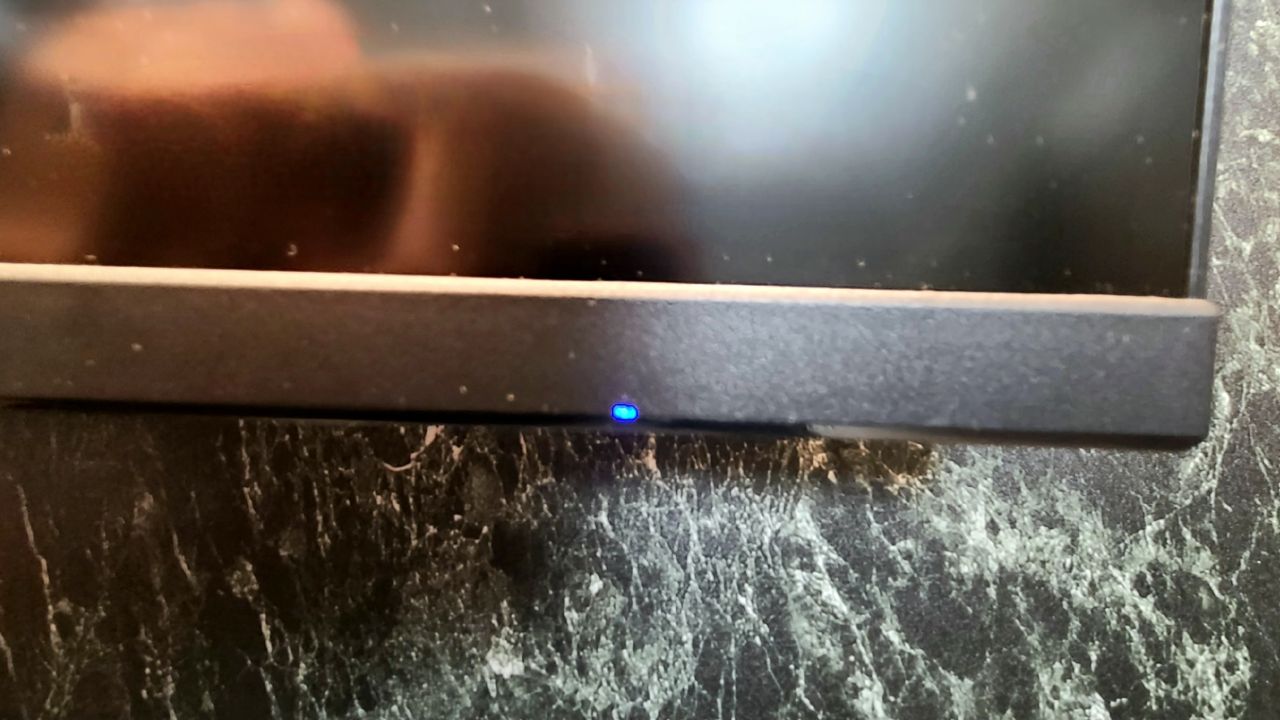
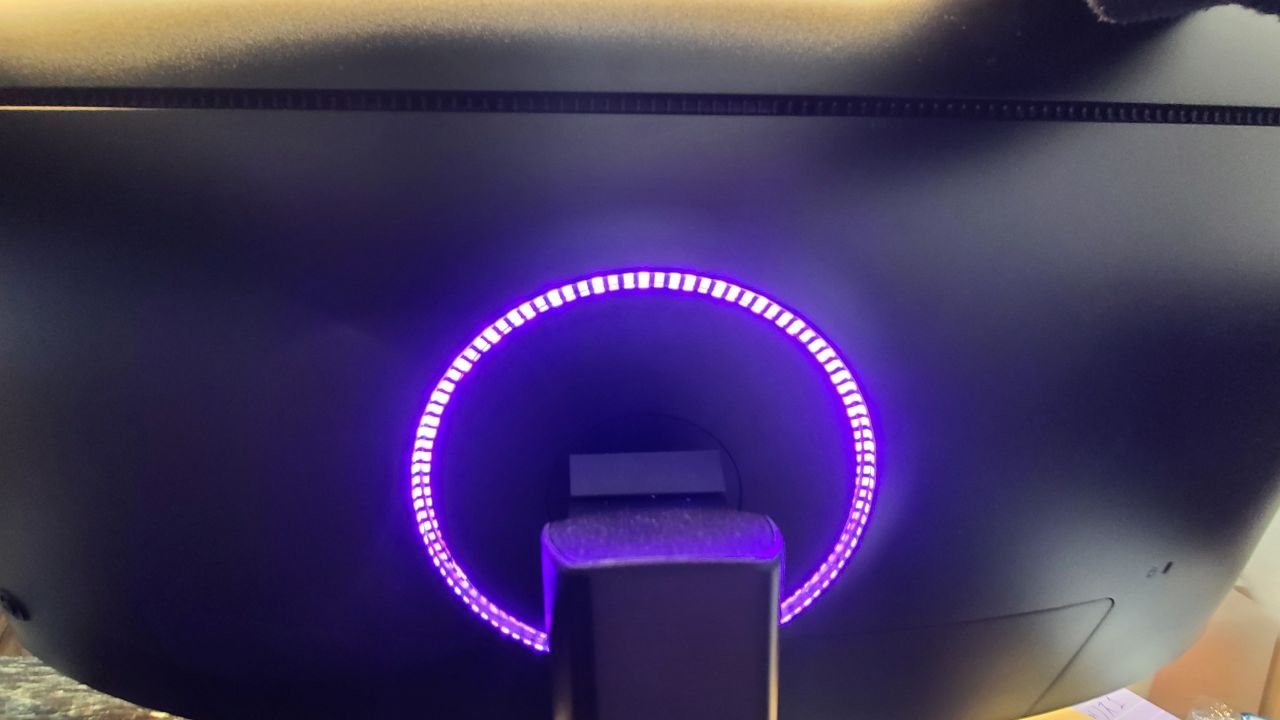
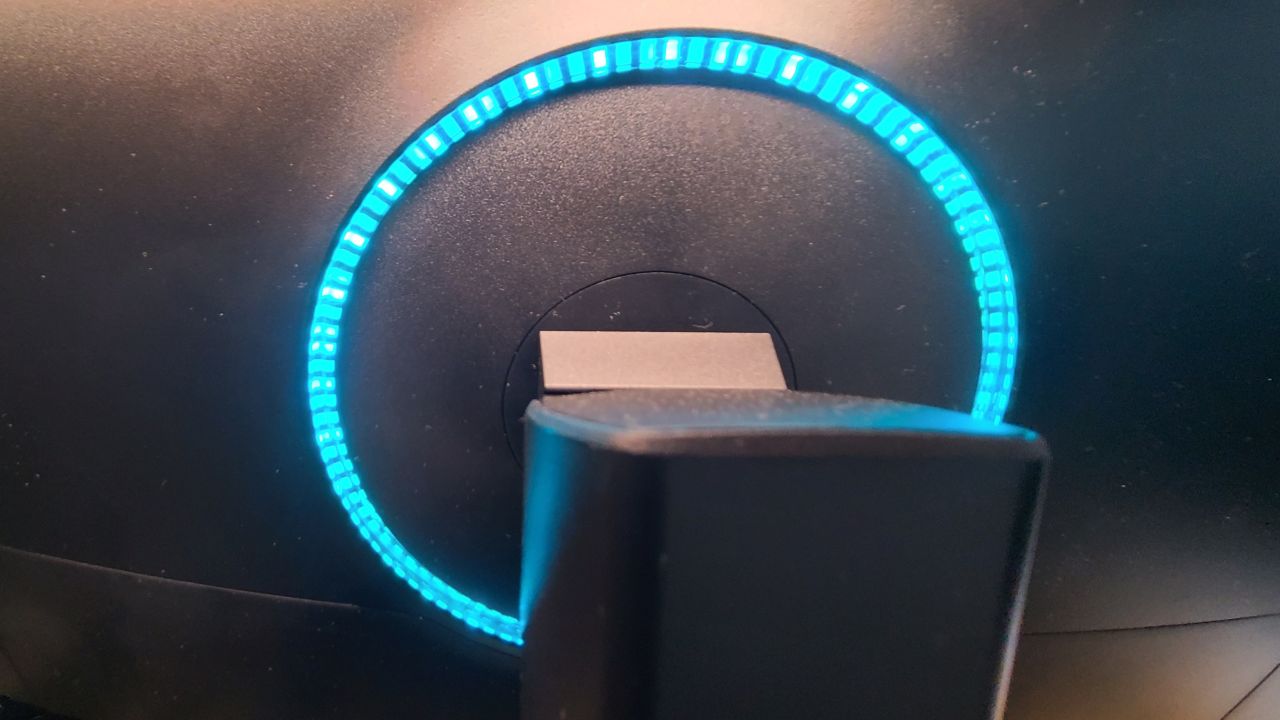
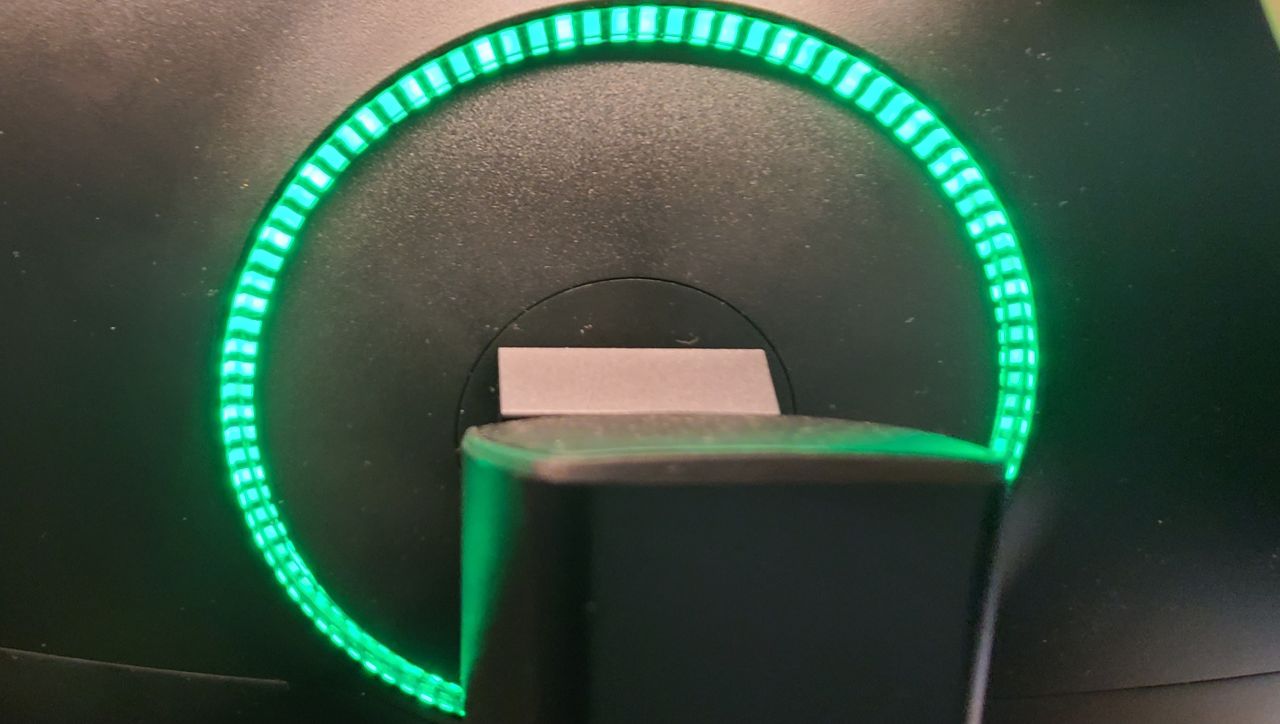
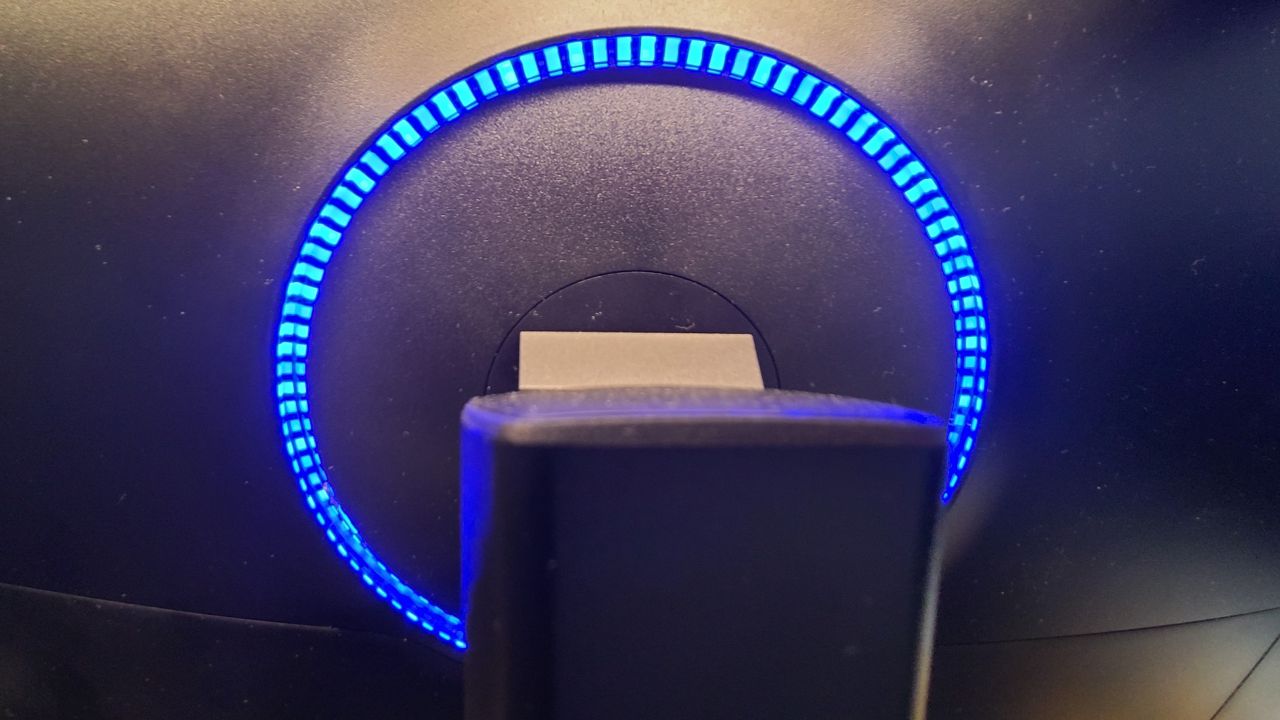 Mr.Gadgets
Though it’s on the back, so you can’t really see it (laughs).
Monitor settings are a hassle
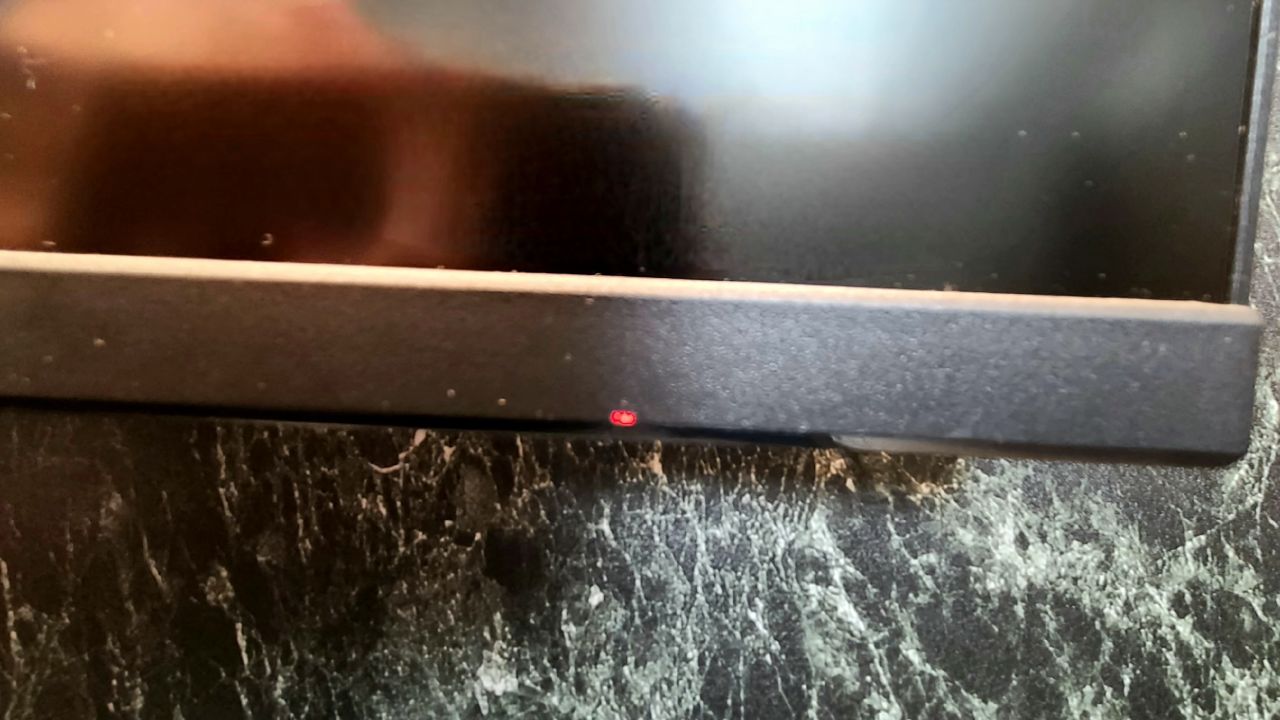
Monitor settings and power on/off are handled by this function button on the back of the monitor.
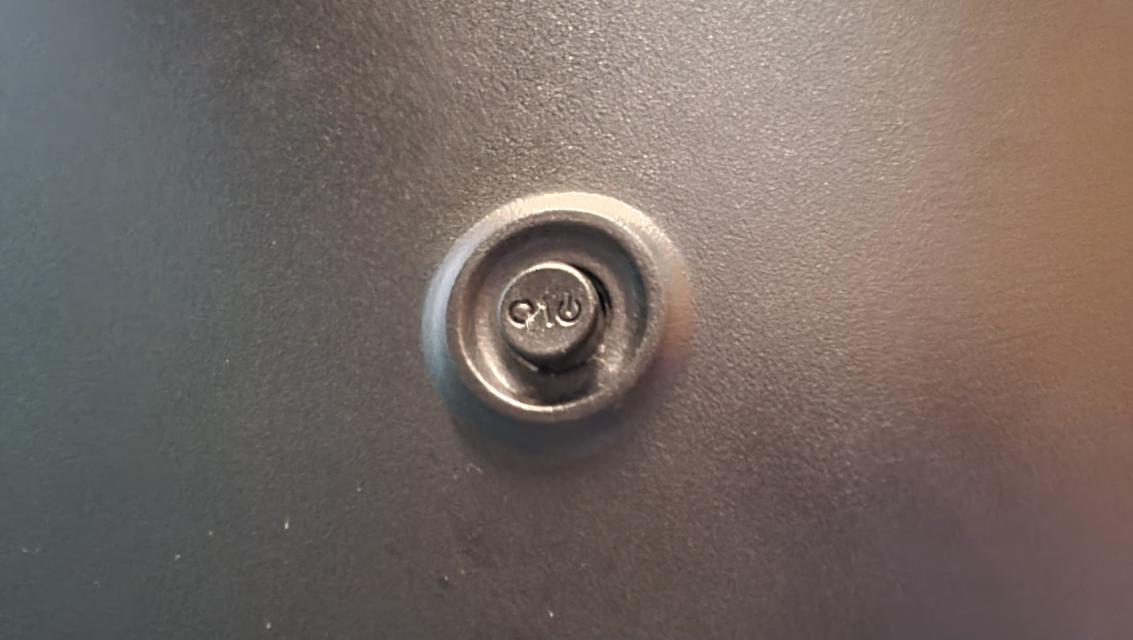
Press this function button once to bring up the monitor settings menu.
Also, as shown in the labels in the images below, pressing left is assigned to BACK, and pressing right is assigned to ENTER.
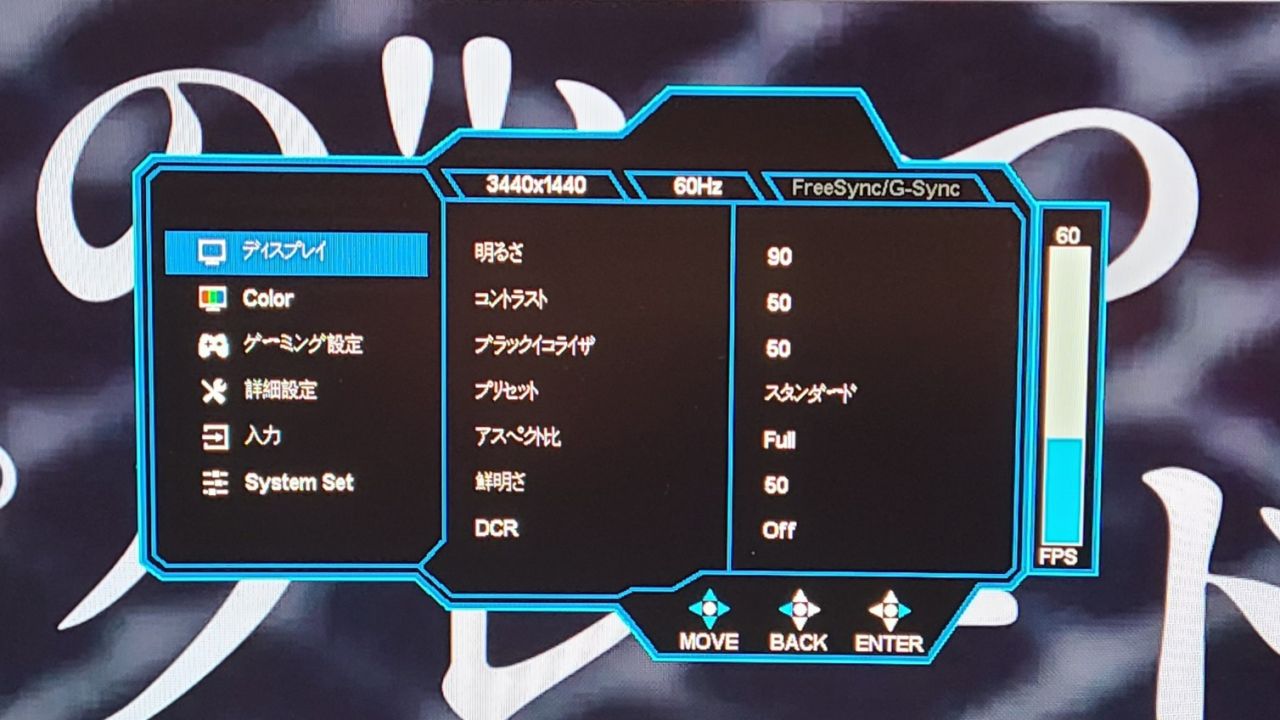
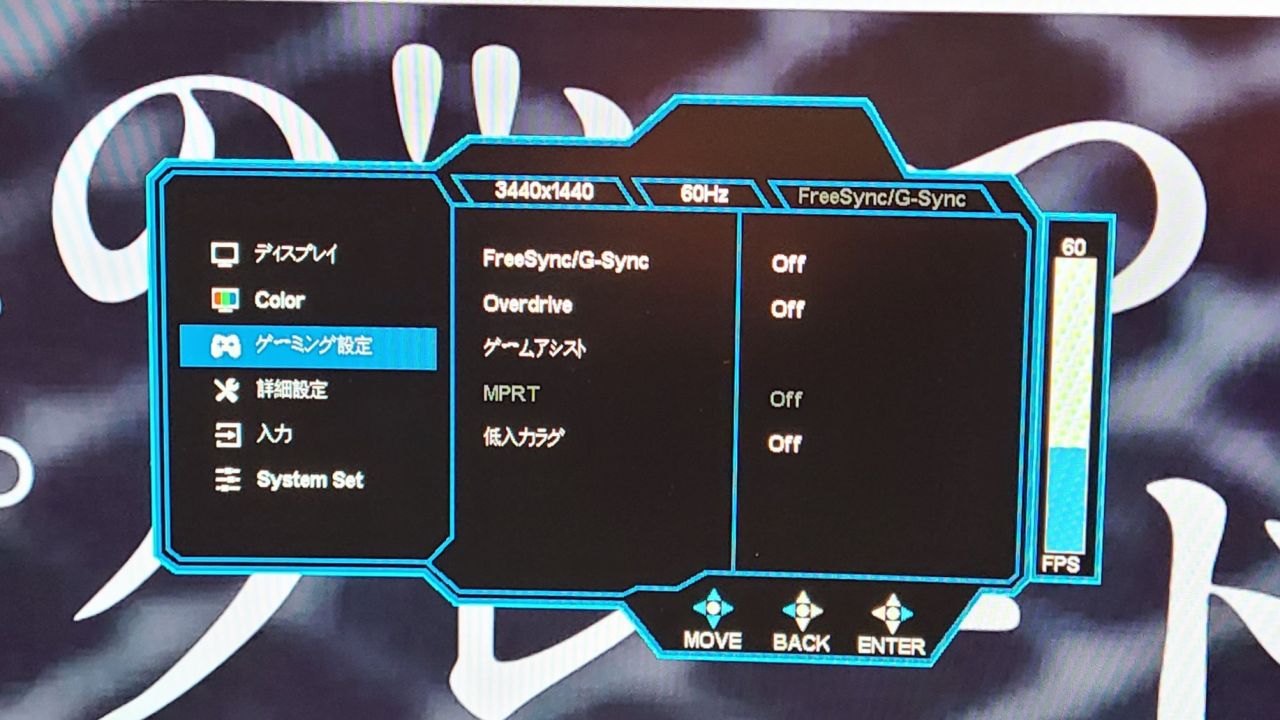
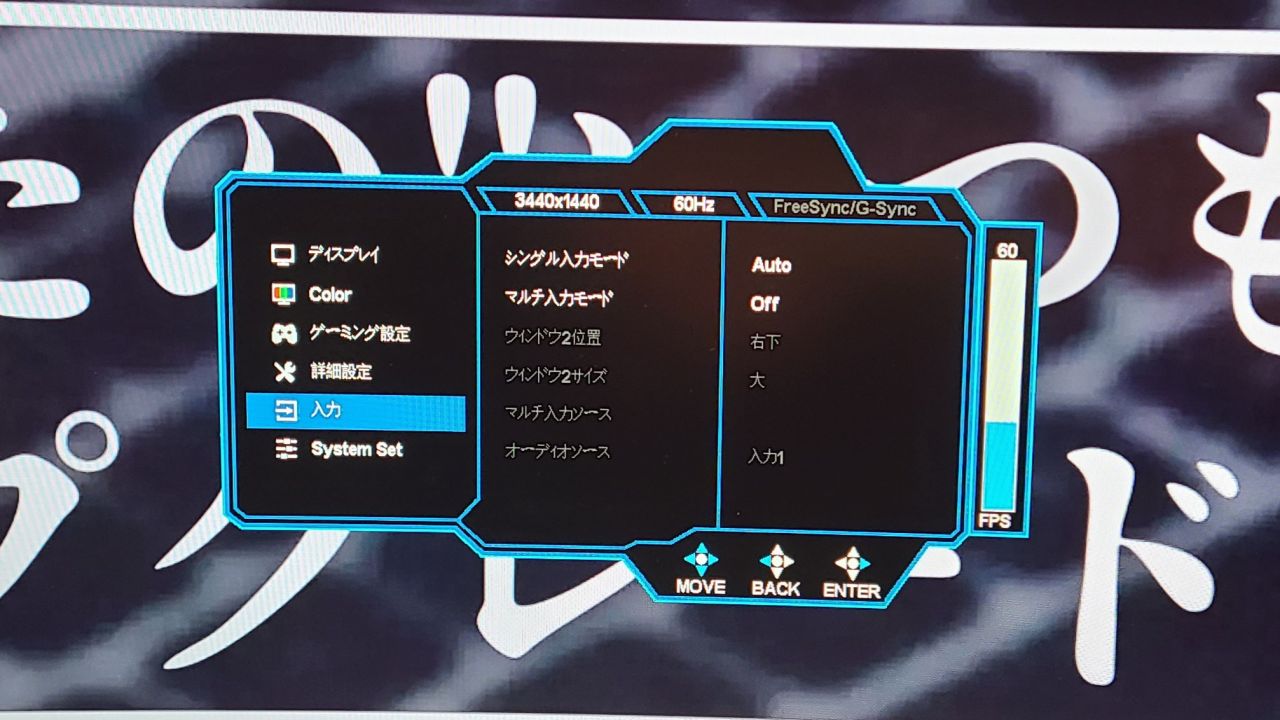
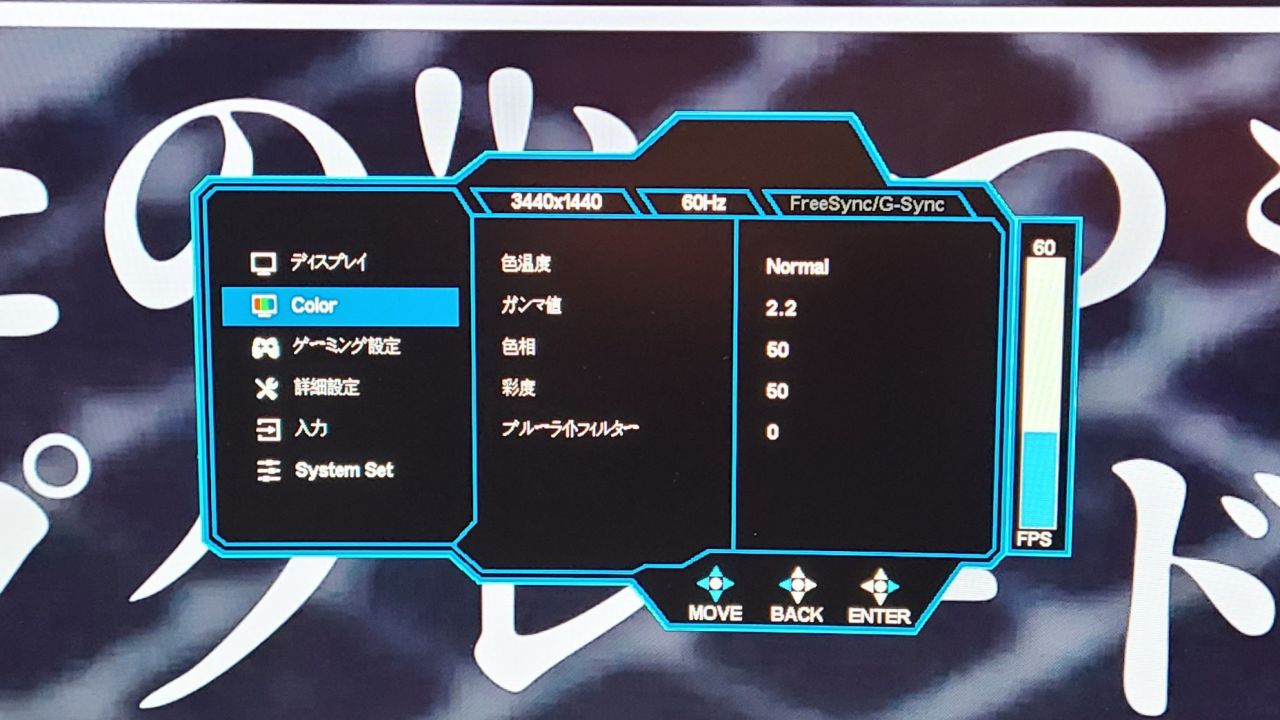
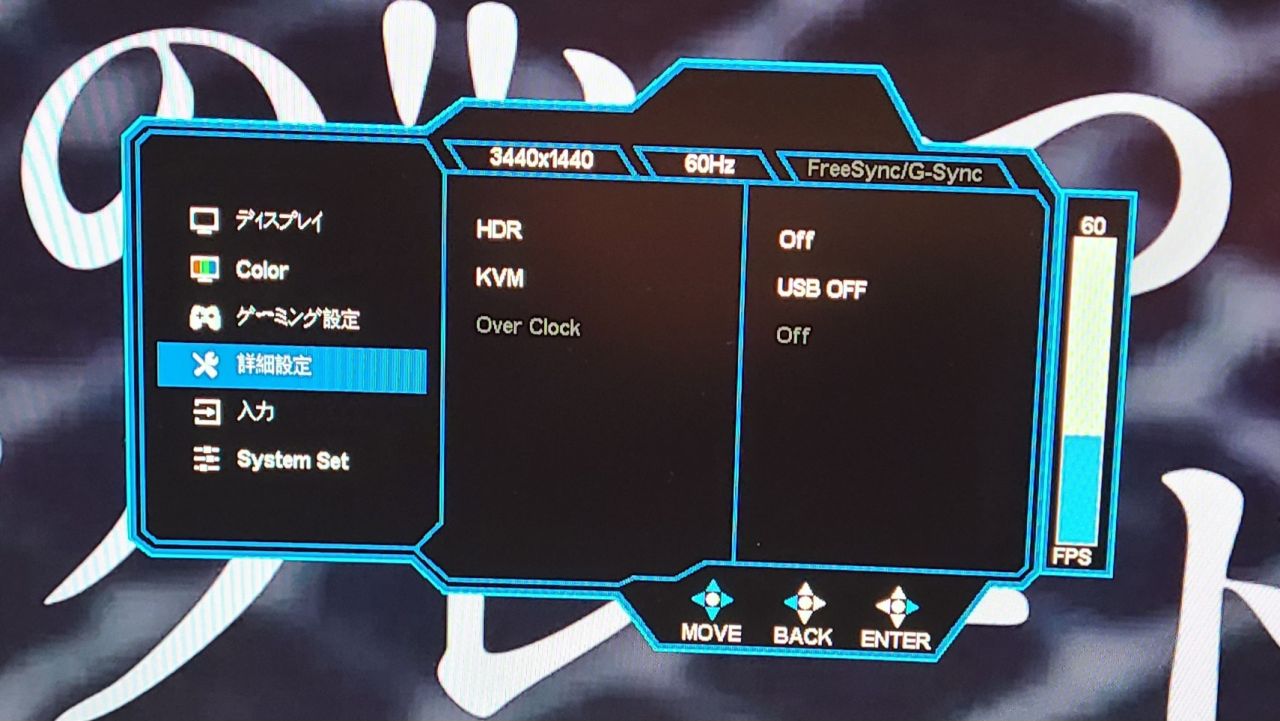
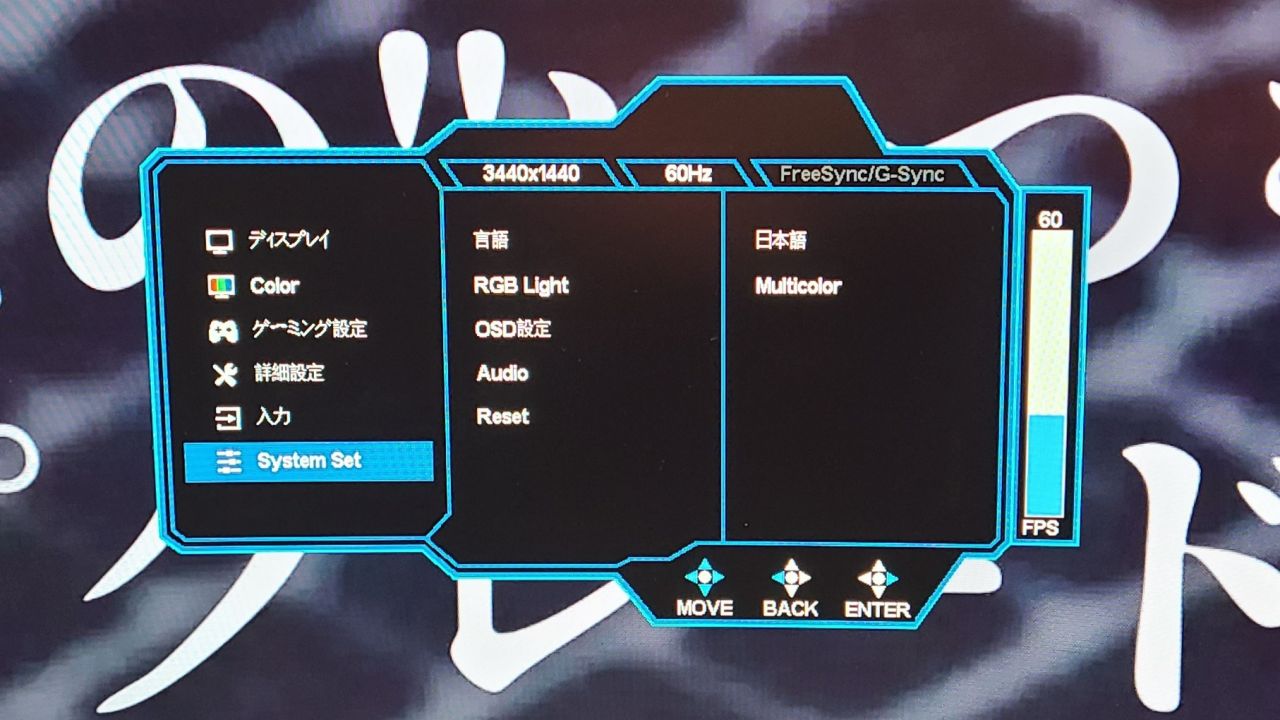
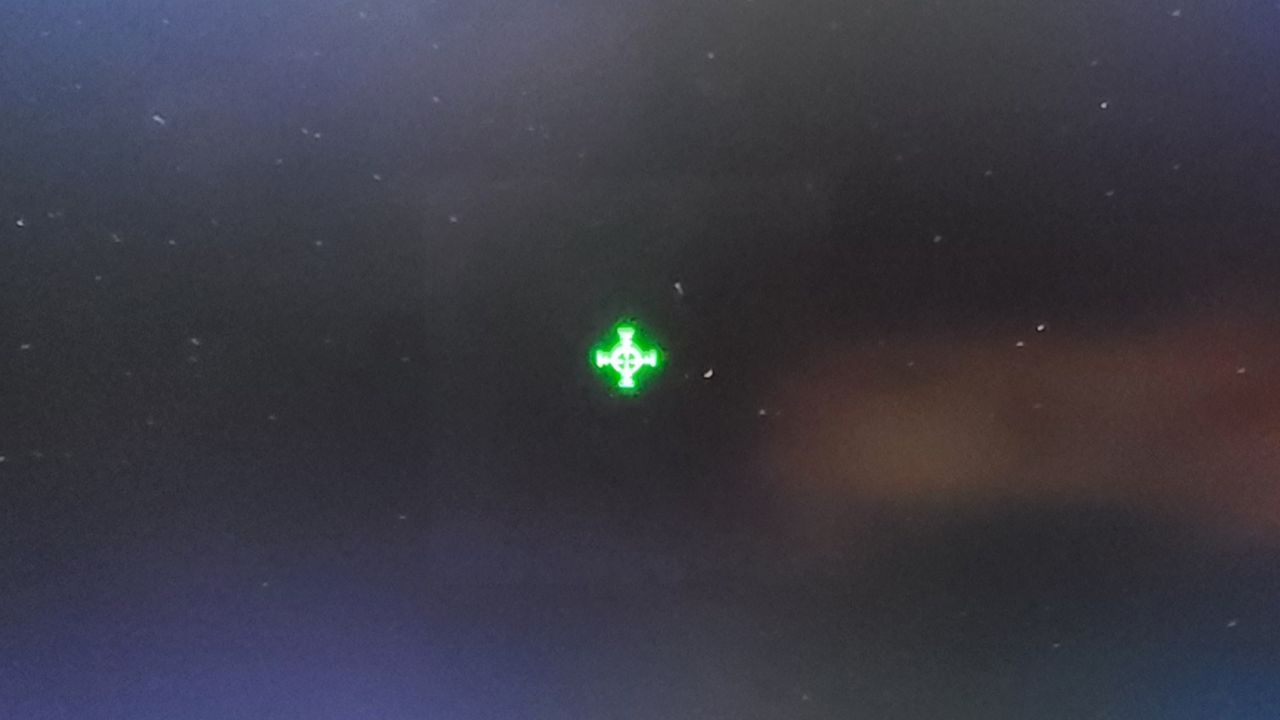 Mr.Gadgets
It was annoying to have to reach behind the monitor every time I wanted to change a setting.
Speaker sound quality is mediocre
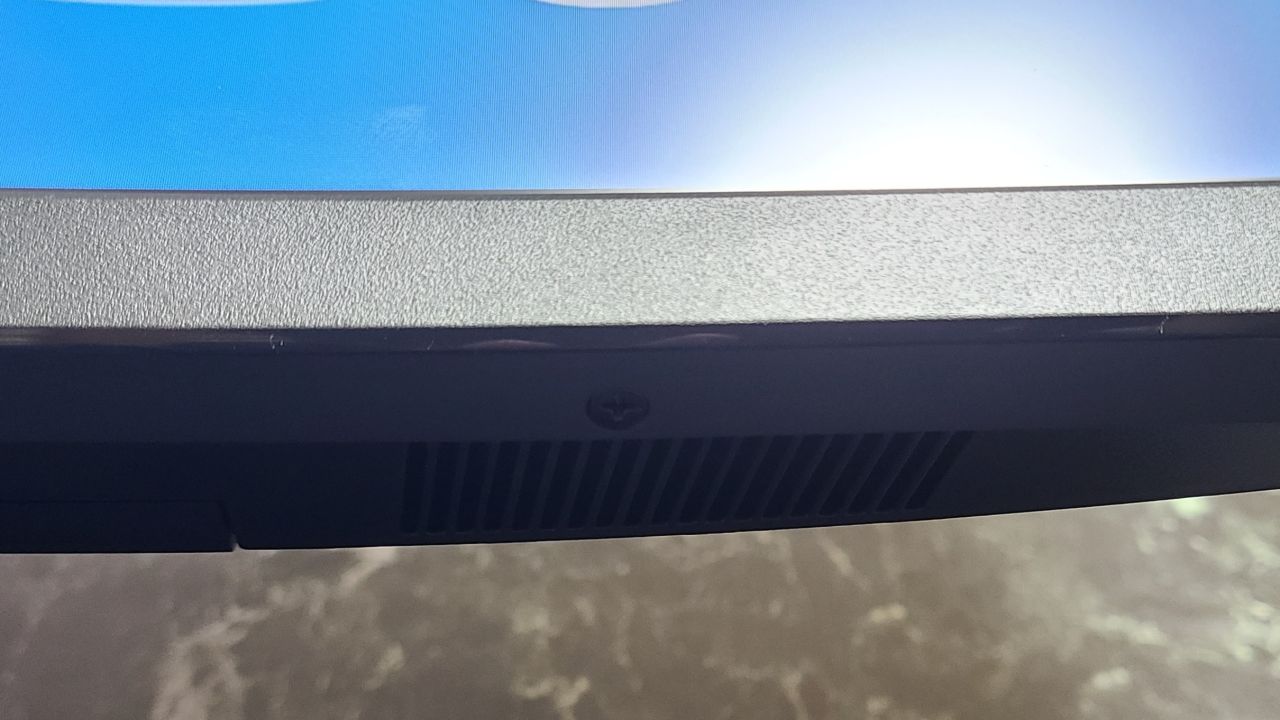
Two speakers are built into the bottom of the monitor, and one is on the back top.
There is nothing particularly dissatisfying about using them normally, but if you ask me if the sound quality is good, it isn’t.
I don’t think anyone expects high sound quality from this monitor, but personally, I think it’s better to buy external speakers.
Pochipp
A display that can render images vividly
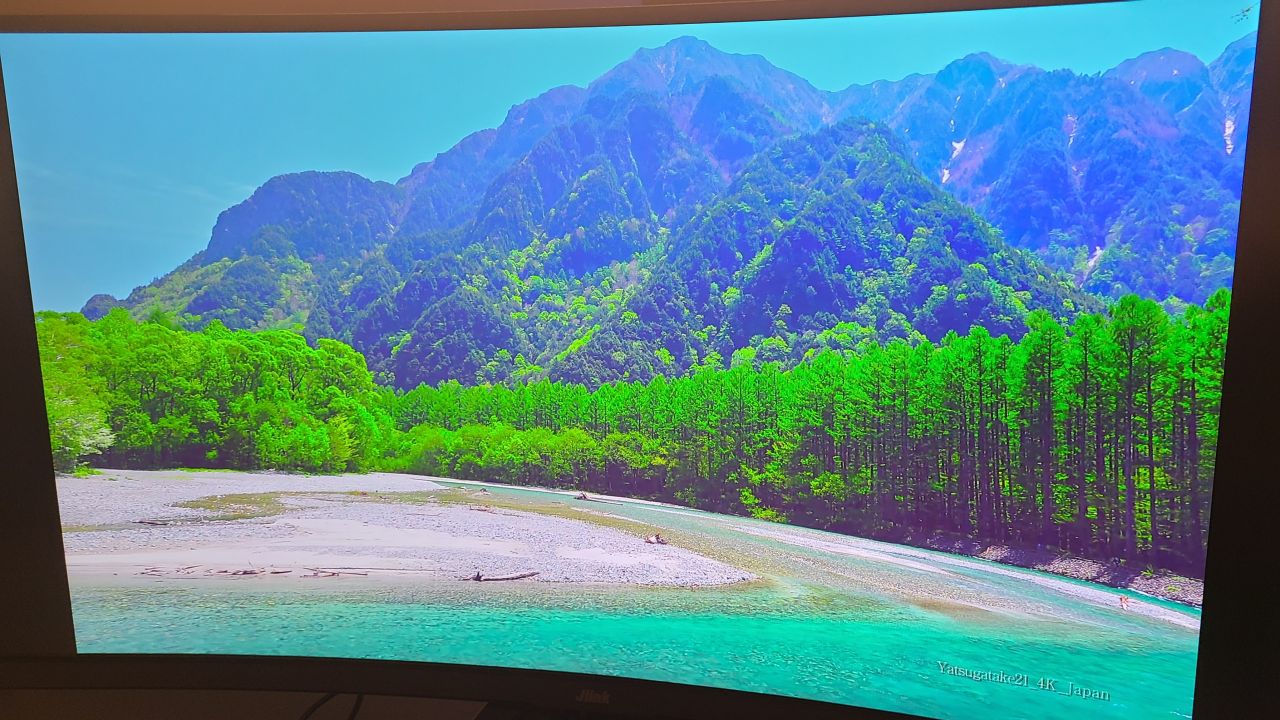

 Mr.Gadgets
I don’t think it comes across well in photos, but for reference…
It renders images very beautifully, so I had no complaints about the resolution or colors!
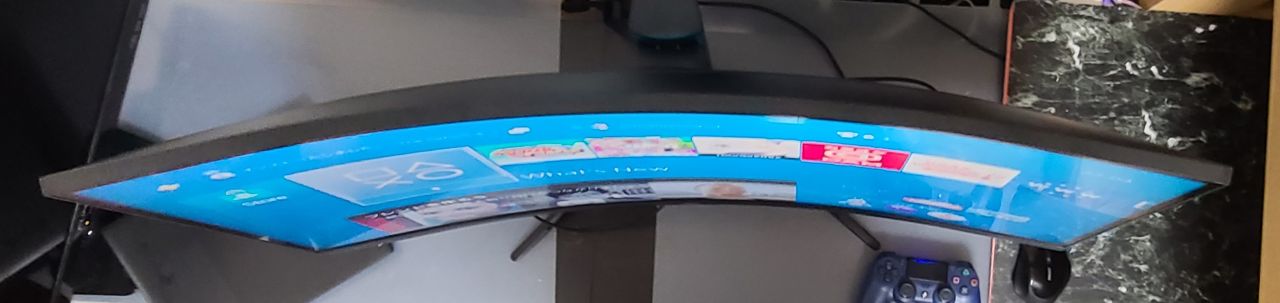
Curved ultrawide displays are amazing
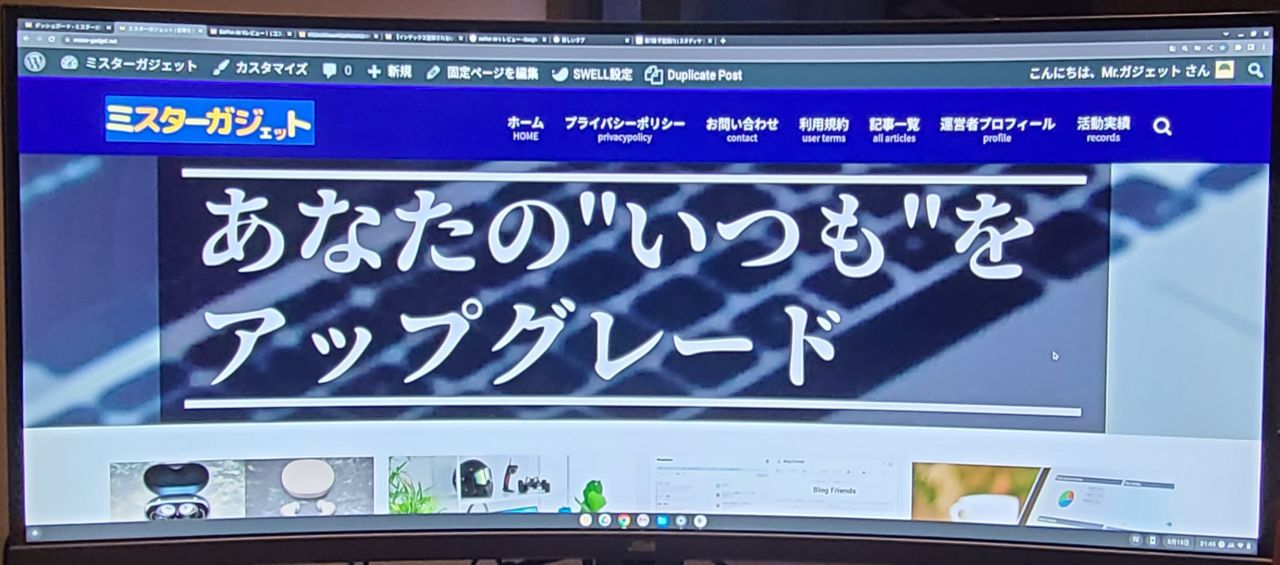
First of all, since it is 34 inches and extremely wide, you can work using dual or triple screen layouts.
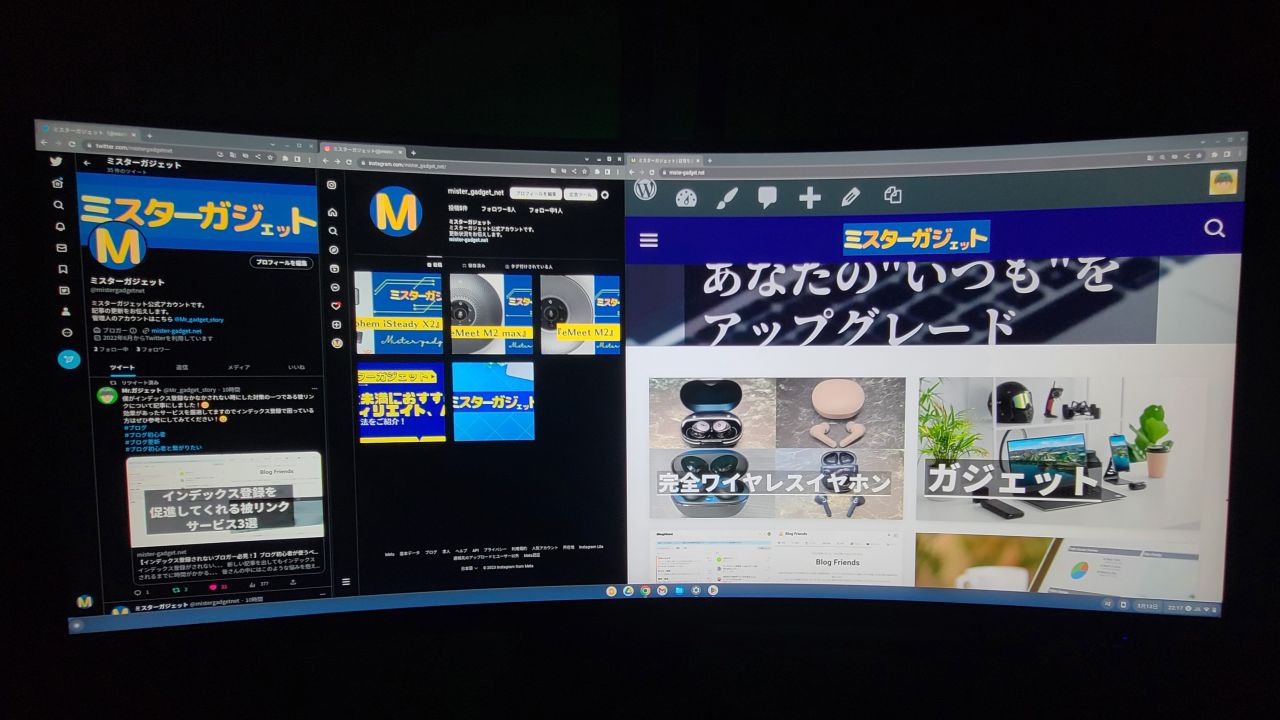 Mr.Gadgets
I was able to work without feeling any discomfort when displaying multiple screens!
Also, because it is a curved display, your field of view is widened and the burden of moving your eyes is reduced!
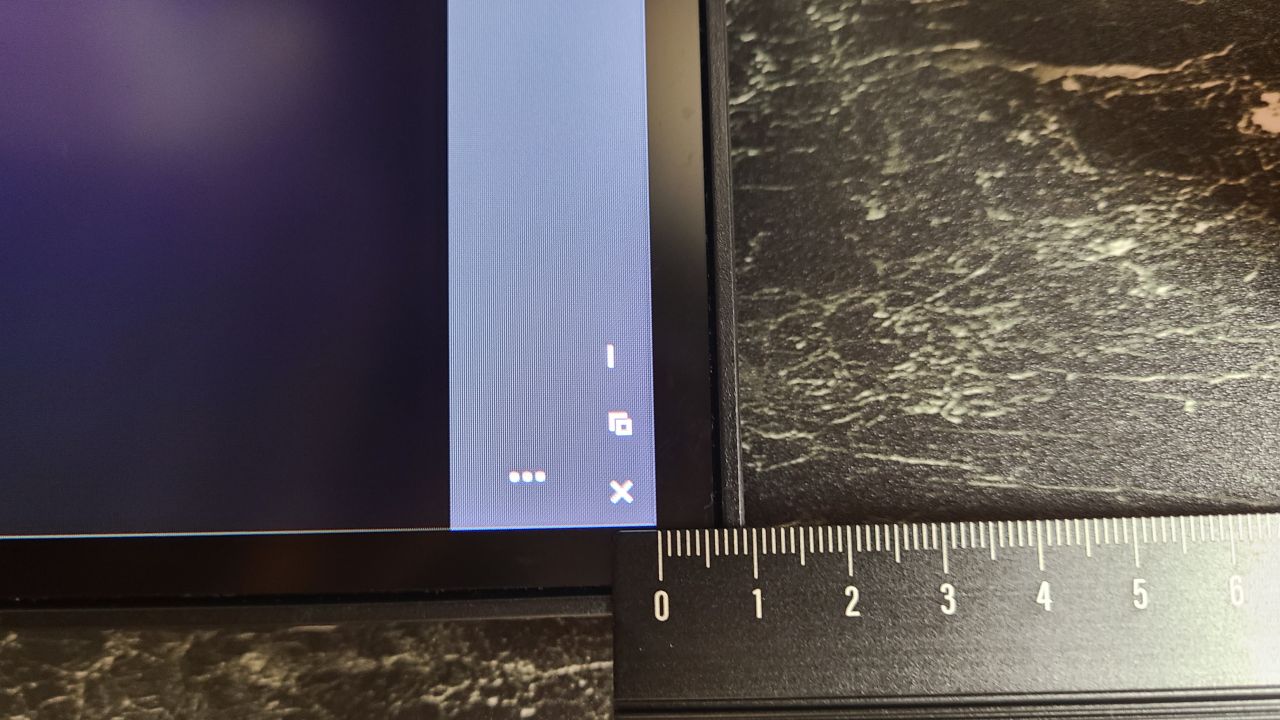
The bezels are also narrow, making it easier to focus on gaming or work.
Mr.GadgetsNarrow bezels are actually quite an important perspective, aren’t they?
Depending on the size of the bezels, there is a difference in the amount of information that can be displayed at once, so I think it’s a significant advantage for those who play FPS games!
Pochipp
High refresh rate. 144Hz!
As I mentioned during the spec introduction, the “Jlink D34QR4K” supports 144Hz.
Mr.GadgetsI was surprised by the smooth visuals!
Also, a high refresh rate is essential for games where every split second counts, so 144Hz is a welcome point!
Summary
Overall, it has a high level of perfection!
What I thought after using it this time is that this “Jlink D34QR4K” has no major weaknesses.
The resolution and refresh rate are both high, and it even has built-in speakers.
Additionally, the interface is well-equipped.
And above all, the feature that defines this monitor: the curved ultrawide display.
There are few downsides and many upsides, and I thought it was a monitor I could recommend to anyone!
However, I think these strengths can be better utilized if you play FPS games and the like, so it is especially recommended for those who play those types of games!
- Curved ultrawide display
- Clear WQHD display
- HDR support
- High 144Hz refresh rate
- 21:9 wide aspect ratio
- Narrow bezels
- Well-rounded interface
- Power adapter is bulky
- Instruction manual is vague
Recommended for these people
- Those who want a curved monitor or wide monitor with few downsides
- Those who play FPS games, etc.
- Those who want a curved wide monitor with high resolution and high refresh rate
Pochipp
Thank you for reading until the end!
- Product prices and information are current as of the time of writing.
- Please note that this site cannot be held responsible for any inaccuracies in this information.
- Product and service names mentioned on this site are trademarks of their respective companies.
This article was originally written in Japanese and has been translated.
Comments