
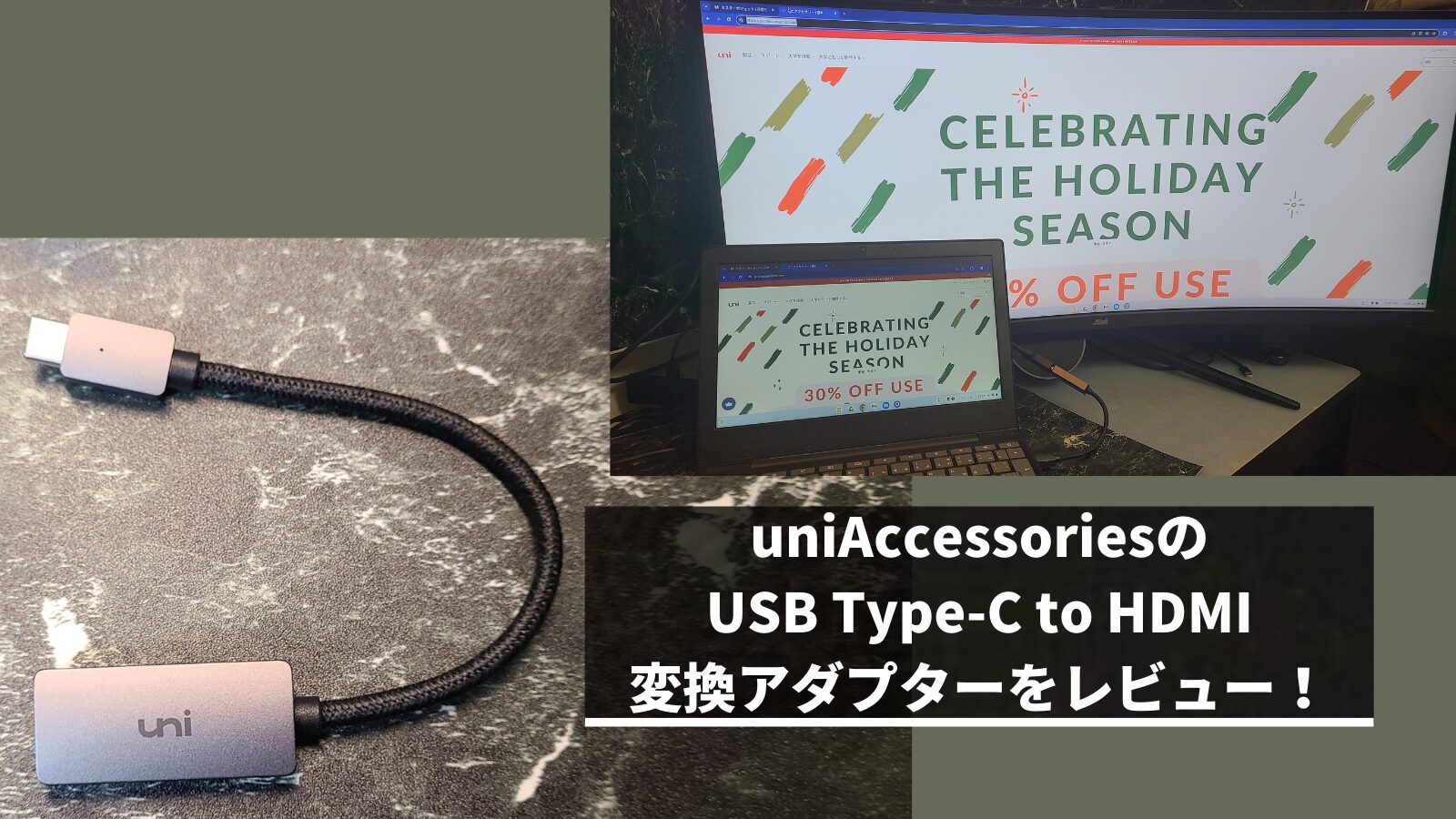
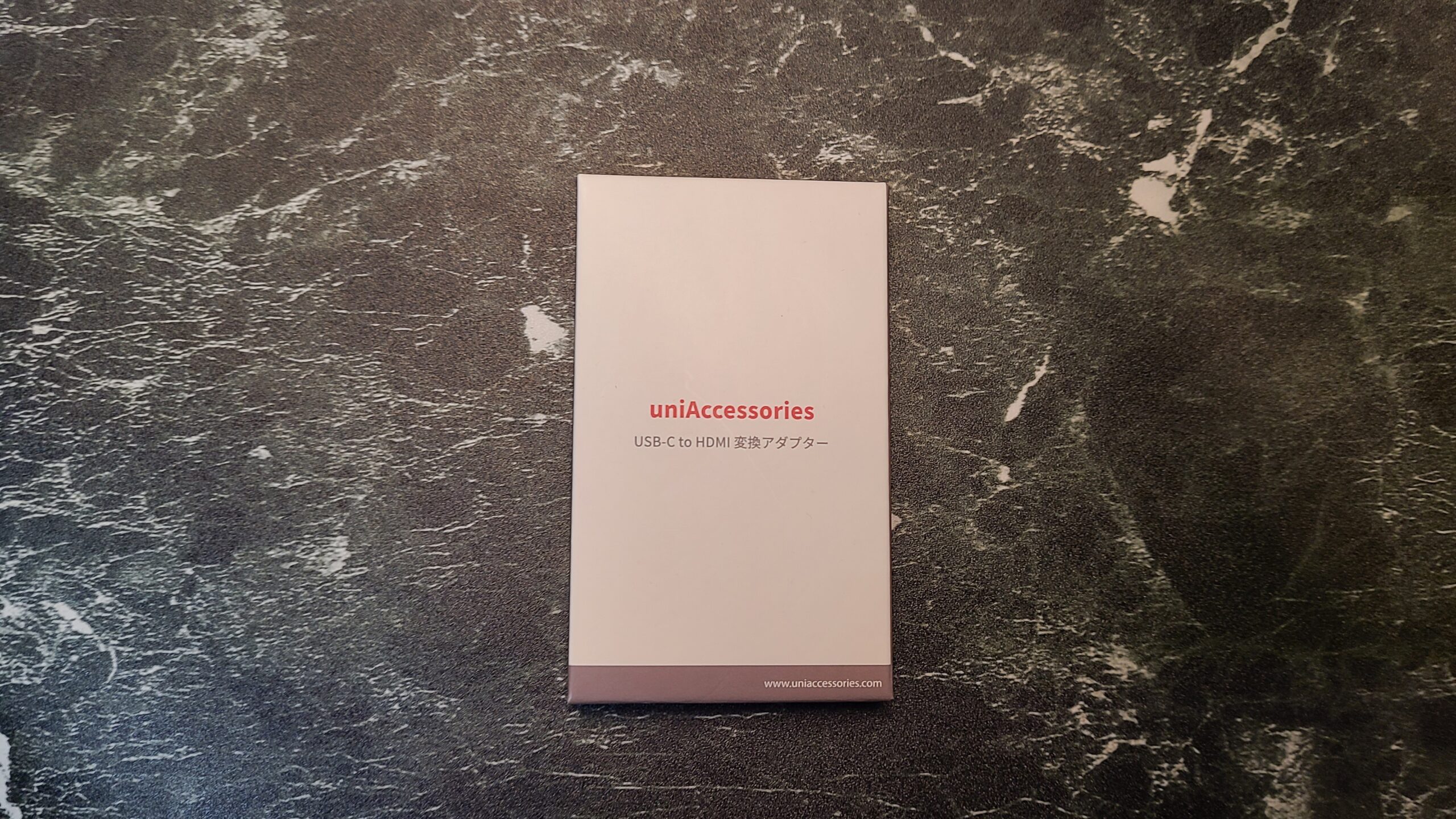
In this article, I will be reviewing the USB Type-C to HDMI adapter from uniAccessories.
Since it properly displays up to 4K resolution, you are unlikely to have any trouble with basic use cases. It is also very affordably priced, so if you aren’t looking for high-end performance from an adapter, I feel this is a recommended USB Type-C to HDMI adapter.


 Pochipp
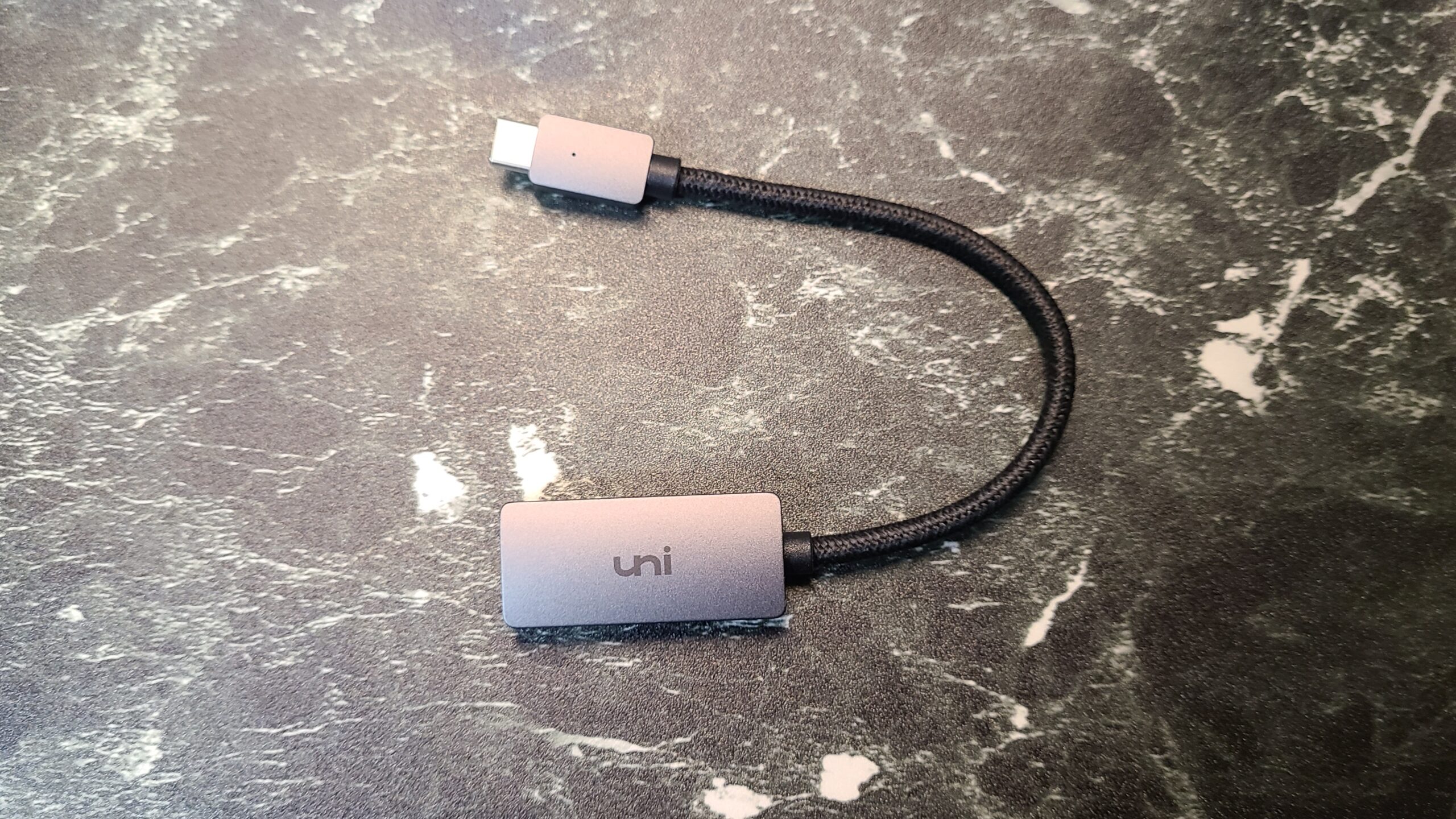
- Good metallic design!
- Reliable output from PCs and smartphones
- Easy connection just by plugging into the port
- Supports 4K 30Hz and Full HD 144Hz output
- Older HDMI version
- People who suddenly need a USB Type-C to HDMI adapter
- People who want a cost-effective, inexpensive, and reliable USB Type-C to HDMI adapter
- People who want a USB Type-C to HDMI adapter with a cool design
- People who want an affordable adapter and are not concerned about refresh rates
Basic Information
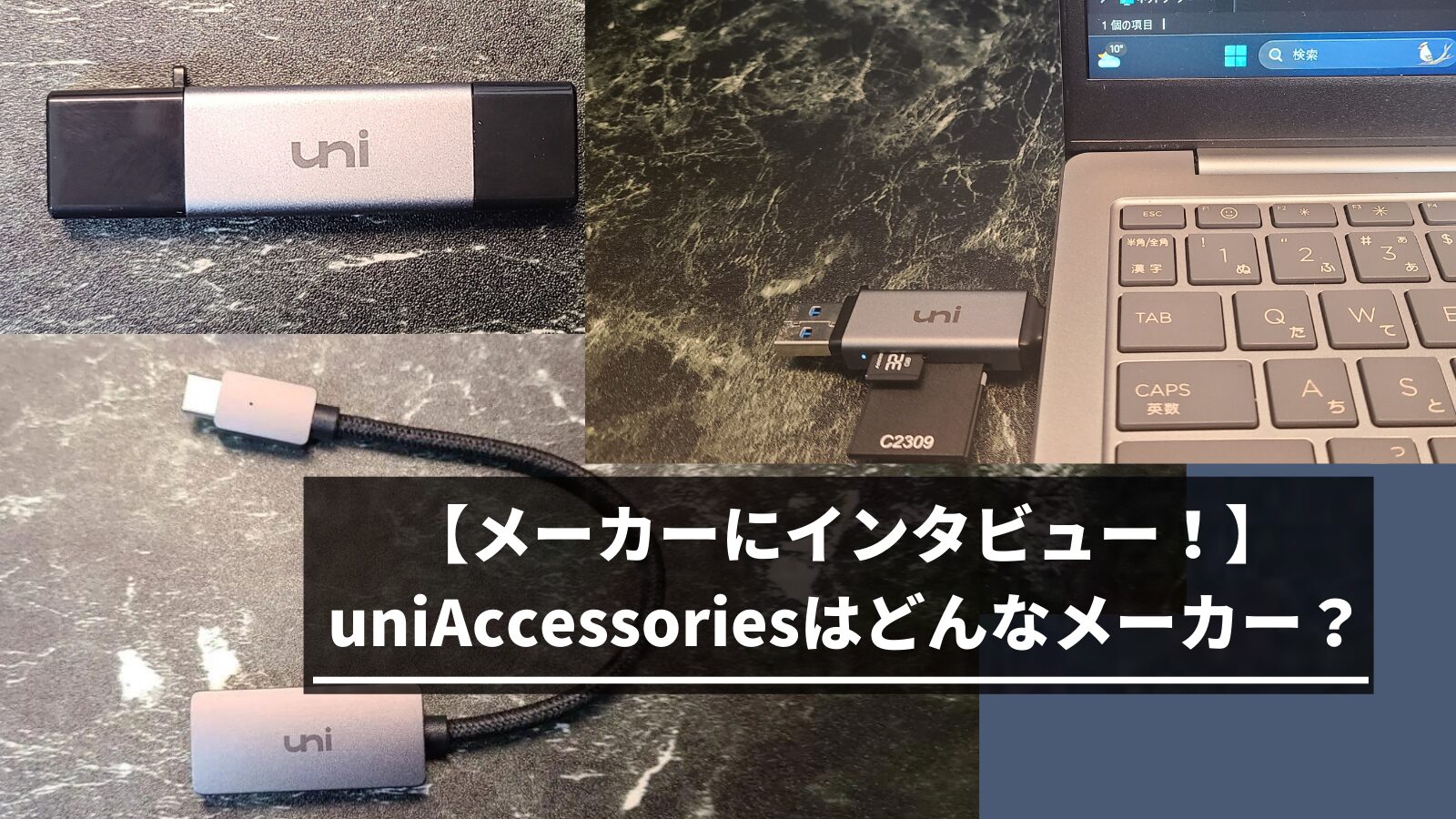
What kind of manufacturer is uniAccessories?
- A manufacturer based in Shenzhen, China
- Manufactures mainly electronic device accessories
- Many products are low-priced with modest specifications
 Ms.Gadgets
This manufacturer is characterized by metallic designs and inexpensive products!
Specifications
| Connector | USB Type-C to HDMI Type-A (Standard HDMI) |
| HDMI Version | High Speed (HDMI 1.3–1.4) |
| USB Version | USB 3.1 Gen 1 |
| Weight | Approx. 25g |
 Ms.Gadgets
Please note that it only supports signal conversion from USB Type-C to HDMI.
 Mr.Gadgets
The output device (smartphone or PC) must support DisplayPort Alternate Mode or Thunderbolt 3/4.
Pochipp
Review of the uniAccessories USB Type-C to HDMI Adapter
The metallic design is great!
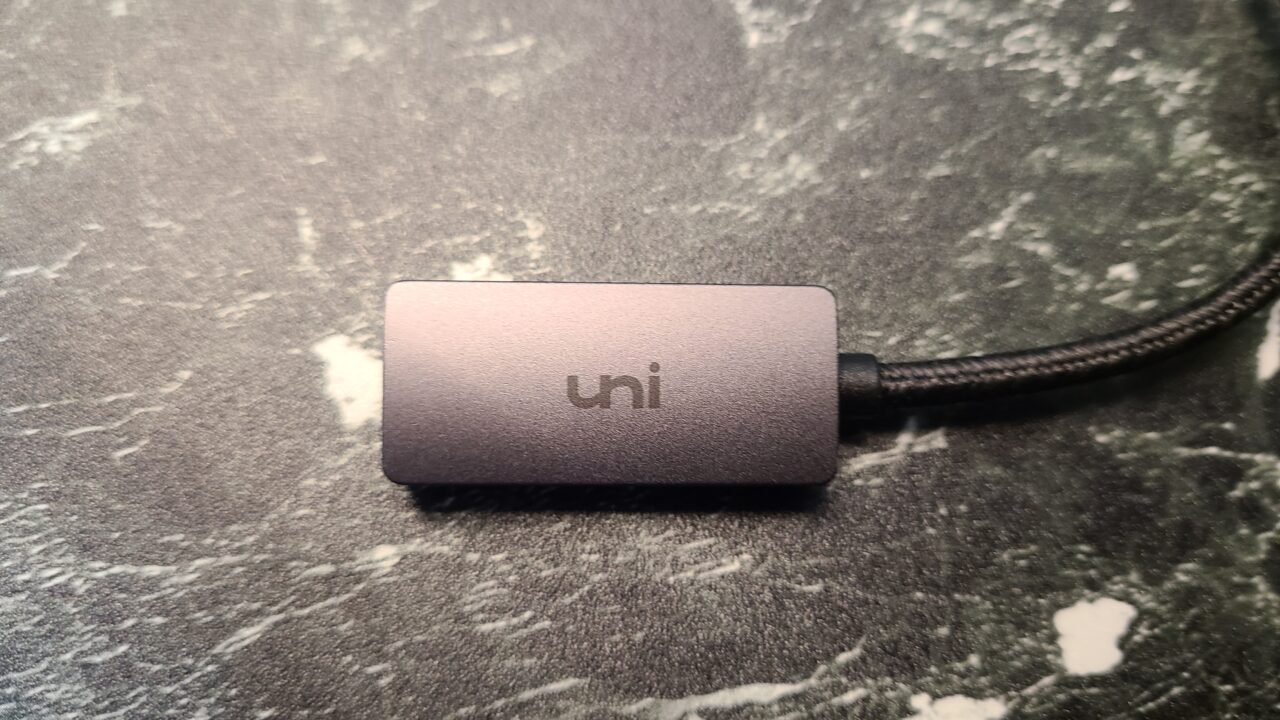
The exterior is made of aluminum and features the “uni” logo.
Mr.GadgetsIt has a metallic feel and looks quite cool.
It does not feel cheap.
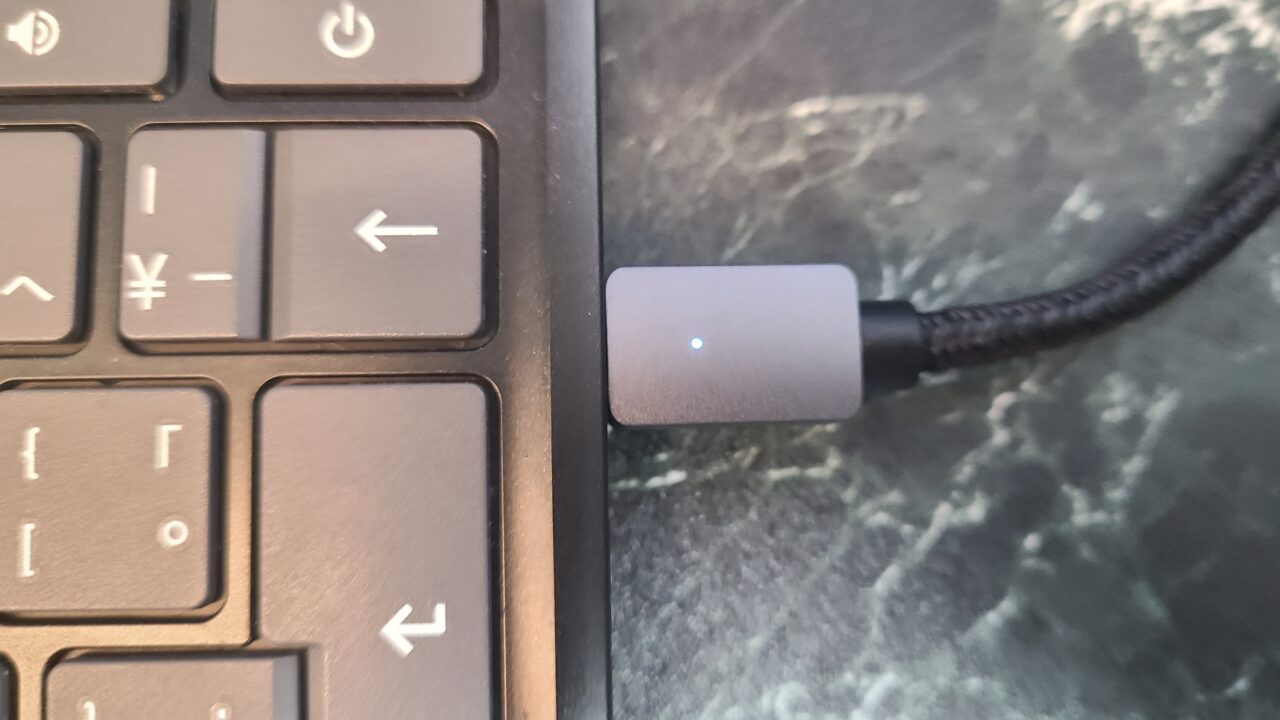
 Ms.Gadgets
I like the simple look!
Mr.GadgetsIt’s also a nice touch that they used sturdy nylon material.
Output possible from PCs and smartphones!
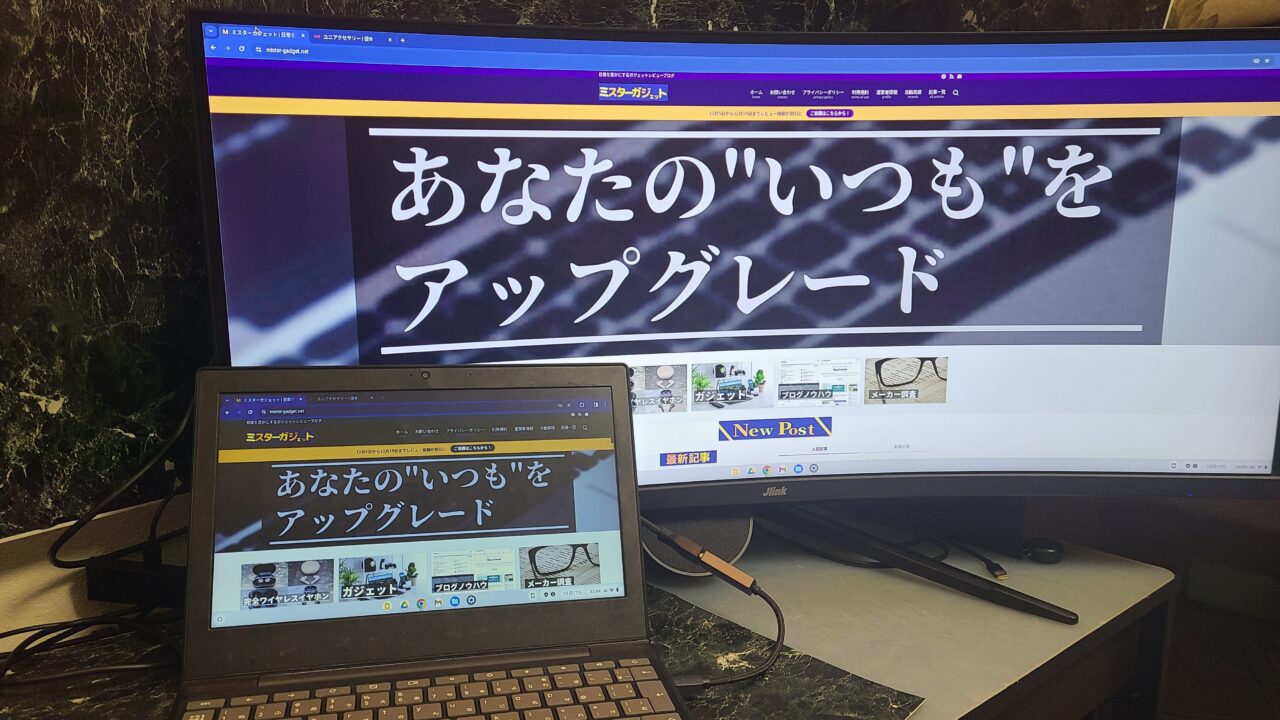
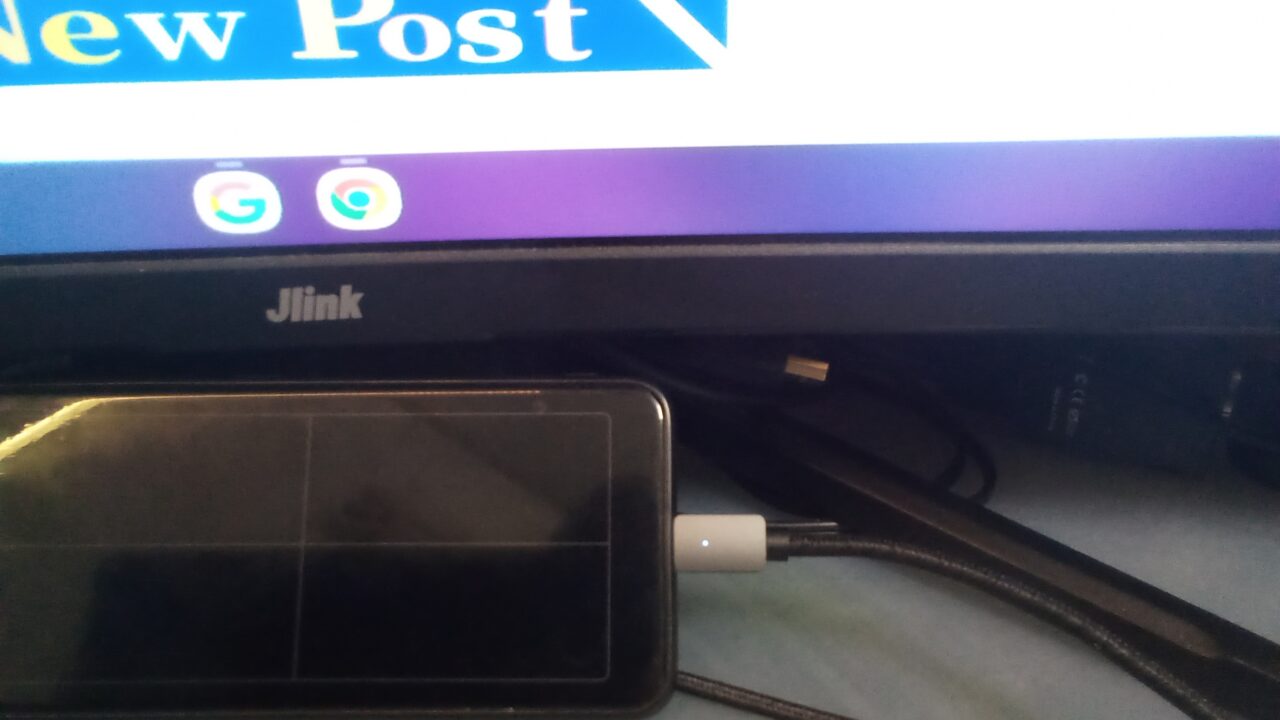
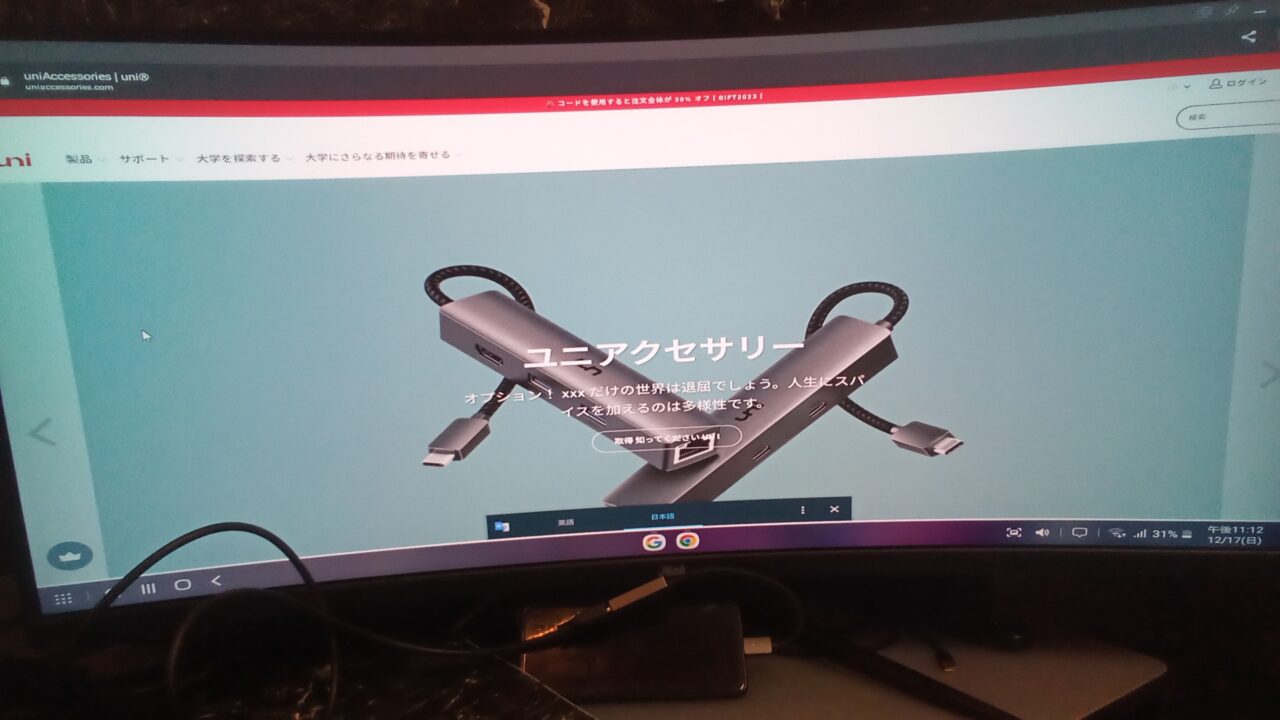
As shown in the photos above, I was able to use the adapter to output from both a smartphone and a PC.
Ms.GadgetsMost devices have a USB Type-C port, so you can use it with a variety of devices!
However, there are many types and standards of USB Type-C, and please be aware that video output will not work if the output terminal (smartphone or PC) does not support “DisplayPort Alternate Mode” or “Thunderbolt 3/4”!
Mr.GadgetsSince this is a conversion adapter, please be aware that it cannot output if you connect a device that does not support the video output standard in the first place.
Pochipp
Easy connection just by plugging into the port
There is no need to add any extra apps or drivers; you can use it easily just by plugging it into the port.
Supports 4K 30Hz and Full HD 144Hz output
The “uniAccessories USB Type-C to HDMI Adapter” supports High Speed (HDMI 1.3–1.4).
Please refer to the table below regarding HDMI versions.
Mr.GadgetsThe version affects whether you can fully utilize the performance of the connected device.
| HDMI Version | FHD | WQHD | 4K | 8K | 10K |
|---|---|---|---|---|---|
| Ultra High Speed (HDMI 2.1) | DSC compression only | ||||
| Premium High Speed (HDMI 2.0) | |||||
| High Speed (HDMI 1.3–1.4) |
| HDMI Version | FHD | WQHD | 4K | 8K |
|---|---|---|---|---|
| Ultra High Speed (HDMI 2.1) | 240Hz | 240Hz | 144Hz | 60Hz |
| Premium High Speed (HDMI 2.0) | 240Hz | 144Hz | 60Hz | 30Hz |
| High Speed (HDMI 1.3–1.4) | 144Hz | 75Hz | 30Hz |
When outputting video for general use, you can output at 4K, and High Speed (HDMI 1.3–1.4) is perfectly fine.
However, please be aware that when gaming, you need to consider not just resolution but also refresh rates, and some people may find High Speed (HDMI 1.3–1.4) to be insufficient.
Ms.GadgetsIf you are just watching video, High Speed (HDMI 1.3–1.4) is sufficient to a certain extent, but I think people who play games might find it lacking.
Mr.GadgetsWell, people who game likely wouldn’t use a conversion adapter anyway and would use a proper cable, so it might not be a major issue.
Summary
Recommended if you are not picky about refresh rates!
If you are not particularly picky about refresh rates, I feel the “uniAccessories USB Type-C to HDMI Adapter” is a recommended USB Type-C to HDMI adapter.
It displays properly up to 4K, and I think you are unlikely to have any trouble with basic use cases.
Mr.GadgetsJust make sure to check if the USB Type-C port on your output device supports video output!
It is very affordably priced, and if you don’t require high performance from an adapter, it is highly recommended!
Pochipp
- Good metallic design!
- Reliable output from PCs and smartphones
- Easy connection just by plugging into the port
- Supports 4K 30Hz and Full HD 144Hz output
- Older HDMI version
Recommended for these people
- People who suddenly need a USB Type-C to HDMI adapter
- People who want a cost-effective, inexpensive, and reliable USB Type-C to HDMI adapter
- People who want a USB Type-C to HDMI adapter with a cool design
- People who want an affordable adapter and are not concerned about refresh rates
Pochipp
Thank you for reading until the end!
- Product prices and information are as of the time this article was written.
- Please note that this site cannot be held responsible even if this information is incorrect.
- The product and service names mentioned on this site are trademarks of their respective companies.
This article was originally written in Japanese and has been translated.
Comments